Decision guide
Checklist Before Setup
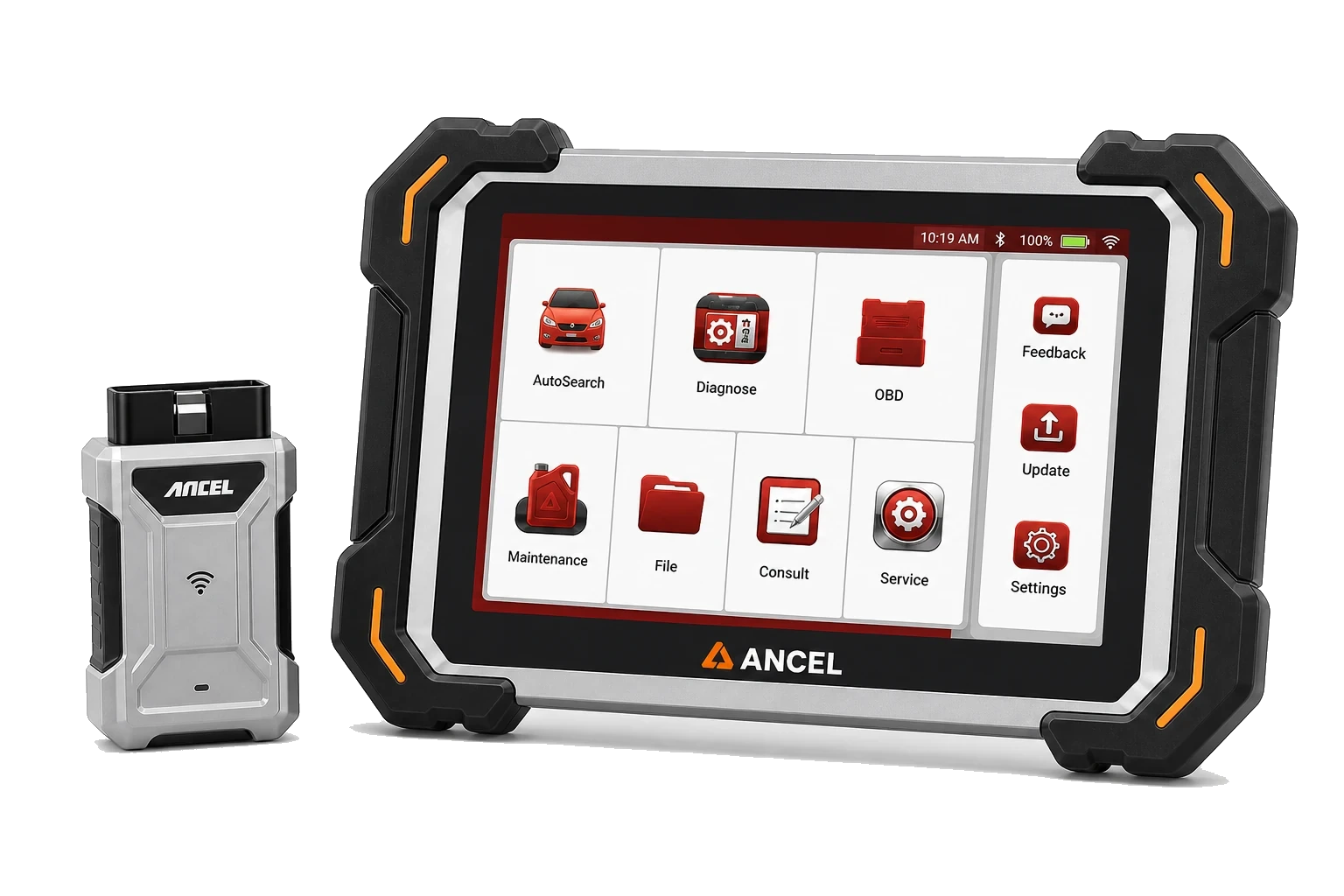
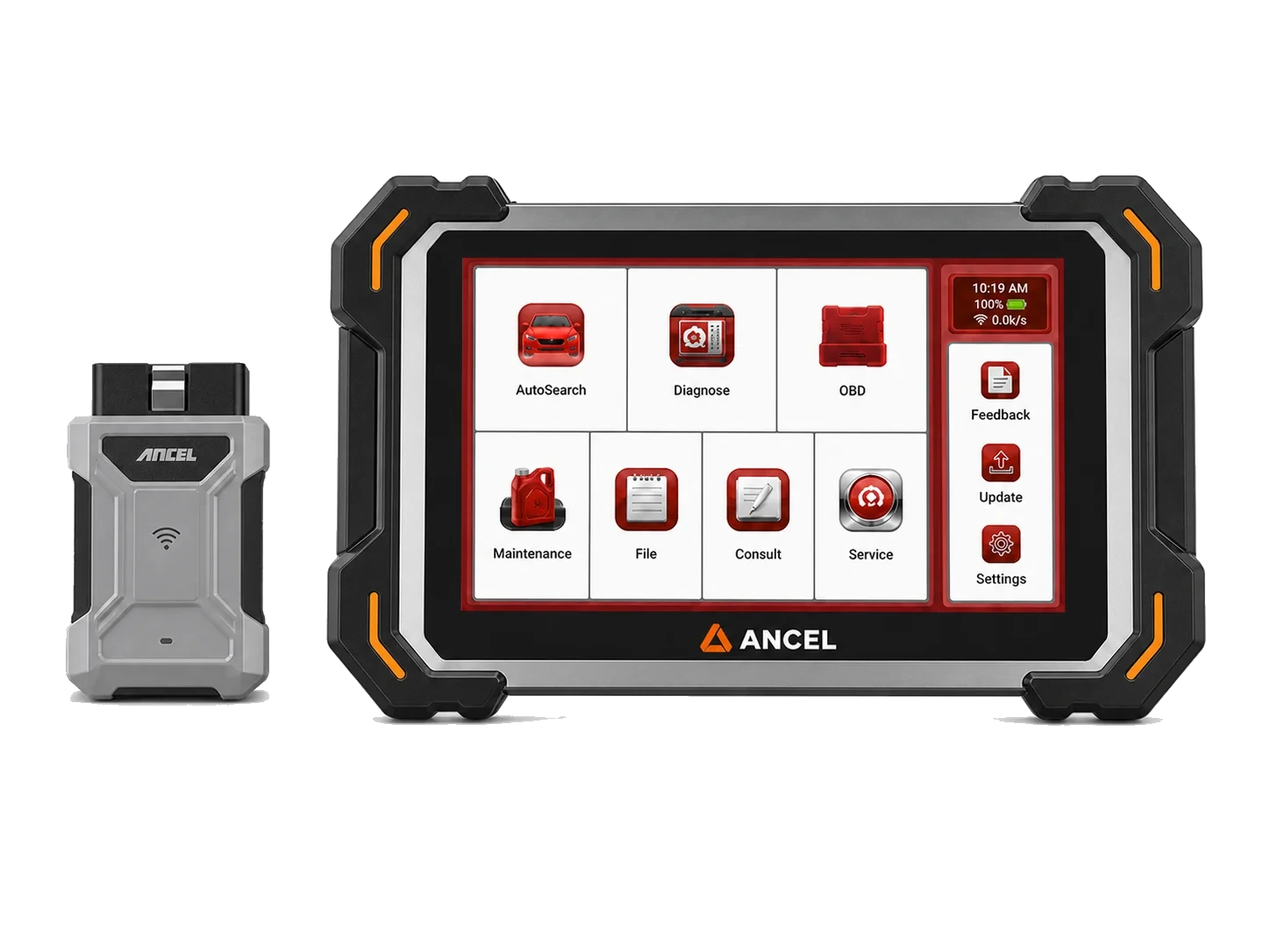
The tablet should have sufficient charge, the VCI should seat correctly in the vehicle's OBD socket, the ignition position should be at the level required by the device, and the vehicle's battery voltage should remain stable. The scan result should not be trusted before establishing a Bluetooth connection.
- Tablet Charge
- Bluetooth VCI
- OBD Socket
- Ignition Position
Decision guide
What information is needed for the first scan?
If the vehicle make, model, year, engine, and system to be read are unknown, automatic detection may not always be sufficient. If manual selection is necessary, the correct model-year range should be used. If the selected vehicle and control unit are written to the service form, subsequent scans can be compared with the same information.
Decision guide
What to check before updating?
For updates, the Wi-Fi connection, the software area in the device menu, the model software, and the account/license status, if any, should be checked together. Power and internet connection should not be interrupted during the update.
- Wi-Fi connection
- Model Software
- Risk of Power Interruption
Decision guide
What sequence to follow if VCI connection fails?
When a connection cannot be established, first check if the OBD socket is powering the VCI unit and check the ignition position. Then, check the Bluetooth status on the tablet, the selected VCI record, and whether the application sees the device. Before attempting on a different vehicle, the battery voltage and socket contact of the current vehicle should be recorded. If the problem persists, the device serial number and application version should be added to the support request.
- OBD Power and Contact Check
- Bluetooth and VCI Pairing
- Serial Number and Version Record
Decision guide
How should the first scan result be recorded?
After the first full scan is completed, a report should be obtained before clearing the fault codes. If the vehicle information, date, battery voltage, and control units that could not be communicated with are noted, a healthy comparison can be made with the next scan. Obtaining a second report after clearing codes or performing a service operation makes it easier to see the result of the action taken. If the report file name is organized with vehicle and date information, it becomes easier to find it again in the service archive. The report should also be backed up.
Technical Resources
Sources for technical information
Technical information compared with sources.