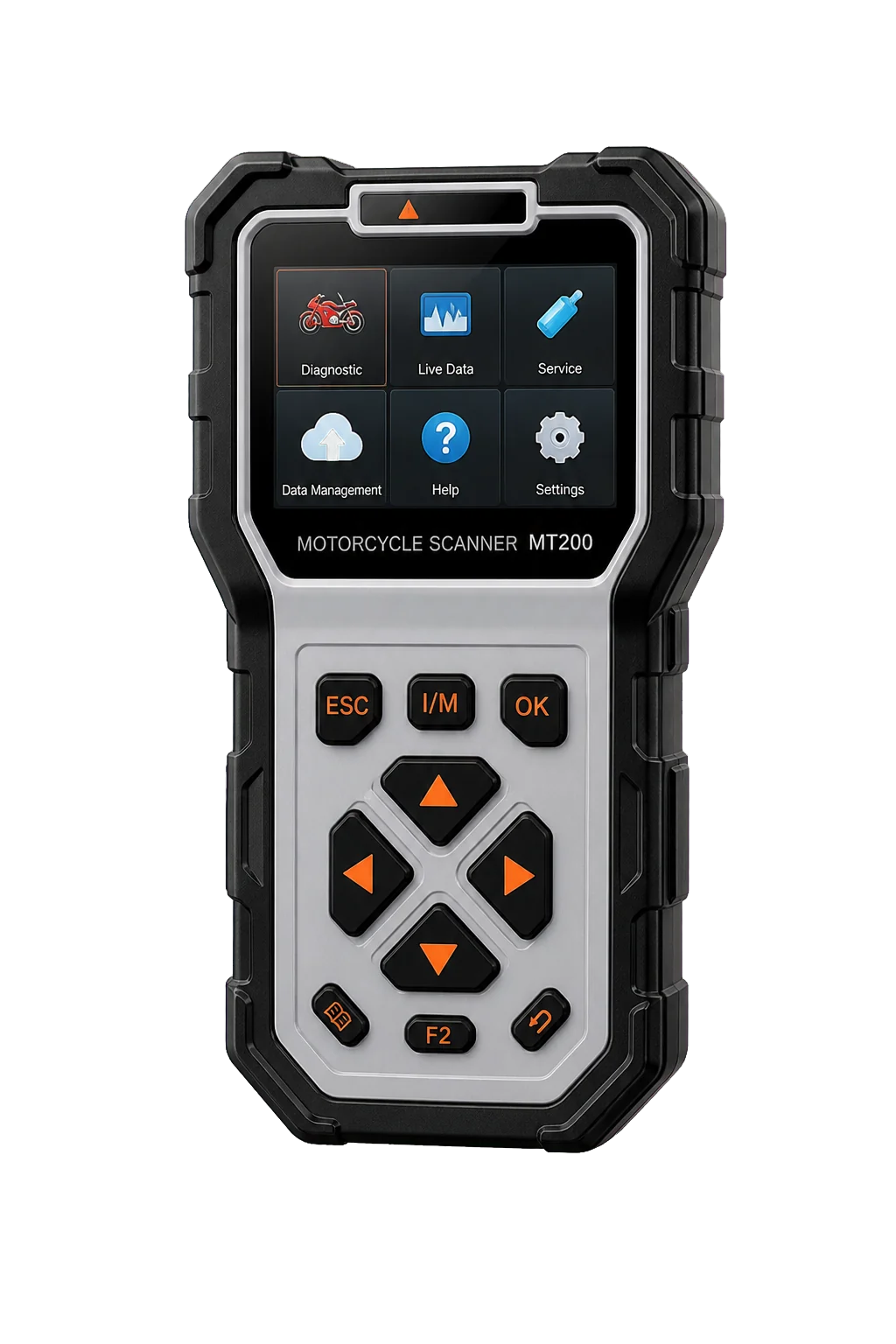
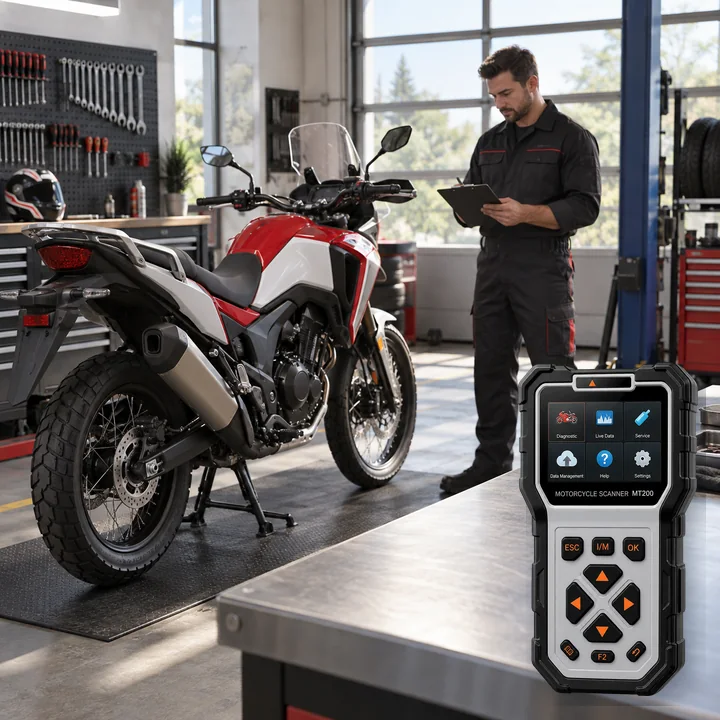
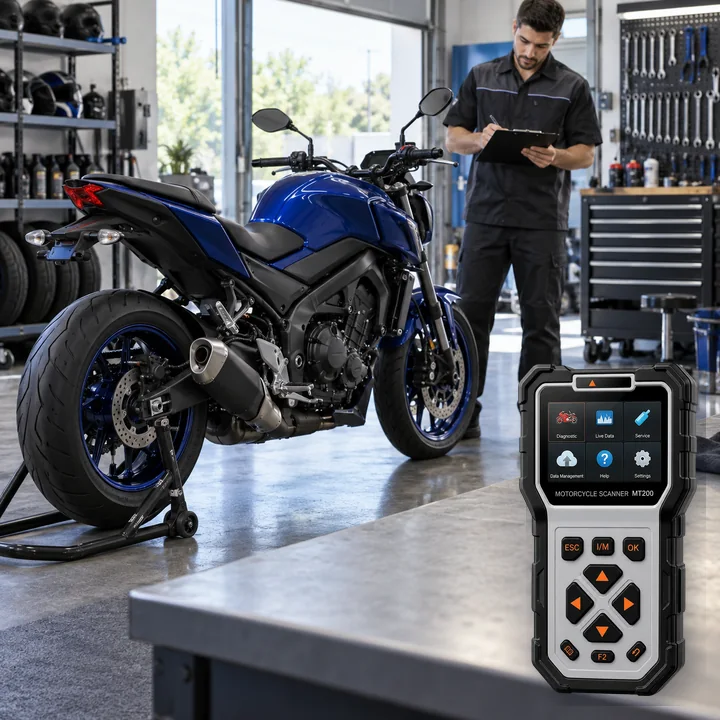
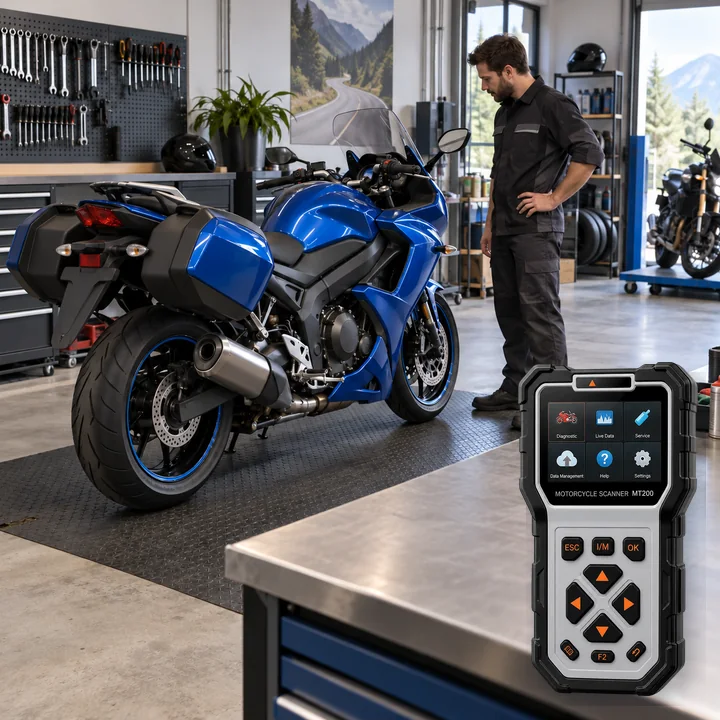
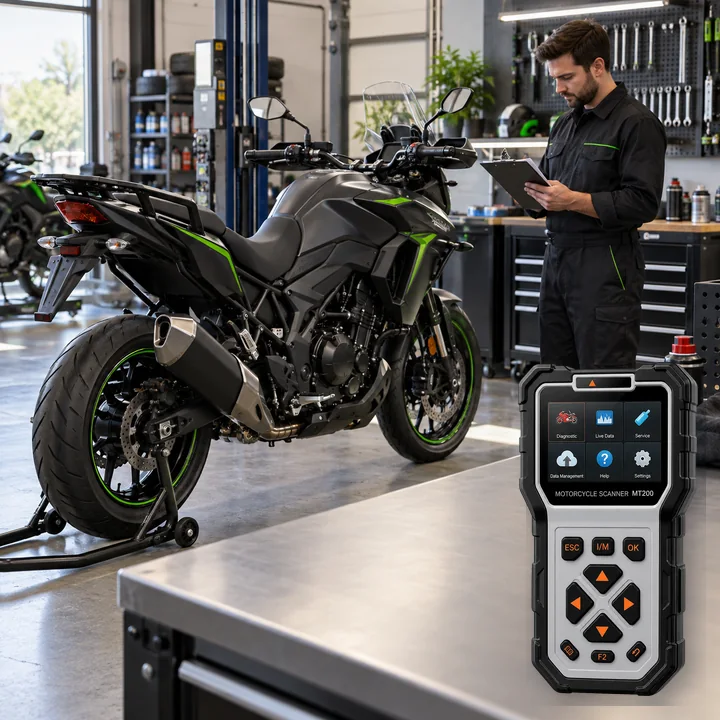
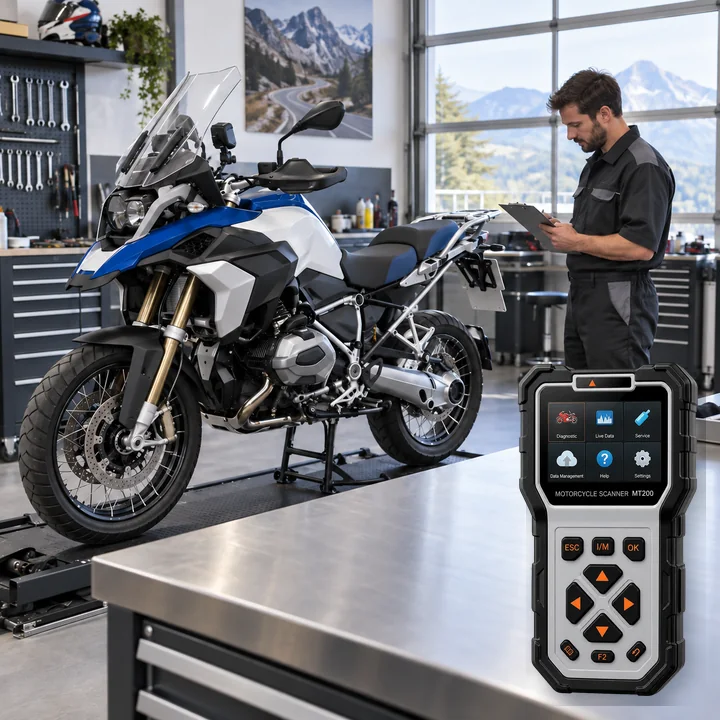
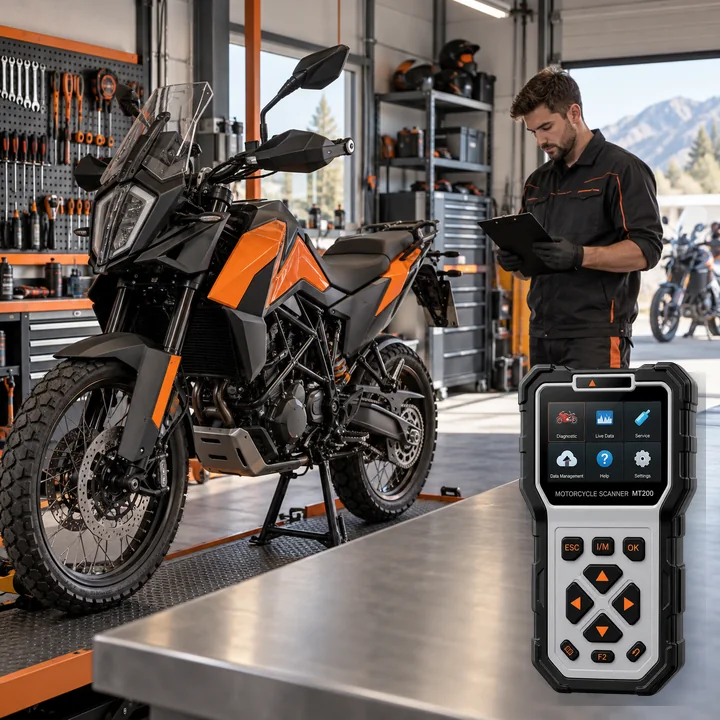
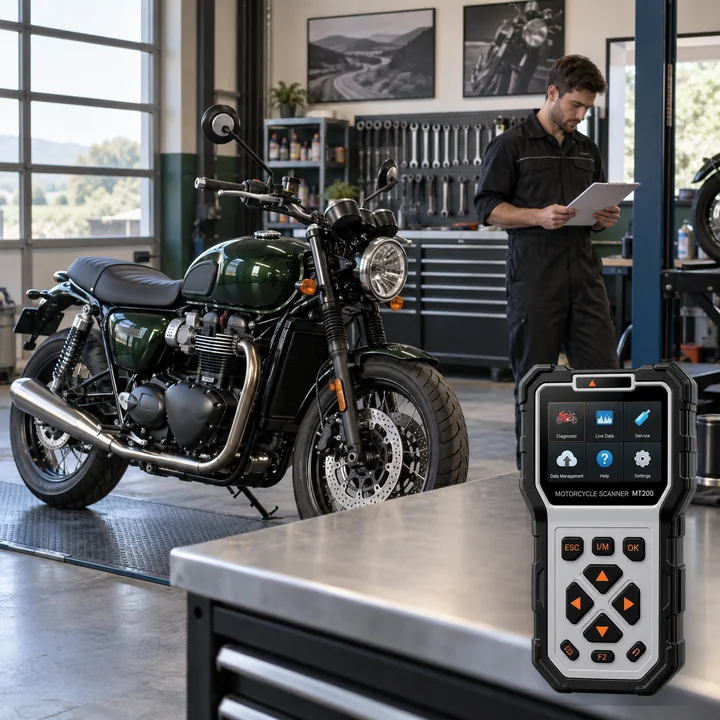
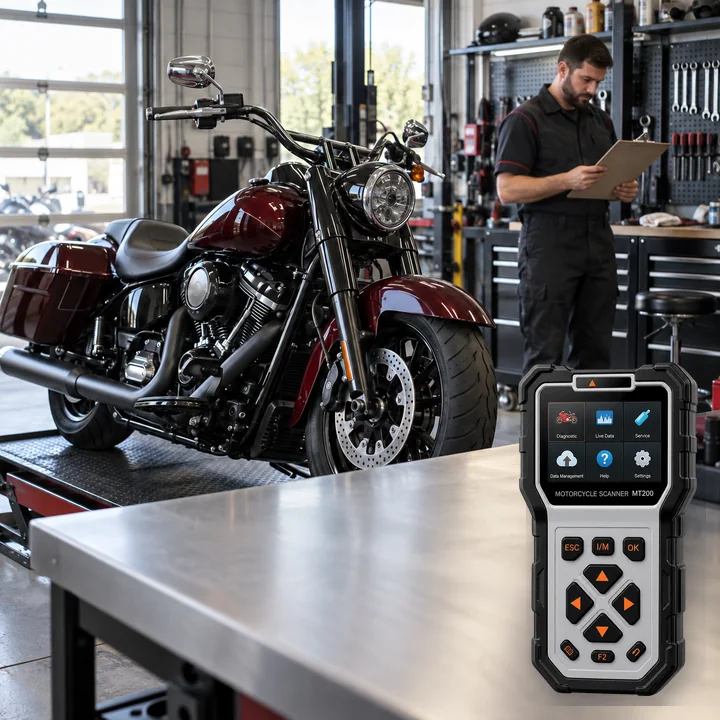
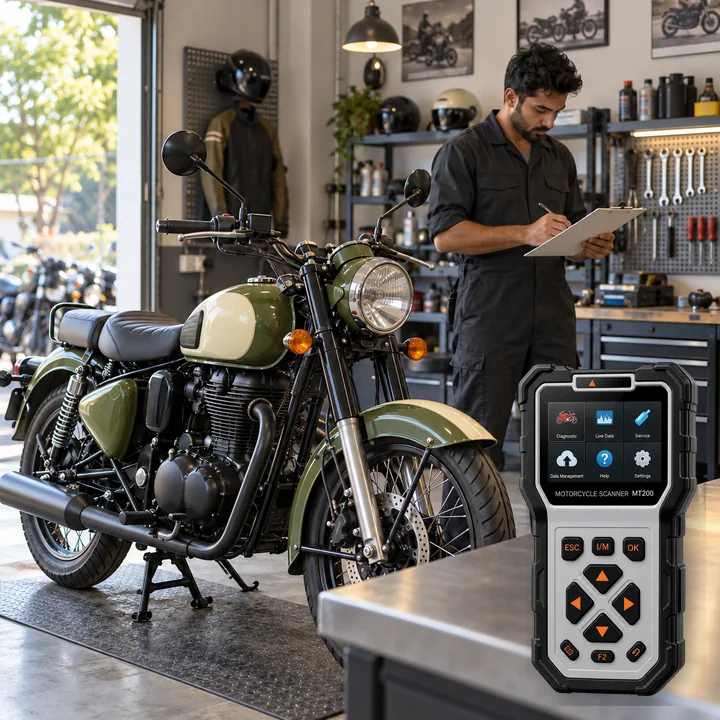
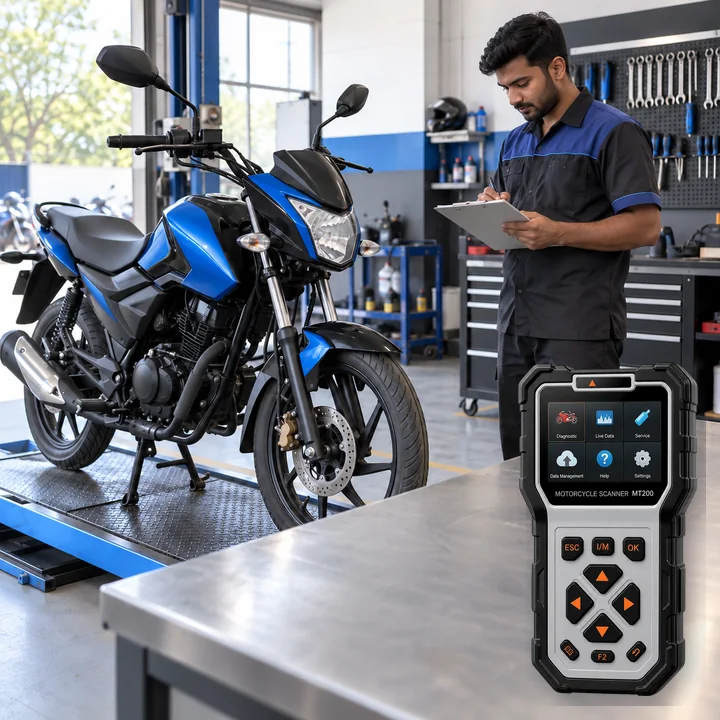
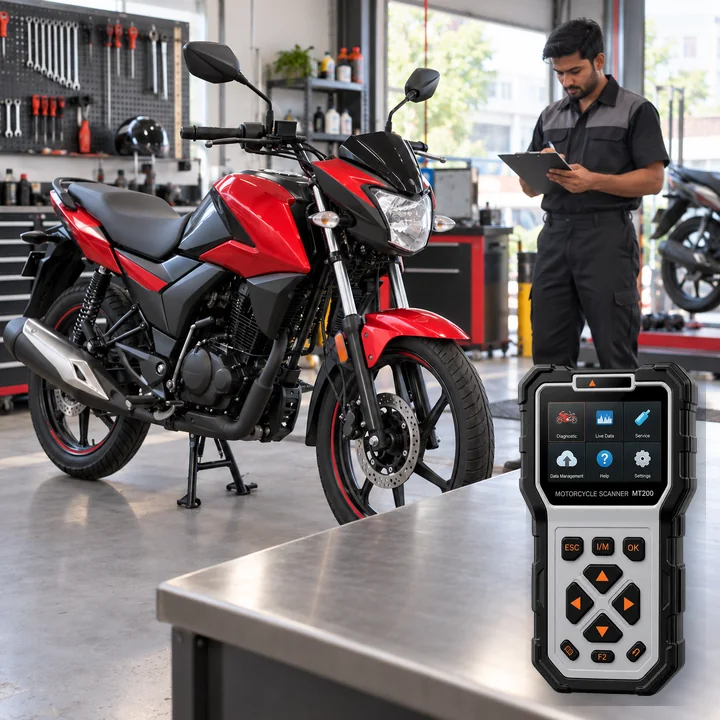
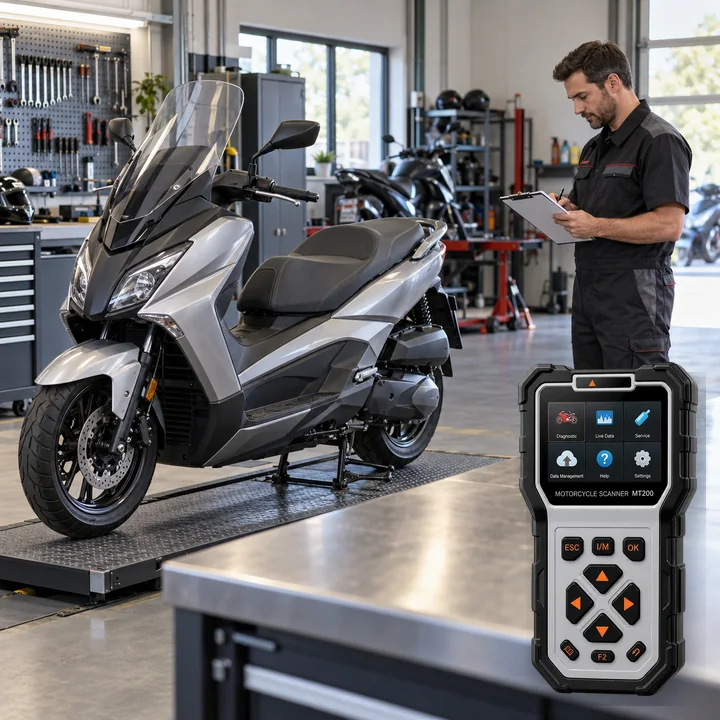
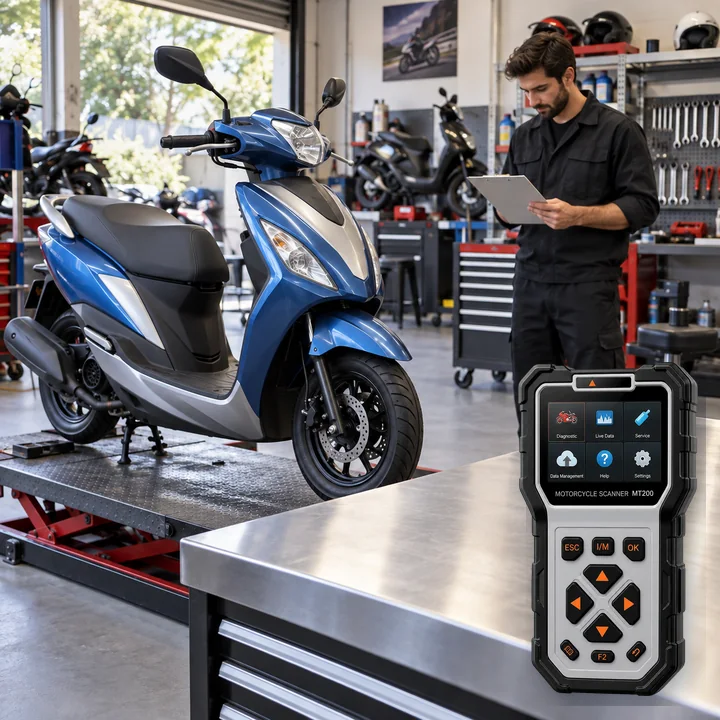
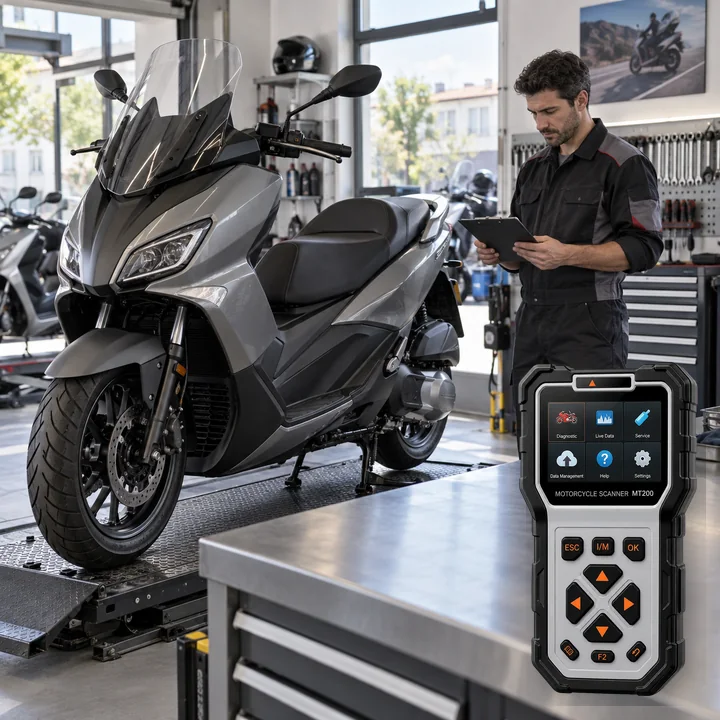
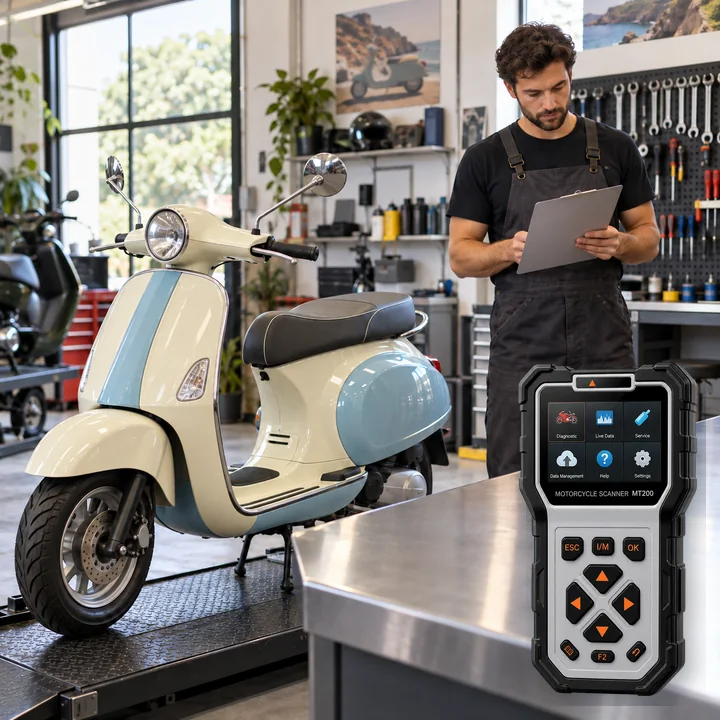
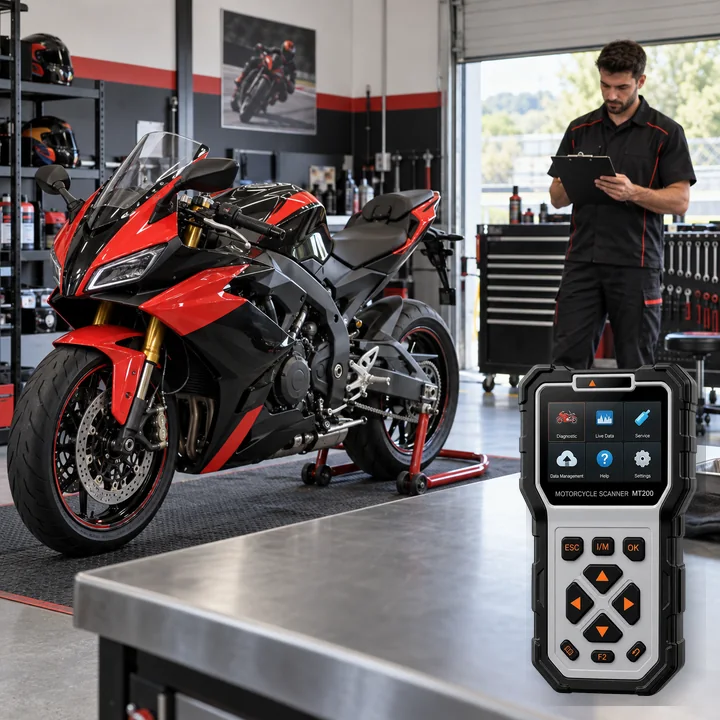
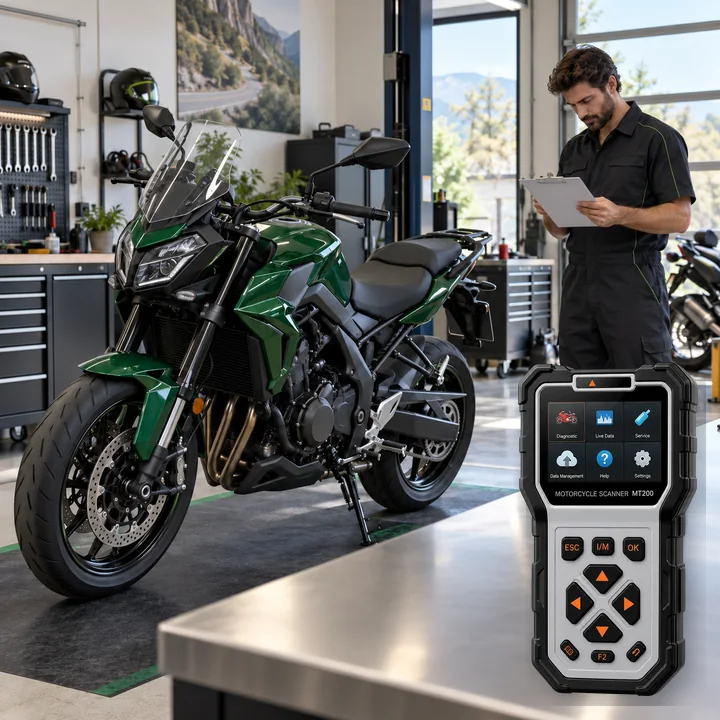
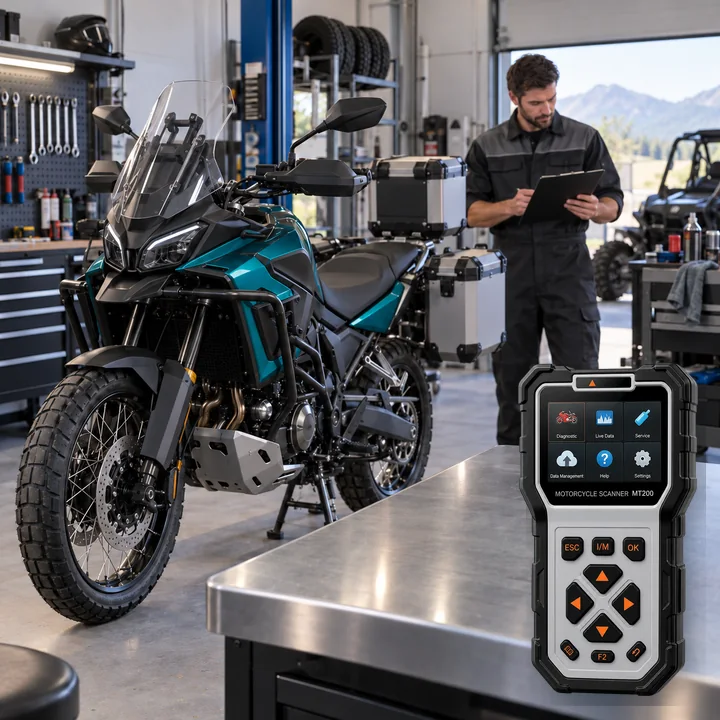
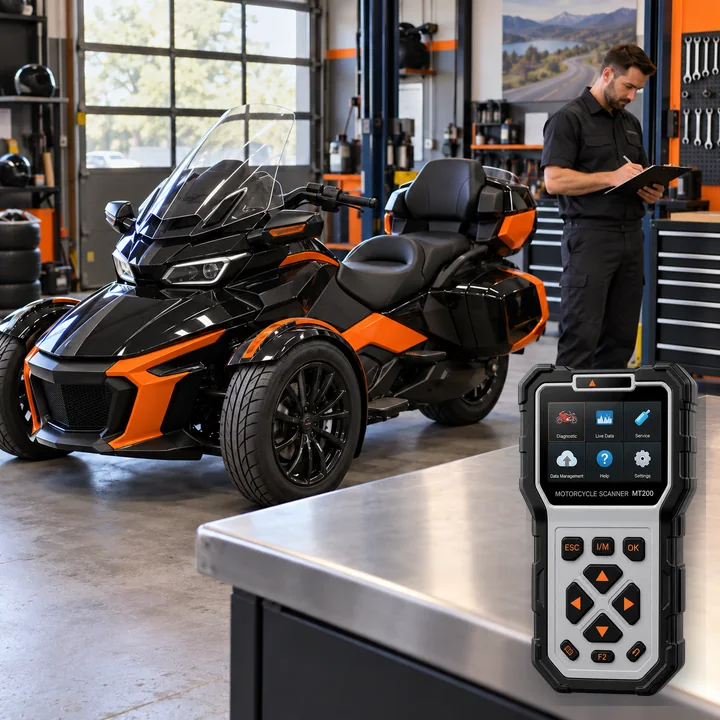
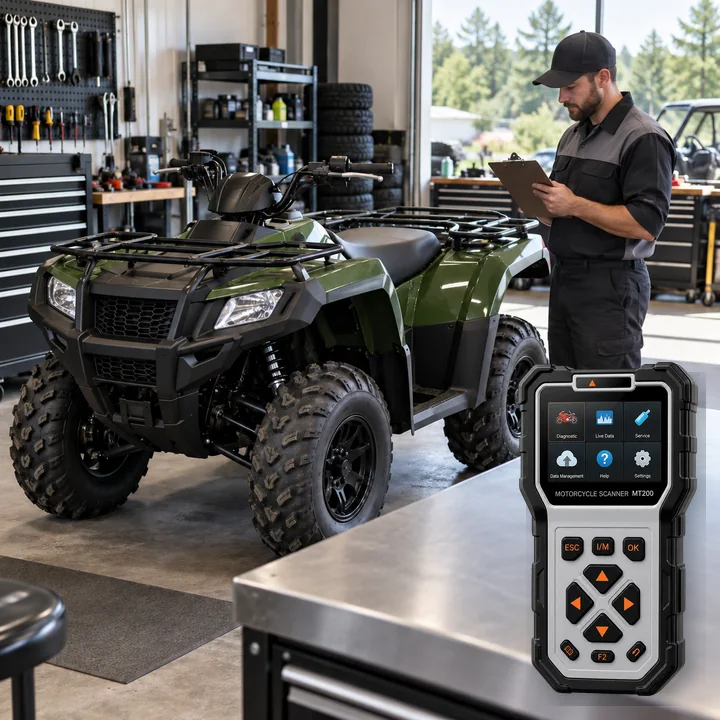
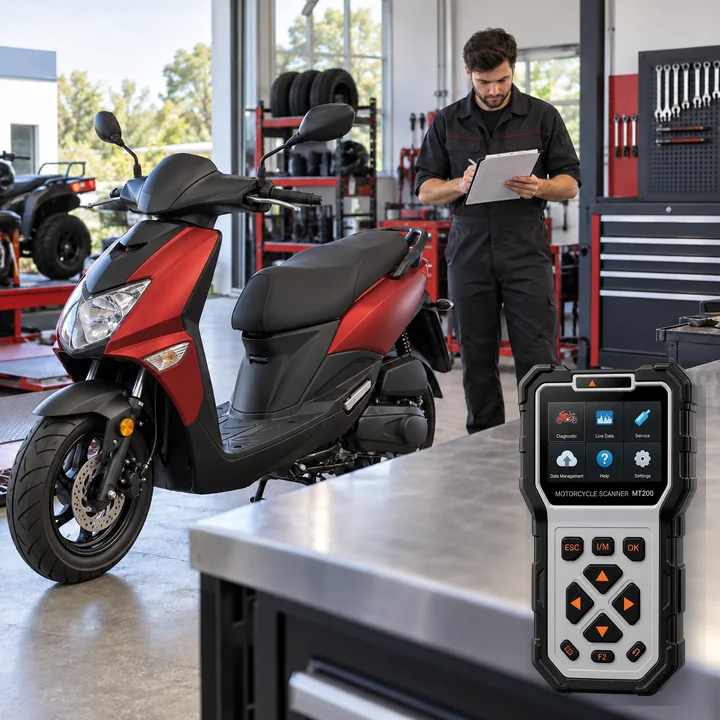
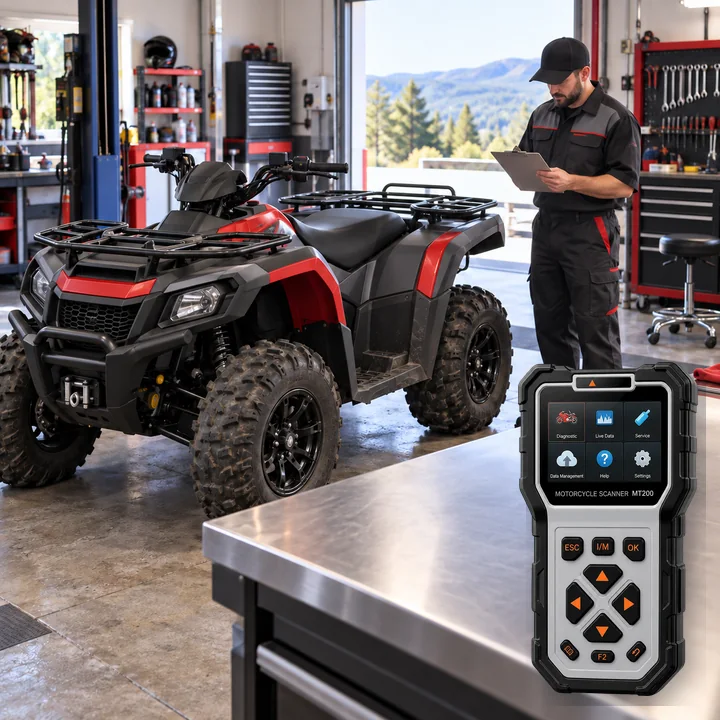
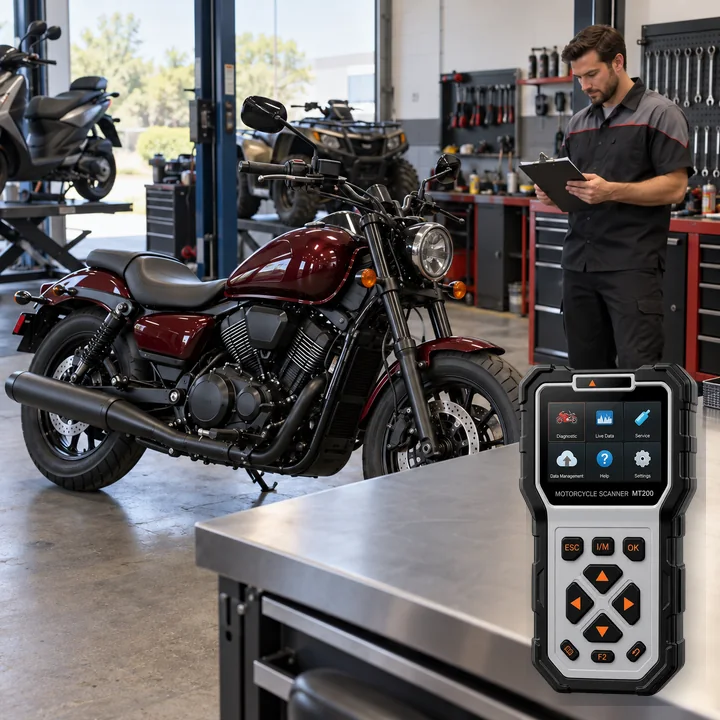
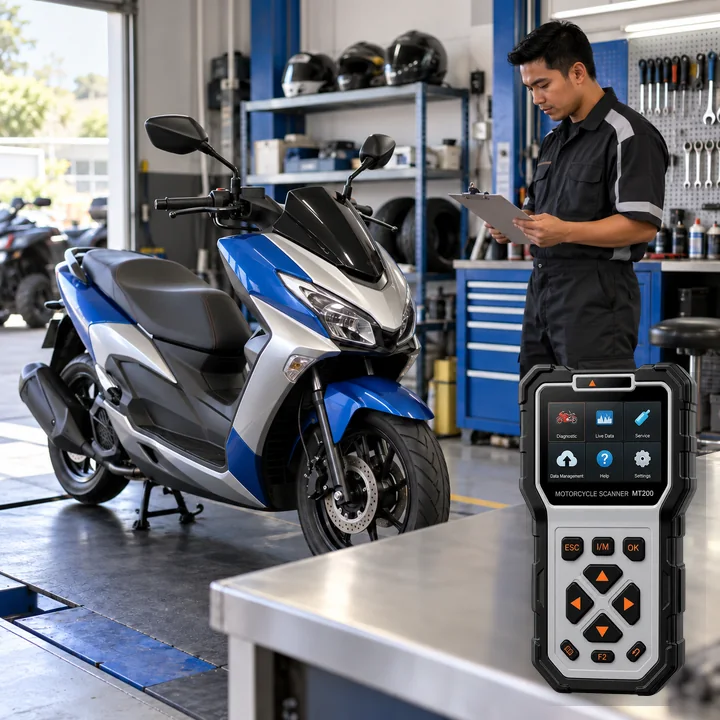
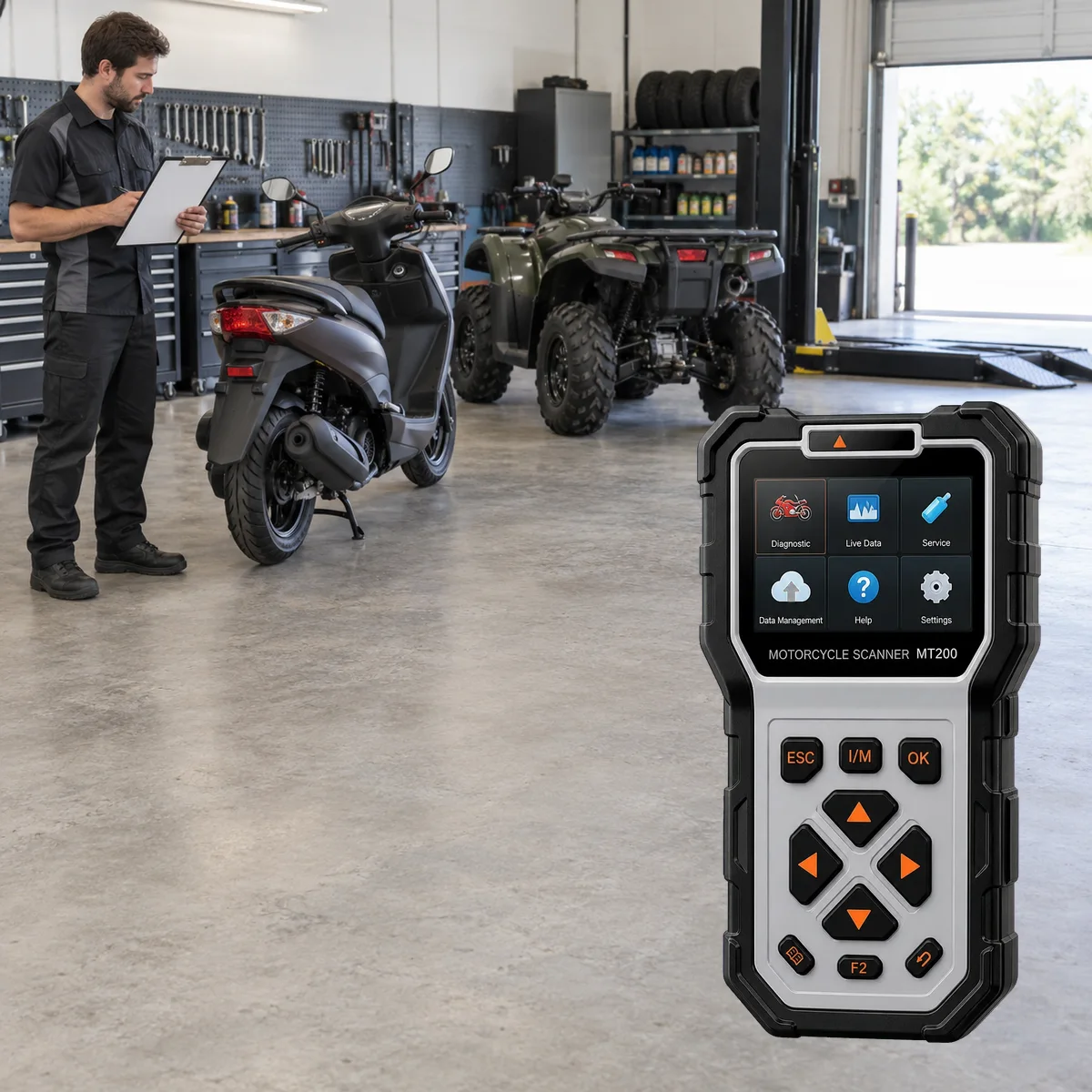
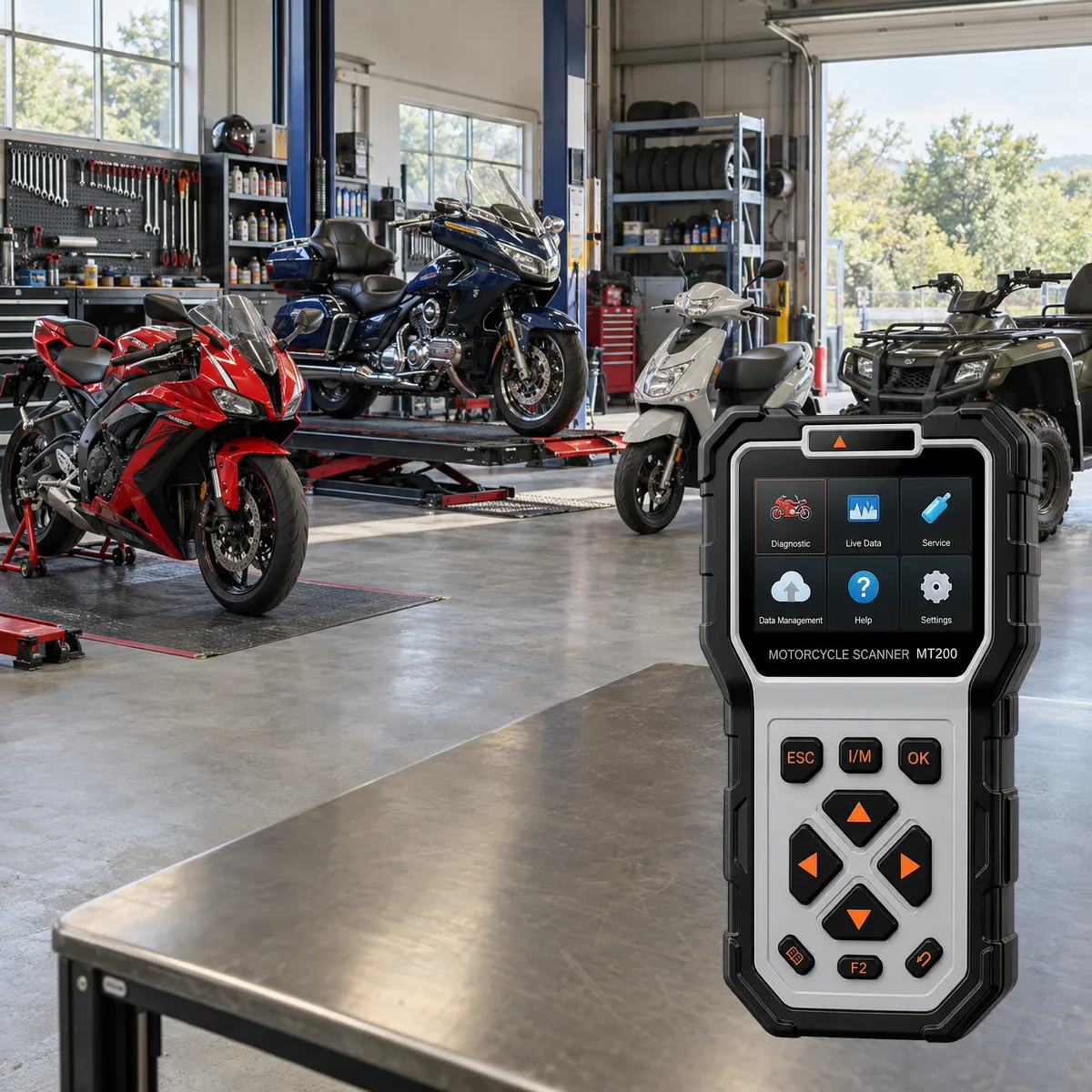
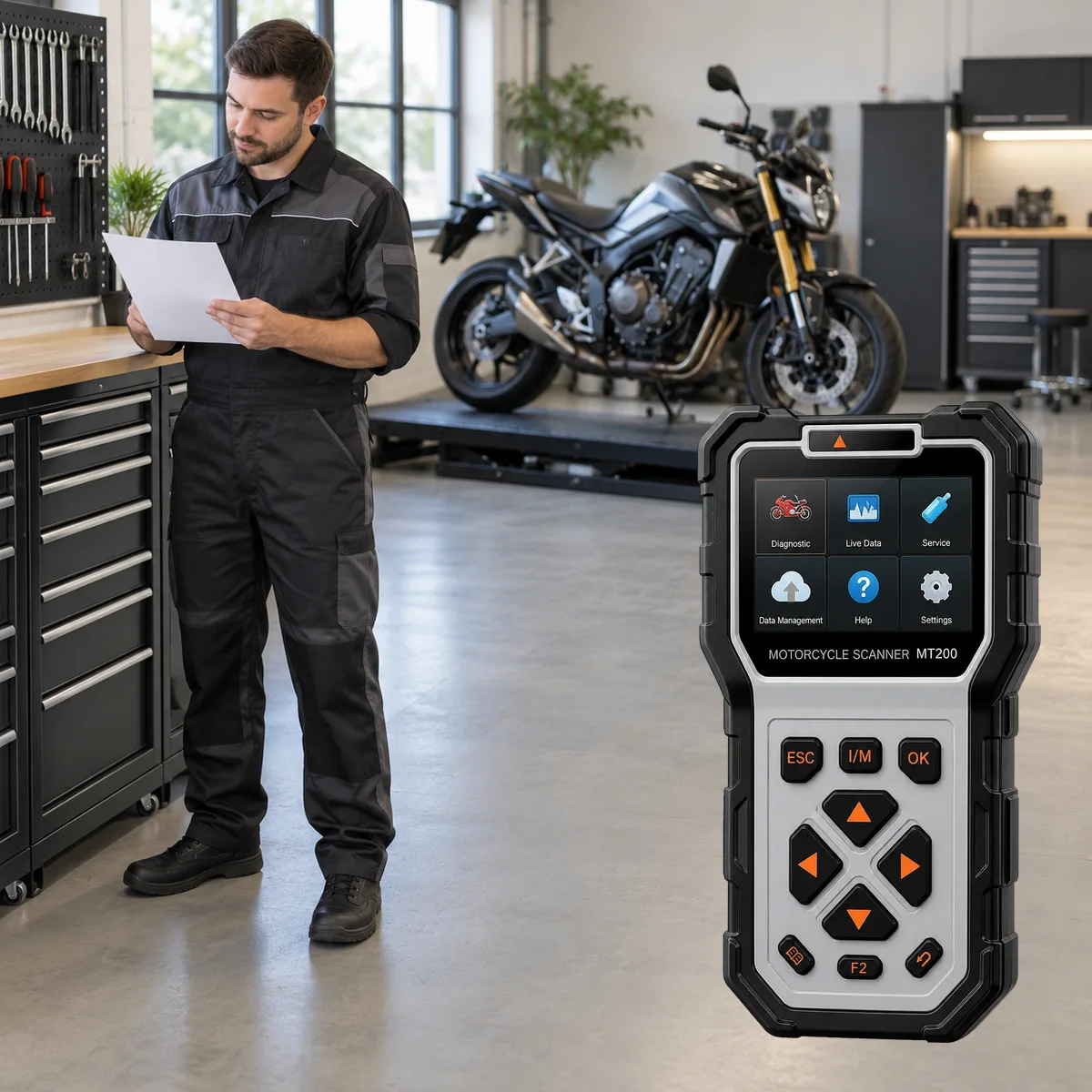
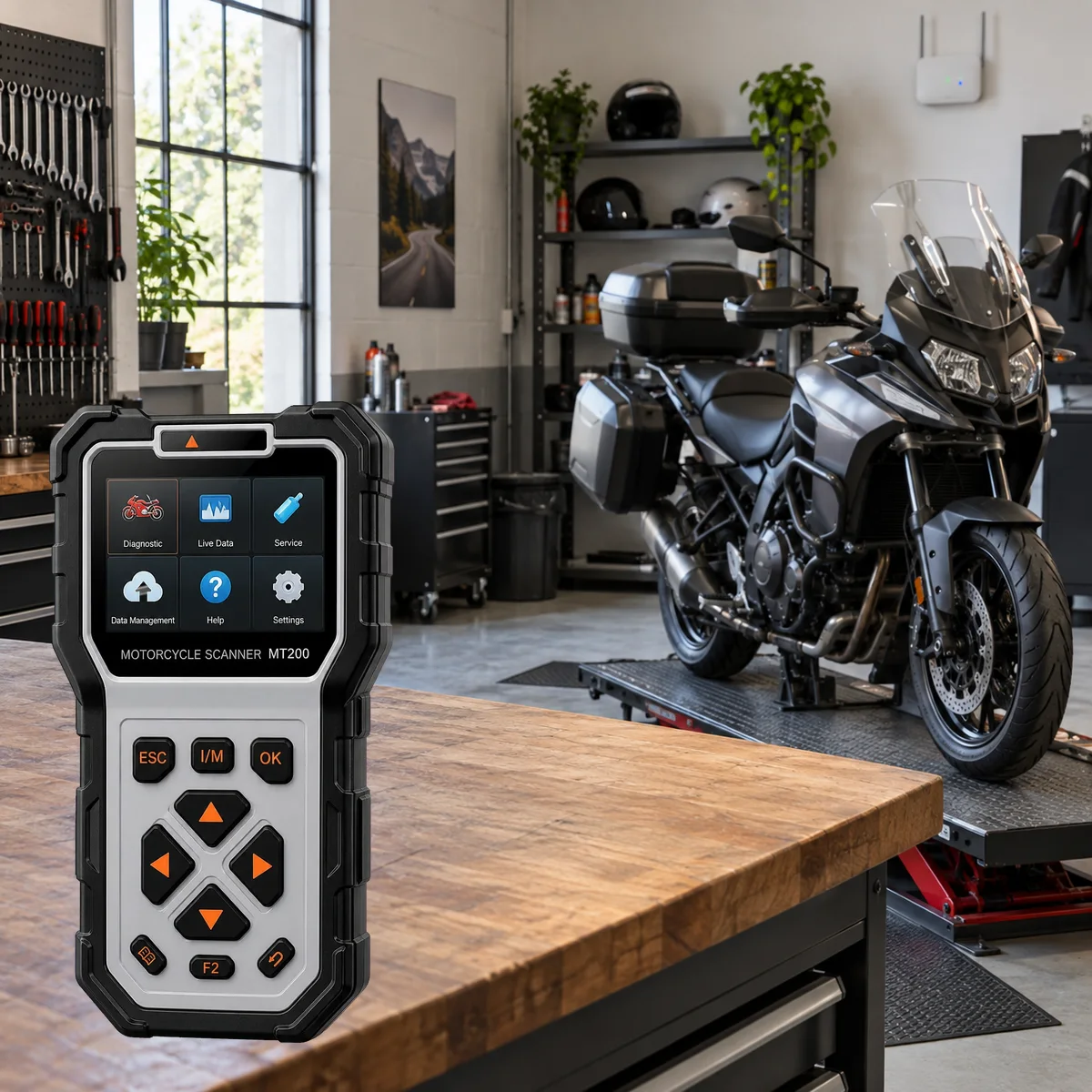
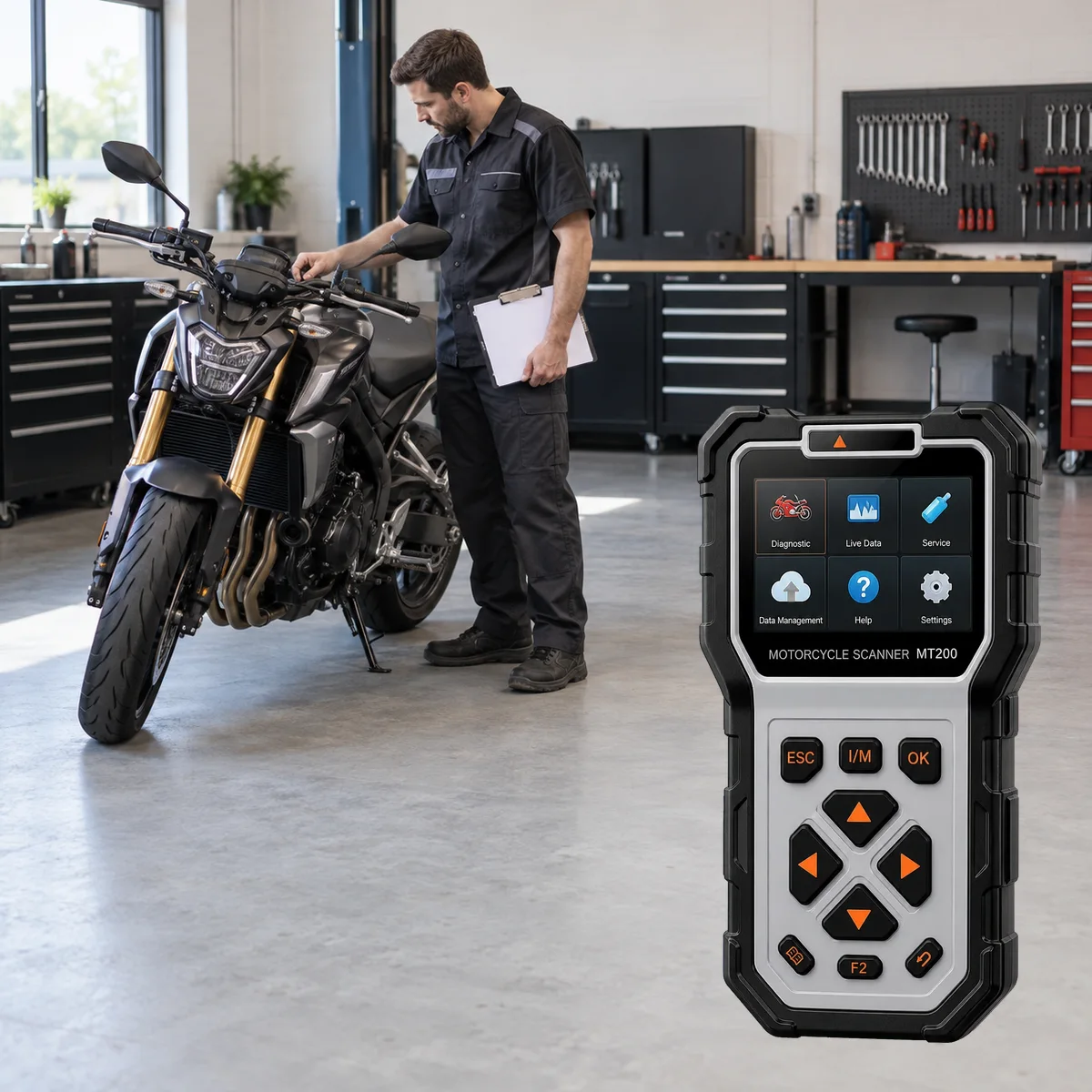
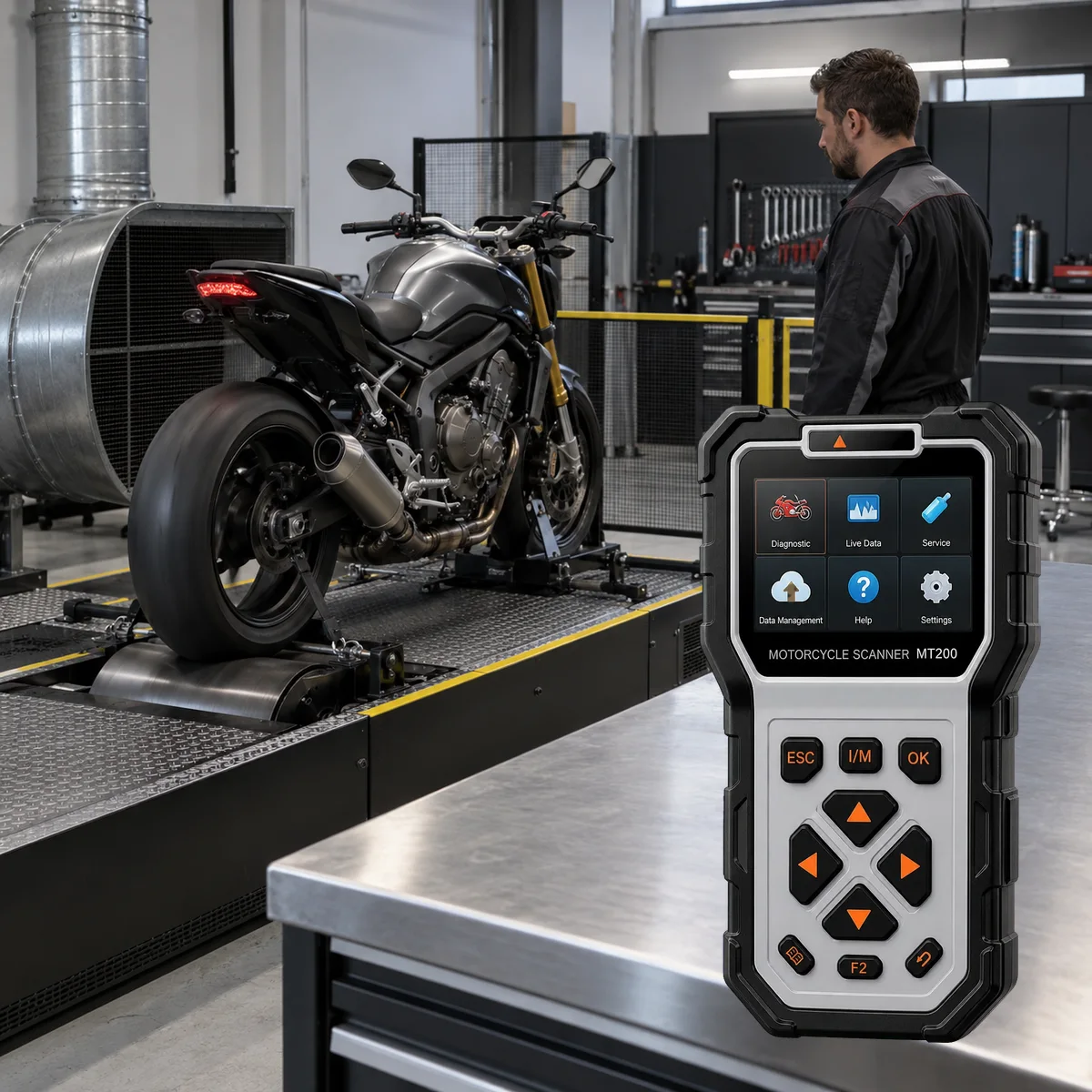
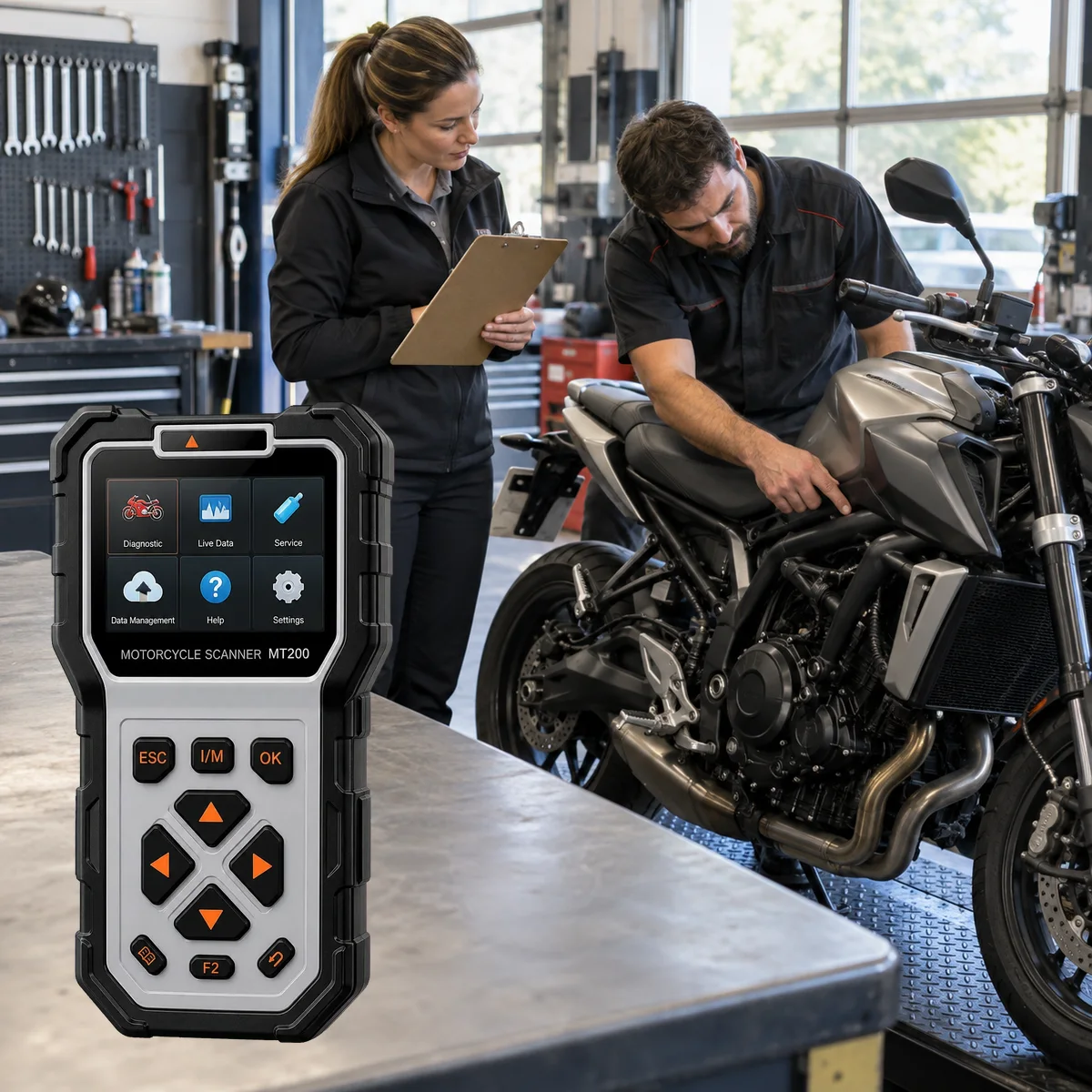
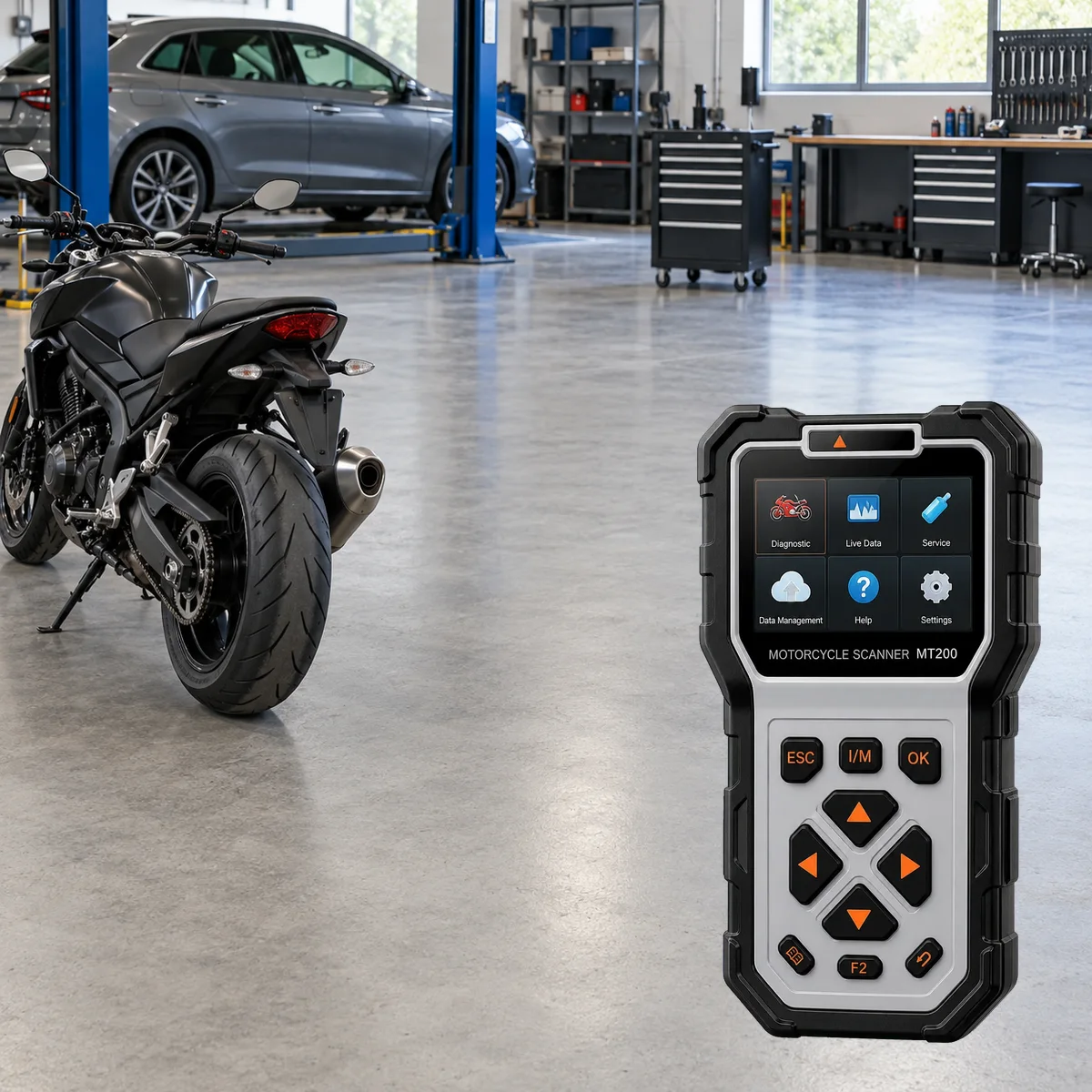
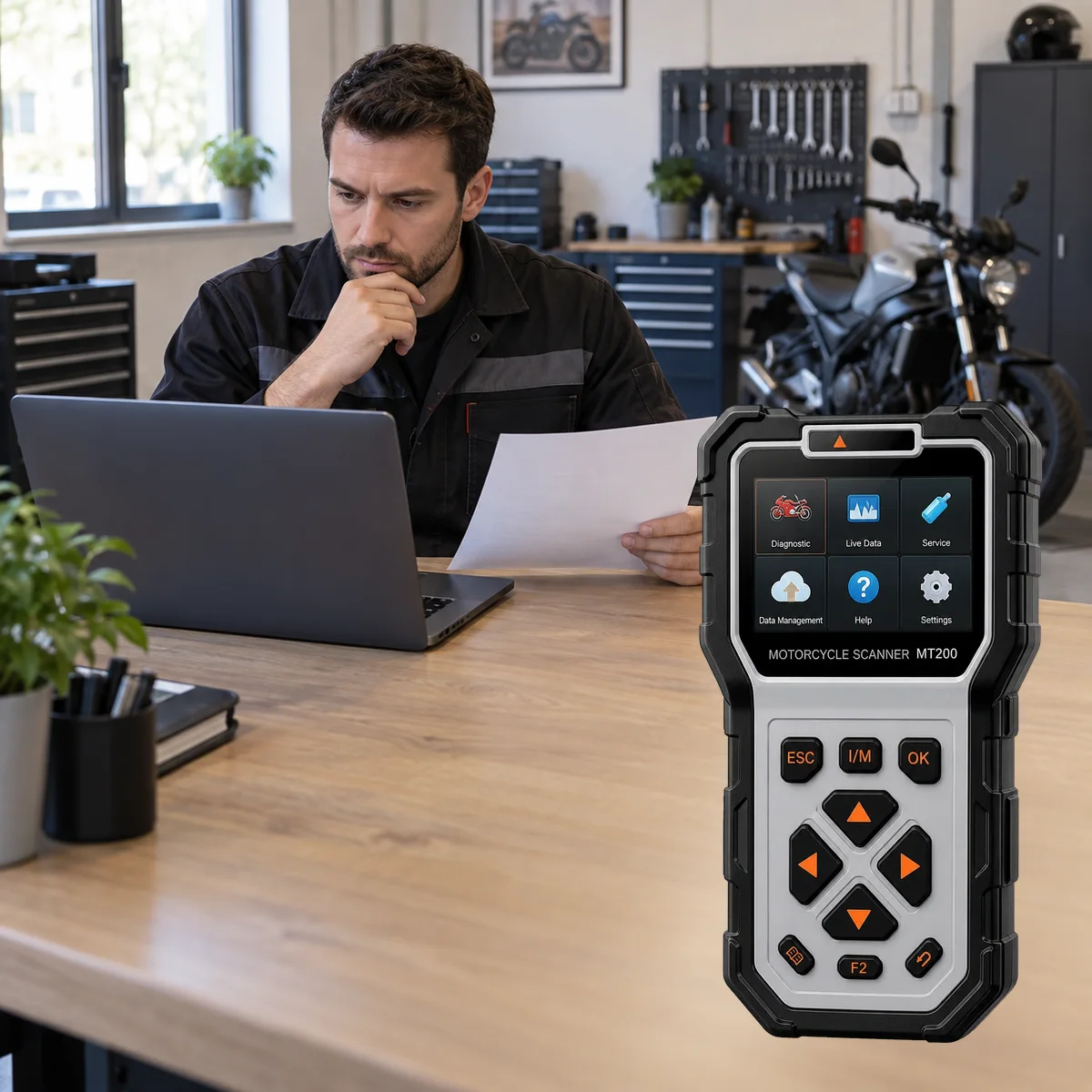
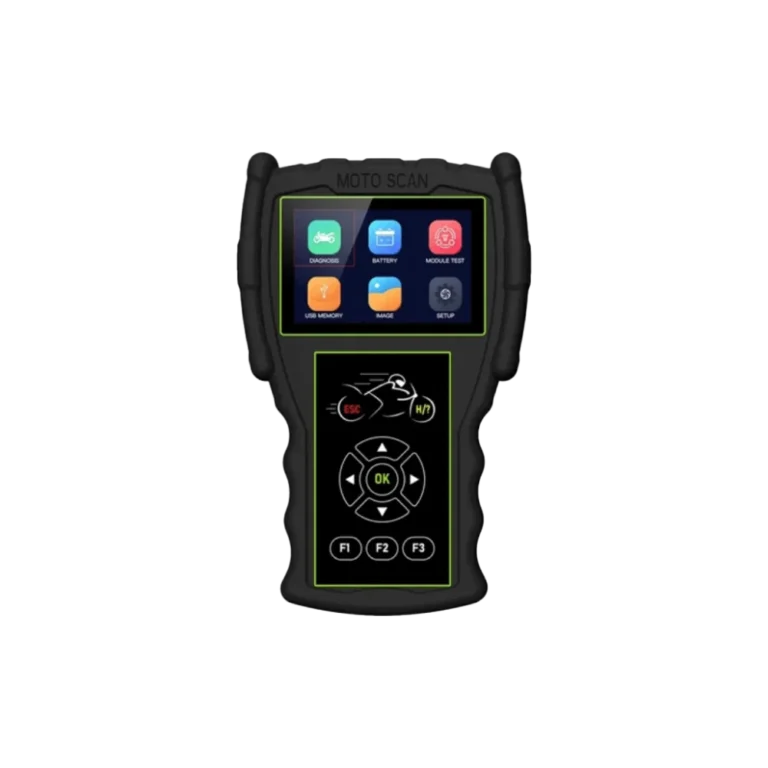
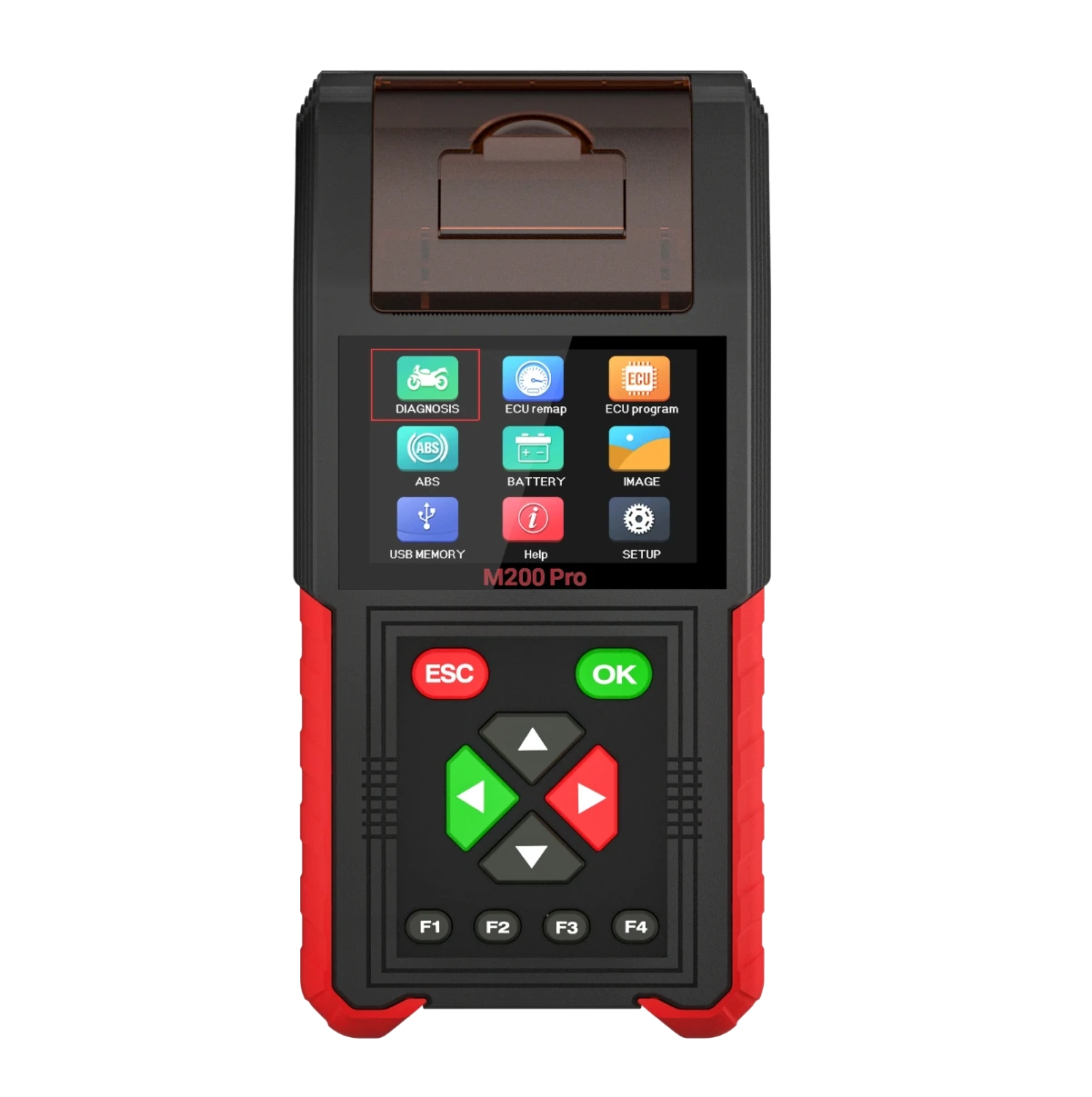
Main unitFront viewAngled viewExample set in manual
Ancel | Motorcycle fault detection devices
Ancel MT200
The Ancel MT200 is a portable diagnostic device used for reading fault codes and monitoring live data for motorcycles, scooters, and ATVs, connecting via brand-specific adapters.
The Ancel MT200 is for users who need a portable device for motorcycles, scooters, trikes, and ATVs for fault code reading, live data, and connection with brand-specific adapters. Online orders across Turkey are completed from the product page. For correct product selection, motorcycle brand, model, year, engine, and socket information must be verified before ordering.
The MT700 is a separate comparison model for workshops that require a larger screen.
Pre-Purchase Check
Is the MT200 suitable for your motorcycle and the operation you will perform?
Brand name or the cable fitting into the socket is not proof of compatibility on its own. The exact model, production year, engine, target control unit, and operation to be performed must be verified before sale.
Also, add general and close-up photos of the diagnostic socket to the message. The delivered adapter set and the current device menu must be verified separately.
The brand adapter connects to the motorcycle's diagnostic socket. The MT200 reads fault codes and live data from the supported control unit. The scope of ABS and special tests varies depending on the motorcycle's model and software.
Socket type
Brand coverage
Adapter families
Vehicle Coverage
What vehicles does the Ancel MT200 support?
The make name alone does not guarantee compatibility. Within the same make, model year, engine, chassis, control unit, communication protocol, and intended operation can yield different support results.
Vehicle Group
Motorcycle, scooter, or ATV groups included in the product software and adapter set
Supported makes
Multi-brand coverage; the current make list is obtained from the manufacturer's official vehicle or protocol database.
Supported models
Verified from the official coverage screen based on make, model, model year, engine or chassis, and control unit.
Scope of service
Code reading, live data, active test, service function, coding, and programming may be supported separately.
Connection conditions
Socket type, Brand coverage, Adapter families
The make and model examples on the page do not guarantee all production years and all functions.
Before any definitive operation, the manufacturer's current coverage record must be verified with the VIN or full vehicle information.
Preliminary check at brand level
Motorcycle brands mentioned in the MT200 manual copy
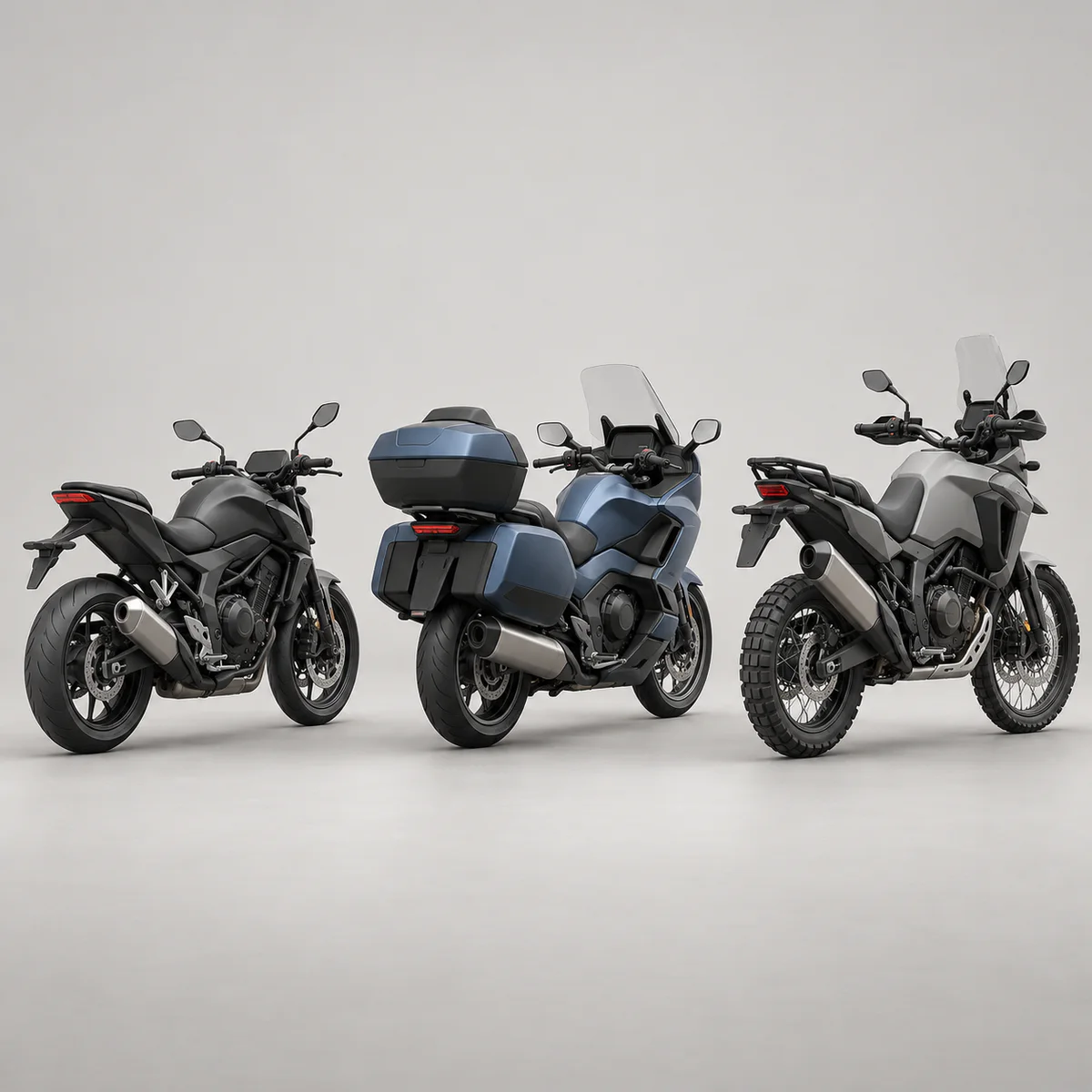
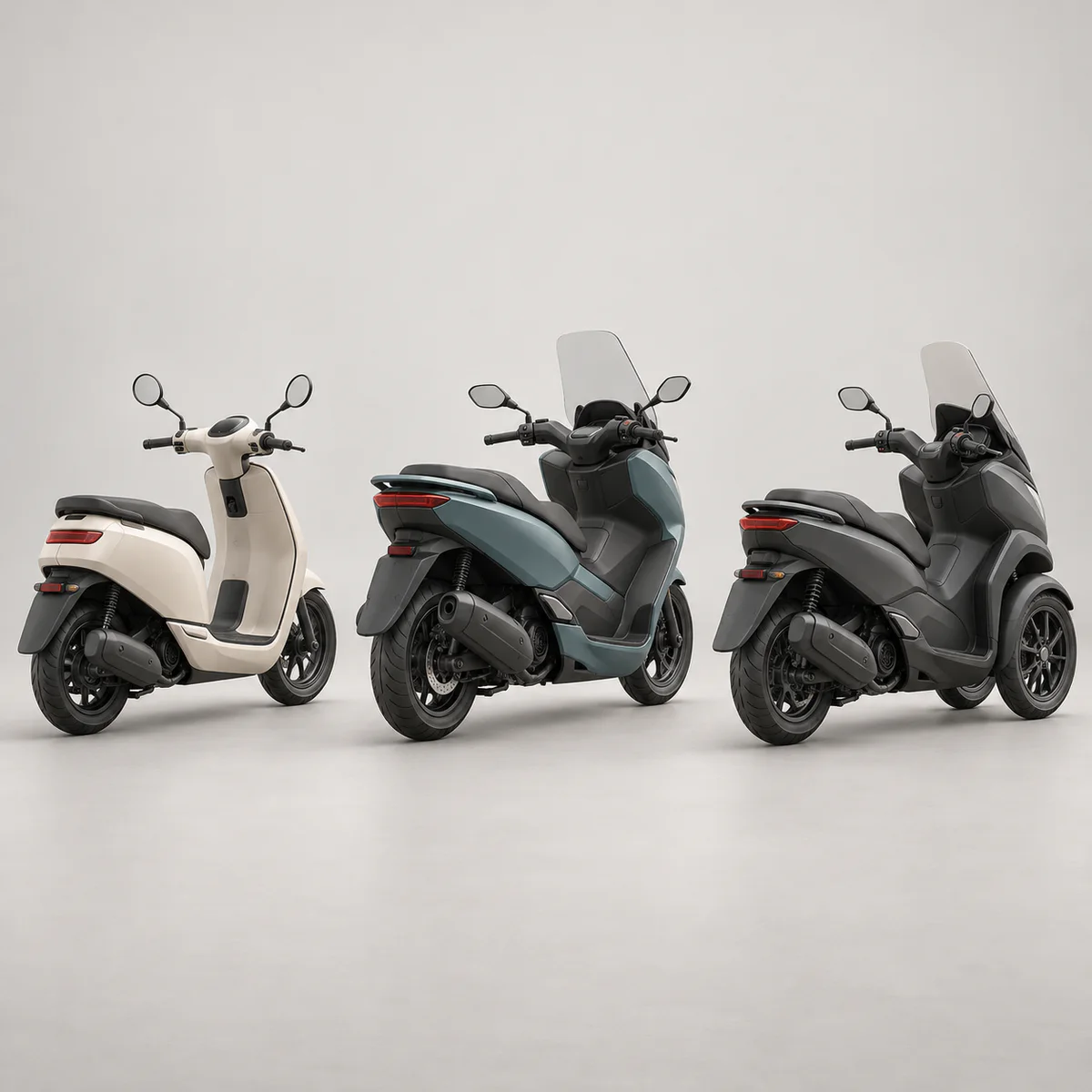
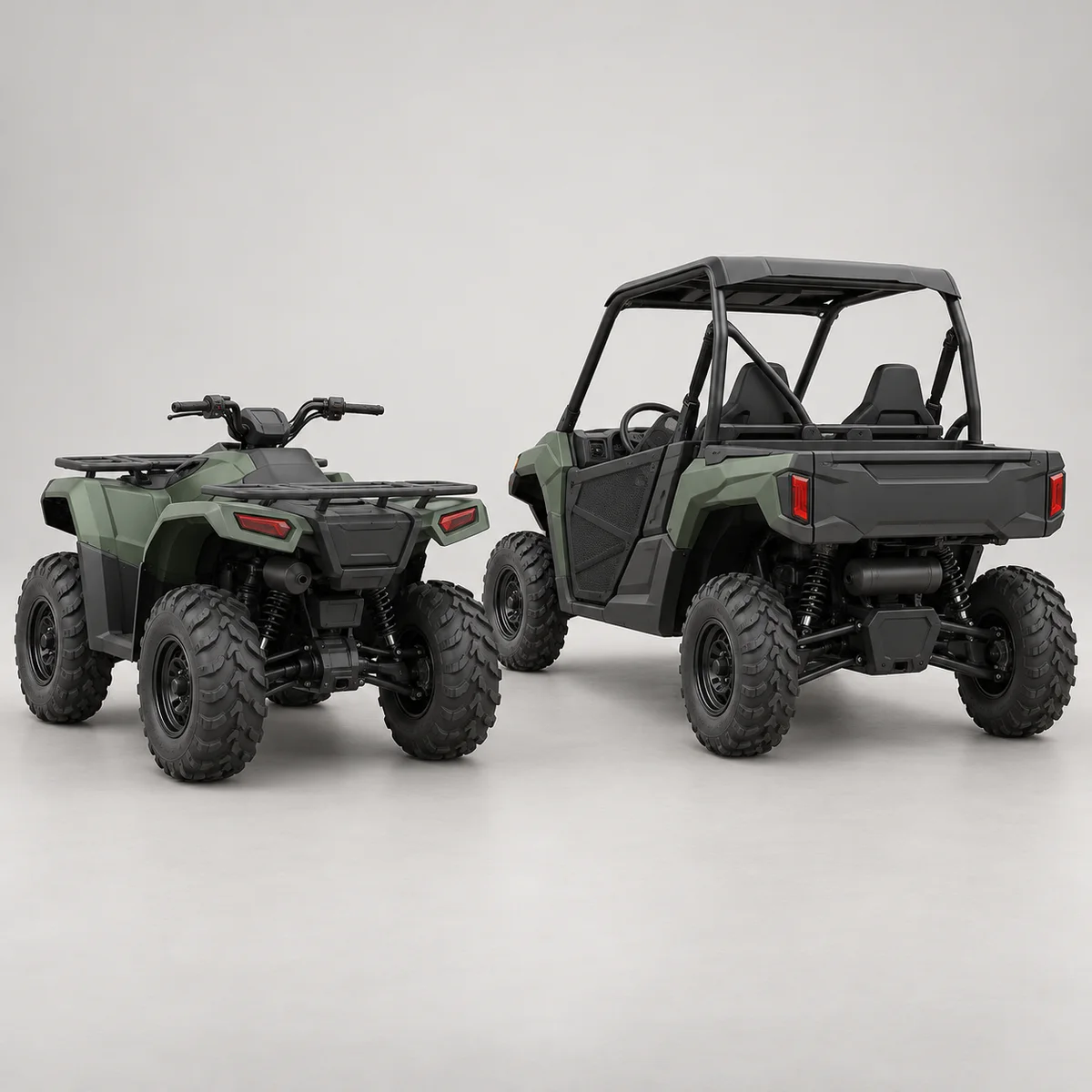
The following names are taken from the brand list in the accessible MT200 manual copy. Vehicle class visuals are representative; they are not proof of compatibility for a specific brand, model, or operation.
HyosungBrand name is valid in the manual copy; the visual is not proof of model compatibility.
ModenasBrand name is valid in the manual copy; the visual is not proof of model compatibility.
The presence of the brand in the list does not mean definitive connection or operation support. The exact model, production year, engine, target control unit, diagnostic socket, delivered adapter set, and operation to be performed must be verified together before ordering.
The MT200 is evaluated with motorcycle sockets and appropriate adapters, unlike car OBD devices. It is a portable option for workshops looking for a motorcycle fault code reading device. When selecting a scooter fault detection device, the socket and ECU software; for ATV fault detection device selection, the control unit and adapter coverage are examined separately.
Brands such as Honda, Yamaha, Suzuki, Kawasaki, BMW Motorrad, KTM, Triumph, Harley-Davidson, Royal Enfield, Bajaj, TVS, Kymco, SYM, Piaggio, Vespa, Aprilia, Benelli, CFMOTO, BRP, Arctic Cat, PGO, Aeon, Hyosung, and Modenas are listed in the accessible MT200 manual copy.
This third-party source does not prove model, year, or operation support; exact vehicle, socket, and operation information is required for correct selection.
Motorcycle and ATV focus
Brand Adapters
Live data and code operations
Product details
How to verify MT200 compatibility before ordering?
The mere presence of the motorcycle brand in the list does not mean definitive operation support. For a reliable check, the brand, exact model name, production year, engine displacement or engine code, a photo of the diagnostic socket, and the operation to be performed must be provided together. Then, the appropriate adapter family and the brand-model coverage in the device menu are compared.
Thus, expected functions such as fault code reading, clearing, or live data, and physical connection are addressed in the same pre-order check.
Brand and full model
Production year and engine information
Diagnostic socket photo
Desired operation and control unit
Product details
MT200 cable and socket coverage
The accessible MT200 manual copy shows the DB15 main connection, battery clip and USB cable, DB15-OBD cable, and various motorcycle adapters; it does not provide exact pin/quantity per brand or the complete list of the Turkish sales package. Before ordering, the actual set to be sent and the socket on the motorcycle must be compared with a labeled photo.
Cable matching alone does not indicate that the software supports the relevant ECU and operation.
DB15 main connection
Adapter check with actual set photo
Software confirmation based on vehicle and operation
Product details
What sequence is followed when making a connection?
When using the MT200, first find the motorcycle's diagnostic socket; the socket location can be around the engine, under the seat, or under a cover, depending on the model. Then, select the appropriate brand adapter, plug the cable into the DB15 connection on the MT200, and secure it to the socket on the motorcycle side.
After connection, check the battery voltage, ignition position, and the selected brand/model menu.
Find the diagnostic socket
Select the correct adapter
Check connection and ignition status
Product details
Buttons, ports, and Wi-Fi update
The MT200 features ESC for return, OK for confirmation, direction keys, F1/F2/F3 function keys, H/? help key, Type-C port, and DB15 diagnostic connection. The manual also includes information on taking a screenshot by pressing the F1 and F2 keys simultaneously.
For updates, the one-button upgrade process in the device menu proceeds with Wi-Fi network selection, password entry, and update confirmation; power and connection must not be interrupted during the process.
ESC, OK, and direction keys
Type-C and DB15 port
One-button update via Wi-Fi
Product details
What to check if the MT200 has a connection problem?
If the device does not turn on, check the power supply, battery clip, and the 8-30V range. If communication with the motorcycle cannot be established, re-examine the correct adapter, loose socket, ignition ON position, and the selected brand/model information in the device menu.
If the update fails, check Wi-Fi stability and power connection; if the screen freezes or unexpected readings occur, restart the device and compare the software version and connection ports.
Power and battery connection
Correct adapter and ignition position
Wi-Fi and software version
Product details
How are the MT200 and MT700 differentiated?
If portability, operation with physical buttons, and motorcycle diagnostics are priorities, the MT200 is the main model. The MT700 is considered separately for those expecting a larger screen and a different service workflow. Compare the two devices not just by model name but also by screen, portability, adapter set, supported motorcycles, and operations to be performed.
Product details
How to choose between a basic OBD reader, MT200, and a service device?
Having a converter cable that fits the motorcycle's diagnostic socket on a basic OBD reader used for cars does not open motorcycle-specific control unit menus. The MT200 is a handheld device with a motorcycle menu, physical buttons, and a connection workflow with appropriate adapters.
Operations such as fault code and live data depend on the control unit of the connected motorcycle and the device software. If ABS, active test, or other special operations are required in the service, a coverage record for the exact model, production year, and relevant control unit should be requested before purchase.
Converter cable does not add software support
Socket and operation are checked together for MT200
Special service operations are verified on a per-vehicle basis
Product details
What conditions should be asked about for updates and warranty?
The MT200 manual copy describes the Wi-Fi update steps on the device; it does not guarantee the free update period for the product sent in Turkey or subsequent fees. The general warranty section in the same manual also does not replace the local warranty certificate for the product sent via Otobiltek.
Before ordering, the written warranty period, service channel, and update conditions should be requested with the serial number or SKU information of the product to be sent.
Wi-Fi update method is in the manual
Free update period not confirmed
Local warranty condition must be asked on a per-product basis
Product details
First connection with the correct brand adapter using the MT200 model
For the first connection, compare the label of the sent adapter with the exact model, production year, and socket photo. Check power and ignition conditions; plug in the cable without forcing. Select the relevant vehicle and engine control unit in the MT200 software.
If communication is established, the initial fault codes are written down by the technician on the service form; if communication is not established, power, socket, adapter, and software version are reviewed separately.
Select the correct brand adapter
Check battery voltage and pins
Establish the first control unit connection
Record the connection result
Product details
Reading engine control unit fault codes with the MT200 model
If communication with the engine control unit is established, the displayed fault codes are recorded by the technician before clearing. Along with the code, the motorcycle's symptom, battery voltage, and operating condition are also written down. Code clearing is only done after repair and according to the vehicle manufacturer's procedure.
Check if the same code returns on rescanning; the code alone does not determine the part to be replaced.
Read fault codes with event information
Save the initial report before clearing codes
Examine relevant operating values
Rescan after repair
Product details
Monitoring the motorcycle in live data with operating conditions using the MT200 model
If the live data menu opens on the relevant model, values such as RPM, voltage, and those related to the complaint are read along with the operating condition. Which values are displayed varies by vehicle and control unit. The technician records important screens and measurement conditions on the service form.
After repair, re-reading is done under the same condition; the displayed numbers are compared with physical measurements and symptoms.
Create a safe test condition
Select relevant live data
Record values with their units
Compare with the second measurement
Product details
Rescanning the motorcycle after repair with the MT200 model
At the end of the service, reconnect to the same motorcycle and control unit. The initially observed codes, the physical work performed, and the codes observed on the final scan are compared by the technician. Necessary special adjustments or resets are applied only if confirmed in the current MT200 menu for that model and if the vehicle manufacturer's procedure is known.
The result is explained to the customer with the service form, assuming the device provides an automatic report.
Compare the first and last scan
Apply necessary service function
Perform a quick function check
Report the result to the customer
Product details
How is the vehicle coverage of the MT200 model verified?
Definitive compatibility for the MT200 model cannot be stated without selecting the motorcycle brand, model, year, ECU, and adapter together. A current, publicly available model and operation-based coverage table from the manufacturer for the MT200 was not found.
Definitive support can only be verified through recorded tests performed on the current menu of the delivered device, the delivered adapter package, and the relevant motorcycle. The coverage of the MT700 or any other ANCEL model cannot be transferred to the MT200.
Before ordering, prepare the VIN or exact model information for the MT200, model year, engine/chassis distinction, and the operation to be performed; check the software version, license period, VCI, adapter, and regional package separately.
MT200 model: prepare brand, model, model year, and engine/chassis information
MT200 model: select desired system and operation separately; read, live data, active test, coding, or programming
MT200 model: verify ECU and function with current device menu and actual vehicle test
MT200 model: perform final check with pre-transaction VIN and manufacturer procedure
Product details
What nearby products is the MT200 model compared with?
The choice between the MT200 model and the ANCEL MT700 Motorcycle Fault Detection Device is made based on differences in supported functions, connectivity, and package. Socket type, brand coverage, and adapter families are the primary selection criteria for the MT200.
The ANCEL MT700 Motorcycle Fault Detection Device is compared in terms of connectivity, screen, package, and function coverage on a per-vehicle basis. Fault code support for a specific model, year, and control unit is not definitively accepted without the current device menu and actual vehicle testing.
The adapter set to be sent should also be checked from a photo of the order package.
ANCEL MT700 Motorcycle Fault Detection Device: motorcycle full system scan and fault code and live data
What vehicle types and operations is the MT200 used for?
The MT200 is a portable handheld device focused on diagnosing motorcycles, scooters, trikes, and ATVs. It is used for reading and clearing fault codes and viewing live data on supported control units.
Physical adapter fit into the socket is not sufficient on its own; the exact model, production year, control unit, and operation to be performed must also be supported in the device software.
Which motorcycles does the MT200 work on?
Brands such as Honda, Yamaha, Suzuki, Kawasaki, BMW Motorrad, KTM, Triumph, Harley-Davidson, Royal Enfield, Bajaj, TVS, Kymco, SYM, Piaggio, Vespa, Aprilia, Benelli, CFMOTO, BRP, Arctic Cat, PGO, Aeon, Hyosung, and Modenas are valid in the accessible MT200 manual copy.
This third-party list at the brand level does not prove support for a specific model, year, socket, control unit, or operation. Before purchasing, the exact model and production year, engine information, control unit to be communicated with, a photo of the diagnostic socket, and the operation to be performed must be checked together.
Why is the adapter set important when buying the MT200?
The diagnostic socket and pin layout on motorcycles can vary by brand, model, and production year. Therefore, check not only the device name but also the list of adapters and cables to be sent, the physical match with the motorcycle's socket, and whether the relevant ECU operation is supported in the software.
A single adapter fitting into the socket does not prove communication or operation support.
How to update the MT200 model via Wi-Fi?
The MT200 manual describes the one-button update process with the steps of connecting the device to a stable power source, selecting the Wi-Fi network, entering the network password, and confirming the available package. The device power or internet connection should not be interrupted before the download and installation are complete.
This process method does not guarantee the free update period; license and fee conditions must be verified separately with the SKU or serial number of the product to be sent.
What to do if the MT200 does not communicate with the motorcycle?
First, check that the correct motorcycle, model year, and system are selected; the ignition position; that the motorcycle battery has sufficient voltage; and that the correct adapter is seated without damage. Then, verify the update status of the MT200 software and the official coverage record of the same control unit.
If the problem persists, confirm the socket structure and adapter match with technical support rather than taking risks by trying different cables or pins.
What values can the MT200 show in live data?
In supported systems, engine speed, battery voltage, throttle angle, and similar values broadcast by the ECU can be monitored on the live data screen. The list of displayed parameters varies depending on the motorcycle's brand, exact model, production year, and selected control unit.
Live data alone is not a part failure decision; the value must be interpreted along with the operating temperature and manufacturer's service criteria.
What information is required for compatibility before purchasing the MT200?
The motorcycle's brand and exact model name, production year, engine displacement or engine code, target control unit, and the operation to be performed must be provided. A general and close-up photo of the diagnostic socket also helps to identify the correct adapter family.
This information allows checking the physical connection and software coverage for the same vehicle; the brand name or socket fitting the cable alone is not sufficient for definitive compatibility.
How does the MT200 differ from a basic OBD reader made for cars?
The MT200 is a portable device designed to connect via a brand menu and appropriate adapter on motorcycles, scooters, and ATVs. Simply attaching a converter cable to a basic car OBD reader does not add motorcycle-specific ECU communication or service functions to the software.
For the MT200, fault code, live data, or special operation support must also be verified for the exact motorcycle, model year, and control unit.
Is the MT200 update free for life?
The device manual describes the update method via Wi-Fi; this information does not guarantee the free usage period. In Turkey, the free update period for the SKU or serial number of the product to be sent, and subsequent fees and available software access, are not promised as free for life unless confirmed in writing.
Comparison
Models similar to Ancel MT200
Compare products in the same class with information on usage level, service tasks, and price.
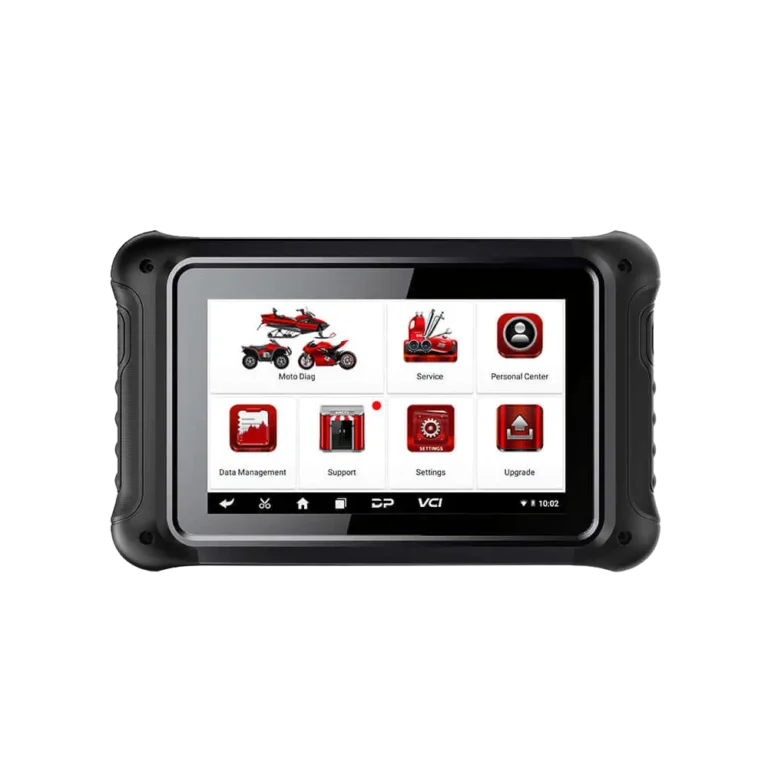
A 7-inch Android diagnostic tablet offering fault code, live data, and supported service operations for 16 motorcycle brands, based on model, year, control unit, and adapter matching.
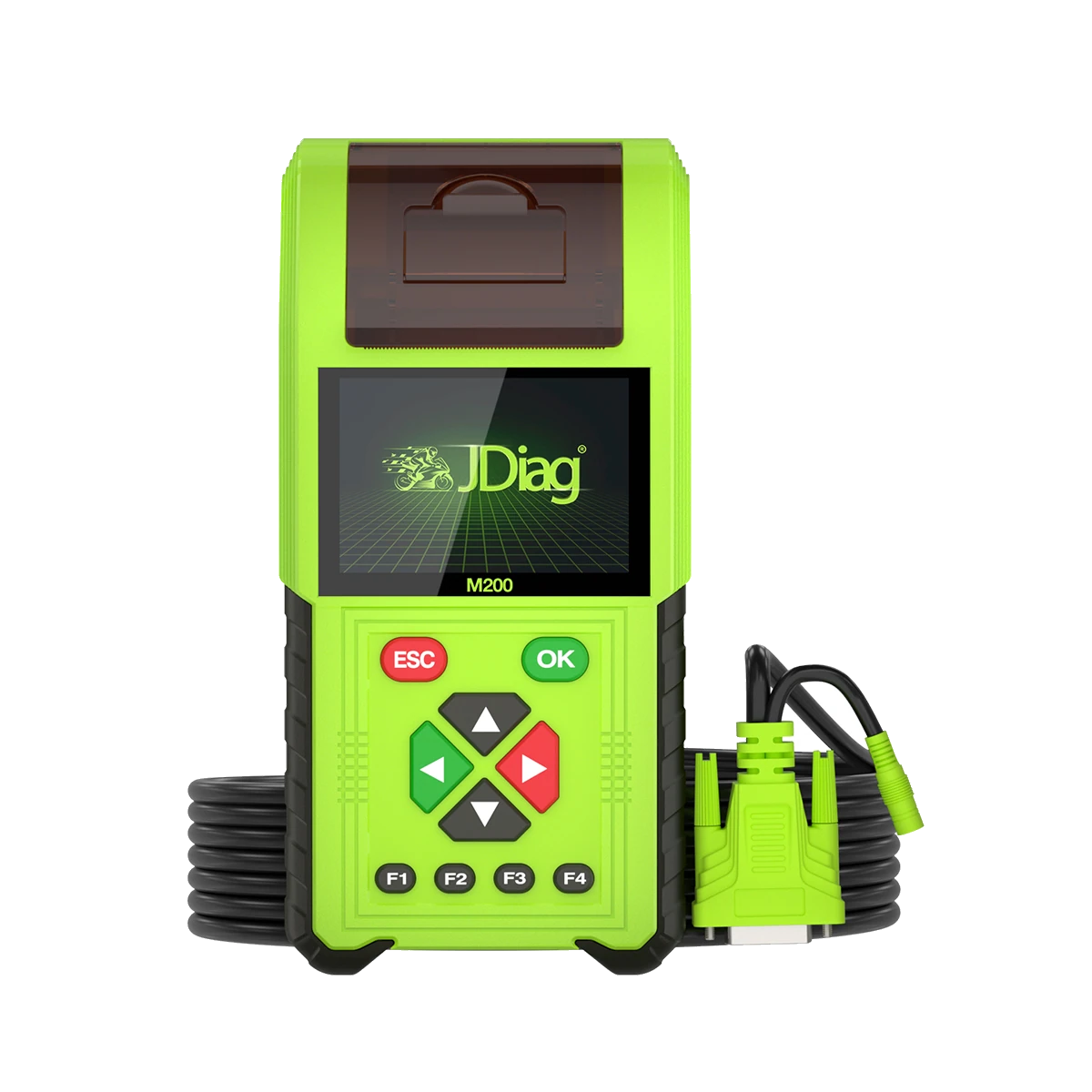
The JDiag M200 Pro is a handheld service device that separately records manufacturer data from the standard M200, featuring a remap menu limited to motorcycle diagnostics and verified Honda ECU numbers.