This product is currently out of stock. You can review available alternatives in the product list.
Last recorded price: ≈ $47623,500 TL charged · VAT included · import duties excluded

JDiag · Motorcycle diagnostic tools
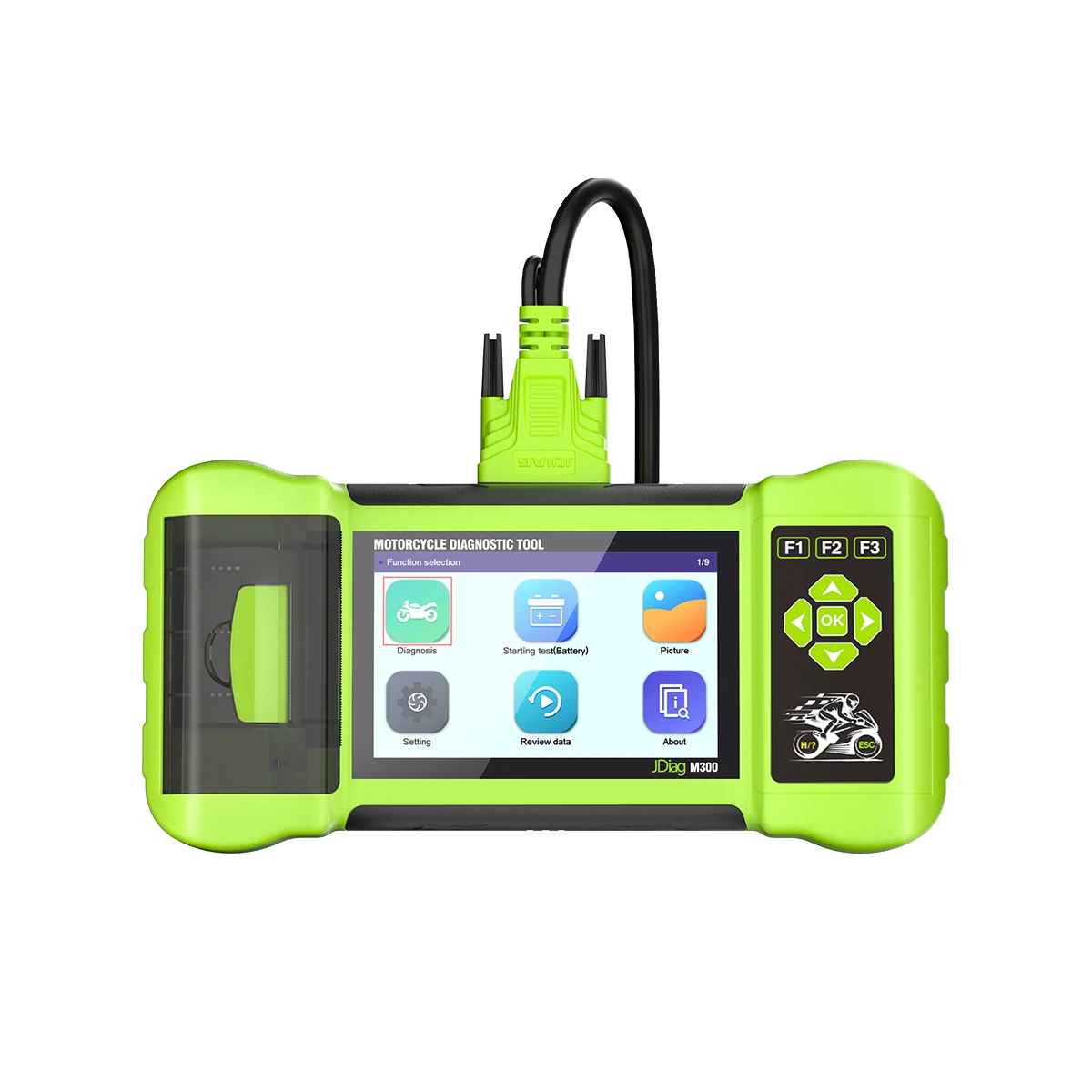
The JDiag M300 is a diagnostic device targeting workshop use, featuring a wide horizontal screen, physical buttons, an integrated printer, and motorcycle connection packages.
This product is currently out of stock. You can review available alternatives in the product list.
Last recorded price: ≈ $47623,500 TL charged · VAT included · import duties excluded
 Recommended ProductAncel MT200
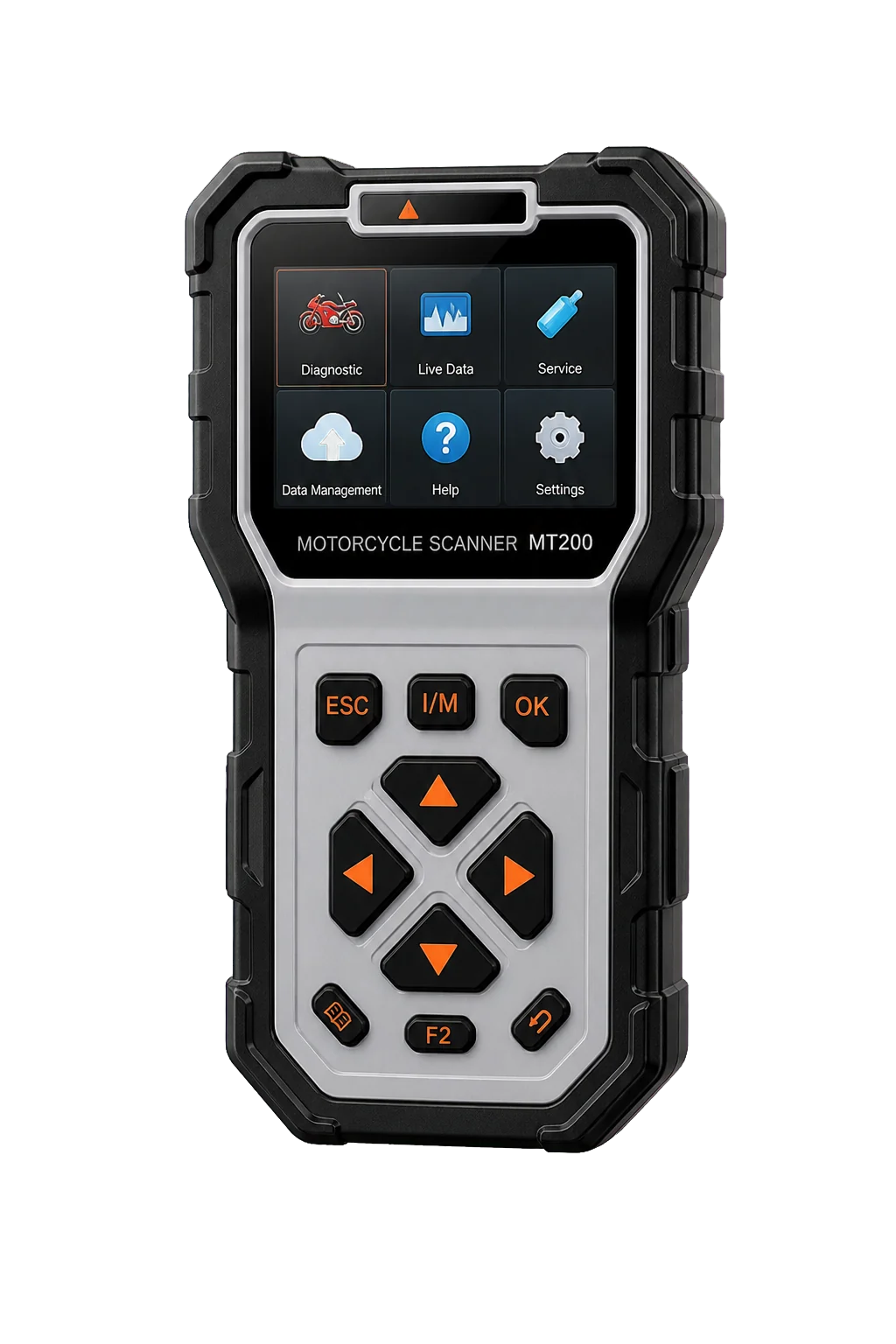
The Ancel MT200 is a portable diagnostic device used for reading fault codes and monitoring live data for motorcycles, scooters, and ATVs, connecting via brand-specific adapters.
The Ancel MT200 is a portable diagnostic device used for reading fault codes and monitoring live data for motorcycles, scooters, and ATVs, connecting via brand-specific adapters.
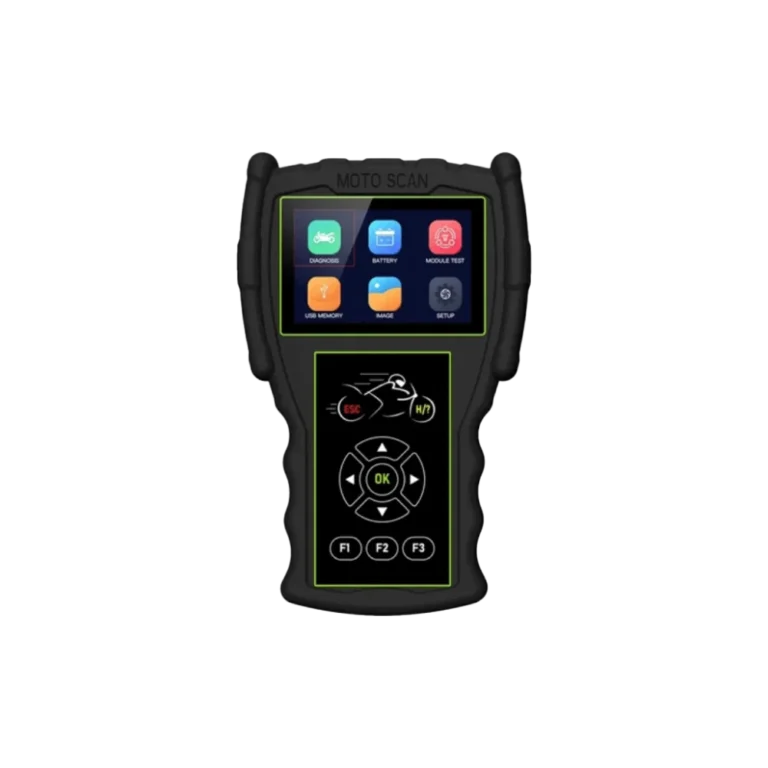
The JDiag M100 Pro is a portable fault diagnosis device with physical buttons, a 3.5-inch screen, and operates with motorcycle brand adapters.
Product information
The JDiag M300 is a motorcycle diagnostic device with a larger body than handheld models, a horizontal screen, and an integrated printer for result printouts. It targets workshops that need report printouts at service intake; the printer, consumables, and larger body require additional maintenance in exchange for portability. Otobiltek does not have M300 stock.
For a current, more compact, and regularly supported option, ANCEL MT200 is recommended; if the printer is truly part of the workflow, the M300 class is evaluated separately.
Vehicle Coverage
The make name alone does not guarantee compatibility. Within the same make, model year, engine, chassis, control unit, communication protocol, and intended operation can yield different support results.
Product details
Unlike vertical handheld devices like the M100 Pro and M200, the M300 uses a horizontal body with a wide screen and integrated printer. This design is intended for fixed workshops that want to provide customers with paper results at vehicle intake.
A larger body does not mean better compatibility; vehicle software and adapter coverage are still evaluated based on model, year, ECU, and operation.
Product details
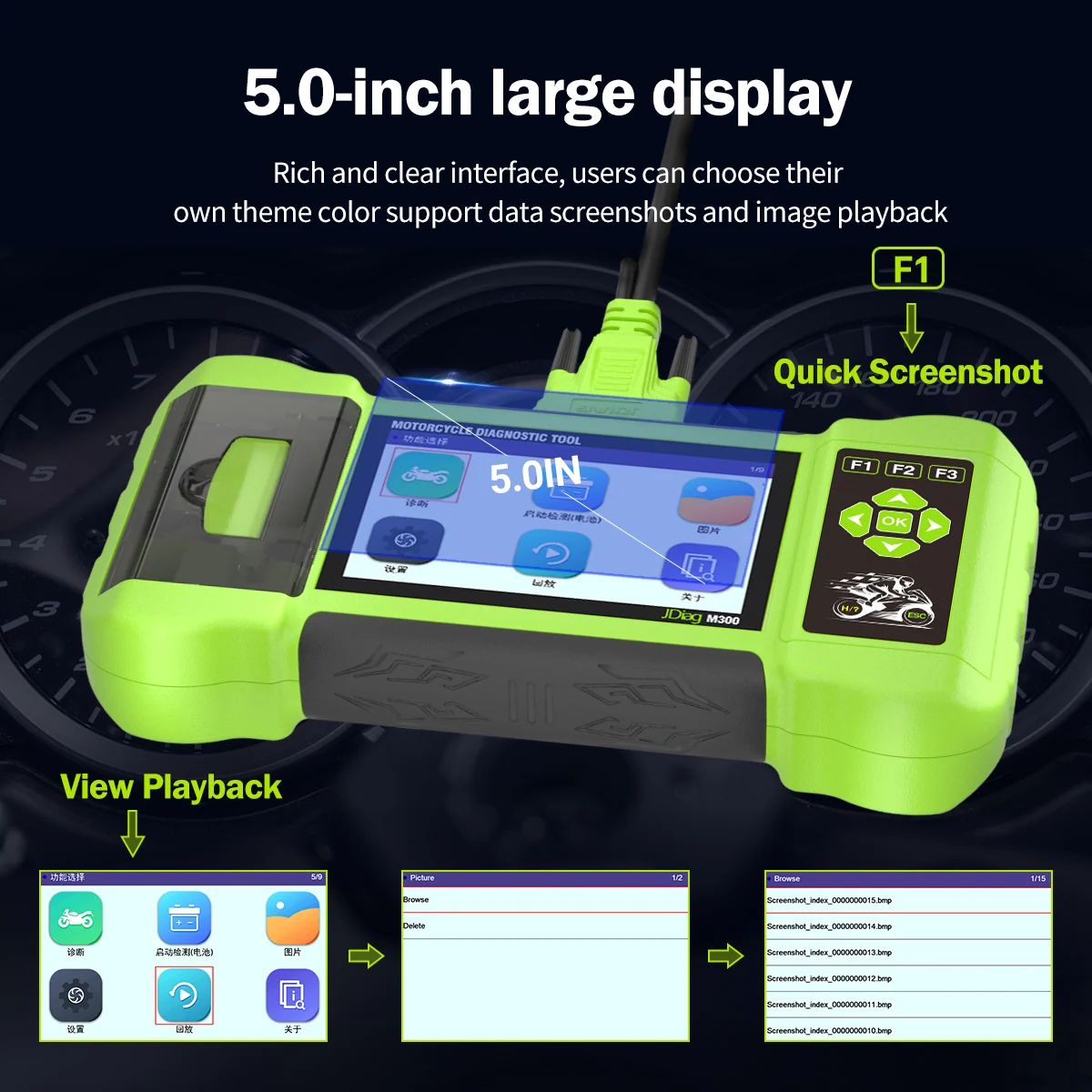
The printer can generate an instant paper output of codes or test results. However, consumable paper, the cover mechanism, and the print head are additional maintenance items. For a service using digital records, the printer may not be a priority.
If the paper report is to be given to the customer, the date, motorcycle information, and pre- and post-operation status must be kept separately in the service record system; the output alone is not a diagnostic report.
Product details
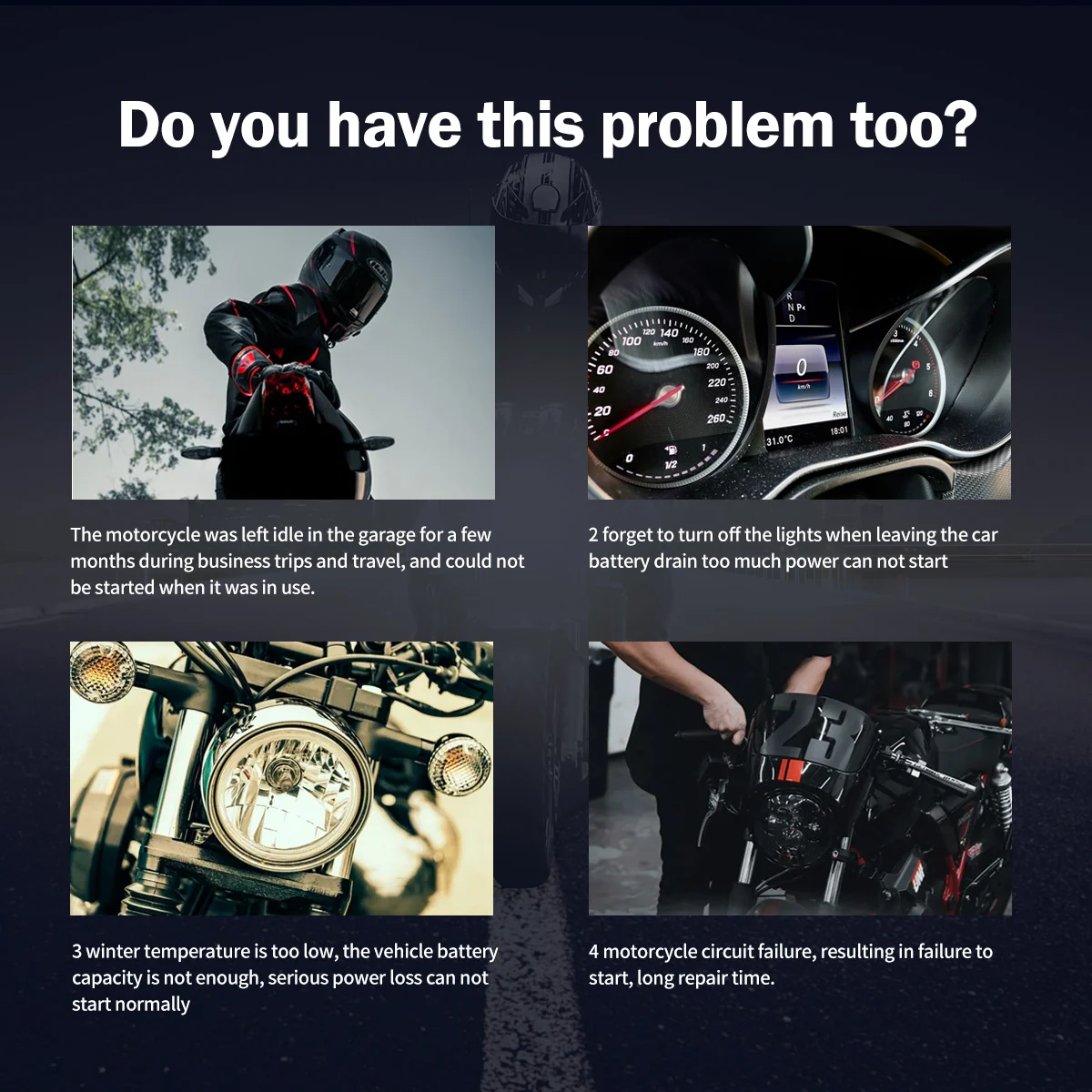
Archive visuals show motorcycle diagnostics, battery start test, visual recording, data review, and adjustment menus. The manufacturer download page offers a separate update package for the M300. The coverage of fault code, live data, special test, and maintenance functions depends on the motorcycle control unit.
The presence of an icon on the screen does not activate the same function on every brand and model.
Product details
Before starting the motorcycle, the resting voltage and connection status are examined; voltage drop during cranking and charging voltage while the engine is running are observed. The result is compared with the motorcycle manufacturer's values and battery type. Poor contact, low temperature, or long waiting periods can affect the result. If the M300 result is questionable, verification with a second measurement device should be performed.
Product details
The cables provided with the M300 main device may vary depending on the seller's package. The main test cable, OBD interface, brand adapters, battery power cable, and USB connection codes should be listed in the written list. Missing adapters cannot be compensated for by software; if the pin structure is different even though the physical socket fits, a connection should not be made.
Cable labels should be archived with the device.
Product details
Before the update, note the serial number, current software version, language, motorcycle packages, and saved reports. Only the official file published for M300 and the manufacturer's instructions should be used. Power or data connection should not be interrupted during the process. After the update, vehicle selection and system connection should be tested in a controlled manner on commonly used motorcycles.
Product details
The ANCEL MT200 offers a lighter, more portable structure, up-to-date product documentation, and a regularly maintained support flow. If a printer is not mandatory, the MT200 is a more feasible option for current purchases. This comparison does not diminish the M300's hardware; it incorporates the current sales conditions into the decision.
Product details
Thermal paper should be selected in the appropriate width, and the paper should be protected from dust and moisture. The cover should not be forced, and the print head should be cleaned using the correct method. The main cable port, adapter pins, and device body should be protected from impact and liquids. Devices not used for a long time should be stored after checking their charge status; version and date settings should be checked upon first use.
Product details
Test the screen's touch or button response, the printer's paper feed, USB and main cable ports, battery test connection, and all adapters. The device should establish system communication on a real motorcycle and produce sample output. Written confirmation of serial number matching the invoice, update access, and region/language status should be obtained from the seller.
Product details
During the first connection with the M300 Motorcycle Diagnostic Tool model, select the motorcycle's brand socket and the correct adapter. Before connecting the M300 Motorcycle Diagnostic Tool model, check the battery voltage, ignition position, and connector pins. Match the motorcycle model, adapter part number, and selected software record.
When the M300 Motorcycle Diagnostic Tool model communicates with the engine or related control unit, the identity and initial fault code are recorded. If the M300 Motorcycle Diagnostic Tool model cannot establish a connection, power, adapter, and software selection are examined separately.
Product details
After opening the engine control unit on the M300 Motorcycle Diagnostic Tool model, read registered and current fault codes together. Before clearing codes with the M300 Motorcycle Diagnostic Tool model, save the event information and related operating values.
Motorcycle identity, adapter used, and software version are included in the service record. The M300 Motorcycle Diagnostic Tool model fault code alone is not used as a basis for part replacement decisions. After repair, the M300 Motorcycle Diagnostic Tool model re-scans the same control unit and adds the returned codes to the report.
Product details
While monitoring live data with the M300 Motorcycle Diagnostic Tool model, the motorcycle is kept in a safe operating area. The M300 Motorcycle Diagnostic Tool model simultaneously records engine temperature, RPM, sensor values, and other data related to the complaint. Motorcycle and control unit identity are added to the connection record.
When the test condition changes, the M300 Motorcycle Diagnostic Tool model adds the time and operating status to the record. After repair, the M300 Motorcycle Diagnostic Tool model repeats the measurement under the same condition and compares the two data sets.
Product details
After the service operation is completed with the M300 Motorcycle Diagnostic Tool model, the motorcycle is reconnected. The M300 Motorcycle Diagnostic Tool model compares the fault codes and live data from the initial scan with the latest record. The adapter used, software version, and completed service function are added to the report.
The M300 Motorcycle Diagnostic Tool model performs necessary basic settings or maintenance resets according to the manufacturer's procedure. The M300 Motorcycle Diagnostic Tool model adds the result to the customer report along with a short function check and, if applicable, a road test note.
Product details
For the M300 Motorcycle Diagnostic Tool model, exact compatibility cannot be stated without selecting the motorcycle brand, model, year, ECU, and adapter together. The valid coverage for the M300 Motorcycle Diagnostic Tool is checked via the exact ECU identity and connection method in the protocol list of the delivered device.
When evaluating the M300 Motorcycle Diagnostic Tool, merely seeing the vehicle brand or model in the list does not prove that reading, writing, cloning, or any other operation is supported.
Before ordering, prepare the VIN or exact model information, model year, engine/chassis distinction, and the intended operation for the M300 Motorcycle Diagnostic Tool; also check the software version, license duration, VCI, adapter, and regional package.
Product details
Printer and paper consumables, motorcycle adapter package, model-year and ECU coverage, and update version determine motorcycle connection and software coverage. The device software, as well as the brand adapter, socket structure, pin layout, and battery voltage, also affect the result.
When performing workshop motorcycle intake scanning, fault code and live data, and battery system assessment with the M300 Motorcycle Diagnostic Tool model, the vehicle record in the software must match the physical motorcycle. Supported control units and model years are taken from the manufacturer's current list.
Brand, function, and adapter support are limited to the scope specified in the official product documentation.
Product details
The choice between the M300 Motorcycle Diagnostic Tool model and the JDiag M100 Pro Motorcycle Diagnostic Tool, JDiag M200 Motorcycle Diagnostic Tool, JDiag M200 Pro Motorcycle Diagnostic Tool, and JDiag M400 Pro Motorcycle Diagnostic Tool is made based on differences in supported functions, connectivity, and package contents.
Although JDiag models belong to the same motorcycle diagnostic family, portable handheld devices, workshop devices with printers, and Android tablet classes are distinct. The manufacturer offers M200 and M200PRO as separate models; name, device label, software, and package must be verified separately.
Otobiltek does not have stock for five JDiag models; the ANCEL MT200, which has current product and support flow, is the main purchasable alternative. Printer and paper consumables, motorcycle adapter package, model-year, and ECU coverage, along with the update version, are the primary selection criteria for the M300 Motorcycle Diagnostic Tool model.
The connection methods, protocol support, software scope, and additional modules of the devices compared with the M300 Motorcycle Diagnostic Tool model are not the same. The required vehicle and control unit support for fault codes and live data can be read from the manufacturer's current list published for the M300 Motorcycle Diagnostic Tool model.
A device that does not offer the required function or connectivity for fault codes and live data on the M300 Motorcycle Diagnostic Tool model is not suitable for this service task, even if it is more comprehensive in other areas.
Product details
Working with the M300 Motorcycle Diagnostic Tool model begins with writing the work order for the request of motorcycle intake scanning in the workshop with the vehicle or equipment ID. The technician prepares the printer and paper consumable condition and records the initial scan or connection test with the M300 Motorcycle Diagnostic Tool model.
Only the relevant system is opened on the M300 Motorcycle Diagnostic Tool model; if there is an active command or write operation, the vehicle voltage is monitored throughout the process. After the application is completed, the M400 Pro Motorcycle Diagnostic Tool model rescans the same system.
The update version, initial record, and the operation performed with the M300 Motorcycle Diagnostic Tool model are shown in the service report.
Product details
The M300 Motorcycle Diagnostic Tool model package may consist of a tablet or main unit, VCI or connection cable, power components, adapters, and carrying equipment; the exact scope is specified in the box contents with item names and quantities.
Printer and paper consumables, motorcycle adapter package, and model-year and ECU coverage are checked via the delivered set. Optional modules shown in the manufacturer's visuals are included in the standard package only if explicitly present in the M300 Motorcycle Diagnostic Tool box contents. The included software period and warranty period are distinct conditions.
When updating the M300 Motorcycle Diagnostic Tool software, the device serial number and the license offered for this model are used.
Related pages
Technical Resources
Technical information verified with official sources on October 13, 2026.
FAQ
Used to print supported codes or test results on thermal paper; the output alone is not the final diagnostic report.
No. Although the brand list is extensive, separate checks are required at the model, year, ECU, socket, and function levels.
Archive product images show battery and cranking/charging assessment menus; results should be interpreted with appropriate measurement conditions.
A separate package for the M300 is available on the JDiag official download page. The official instructions corresponding to the device version must be followed.
If a printer is not required and the current purchase/support flow is important, ANCEL MT200 is the safer current recommendation from Otobiltek.
The M300 Motorcycle Diagnostic Tool model is a professional-level diagnostic device used for motorcycle intake scanning in the workshop, fault code and live data, battery system assessment, and obtaining result outputs.
Printer and paper consumables, motorcycle adapter package, model-year and ECU coverage, and update version indicate the vehicle, connection, and package selection conditions for the M300 Motorcycle Diagnostic Tool.
An operation to be performed with the M300 Motorcycle Diagnostic Tool model is not considered a standard feature if it is not found in the manufacturer's current vehicle and function list.
No. The vehicle and operation scope on the M300 Motorcycle Diagnostic Tool model are determined by brand, model, year, control unit, and installed software package. The manufacturer's official vehicle and function list is used as the basis for the M300 Motorcycle Diagnostic Tool.
The list shows the M300 Motorcycle Diagnostic Tool functions on a vehicle and control unit basis.
When using the M300 Motorcycle Diagnostic Tool model for the first time, the main unit, brand adapters, cable set, and printer and paper consumables are checked. The motorcycle's socket is matched with the correct adapter, and the battery voltage is measured.
In the initial connection, fault codes or live data are read for motorcycle intake scanning in the workshop; the operation result is recorded.
Comparison
Compare products in the same class with information on usage level, service tasks, and price.
| Model | Level | Usage | Price | View |
|---|---|---|---|---|
| JDiag M300 Motorcycle Fault Diagnosis DeviceJDiag | Professional |
| ≈ $47623,500 TL charged · VAT included · import duties excluded | View |
| Ancel MT200Ancel | Service |
| ≈ $35417,500 TL charged · VAT included · import duties excluded | View |
| JDiag M100 Pro Motorcycle Fault Diagnosis DeviceJDiag | Getting started |
| ≈ $28113,900 TL charged · VAT included · import duties excluded | View |
| JDiag M200 Motorcycle Fault Diagnosis DeviceJDiag | Service |
| ≈ $38218,900 TL charged · VAT included · import duties excluded | View |
Similar products

The Ancel MT200 is a portable diagnostic device used for reading fault codes and monitoring live data for motorcycles, scooters, and ATVs, connecting via brand-specific adapters.
The JDiag M100 Pro is a portable fault diagnosis device with physical buttons, a 3.5-inch screen, and operates with motorcycle brand adapters.
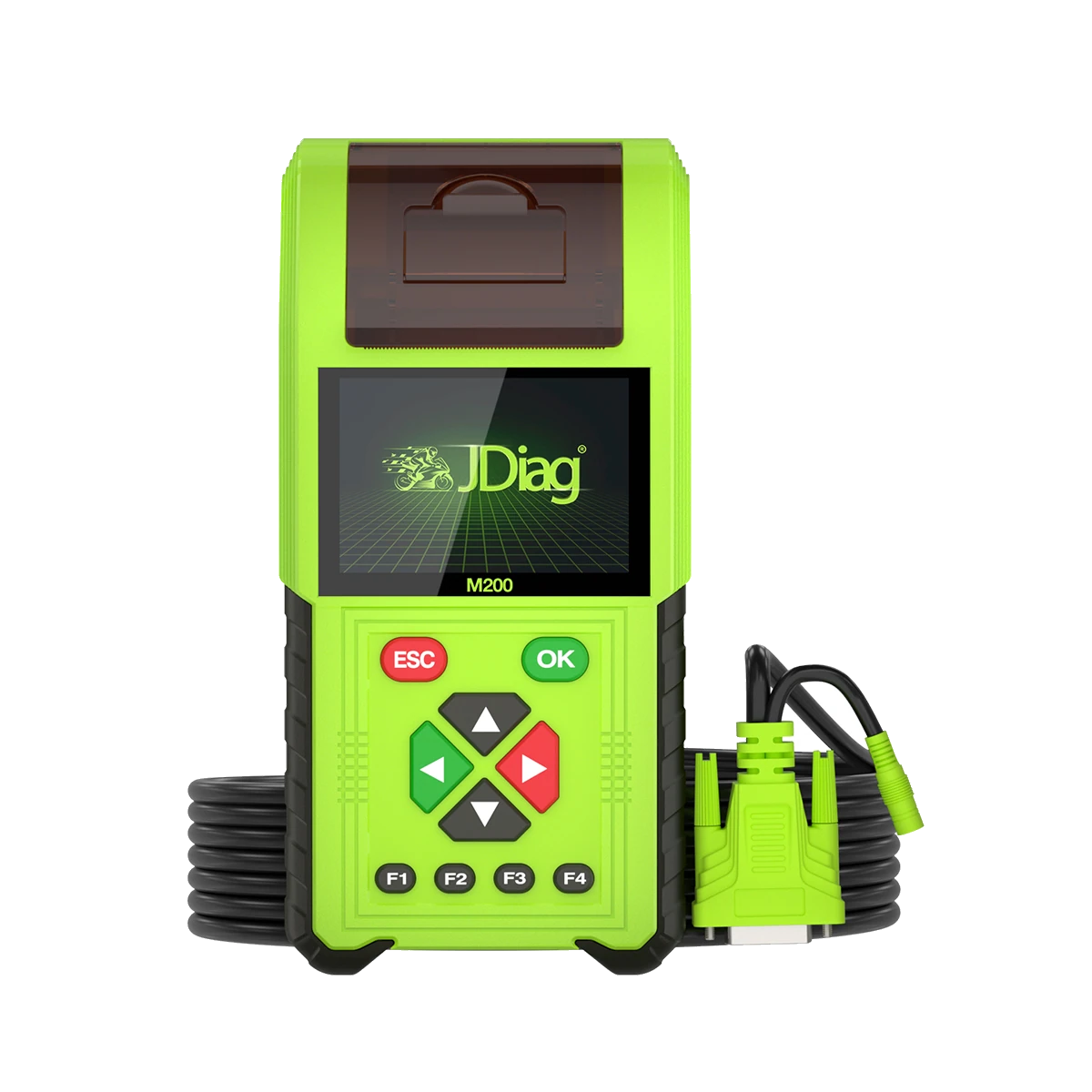
The JDiag M200 is a handheld service device that combines a 3.5-inch screen, Wi-Fi updates, motorcycle diagnostics, and battery testing capabilities.
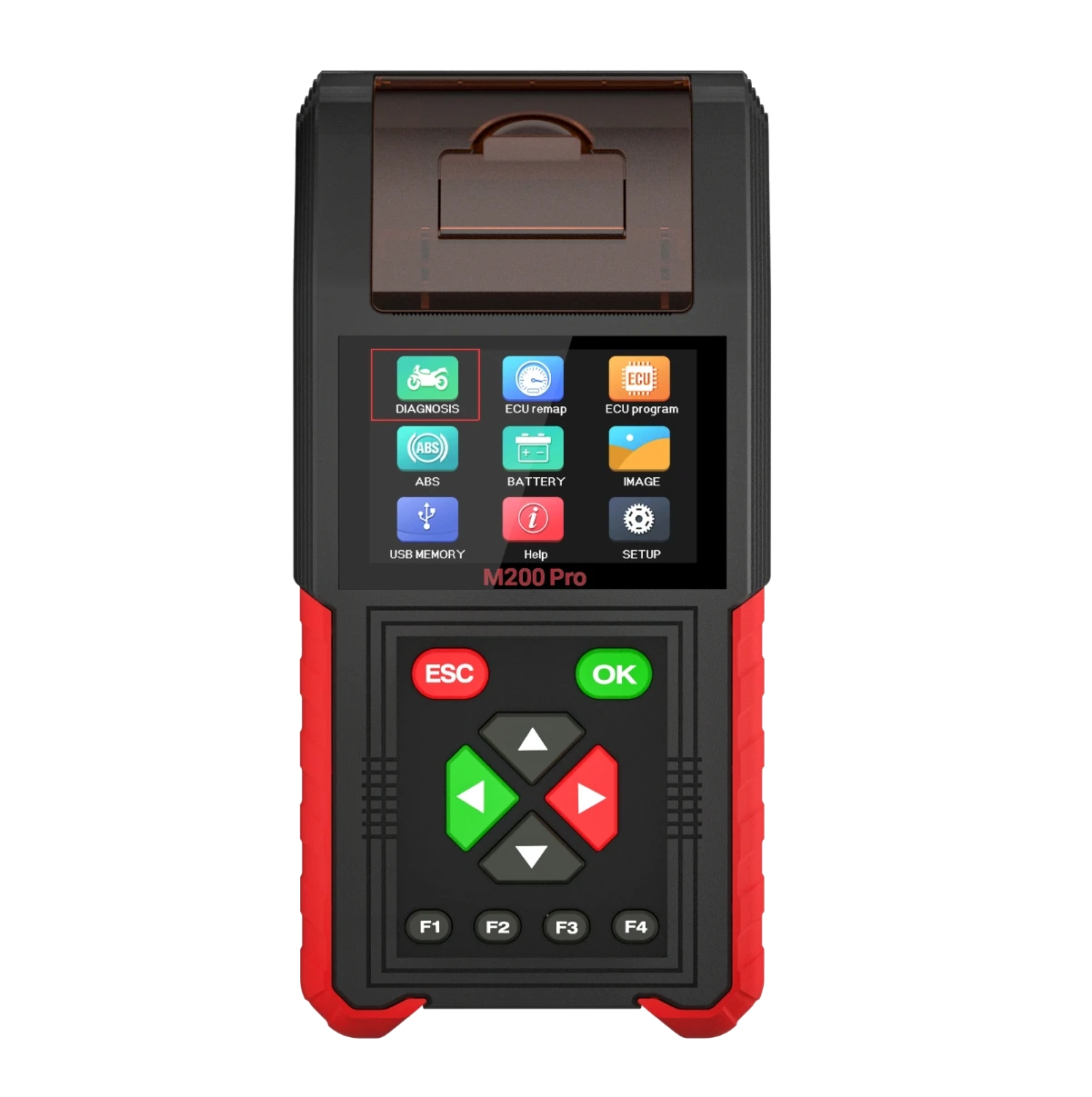
The JDiag M200 Pro is a handheld service device that separately records manufacturer data from the standard M200, featuring a remap menu limited to motorcycle diagnostics and verified Honda ECU numbers.