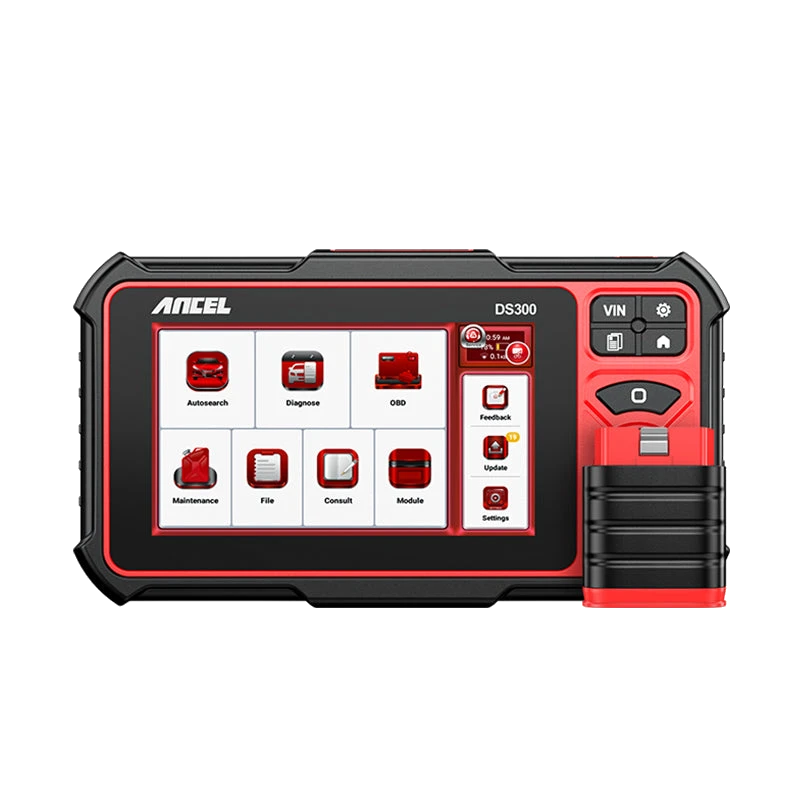
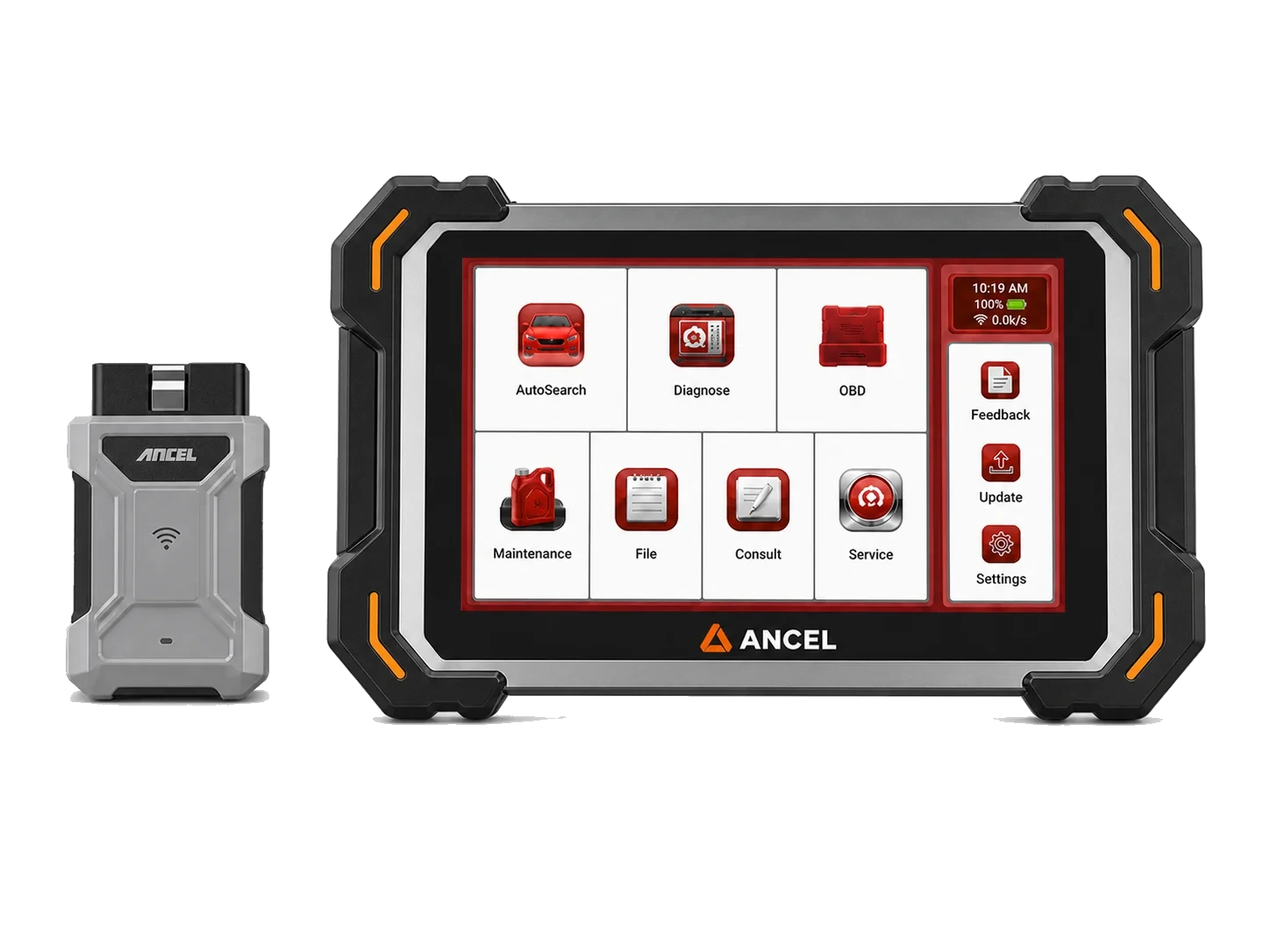
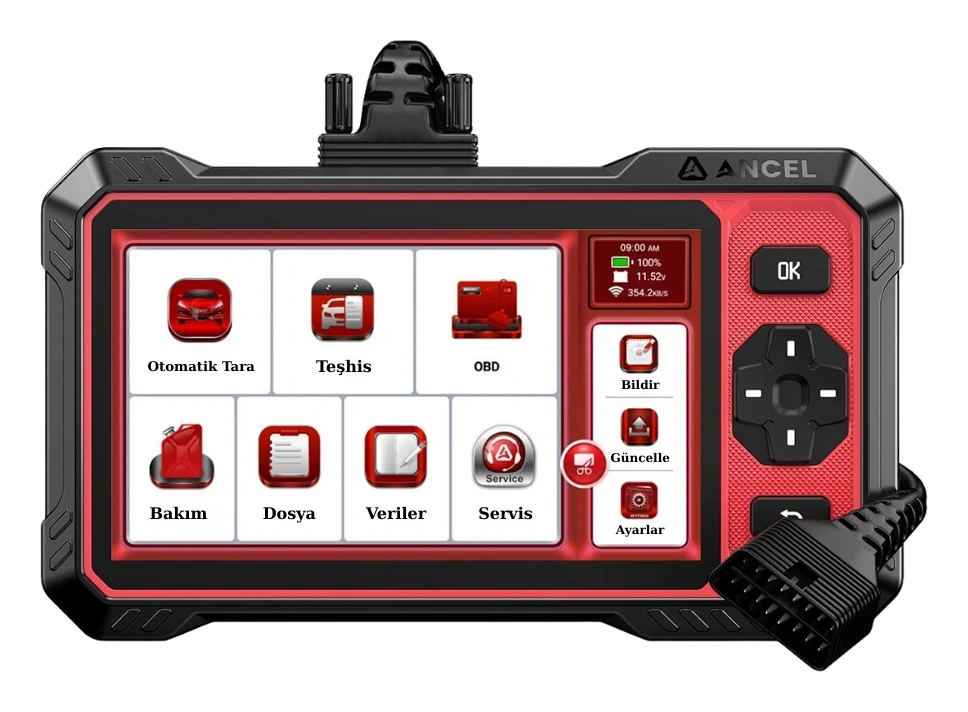
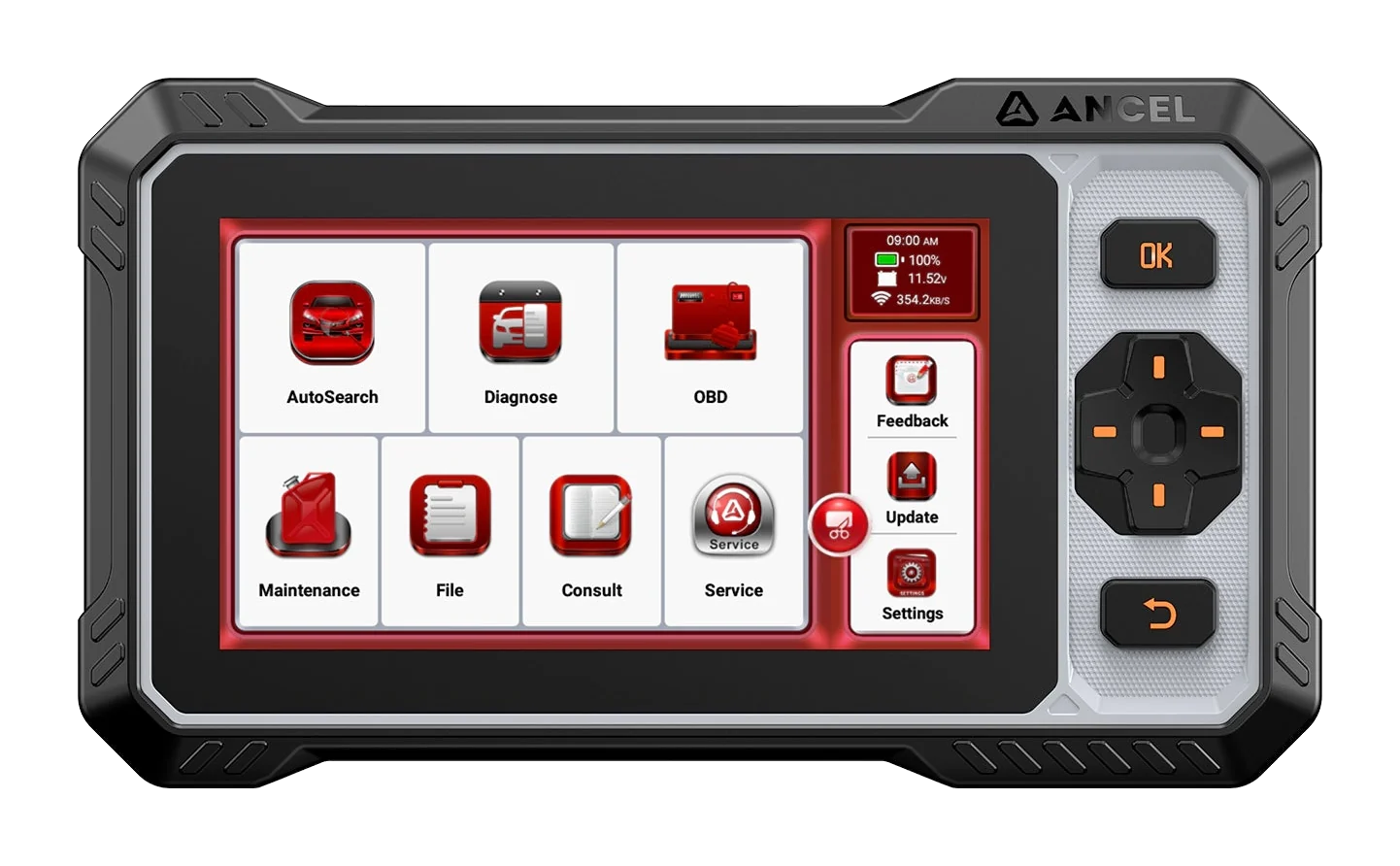
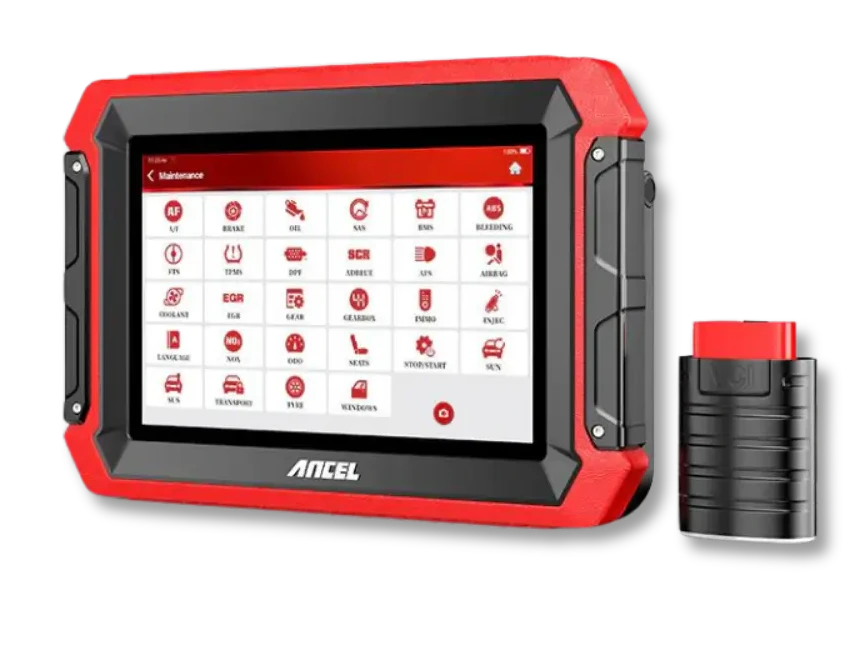
DS300 tablet and vehicle communication interfaceTablet screen and VCI connection unitService bench angled view for tabletop useLanguage menu and angled device viewRear body and folding support stand
Ancel · Automotive diagnostic tools
Ancel DS300 Automotive Diagnostic Tool
The Ancel DS300 is a tablet-type automotive diagnostic tool offering full system scan, live data, active tests on supported vehicles, and vehicle-dependent service functions. For new purchases, compare with the current DS500BT option.
Full system scan and live data
Bi-directional active test if supported by the vehicle
What is the Ancel DS300 Automotive Diagnostic Tool for?
The Ancel DS300 is an automotive diagnostic tool that combines multi-system fault scanning, live data, bi-directional active tests on supported vehicles, and service functions in a single tablet. The DS300 is still listed on global product pages, so it is not officially discontinued.
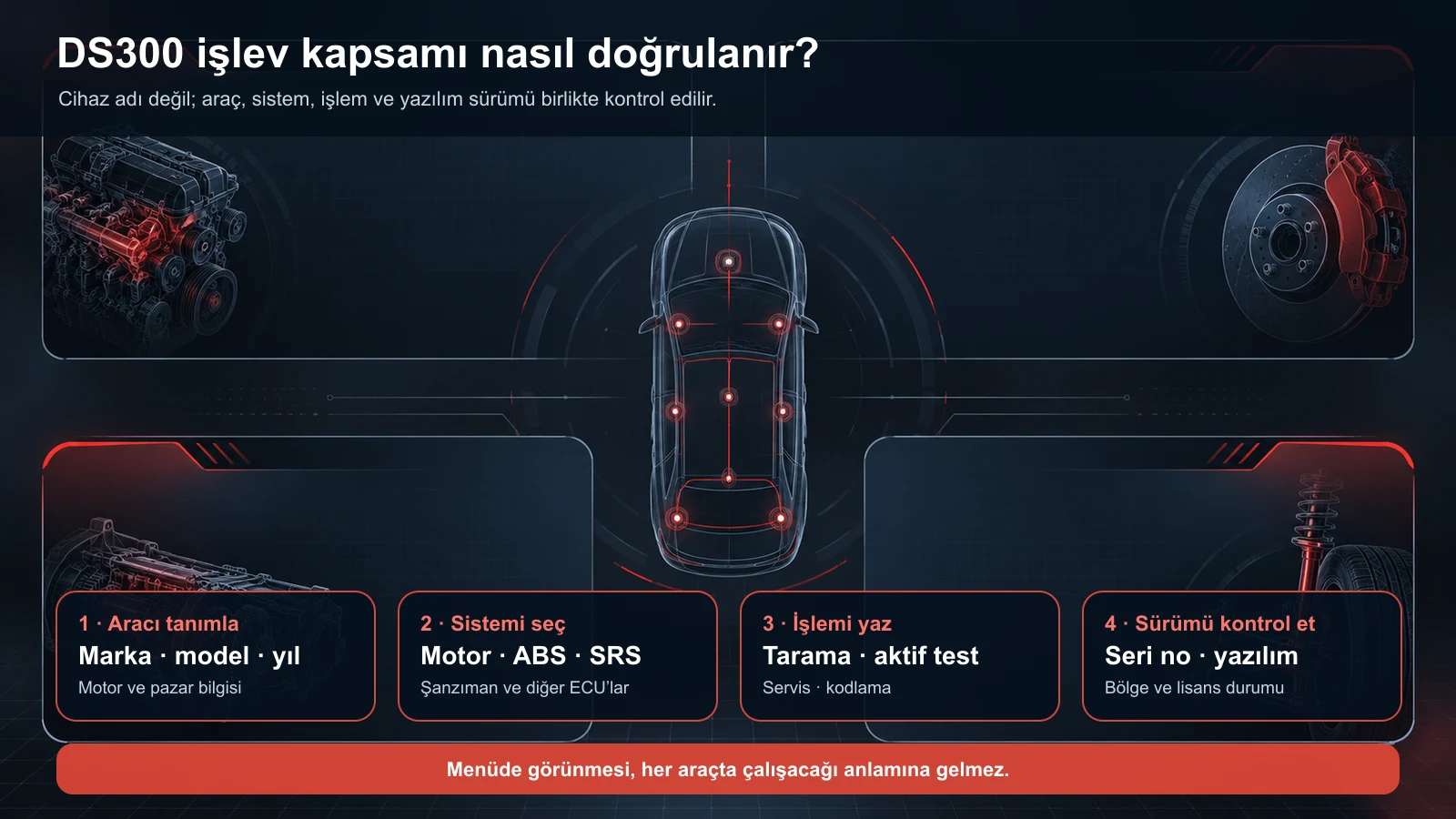
Every menu and function depends on the make, model, year, engine, control unit, region, serial number, and software version.
What would you buy this for?
Users who have verified the functions and update conditions of their existing DS300 device
Small workshops needing full system scanning, live data, and service functions
Technicians who pre-confirm the need for active tests and adaptations on supported vehicles
Those deciding between DS300 and DS500BT based on vehicle and task
Featured diagnostic features
Make-model-year and intended operation
Serial number and CAN-FD version
Update rights
Package contents
Vehicle Coverage
Which vehicles does the Ancel DS300 Automotive Diagnostic Tool support?
The make name alone does not guarantee compatibility. Within the same make, model year, engine, chassis, control unit, communication protocol, and intended operation can yield different support results.
Vehicle Group
Passenger cars and light commercial vehicles included in the product software
Supported makes
Multi-brand coverage; the current make list is obtained from the manufacturer's official vehicle or protocol database.
Supported models
Verified from the official coverage screen based on make, model, model year, engine or chassis, and control unit.
Scope of service
Code reading, live data, active test, service function, coding, and programming may be supported separately.
Connection conditions
Make-model-year and intended operation, Serial number and CAN-FD version, Update rights, Package contents
The make and model examples on the page do not guarantee all production years and all functions.
Before any definitive operation, the manufacturer's current coverage record must be verified with the VIN or full vehicle information.
What is the DS300 Automotive Diagnostic Tool model?
The Ancel DS300 is a multi-brand diagnostic tablet with its own screen and a wireless VCI interface.
Unlike a basic OBD2 code reader, it is not limited to just looking at the engine fault light: the device can scan control units such as engine, ABS, airbag, transmission, and body on supported vehicles; fault codes, live data, and control unit information can be displayed.
The official DS300 product page lists full system diagnostics, over 28 service function categories, bi-directional control, and coding/adaptation on supported vehicles. These statements do not mean that the same menus will open on all vehicles. The actual scope of the DS300 is understood by checking the vehicle identification and the selected function together.
Multi-brand full system scan
Read, clear fault codes, and live data
Active test on supported vehicles
Vehicle-dependent service functions and adaptations
Product details
What operations can be performed with the DS300?
Exact compatibility is not verified by the device name; it is verified by vehicle, control unit, function, and software version.
Operations that can be performed with the DS300 should be considered in three levels. The first level is scanning control units, reading fault records, monitoring live sensor data, and clearing codes with the appropriate procedure after repair.
The second level includes service function categories such as oil maintenance reset, electronic parking brake, battery registration, steering angle sensor, DPF, injector, throttle body, ABS bleeding, and similar.
The third level is active tests that command valves, relays, pumps, fans, or other actuators to operate, and coding and adaptation flows on supported vehicles. The 28+ statement on the official page refers to the number of service function categories; it should not be read as if each category is available on every vehicle.
The mere appearance of a menu on the screen does not prove that the target control unit will accept the command.
Scan: control unit, DTC, and live data
Service: supported maintenance and calibration functions
Active Test: bi-directional command to supported actuators
Coding/Adaptation: vehicle and control unit dependent operations
Product details
How to verify vehicle and function compatibility?
A reliable answer to the question "Is the Ancel DS300 compatible with my vehicle?" cannot be given by the brand name alone. The full make, model, year of manufacture, engine or chassis information, market region, system to be checked, and the function to be performed must be provided. For example, a request for "EGR adaptation on Volkswagen" cannot be finalized without knowing the model year, engine code, and ECU family.
The presence of an EGR heading in the menu does not mean that the same procedure is supported on every Volkswagen ECU. Vehicles using new security gateways may require an additional account or manufacturer authorization.
The serial number is also important: Ancel's current DS300 description states that CAN-FD support is available on specific versions with serial numbers starting with a letter; it is not available on purely numeric series before May 2025. The label and software version of the existing device should therefore be recorded.
Vehicle
Make · Full Model · YearIf possible, with engine code and market region
System
Target control unitEngine, ABS, SRS, transmission, or body system
Action
Expected FunctionScan, live data, active test, adaptation, or coding
Device
Serial No. · Version · AccountFor hardware batch and software rights
Product details
ECU coding, adaptation, and programming are not the same thing
The official description of the DS300 includes terms for online ECU coding and adaptation for supported vehicles; the same description also states that the device does not perform ECU programming and is not designed to load software onto a blank control unit.
Coding often configures existing options within a control unit; adaptation matches a component or learned value to the vehicle; programming is the process of writing software or a calibration file to the control unit. This distinction is particularly important for module replacement, key/immobilizer, and operations requiring an online manufacturer account.
The DS300 should not be presented as a programming device, and the intended operation must be verified on a per-vehicle basis.
Coding: configuring supported existing options
Adaptation: matching a part or learned value
Programming: writing software/calibration; not the primary use of the DS300
Security and manufacturer account requirements are also checked
Product details
DS300 hardware and package contents
The current official product page shows the DS300 package with a tablet, VCI, Type-C cable, protective bag, and user manual. The old supply page in the Otobiltek archive includes information about a 7-inch 1024 × 600 screen, Android 10, 2 GB RAM, 32 GB storage, and a 6300 mAh battery.
This page is a useful reference for a previously sold batch; it does not guarantee that every future batch will be shipped with the same hardware. The box contents, adapters, charging accessories, serial number, and device label should be checked on the actual package before delivery.
The actual product images on this page show the device from the front, back, and angled usage positions.
Screen
7-inch class1024 × 600 on the old supply page
Connection
Tablet + VCIWireless diagnostic workflow with the vehicle
Official package
Tablet, VCI, Type-C cableListed with protective bag and manual
Batch check
Label and serial numberChecked for hardware and CAN-FD difference
Product details
DS300 update: 3 years or lifetime?
Sources do not say the same thing on this matter. Supply material previously provided to Otobiltek stated 3 years of free updates for the DS300, while Ancel's current global product page uses the term lifetime free software updates. Source dates, product batch, sales region, or package rights may differ.
Therefore, the rights of an existing DS300 owner should be verified via the subscription screen and serial number in the device account. For a future batch, a promise of "3 years" or "lifetime" should not be made without seeing the product label and device account.
Accessing new vehicle and function updates by opening the installed software is not the same issue; the end date and scope information on the account screen should be taken as the basis.
Old supply material: 3 years free updates
Current global product page: claim of lifetime free updates
Correct answer: verification via serial number and device account
If a new batch arrives, the package rights should be re-recorded
Product details
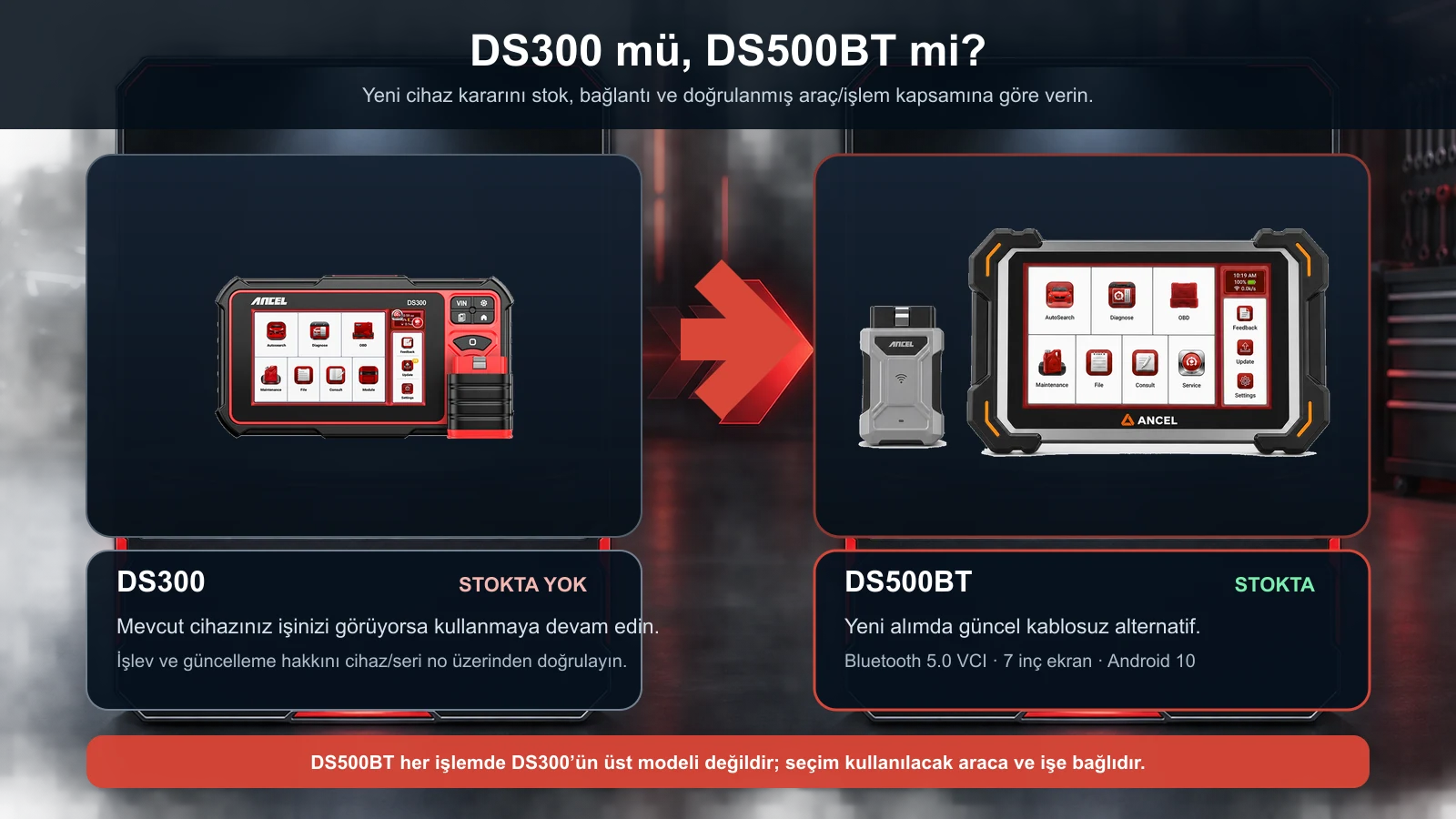
Ancel DS300 or DS500BT?
The DS500BT is the current alternative for new purchases; its functional scope must be verified separately based on the vehicle to be used and the operation to be performed.
For a user purchasing a new device, the current wireless alternative at Otobiltek is the DS500BT. The DS300 and DS500BT are separate products; each is maintained on its own product page, and the DS300 page does not redirect to the DS500BT.
The official technical page for the DS500BT lists a 7-inch 1024 × 600 screen, Android 10, 2 GB memory, 32 GB storage, Bluetooth 5.0, dual-band Wi-Fi, a 3150 mAh battery, Turkish language, and CAN-FD protocol.
In contrast, the current global page for the DS300 explains the 28+ service functions, active test, and vehicle-dependent coding/adaptation details more clearly. Therefore, the DS500BT is not described as "definitively a higher model in all functions."
If a new purchase, wireless VCI, and an online sales-ready model are prioritized, the DS500BT is logical; if your existing DS300 performs the required vehicles and functions, there is no need to abandon the device simply because the model name has changed.
DS300
Existing user and technical reference28+ service categories and active test are described on the official page
DS500BT
Current wireless option for new purchasesBluetooth 5.0 VCI and CAN-FD are listed on the official technical sheet
Common rule
Verification on a vehicle and function basisModel name alone is not a scope guarantee
Product details
What should an existing DS300 owner do?
If the device connects without issues and performs the required functions in the service, protect your existing investment first. Save images of the serial number, system information, software version, account email, and update screen. Before updating, ensure the device is sufficiently charged, use reliable Wi-Fi, and do not turn off the device until the process is complete.
When vehicle connection is not established, check VCI pairing, ignition position, battery voltage, diagnostic socket power, and correct vehicle selection. If a specific function is missing, inquire about the software scope for the same vehicle and function before changing the device.
When re-testing the same vehicle, save the vehicle identification, selected control unit, software version, and error message received together in the service record. This way, you can distinguish between a connection problem and a genuine omission in the device's scope, avoiding unnecessary device replacement.
Switching to the DS500BT may be appropriate if there is a new vehicle protocol, a preference for wireless connection, physical wear and tear, or a need for a verified function.
Record serial number, version, and account information
Check VCI, socket power, and ignition status
Verify missing function on a vehicle/ECU basis
Link the decision to switch to model year and actual workflow
Product details
Which model should be selected for a new purchase?
For a new purchase, the first question should not be "which model is newer?" but "in which vehicles will I perform which operations, and how many times per week?". If engine, ABS, airbag, and transmission scanning, along with general service functions, are priorities, examine the verified scope and current order status of the DS500BT.
For an individual user who only wants to read engine fault codes, a service tablet may be unnecessary; a simpler OBD2 reader might suffice. Writing down the list of vehicles to be used and the three most critical functions before purchasing provides a safer choice than marketing headlines.
New wireless device: explore the DS500BT
Basic engine OBD2 only: consider simpler devices
Definitive decision: vehicles to be used + critical functions + package rights
Related pages
Related content for Ancel DS300 Auto Diagnostic Device
Frequently asked questions about the Ancel DS300 Auto Diagnostic Device
What is the Ancel DS300?
The Ancel DS300 is a tablet-type automotive diagnostic tool offering multi-system scanning, fault codes, live data, service functions, and active tests with coding/adaptation on supported vehicles.
Is the Ancel DS300 currently available for purchase?
The DS300 cannot currently be added to the cart. The product page remains open for existing users and technical researchers; for new device purchases, the DS500BT can be considered.
Is the DS500BT better than the DS300 in every aspect?
No. The DS500BT is the current wireless purchase option; however, the vehicle and function coverage for both devices depends on software support. The definitive choice should be made based on the vehicles to be used and the tasks to be performed.
Does the Ancel DS300 have active tests?
The official DS300 product page lists bi-directional active tests. Which actuators can be operated varies by make, model, year, and control unit; it must be verified on a per-vehicle basis before purchase or service decisions.
Does the Ancel DS300 perform ECU programming?
The official description mentions coding and adaptation on supported vehicles but states it does not support ECU programming in the sense of loading software onto a blank control unit.
Do the 28 service functions on the DS300 work on every vehicle?
No. The "28+" expression refers to service function categories. The available functions vary depending on the vehicle's ECU, model year, software version, and region.
Does the DS300 support CAN-FD?
According to the current official DS300 description, CAN-FD support is available on specific versions with serial numbers starting with a letter; devices with only numeric serial numbers before May 2025 do not support it. The device label should be checked.
Are DS300 updates free for 3 years or lifetime?
Sources conflict: older supply material states 3 years, while the current global product page indicates lifetime free updates. Entitlement must be verified via the device account and serial number.
Is the DS300 compatible with my vehicle?
For definitive verification, the make, full model, manufacturing year, engine or chassis information, relevant system, and the intended operation are required. Make name or OBD2 socket compatibility alone does not prove compatibility.
Comparison
Similar models to the Ancel DS300 Auto Diagnostic Device
Compare products in the same class with information on usage level, service tasks, and price.
Ancel DS410 Lite is a wired service device with full system diagnostics, active testing, and CAN FD support. The device includes lifetime free updates.
The Ancel FX6100 is a wired service tool offering full system diagnostics, active tests, CAN FD, and over 15 maintenance functions. It includes lifetime free software updates.