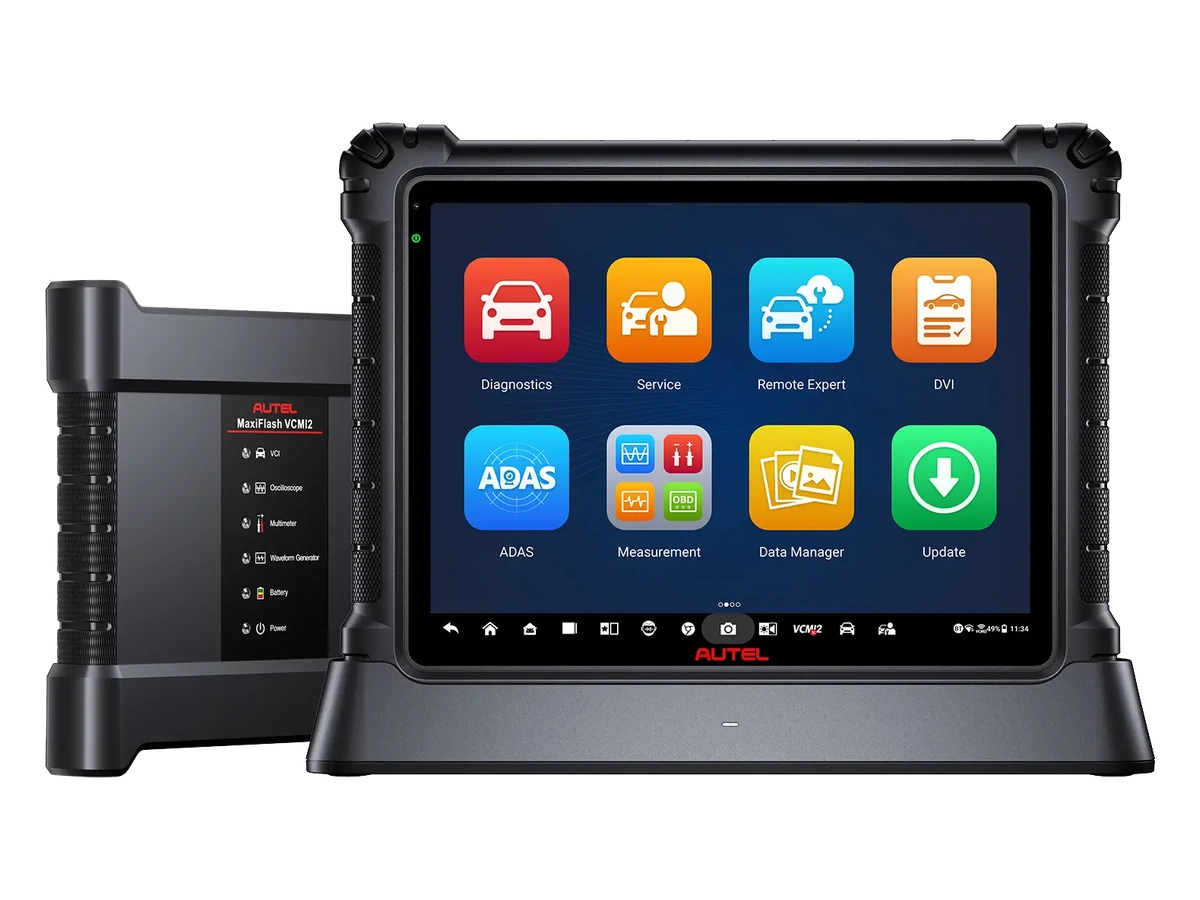
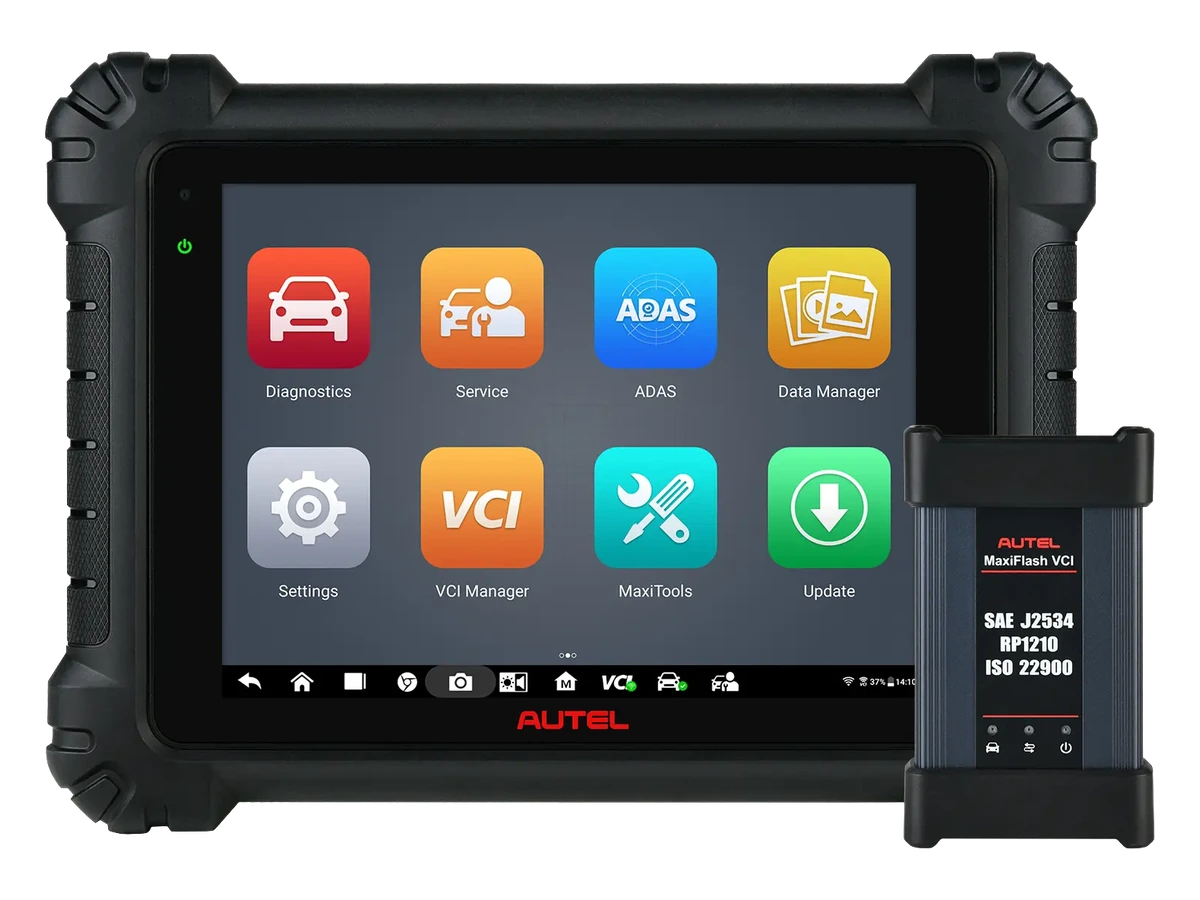
Autel MaxiSys Ultra S2 is selected for intensive professional workshops with its 13.7-inch anti-glare screen Android 13 tablet, VCMI2 measurement/communication interface, and Topology 3.0 network analysis to consolidate fault detection, live data, service functions, and measurement tasks at a single station.
What would you buy this for?
Professional workshops scanning multiple brands and systems within the same day
Technicians regularly using live data, active tests, coding/adaptations, and service functions
Workshops including oscilloscope, multimeter, J2534, and CAN-Bus tests in their device selection
Businesses seeking more current tablet hardware, a larger screen, and VCMI2 in the Ultra family
Featured diagnostic features
Package scope
Vehicle Group
License and update
Vehicle Coverage
What vehicles does Autel MaxiSys Ultra S2 support?
The make name alone does not guarantee compatibility. Within the same make, model year, engine, chassis, control unit, communication protocol, and intended operation can yield different support results.
Vehicle Group
Passenger cars and light commercial vehicles included in the product software
Supported makes
Multi-brand coverage; the current make list is obtained from the manufacturer's official vehicle or protocol database.
Supported models
Verified from the official coverage screen based on make, model, model year, engine or chassis, and control unit.
Scope of service
Code reading, live data, active test, service function, coding, and programming may be supported separately.
Connection conditions
Package scope, Vehicle group, License and update
The make and model examples on the page do not guarantee all production years and all functions.
Before any definitive operation, the manufacturer's current coverage record must be verified with the VIN or full vehicle information.
The Ultra S2 transitions from the classic Ultra line to more current tablet hardware. The screen area, processor, memory, storage, and Wi-Fi 6 provide a difference during long live data sessions, report preparation, and working with multiple diagnostic screens simultaneously.
Operating System
Android 13
Processor
QCS6490 2.7G 8-core
Memory / Storage
12 GB RAM / 512 GB storage
Screen
13.7-inch anti-glare, 2176 x 1600
Battery
18000 mAh
Camera
16 MP front / 16 MP rear
Connection
Dual Wi-Fi 6, Bluetooth, DC fast charging
Product details
VCMI2 measurement and communication interface
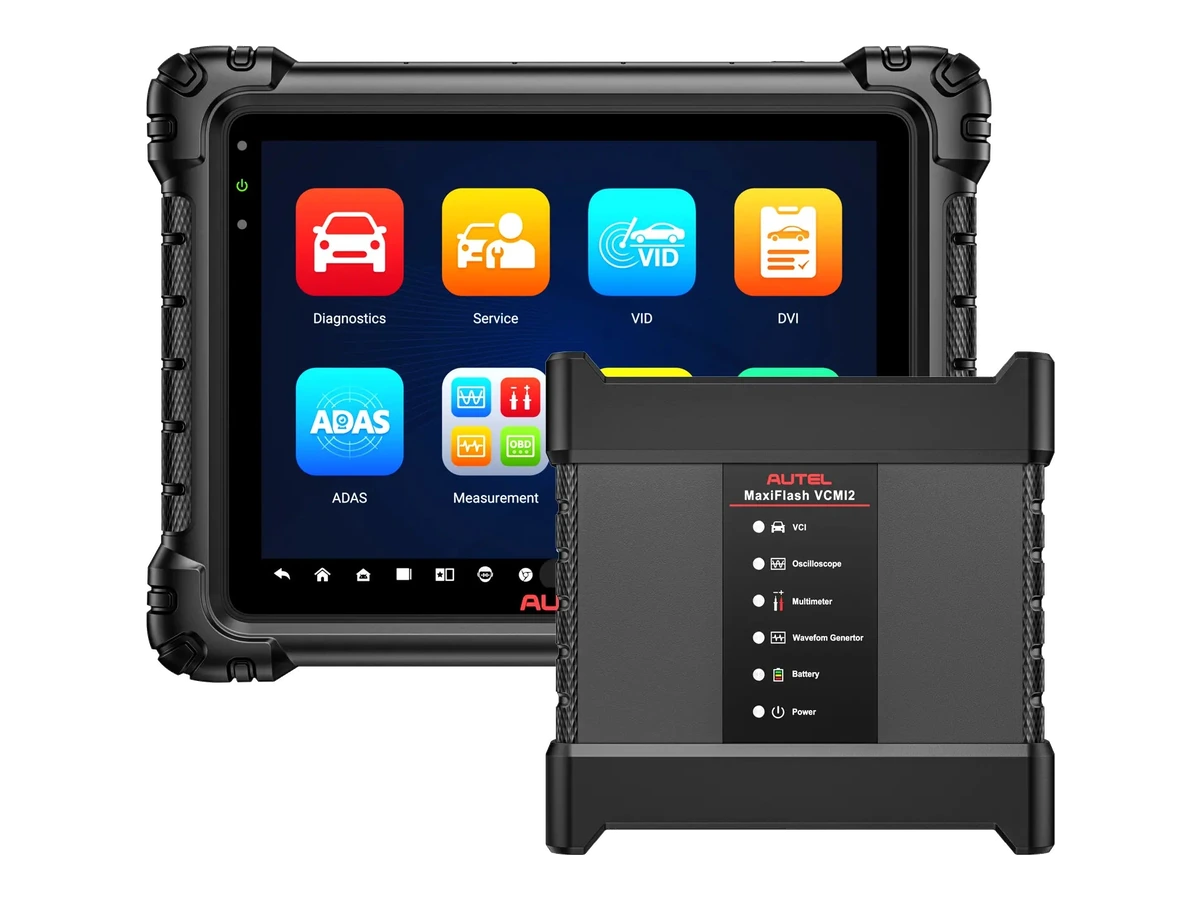
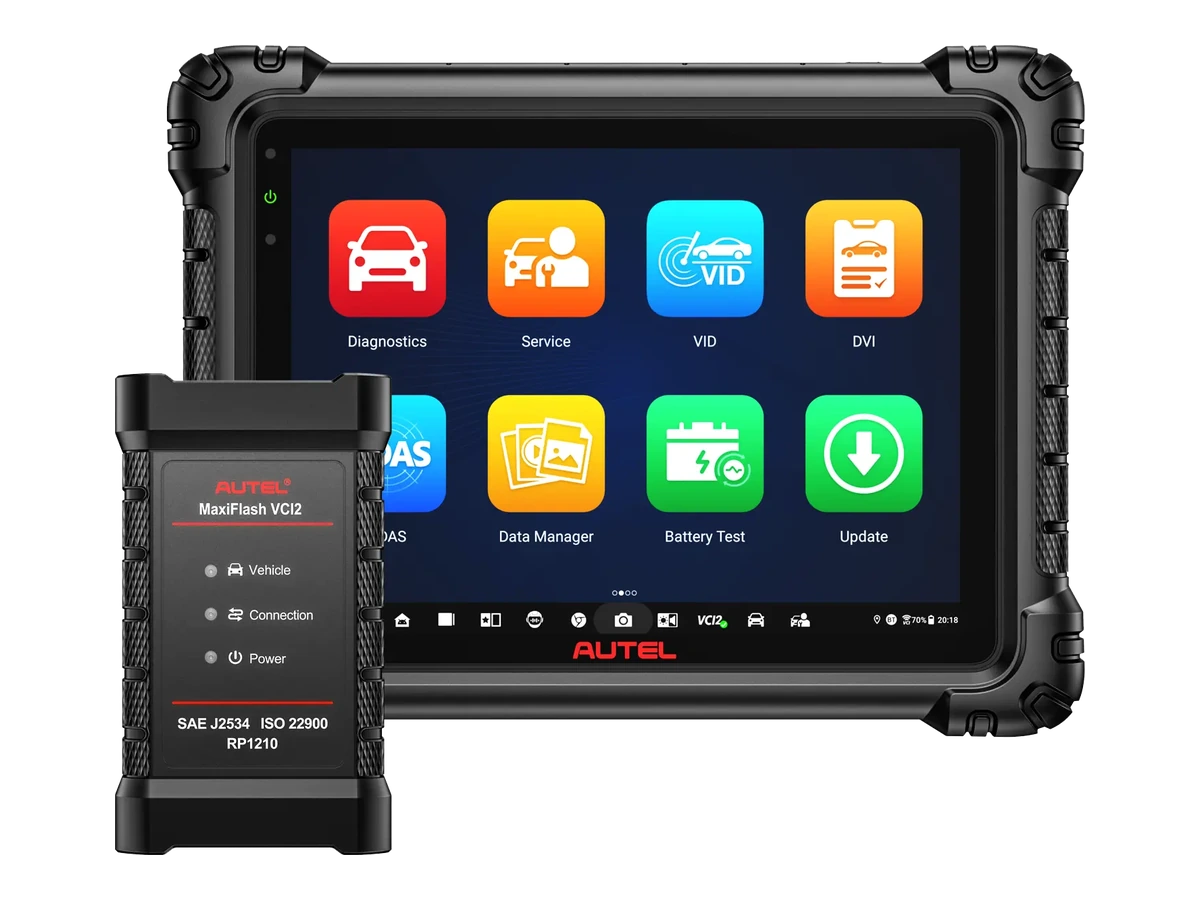
The VCMI2 interface of the Ultra S2 should not be considered merely a VCI that communicates with the vehicle. For users who want to consolidate communication, measurement, and signal analysis needs in the same device set in the workshop, VCI/J2534, oscilloscope, multimeter, and CAN-Bus test probes come in the same set.
J2534 pass-thru programming interface
4-channel oscilloscope and multimeter
Waveform generator and CAN-Bus tester
Independent use support for Remote Expert workflow
Product details
Topology 3.0 and vehicle network analysis
Topology 3.0 displays the network structure and module positions of control units in modern vehicles on the same screen, rather than just listing them. Module status, network integrity, and communication quality are analyzed faster on the same screen; coverage varies by vehicle and control unit.
Scan based on ECU network and module position
Quick prioritization with color-coded module status
ECU ping, signal quality, and network integrity check
Using screens such as Topology, DTC, live data, and component location simultaneously
Product details
Live data, PID analysis, and recording comparison
The Ultra S2 uses live data not just as an instantaneous value table, but as the center of the fault-finding process. Multiple PIDs can be grouped simultaneously, value changes between systems can be compared, and pre/post-repair records can be saved to support service decisions.
Examine multiple PID selections and related parameters on the same screen
Record and compare live data values from different systems
Monitor minimum, maximum, and average values in selected PID recordings
Switch from live data screen to oscilloscope examination
Product details
How to read 48+ service functions?
The Ultra S2 service menu provides direct access to frequently used maintenance tasks such as oil maintenance reset, EPB, SAS, DPF, battery registration, throttle body, ABS bleeding, injector coding, and power balance.
This list does not mean the same menu will open on every vehicle; actual coverage is determined by brand, model, year, ECU, and software license.
Quick access to frequently used reset and adaptation menus in intensive workshops
Use active test, special functions, coding, and adaptation on the same tablet
Check access conditions for vehicles with SGW according to the license and vehicle manufacturer's procedure
Product details
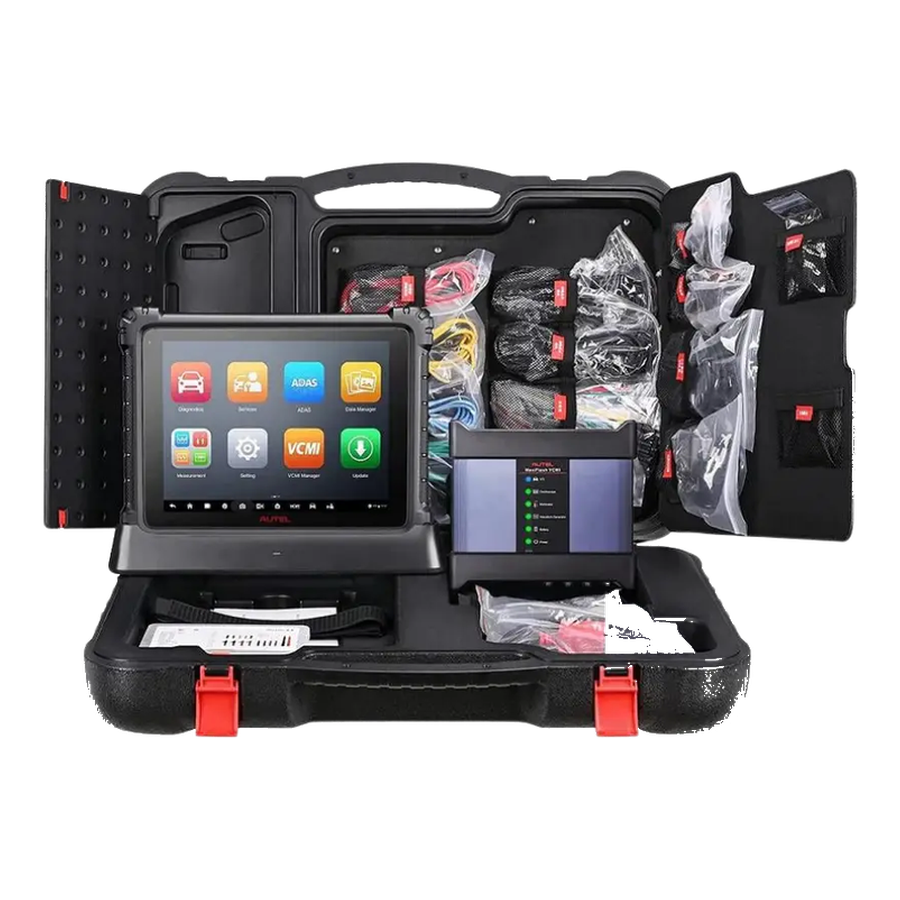
Package and accessory check
For devices in this price range, to accurately assess the price, the VCMI2, dock, main cable, measurement probes, oscilloscope tips, adapters, carrying case, and optional EV/TPMS/ADAS equipment that come with the tablet are checked separately. Missing accessories can make a lower price expensive in actual use.
Tablet, VCMI2, dock, and main cable contents
Oscilloscope, multimeter, back-probe, and clip accessories
Separate package check if EV, TPMS, ADAS, or battery test equipment is required
Product details
What models is the Ultra S2 compared with?
The Ultra S2 is compared with the MaxiSys Ultra, MS919S2, and MS909S2 in terms of screen, tablet hardware, and VCMI2 functions. For a lower budget, the MS909S2 or MS908S3; for EV tasks, the Ultra S2 EV or MS909 EV; for heavy-duty vehicles, the MS909CV and MS908CV II are considered.
Product details
Initial system scan during vehicle acceptance with the MaxiSys Ultra S2 model
During the initial system scan at vehicle acceptance with the MaxiSys Ultra S2 model, the vehicle ID is verified and supported control units are scanned. The MaxiSys Ultra S2 saves communicating systems, fault codes, and accessible event information together in the initial report.
The VCI model, software version, and vehicle ID used with the MaxiSys Ultra S2 are added to the vehicle acceptance record. Codes are not cleared before the MaxiSys Ultra S2 initial report is obtained; a single fault record does not directly lead to a parts replacement decision.
The MaxiSys Ultra S2 acceptance scan is added to the service form, specifying the customer complaint and systems to be followed.
Verify vehicle identity
Save the initial system scan
Check package contents information
Re-scan after service operation
Product details
Live data recording under fault conditions with the MaxiSys Ultra S2 model
Live data recording under fault conditions with the MaxiSys Ultra S2 model is initiated by defining a safe operating condition where the customer complaint occurs. Only data channels related to the fault are selected on the MaxiSys Ultra S2 screen; unnecessary PIDs are excluded from the recording.
The MaxiSys Ultra S2 model saves live data with measurement units; operating conditions such as vehicle ID, test time, engine speed, load, and temperature are added to the record. The technician interprets sudden changes on the MaxiSys Ultra S2 along with the fault code and event log; a single value does not directly lead to a parts replacement decision.
After repair, a second data recording is taken under the same conditions with the MaxiSys Ultra S2, and the two results are compared side-by-side.
Define test conditions
Select relevant PIDs
Record data with units
Compare under the same conditions after repair
Product details
Reviewing fault codes and event logs together with the MaxiSys Ultra S2 model
When reviewing fault codes and event logs together with the MaxiSys Ultra S2 model, the recorded and current fault codes of the relevant control unit are read first. The MaxiSys Ultra S2 saves accessible event data such as speed, temperature, voltage, or mileage at the time of the fault in the same report as the code.
Vehicle ID, control unit, and software version are added to the MaxiSys Ultra S2 service form. The technician compares the MaxiSys Ultra S2 data with the customer complaint and physical test results; the event log alone does not identify the faulty part.
After the MaxiSys Ultra S2 review is completed, whether the code is cleared and the next control step are written to the report.
Verify vehicle identity
Save the initial system scan
Check package contents information
Re-scan after service operation
Product details
Re-checking fault codes after repair with the MaxiSys Ultra S2 model
To re-check fault codes after repair with the MaxiSys Ultra S2 model, the vehicle and control unit from the initial service report are reopened. The MaxiSys Ultra S2 displays the codes found before the repair and related live data measurements as a reference.
In the second recording taken with the MaxiSys Ultra S2, the vehicle ID, software version, and test conditions are compared with the initial recording. After bringing the vehicle to a similar operating state, the MaxiSys Ultra S2 rescans the same systems.
The MaxiSys Ultra S2 final report explains the cleared, returned, and ongoing fault records along with the performed repair.
Verify vehicle identity
Save the initial system scan
Check package contents information
Re-scan after service operation
Product details
How to verify vehicle coverage for the MaxiSys Ultra S2 EV model?
Definitive compatibility cannot be stated without selecting the vehicle brand, model, year, engine, control unit, and the intended service together for the MaxiSys Ultra S2 EV model. The Autel official coverage tool shows which system, service function, or protocol is enabled for the selected vehicle and control unit for the MaxiSys Ultra S2 EV.
The appearance of the brand line does not prove that active test, coding, programming, TPMS relearn, or gateway access is also enabled on the MaxiSys Ultra S2 EV.
Before ordering, prepare the VIN or full model information, model year, engine/chassis split, and the intended service for the MaxiSys Ultra S2; also check the software version, license duration, VCI, adapter, and regional package.
MaxiSys Ultra S2 EV model: prepare brand, model, model year, and engine/chassis information
MaxiSys Ultra S2 EV model: select desired system and service separately; read, live data, active test, coding, or programming
MaxiSys Ultra S2 EV model: verify ECU and function line on the official coverage tool
MaxiSys Ultra S2 EV model: check VCI, cable, adapter, license, and regional package status
MaxiSys Ultra S2 EV model: perform final check with VIN and manufacturer procedure before definitive service
Product details
How to use the MaxiSys Ultra S2 EV model in the workshop?
Working with the MaxiSys Ultra S2 EV model begins by entering the intensive service request with the vehicle or equipment ID into the work order. The technician prepares the package scope status and records the initial scan or connection test with the MaxiSys Ultra S2 EV model.
On the MaxiSys Ultra S2 EV model, only the relevant system is accessed; if there is an active command or write operation, the vehicle voltage is monitored throughout the service. After the application is completed, the MaxiSys Ultra S2 EV model rescans the same system.
License and update, initial record, and the service performed with the MaxiSys Ultra S2 EV model are shown in the service report.
Record initial status for intensive service
Prepare the package scope status
Apply intensive service according to manufacturer procedure
Re-check the result after service with the MaxiSys Ultra S2 EV model
Product details
MaxiSys Ultra S2 EV model package, software, and update structure
The MaxiSys Ultra S2 EV model package may consist of the tablet or main unit, VCI or connection cable, power components, adapters, and carrying equipment; the exact scope is specified with names and quantities in the box contents. Package scope, vehicle group, license, and update are checked against the delivered set.
Optional modules in the manufacturer's visual are included in the standard package only if explicitly present in the MaxiSys Ultra S2 EV box contents. The included software period and warranty period are separate conditions. When renewing the MaxiSys Ultra S2 EV software, the license offered for this model is used with the device serial number.
MaxiSys Ultra S2 EV model main product
Package scope
Cable, adapter, and power components
Included software or application information
Separate display of warranty and update periods
SGW Package
FCA/Stellantis SGW license for Autel MaxiSys Ultra S2 EV
For authorized operations such as clearing codes, active tests, service operations, and adaptations in supported vehicles with FCA/Stellantis security gateways, SGW access may be required. This package is added to the cart separately as a digital license.
Autel FCA/Stellantis SGW Unlock 1 year
1 year of SGW access is processed as digital activation. Device serial number and account information are required for activation.
Frequently asked questions about Autel MaxiSys Ultra S2 EV
What is the main difference between Ultra S2 and MaxiSys Ultra?
The Ultra S2 is distinguished by its more current tablet hardware, 13.7-inch anti-glare screen, Android 13, 12 GB RAM, 512 GB storage, Wi-Fi 6, and VCMI2 interface.
Does the Ultra S2 enable 48+ service functions on every vehicle?
No. The scope of service functions varies by vehicle brand, model, year, control unit, software package, and license status.
What is the VCMI2 used for?
The VCMI2 combines VCI/J2534 communication, a 4-channel oscilloscope, multimeter, waveform generator, and CAN-Bus test probes in a single interface.
Is the Ultra S2 EV or heavy-duty vehicle sufficient on its own?
For EV, battery, and heavy-duty vehicle tasks, the package, accessories, vehicle class, and license scope must be checked separately.
What specific tasks is the MaxiSys Ultra S2 model used for?
The MaxiSys Ultra S2 EV model is a professional-level diagnostic device used for intensive service, large screens, and VCMI connectivity. The package contents, vehicle group, license, and update indicate the vehicle, connection, and package selection conditions for the MaxiSys Ultra S2 EV.
If the service to be performed with the MaxiSys Ultra S2 EV model is not found in the manufacturer's current vehicle and function list, it is not considered a standard feature.
Does the MaxiSys Ultra S2 model offer the same functions on every vehicle?
No. The vehicle and service coverage on the MaxiSys Ultra S2 model is determined by brand, model, year, control unit, and installed software package. The manufacturer's official vehicle and function list is used for the MaxiSys Ultra S2. The list shows the MaxiSys Ultra S2 functions on a vehicle and control unit basis.
What steps are followed for the first use of the MaxiSys Ultra S2 model?
For the first use of the MaxiSys Ultra S2 model, the model label, tablet charge, VCI or OBD cable, account, and software version are recorded. After checking the package contents, a connection is established with the vehicle. Instead of an initial write command, a read and scan operation for intensive service is completed; the obtained report is saved.
Does the MaxiSys Ultra S2 model require updates or a license?
The MaxiSys Ultra S2 EV model is a software-driven product; the included update period and renewal condition are shown for the purchased package. Promotions offered for the MaxiSys Ultra S2 EV in another country do not automatically apply to the Turkish sales package.
The device account, serial number, and current MaxiSys Ultra S2 version are recorded upon delivery.
Comparison
Similar models to Autel MaxiSys Ultra S2 EV
Compare products in the same class with information on usage level, service tasks, and price.
The Autel MS909 is a diagnostic tablet used in professional service centers, featuring MaxiFlash VCI/J2534 connectivity, topology mapping, and active tests.