Product information
What is THINKCAR THINKTPMS T100 used for?
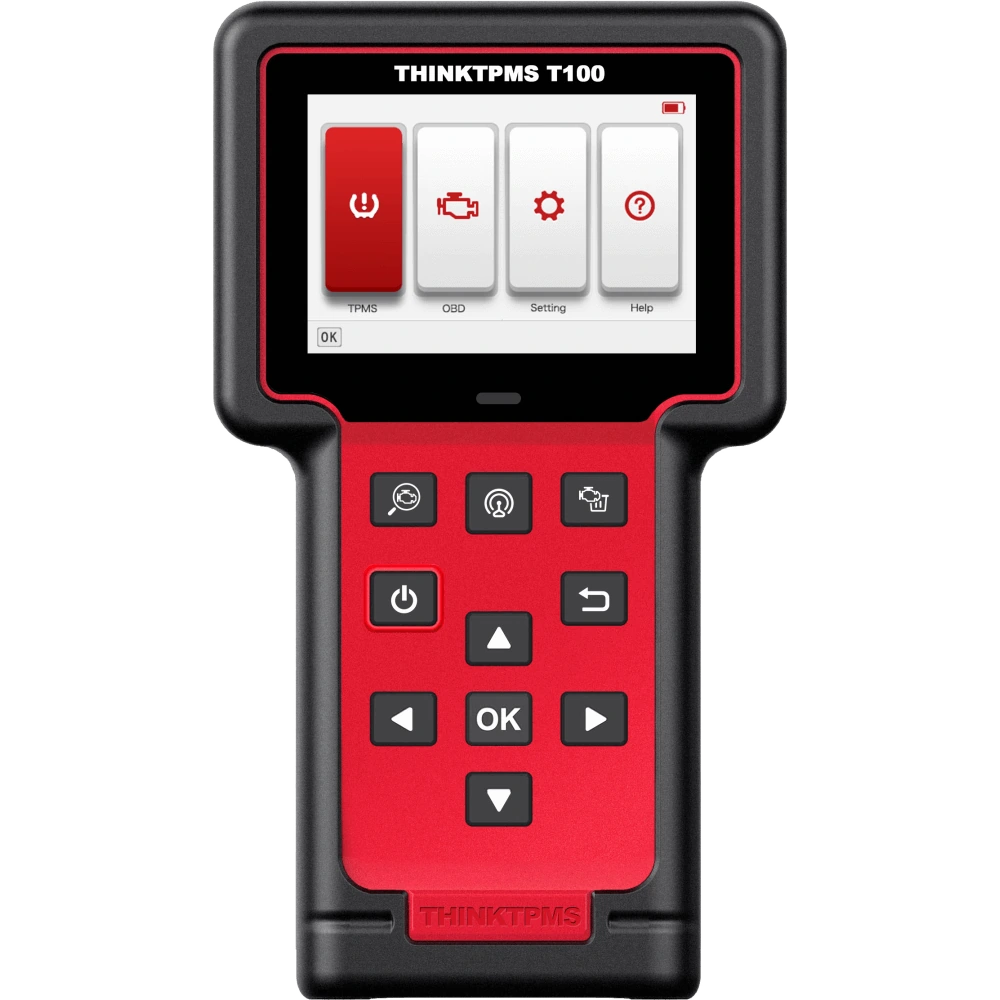
The THINKCAR THINKTPMS T100 is a tire pressure sensor programmer used with its own screen and buttons. It wakes up the TPMS sensor and reads its data, writes an identity to supported THINKCAR sensors, and assists with the vehicle's relearning procedure. Basic OBD code operations are also included.
The ability to read a sensor does not mean it can be reprogrammed; vehicle brand, model, year, market, and sensor type must match together.
Vehicle Coverage
Which vehicles does THINKCAR THINKTPMS T100 support?
The make name alone does not guarantee compatibility. Within the same make, model year, engine, chassis, control unit, communication protocol, and intended operation can yield different support results.
- Vehicle Group
- TPMS systems found in the manufacturer's current sensor and vehicle database
- Supported makes
- Multi-brand coverage; the current make list is obtained from the manufacturer's official vehicle or protocol database.
- Supported models
- Verified from the official coverage screen based on make, model, model year, engine or chassis, and control unit.
- Scope of service
- Code reading, live data, active test, service function, coding, and programming may be supported separately.
- Connection conditions
- Sensor identity, Frequency, Vehicle compatibility
- The make and model examples on the page do not guarantee all production years and all functions.
- Before any definitive operation, the manufacturer's current coverage record must be verified with the VIN or full vehicle information.
Open official sources and coverage connectionsProduct details
What does each function do?
In TPMS service, the same warning light can illuminate for different reasons. First, tire pressure and sensor response are checked; if part replacement is necessary, programming is done, followed by the vehicle's required recognition process. Separating these three stages prevents unnecessarily replacing a working sensor or finishing the job without recognizing the new sensor.
The successful write message on the screen is only the result of the sensor programming stage.
- Activation and Reading
- Triggers the sensor to transmit; displays identity, pressure, temperature, frequency, and battery status.Requires selection of the correct sensor and vehicle for the vehicle.
- Sensor programming
- Writes vehicle data and identity to a supported THINKCAR sensor.S1 support is available; it does not mean writing support for all brands of sensors.
- Relearn
- Displays the procedure required for the vehicle to recognize the sensor identity or performs the supported OBD operation.The method depends on the vehicle's software; not all vehicles learn via OBD.
- Basic OBD
- Reading and clearing supported OBD fault codes.Does not replace full system diagnostics, bi-directional active testing, or ECU programming.
Product details
Sensor activation and read data
Activation allows the sensor to send a response. During reading, check the displayed identity, measured pressure, temperature, and battery status on the screen. Apply the trigger step in the menu by holding the device close to the valve of the selected wheel. If there is no response from a single wheel, re-check the vehicle selection and sensor position first.
This result alone does not prove the sensor battery is depleted. Compare the pressure value with the value recommended by the vehicle; the sensor reader does not inflate the tire or fix physical leaks.
Product details
Programming and THINKTPMS S1 relationship
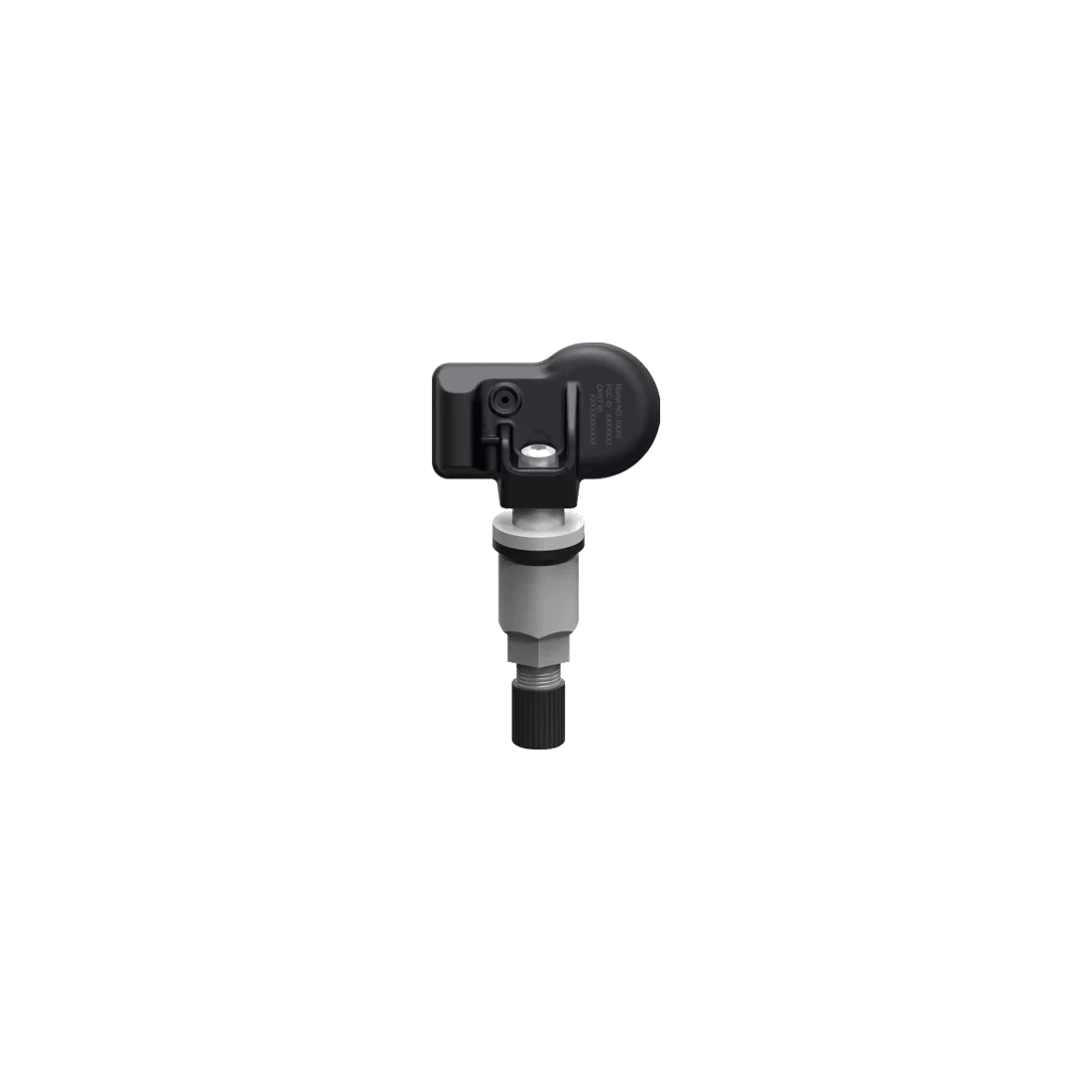
The programming target is a supported THINKCAR replacement sensor; the manufacturer's T100 product information explicitly mentions the S1 model. Reading the identity of an original equipment sensor and copying it to a compatible new sensor are different operations from modifying the original sensor's memory.
Auto Create generates a new identity, Manual Input allows manual entry of a known identity, Copy ID by Activation retrieves the identity of a responding old part. The multi-programming menu offers up to eight operations on supported sensors. This number does not mean eight sensors are included in the box.
- THINKTPMS S1 is a separate sensor installed in the wheel; T100 is a handheld service device.
- Do not assume the same support for S2, S3, or third-party sensors.
- Matching the 315/433 MHz frequency alone does not guarantee vehicle protocol compatibility.
Product details
Introducing the sensor to the vehicle after programming
Relearn is for the vehicle to recognize the correct sensor identities. Some vehicles require a learning sequence while stationary; some learn under specified driving conditions; some accept registration via OBD connection. Follow the instructions provided for the selected vehicle on the device.
If the old identity remains in the vehicle when a new identity is created, the warning may persist even if the sensor is functional. Correctly copying the old identity may eliminate the need for relearning in some applications; do not assume the same result for all vehicles. Check the vehicle screen and wheel matching at the end of the operation.
Product details
OBD connection and diagnostic limitations
The T100 connects to the vehicle's OBD socket via the appropriate cable from the DB-15 diagnostic port on the device. The manual shows basic OBD code reading and clearing buttons. RF communication with the sensor is not the same as wired access to the vehicle ECU. It should not be considered a service tablet that scans all systems, including ABS, airbags, and transmission.
In the common T100/T200 manual, oil maintenance, throttle body adaptation, and other maintenance operations are listed under T200-specific headings; these features are not included in the T100 package.
Product details
How to check vehicle coverage?
In the purchasing decision, production year, sales market, sensor part number, and the intended operation are as important as the brand and model. Sensors from different markets of the same model may use different frequencies or protocols.
Check the T100 and the relevant operation in the manufacturer's current TPMS vehicle list; the appearance of the vehicle registration does not indicate that all menus are supported. Direct TPMS uses data from the sensor in the wheel. In indirect systems, there may not be an RF sensor to read inside the tire; sensor programming is not expected in these vehicles.
Base your decision on the functional support for your specific vehicle rather than general percentage coverage.
Product details
Verified Technical Specifications
The color screen operated by physical buttons allows reading sensor results on the device. Charging and computer data connection are separate ports from the vehicle diagnostic connection. No confirmed commitment is given for battery capacity, Turkish menu, or wireless updates for this package.
The electrical values in the manual are the relevant input conditions for the device; vehicle power is not applied to the USB charging port. Specifically, 24 V heavy-duty vehicle connection is outside the specified 9–18 V range.
- Manufacturer / Model
- THINKCAR / THINKTPMS T100
- Screen
- 3.5-inch LCD; 320 × 480 pixels
- TPMS Frequency
- 315 MHz / 433 MHz; with sensor and vehicle protocol support
- Diagnostic Connection
- DB-15 device port; OBD cable on the vehicle side
- Input Voltage / Operating Current
- 9–18 V / max 500 mA
- Operating / Storage Temperature
- -10–50 °C / -20–60 °C
- Update
- Computer Connection and THINKCAR Product Update Tool
Product details
Operating sequence from first use to final check
Charge the device and check the software status. Set the vehicle's tire pressures to the manufacturer's specifications and select the correct market, make, model, and year in the TPMS menu. Read each wheel sequentially, recording their IDs and results. If a part needs replacement, select the appropriate new sensor and apply the required ID method.
After programming is complete, read the sensor again. Complete the relearn procedure offered for the vehicle; connect the OBD cable if necessary. For the final check, observe not only the success message on the device but also the vehicle's recognition of the sensors and the warning status.
Product details
If a single sensor does not respond during tire replacement
In a vehicle where three out of four wheels are read and one is not, start by rechecking the wheel position and the selected vehicle information. Perform a second reading at the same spot; inspect the old sensor for physical damage or incorrect part. Recording the readable ID before replacement is useful for preparing the new sensor.
The ID of a sensor that does not respond at all cannot be copied through activation. If the ID is known from another reliable source, manual entry is required; if not, a new ID and the appropriate relearn procedure for the vehicle are necessary. The result is evaluated by checking pressure and vehicle warning together.
Product details
Preparing a new sensor for a winter wheel set
When selecting a sensor for a second wheel set, do not rely solely on its frequency; vehicle protocol, valve type, and mechanical fit are also required. When programming supported S1 sensors, record which ID belongs to which wheel. Accidentally writing the same ID to four different wheels can lead to recognition issues in the vehicle.
If the old set's IDs are to be copied, each sensor is prepared with its corresponding match. If new IDs are to be used, a relearn step is planned in the vehicle. Sensor mounting to the wheel and valve tightening values should be applied according to the sensor manufacturer's installation instructions; T100 does not replace mechanical installation.
Product details
If positions or warnings are incorrect after rotation
In some vehicles, positions may need to be relearned when front and rear wheels are swapped. Start by matching the sensor ID read on the screen with the physical wheel. If the vehicle displays the old placement despite the sensors responding, do not proceed directly to reprogramming the sensors; consult the vehicle's relearn procedure.
The supported OBD method uses data obtained in the correct wheel order. For vehicles that learn by driving, follow the conditions specified by the manufacturer. At the end of the process, check the pressure data and position information for all wheels. These scenarios are examples of guided usage; they are not presented as Otobiltek field test results.
Product details
T100, G1, and S1: which is the device, which is the sensor?
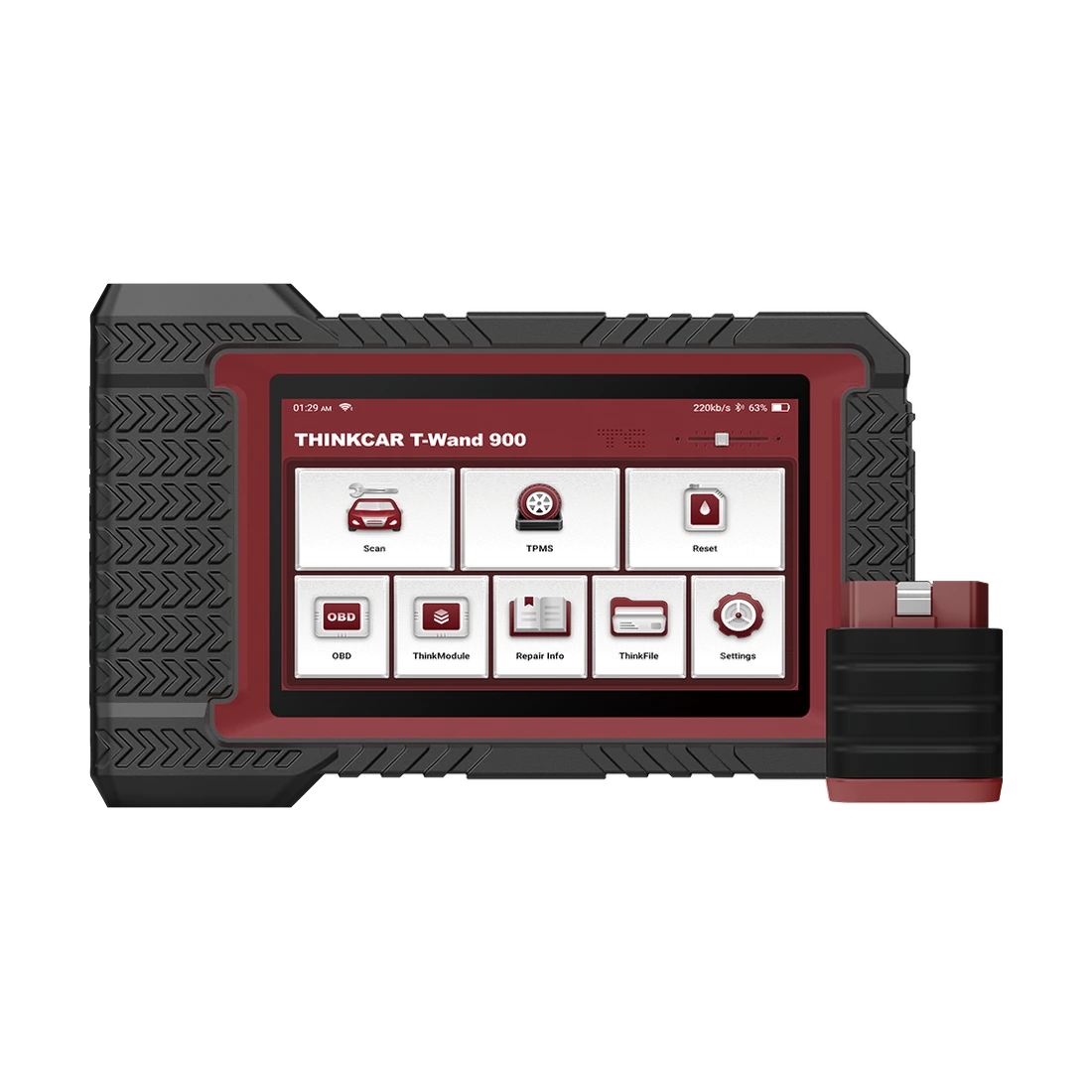
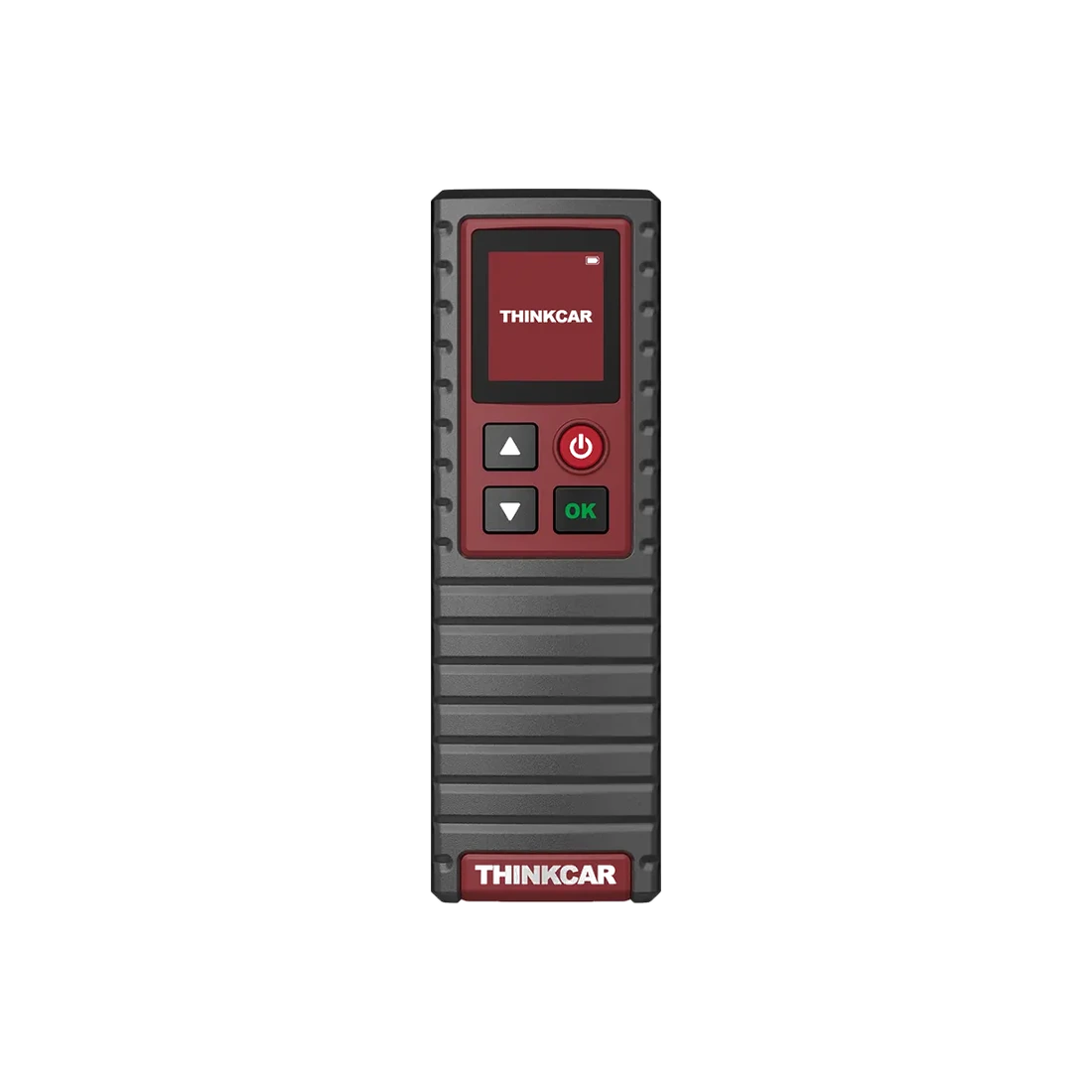
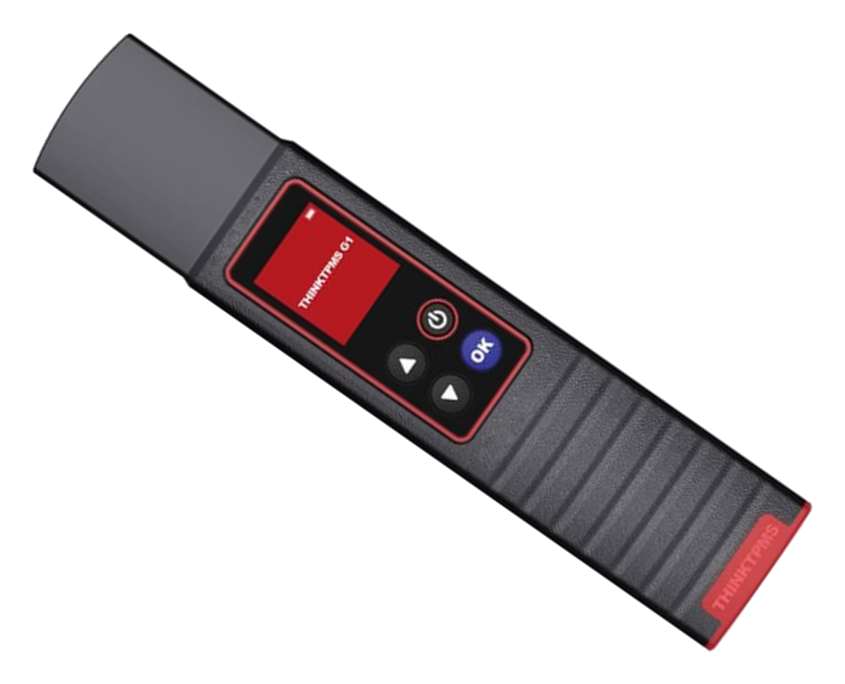
T100 is a handheld service device with its own menu, screen, and OBD connection. G1 is a TPMS accessory used with a compatible Thinkcar app or diagnostic tablet; it requires a suitable diagnostic connection for OBD relearn. S1 is a programmable replacement sensor installed inside the tire.
Adding an accessory to your existing Thinkcar tablet and purchasing an independent TPMS device are different needs. Purchasing S1 does not provide a device to write sensor data; purchasing T100 does not mean sensors to be installed on the vehicle are included in the box.
Product details
Standard package contents
The manufacturer's standard T100 package list includes the device, OBD2 cable, USB charging cable, and user manual. S1 sensors, phone, and diagnostic tablet are not included in this list. Campaign sets with sensors, even if carrying the same model name, are different packages; check the number of sensors separately when comparing prices.
Since the product photo in the box does not show all accessories, it cannot be used as a package list alone. Upon delivery, check the model label, device serial number, and connection cables; for missing or damaged parts, contact Otobiltek support while preserving the packaging.
- 1 THINKTPMS T100
- OBD2 connection cable
- USB charging cable
- User manual
Product details
Update, language, and after-sales support
The T100 Product Update Tool and update instructions are available on the THINKCAR download page. Use the method described by the manufacturer via computer; do not assume Wi-Fi updates. Ensure sufficient charge and an uninterrupted data connection during the process.
The software version may affect vehicle coverage; this page does not promise lifetime free updates or the addition of all future vehicles. The Turkish product description does not indicate that the device has a Turkish interface. For warranty and service inquiries, use the Otobiltek communication channel with the invoice, serial number, software version, and information about the menu where the error was observed.
Additional warranty periods not stated in the local warranty document or service conditions specific to US stores are not transferable to this product.