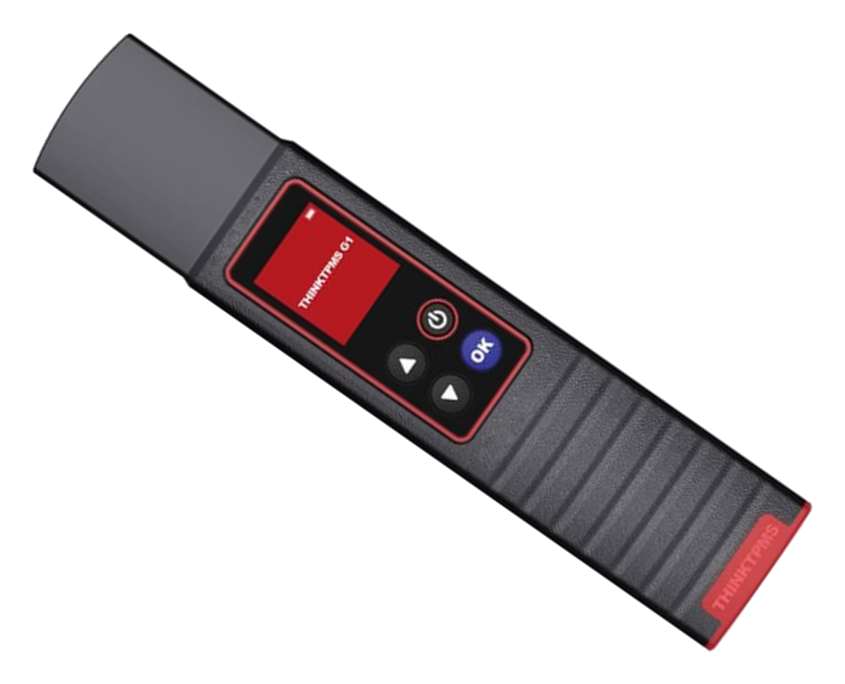
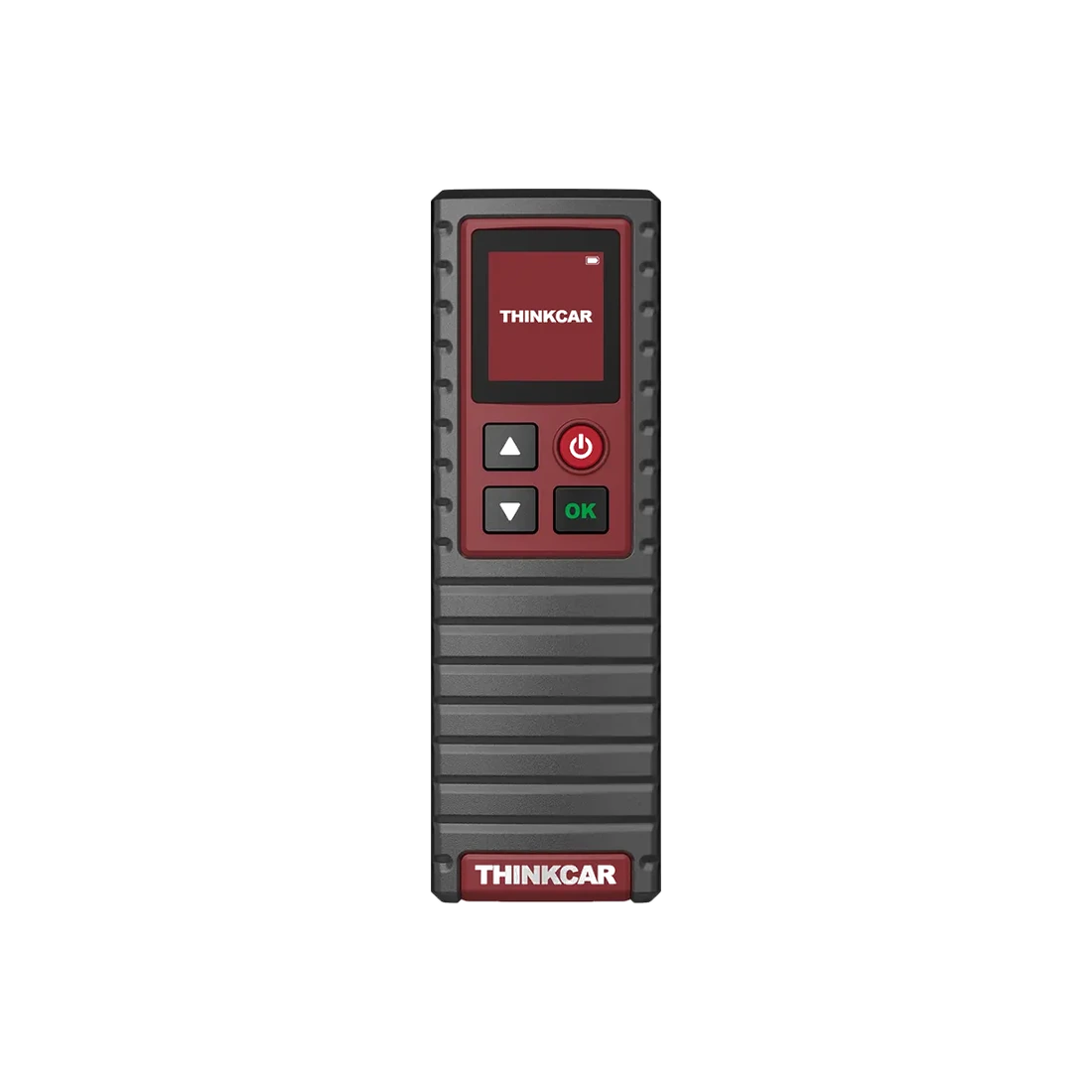
Bluetooth-connected service accessory used for TPMS sensor activation, data reading, and THINKCAR sensor programming with a compatible Thinkcar application or service tablet.
Bluetooth connection to app or tablet
Sensor ID, pressure, and temperature information
ID programming for THINKCAR sensors
Additional diagnostic connection for OBD relearn
Get price information
In stockYou can get support from the Otobiltek team for price information.
View installment options2–6 installments
Accepted cards
The exact plan and total amount will be shown again at the payment step.
What does the THINKCAR THINKTPMS G1 Tire Pressure Sensor Programming Device do?
THINKTPMS G1 is a TPMS service accessory that communicates with the sensor inside the tire. Having a screen does not mean it is a diagnostic tablet that performs all operations independently. Reading sensor data, writing an ID to a new sensor, and having the vehicle recognize this ID are separate operations.
After establishing the app/tablet connection with G1, the menus offered for the vehicle are used. OBD relearn also requires a compatible diagnostic device and its VCI connection.
What would you buy this for?
Tire service shops with compatible Thinkcar TPMS software
Workshops that want to read the old ID and write it to a new THINKCAR sensor during sensor replacement
Technicians who check sensor position and relearn procedure after tire rotation
TPMS Service Features
App or tablet TPMS support
Vehicle and sensor matching
Compatible VCI for OBD relearn
Vehicle Coverage
What vehicles does the THINKCAR THINKTPMS G1 Tire Pressure Sensor Programming Device support?
The make name alone does not guarantee compatibility. Within the same make, model year, engine, chassis, control unit, communication protocol, and intended operation can yield different support results.
Vehicle Group
TPMS systems found in the manufacturer's current sensor and vehicle database
Supported makes
Multi-brand coverage; the current make list is obtained from the manufacturer's official vehicle or protocol database.
Supported models
Verified from the official coverage screen based on make, model, model year, engine or chassis, and control unit.
Scope of service
Code reading, live data, active test, service function, coding, and programming may be supported separately.
Connection conditions
App or tablet TPMS support, Vehicle and sensor matching, Compatible VCI for OBD relearn
The make and model examples on the page do not guarantee all production years and all functions.
Before any definitive operation, the manufacturer's current coverage record must be verified with the VIN or full vehicle information.
Difference between activation, programming, and relearn
Activation allows the sensor to respond; reading displays the ID and measurement data from this response. Programming writes the vehicle-matched information to a supported blank or reprogrammable sensor. Relearn is the vehicle system recognizing the sensor ID and, if necessary, the wheel position.
Reading a sensor on the screen does not solely indicate that it is programmable or has been registered with the vehicle.
Activation / Reading
Receiving sensor response and data
Programming
Writing information to a supported THINKCAR sensor
Relearn
Registering sensor with the appropriate method for the vehicle
Product details
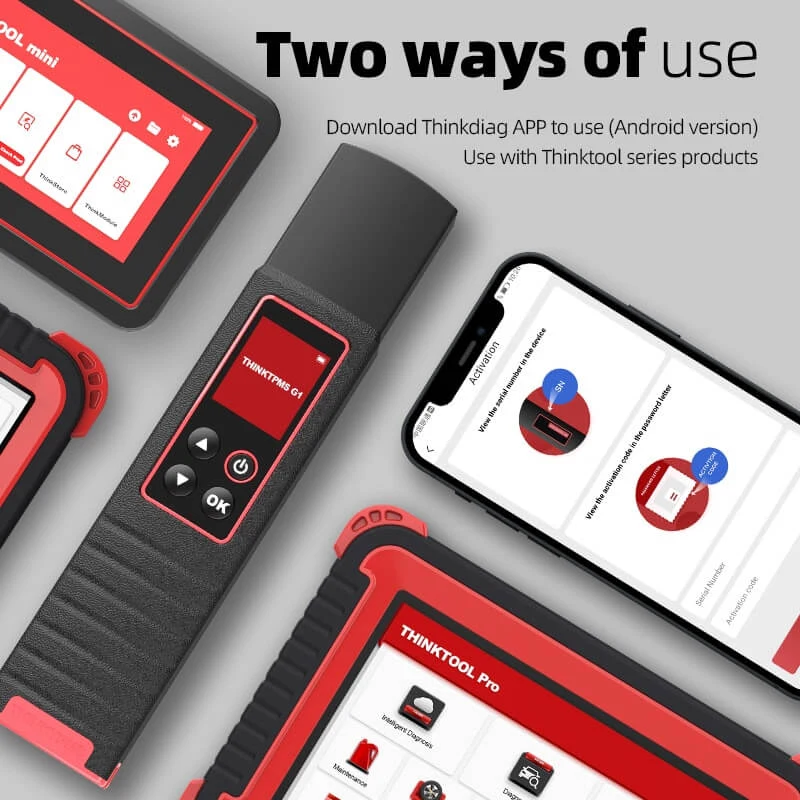
ThinkDiag+ app and Thinktool connection
Use with Android app or compatible Thinktool tablet. Phones and tablets are sold separately.
The G1 manual describes the initial connection using the TPMS / Activate menu in the ThinkDiag+ app or the TPMS / Bind menu of the diagnostic device. The manufacturer's G1/G2 sales page specifies the Android Thinkdiag app and Thinktool Mini, Pro series, and PD8 family. The connection is established via Bluetooth.
You need the TPMS menu with the G1 binding function on your tablet and the relevant vehicle software. For use with an Android phone, after logging into the app, you can add the device to your account with its serial number and activation information. iOS support is not guaranteed for this product; the Android configuration specified by the manufacturer is used for phone usage.
Bluetooth and TPMS menu used together
Device is connected to an account or diagnostic device during initial use
The part plugged into the vehicle's socket for OBD operations is not the G1, but a compatible diagnostic VCI
Product details
Which sensors can be programmed?
The manual limits the programming target to THINKCAR sensors. Auto Create generates a new ID; Manual Create prompts for manual ID entry; Copy by Activation copies the ID obtained from an old sensor that can respond. If the old sensor does not respond at all, it is not possible to read the ID with this last method. Do not write the same ID to every sensor.
Separate the part to be written from other blank sensors, as multiple blank sensors close together can lead to misidentification of the wrong sensor.
Not every OE sensor is reprogrammable
Model compatibility S1/S2/S3 is verified separately
When using a new ID, follow the vehicle's relearn procedure
Product details
OBD relearn is not the same for every vehicle
Vehicles may use one of the following methods: fixed relearn mode, self-learning by driving, or OBD registration. The G1 manual describes completing the process with the diagnostic device's VCI after sensors are read using the OBD method. Simply programming does not complete the job without selecting the appropriate method for the vehicle.
At the end of the operation, check the wheel positions and the vehicle's TPMS status. A vehicle using indirect TPMS may not have radio sensors inside the tires; sensor programming is not expected in such vehicles.
Product details
Technical specifications and frequency check
The 1.77-inch screen allows tracking sensor information on the device during activation. Bluetooth connection communicates with the app or tablet; sensor reading is done via radio frequency. When selecting a sensor, looking only at the frequency is not sufficient. The vehicle's make, model, year of manufacture, market, and sensor protocol must match the selection in the software.
Due to regional vehicle differences, the sensor requirements of two cars with the same model name may vary. Hardware values are based on the G1 user manual.
Screen
1.77 inches; 168 × 128 pixels
Input
5 V; maximum operating current 1 A
Operating temperature
0–50 °C
Storage temperature
-20–60 °C
Connection
Bluetooth with diagnostic device; RF with sensor
Product details
What questions does it answer in a tire service?
Can the old part's ID be read before sensor replacement? Does the ID read after rotation belong to the correct wheel? Has writing to the new sensor been completed, and is there a relearn step remaining in the vehicle? Addressing these questions sequentially reduces unnecessary parts replacement and repeating the same job.
Lack of response from a single wheel is not solely a diagnosis of a faulty sensor; the selected vehicle, activation method, device software, and sensor condition are examined together.
Product details
Initial setup sequence
Charge and turn on the device. Enter the TPMS section of the compatible app or tablet, and complete the pairing with the device's own activation information. If multiple G1 devices are connected, select the one you will use. Correctly determine the region, manufacturer, model, and year; open the menu for the operation to be performed. Apply any necessary firmware updates from the TPMS menu.
After completing sensor reading and programming, follow the relearn procedure specified for the vehicle.
Product details
Package contents and separately required equipment
The manufacturer's standard package description includes the G1 device, user manual, charging adapter, and Type-C cable. Phones, Thinktool tablets, OBD VCIs, and tire pressure sensors are sold separately. When opening the box, check that the device's serial number matches the activation information.
Establish the charging connection according to the device's 5 V input requirement. Sensor programming requires a compatible THINKCAR sensor, while OBD relearn requires a diagnostic device that supports the TPMS function and its vehicle connection.
The plug type of the adapter may vary depending on the regional package; the plug type in the promotional image is not a separate feature promise.
Product details
Updates, warranty, and support
THINKTPMS G1 is offered with a 1-year warranty. The device software can be updated using the firmware update function in the TPMS section. App, tablet software, and separately purchased license conditions are dependent on their respective packages; purchasing G1 does not cover all diagnostic subscriptions. Ensure the device has sufficient charge during updates and do not disconnect.
For a device stuck on the startup screen, first check the Bluetooth connection, the selected G1 serial number, and the TPMS menu open in the app. The manual explains that the welcome screen may remain if the TPMS function is not activated on the connected diagnostic device.
Product details
Copying the working old ID during sensor replacement
If a sensor with physical damage detected during tire replacement is still responsive, first select the vehicle information and activate the old part. Examine the sensor ID, pressure, temperature, and battery status displayed on the screen. The Copy by Activation method is used to transfer the read ID to a supported new THINKCAR sensor.
During programming, separate the new sensor from other blank sensors and follow the app's steps. After writing is complete, read the new part again and compare the ID with the old record. Maintaining the same ID may reduce the need for relearn in some vehicles; however, the vehicle's service procedure is decisive.
After tire installation, check for leaks and the vehicle's TPMS warning status. If the old sensor does not respond at all, copying via reading is not possible; manual entry or new ID creation is selected based on available ID information and vehicle support.
Product details
Registering wheel positions after tire rotation
When front and rear tires are swapped, some vehicles require re-matching the sensor IDs with the correct wheel positions. If the existing sensors are working, read each one and record their IDs and locations. You do not necessarily need to write new IDs to the sensors for this task.
Activate the relearn method requested by the vehicle in the app; follow the wheel order specified on the screen. Static relearn may require the vehicle to be put into a specific learning mode, while self-learning may require driving conditions specified by the manufacturer. For the OBD method, a compatible diagnostic VCI is used to transfer the read IDs to the vehicle.
At the end of the operation, check that the displayed positions match the actual wheels. G1 provides communication with the sensor; the vehicle's relearn order and completion conditions are followed from the selected model's instructions.
Product details
Identifying a non-responsive sensor in a TPMS warning
A tire pressure warning on the dashboard does not necessarily require replacing all sensors. First, check the tire pressures with appropriate measuring equipment. Then, try activating the sensor on each wheel with the correct vehicle selection. The ID, pressure, temperature, frequency, and battery information displayed by the G1 help you compare the wheels.
Lack of response from a single sensor requires re-examining the device's sensor position, vehicle selection, and connection. Low battery information and no response are different results; report the information provided by the screen as is for diagnostics. If the sensor is read but the vehicle does not recognize it, investigate whether the programming and relearn steps have been completed.
In vehicles using indirect TPMS, radio sensors inside the tires may not be readable; in these systems, follow the vehicle manufacturer's pressure reset procedure.
Product details
Difference between G1, T-Wand 200, and TPMS sensor
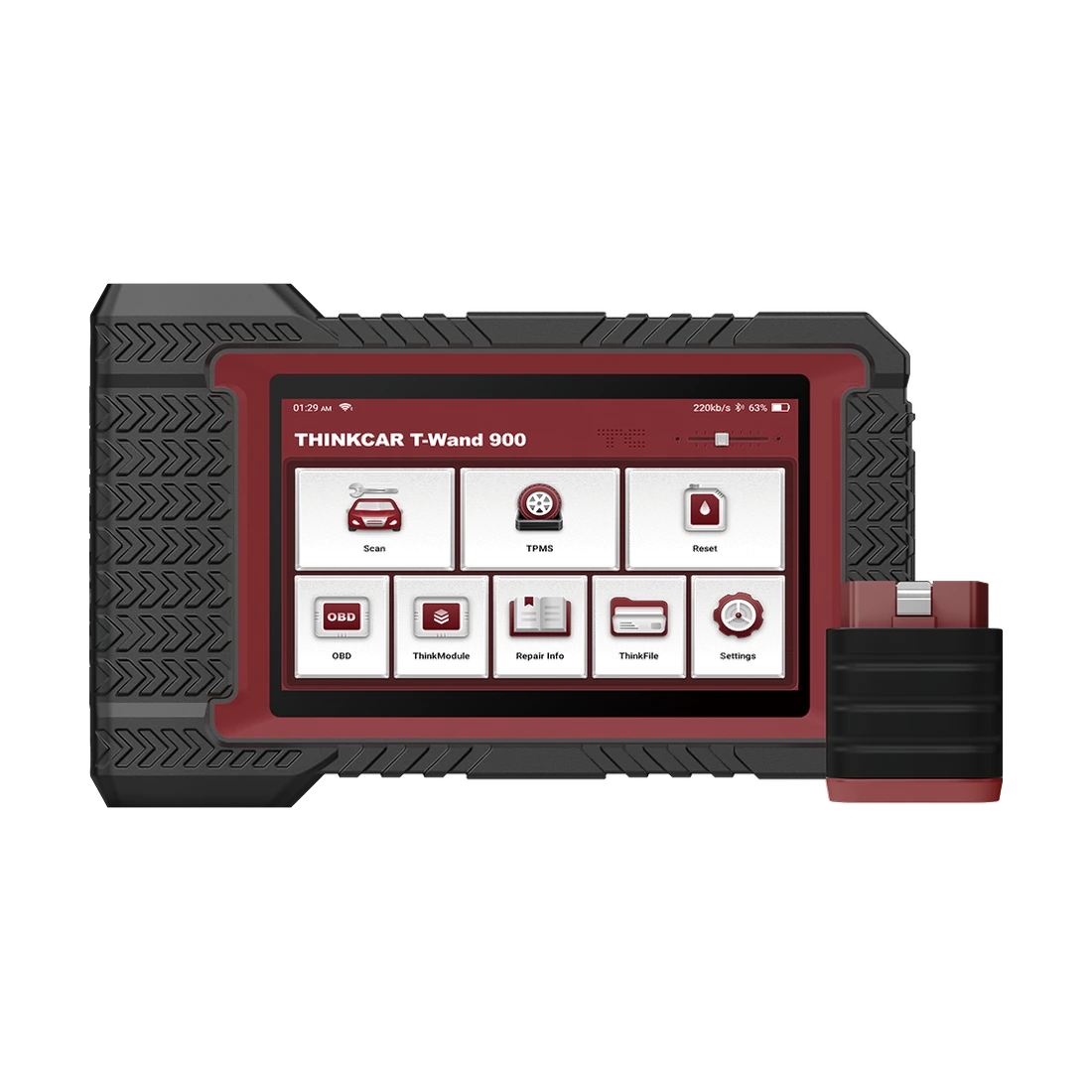
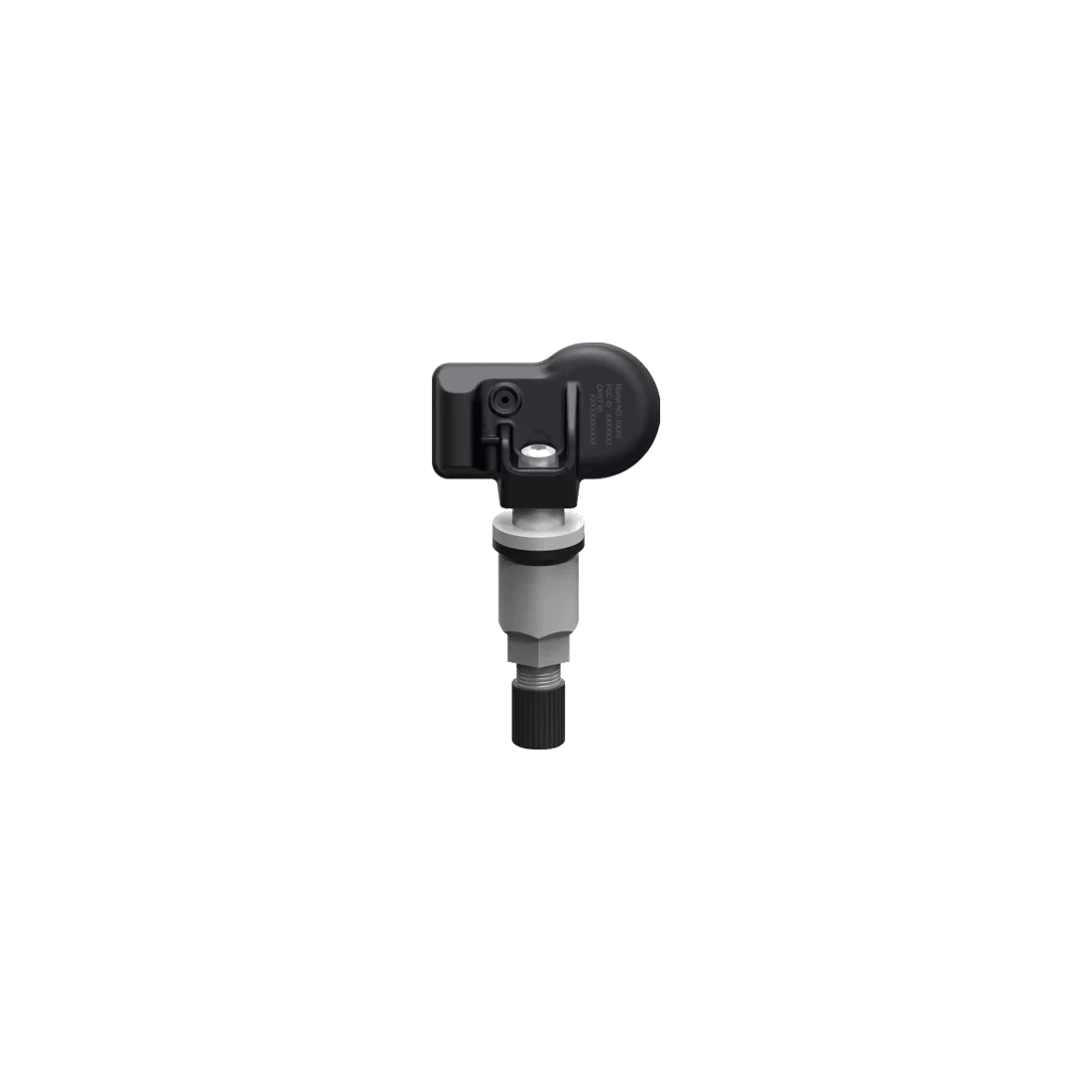
G1 is a service device that activates the sensor inside the tire and programs supported sensors. The THINKTPMS sensor is the part installed in the wheel that transmits pressure information to the vehicle; they are not interchangeable. T-Wand 200 is a newer programmer developed by the manufacturer from the G1.
Multi-sensor programming or specific S1/S2 support for T-Wand 200 is not an automatic feature for G1. When choosing a new device, consider your Thinktool tablet's TPMS menu, the sensor models you will work with, and the vehicle list.
If your service already has a Thinkcar setup that supports G1, this device adds TPMS sensor communication to the existing workflow. Users looking for an independent handheld device should also examine the app and tablet requirements of alternative models.
Related pages
Related content for THINKCAR THINKTPMS G1 Tire Pressure Sensor Programming Device
A compatible Thinkcar app or diagnostic device is required for a complete TPMS workflow. OBD relearn also requires a suitable VCI connection.
Are sensor programming and relearn the same?
No. Programming writes data to the sensor; relearn allows the vehicle to recognize the sensor. The required steps vary based on the ID used and the vehicle procedure.
Can it write all brands of TPMS sensors?
The G1's programming function is for supported THINKCAR sensors. Being able to read data from another brand of sensor does not mean that new ID can be written to that sensor. Sensor model and vehicle software support are both required for programming.
Are the phone or tablet included in the box?
Phone and diagnostic tablet are separately required equipment; their presence in promotional images does not mean they are included in the G1 package.
Is it an error if it stays on the startup screen?
According to the manual, the G1 may remain on the welcome screen when the TPMS function is not activated on the connected diagnostic device. First, check the connection, device selection, and TPMS menu.
Is the device screen in Turkish?
The reviewed G1 manual indicates English and simplified Chinese on the device screen. The Turkish product description does not mean the device interface is in Turkish.
What is the warranty period?
The warranty period for THINKTPMS G1 is 1 year. Device firmware updates are done through the TPMS menu; app and tablet license durations depend on their respective package conditions.
Comparison
Models similar to THINKCAR THINKTPMS G1 Tire Pressure Sensor Programming Device
Compare products in the same class with information on usage level, service tasks, and price.
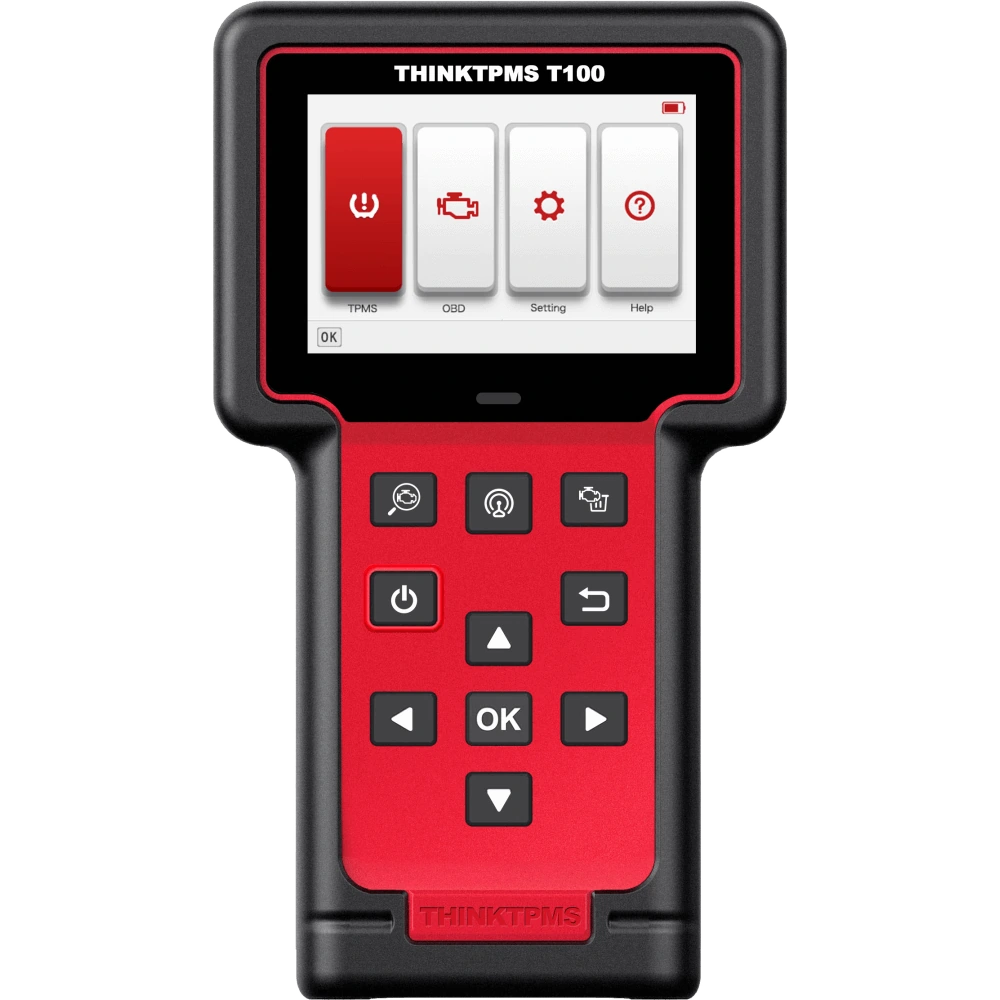
The THINKCAR THINKTPMS T100 is a TPMS service device with a screen for sensor activation, reading, programming to compatible THINKCAR sensors, and relearning according to vehicle procedures.