This product is currently out of stock. You can review available alternatives in the product list.
Last recorded price: ≈ $713,500 TL charged · VAT included · import duties excluded

Vgate · Vehicle diagnostic devices
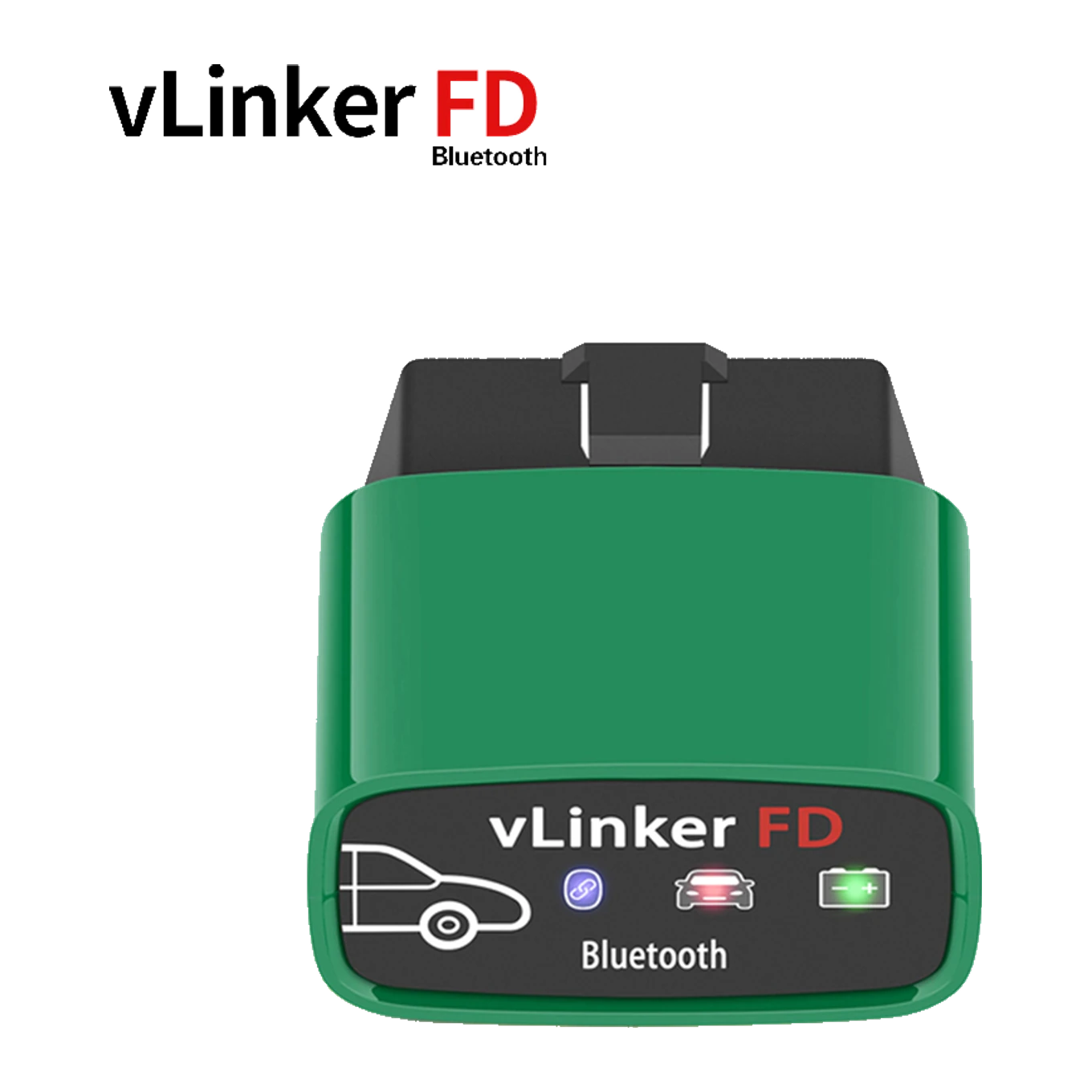
vLinker FD is a compact OBD2 communication adapter using Bluetooth 3.0 connection. Compatible platforms: Android and Windows; iPhone support is not available. Actual function scope depends on the selected application and vehicle.
This product is currently out of stock. You can review available alternatives in the product list.
Last recorded price: ≈ $713,500 TL charged · VAT included · import duties excluded
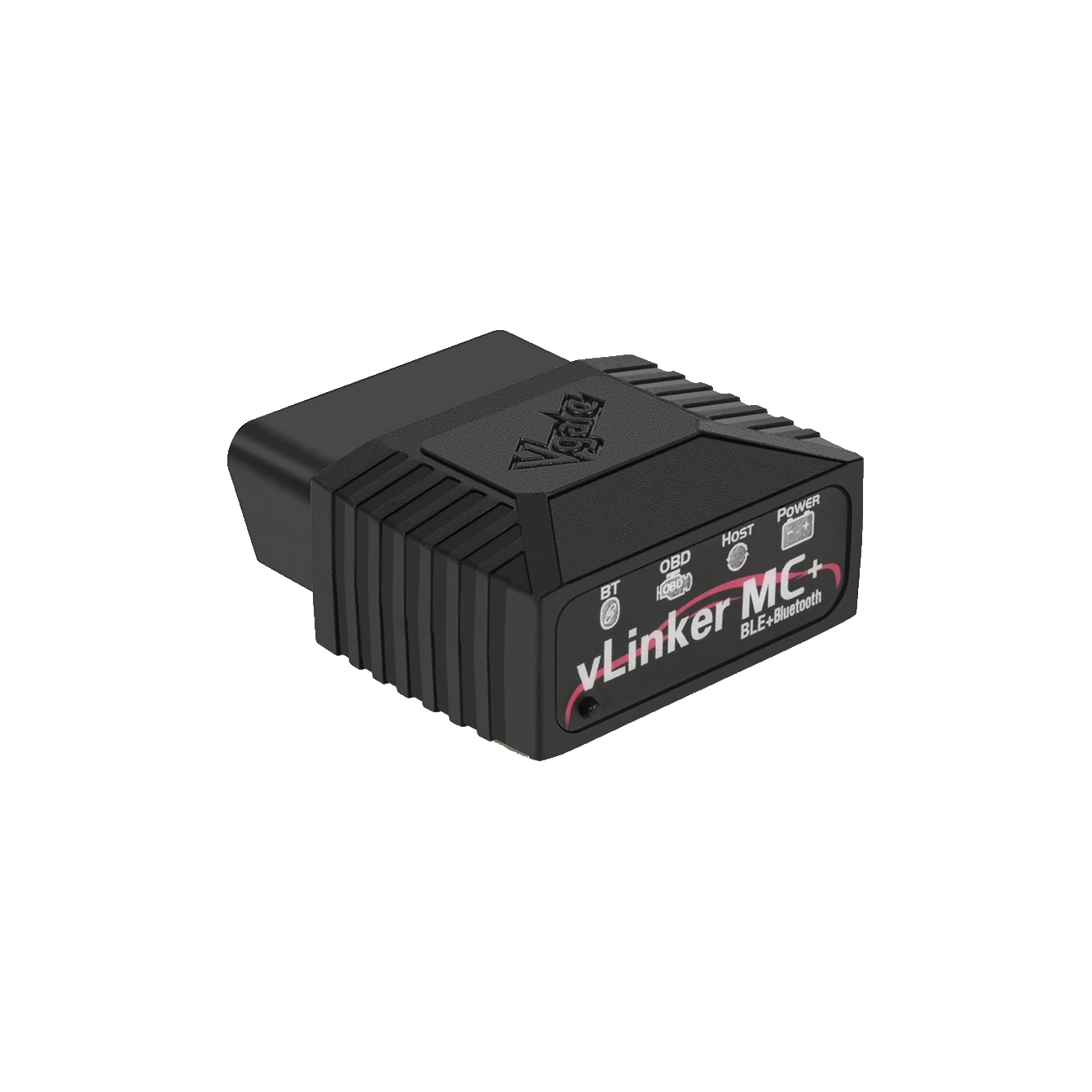
Vgate vLinker MC+ is a Bluetooth OBD2 adapter used with compatible applications on iOS, Android, and Windows devices; it can access brand-specific functions if supported by the application and vehicle, in addition to basic OBD-II diagnostics.
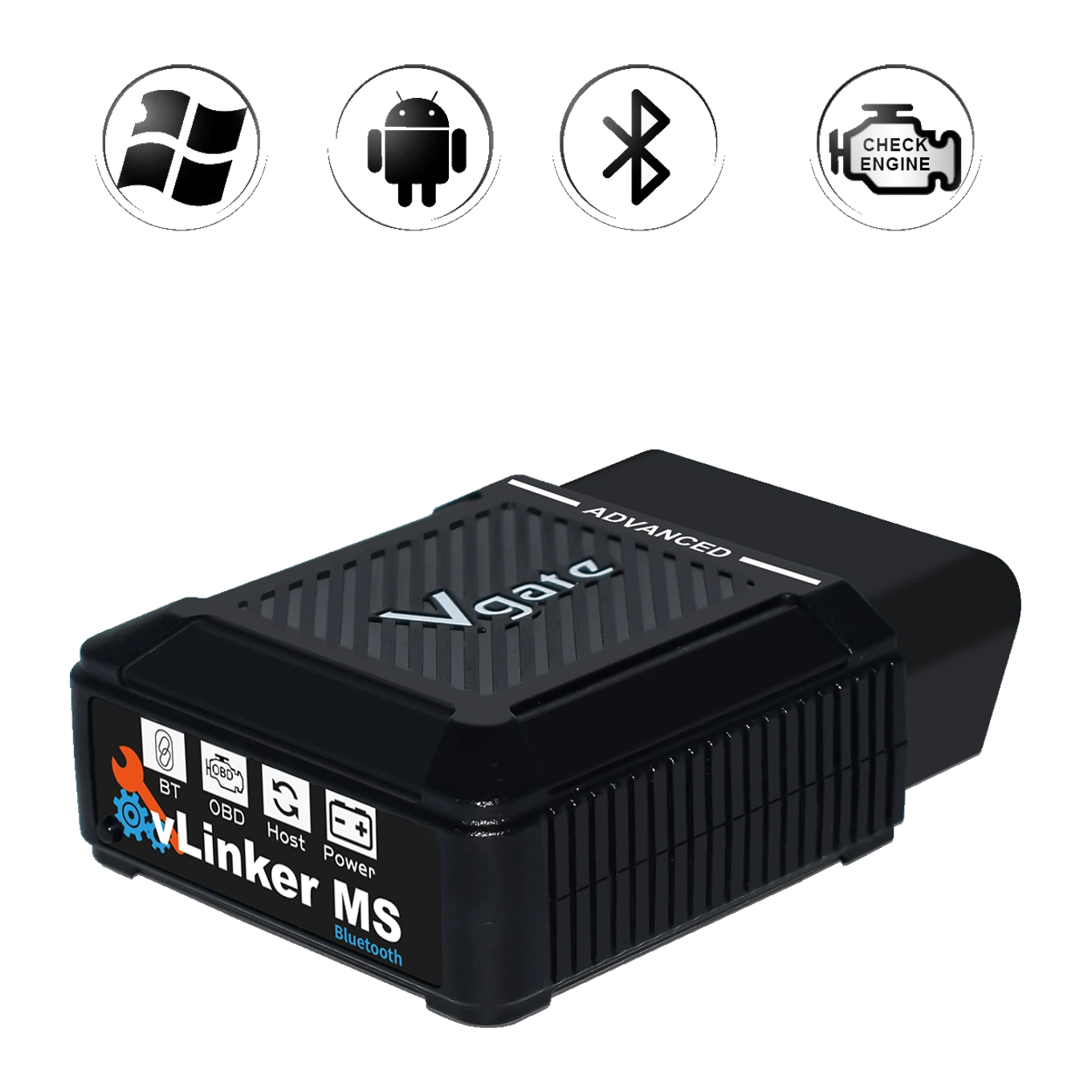
vLinker MS Bluetooth is a compact OBD2 communication adapter using Bluetooth and Apple MFi connection. Compatible platforms: iOS, Android, and Windows. Actual function scope depends on the selected application and vehicle.
Product information
vLinker FD is an screenless vehicle communication adapter designed for users who want to establish a basic FORScan connection with Android or Windows. Compared to vLinker FD+, the following conclusion is reached: FD+ adds iOS support and Bluetooth LE; FD works only on Android and Windows.
This distinction affects not only the convenience of connection for vLinker FD but also the applications that can be used and the vehicle networks that can be accessed. The following limitation is maintained in the selection of vLinker FD: The presence of MS-CAN on FD does not mean that programming or configuration operations in FORScan are safe and open for every vehicle.
vLinker FD does not diagnose faults on its own; the codes and data carried by the adapter are interpreted with service procedures, physical inspection, and, if necessary, measurements.
Vehicle Coverage
The make name alone does not guarantee compatibility. Within the same make, model year, engine, chassis, control unit, communication protocol, and intended operation can yield different support results.
Product details
vLinker FD establishes a data connection between the vehicle's OBD socket and compatible software running on Android and Windows; no iPhone support. When vLinker FD connects to a general OBD2 application, engine and emission codes, readiness monitors, and supported live data can be read.
The appearance of brand-specific modules or coding options via vLinker FD depends on the application supporting this vehicle and control unit. vLinker FD does not have a screen, its own diagnostic software, or a vehicle database; these tasks are handled by the application used.
Product details
The connection specified by the manufacturer for vLinker FD is Bluetooth 3.0 connection; the supported platform description is Android and Windows; no iPhone support. During the initial setup of vLinker FD, select vLinker FD from the Android Bluetooth list, enter the code 1234, and enable the Bluetooth adapter setting in the application.
Even if vLinker FD appears in the phone's connection menu, data exchange with the vehicle has not started. vLinker FD is selected with the correct adapter type within the application; code deletion or setting changes are not made without reading the ignition status and the initial vehicle profile.
Product details
Vgate specifies support for Ford's MS-CAN network in addition to standard OBD-II protocols for the vLinker FD hardware. Although vLinker FD communicates with supported vehicle networks, the application used may not recognize every module in the vehicle.
The presence of MS-CAN on FD does not mean that programming or configuration operations in FORScan are safe and open for every vehicle. Reading fault codes with vLinker FD is not at the same risk level as configuration or programming; writing operations require the vehicle battery, module selection, application license, and rollback record separately.
On the voltage side, the manufacturer's description for FD covers 12V OBD2 vehicles; 24V heavy-duty vehicle use is not specified.
Product details
Although vLinker FD and vLinker FD+ are in the same vLinker family, they are not the same variant. The main distinction between these two models is: FD+ adds iOS support and Bluetooth LE; FD works only on Android and Windows. When selecting vLinker FD, the body shape or the name "vLinker" alone is not sufficient.
The device to be used for vLinker FD, the application's official adapter list, the vehicle network, and the intended operation are checked in sequence. The vLinker FD connection setting may not be valid for another variant; the firmware file should also not be transferred between models.
Product details
Upon receiving the vLinker FD, first compare the model name on the device with the box label. The vLinker FD is plugged into the OBD socket of the safely parked vehicle, and the ignition is turned to the position specified by the manufacturer.
At this stage, select vLinker FD from the Android Bluetooth list, enter the code 1234, and enable the Bluetooth adapter setting in the application. After vLinker FD reads the vehicle identification, the existing codes are saved without deletion, and a few basic live values are monitored briefly. If the vLinker FD connection is unstable, do not proceed to the write or coding menu.
The vLinker FD acceptance test separately shows hardware, phone connection, and vehicle profile communication.
Product details
vLinker FD can be used to test the correct Bluetooth channel before reading fault codes and live data on a supported Ford model using an Android phone. Before starting a vLinker FD session, check the phone or computer's power status, the vehicle's battery voltage, and the application license.
In the first scan with vLinker FD, the module list and the status of fault codes are recorded. Then, select only a few live values related to the complaint on the screen of the application used with vLinker FD; a large number of parameters can reduce the data refresh rate.
The data obtained through vLinker FD does not indicate the cause of the fault alone; the wiring diagram, service procedure, and physical measurement determine the next step.
Product details
The product description on Vgate's official vLinker FD page shows the scope of one vLinker FD Bluetooth 3.0 adapter and user manual. The vLinker FD package does not include a phone, tablet, Windows computer, paid application, or brand subscription.
When the vLinker FD stock is reopened, the device label, connection variant, and physical package are checked before shipment; another vLinker model with a similar body is not used in place of this product.
Related pages
Technical Resources
Technical information verified with official sources on October 12, 2026.
FAQ
Vgate specifies support for Android and Windows for this variant; iPhone support is not available. Additionally, the application to be used must support Bluetooth 3.0 connection and the full model name.
No. vLinker FD is a communication adapter; the application, subscription, brand package, and in-app purchases are obtained separately from the software provider.
No. The control units that can be seen with vLinker FD vary depending on the vehicle's network, the application used, the license, and the coverage in that vehicle's application database.
The communication capability of the vLinker FD hardware alone does not grant ECU programming authority. Programming with vLinker FD requires explicit application support, correct power setup, vehicle procedure, and a rollback plan.
The distinction in the vLinker FD+ comparison is as follows: FD+ adds iOS support and Bluetooth LE; FD works only on Android and Windows. vLinker FD and vLinker FD+ cannot be considered equivalent without checking the operating system, connection type, application, and the intended operation.
Comparison
Compare products in the same class with information on usage level, service tasks, and price.
| Model | Level | Usage | Price | View |
|---|---|---|---|---|
| Vgate vLinker FD Bluetooth OBD2 AdapterVgate | Getting started |
| ≈ $713,500 TL charged · VAT included · import duties excluded | View |
| Vgate vLinker MC+ Bluetooth OBD2 Diagnostic ToolVgate | Getting started |
| ≈ $1216,000 TL charged · VAT included · import duties excluded | View |
| Vgate vLinker MS Bluetooth OBD2 AdapterVgate | Getting started |
| ≈ $1366,700 TL charged · VAT included · import duties excluded | View |
| Vgate vLinker BM Bluetooth OBD2 AdapterVgate | Getting started |
| ≈ $793,900 TL charged · VAT included · import duties excluded | View |
Similar products
Vgate vLinker MC+ is a Bluetooth OBD2 adapter used with compatible applications on iOS, Android, and Windows devices; it can access brand-specific functions if supported by the application and vehicle, in addition to basic OBD-II diagnostics.
vLinker MS Bluetooth is a compact OBD2 communication adapter using Bluetooth and Apple MFi connection. Compatible platforms: iOS, Android, and Windows. Actual function scope depends on the selected application and vehicle.
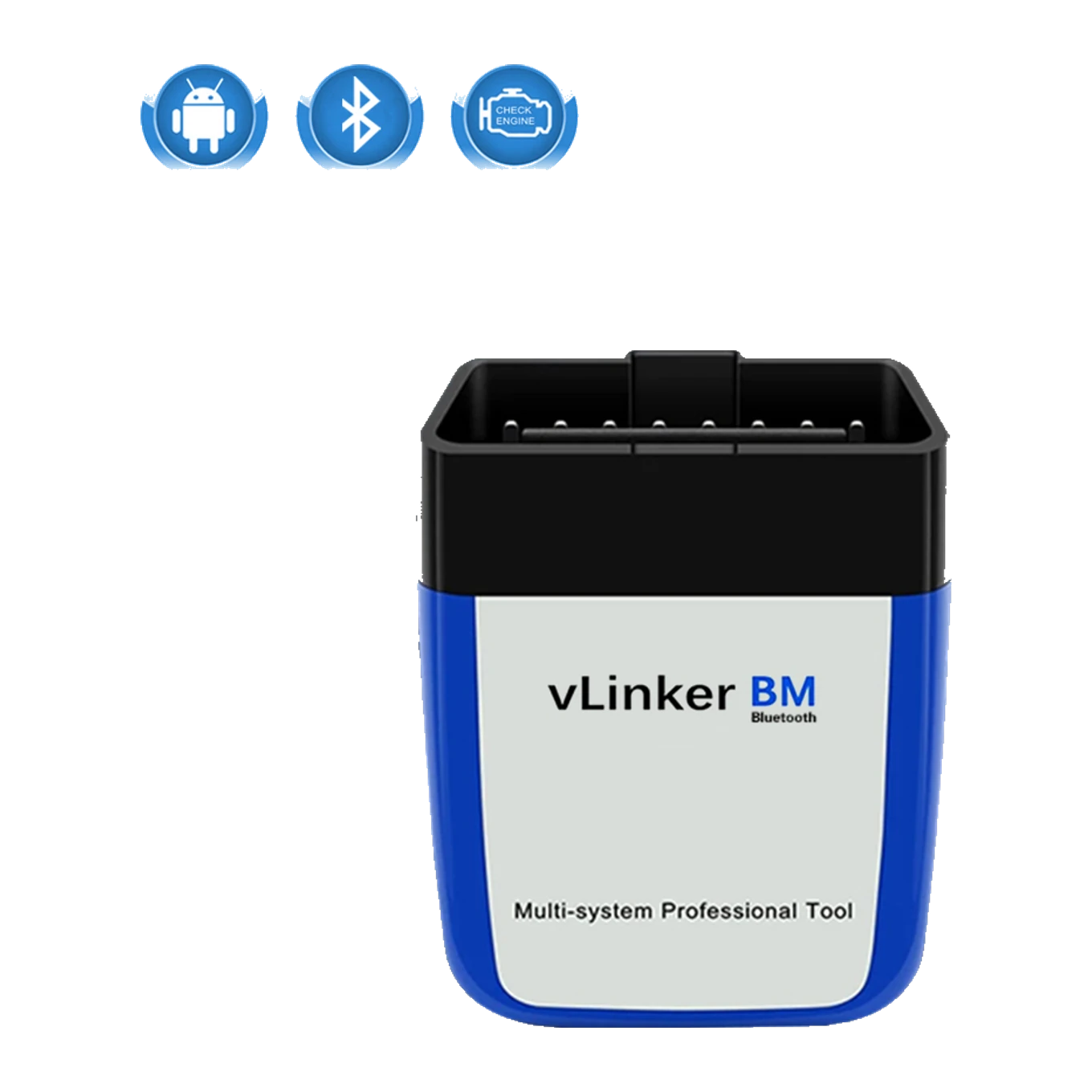
vLinker BM is a compact OBD2 communication adapter using Bluetooth 3.0 connection. Compatible platforms: Android and Windows; iPhone support is not available. Actual function scope depends on the selected application and vehicle.
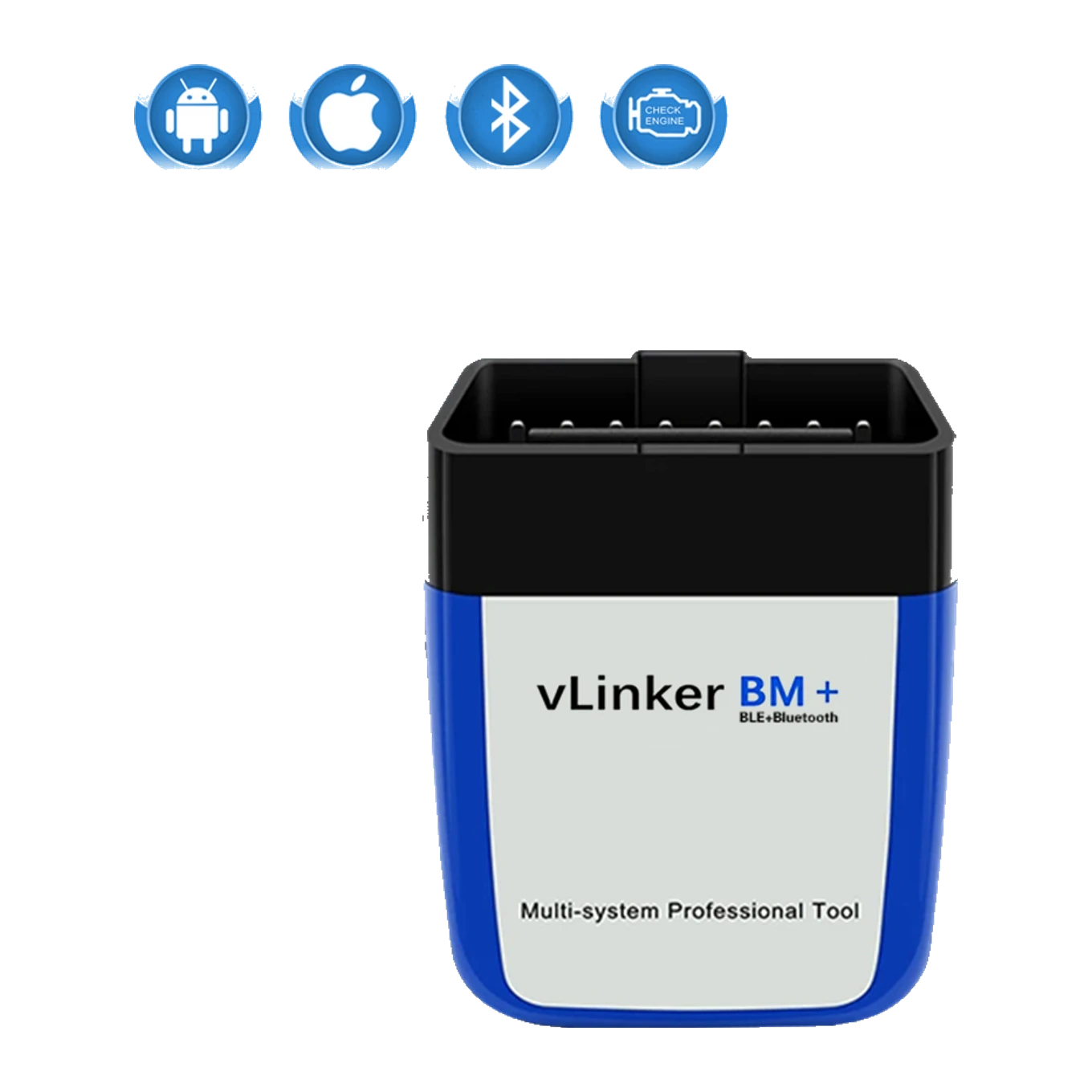
vLinker BM Plus is a compact OBD2 communication adapter using Bluetooth LE and classic Bluetooth connection. Compatible platforms: iOS, Android, and Windows. Actual function scope depends on the selected application and vehicle.