Evaluation Method
How was this guide prepared?
Otobiltek is a store that sells both of these devices. Purchase links lead to our own product pages.
The comparison is based on manufacturers' model documentation. It is not a speed or success test performed on the same vehicles; actual product photos are shown to familiarize you with the devices.
- Full model and connectivity
- Desired vehicle task
- Protocols and secure access
- Software, package, and total price
Technical information is re-checked when manufacturer coverage or sales package changes. Sale price and availability are shown on the product page.
Quick comparison
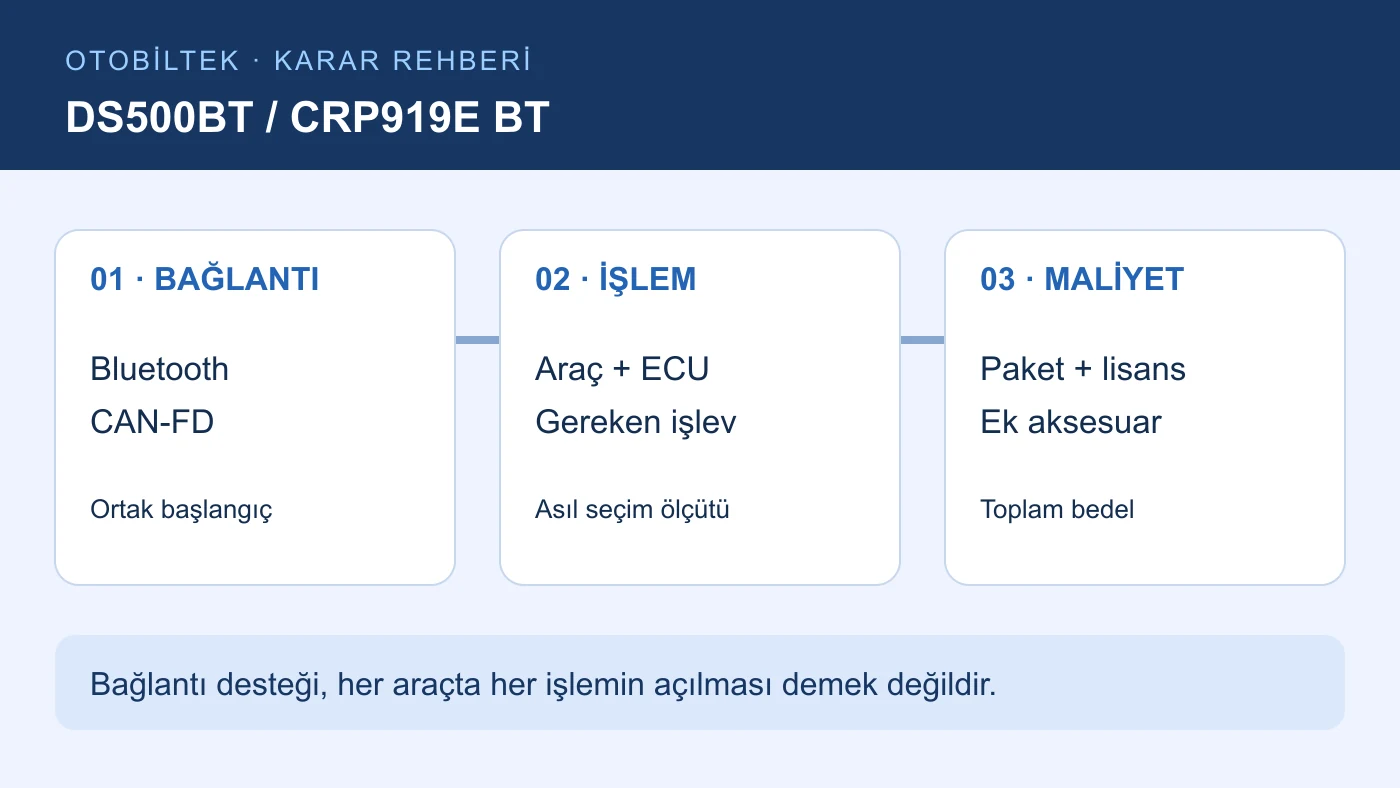
Verified selection criteria for both models
No feature not explained in the documentation is assumed. Technical support and function support on a specific vehicle must be checked separately.
Decision guide
Determine the task you need to perform first
Reading the check engine light, monitoring live data in the ABS unit, and commanding a fan to run are not the same needs. The first reads stored data; the second monitors measurements from the selected system; the third sends commands to the control unit. The diagnostic software in the box of either device does not indicate that these three operations will be available in the same way on every vehicle.
Instead of just writing the brand name on your shopping list, add the model year, engine, control unit, and the task you want to perform. For example,
If your current diagnostic tool can read the engine code, determine what additional function a new tablet should provide. Without verifying this task, simply increasing the screen size may not improve fault isolation capability.
Decision guide
Does Bluetooth expand vehicle coverage?
Wireless connectivity is the communication method between the tablet and the vehicle interface. Ancel's technical page specifies Bluetooth 5.0, while Launch's page describes wireless connectivity via the DBSCar VII adapter. This information helps understand where the tablet can be used in the workshop; it is not a measure of the number of supported control units.
Ensuring the vehicle interface fits correctly in the socket, receives power, and pairs with the tablet is the first check. Even if the tablet connects to a Wi-Fi network, communication with the vehicle via the VCI must be established separately.
If you are looking for a small OBD adapter that connects to a phone app, these two standalone tablets offer a different usage pattern. When deciding between a phone solution and a service tablet, also compare the required systems and application licenses.
Decision guide
CAN-FD is common; do not draw the same conclusion for DoIP
Both manufacturers state CAN-FD support. This common feature is a starting point when researching vehicles that require the new communication protocol. Launch uses the term 'expandable' for DoIP. However, DoIP is not mentioned in the reviewed technical sheet for the DS500BT. The silence in the documentation allows for neither a definitive conclusion of support nor lack thereof.
If your vehicle requires DoIP, specify the necessary VCI and additional cable in your purchase quote. Do not assume that a product labeled CAN-FD will also establish a DoIP connection out of the box.
A secure access account does not replace the protocol. Establishing a connection with the vehicle does not mean that the authorization required for protected active tests or coding operations has been completed.
Decision guide
What proof should you look for if active tests are mandatory?
Launch's CRP919E/X BT page directly lists actuator tests and ECU coding. This is clear initial evidence of the device's general capability. It is incorrect to automatically derive the same functions from the DS500BT's hardware specifications. The ANCEL vehicle coverage query must research the full model and desired task.
If you are making a purchase decision based on testing a fan, request confirmation that this command is available for your specific vehicle's make, model, year, and engine control unit. A video showing it working on another vehicle is not equivalent proof for your vehicle.
Acceptance of a command in an active test does not solely indicate that the part is functional. Physical response and, if necessary, circuit measurements must be evaluated separately. This guide explains device selection criteria, not on-vehicle test procedures.
Decision guide
Who benefits from a Turkish menu and tablet hardware?
The official technical sheet for the DS500BT specifies Turkish language support and a 7-inch screen. The same sheet also provides memory and storage information. Launch's page mentions multi-language support; the Turkish menu and region registration of a device delivered in Turkey must be verified through order conditions. The menu being in Turkish does not imply broader vehicle coverage.
For a user who reads long module lists in a work order, screen visibility and ease of use are important. Examining the actual device or the interface of the same model is more beneficial than comparing hardware numbers alone.
The scan completion time cannot be calculated from memory and processor values. Since no comparable speed test is available, a speed ranking is not provided here.
Decision guide
Read the price difference along with the package
Compare current product prices under the same day, same payment, and tax conditions. A lower initial price may not mean a lower total cost over the entire usage period if it comes with missing adapters or a different software version. Add mandatory cables, access accounts, and renewal costs to the device price.
Create two lines: the total cost required for initial operation, and the expected renewal cost for the subsequent period. Do not consider an accessory not included in the package as free; do not add a module unnecessary for your work to the mandatory costs.
Warranty period and update period are separate conditions. This comparison does not carry over promotions from other countries or models to the Turkish market. Live pricing and delivery details are available at the product links below.
Decision guide
In what situation could the DS600 be a third option?
Service centers wishing to stay within the Ancel family and focusing on bidirectional control and coding may also consider the DS600. The manufacturer's DS600 page explains these functions. However, the DS600 and DS600BT are distinct models; an increased model name does not guarantee broader support for every protocol or vehicle.
The DS500BT–DS600 guide addresses the distinction within the same brand. This page, however, resolves the selection of wireless tablets from two different brands. If DoIP or a specific active test is mandatory, the third option must also undergo the same vehicle control verification.
Decision guide
Complete the purchase decision in five lines
First, eliminate the option that does not meet the mandatory task or whose support cannot be verified. For the remaining devices, compare the usage pattern and total cost. This way, you will not be directed to an unnecessarily higher model simply due to the brand name or connectivity label.
- List your most frequent vehicles by model year and engine.
- Specify the required system and task for each vehicle separately.
- Record the support outcome for each vehicle based on the full model.
- View language, VCI, adapter, update, and warranty conditions on the quote.
- Make your decision based on current product price and delivery; do not use unverified features as a reason for purchase.
Frequently Asked Questions
Most frequently asked questions by customers
Should I buy the DS500BT or the CRP919E BT?
Select based on vehicle and task. Both are wireless and CAN-FD capable options. If active tests are mandatory, Launch's general support is clearly documented; your specific vehicle and command must be verified for both models.
Are the Ancel DS500 and DS500BT the same product?
The product in this guide is the DS500BT. If the listing only shows DS500, verify the full model with the label, box, and serial number; do not consider the short name alone as proof of variant.
Do both devices connect via Bluetooth?
Yes. The DS500BT technical sheet specifies Bluetooth 5.0, while the CRP919E BT description mentions the DBSCar VII Bluetooth adapter.
Do both have DoIP?
Launch explains expandable support for DoIP. DoIP is not mentioned in the reviewed technical sheet for the DS500BT. If required for your vehicle, verify with the VCI and accessories.
Does the DS500BT lack active tests?
We do not conclude this. The reviewed hardware sheet does not prove specific active tests; full vehicle and function research must be done through ANCEL's vehicle coverage.
Is CRP919 MAX information valid for CRP919E BT?
It is not automatically valid. MAX and E BT are different models; software region, accessories, and update rights must be checked with their respective documentation.
Is the Ancel DS600 an alternative to these two models?
It can be added to the comparison for users needing active tests and coding. However, the DS600's own vehicle, protocol, and package limitations must be evaluated separately.

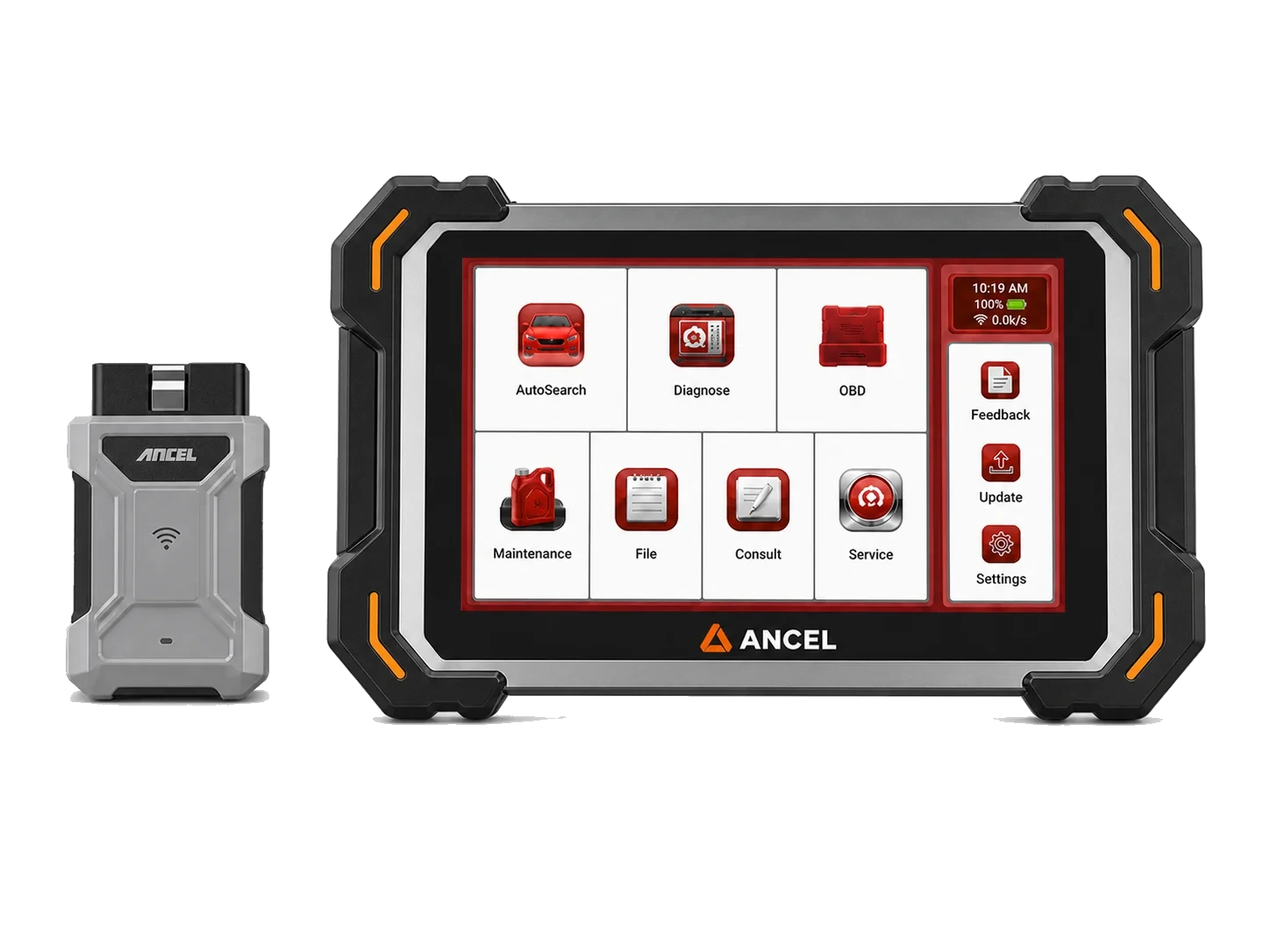 Ancel DS500BT
 Launch CRP919E BT
