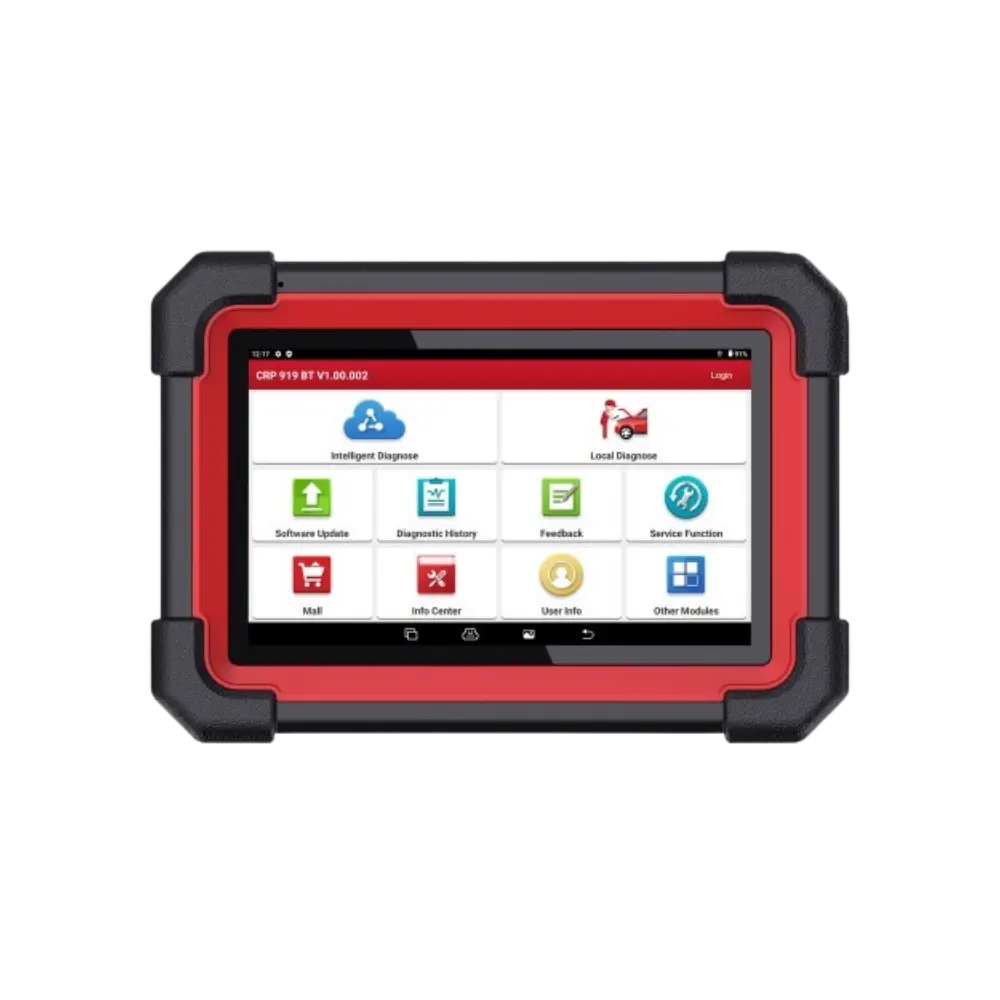
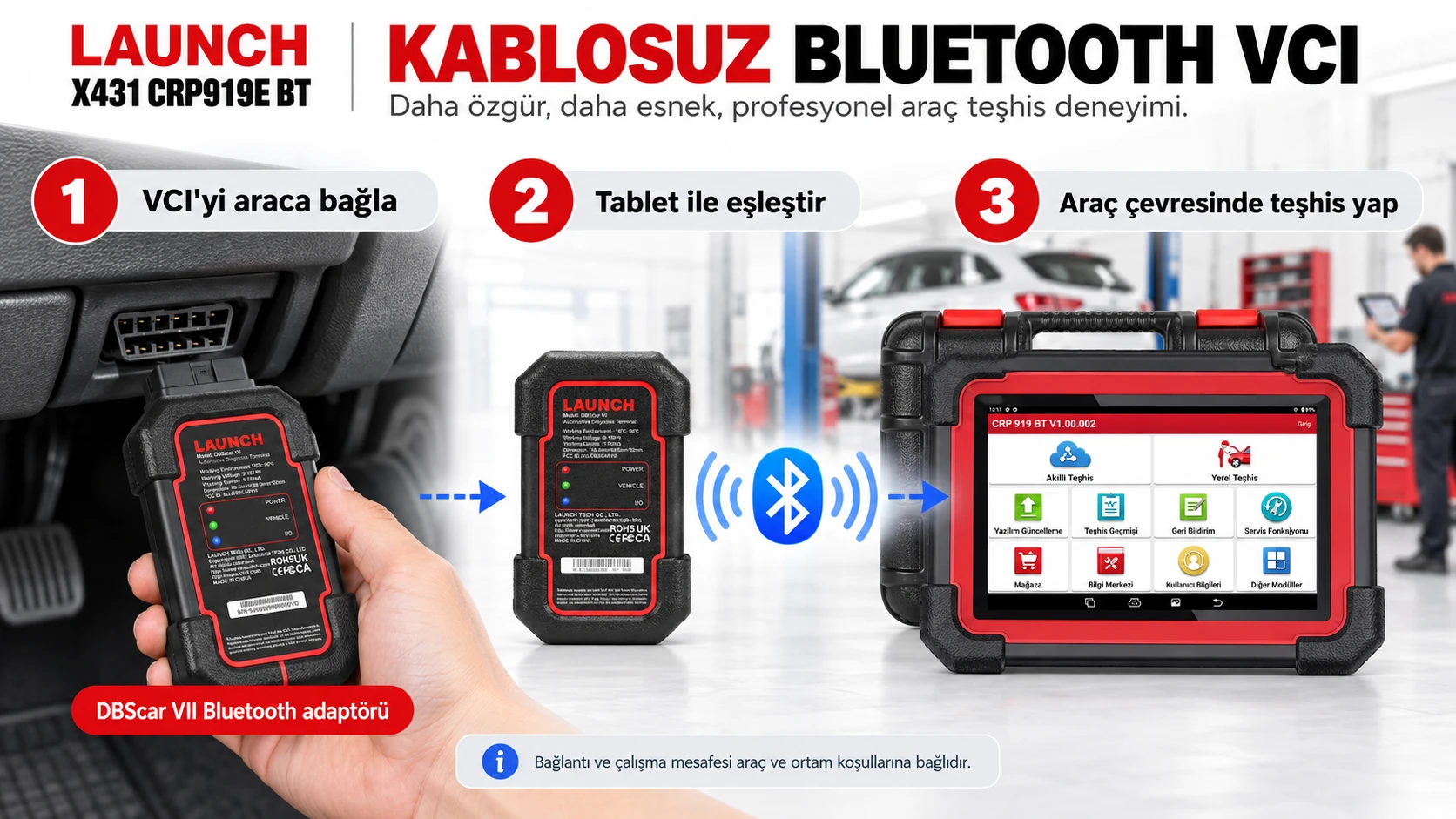
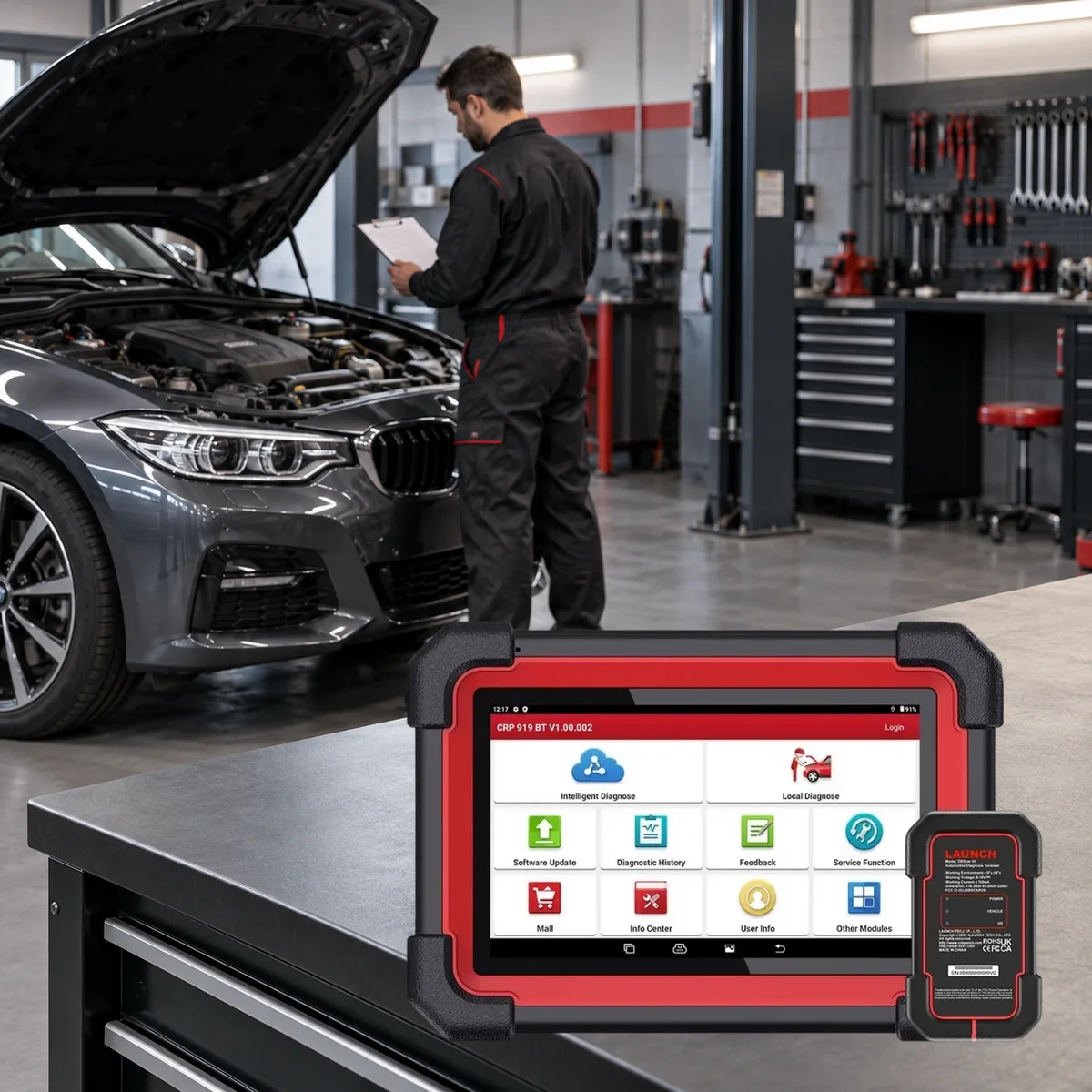
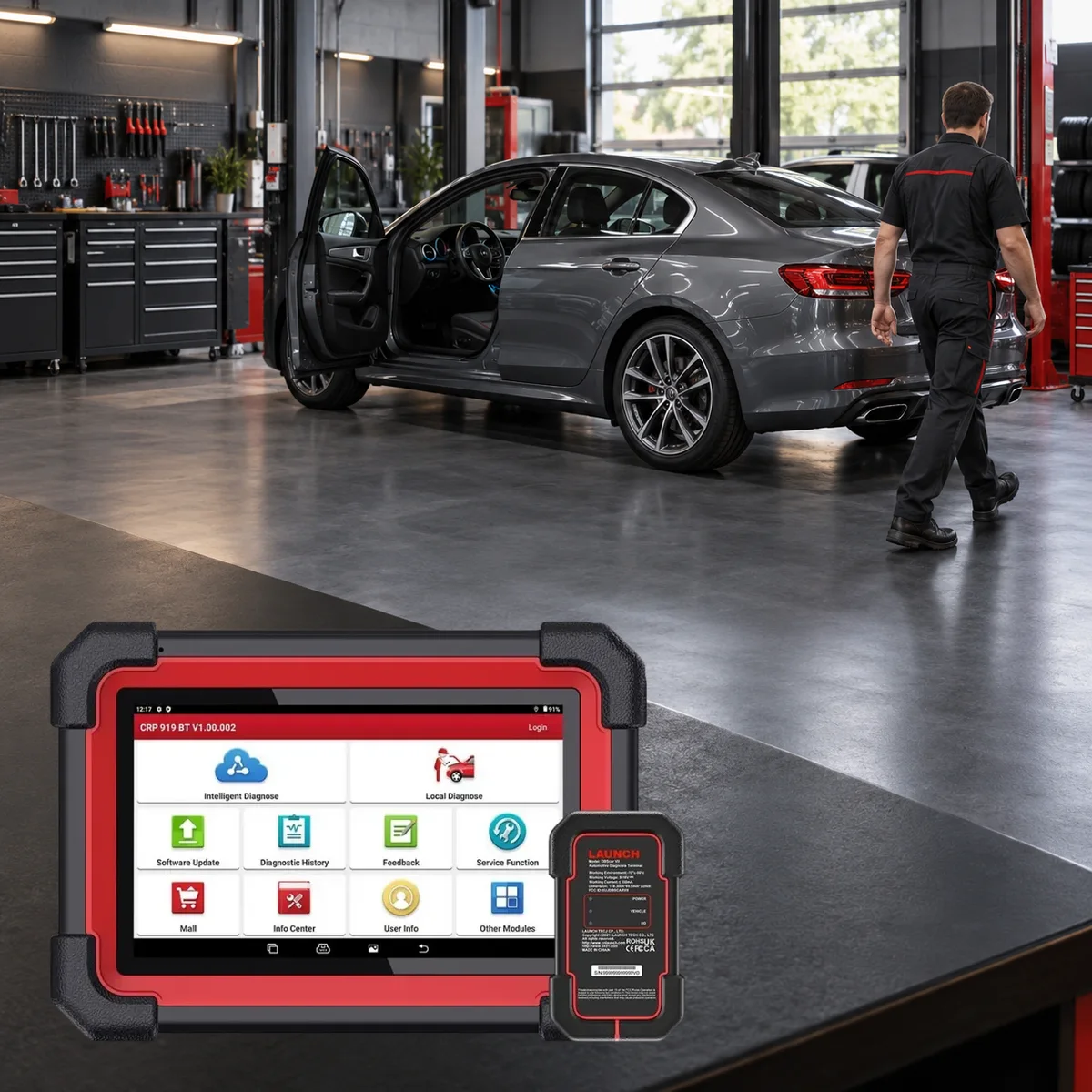
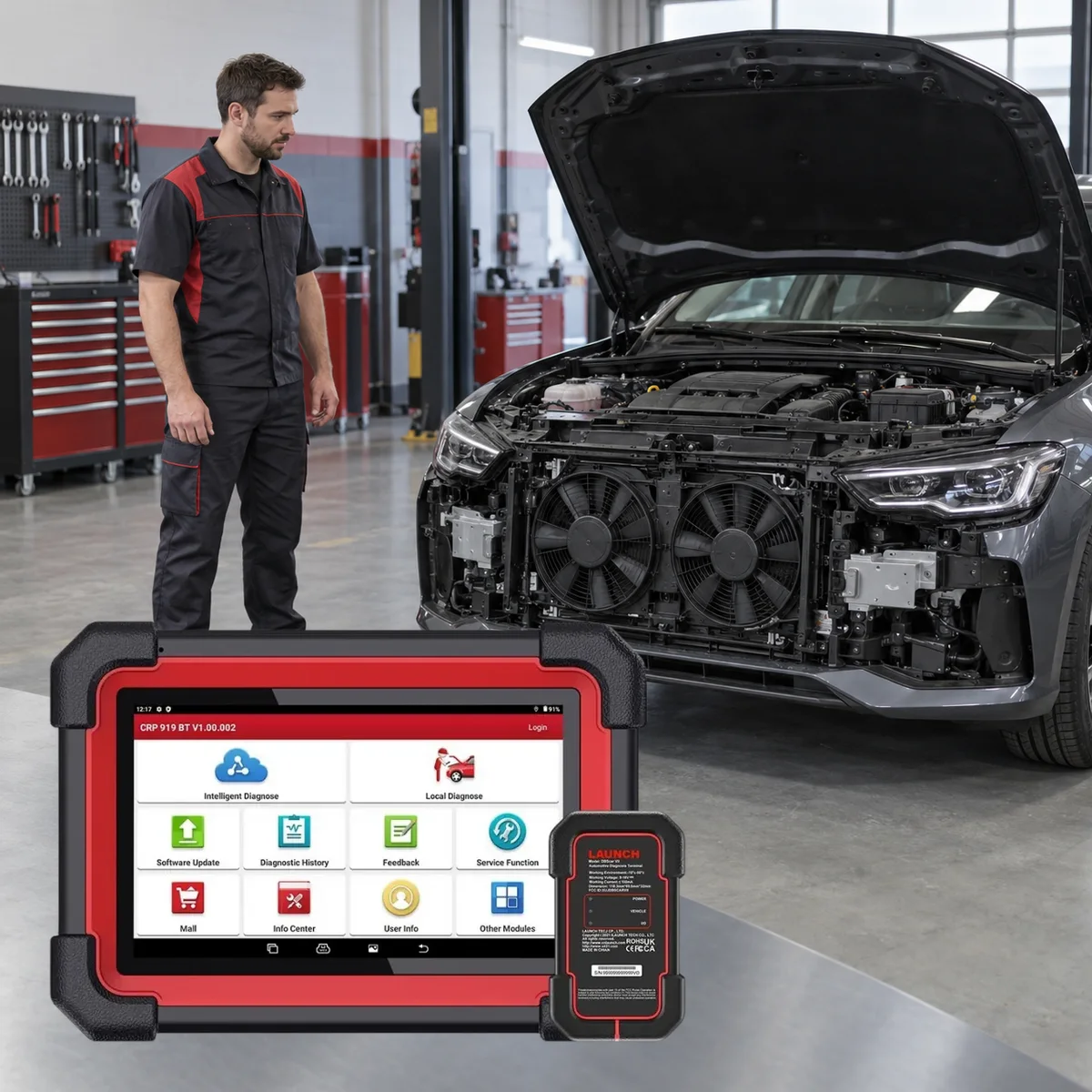
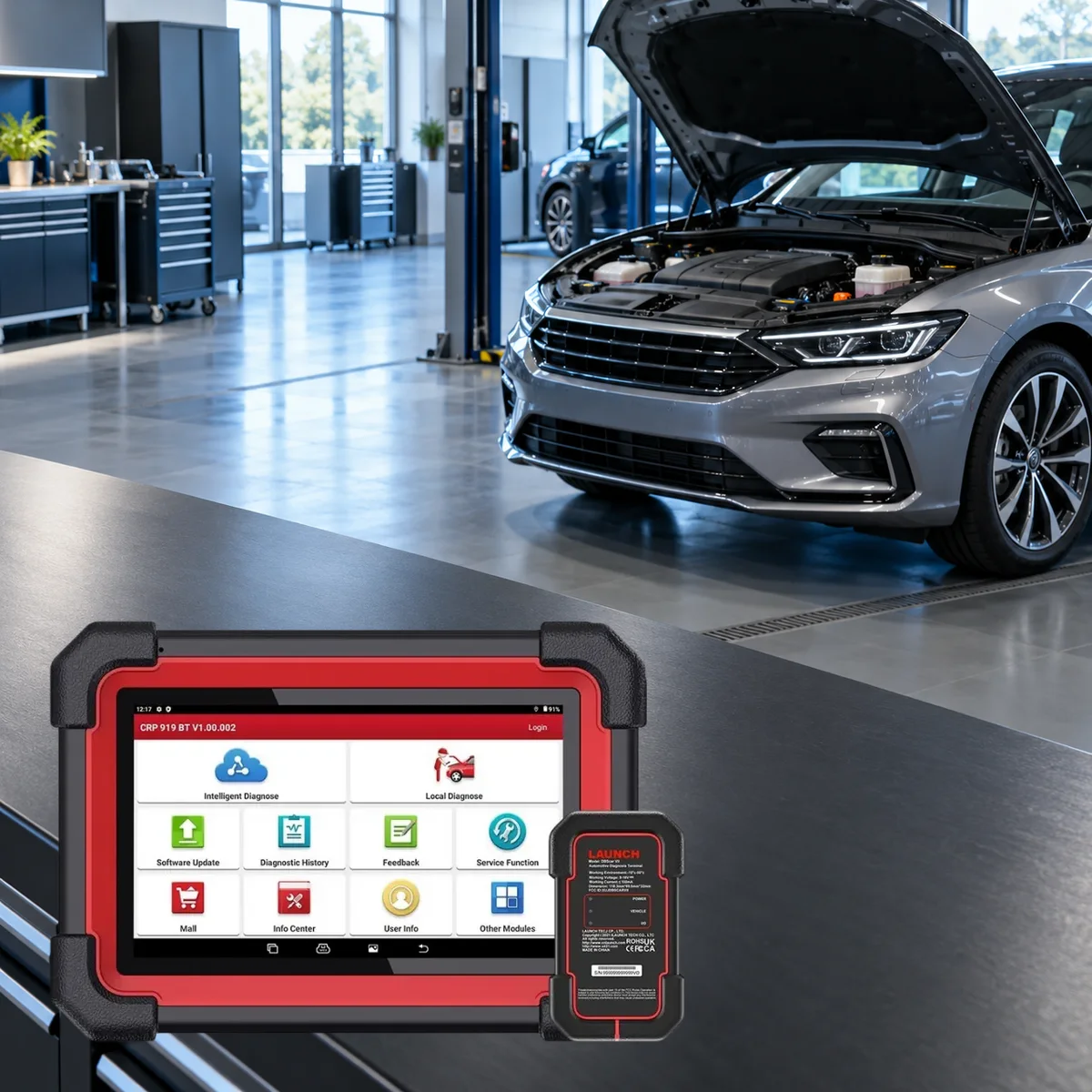
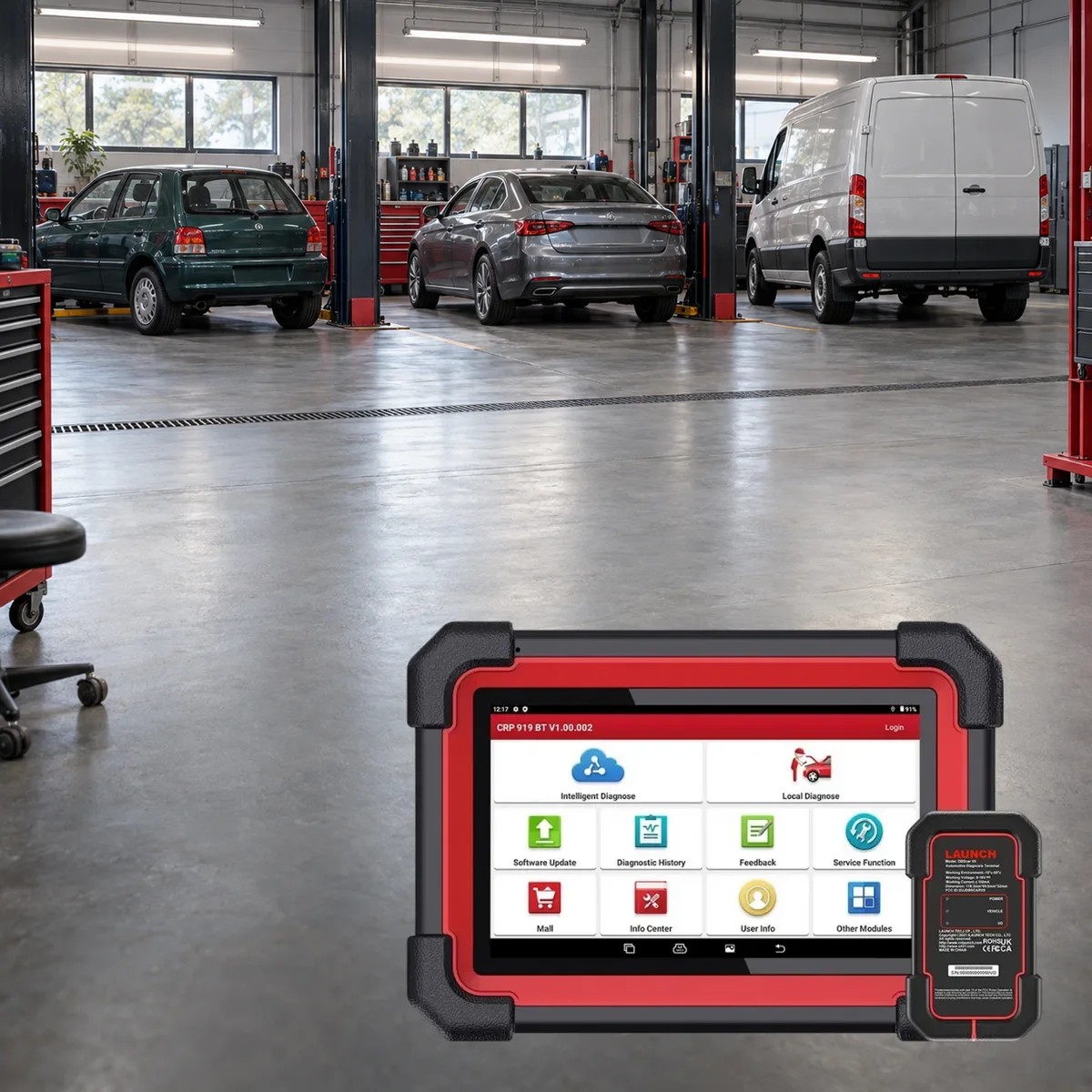
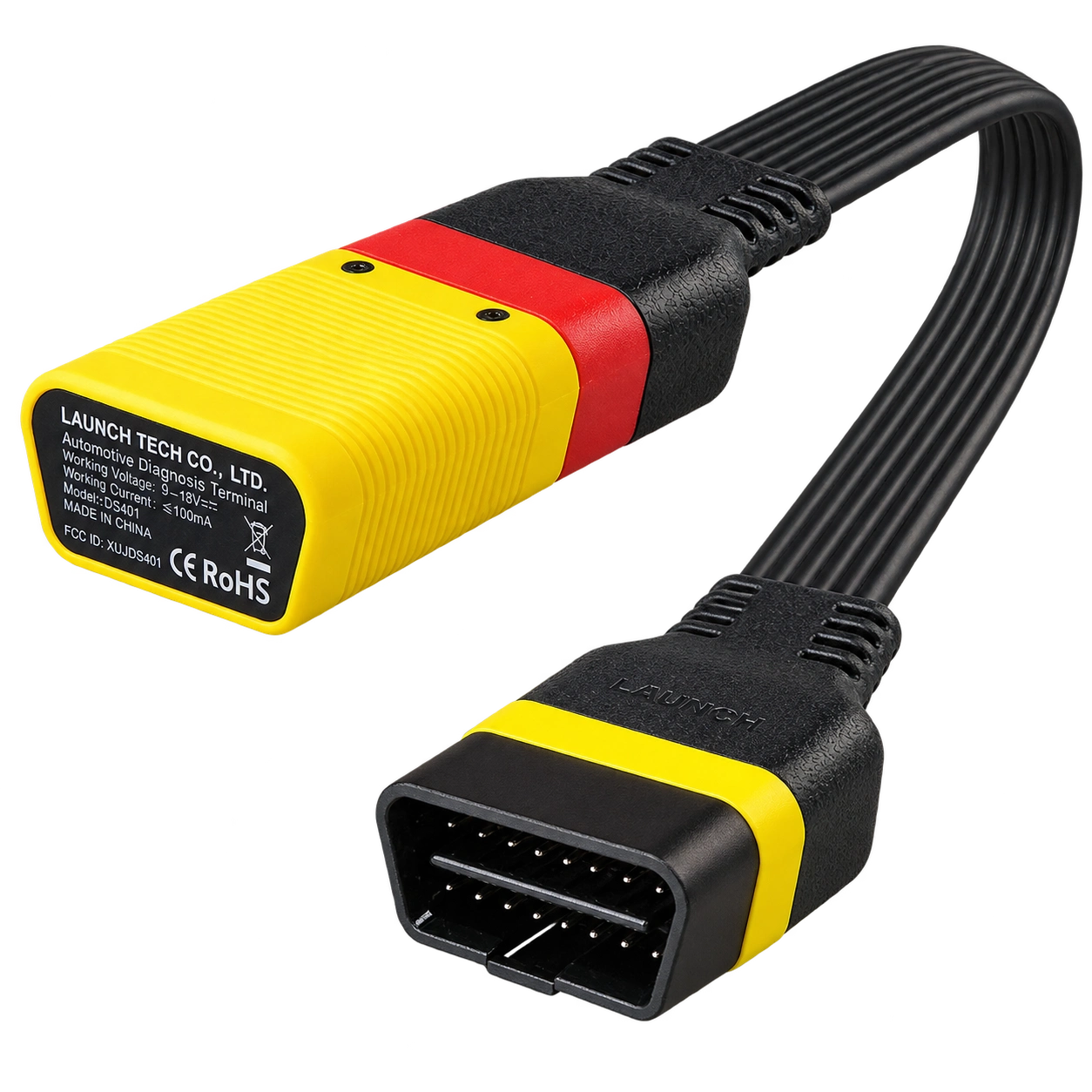
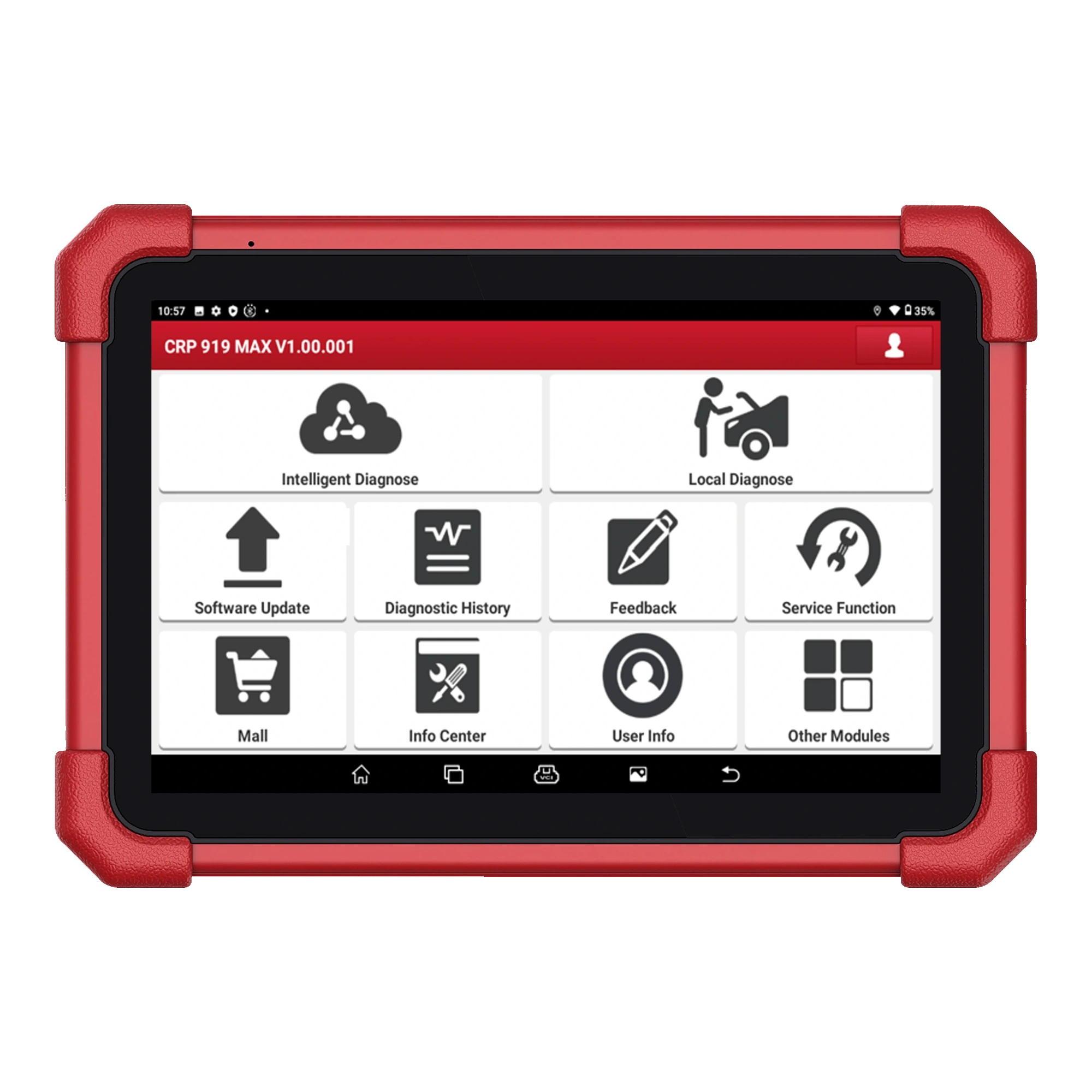
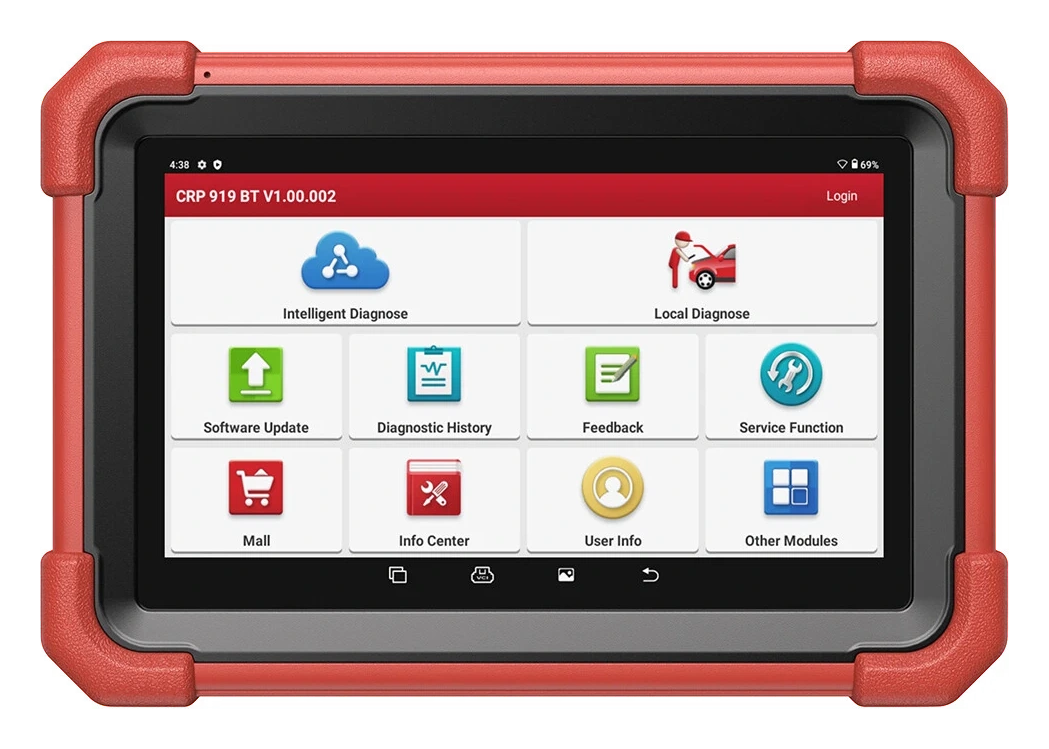
Launch CRP919E BT tablet front view.Reference package view of the tablet, VCI, and accessories; Turkish package must be verified separately. Enlarge imageCRP919E BT tablet and carrying case view. Enlarge imageCRP919E BT tablet and Bluetooth VCI connection view. Enlarge imageReference view of CRP919E BT device and accessories; box contents must be checked according to the purchased package. Enlarge imageLaunch · Vehicle fault diagnosis devices
Launch X431 CRP919E BT highlighted tasks
Launch X431 CRP919E BT
The Launch X431 CRP919E BT offers wireless VCI connection and service functions on the same diagnostic tablet.
The Launch X431 CRP919E BT is a service-type diagnostic tablet that communicates wirelessly with the vehicle via the DBScar VII Bluetooth VCI. Launch lists full system fault diagnosis, actuator testing, ECU coding, CAN FD, expandable DoIP, and FCA AutoAuth features for the device.
Designed for auto service centers that want to use fault codes, live data, and supported service functions wirelessly at the vehicle.
Menus vary by vehicle make, model, year, control unit, and installed software.
What would you buy this for?
Working wirelessly around the vehicle with VCI
Full system scan, live data, and actuator test
Supported vehicles requiring CAN FD or DoIP
Services operating within the Launch software ecosystem
Featured diagnostic features
Hardware and software level
Function Coverage
Update
Vehicle Coverage
What vehicles does the Launch X431 CRP919E BT support?
The make name alone does not guarantee compatibility. Within the same make, model year, engine, chassis, control unit, communication protocol, and intended operation can yield different support results.
Vehicle Group
Passenger cars and light commercial vehicles included in the product software
Supported makes
Multi-brand coverage; the current make list is obtained from the manufacturer's official vehicle or protocol database.
Supported models
Verified from the official coverage screen based on make, model, model year, engine or chassis, and control unit.
Scope of service
Code reading, live data, active test, service function, coding, and programming may be supported separately.
Connection conditions
Hardware and software level, Functional scope, Updates
The make and model examples on the page do not guarantee all production years and all functions.
Before any definitive operation, the manufacturer's current coverage record must be verified with the VIN or full vehicle information.
Setup of connection with DBScar VII Bluetooth VCI and workflow around the vehicle.
The CRP919E BT is an Android-based diagnostic tablet used to scan supported control units accessible from the car's OBD connection. The DBScar VII Bluetooth VCI establishes the connection between the tablet and the vehicle; the technician can work around the vehicle without carrying cables.
Full system scanning displays fault records in other control units accessible beyond the engine within the same workflow. The device does not repair faults on its own; it helps narrow down the fault search by reading codes, live data, and test results.
The manufacturer's vehicle coverage record shows which systems and operations will be enabled based on make, model, year, and control unit.
Bluetooth VCI vehicle connection
Full system fault scan
Live data graphs and recording
Supported service menus
Product details
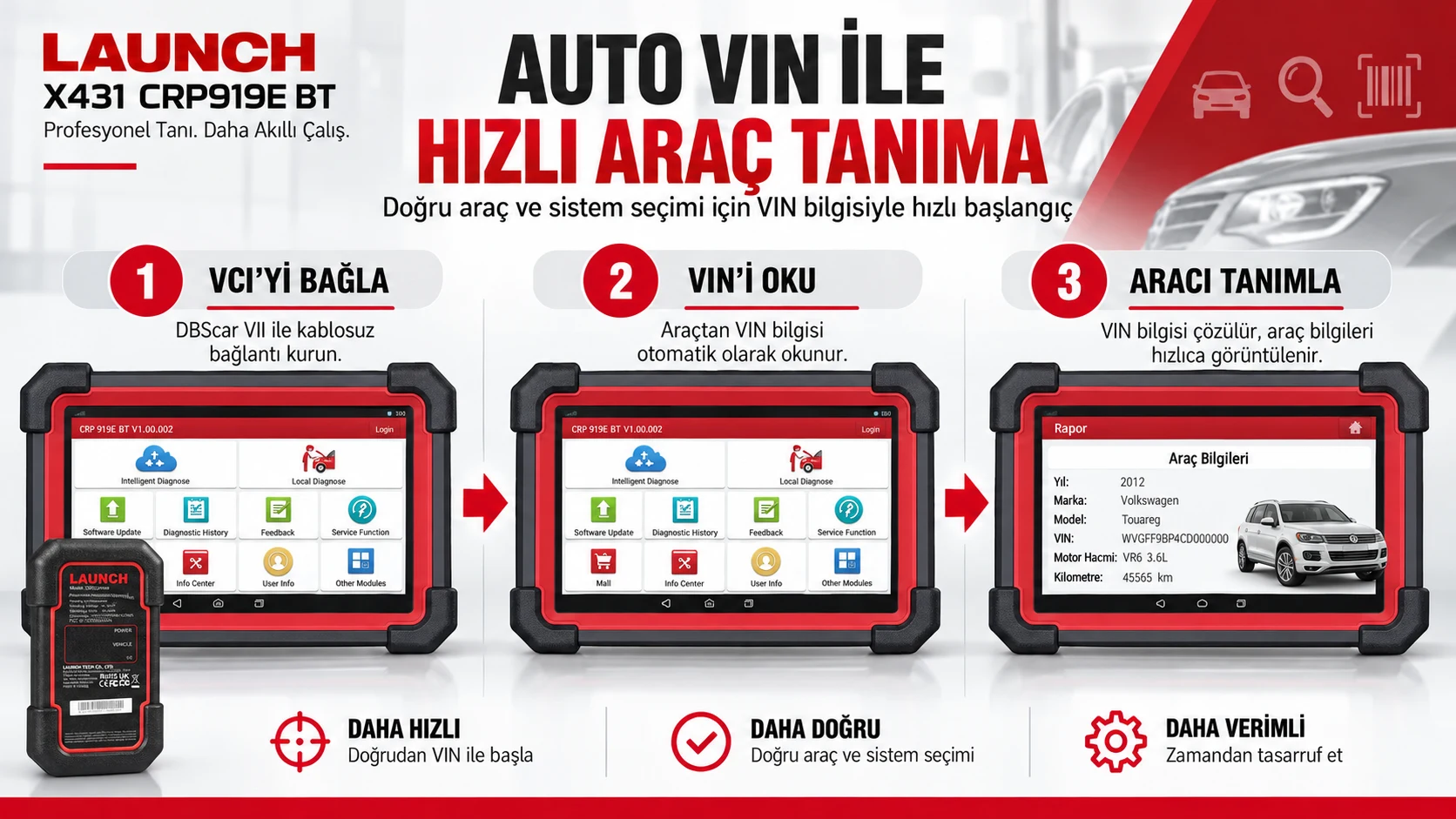
CRP919E BT usage workflow: vehicle recognition, scan, and report
Summary of connection setup, VIN reading, and vehicle identification steps with DBScar VII.
In CRP919E BT usage, the vehicle is identified with Intelligent Vehicle Identification or Auto VIN; then, Intelligent Diagnose provides a guided flow, while Local Diagnose allows continuation with local scanning at the vehicle. After a full system scan, fault codes, live data, and supported active test results are examined.
Diagnostic History and Health Report help track previous sessions or pre- and post-repair status. Software Update is used to keep device software and vehicle databases up-to-date.
The presence of a menu name does not mean the related function is available on every vehicle or in every package license; exact scope must be checked via the Launch scope query on a per-vehicle and per-operation basis.
Auto VIN or manual vehicle identification
Intelligent Diagnose and Local Diagnose
Full system scan and live data
Supported active tests and service functions
Diagnostic History and Health Report tracking
Product details
Basic OBD2 tests and Auto VIN with CRP919E BT
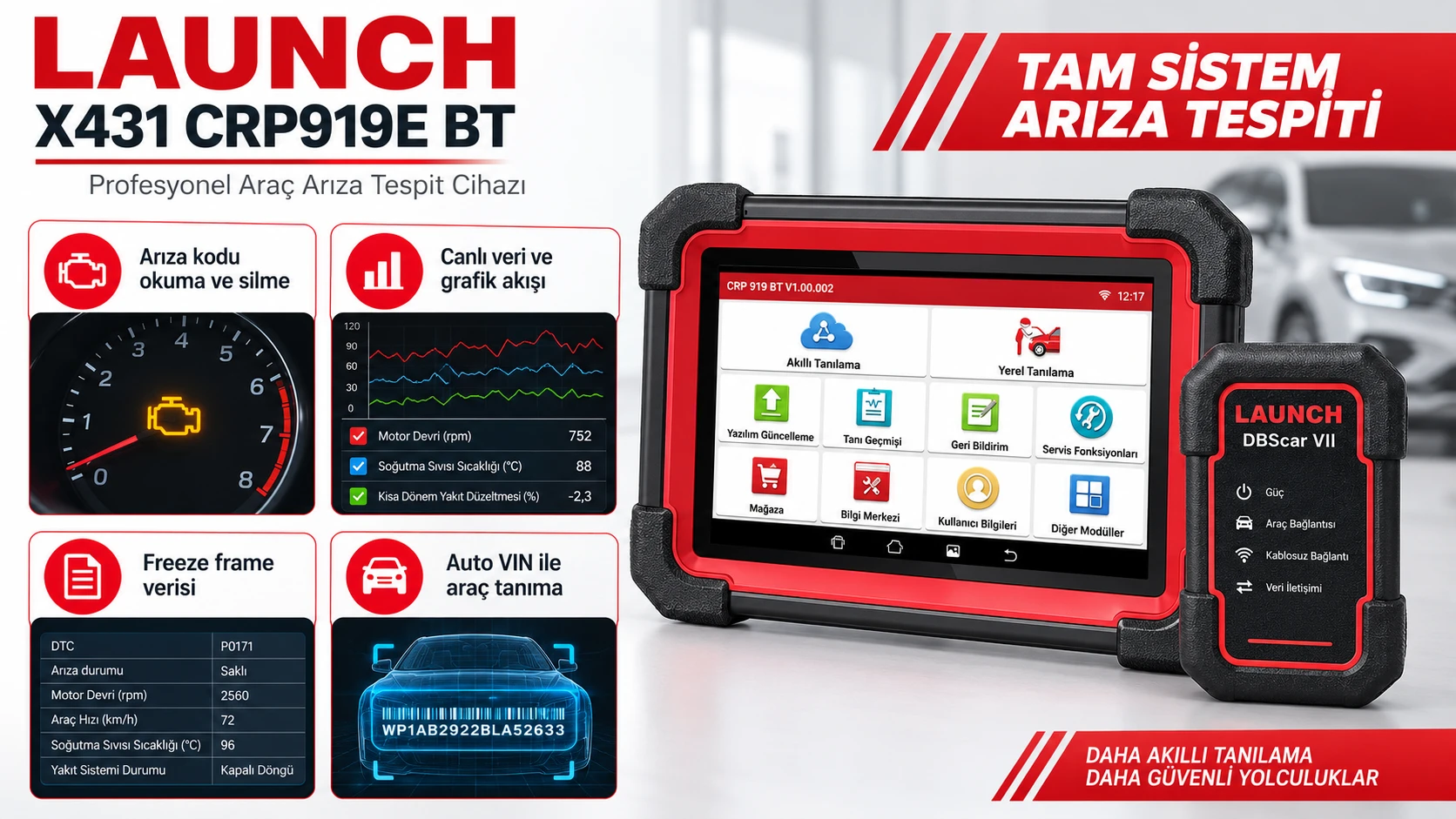
Summary of the workflow for full system scan, live data, freeze frame, and Auto VIN.
On compatible OBD2 vehicles, the CRP919E BT is used for basic diagnostic steps such as reading and clearing fault codes, viewing live data, examining freeze frame records, and displaying vehicle information.
OBD-II monitoring and emission-related tests, as well as O2 sensor or EVAP checks, are limited to the monitors and systems supported by the vehicle; the presence of a menu on the screen does not mean the same test result will be obtained on every vehicle.
Auto VIN in the Intelligent Vehicle Identification flow reads the VIN after the VCI connection is established to speed up the vehicle identification process; if the VIN cannot be read, proceed by manually selecting the make, model, year, and system information.
When DTC, live data, freeze frame, and vehicle identity are kept in the same service record, a more traceable diagnostic process is formed compared to interpreting fault codes alone.
OBD2 fault code reading and clearing
Live data and graphical data flow
Freeze frame and related data flow
Vehicle identification with Auto VIN
O2, EVAP, and readiness checks on compatible vehicles
Product details
What do technical specifications provide in daily service?
Actuator testing allows observing whether a fan, relay, or similar component responds by sending a command from the device to a supported control unit. This test is used to differentiate between electrical command and mechanical response before replacing a part.
ECU coding provides access to settings, hidden functions, or programmable module steps specified by the manufacturer for supported operations; it does not mean software installation for every ECU. CAN FD and DoIP are next-generation vehicle communication protocols; Launch lists CAN FD and expandable DoIP support for the CRP919E BT.
Graphical data flow facilitates comparing multiple live values over time; the meaning of the values is read in conjunction with the vehicle manufacturer's reference range.
Actuator test: sending commands to supported parts
ECU coding: supported setting and module operations
CAN FD: next-generation CAN communication
DoIP: Ethernet-based diagnostic connection on compatible vehicles
Graphical live data: comparing values over time
Product details
X431 CRP919E BT model technical specifications
Launch's CRP 919E/X BT product page states Android 10 operating system and a 2.0 GHz quad-core processor for the CRP919E BT family.
The same source lists the DBScar VII Bluetooth adapter with full system fault detection, actuator test, ECU coding, multi-language support, graph data stream, CAN FD, expandable DoIP, and FCA AutoAuth. This does not imply that any additional cables, licenses, or services are automatically included in the package sold in Turkey.
The activation of a specific menu on the vehicle depends on the control unit version and the manufacturer's current vehicle list.
Vehicle connection
DBScar VII Bluetooth VCIListed on the official Launch product page.
Operating System
Android 10Information published for the CRP 919E/X BT family.
Processor
2.0 GHz quad-coreListed on the official Launch product page.
Diagnostics
Full system scan and actuator testLimited to supported vehicles and control units.
Vehicle communication
CAN FD and expandable DoIPDoIP connection depends on the vehicle and required equipment.
Software functions
ECU coding and FCA AutoAuthScope of operation varies by vehicle software.
Product details
Full system scan for engine fault light
At vehicle intake, battery voltage and OBD connection are checked, then the device is paired with DBScar VII. Records in engine, transmission, ABS, or body control units accessible via full system scan are read in a single session. The technician records the fault code status and relevant live data before clearing the code.
This record preserves the initial finding in case of an intermittent fault and helps ensure the subsequent test is performed under the same conditions. The scan result is not a part replacement decision; cables, power supply, mechanical condition, and manufacturer procedures are checked separately.
Check vehicle voltage and OBD connection
Initiate full system scan
Save code and live data record
Rescan the same systems after repair
Product details
Pre- and post-repair service report
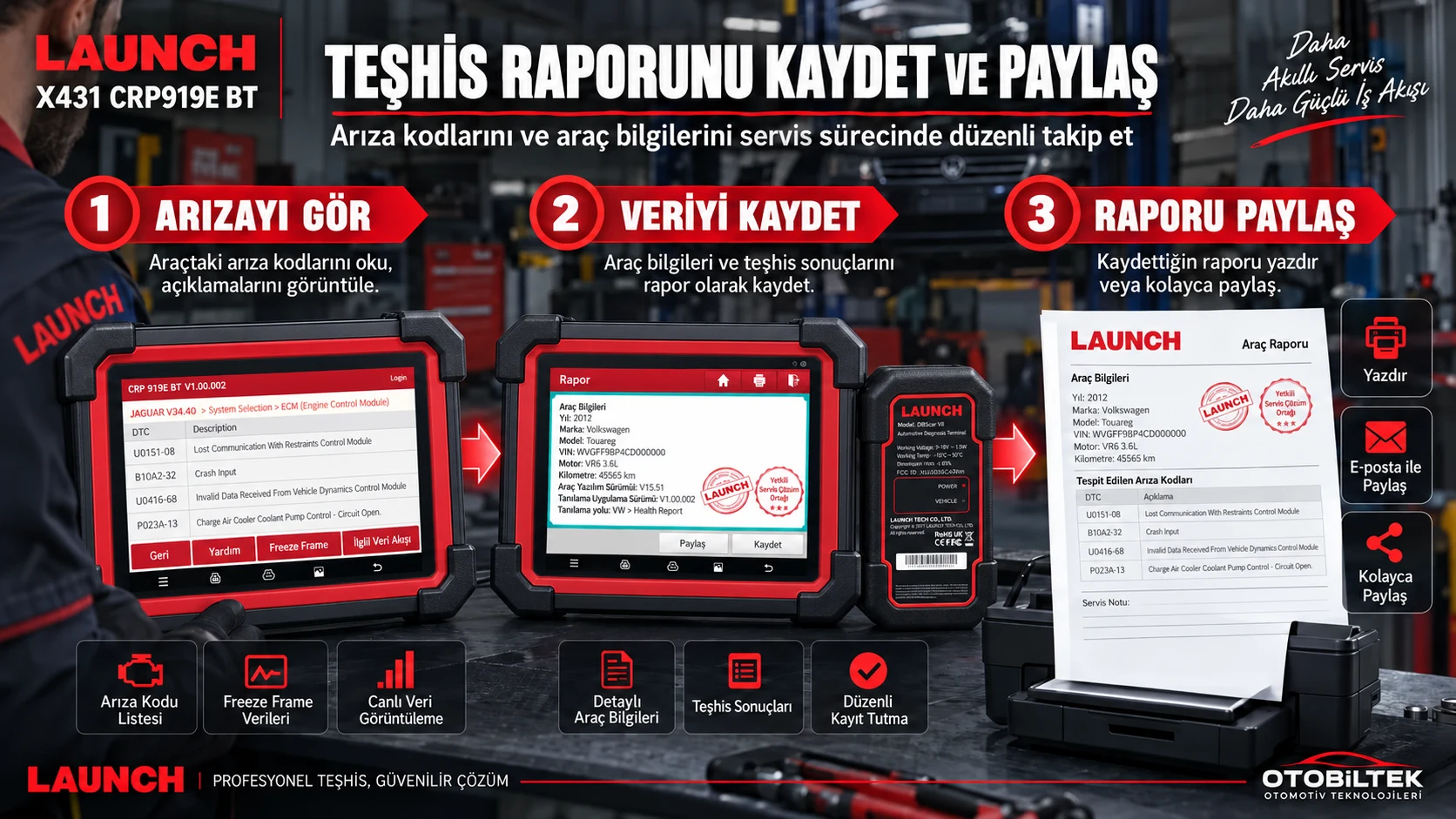
Workflow for viewing fault codes, saving data, and sharing diagnostic reports.
The Health Report function in the CRP919E BT user manual scans accessible control units on supported vehicles and saves the result as a report. When the scan at vehicle intake is saved as a Pre-Repair report, the initial electronic status is visible along with the vehicle identification. After the process is completed, the same systems are rescanned, and a Post-Repair report is generated.
When two records are taken under the same vehicle, ignition, and voltage conditions, it becomes easier to distinguish between remaining or recurring codes. The manual specifically states that fault code definitions alone are not a basis for part replacement decisions; the report is read in conjunction with live data and manufacturer test procedures.
Pre-repair health report
Vehicle identification and mileage record
Post-repair scan
Report comparison under the same conditions
Product details
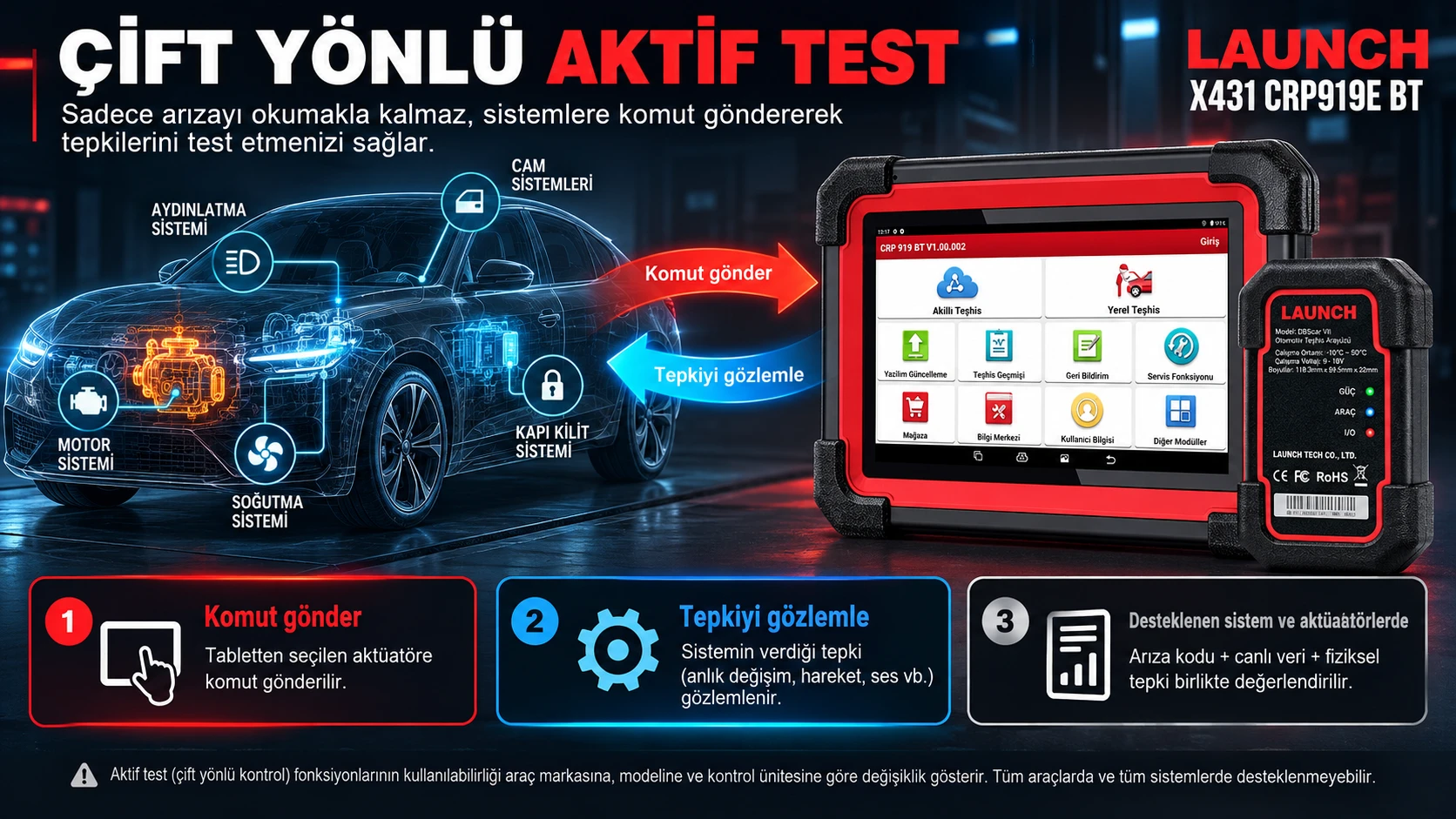
Check circuit response with actuator test
Sending commands and observing system responses in bidirectional active tests.
On a supported vehicle, actuator testing allows the device to send a command to the control unit for a specific component. For example, while a fan relay or a solenoid receives a command in the appropriate system, the technician observes the physical sound, operating status, and changes in live data.
Failure of the command to reach its destination may indicate a need to check the power supply, wiring, relay, or ECU. If the component actuates, it may require further inspection of mechanical load or sensor data. Available test steps vary according to vehicle and control unit software.
Save fault code and related live data
Select manufacturer-supported actuator test
Observe physical response and data changes
Record result with vehicle information
Product details
Compare multiple values in live data
For a complaint such as rough idle, fuel pressure, or temperature data, related values are read together instead of a single number. The device's graph data stream helps to view the changes of selected values over time on the same screen.
The technician compares data such as engine speed, temperature, pressure, or fuel trim with the vehicle manufacturer's reference procedure. When taking a recording, the vehicle temperature, operating condition, and test time are noted. This allows for a second recording under the same conditions after repair.
Select data PIDs related to the complaint
Note vehicle temperature and operating condition
Capture graph recording
Re-compare under the same condition after repair
Product details
Connection preparation for vehicles requiring CAN FD and DoIP
On newer vehicles, communication speed or connection protocol is one of the initial conditions for the test to be used. Launch lists CAN FD and expandable DoIP support for this device family. On vehicles requiring DoIP, the menu will not open without the appropriate connection equipment and support from the relevant control unit in the vehicle; the device name alone is not sufficient.
Access on vehicles with SGW may depend on the manufacturer-supported account and authorization flow. After establishing a connection, communication is first verified through reading and scanning; write or coding operations are not initiated without the vehicle manufacturer's procedure.
Determine vehicle protocol and connection requirements
Check required DoIP equipment
Use supported account if SGW access is required
Verify communication first through reading and scanning
Product details
Setup, software, and vehicle coverage
For initial use, the tablet, DBScar VII VCI, and device account must be kept together in the same delivery record. Keeping the tablet's software version and VCI software updated makes it easier to distinguish communication issues with the vehicle. When searching for vehicle coverage, the brand name alone is not sufficient; model year, engine, system, and the intended operation are selected together.
For coding or gateway operations, the vehicle battery, connection stability, and manufacturer procedures directly affect the outcome. Update duration and renewal conditions are commercial terms for the product variant sold in Turkey; the global package duration is not used on this page.
Keep tablet, VCI, and device account together
Check tablet and VCI software
Search function by vehicle brand, model, year, and system
Prepare battery and connection conditions before writing operations
Product details
Box contents and Turkey package
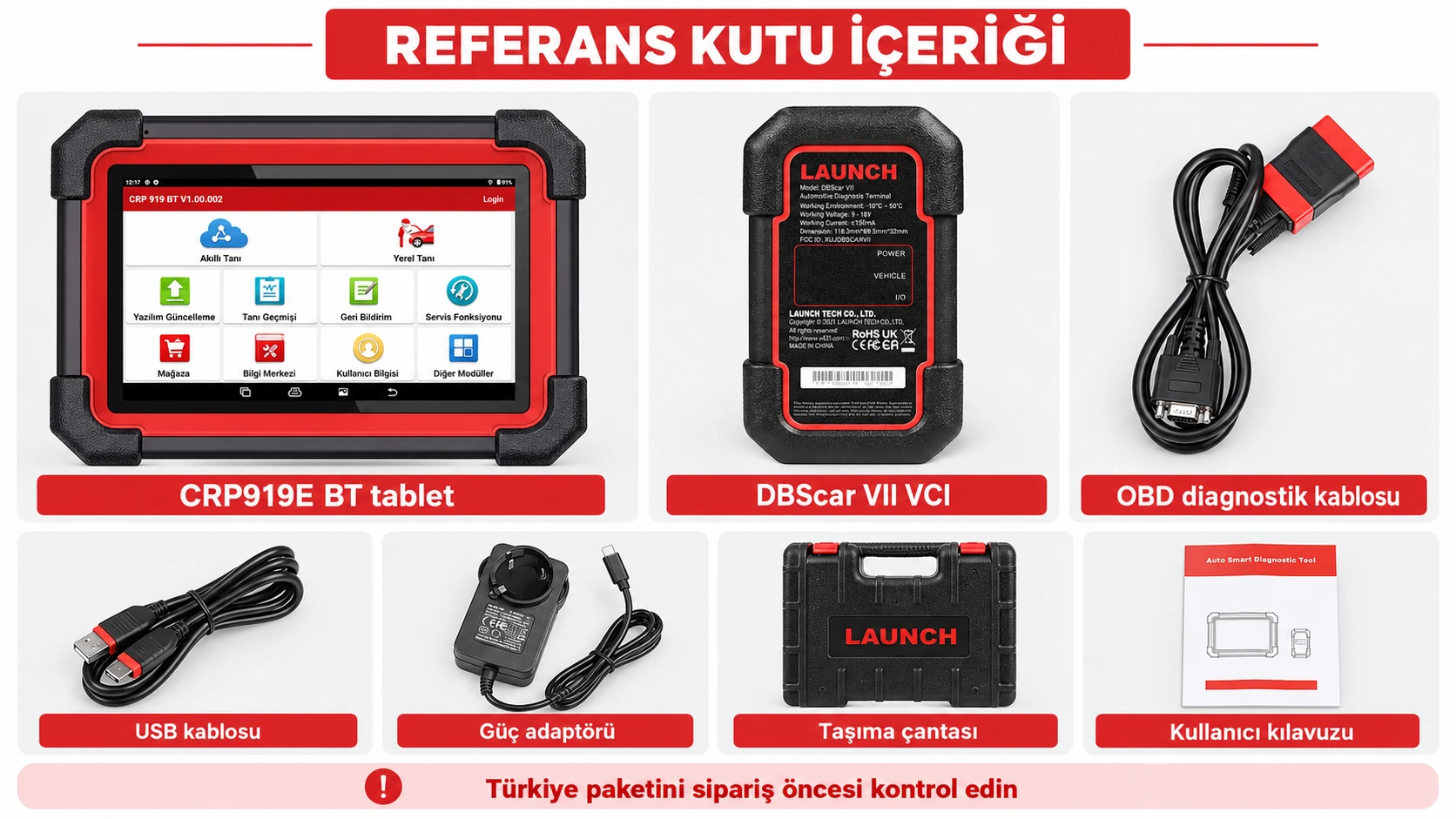
Reference box contents; check the Turkey package separately before ordering.
Launch's CRP919E BT user manual shows a screen tablet, VCI connector, and diagnostic cable in the reference package list. The manual also explains that accessories may vary by sales region.
Therefore, the list in the visual is for the device's reference package; additional parts or services not mentioned in the Turkey package are not automatically included. When comparing the device with package descriptions in global stores, consider regional software and accessory differences.
Reference list: screen tablet, VCI connector, and diagnostic cable
Regional accessories may vary
Product details
Other reference parts in the official manual
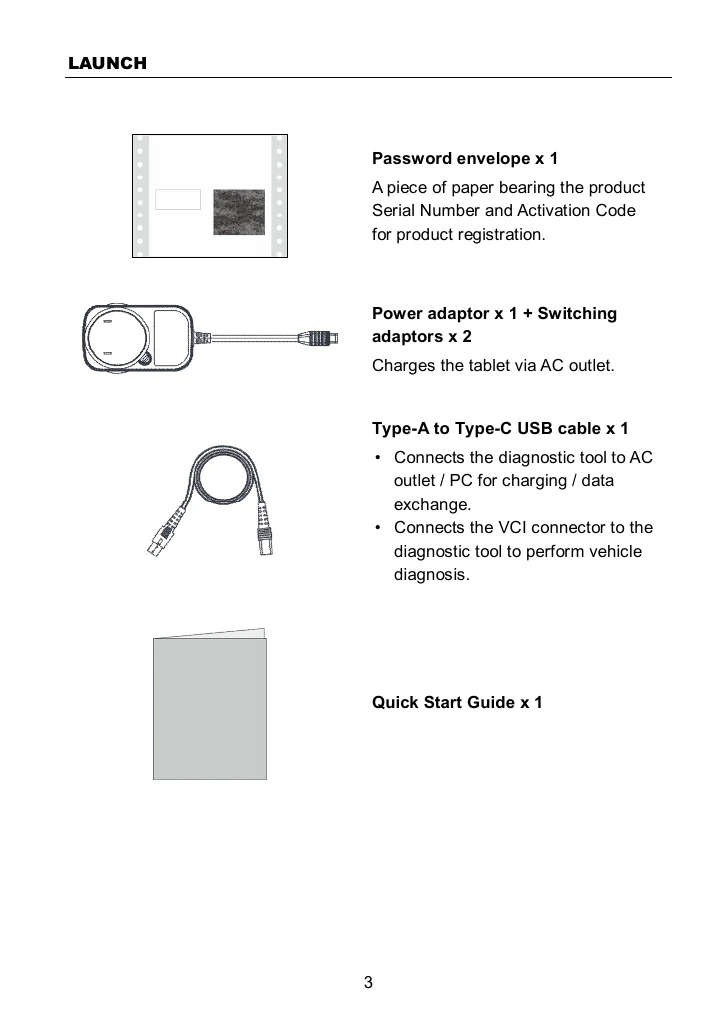
Other reference package parts in the Launch CRP919E BT user manual.
The reference list further in the manual includes a password envelope for device registration, a power adapter, key tips, a Type-A to Type-C USB cable, and a quick start guide. This list is the sample delivery content specified in the technical documentation. Whether it is included in the Turkey package is determined by the product package at the time of purchase.
When additional cables or adapters are needed, the appropriate product should be selected based on the vehicle socket and the intended operation.
Password envelope
Power adapter and key tips
Type-A to Type-C USB cable
Quick start guide
Product details
Which devices is CRP919E BT compared against?
The most meaningful comparison for this model is made through wireless vehicle connectivity and the scope of operations on the service tablet. Ancel DS700, Autel MX900, and CRP919E BT are devices that can be seen for the same service needs; connection method, manufacturer-published protocol information, active test scope, and software conditions should be compared individually.
In models within the same brand family, such as Launch X-431 PRO SE and X431 PRO, the distinction is based on screen class, connection equipment, and professional workflow. Detailed comparison pages explain these differences along with each model's technical resources.
Comparison of Ancel DS700, Autel MX900, and CRP919E BT
Comparison of Launch PRO SE, X431 PRO, and CRP919E BT
Launch update and license information
Product details
How to verify vehicle coverage for the X431 CRP919E BT model?
Definitive compatibility cannot be stated for the X431 CRP919E BT model without selecting the vehicle brand, model, year, engine, control unit, and the intended operation together. The official Launch coverage tool shows which systems, service functions, or protocols are activated for the selected vehicle and control unit for the X431 CRP919E BT.
The presence of the brand line does not prove that active test, coding, programming, TPMS relearn, or gateway access is also enabled on the X431 CRP919E BT.
Before ordering, prepare the VIN or full model information, model year, engine/chassis distinction, and the intended operation for the X431 CRP919E BT; also check the software version, license duration, VCI, adapter, and regional package.
X431 CRP919E BT model: prepare brand, model, model year, and engine/chassis information
X431 CRP919E BT model: select desired system and operation separately; read, live data, active test, coding, or programming
X431 CRP919E BT model: verify ECU and function line in the official coverage tool
Frequently asked questions about Launch X431 CRP919E BT
What tasks is the X431 CRP919E BT model used for?
CRP919E BT is used for full system scanning, reading and clearing fault codes, viewing live data, actuator testing, service functions, and ECU coding on supported vehicles. Graph data stream and health report help compare pre- and post-repair findings.
Available menus vary by vehicle, model year, and control unit.
Does the CRP919E BT work wirelessly?
Yes. The DBScar VII VCI connects to the vehicle's OBD socket, and the CRP919E BT tablet communicates with the VCI via Bluetooth. This setup allows the technician to work around the vehicle without carrying cables. Wi-Fi is used for internet-connected features and software updates; wireless connectivity alone does not expand vehicle or process coverage.
What does actuator testing provide?
Actuator testing helps observe the physical response of a component, such as a fan, relay, or valve, by sending a command from the supported control unit. The command result is compared with live data; it is not a standalone decision for part replacement. The test name and availability vary by vehicle make, model, year, and ECU software.
Does ECU coding mean installing software on every vehicle?
No. ECU coding can access settings, adaptations, hidden functions, or programmable module steps on supported vehicles and control units. This statement does not guarantee full software installation, online programming, or unlocking all hidden features for every ECU.
The scope of operation must be verified on the Launch vehicle list on a per-control unit and per-function basis.
Does the X431 CRP919E BT model support CAN FD and DoIP?
Launch lists CAN FD support and expandable DoIP connectivity in the CRP919E BT family. DoIP usage requires the vehicle to support the relevant protocol, the necessary connection equipment to be available, and the software coverage to be compatible.
CAN FD and DoIP are different communication conditions; the mention of both names on the device does not mean the same connection will be used on every vehicle.
When is FCA AutoAuth required?
FCA AutoAuth is used when authorized access to protected diagnostic operations is required on supported FCA vehicles with a security gateway. Launch specifies this feature in the device's technical list; however, account, subscription, country, and vehicle manufacturer conditions apply separately. Security gateway access does not mean all device functions are automatically enabled on every vehicle.
Does the device enable the same functions on all vehicles?
No. Systems and operations on the CRP919E BT vary by make, model, production year, engine or chassis, control unit, and installed software package. The presence of make support does not prove all active tests, coding, or special service functions. Exact scope must be checked with the Launch official vehicle query along with the intended operation.
What parts are included in the package contents?
The reference list in the Launch user manual includes the tablet, DBScar VII VCI, diagnostic cable, power adapter, USB cable, and quick start guide. The same manual states that accessories may vary by sales region. The device, cable, adapter, license, and services in the Turkish package must be verified separately via the order summary.
What is the update period?
The update period and renewal conditions depend on the commercial package of the Turkish variant sold; global store promotions are not automatically considered valid. The initial license period, renewal fee, operational status of the existing software after the update, and to whom the device account will be assigned must be checked in writing via the sales summary before purchase.
Comparison
Similar models to Launch X431 CRP919E BT
Compare products in the same class with information on usage level, service tasks, and price.
Launch EasyDiag 3.0 is a compact OBD-II diagnostic adapter that works with compatible Android or iOS devices via Bluetooth. Operations such as fault code reading, live data, and reporting on supported vehicles vary according to the scope of the software and brand license.
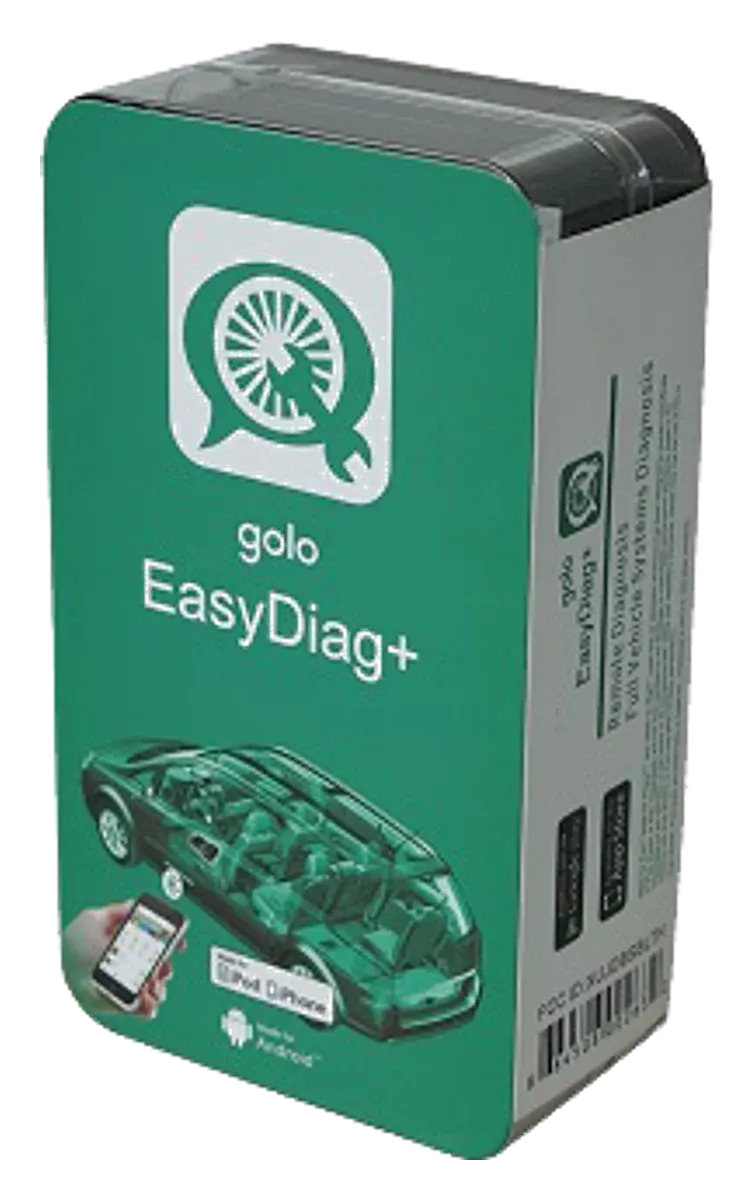
Launch Golo EasyDiag+ is an older generation Bluetooth OBD adapter used with software on a phone or tablet, and it has been discontinued. Golo CarCare II is a separate model; this page is maintained for identification, application, and license verification, not for new sales.
A Launch model on a 7-inch tablet integrating DBScar VII Bluetooth VCI, full system scanning, active tests, ECU coding, CAN FD, and expandable DoIP support.