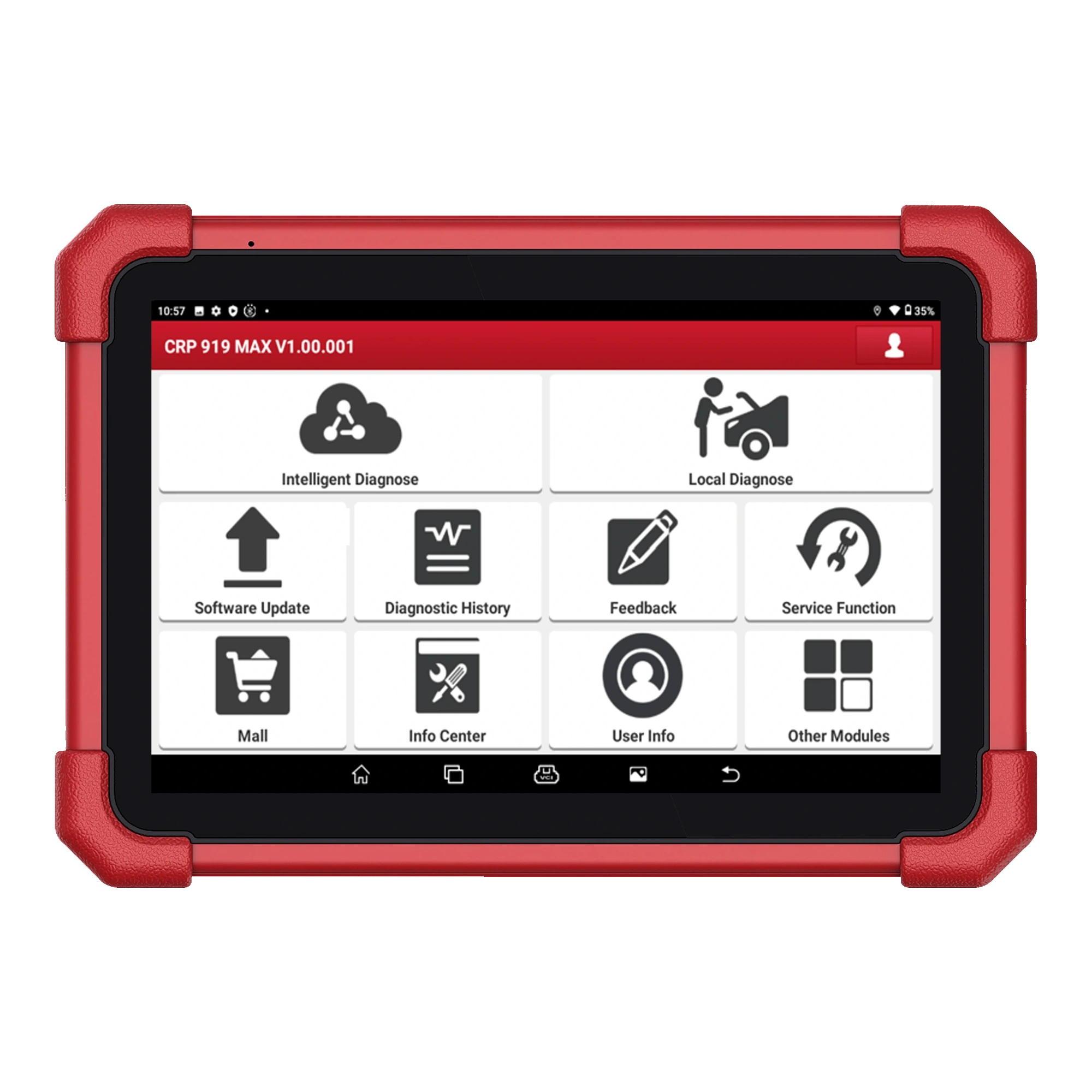
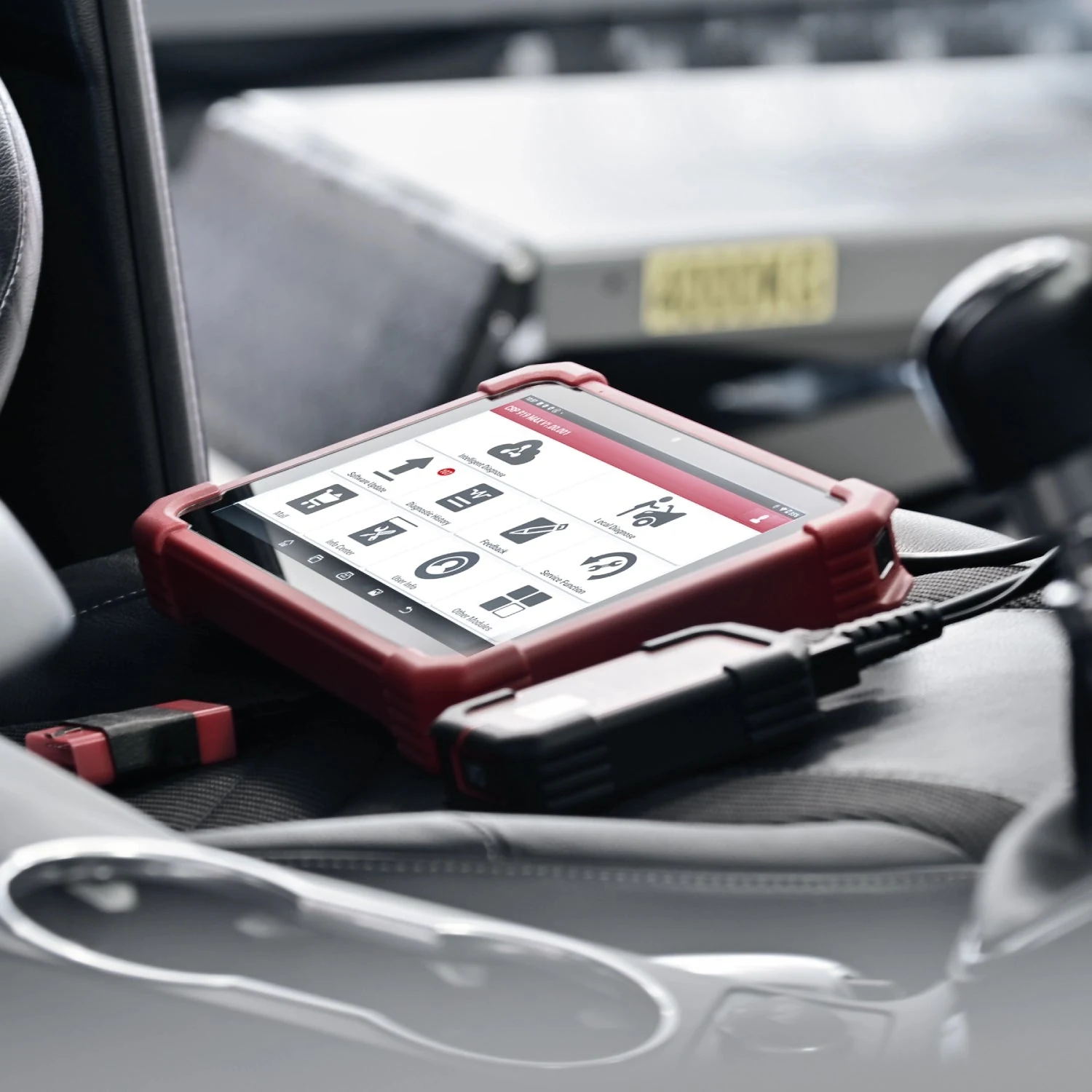
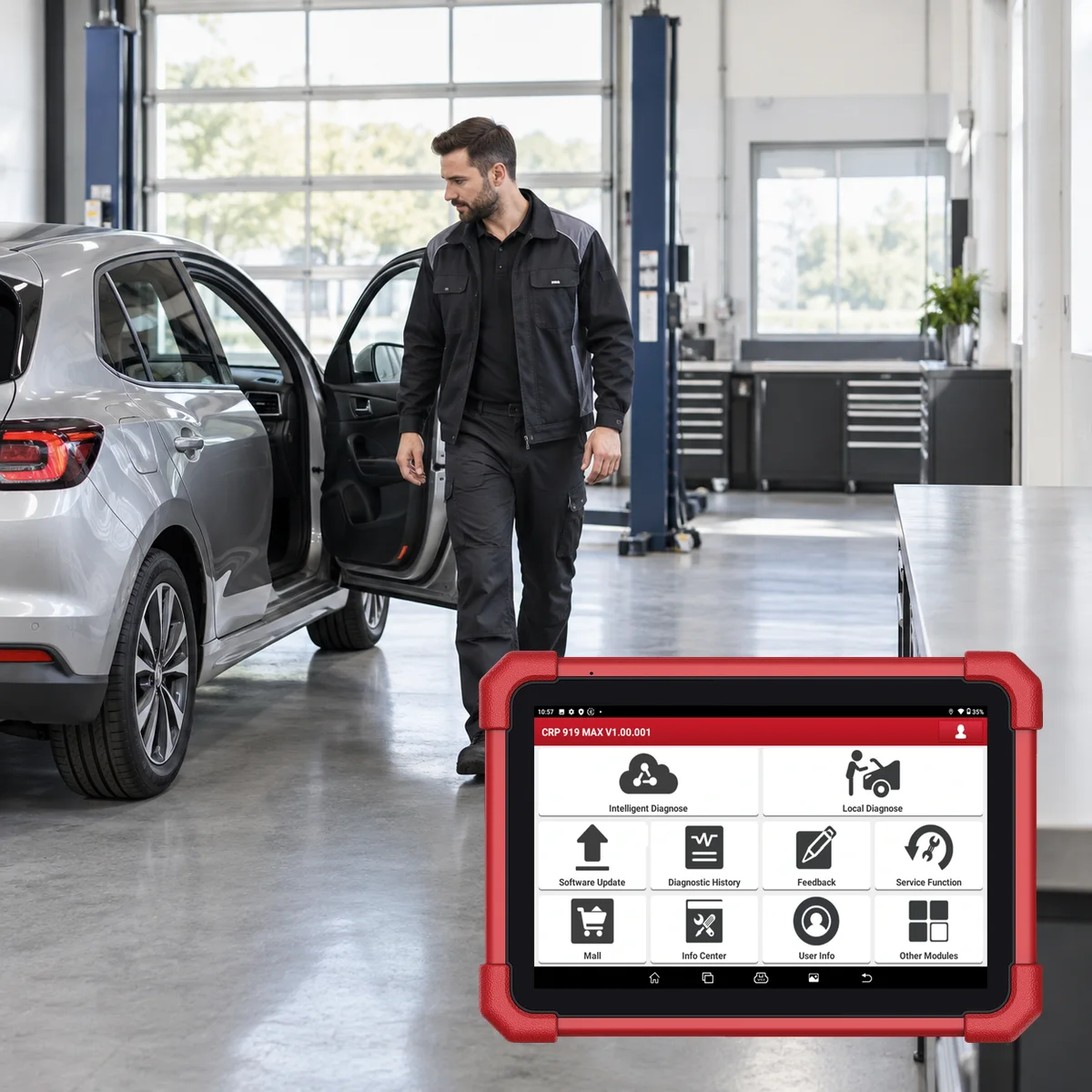
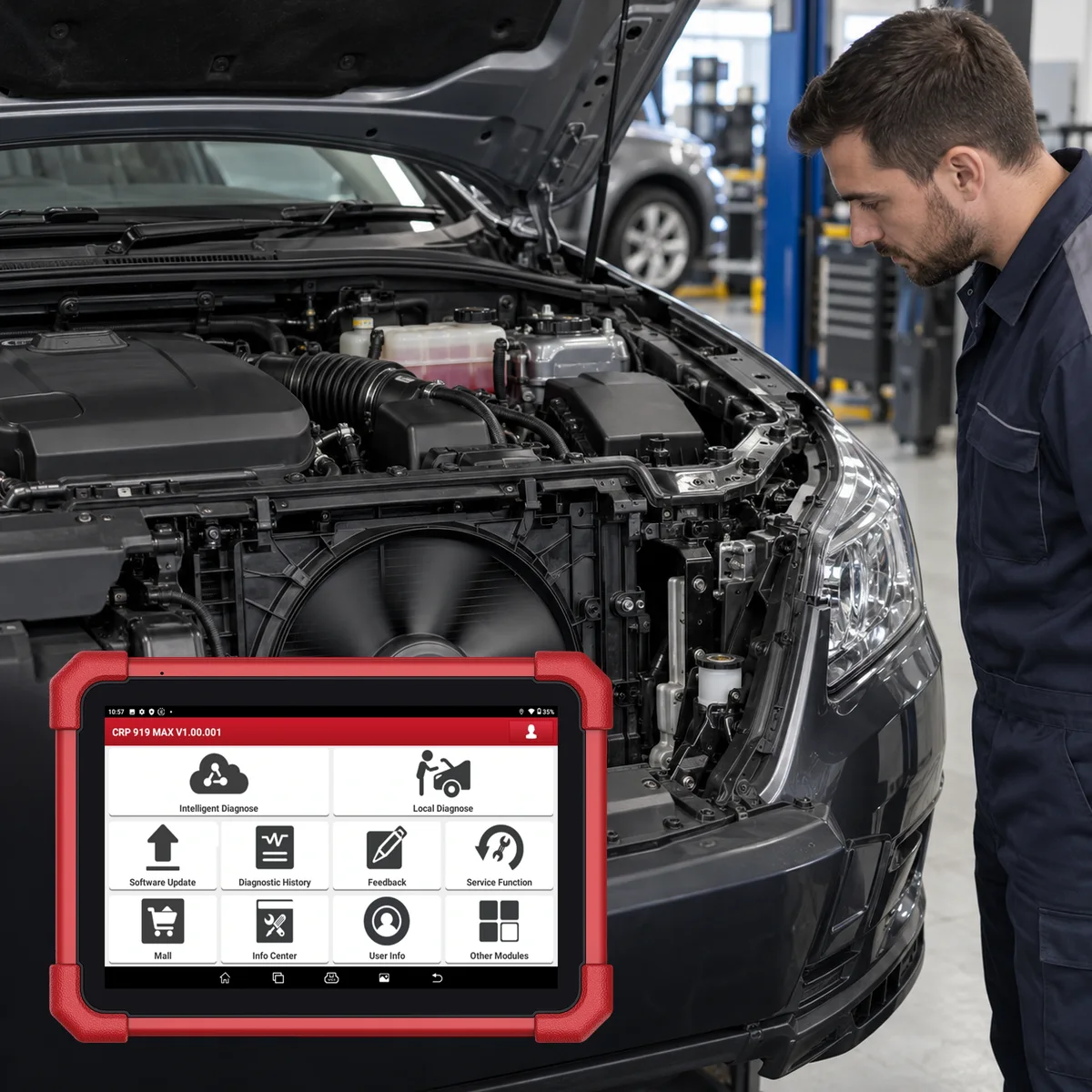
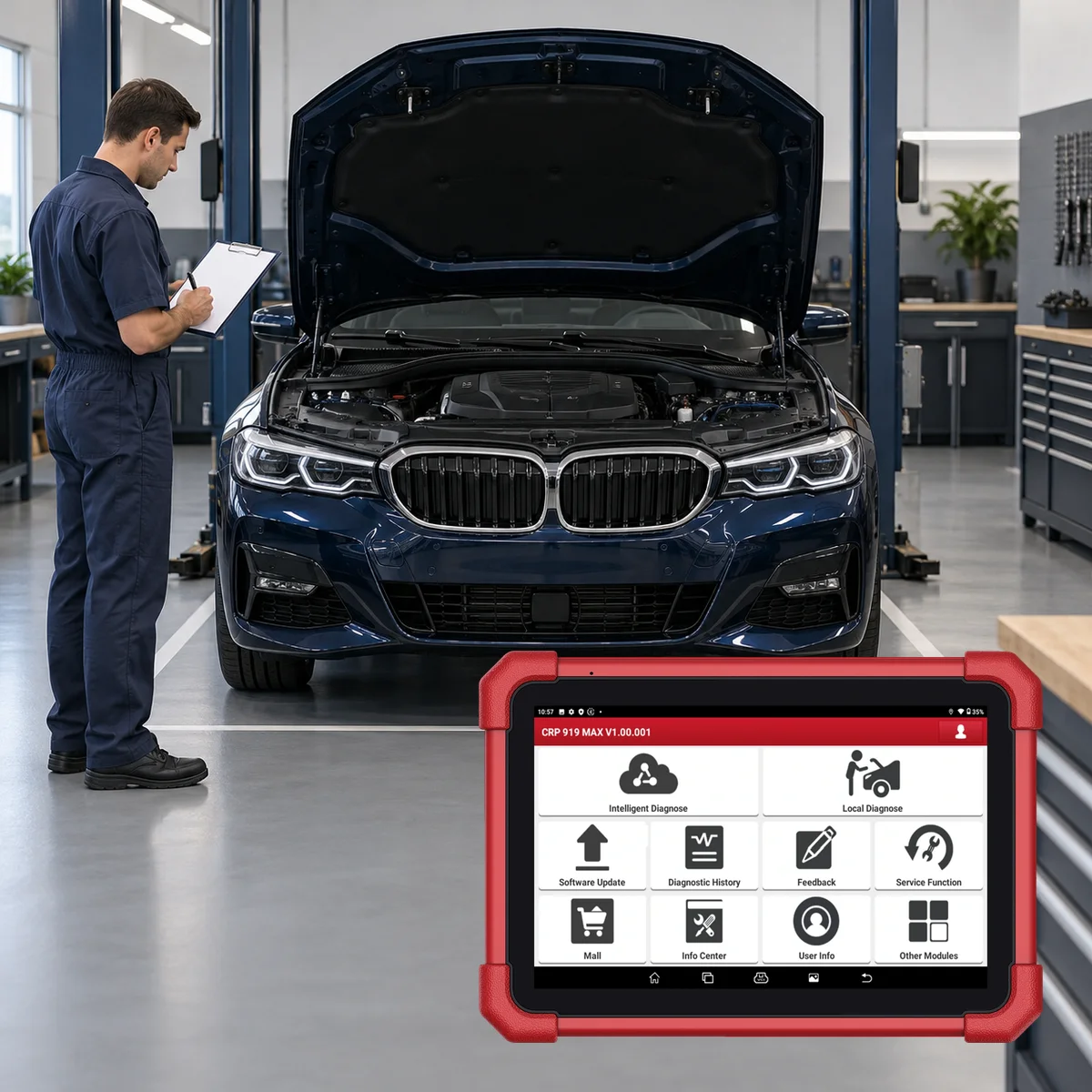
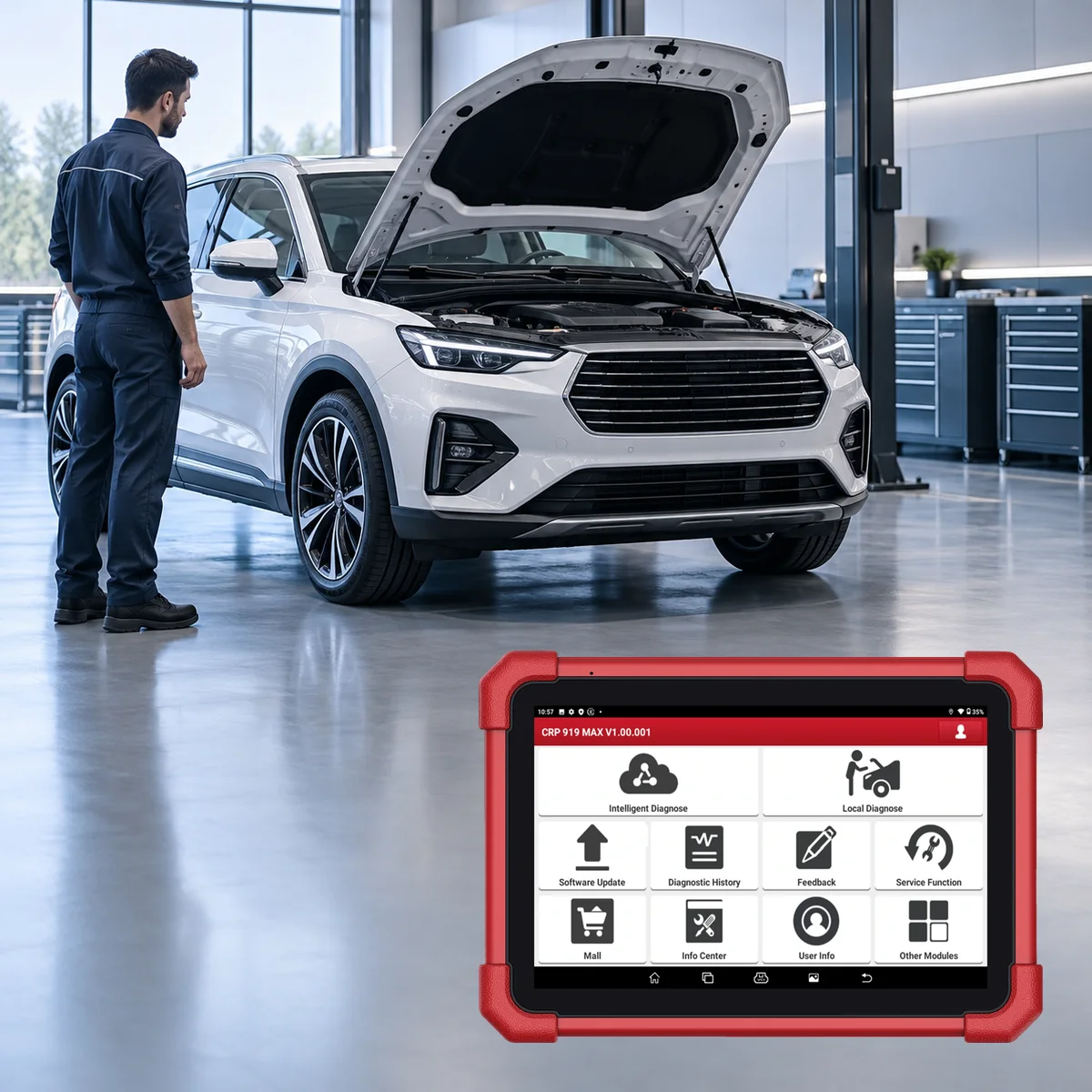
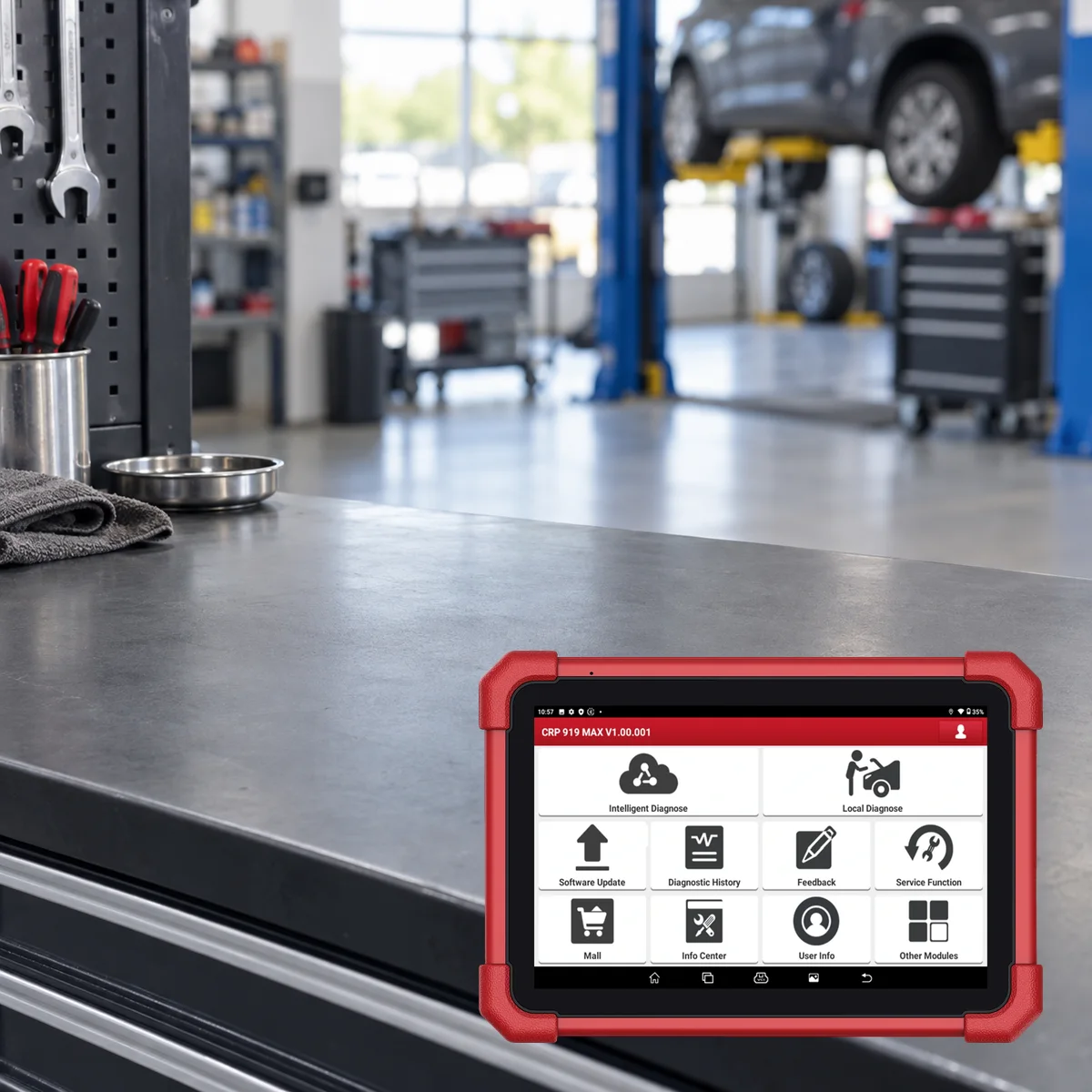
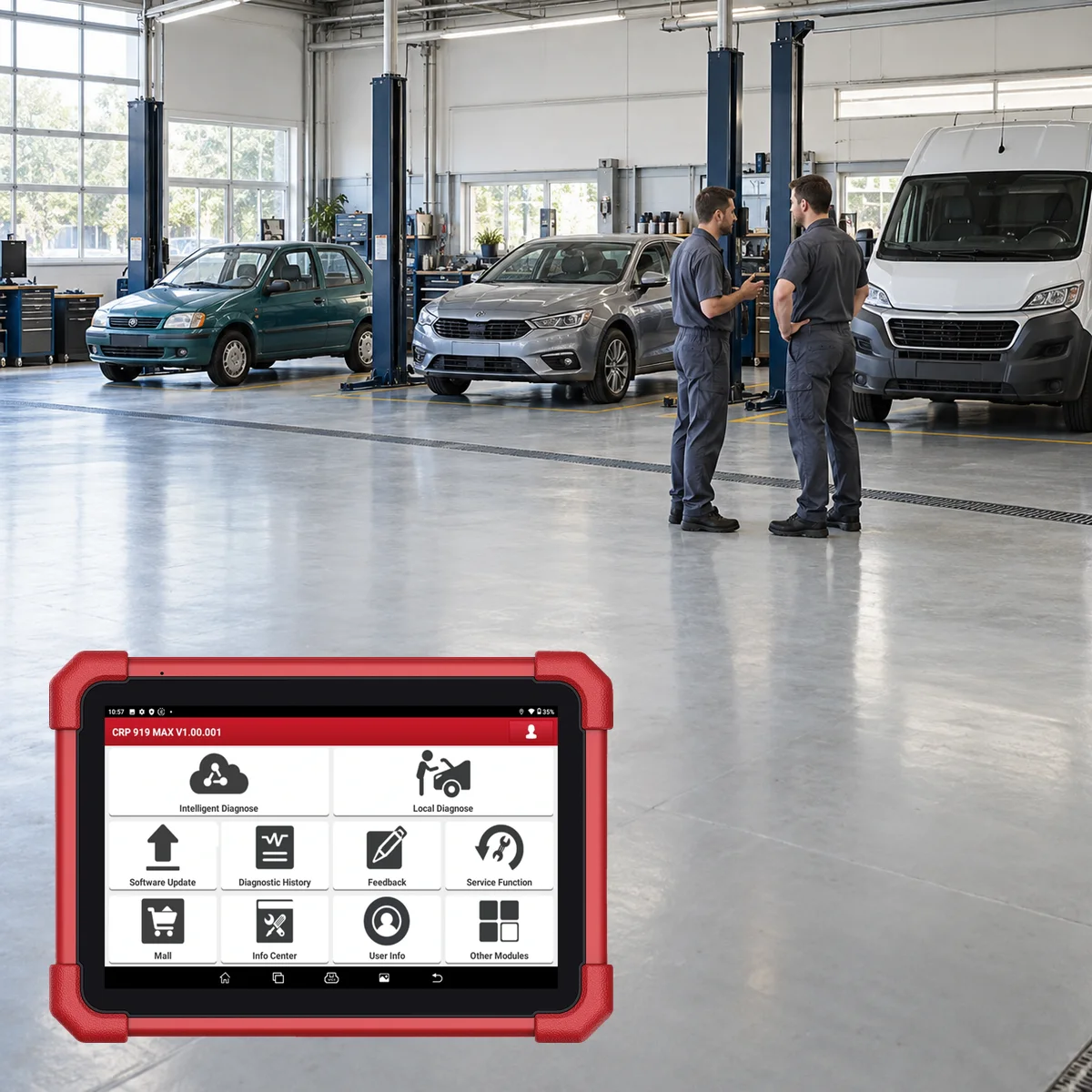
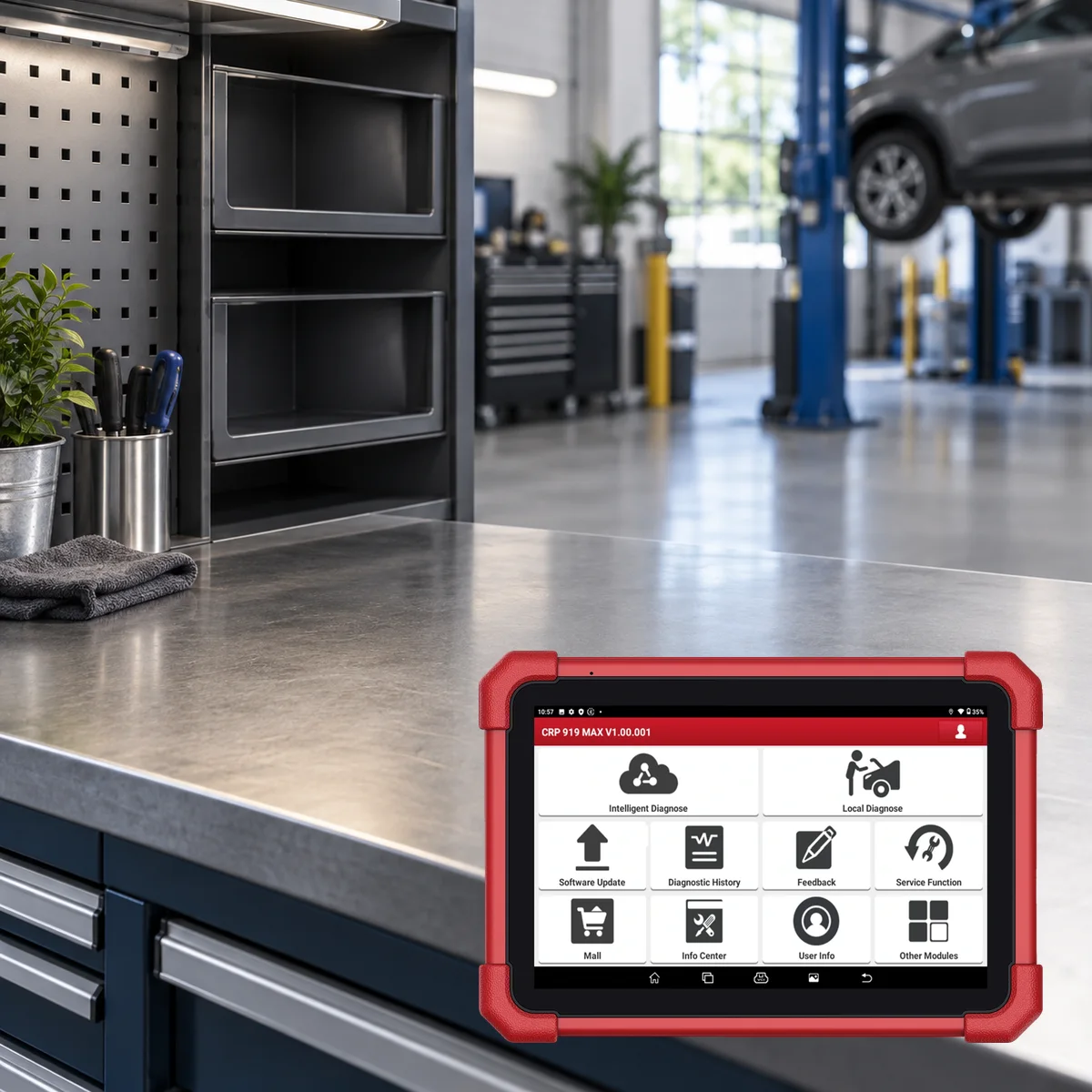
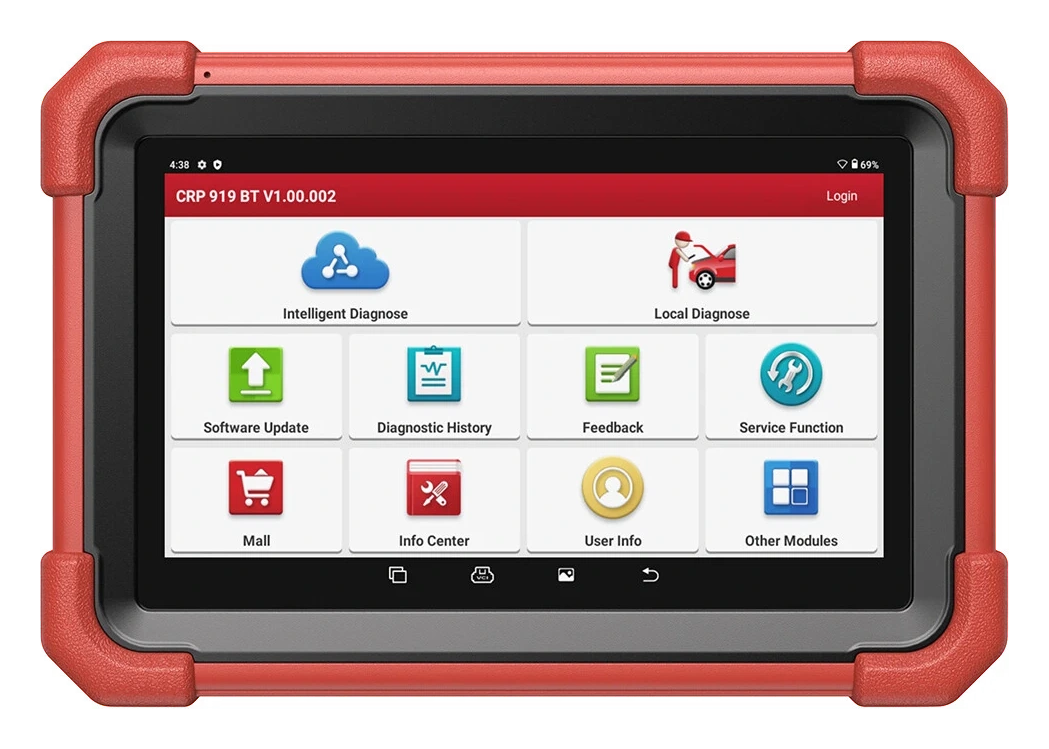
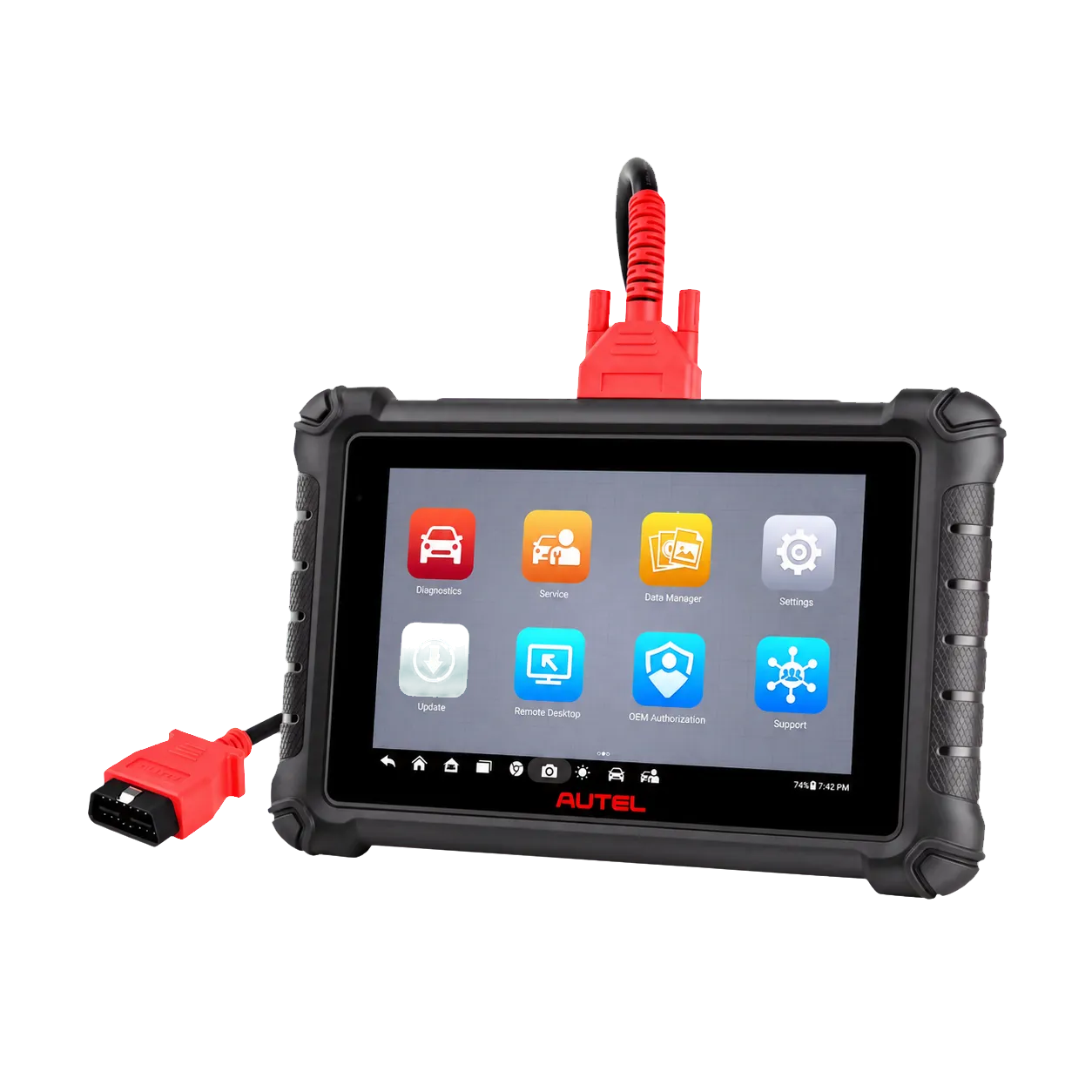
The Launch CRP 919 MAX is a wireless diagnostic tablet used for scanning supported control units in passenger cars and light commercial vehicles, inspecting fault codes, freeze frames, and live data, and performing active tests and service operations.
CAN FD is supported on the device; DoIP requires a separate compatible cable or adapter and vehicle software. ECU coding is limited to functions found in the manufacturer's vehicle and control unit list; the device is not a J2534 system that programs software for every ECU.
Launch Turkey states on its regional page for this model that SGW infrastructure is not supported; the AutoAuth explanation in the US is not carried over to the Turkey package.
What would you buy this for?
Workshops accepting different brand vehicles throughout the day
Technicians using full system scan, live data, and active test on the same device
Mobile service teams wanting to work wirelessly around the vehicle without carrying cables
Workshops regularly performing maintenance resets and adaptation operations
Service centers using VAG guided functions and next-generation vehicle protocols
Featured diagnostic features
Vehicle and operation support
DoIP adapter condition
Package and software period
Vehicle Coverage
Which vehicles does the Launch CRP 919 MAX support?
The make name alone does not guarantee compatibility. Within the same make, model year, engine, chassis, control unit, communication protocol, and intended operation can yield different support results.
Vehicle Group
Passenger cars and light commercial vehicles included in the product software
Supported makes
Multi-brand coverage; the current make list is obtained from the manufacturer's official vehicle or protocol database.
Supported models
Verified from the official coverage screen based on make, model, model year, engine or chassis, and control unit.
Scope of service
Code reading, live data, active test, service function, coding, and programming may be supported separately.
Connection conditions
Vehicle and operation support, DoIP adapter condition, Package and software period
The make and model examples on the page do not guarantee all production years and all functions.
Before any definitive operation, the manufacturer's current coverage record must be verified with the VIN or full vehicle information.
The CRP 919 MAX is a service-class tablet that accesses supported electronic control units in vehicles to perform full system fault diagnosis. Modules such as engine, transmission, ABS, airbags, and body electronics are scanned to the extent they are accessible on the vehicle; the device does not show the same module list on every vehicle.
Fault code records, code descriptions, freeze frames, and live data can be inspected during the same fault search process. The device does not single-handedly identify the faulty part: the conditions under which the code occurred, electrical measurements, and manufacturer test procedures are part of the technician's diagnostic process.
Read and clear fault codes on supported control units
View operating conditions when the fault was recorded with freeze frame
View live data in text and graph format
Initiate diagnostic session with AutoVIN or manual vehicle selection
Product details
How to use active test and ECU coding?
In bidirectional active tests, the tablet sends a command to the supported control unit, and it is observed whether the corresponding actuator responds. A fan, relay, solenoid, or other output presented in the vehicle menu can be briefly activated using this method.
The command being accepted on the screen does not solely prove that the component is mechanically functioning correctly; physical response, circuit voltage, and feedback data are also monitored. ECU coding accesses configuration, option settings, or manufacturer-provided coding steps after module replacement on compatible vehicles.
This statement is not a promise of online programming or writing calibration files for every brand and ECU.
Active test
Bidirectional command to supported ECUPhysical response of the component is observed separately.
ECU coding
Based on vehicle and control unitNot the same operation as full ECU programming.
VAG guided functions
Listed on the official product pageMenu scope varies by vehicle software.
Product details
CRP 919 MAX technical specifications
Launch's global product page and current official user manual list a 7-inch screen with a resolution of 1024 × 600; the term 'Full HD' is not used as it does not align with these technical values.
The Launch Tech USA product page states that the device has Android 10 operating system, a 2.0 GHz quad-core processor, 4 GB RAM, and 64 GB of storage. The rear camera has an 8 MP resolution.
The battery is listed as 7.6 V and 6300 mAh capacity, totaling 47.88 Wh; actual usage time varies depending on screen brightness, Wi-Fi usage, and diagnostic load. Vehicle communication is handled by the DBScar VII VCI.
Hardware dimensions are given as 218 × 154 × 40 mm on the Launch Europe page, with a device weight of 900 g.
Operating System
Android 10
Processor
2.0 GHz quad-core
Memory
4 GB RAM / 64 GB storage
Screen
7-inch / 1024 × 600 touch
Camera
8 MP rear camera
Battery
7.6 V / 6300 mAh / 47.88 Wh
Vehicle interface
DBScar VII Bluetooth VCI
Protocols
CAN FD; DoIP with adapter condition
Dimensions
218 × 154 × 40 mm
Weight
900 g
Product details
Wireless VCI, CAN FD, and DoIP connection
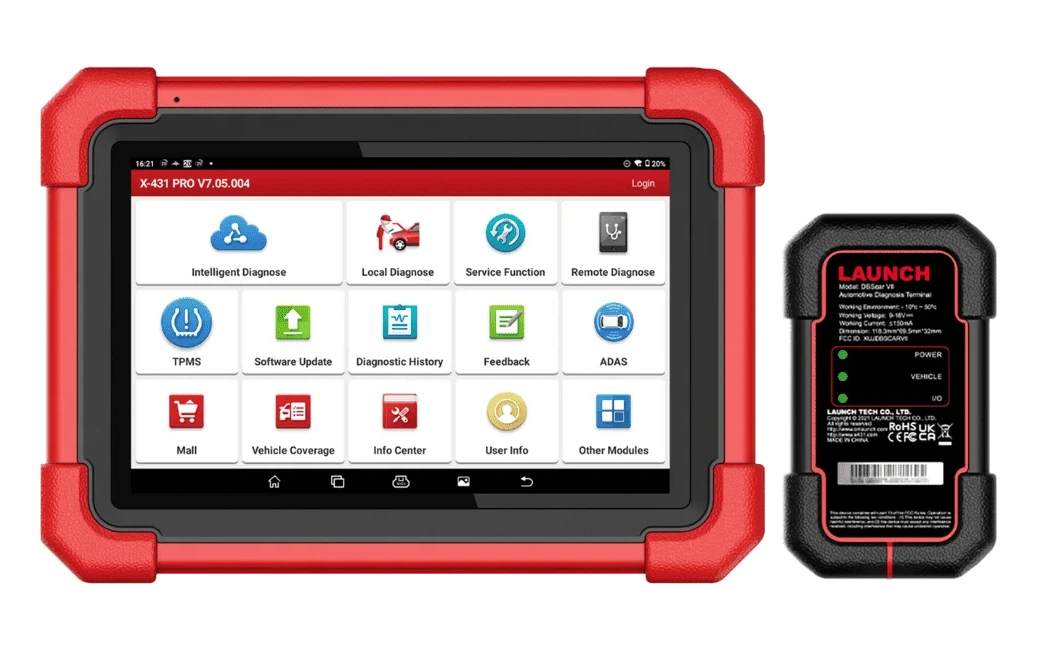
The DBScar VII VCI establishes communication between the tablet and the vehicle.
The DBScar VII connects to the vehicle's OBD socket and communicates with the tablet via Bluetooth. CAN FD is a variant of CAN that carries higher data rates in next-generation vehicle networks and is listed directly among the device's features in the official product list.
DoIP is IP-based diagnostic communication; Launch's global and US pages state that a separate compatible cable or adapter is required for DoIP. Therefore, the mere presence of the tablet and VCI does not indicate that the additional connection part is included in the box for vehicles requiring DoIP.
Launch Turkey and European records indicate no SGW support for this version, while the US record explains AutoAuth access. The rights of the US are not assumed for the device sold in Turkey, and SGW support is not promised.
Wireless vehicle communication with DBScar VII
CAN FD support
Adapter condition for DoIP
Software update via Wi-Fi
Product details
What does the 31 service function categories mean?
The Launch Turkey store and Launch Tech USA list 31 service function categories for the device; the current European store uses the phrase 35+. This numerical difference may be due to regional software, version, and menu naming, and therefore cannot be considered proof of broader vehicle support on its own.
Oil maintenance reset, throttle matching, steering angle sensor reset, electronic parking brake, tire pressure system, and ABS bleeding are examples provided by the manufacturer. The presence of a function name in the main menu does not mean that the same sub-steps are enabled on every vehicle.
For example, the BMS function may support registration of a new battery; it does not perform load and health measurements of an external battery tester. Basic TPMS reset does not replace specialized TPMS programming hardware that wakes up the sensor via RF and writes new sensor IDs.
Oil maintenance and service interval reset
EPB service position
BMS battery registration
SAS steering angle calibration
DPF operations
Throttle adaptation
ABS bleeding
Other vehicle-based maintenance menus
Product details
How to verify box contents before ordering?
The official user manual shows the tablet, VCI, diagnostic cable, power and USB parts, and activation documents as a reference package and clearly states that accessories may vary by sales region.
The Launch Turkey store lists a tablet and protective case, OBD connector, charger, intermediate cables, password envelopes, and a plastic carrying case in its own package. Since Otobiltek's live sales data does not include a part-by-part shipping list, these regional lists are not copied as delivery promises; the name and quantity must be verified separately on the order document.
DoIP adapter, BST-360, i-TPMS, and video scope are not included in the standard package unless explicitly stated.
Manual reference: tablet, VCI, diagnostic cable, and activation information
Turkey store record: charging equipment, intermediate cables, and plastic carrying case
Otobiltek order: part name and quantity verified on delivery list
Not considered standard: DoIP adapter, BST-360, i-TPMS, and video scope
Product details
Full system scan at vehicle intake
When a vehicle with multiple warning lights on the instrument panel is accepted, the battery voltage and OBD socket are checked first. After DBScar VII is connected, AutoVIN is attempted; if the vehicle identification cannot be found, the model and year are selected manually.
Full system scan displays the control units with which communication can be established and the recorded fault codes in a single session. Before clearing the codes, the technician saves the report, accesses freeze frame information, and relevant live data. Secondary codes generated by the same fault in different modules can be distinguished from the main cause thanks to this initial record.
After repair, the same systems are rescanned; recurring codes and incomplete tests are compared with the service procedure.
Verify vehicle identity
Scan all systems
Save code and freeze frame record
Rescan after repair
Product details
Monitor sensor response with live data
In cases of rough idle or poor traction, a fault code may not always be found. On the live data screen of the relevant control unit, parameters such as engine speed, temperature, airflow, fuel trim, or other parameters available on the vehicle are selected.
When values are monitored graphically, the time-dependent effect of events such as throttle application, load changes, or fan engagement is observed. The normal range is taken from the manufacturer's service data for the same model; values from another vehicle are not directly used as a reference.
Sudden drop-outs, a static sensor, or feedback inconsistent with commands determines the direction of circuit testing. The tablet speeds up observation; it does not replace the need for a multimeter, oscilloscope, or physical pressure measurement where required.
Select relevant parameters
Monitor changes on graph
Compare with manufacturer reference
Perform necessary physical measurements
Product details
Active test on fan and relay circuit
For a vehicle with a non-functional cooling fan, fault codes and live temperature data are read first. If vehicle coverage permits, a brief command is sent to the appropriate fan stage from the active test menu. If the fan turns, the control circuit, sensor condition, and control logic are examined; if it does not turn, the power supply, relay, wiring, and engine side are checked.
During command transmission, ECU feedback and the physical response of the component are monitored simultaneously. The test is applied while the safety area is clear and away from moving parts. This workflow helps reduce random part replacement; for definitive results, the vehicle's electrical diagram and measurement values are used.
Save fault code
Send brief command to appropriate actuator
Observe physical response
Proceed to power supply and circuit measurement
Product details
Battery replacement and maintenance reset
When a battery is replaced, the capacity and technology of the new part must comply with the vehicle manufacturer's specifications. If the BMS service function is supported, the device performs the new battery registration or the adaptation step offered in the vehicle menu to the control unit. After the operation is complete, charging voltage, related fault codes, and energy management data are read again.
The BMS menu is not a test device that measures the battery's actual capacity under load; a separate analysis tool like the BST-360 is required for this measurement. For oil or service interval resets, the maintenance must first be physically completed. Resetting the indicator does not replace unperformed maintenance and does not change the total mileage.
Use the correct battery type and capacity
Perform supported BMS registration
Check charging system data
Reset service counter after maintenance
Product details
Connection on vehicles using CAN FD or DoIP
If a diagnostic session does not start on a newer vehicle, the first check is the correct protocol and connection equipment. CAN FD support is listed on the device's VCI side; if the vehicle and control unit use this protocol, communication is established with the appropriate software selection. For vehicles requiring DoIP, the compatible adapter specified by Launch Tech USA is connected.
If the vehicle has a gateway, only menus permitted by the account, regional software, and manufacturer authorization are used. During the initial connection, communication stability is checked through reading and system scanning. Before coding or adaptation, battery voltage is kept stable, the VCI or tablet is not turned off during the operation, and the vehicle manufacturer's service sequence is followed.
Determine vehicle protocol
Connect the required adapter for DoIP
Check gateway condition
Stabilize voltage before writing operation
Product details
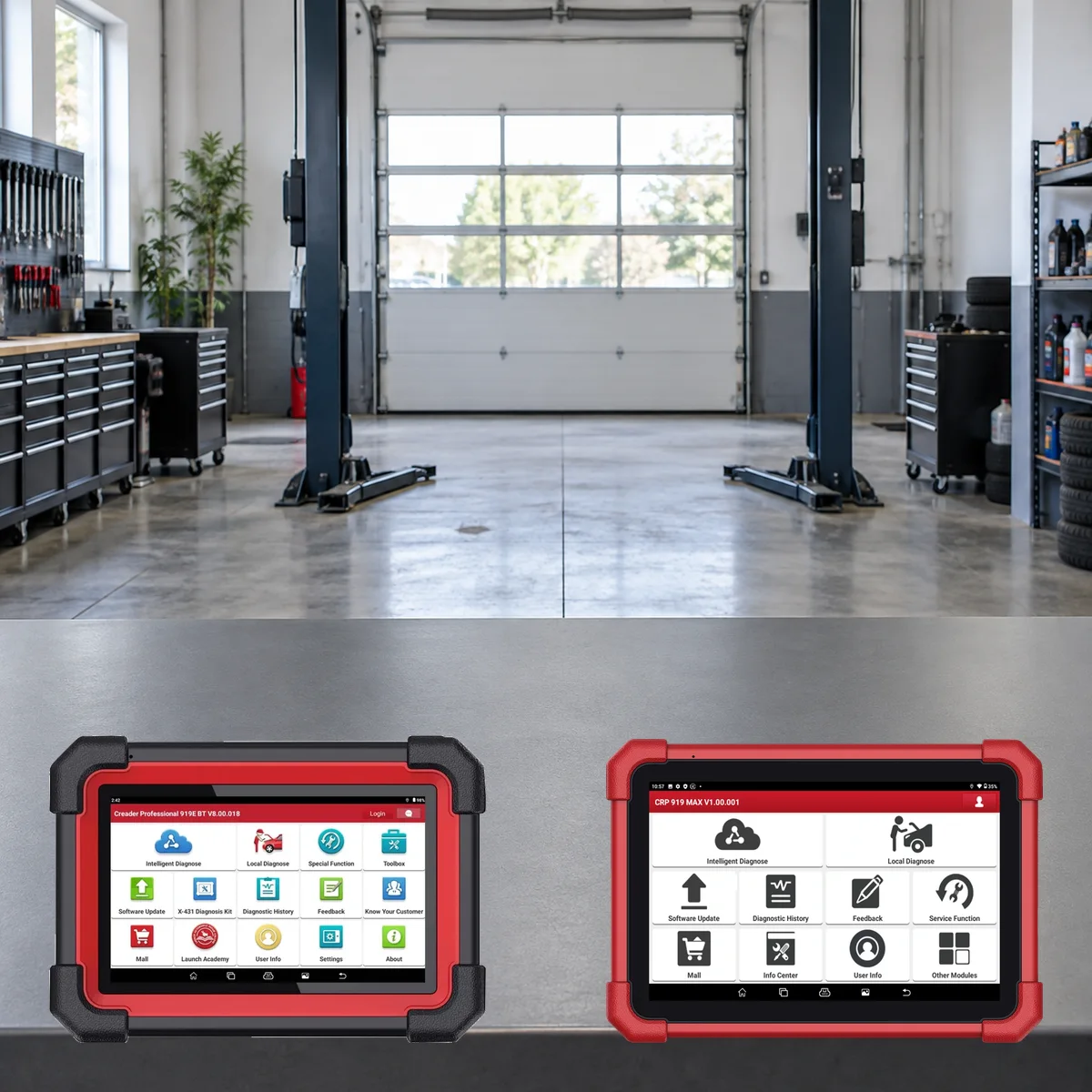
Differences between CRP 919 MAX, CRP919E BT, and Autel MX900
The CRP 919 MAX and CRP919E BT are not products sold under the same name; product codes, regional software, and box contents are kept separate. Official US and European sources for the MAX model list a 7-inch screen, 4 GB RAM, 64 GB storage, and a DBScar VII wireless VCI.
The CRP919E BT is offered on Otobiltek with a separate URL and price; the price or package of one product is not transferable to the other. The Autel MX900 is a wired 8-inch diagnostic tablet compared for the same service needs; the connection method is a significant distinction for users wanting a wireless VCI.
Comparison of coding, guided functions, and vehicle coverage cannot be made solely based on feature names; the official menus activated on the examined brand, model, model year, and control unit must be considered.
CRP 919 MAX
7-inch, DBScar VII wireless VCIActive test, ECU coding, CAN FD, and DoIP with adapter condition.
CRP919E BT
Separate Launch modelPrice and package information shown on its own product page.
Autel MX900
8-inch, wired vehicle connectionCompared in the same class with active test and service functions.
Product details
Initial setup, registration, and software update
For initial use, the tablet is fully charged, connected to a Wi-Fi network, and the system language is selected. After creating a Launch account, the device's serial number is matched with the code in the activation envelope. Once registration is complete, vehicle brand packages and available system updates are downloaded.
Two official pages published by Launch Turkey for the same model provide different free update periods of two years and three years, respectively; US and European records also describe their respective regional two-year packages.
The active period and subsequent renewal conditions are verified with the device's serial number, regional account, and order or activation record.
Charge the tablet and connect to Wi-Fi
Register to Launch account with serial number
Download vehicle software
Do not interrupt power during update
Product details
How to verify vehicle coverage for the CRP 919 MAX model?
Definitive compatibility cannot be stated for the CRP 919 MAX model without selecting the vehicle brand, model, year, engine, control unit, and the intended operation together. The official Launch coverage tool shows which systems, service functions, or protocols are activated for the selected vehicle and control unit for the CRP 919 MAX.
The presence of the brand line does not prove that active test, coding, programming, TPMS relearn, or gateway access is also enabled on the CRP 919 MAX.
Before ordering, prepare the VIN or full model information, model year, engine/chassis distinction, and the intended operation for the CRP 919 MAX; also check the software version, license duration, VCI, adapter, and regional package.
CRP 919 MAX model: prepare brand, model, model year, and engine/chassis information
CRP 919 MAX model: select desired system and operation separately; read, live data, active test, coding, or programming
CRP 919 MAX model: verify ECU and function line in the official coverage tool
CRP 919 MAX model: check VCI, cable, adapter, license, and regional package conditions
CRP 919 MAX model: perform final check with VIN and manufacturer procedure before definitive operation
Update license
Launch CRP 919 MAX update and fee information
The initial sales package of the device and the subsequent software renewal license are separate items. The active period is verified with the device's serial number, regional account, and order or activation record.
Launch's product page for Türkiye publishes information about three years of free updates for the CRP 919 MAX, while the store page on the same domain offers two years. Since Otobiltek's live sales data does not include a part-based package or activation document that solidifies this period, a fixed duration is not promised as part of the sales price. The duration of the free period and the subsequent renewal cost must be verified with the device registration before ordering.
Frequently asked questions about Launch CRP 919 MAX
Does the CRP 919 MAX model work wirelessly?
Yes. The tablet communicates with the DBScar VII VCI in the vehicle via Bluetooth. Wi-Fi is used for recording, software updates, and network-connected functions.
Does the CRP 919 MAX perform active tests?
Yes. Official Launch sources list bidirectional active testing. The commands that open vary by vehicle brand, model, year, control unit, and software version.
Does the CRP 919 MAX perform ECU coding?
Offers ECU coding menus on supported vehicles and control units. This feature does not mean software programming for every ECU or enabling the same coding operations on all vehicles.
Does the CRP 919 MAX support DoIP and CAN FD?
CAN FD is included in the official feature list. Launch Tech USA states that an adapter is required for DoIP usage; the vehicle, software, and connection equipment must be compatible simultaneously.
What are the device's screen, memory, and battery specifications?
Features a seven-inch touchscreen, 4 GB RAM, 64 GB storage, and a 6300 mAh battery. The operating system is Android 10, and the processor is a 2.0 GHz quad-core.
Are all 31 service functions activated on every vehicle?
No. While Turkish and US sources list 31 categories, the European record uses the phrase 35+. The number and sub-operations depend on regional software, vehicle brand, model year, control unit, and version; the menu title alone is not proof of compatibility.
Are the CRP 919 MAX and CRP919E BT the same device?
No. They are managed with separate product codes, separate pages, and separate prices on Otobiltek. Visual, hardware, and regional package information should be read from the record of the purchased model itself.
Are separate accessories required for battery testing and video inspection?
Yes. The BMS service function manages battery registration and reset operations; a compatible BST-360 is required for physical battery health measurement, and a compatible video scope is needed to view hard-to-reach areas. These accessories are not listed in the standard official package; the Turkey package contents must be verified separately before ordering.
Comparison
Similar models to Launch CRP 919 MAX
Compare products in the same class with information on usage level, service tasks, and price.
A Launch model on a 7-inch tablet integrating DBScar VII Bluetooth VCI, full system scanning, active tests, ECU coding, CAN FD, and expandable DoIP support.