Quick comparison
At what stage is the AutoVIN issue?
The indication on the screen shows whether the check will start on the vehicle side or at the selection step.
Decision guide
What AutoVIN does and does not guarantee
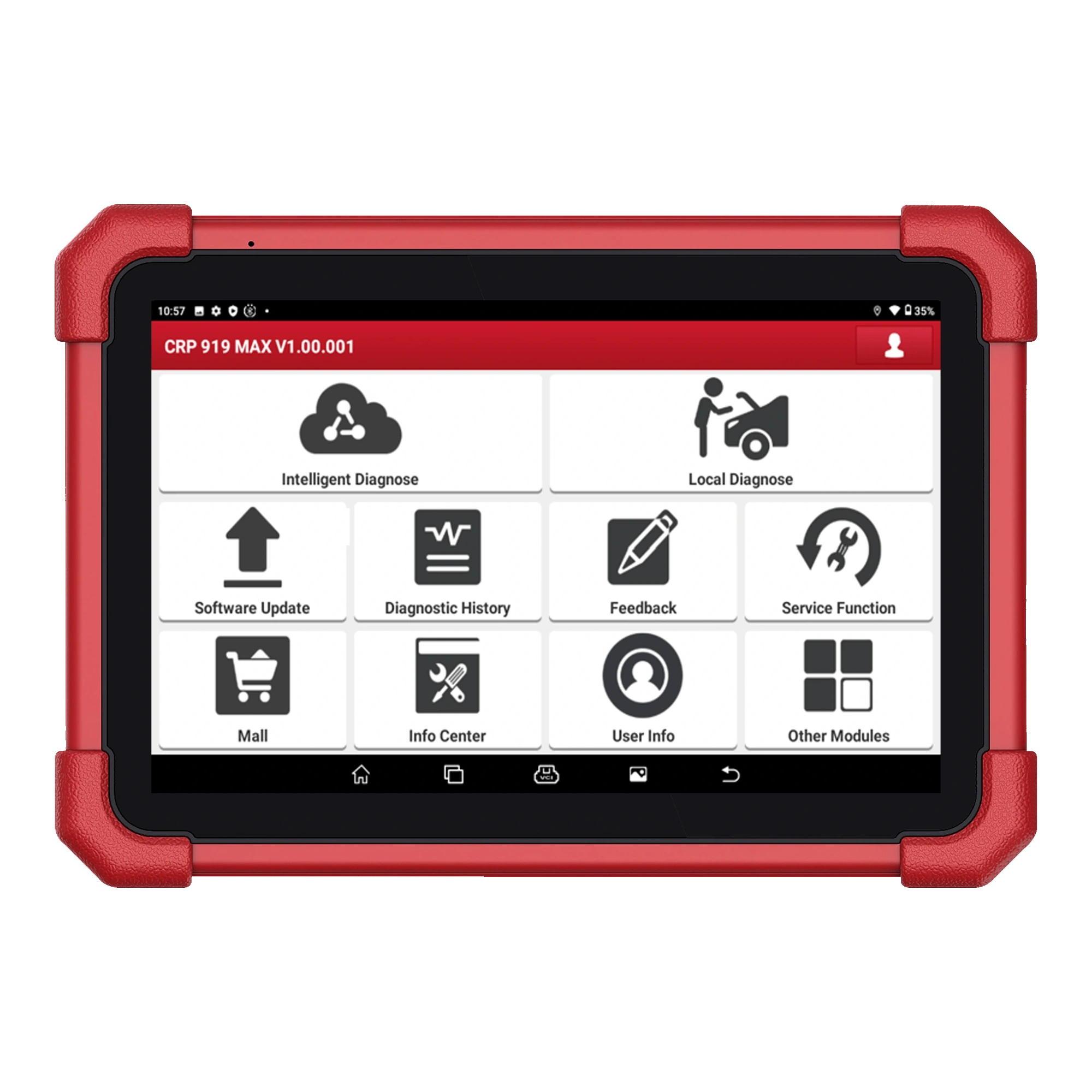
AutoVIN reads identification information on a supported vehicle and speeds up the transition to appropriate diagnostic software. Launch Tech USA lists AutoVIN among the features of the CRP 919 MAX; the official manual explains VIN scanning and manual VIN entry options on the smart diagnosis screen. This result does not indicate that every function is enabled on all control units of the vehicle. After the VIN is recognized, full system scan, active test, service reset, and coding support depend separately on the vehicle software. Therefore, even if the automatic vehicle name appears correctly, the model year, engine, and the operation to be performed must be checked separately in the official vehicle list.
Automatic identity recognition does not indicate that the vehicle is physically sound or that no recorded codes are present.
Finding the brand and model does not imply support for active tests or coding on a specific ECU.
If an incorrect or incomplete result is obtained, the automatic selection is not forced; manual entry is used after verifying vehicle information.
Decision guide
First, verify the VIN on the vehicle
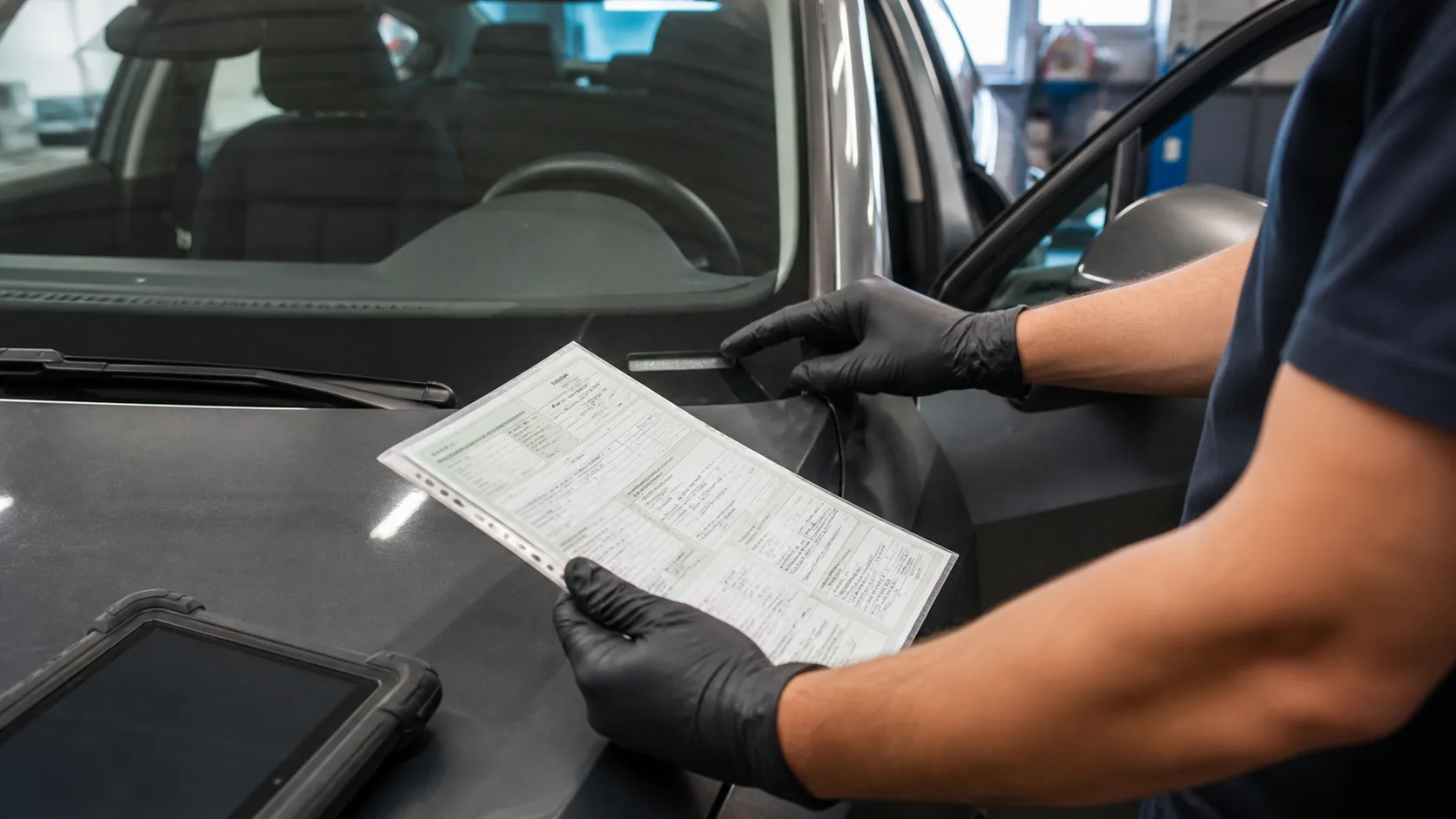
The chassis number on the vehicle documents is compared with the label under the windshield and the manufacturer's identification label on the body. If the label is unreadable, damaged, or replaced, the prediction on the screen alone cannot be relied upon. If the VIN is to be entered manually, letters and numbers are checked individually; spaces, hyphens, or similar-looking characters are not added. The presence of a different control unit, a used ECU, or regional software in the vehicle can affect the automatic diagnosis result. In such cases, the correct vehicle identity and the actual part and software information of the control unit are recorded separately.
- Compare vehicle documents with the windshield sticker
- Do not complete the VIN with missing or estimated characters
- Read the model year and engine from the automatic result separately
- Do not proceed to writing operations without vehicle identity matching
Decision guide
Are the DBScar VII and OBD socket ready for communication?
For AutoVIN to work, the tablet must first communicate with the DBScar VII, and the VCI must communicate with the vehicle network. The VCI is fully inserted into the OBD socket, and its indicators are checked. If there are no lights, the power, ground, fuse, and physical pin status at the OBD socket are measured without changing tablet menus. If the VCI receives power but is not visible on the tablet, check the VCI associated with the device account, the selected serial number, Bluetooth connection, and firmware status. VCI from another Launch device is not randomly paired; the product label of the correct accessory is physically verified.
A loose socket or damaged pin can interrupt VIN scanning due to intermittent connection.
Low vehicle voltage can cause communication errors in many modules; follow the manufacturer's service procedure conditions.
The Bluetooth connection between the tablet and VCI is a different layer than the communication between the VCI and the vehicle ECU.
Decision guide
Set ignition and vehicle conditions correctly
Before starting a diagnostic session, read the instructions on the vehicle screen. For most operations, the ignition should be on and the engine off; however, the required position may vary depending on the vehicle and operation. On keyless vehicles, pressing the start button in the wrong sequence can cause some control units in the network to remain in sleep mode. Additional preconditions such as gear position, door status, or brake pedal application are applied if shown in the vehicle software. When attempting AutoVIN, instead of constantly turning the ignition on and off, restart the connection sequence and observe the on-screen waiting time for modules to wake up.
Decision guide
Brand software and device updates are checked separately
Tablet system update and vehicle brand diagnostic package are not the same thing. In the CRP 919 MAX update area, common components, VCI firmware, and vehicle software can be listed separately. If AutoVIN does not work for a specific brand, first confirm that the relevant brand package is installed and up-to-date. If power or network is interrupted during an update, do not attempt diagnosis before the package is complete. If the same problem occurs only for a single brand or model year, note the software version used; vehicle information and VIN can be sent to manufacturer support via the feedback area in the Launch application after clearing personal data.
- Check tablet system update
- Check DBScar VII firmware version
- Update the relevant vehicle brand package
- Record the issue along with the software version
Decision guide
Manual VIN entry and Local Diagnosis path
If automatic scanning fails, VIN entry on the smart diagnosis screen is used. If the entered ID is not accepted or does not match the correct vehicle, Local Diagnosis is opened; brand, model, model year, engine, and if necessary, chassis information are selected manually. The official manual offers manual VIN entry and the local diagnosis menu as alternatives to automatic scanning. After selection is complete, the first operation is not code clearing or adaptation, but reading ECU information and system scanning. If the VIN, model, and control unit information on the screen do not match the vehicle, close the session and re-select.
Similar model names do not guarantee the same electronic architecture or coding data.
Do not attempt a writing operation by selecting a year close to a model year not listed.
Even if communication is established through manual selection, the specific function to be performed must be verified in the official vehicle and function list.
Decision guide
After the vehicle is selected, read-only operations are performed first
Once the correct vehicle profile is found, read the ECU information, perform a full system scan, and open relevant live data to confirm stable connection. The initial health report is saved before clearing codes. The control unit's part number, software information, and vehicle ID are compared with the selection in the report. If an ECU does not respond, instead of trying to open the menu by selecting a different vehicle, examine its power supply, ground, fuse, and network line. Active tests, adaptation, service resets, or coding are not initiated until read operations are completed without interruption.
- Read ECU information
- Complete full system scan
- Save the initial report before clearing codes
- Verify connection stability with live data
Decision guide
What information is recorded if the problem persists?
The Launch manual instructs to send the vehicle year, brand, model, and VIN information via the feedback function after checking the VCI connection and ignition for communication errors with the vehicle ECU. The service record includes a secure reference instead of the full device serial number, application version, brand software version, VCI firmware, error message, and the time the operation occurred. VIN or customer information is not shared on public forums. When reporting the issue to the manufacturer, clearly state at which step it occurred: Was the VIN never read, did the wrong vehicle return, or which ECU did not open after manual selection? This distinction shortens support time.
Frequently Asked Questions
Most frequently asked questions by customers
Does the CRP 919 MAX support AutoVIN?
Yes. Launch Tech USA lists AutoVIN as a product feature; the official manual explains options for automatic VIN scanning and manual VIN entry.
Is the device faulty if AutoVIN doesn't work?
Not always. OBD socket power, DBScar VII connection, ignition status, brand software, vehicle protocol, or VIN support can affect the result. These layers are checked separately.
Can the vehicle be selected manually if the VIN is not read?
Yes. The official manual states that the VIN can be entered manually and the brand-model can be selected via Local Diagnosis. Coding or adaptation is not performed without verifying vehicle information.
What should be done if AutoVIN suggests the wrong model?
Compare the windshield sticker, body sticker, and vehicle documents; the automatic result is not accepted. Manual selection is made with the correct brand, model, year, and engine information.
Can codes be cleared immediately after manual selection?
No. First, the ECU information and full system scan are read, the vehicle identity is verified, and the pre-repair report is saved. If communication is unstable, the writing process is not initiated.
Does the AutoVIN result indicate that all service functions will be enabled?
No. Automatic vehicle recognition and support for active tests, service functions, and coding are separate issues. The desired operation is searched for in the official list on a per-vehicle, year, and control unit basis.
How to report a communication error to Launch?
The manual recommends sending the vehicle year, brand, model, and VIN information via the feedback function in the application if VCI and ignition checks are normal. Personal data is not shared on open channels.