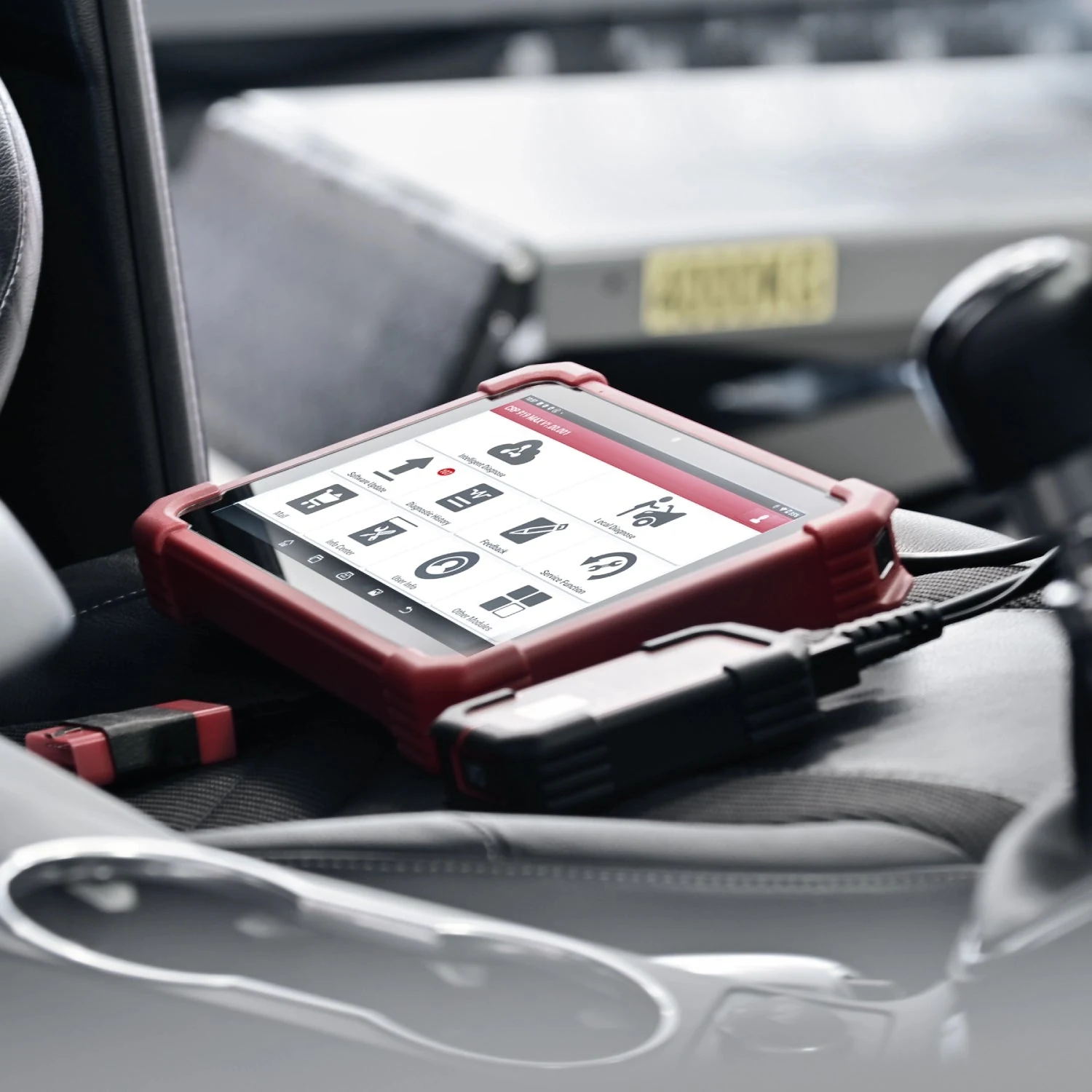
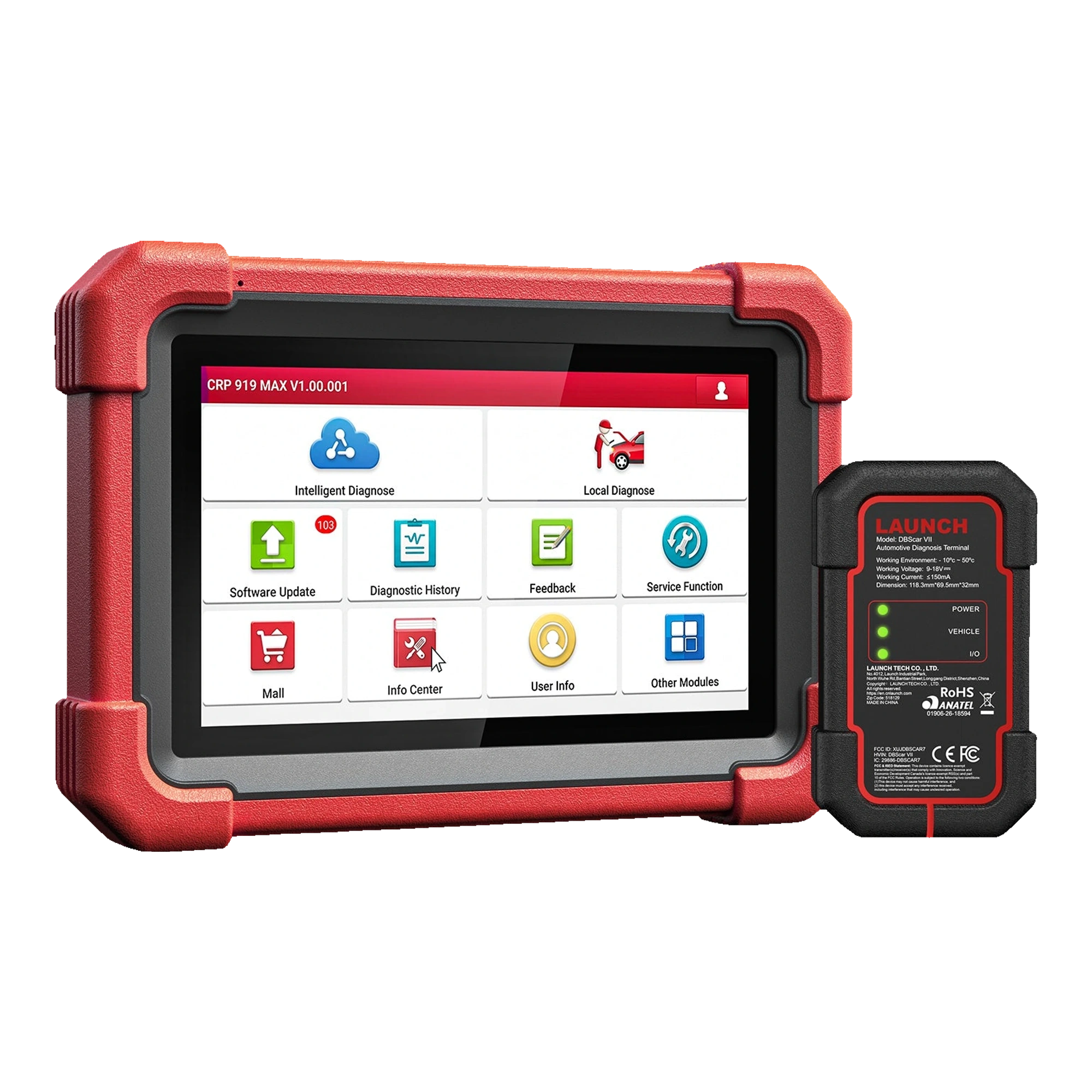
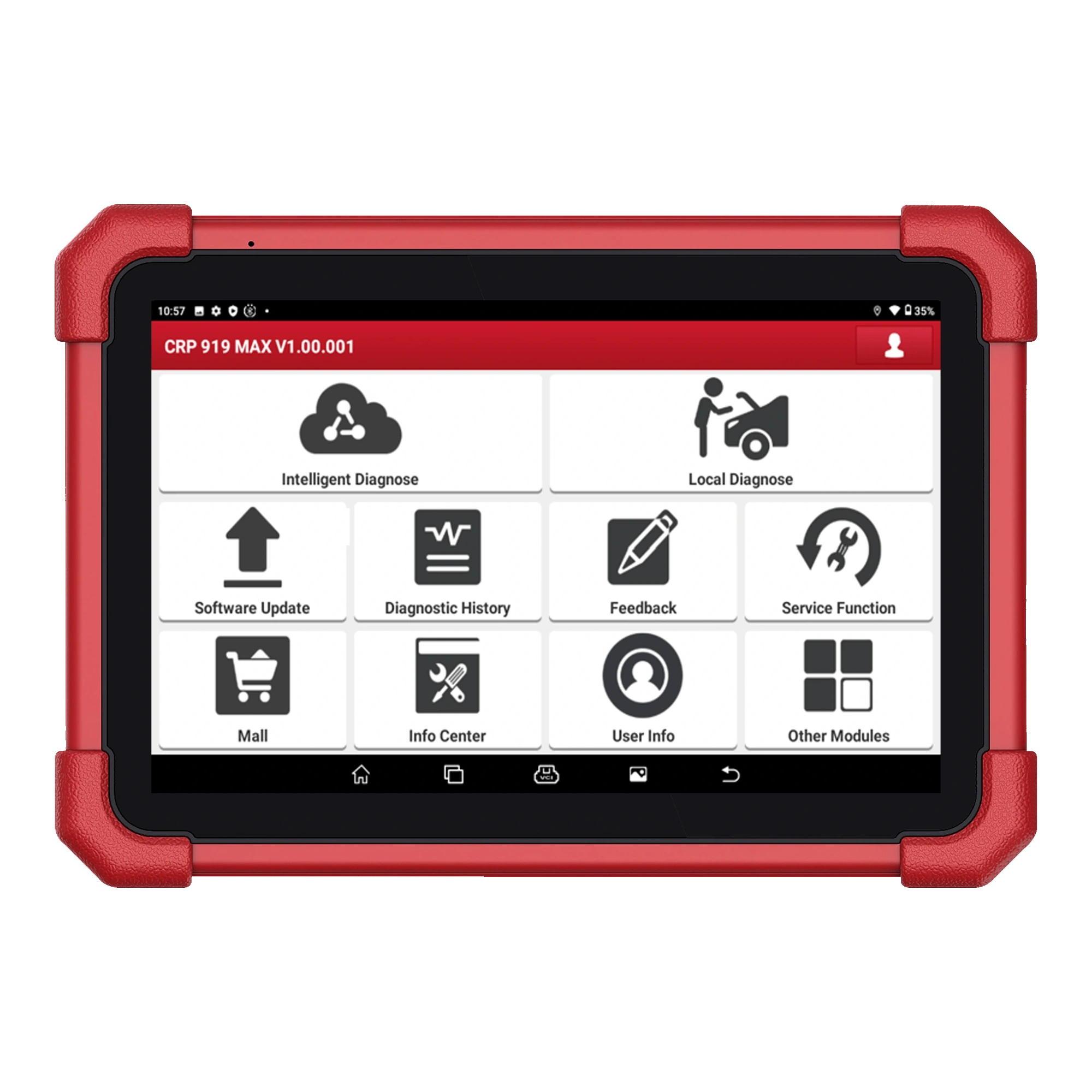
For the CRP 919 MAX, simply seeing the brand name is not enough. Two model years of the same brand may have different control units, protocols, or service menus. In a correct compatibility query, the vehicle identity and the operation to be performed are searched together. This guide shows how to check before purchase and at service reception using the official vehicle and function list.
Information required for vehicle and function query
Information
Why is it needed?
Example record format
Brand and model
Selects the correct vehicle software
Brand / model family
Model year
Distinguishes control unit and protocol generation
Production year and chassis year if applicable
Engine and fuel
Distinguishes engine ECU and service procedure
Engine code / displacement / fuel
Control unit
Determines the operation to be performed by scanning
Engine, ABS, body, transmission
Action
Distinguishes general connection from specific function
Active test, BMS, EPB, coding
Protocol and gateway
Indicates additional connection or account requirements
CAN FD, DoIP, security gateway
Decision guide
Why is brand support not sufficient on its own?
Launch Europe reports broad brand support, but the official user manual clearly states that tests vary by vehicle manufacturer, model year, and model. Appearing in a brand's vehicle list indicates that basic diagnostic connection may be possible; it does not indicate that active tests, coding, or specific maintenance menus are available on the same vehicle. Within a model year, changes in control units, different engine options, or regional vehicle packages can affect the menu. Therefore, after the question 'Does it support the brand?', the question 'Which operations does it support on which control units in this vehicle?' should also be answered.
Engine fault code reading and body control unit coding are not the same support level.
Gasoline, diesel, and hybrid versions of the same model may have different ECUs and service functions.
If the vehicle's production date and registration year differ, chassis information can be used to select the correct generation in the official list.
Decision guide
How to search in the official vehicle and function list?
In the Launch official vehicle query tool, the list appropriate for the CRP product family is opened first; then brand, model, year, system, and function are narrowed down. If the result you are looking for contains only the general model name, look at the submenu of the relevant control unit. Consider that the function name may be written in a different language or with a manufacturer-specific name. If there is a software version or notes field on the result screen, save it. When the vehicle arrives for service, re-check the same result with the 'Testable Models' in the tablet and the 'Vehicle Coverage' section of the brand software.
Add the date of the query result, vehicle identity, and function name to the work order.
Do not rely solely on search engine summaries or brand logos in seller listings.
Do not attempt an operation not listed by selecting a similar model year; incorrect vehicle selection poses a risk in coding and adaptation menus.
Decision guide
What modules does a full system scan cover?
A full system scan searches for electronic control units that the device can communicate with on the selected vehicle. Engine, transmission, ABS, airbags, and body systems are common examples; the same module list is not found on every vehicle. A control unit that is not present in the hardware or that the vehicle software cannot access may not appear in the scan result. A 'no communication' result does not directly mean a faulty ECU: fuses, power supply, ground, network line, sleep mode, incorrect vehicle selection, and device support must be examined together.
Verify vehicle identity
Distinguish between accessible and inaccessible systems
Save the initial report before clearing codes
Rescan the same systems after repair
Launch CRP 919 MAX tablet and DBScar VII wireless VCI
Decision guide
How does CAN FD and DoIP support affect vehicle compatibility?
CAN FD and DoIP are protocols used for the device to communicate with new generation vehicle networks; the presence of a protocol on the device does not mean all functions will be available on every new vehicle. Launch Tech USA specifies CAN FD support and the adapter requirement for DoIP for the CRP 919 MAX. In a vehicle using DoIP, the tablet, VCI, appropriate adapter, and vehicle software must match. Protocol support enables physical connection; coding or service functions in the control unit must be found separately in the vehicle list.
CAN FD support is a communication feature used jointly by the VCI and vehicle software.
It is not assumed that the appropriate adapter is included in the standard package for vehicles requiring DoIP.
If the initial connection is unstable, coding or adaptation is not performed; read and scan are tested first.
Decision guide
What changes with vehicles that have a security gateway?
In some new vehicles, the security gateway separates fault code reading from writing or active command operations into different authorization levels. In this case, the device's physical communication with the vehicle does not mean protected operations will be automatically enabled. A vehicle manufacturer's account, regional service, fee, or authorization requirement may be necessary. Since the security gateway statements on Launch Tech USA and Launch Europe pages differ by region, specific brand access on a Turkish device is not assumed to be included unless explicitly stated in the purchased package.
In a vehicle where only read operations are possible, clearing codes, active tests, or service resets may remain locked.
A screenshot of another region's AutoAuth or brand account does not prove that the same rights exist for a Turkish account.
Instead of attempting to bypass the security gateway through unauthorized methods, follow the vehicle manufacturer's official access procedure.
Decision guide
How are active tests and service functions verified on a vehicle-by-vehicle basis?
First, specify the operation to be performed: for example, fan active test, setting the electronic parking brake to service mode, registering a new battery, or calibrating the steering angle sensor. Then, search for the same operation under the correct vehicle and control unit in the official list. The general statement 'active test available' or '31 service functions' is not sufficient on its own. When the vehicle is connected to the tablet, read the prerequisites for the menu; the operation will not start without meeting conditions such as ignition, engine temperature, gear position, or voltage.
Even if the function appears in the main menu, the submenu may not open after vehicle selection.
Coding support is not the same as full ECU programming or online manufacturer software installation.
TPMS reset, sensor ID programming, and the vehicle relearning its sensors may be separate operations.
Decision guide
Quick compatibility check before purchase
If you are purchasing the device for specific vehicles, list the five to ten most frequently worked-on vehicles. For each vehicle, list the brand, model, year, engine, control unit, and two main operations to be performed. Check the results separately in the official vehicle query; mark lines with protocol or security gateway requirements. Then, compare whether the necessary adapters and software rights are included in the purchased package with the product page. This method takes longer than counting brand logos but shows the device's suitability for actual service work.
Prepare the vehicle list
Specify the operation at the control unit level
Use the official vehicle and function query
Check adapter and account requirements
Save the result with date and version
Decision guide
Re-check compatibility at service reception
As vehicle software is updated, function lists may change; the result from the purchase date should not be used as the sole source years later. At service reception, the VIN recognition result is compared with vehicle documents, and manual selection is made if necessary. The 'Notes' section of the brand software version and the 'Vehicle Coverage' section are reviewed. For unsupported or unstable connections, do not select a different model just to clear codes. If the date of the check performed and the software version used are added to the report, the same vehicle can be evaluated faster on the next visit.
Frequently Asked Questions
Most frequently asked questions by customers
Does the CRP 919 MAX work on all cars?
No. It has broad brand support, but systems and functions vary by brand, model, year, engine, control unit, protocol, and software version.
If the vehicle brand is listed, will active test definitely be available?
No. Brand support and active tests on a specific ECU are separate records. The desired actuator command must be searched for on a vehicle-by-vehicle basis in the official function list.
What to do if AutoVIN misidentifies the vehicle?
Check vehicle documents and VIN; select brand, model, year, and engine information manually. Do not perform coding or adaptation with incorrect automatic selection.
Does CAN FD support cover all new vehicles?
No. CAN FD is a communication protocol. The vehicle software, control unit, and the function to be performed must also be supported separately.
Is an additional adapter required for DoIP?
The Launch Tech USA product page indicates that an adapter is required for DoIP. For connection, the vehicle software, VCI, and the appropriate adapter must be compatible with each other.
Does security gateway access come with the device?
It varies by region and vehicle manufacturer. If the required account, fee, or authorization is not explicitly stated in the purchased Turkish package, it is not automatically included.
When should compatibility checks be renewed?
Checks should be renewed before purchase, when the vehicle arrives for service, and when the brand software is updated. The result is recorded with the date and software version.