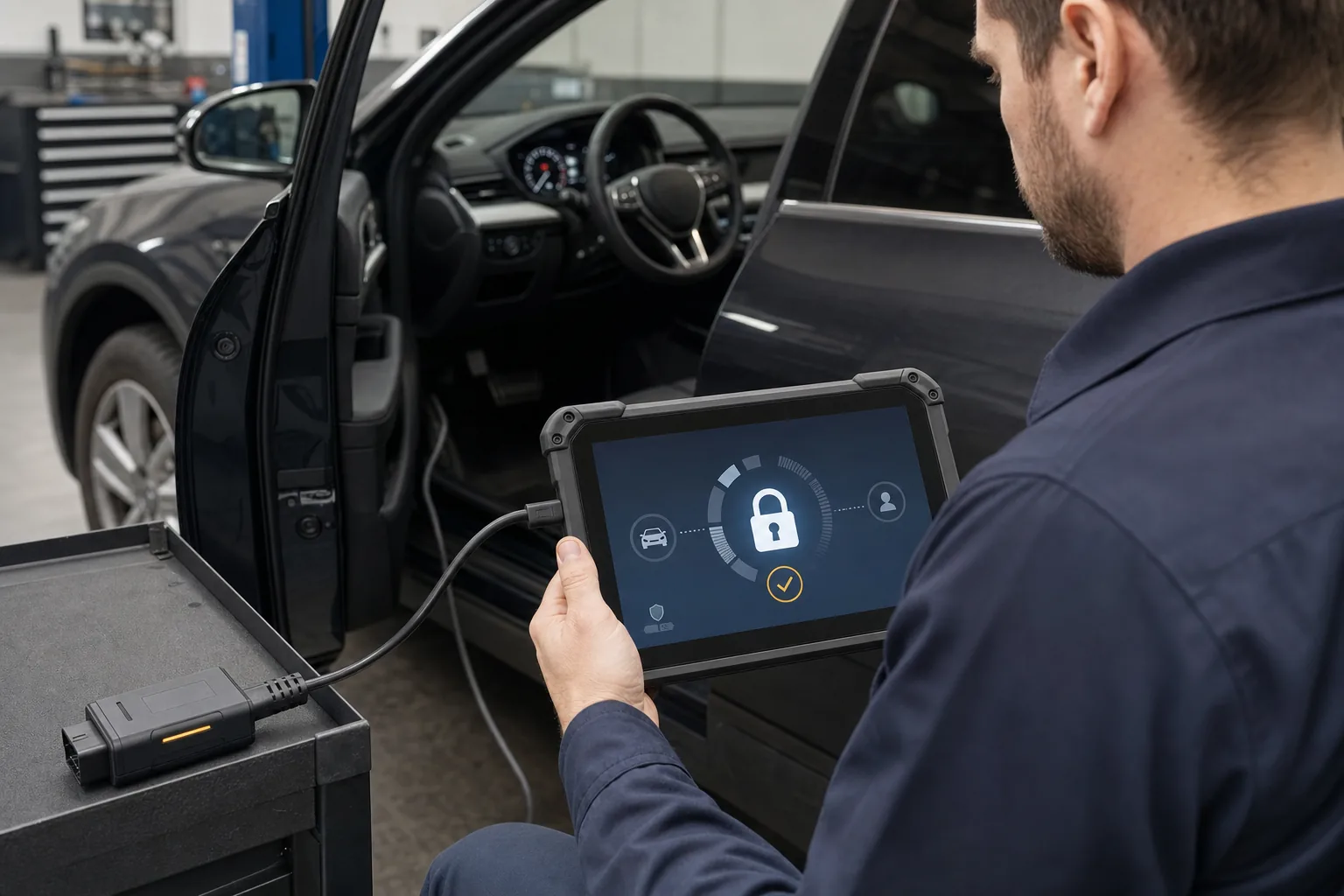
What is an SGW security gateway? Why doesn't a diagnostic tool enable certain operations?
In some new generation vehicles, connecting to the diagnostic socket is not enough to directly perform every service operation. The security gateway, called Security Gateway, can protect the vehicle network against unauthorized write or command requests. Although the device can read fault codes, it may show access denied during code clearing, active tests, adaptations, or service resets. The solution is not to randomly bypass the security layer, but to determine the supported authorization method for the vehicle, device, and operation, use the correct connection equipment if necessary, and fully restore the vehicle's original connection after the operation.
What to check if there is a connection but no operation?
Indication
Possible layer
Check
Correct approach
VIN and codes are read, clearing is denied
SGW authorization
Device message and vehicle scope
Supported secure session
No communication with any module
Power supply, VCI, or network
OBD voltage, cable, fuse
Physical diagnosis first
Some modules are present, some are not
Network topology/software scope
Full scan and gateway codes
Verify vehicle variant
Online login failed
Account, subscription, or internet
Authorization and license status
Valid service account
Warning after adapter cable
Incorrect/incomplete reconnection
Original connectors
Restore factory connection
Decision guide
In which part of the vehicle does SGW operate?
SGW is a gateway approach that manages access between the diagnostic device and the control units within the vehicle. Depending on the make and model architecture, it can be a separate module, part of the body control system, or a central gateway function. The purpose is to control commands coming from the external connection point and reduce the risk of unauthorized changes. It should not be assumed that it blocks all network traffic in the vehicle in a uniform manner.
When a diagnostic device is connected to the OBD socket, it first communicates with the vehicle and control units. While the security gateway allows some read-only operations, it may request authentication for write operations that change the vehicle status, such as clearing errors, active tests, adaptations, and coding. Therefore, the complaint "device connected but not performing operations" is technically possible.
SGW is different from communication protocols like CAN FD or DoIP. CAN FD and DoIP describe how messages are transported; the security gateway, on the other hand, controls which session can perform which operation. Even if the device supports the protocol, write functionality may be limited if authorization is missing.
Different manufacturers may use different names, portals, and security models. The SGW approach on the FCA/Stellantis side, the Volkswagen Group SFD, or the secure access systems of other brands are not evaluated as the same product. For each, the current integration by the device manufacturer and the service method by the vehicle manufacturer are checked.
Visual summaryRead access and write access are different
01
ReadVIN, ECU list, codes, and some live data
02
WriteCode clearing, active tests, resets, and adaptations
In some vehicles, it is possible to read data, but commands that change the vehicle status may require an authorized session.
Decision guide
Why do read, error clear, and active operations require different authorization?
Reading fault codes or ECU IDs is an operation that does not directly change the vehicle status. Clearing fault codes, operating actuators, adaptations, or coding, on the other hand, involve writing to the control unit or sending command requests. The security gateway more frequently limits this second group. The device's ability to perform a full scan does not mean all service commands are open.
The service technician should first clearly record which function is denied. Instead of saying "no connection," a concrete distinction is made, such as "engine codes are readable but oil reset is denied," or "EPB live data is available, but service mode cannot be activated." This information allows the support team to correctly evaluate the protocol, software, or SGW layer.
Access denial may sometimes appear on the device screen with messages like security verification, gateway lock, or protected function. Sometimes a general "operation failed" message may be received. The internet connection at the time of the error, user account, device serial number, and software version are recorded. Randomly trying other brands to force the menu is not correct.
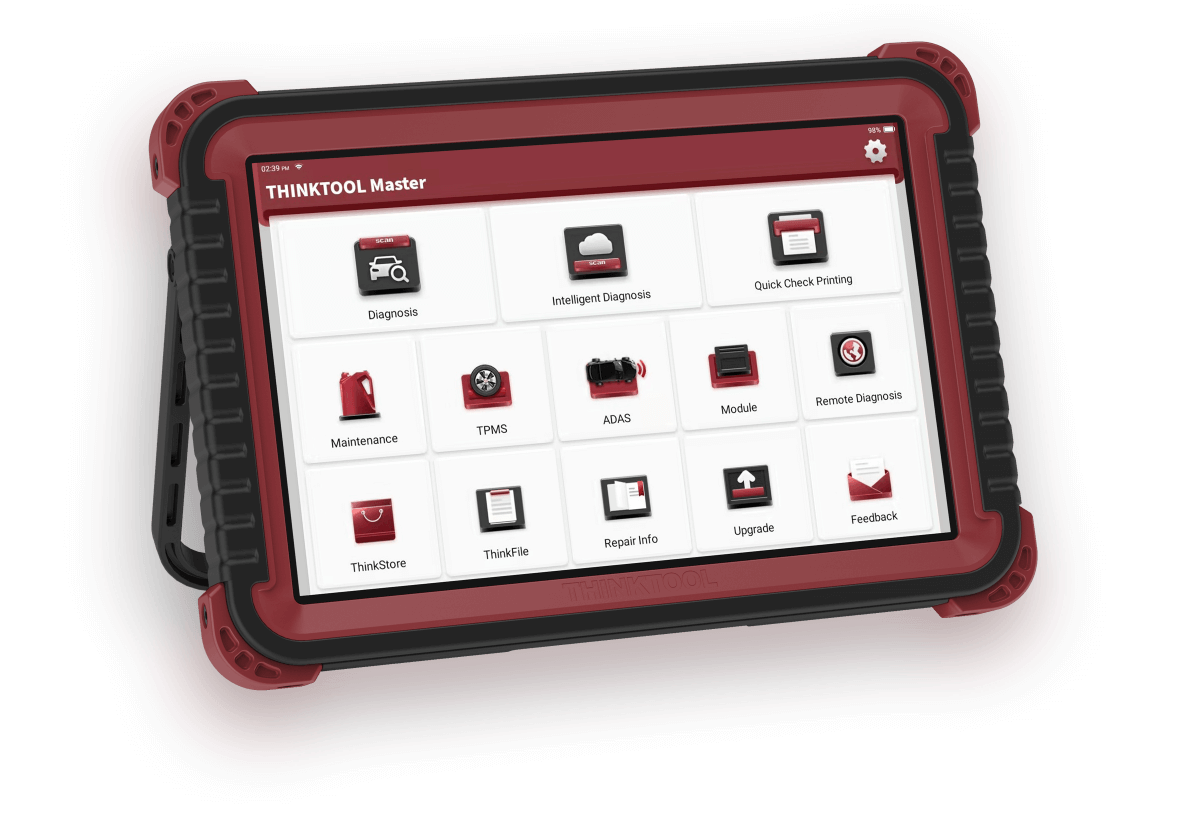
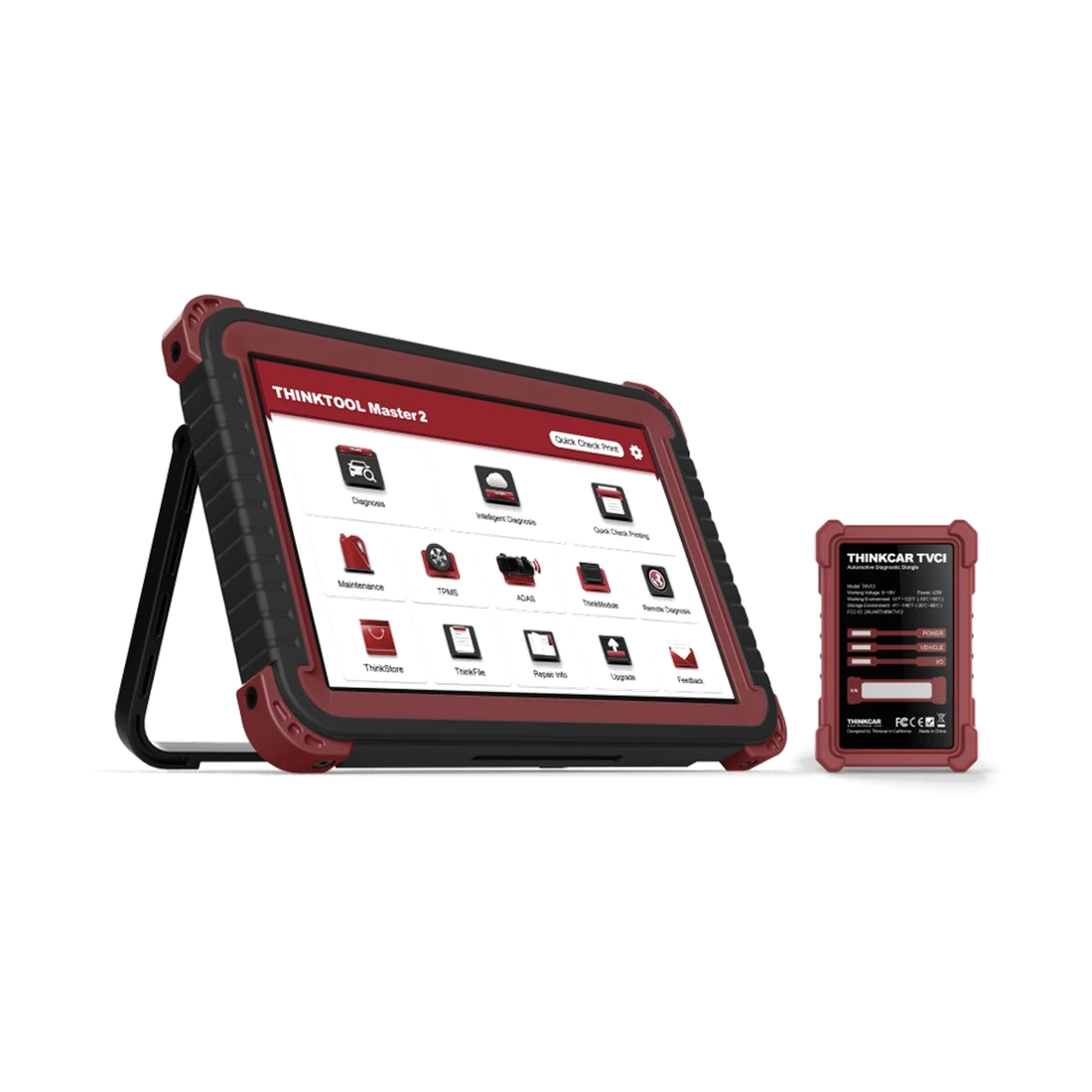
An inexpensive OBD adapter that can read fault codes may not have the infrastructure to open a secure service session. Professional devices, on the other hand, may have integrated access for supported brands. This difference should be inquired about separately from the "full system" statement in the product listing.
Decision guide
How does authorized online access work?
In a supported solution, the service or technician logs in with a valid platform account, the device or service business is registered, and a secure session is opened for the vehicle. The device manufacturer may have integrated this workflow into the tablet software, or a separate portal step may be required. Since account conditions, fees, country coverage, and supported devices can change over time, current official information should be checked.
Platforms like AutoAuth can be used for authorized aftermarket access to the security gateways of specific vehicle manufacturers. The presence of the AutoAuth logo on a device does not mean the account is automatically free or active. The service's membership, technician users, and device serial number must be configured correctly.
For online sessions, the tablet's internet access, date-time settings, and current software are important. Having a Bluetooth connection to the vehicle does not mean it is connected to the internet. The device can communicate with the vehicle via VCI and with the authorization server via Wi-Fi or another connection separately.
When opening authorized access on a customer's vehicle, the work order and the operation to be performed must be clear. Security accounts are not shared, technician credentials are not left exposed, and unauthorized coding is not performed. The service record should include the vehicle, date, operation, and result.
Valid service account
Supported device and serial number
Internet connection
Vehicle and operation record
Current software
Visual summarySupported secure access flow
01
Service accountRequired registration and valid subscription
02
Vehicle verificationVIN, region, and model scope
03
Secure sessionAuthorization via device
04
Job recordCommand executed and result report
The session supported by the device manufacturer and vehicle brand is used, rather than bypassing the security layer.
Decision guide
When does SGW connection or bypass cable come into play?
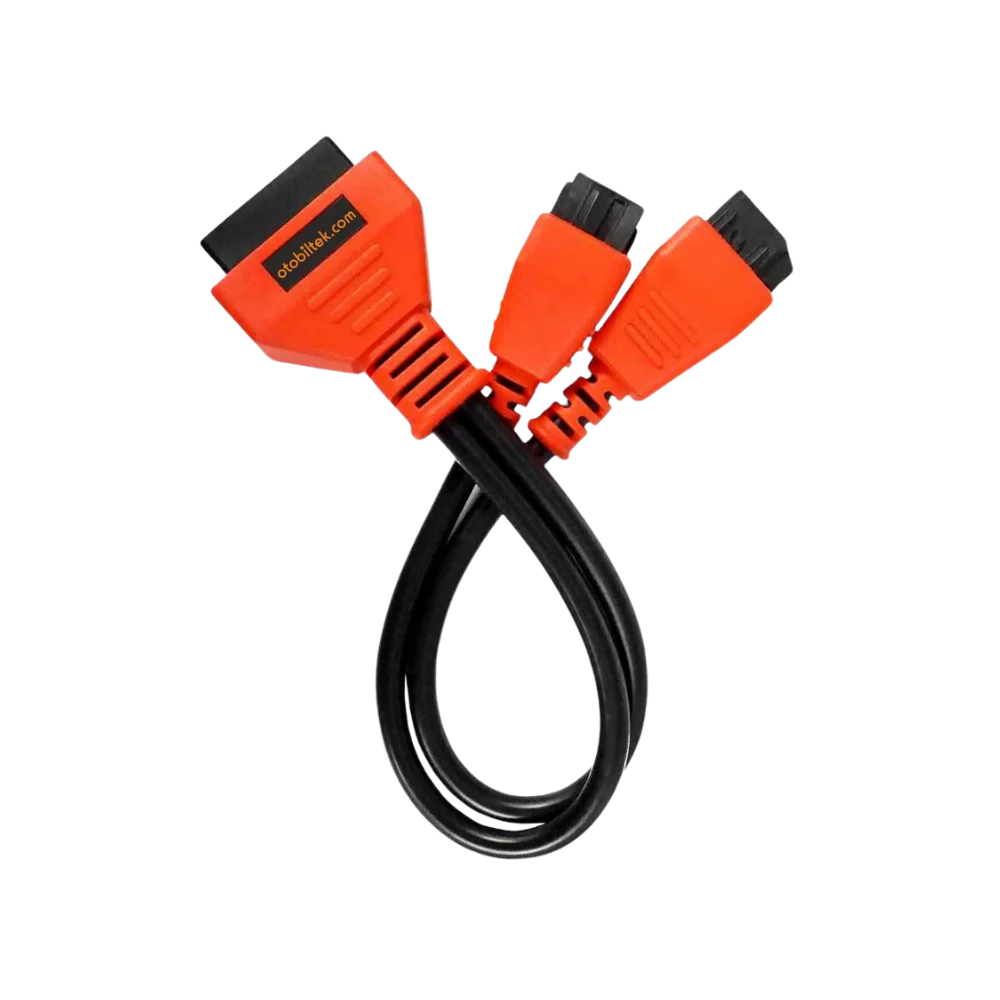
In some vehicle and device scenarios, a manufacturer-specific connection cable may be used to connect the diagnostic device's security gateway to the vehicle's data lines. Products called SGW bypass cables on the market are intended for this physical connection purpose. The availability of the cable does not mean it is necessary or permitted on every vehicle; the vehicle model, connector location, and service method must be verified.
When selecting a product like a Fiat SGW cable, the vehicle make, model, year, and gateway connector type are checked. Different layouts and connections may exist within the same make. The cable is not assumed to have the correct pin structure simply because it can be physically plugged in. The manufacturer's technical information and the vehicle's connection structure are considered.
If trim or other parts need to be removed to access the gateway connector, the vehicle manufacturer's removal method must be followed. The ignition must be off, the vehicle in a safe condition, and the electrical procedure appropriate. Connector latches should not be forced; no additions or permanent modifications should be made to the wiring harness.
After the adapter cable connection is completed, the diagnostic operation is performed, and when the operation is finished, the original vehicle connectors are reinstalled in the factory configuration. A loose or forgotten gateway connection can cause numerous communication errors. The vehicle is not delivered without a final general scan.
Decision guide
Physical connection is not the same as security authorization
An adapter cable may change a specific physical path of the gateway; however, it does not replace the vehicle manufacturer's online account, coding authorization, or software license. Some operations may also require in-ECU security access, a PIN, or the manufacturer's server. It should not be promised that all menus will open just because the cable is plugged in.
Active tests or service resets are not at the same risk and authorization level as ECU programming. A simple write command may work with a physical connection, while online programming may still require an OEM account and file. Which function requires which access is checked in the device scope documentation.
Attempting to disable security with unauthorized or unverified software is risky in terms of vehicle integrity and legal liability. The service should use verified operations and supported equipment, and avoid methods that permanently disable security mechanisms.
The service's goal is not to "defeat" the security layer but to complete the maintenance and diagnostic work approved by the customer through the method permitted by the vehicle manufacturer. This language preserves customer trust and correctly explains the device's true role.
Visual summaryFour possible layers in access denial
Technical signals
01
AccountRegistration, role, or subscription status
02
InternetAccess to authorization server
03
SoftwareDevice version and vehicle scope
04
Physical networkOBD, VCI, and gateway communication
Not every access denial occurs for the same reason; the error message and connection status are recorded.
Decision guide
Checks to be performed before mistaking a connection issue for SGW
If no vehicle module can be accessed, the problem is not directly considered SGW. The OBD socket power and ground, fuses, battery voltage, VCI lights, cable, correct vehicle selection, and software updates should be checked. If another device also cannot connect, it may indicate a physical vehicle problem; however, a conclusion should not be given without measurement.
If some modules appear in a general scan while others do not, the network topology and gateway error codes are examined. A faulty CAN bus line in the vehicle, a sleeping control unit, or a history of low voltage can create a list of missing modules. SGW typically becomes apparent in the read-write distinction; the loss of all communication indicates other reasons such as physical connection, power supply, or vehicle network issues.
If the device is connected with the wrong model year or engine variant, some menus may be incorrect. Automatic VIN reading is verified manually. Differences in imported vehicles and markets can affect the software package. When opening a support ticket, the personal data nature of the VIN is considered, and it is shared only through the necessary channels.
If the SGW authorization screen opens but login fails, check the account subscription, technician authorization, device registration, and internet connection. The system clock being incorrect can affect certificate verification. The error screen is recorded; trying the same operation repeatedly can lock the account or extend service time.
OBD power supply and ground
Battery voltage
Correct vehicle selection
Gateway and network codes
Account/subscription/internet
Decision guide
How is the service operation verified after SGW access?
Once the secure session is opened, only the operation specified in the work order is performed. The initial scan report is preserved; the target service function is executed according to the manufacturer's instructions. After the device's success message, the control unit is read again, the relevant live data or status is checked, and if necessary, a test drive is performed.
The fact that the code does not return after a clearing operation is not proof of repair on its own. The root cause of the fault must be addressed, and system monitors and customer complaints should be examined together. SGW access only facilitates command transmission; it does not resolve mechanical or electrical faults.
If active tests are to be performed, ensure a safe working area for moving fans, pumps, valves, locks, or brake components. Having authorization enabled does not mean the command is risk-free. Vehicle manufacturer prerequisites and technician competence are valid.
After the operation, the online session is closed, the adapter cable is removed if used, and the original gateway connection is locked and checked. A general scan confirms that there are no remaining gateway and communication codes. Removed trim parts and wiring harnesses are physically inspected.
Visual summaryPost-operation vehicle integrity
01
Original connectionSockets and covers are placed in the correct positions.
02
Final scanNew communication or gateway codes are searched for.
03
Function testThe applied service operation is verified.
04
LoggingAccount and operation information is kept in the service file.
If temporary connection equipment was used, the original configuration is fully restored before the vehicle is handed over to the customer.
Decision guide
How to select an SGW-supported fault detection device?
When selecting a device, inquire about which makes, countries, model years, and account systems the term "SGW supported" covers. Verify the device's integrated secure login menu, compatible subscription platform, serial number registration, and update requirements. If a physical cable is required, check if it is included in the package separately.
List the most frequently encountered FCA/Stellantis, Volkswagen Group, or other vehicles with security layers in your service. For each make, write down the needs for fault reading, clearing, service reset, active tests, and coding separately. It is not assumed that a single SGW solution covers all manufacturers.
Access may be provided while the device license is active, and authorization may be revoked when the license expires. The security platform may also charge a separate fee. The initial device price and the annual software and account costs are calculated together. If there are multiple technicians in the service, check the user license conditions.
Online authorization workflow may be disrupted in workshops with weak internet connections. A stable network, secure Wi-Fi, and account management are as important as the equipment. Instead of using common passwords, personal user and operation records are preferred.
Decision guide
Checklist when purchasing an SGW connection product
A user purchasing a Fiat SGW connection cable should check the exact model, model year, and gateway structure of the vehicle. The cable's connector shape, pin layout, and connection to the device side must match the manufacturer's technical information. The phrase "Fiat compatible" is not sufficient for all Fiat, Alfa Romeo, Jeep, or other Stellantis models.
The cable is an auxiliary connection accessory, not the main product. It cannot read fault codes, provide software, or create device licenses on its own. A compatible diagnostic device, up-to-date software, and vehicle scope supporting the service operation to be performed are required. This limitation should be clearly stated on the product page.
Upon delivery of the package, check the connectors, cable insulation, and pins. Damaged or unverified cables can cause short circuits and communication problems in the vehicle network. No additions should be made to the cable, the socket should not be forced, and permanent installations not specified by the manufacturer should not be applied.
Vehicle model, model year, gateway structure, and diagnostic tool model are checked via the same connection requirement. For example, if a service reset is to be performed on a 2021 model vehicle, the cable, device software, and security access must be supported for this vehicle. Cable support is limited to the manufacturer's current product and vehicle coverage.
Decision guide
Final rules for secure and traceable service
The SGW issue is about trust and responsibility, in addition to technical access. No coding or configuration changes are made without customer approval. Vehicle ID, transaction, used account, and results are recorded. The security account is not shared with third parties; unauthorized software and access methods of unknown origin are not used.
The correct sequence is: first physical connection and general diagnosis, then determining the SGW requirement, the supported authorized session or vehicle-specific connection method, performing the service operation, restoring the original connection, and the final scan. Skipping this sequence increases the risk of both incorrect fault diagnosis and new problems in the vehicle network.
The product description must clearly state that secure access is provided with the account and current software valid for supported vehicles. Claims such as "unlocks all locks" or "bypass on all vehicles" should not be published. Vehicle and operation support is verified in the manufacturer's current list.
The natural next step after the SGW guide is to read the active test, coding, and programming differences with the CAN FD and DoIP communication guide. This allows the user to make a purchase decision without confusing the access layer, communication path, and device function.
Frequently Asked Questions
Most frequently asked questions by customers
Does the device not connect at all due to SGW?
SGW may allow read-only functions on some vehicles but restrict write operations such as clearing errors, active tests, or adaptations. If there is no communication at all, power supply, VCI, cable, and vehicle network should also be checked.
Does the SGW bypass cable perform diagnostics on its own?
No. The cable only provides physical connection in supported scenarios. A diagnostic device compatible with the vehicle's gateway structure, software, and, if necessary, authorization is required.
Does the AutoAuth account work on every device?
No. The device make, serial number registration, country, and subscription conditions supported by the platform must be verified from current official information.
Does CAN FD support unlock the SGW lock?
No. CAN FD is a communication protocol; SGW is a security and authorization layer. The two requirements are separate.
Is the adapter cable left in the vehicle after the operation?
Unless the manufacturer's method explicitly requires permanent installation, the original gateway connection is restored to the factory configuration and checked with a final scan.
Physical adapter cable that leads to a 16-pin OBD-II device connection, offered for applications with a 12- and 8-pin SGW connection layout in Fiat vehicles.