Decision guide
First, identify the socket on the vehicle and device sides
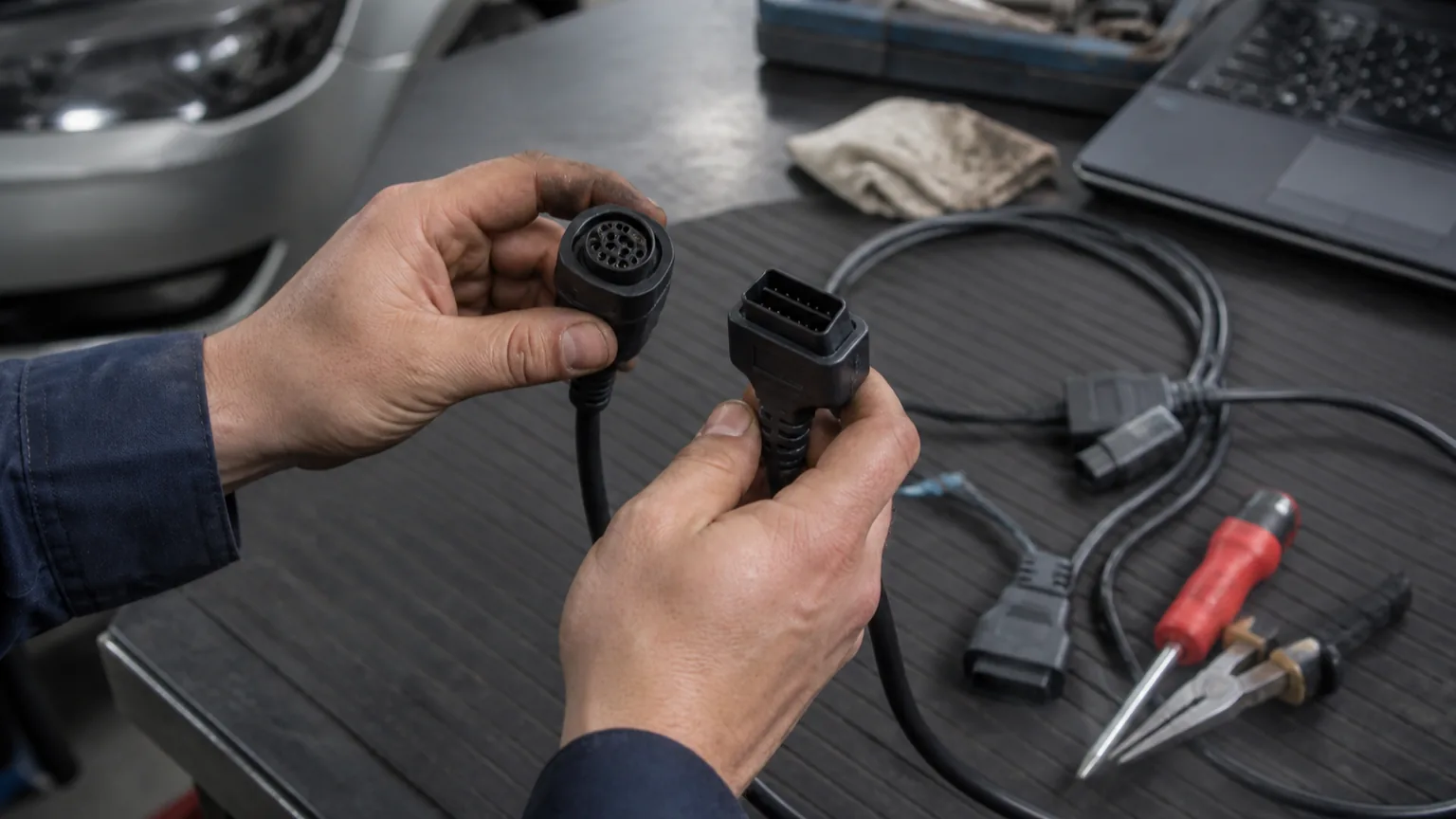
When selecting a cable, looking only at the vehicle brand is not sufficient. The vehicle may have a standard 16-pin OBD2 socket or an older manufacturer-specific connection. The other end of the cable can connect directly to the device, a separate VCI unit, or a brand adapter. Both ends and the device model used must match the product information.
- Vehicle-side socket
- Device or VCI connection
- Brand-specific adapter
- Product model
Decision guide
Do not confuse physical fit with diagnostic coverage
A cable physically fitting into a socket does not mean the device will read all control units in the vehicle. The communication protocol, device software, vehicle make-model-year support, and selected function are also determining factors. The cable carries the connection; it does not expand the device's software coverage.
- Physical socket
- Communication protocol
- Software coverage
- Vehicle and system support
Decision guide
OBD2 to USB search starts with the question of cable or interface
A user searching for OBD2 to USB may sometimes be looking for a simple extension cable, and sometimes for an electronic interface that works with PC software. These two products are not the same. A cable with only a USB end does not provide diagnostic capability to a computer; communication with the vehicle requires appropriate interface hardware, drivers, software, and a license.
A passive cable only carries the physical connection. An electronic interface, however, enables communication between the vehicle protocol and computer software. If the product description does not clearly state the device model, supported operating system, driver source, and which software it works with, a purchase decision should not be made.
Installing the USB driver on the PC side is also not sufficient on its own. Within the program, the correct port or interface must be selected, the vehicle ignition and voltage must be checked, and the initial connection must be verified with low-risk code reading or live data. Coding, adaptation, or writing operations should not be used as initial test steps.
Products sold online as "OBD2 USB cable" can include basic ELM327 class readers, brand-specific interfaces, J2534 Pass-Thru interfaces, or simple extension cables under the same title. The need – whether it's reading engine codes, brand-specific operations like VAG-COM, or OEM programming processes – must be separated first.
- Passive cable?
- Electronic USB interface?
- Which PC software?
- Driver and license channel identified?
Decision guide
Choose OBD extension cable length based on working space
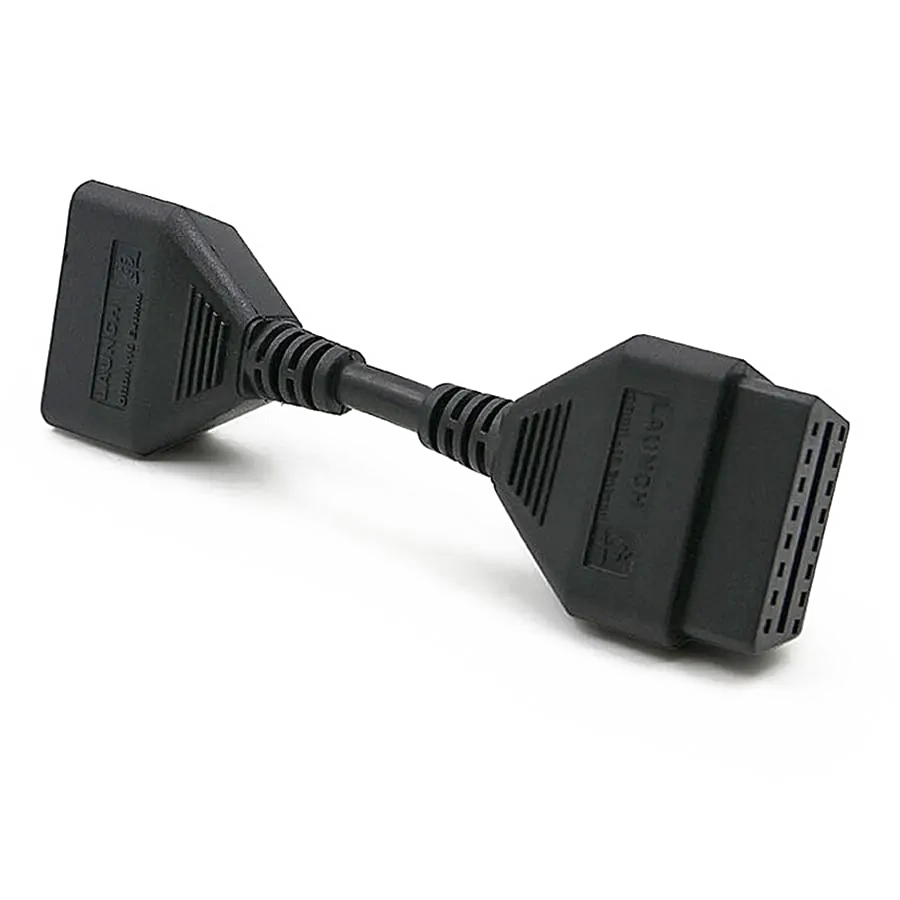
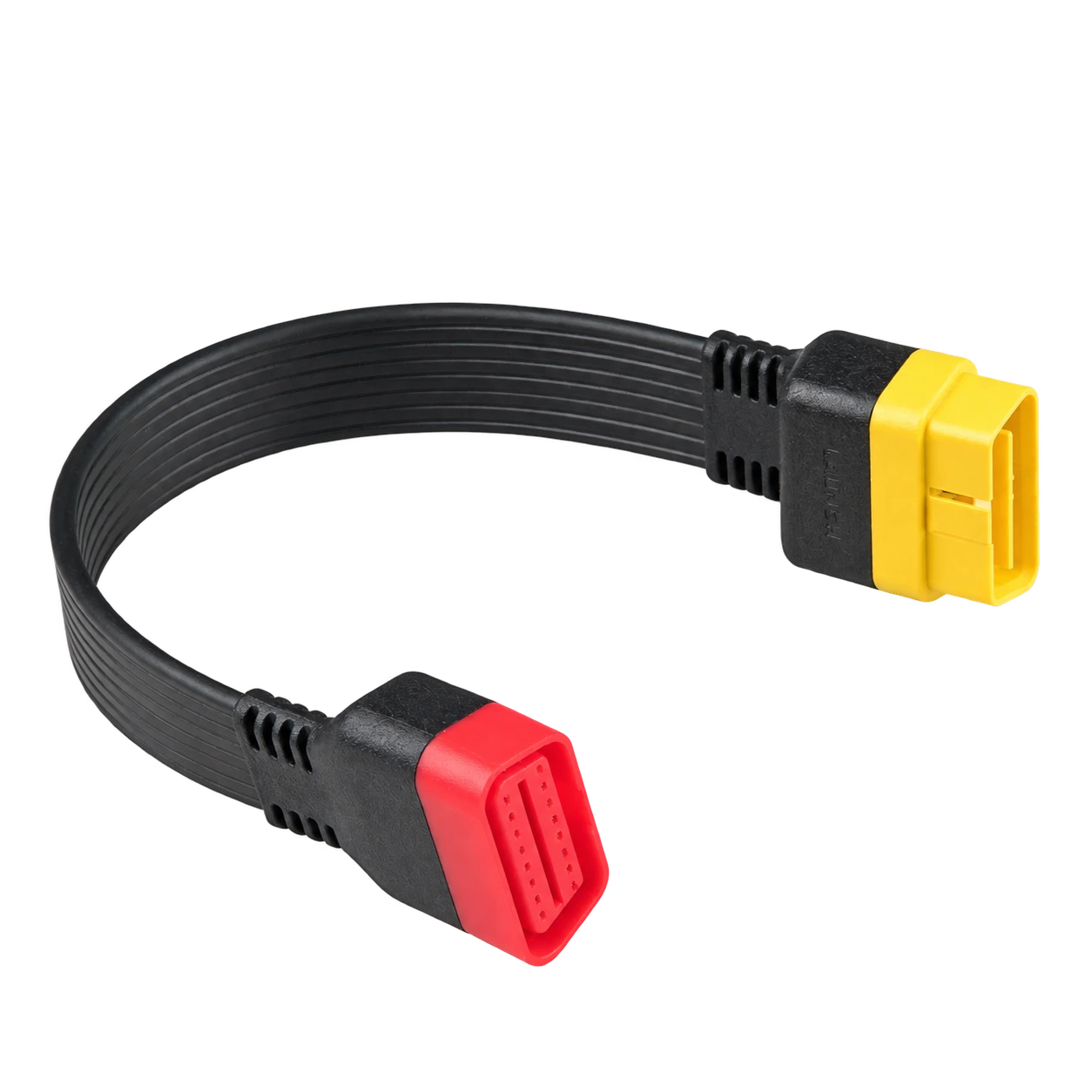
A short extension, such as 15 cm, may be sufficient to move the VCI unit away from the socket and reduce load in tight spaces. A 30 cm cable can position the device more comfortably; however, excessive length can create cable clutter in the driver's footwell. The choice should be made based on the socket's location, VCI weight, and service workflow.
- Socket location
- VCI weight
- Movement space
- Cable not strained
Decision guide
Check pin layout and cable quality
In seemingly similar connections, not all pins may be used for the same purpose. Missing or incorrect pin connections can cause communication issues, while loose ends can lead to intermittent connections. The cable body, connector lock, bending points, and contact surfaces on the device side should be inspected before purchase and use.
- Correct pin layout
- Connector lock
- Cable body
- Contact surfaces
Decision guide
Heavy-duty vehicles and special connections
In heavy-duty vehicles and vehicles with special connections, a standard 16-pin OBD2 cable may not be sufficient. The vehicle groups serviced must be identified; required brand adapters, 12/24 V compatibility, and the device's relevant vehicle software must be clearly visible in the product or set contents.
- Vehicle Group
- Special adapter
- 12/24 V compatibility
- Device software
Decision guide
Understand the function of the SGW bypass cable correctly
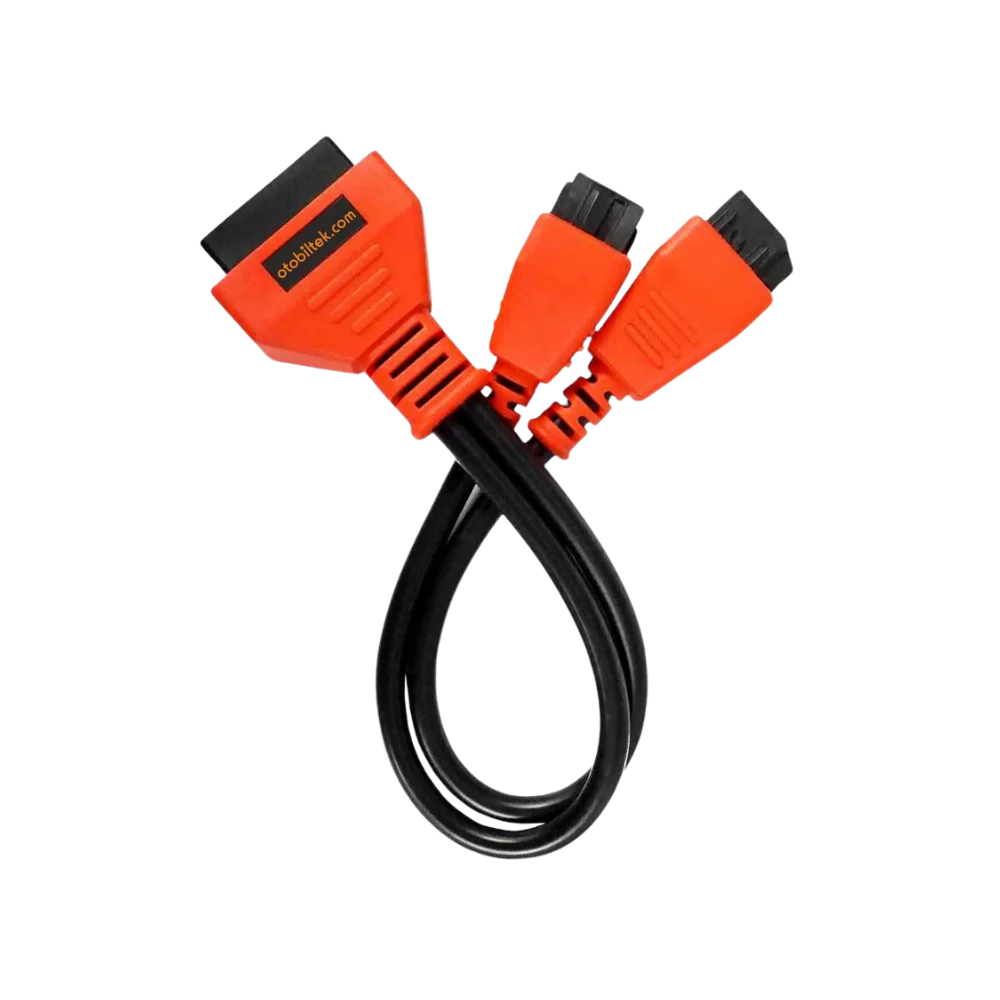
An SGW bypass cable is used for the physical connection arrangement around the security gateway in certain vehicles. It is not a standard OBD extension cable and does not provide software license or operational authorization on its own. Vehicle model, connection point, device compatibility, and the intended operation must be verified separately.
- Specific vehicle coverage
- Physical connection function
- Device compatibility
- Software or license distinction
Decision guide
Safe check sequence if connection is not established
First, check that the ignition and vehicle voltage are appropriate, then ensure the socket and cable ends are fully seated. Before trying another cable, make sure the device is set to the correct vehicle and connection option. If bent pins, a loose connector, or a damaged cable are observed, do not force the connection.
- Ignition and vehicle voltage
- Socket seating
- Correct device selection
- Physical damage check
Frequently Asked Questions
Most frequently asked questions by customers
Does every OBD2 cable fit every diagnostic tool?
No. Even if the socket on the vehicle side looks the same, the connector on the device side, the pin layout, and manufacturer-specific connections can differ. The cable must be verified with the device model.
Should a 15 cm or 30 cm OBD extension cable be chosen?
The choice depends on the socket's location, the VCI unit's weight, and the working space. A shorter cable takes up less space; a longer cable can facilitate device positioning.
Does an OBD cable access all systems of the vehicle?
No. The cable is only the physical communication path. The readable systems are determined by the device hardware, software coverage, vehicle support, and required security access.
Is an OBD2 to USB cable sufficient for PC diagnostic software?
It is not considered sufficient on its own. Whether the product is a passive cable or an electronic interface, the USB driver, compatible software, license, vehicle protocol, and intended operation must be verified together.
Does an SGW bypass cable replace a license?
No. A bypass cable serves a specific physical connection purpose. The software account, license, and supported operation must be checked separately.
Why might the device not connect even with the cable plugged in?
Incorrect pin layout, loose socket, damaged cable, low vehicle voltage, incorrect vehicle selection, or the device software not supporting the relevant system can prevent connection.