Decision guide
How does fault code query software work?
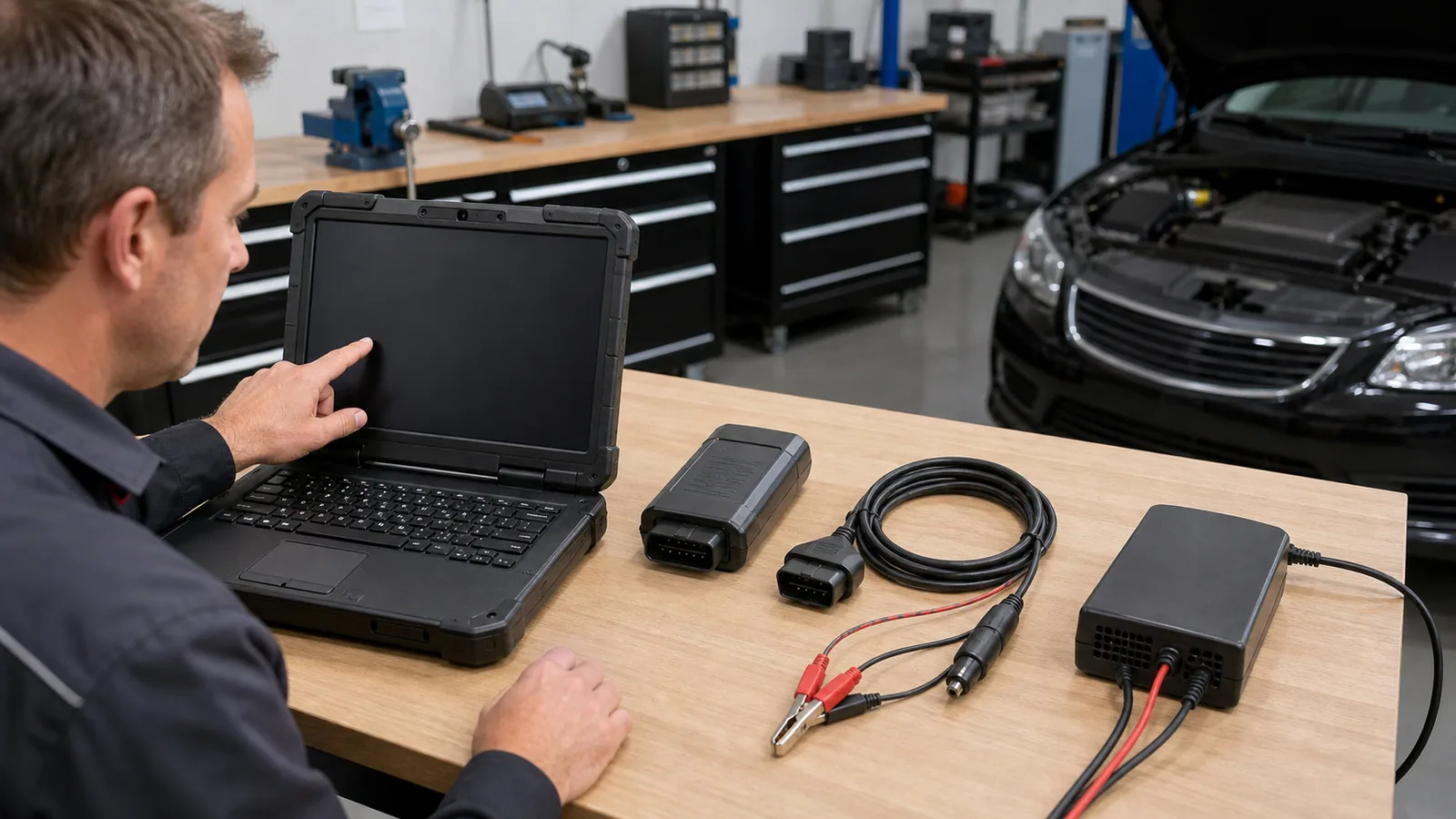
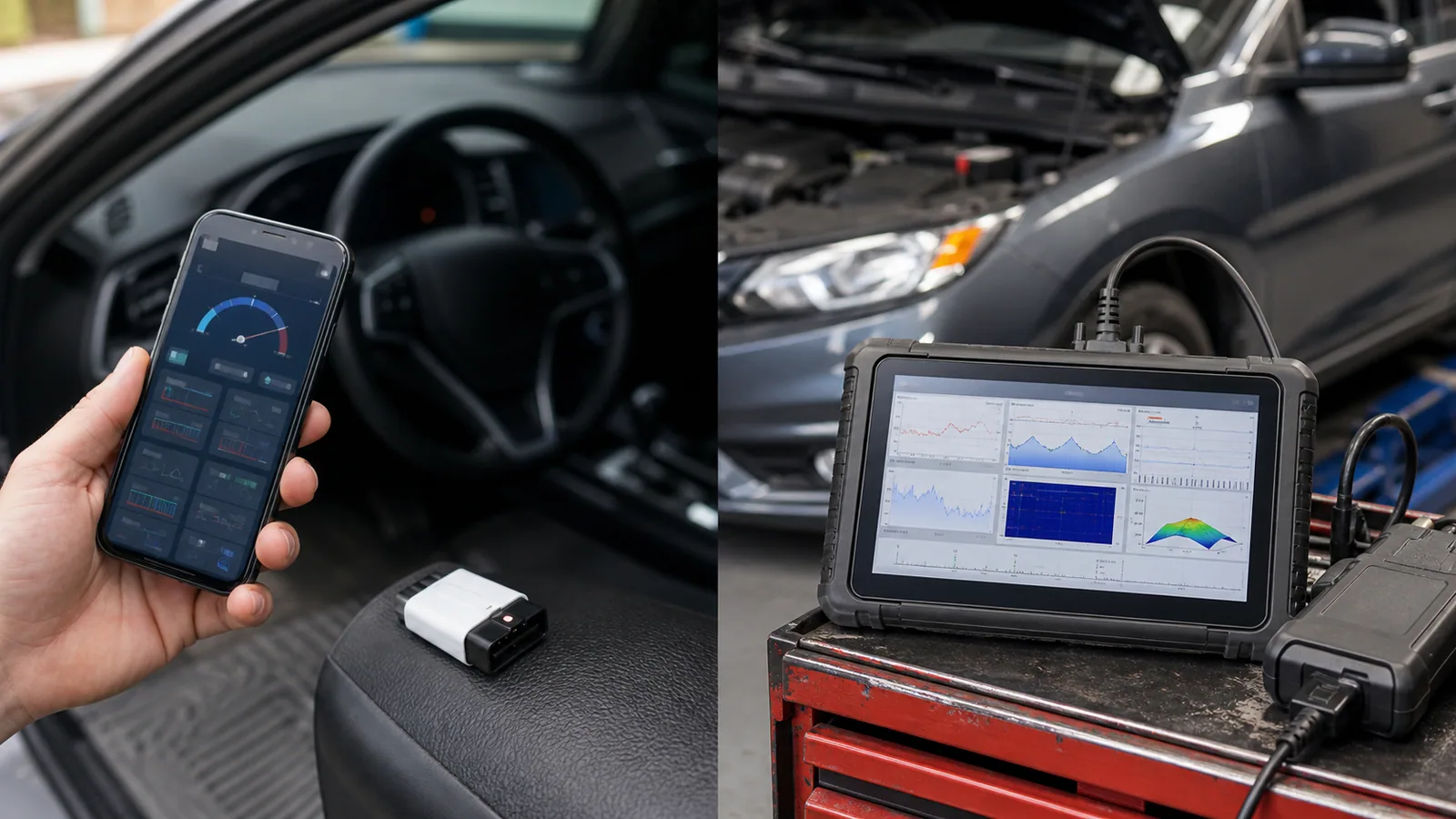
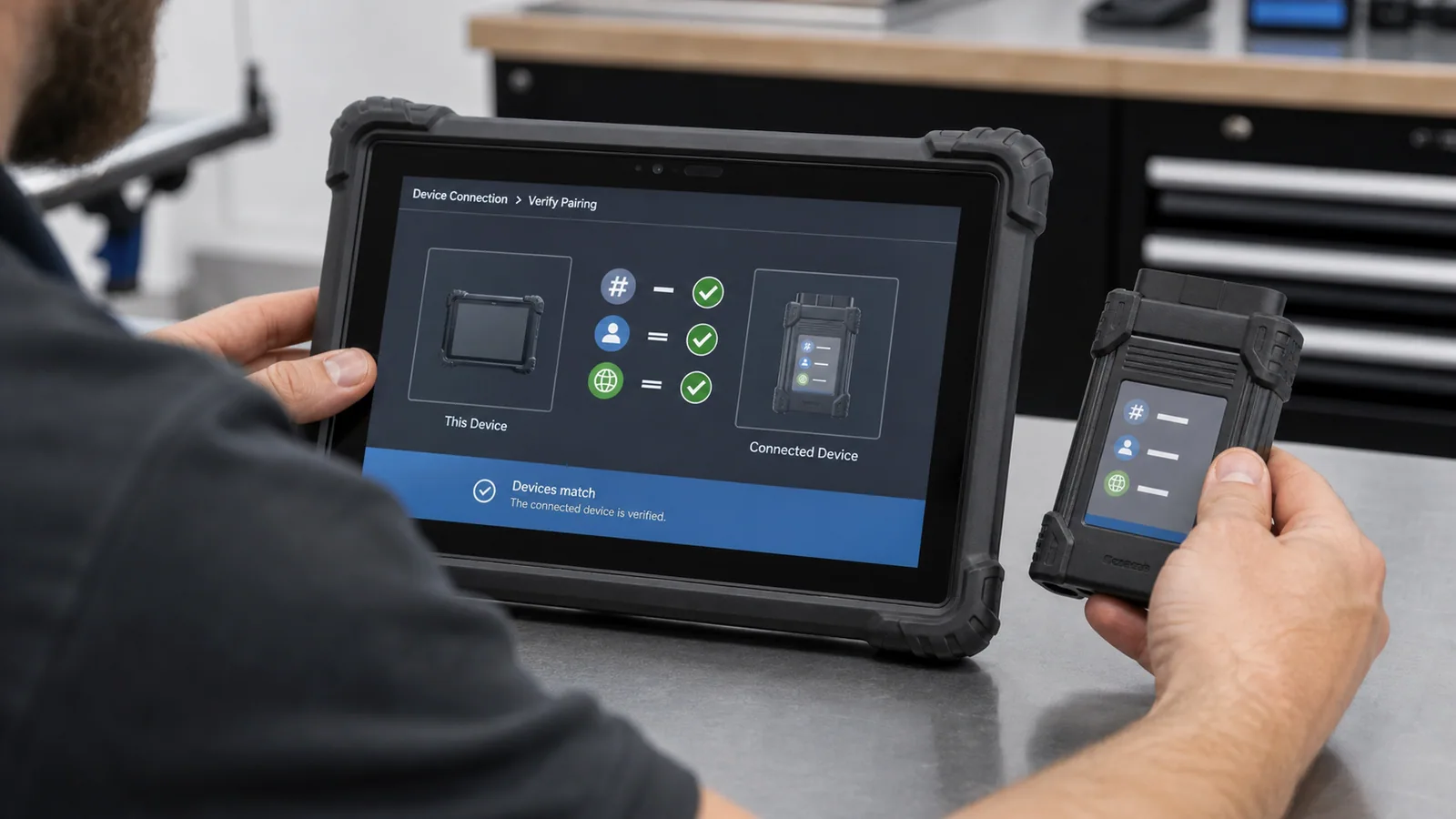
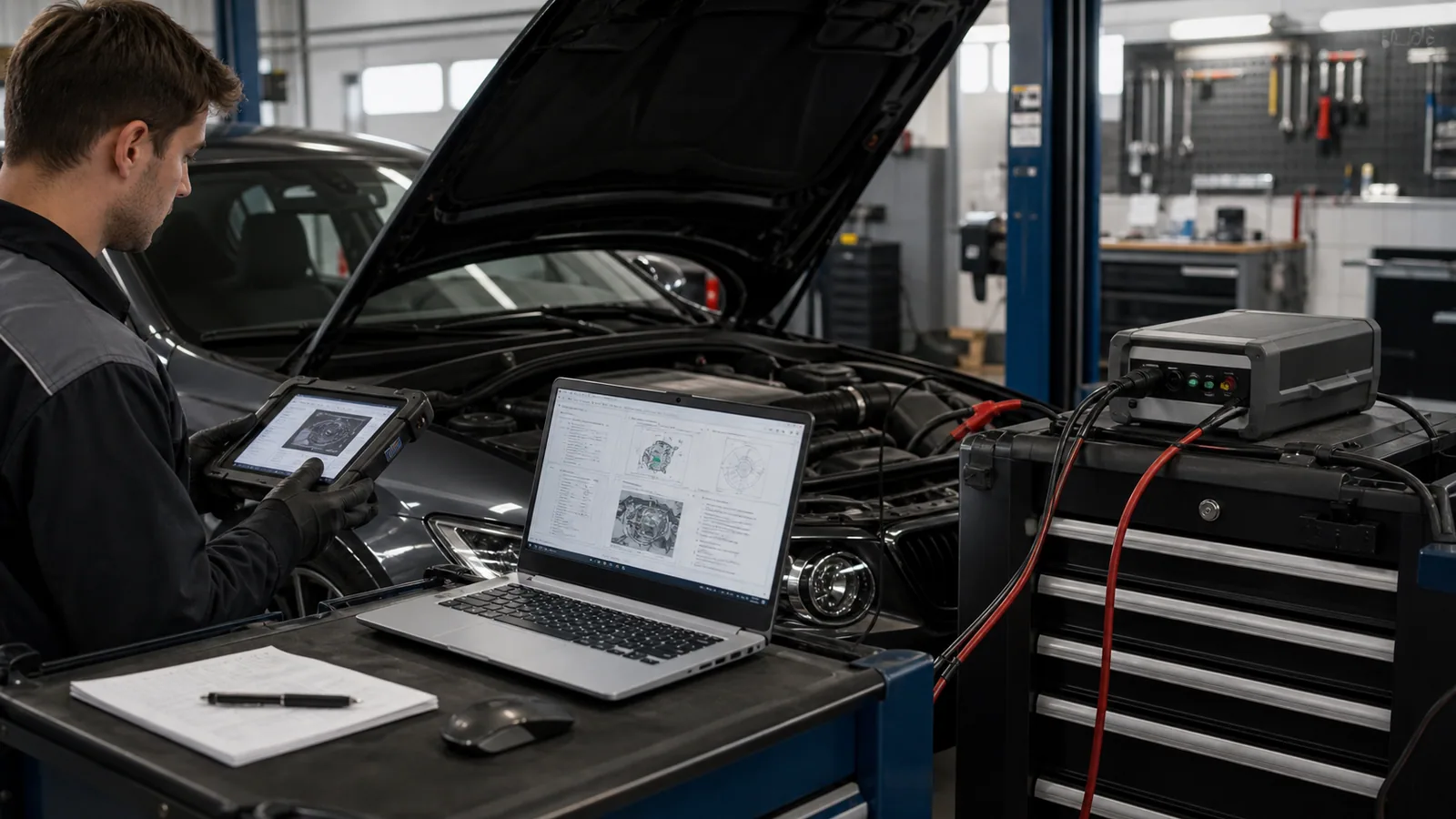
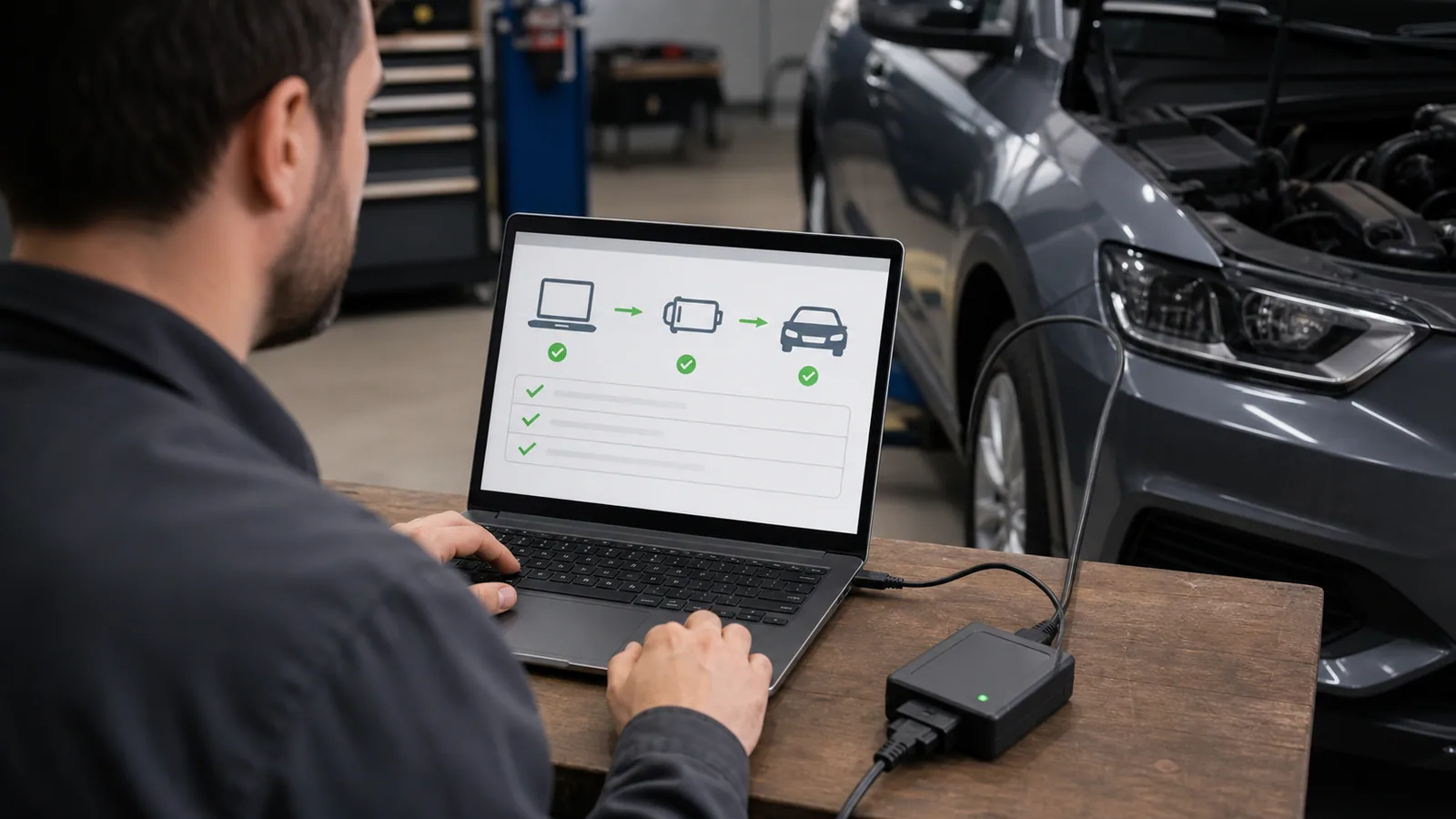
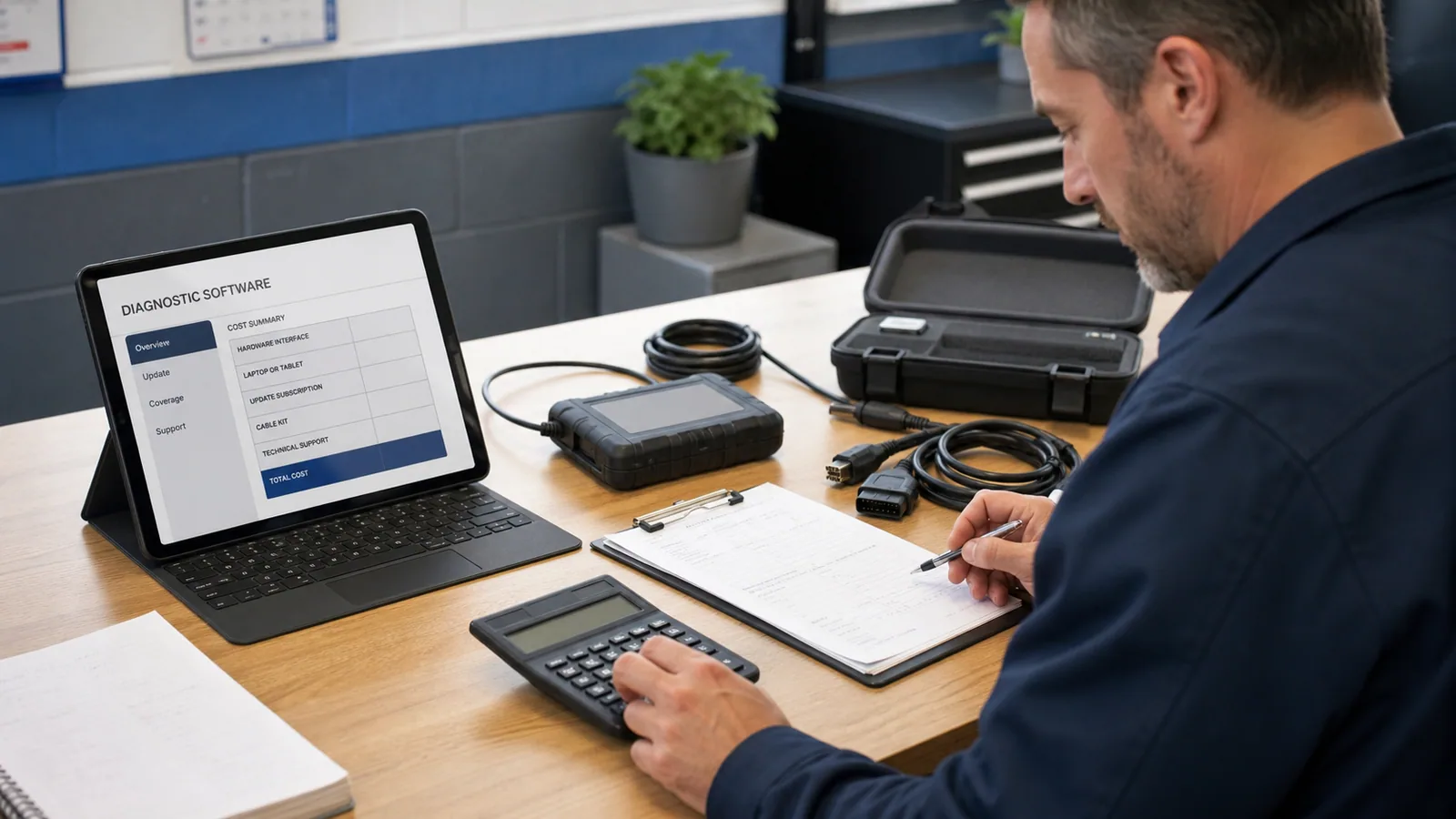
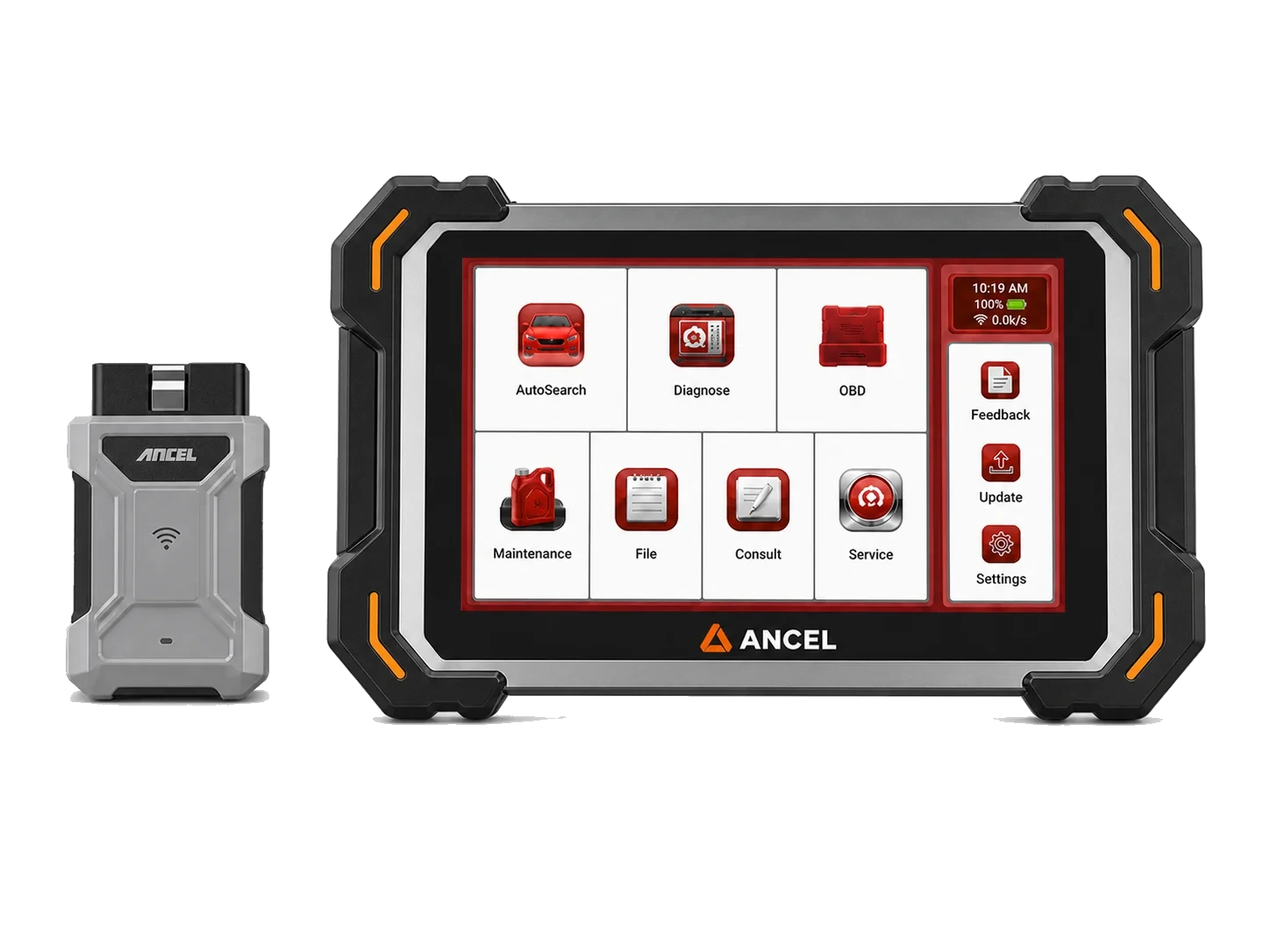
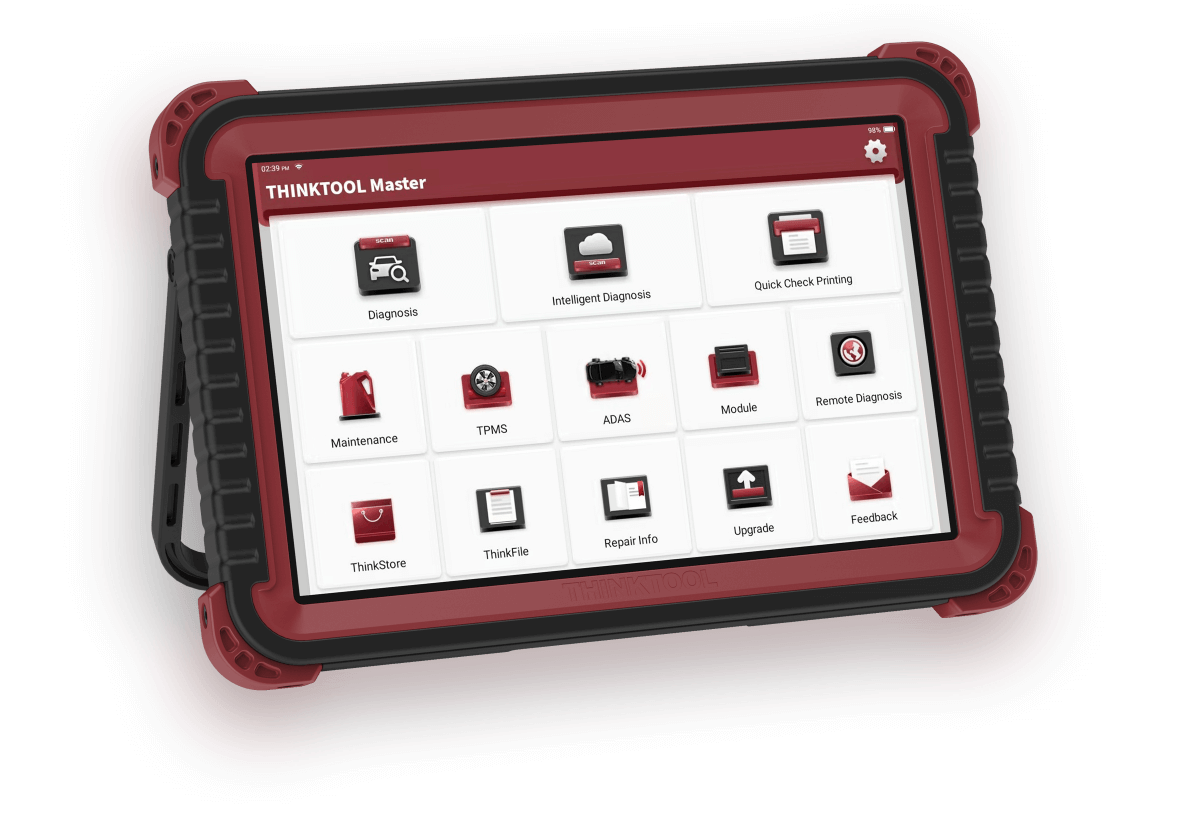
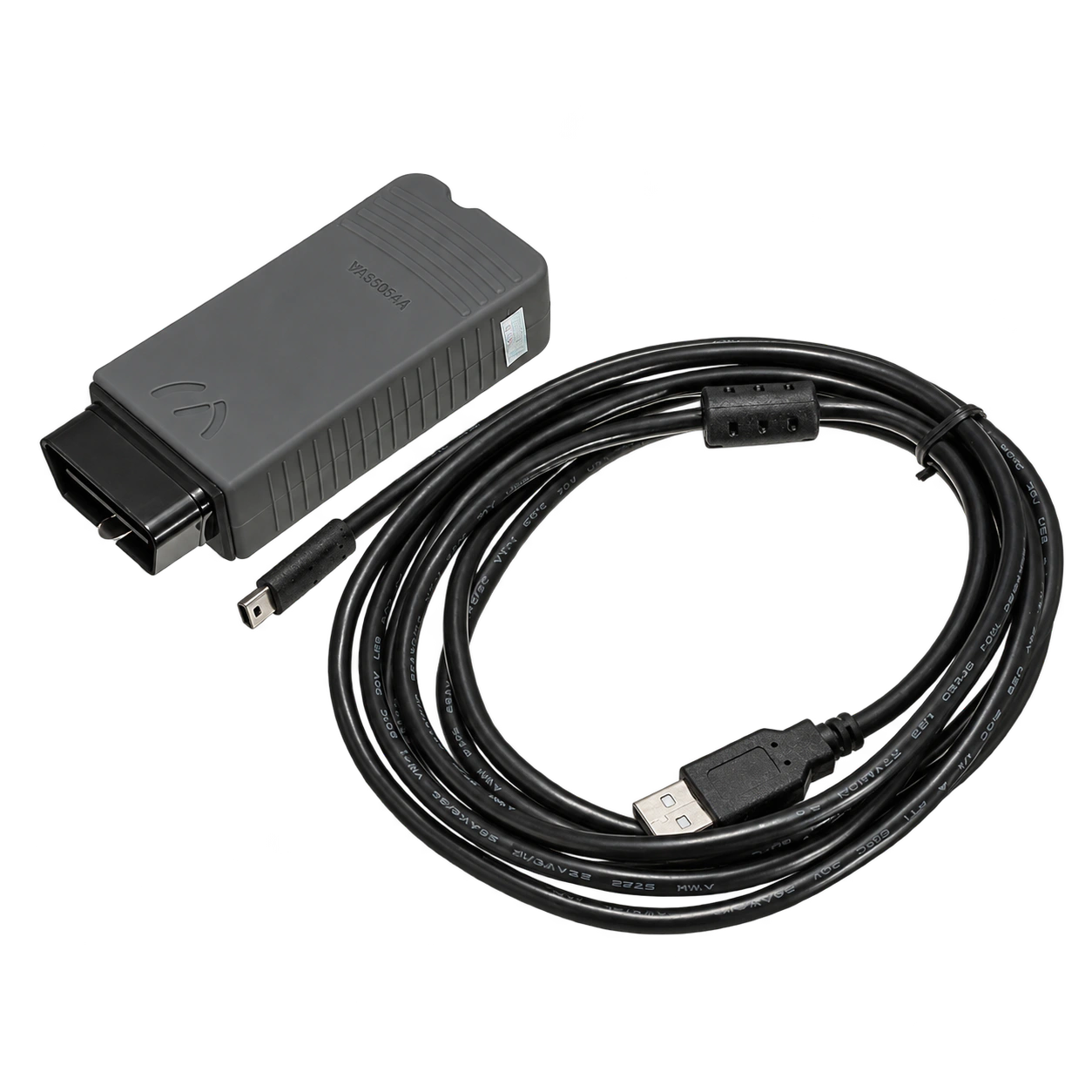
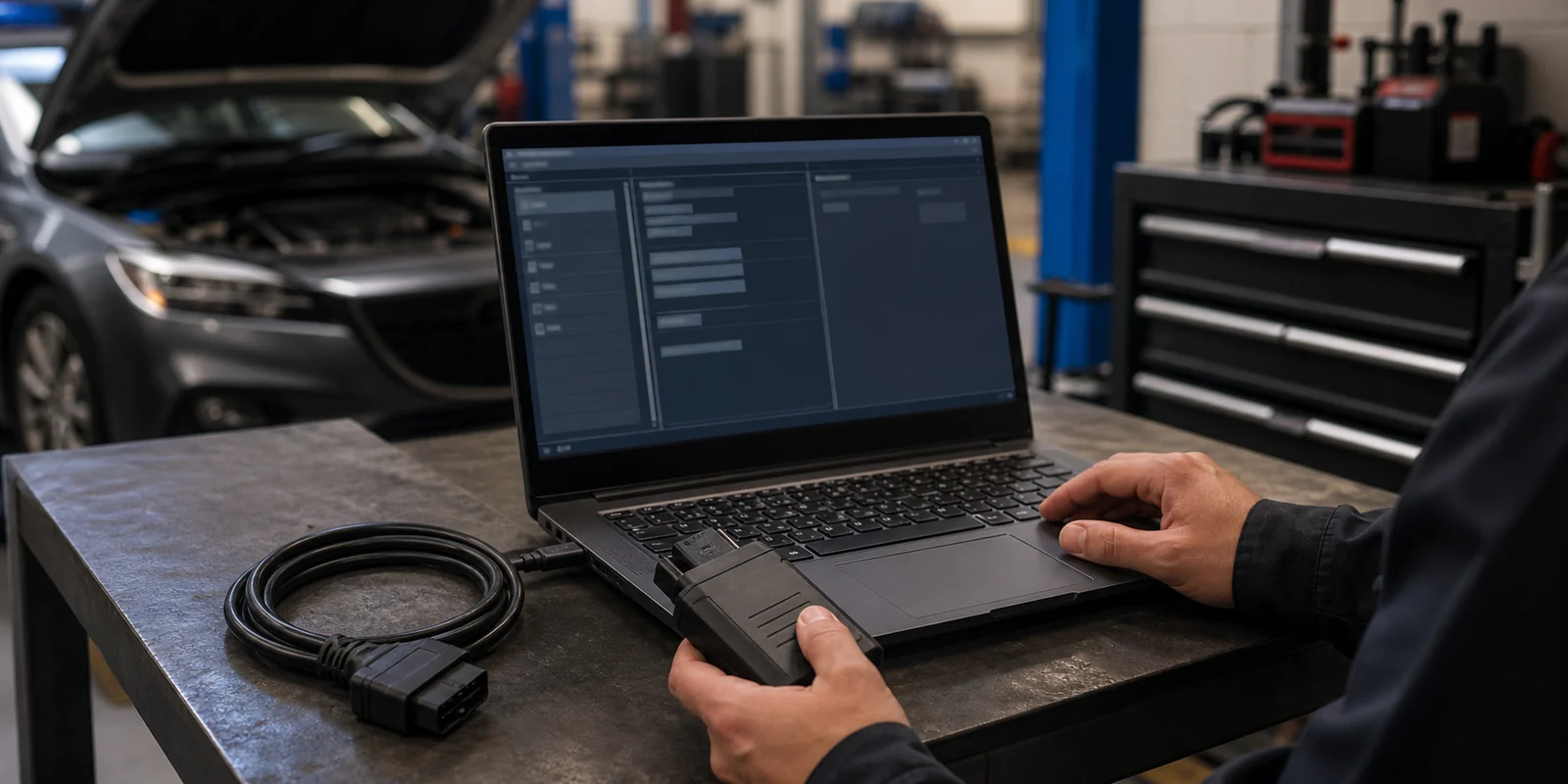
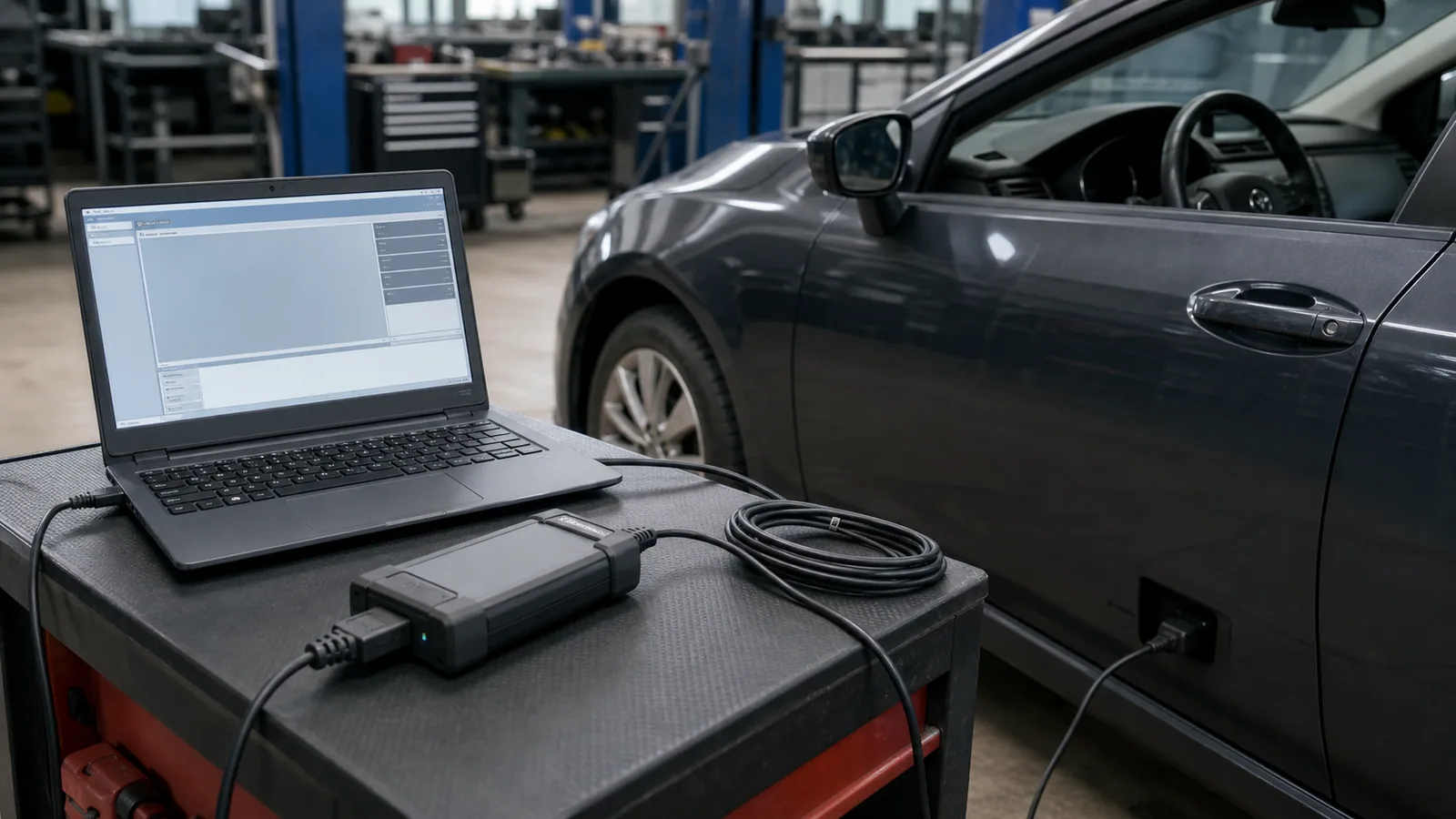
Diagnostic program is the software layer that provides code, live data, system scan, and report screens. Physical communication with the vehicle is established by an OBD cable, VCI, or another connection interface. Drivers and firmware allow the computer to recognize the interface; the license can determine which brands, models, duration, and functions will be activated.
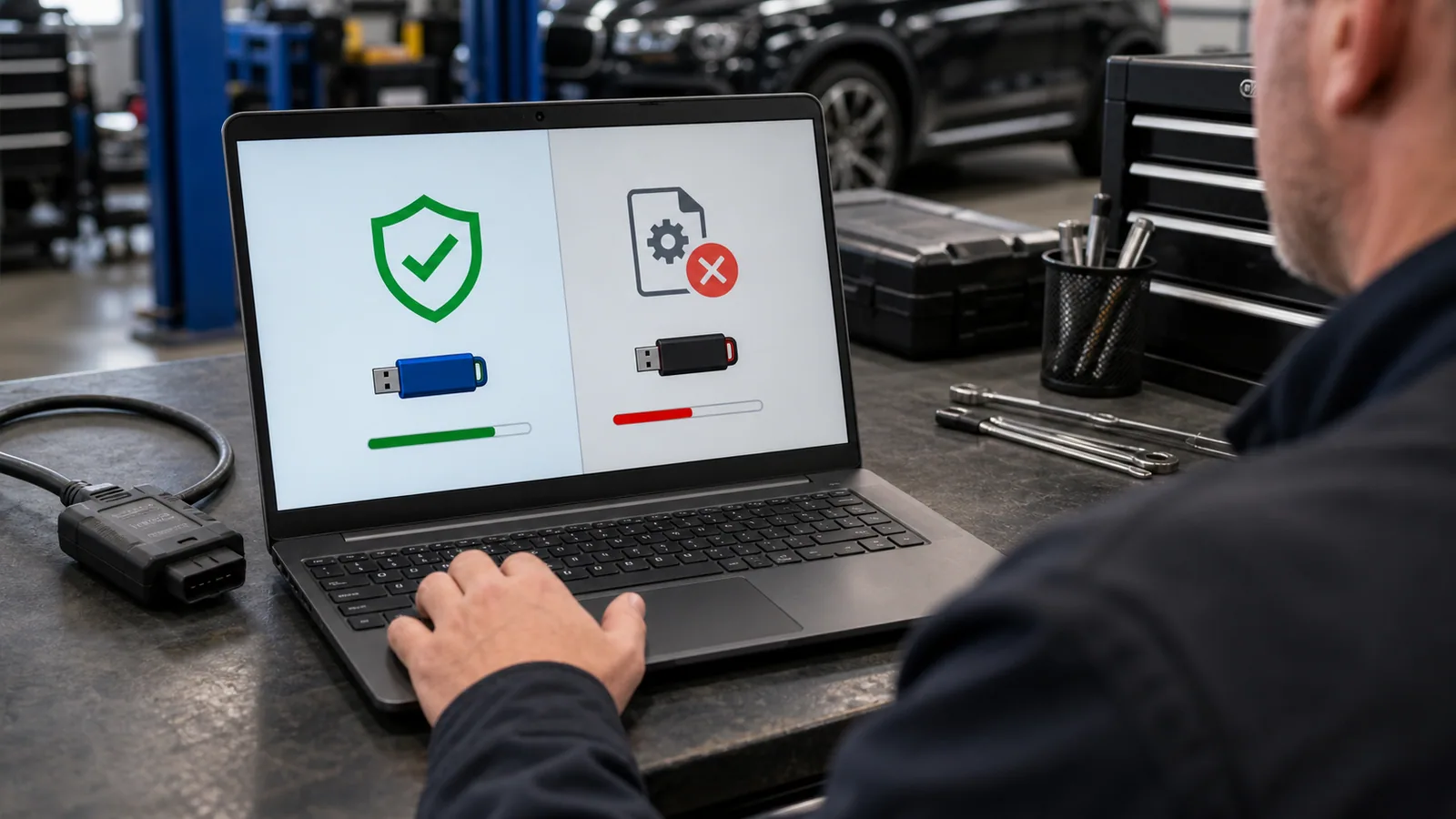
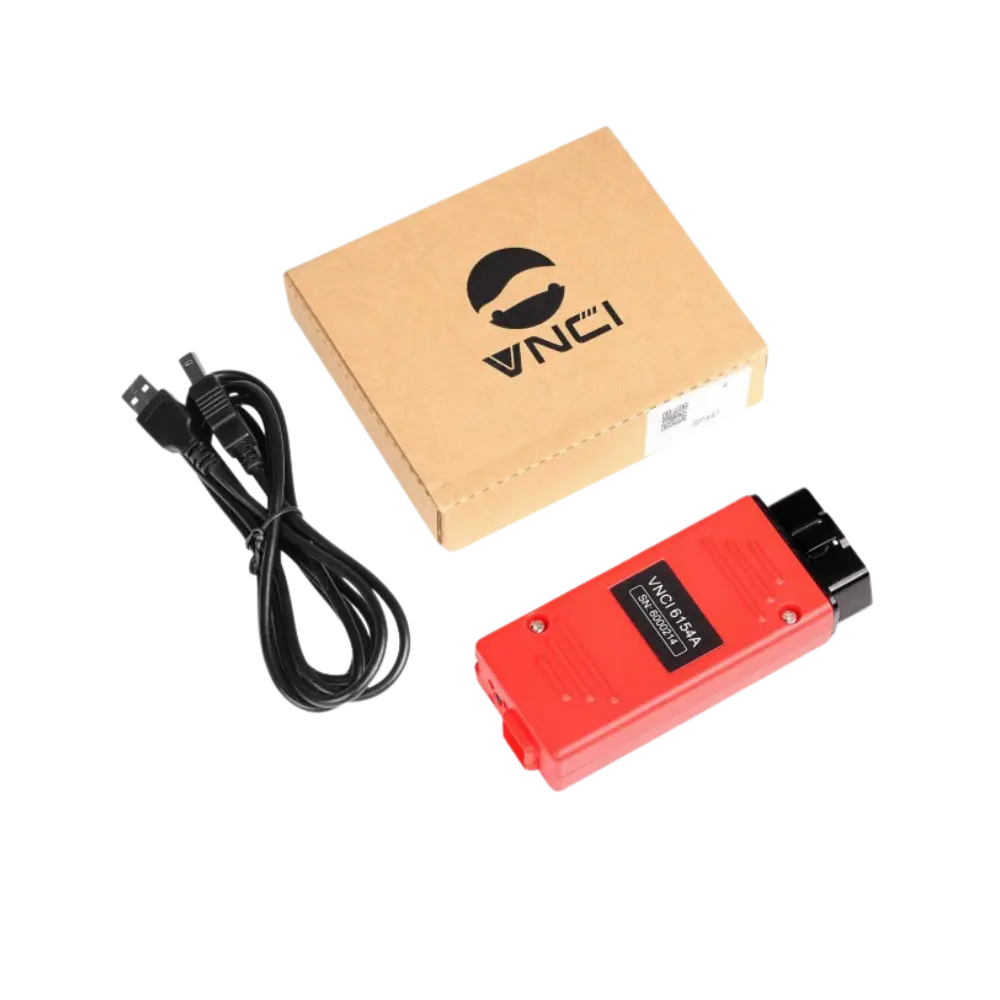
Installing the program on the computer is only the first layer. After the software opens, it must see the connected interface, the interface must work with the correct firmware, and the vehicle protocol must be supported. Two devices sold under the same body name may have different electronic boards, serial numbers, regions, or firmware channels. Therefore, a general installation video found online may not be correct for the interface you have.
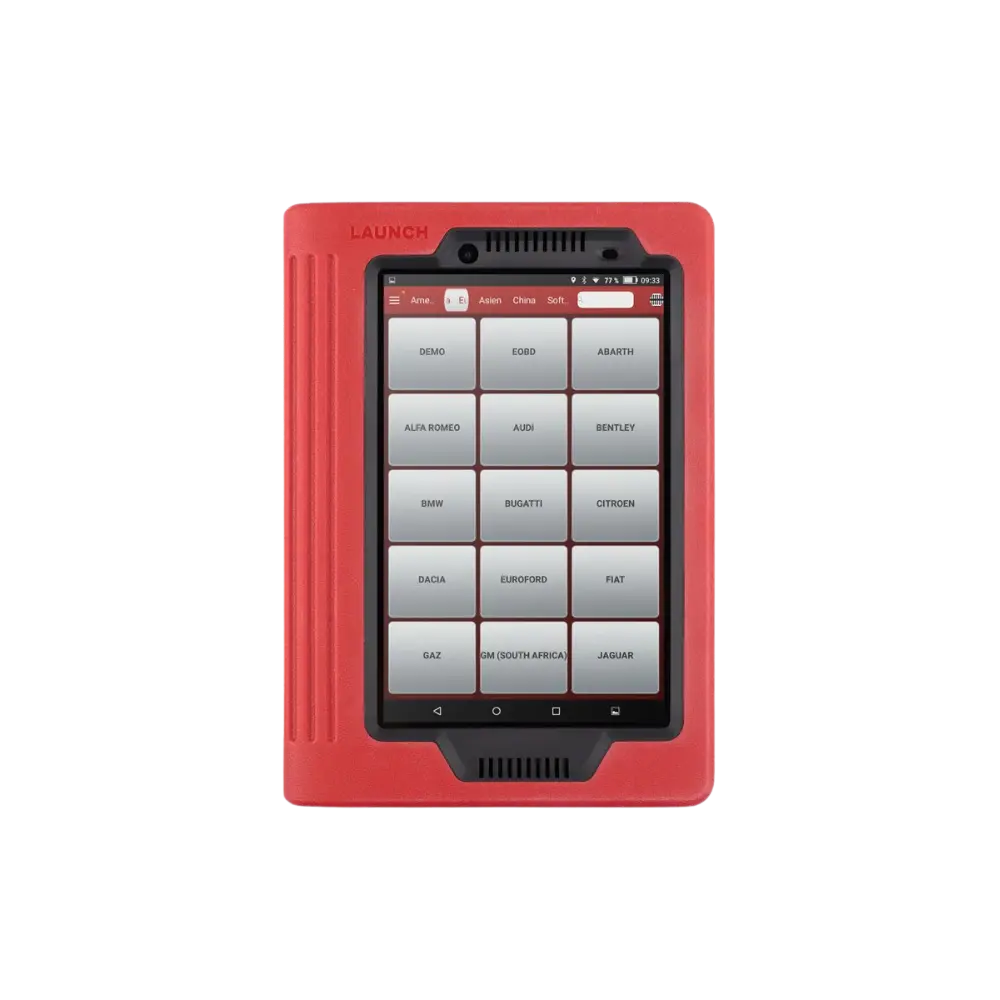
Vehicle selection also determines the actual scope of the program. The appearance of a brand logo in the menu does not mean that all model years and control units of that brand will be unlocked. Reading engine codes, full system scanning, maintenance resets, active tests, coding, and programming are different access levels. When making a selection, vehicle information and the service operation to be performed should be added to the question "which program?".
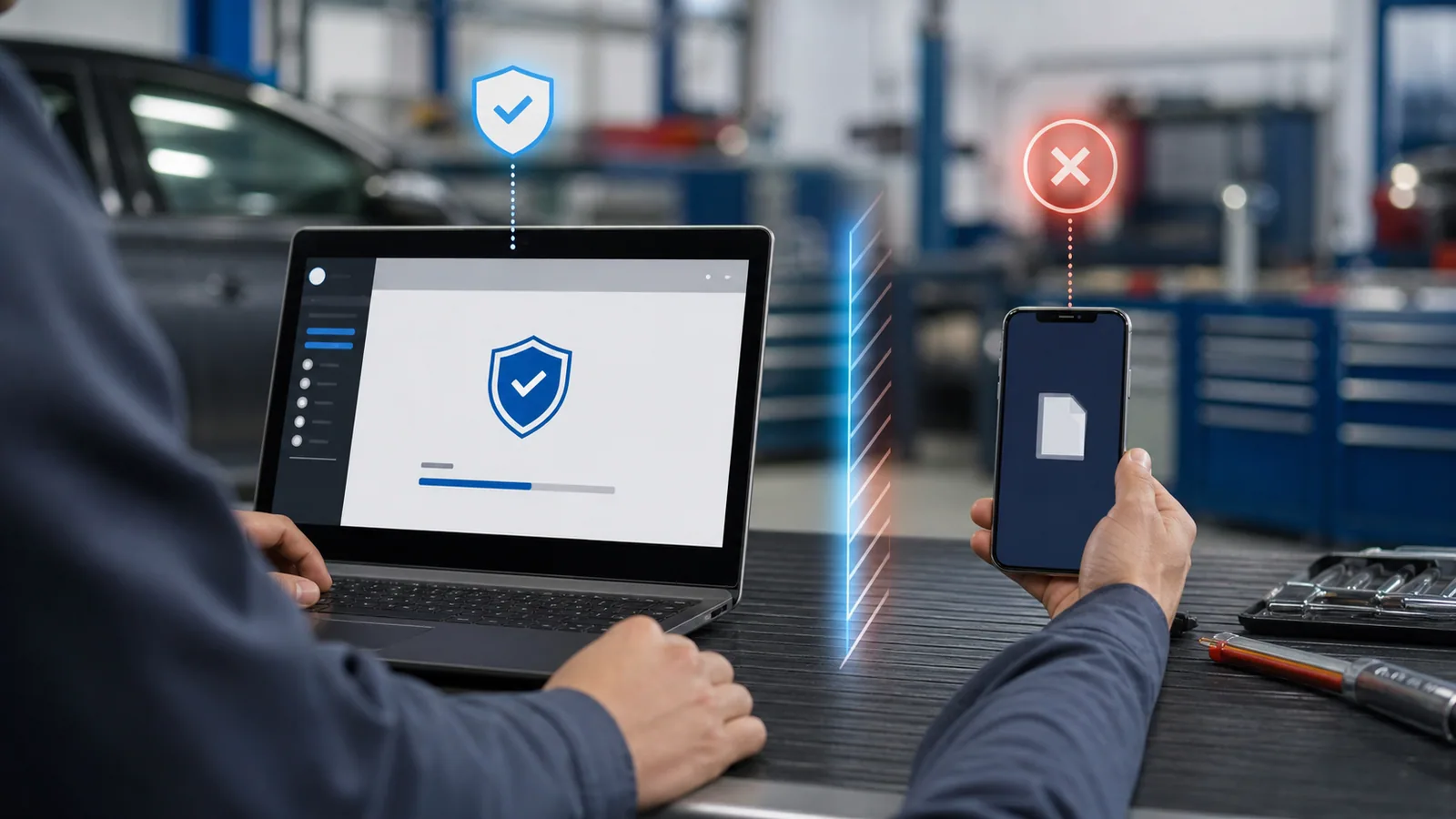
It should be remembered that the license can affect not only the program's startup but also brand packages, update rights, cloud functions, security gateway access, or reporting features. The product offer should clearly state the device, software, license duration, active brand packages, and renewal conditions. General information in a blog post does not replace a current commercial offer.
- Computer or tablet
- Diagnostic interface and cable
- Driver and firmware
- License and vehicle package