Software Comparison

Xdiag, DiagZone, and Launch software difference 2026

Xdiag, DiagZone, and Launch are not the same software channel. For correct selection, the device used, application source, activation, and license duration, along with the official Launch update channel, must be checked separately.

Prepared by: Otobiltek Content Team
Guide visual showing the distinction between Xdiag, DiagZone, and Launch software channels
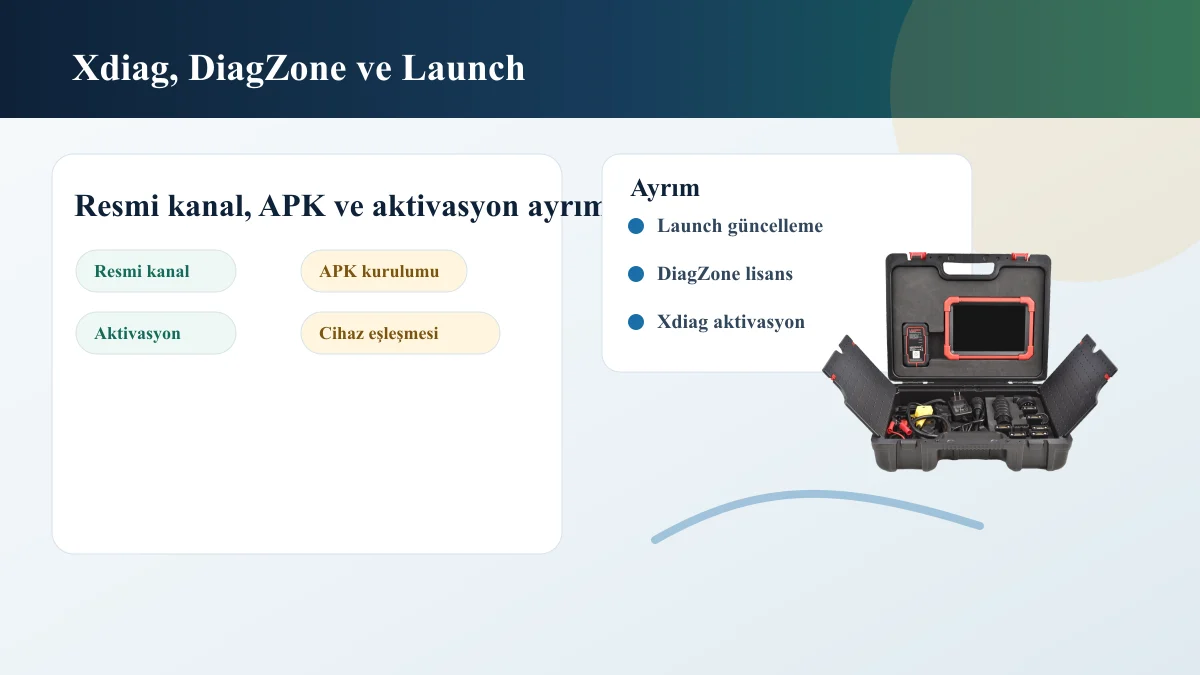
Visual distinguishing official Launch channel, APK installation, and activation

Decision guide

Separate the software channel first

While official Launch downloads and product information proceed with the device family, Xdiag and DiagZone searches often involve users looking for APK, activation, and license duration.

This distinction is very important in practice. The official Launch update process is checked against the device's serial number, account access, license duration, and product family. On the Xdiag or DiagZone side, the user typically tries to understand the Android application, device matching, and activation steps.

The same device body may have been sold with different software channels. Therefore, the information 'I have a Launch device' is not sufficient on its own. The model name, serial number, application name on the device screen, and current license status must be viewed together.

  • Official Launch Channel
  • APK Installation
  • Activation and License

Decision guide

How is device compatibility determined?

Device compatibility is evaluated not by brand name, but by the connection interface, serial number, account structure, and whether the software recognizes the device.

The same application name can yield different results when the VCI, tablet, phone, or external interface is different. Establishing a Bluetooth or wired connection does not mean all vehicle menus will function.

Services to be performed also form part of the software selection. Reading codes, live data, service resets, downloading brand packages, and special functions may not require the same license level.

  • VCI or Device Interface
  • Account and Serial Number
  • Service operation to be performed

Decision guide

Secure purchase questions for 2026

Before receiving purchase or installation support, the device's full model, serial number, software screen, license duration, and the vehicle/operation to be performed must be prepared.

Especially with used devices, account access, region, old license, and connection faults can change the outcome. Purchasing without seeing the model, serial number, and license screen can result in incompatible software or unusable activation.

Xdiag and DiagZone names alone do not define a purchasable package. The actual SKU, compatible hardware, license scope, delivery method, and support conditions must be clearly stated in the listing.

  • Device model
  • Serial number
  • License duration
  • Vehicle and Operation Information
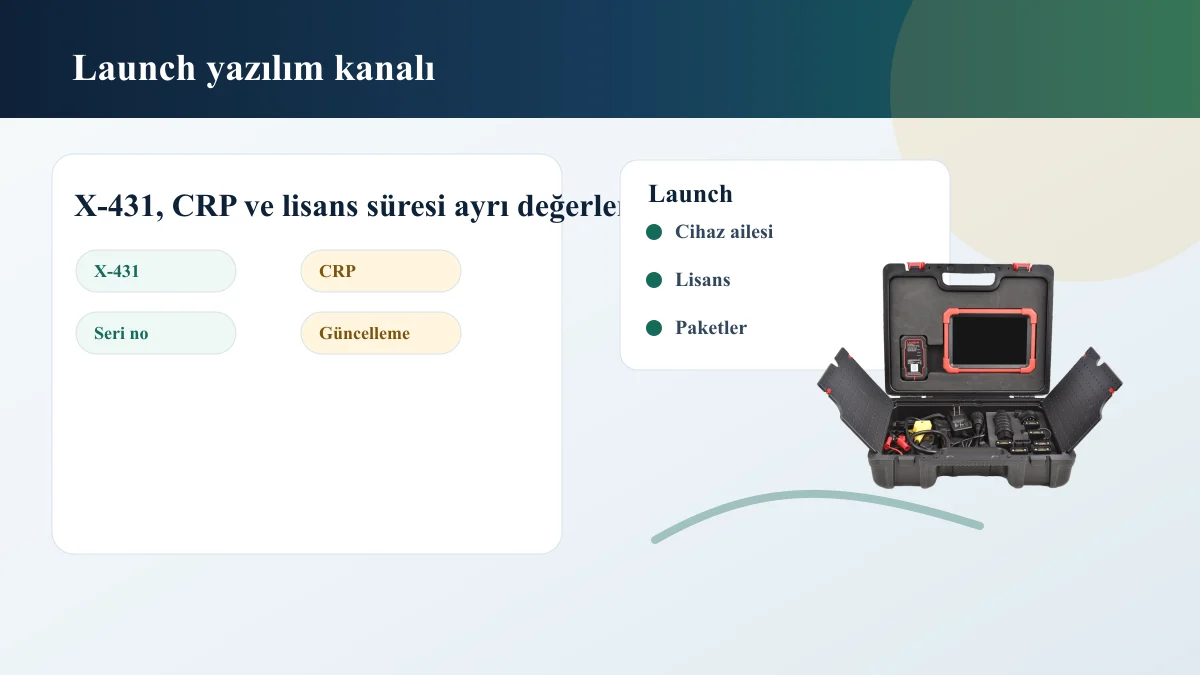
Launch X-431, CRP, and Update Channel Control Visual

Decision guide

When should I refer to the Launch update guide?

If you have a Launch X-431, CRP, or CReader family device and your main question is about update duration, serial number, or brand packages, start with the Launch update guide.

Launch updates relate to the device family and official software channel. Xdiag or DiagZone searches usually turn into questions about the Android app, APK, and activation. If these two processes are confused, the user may follow the wrong installation steps.

Frequently Asked Questions

Most frequently asked questions by customers

Are Xdiag and DiagZone the same thing?

They may appear together in the same device research; however, installation, account, license, and device matching may differ. The same package is not accepted without seeing the device screen and license channel.

Can DiagZone or Xdiag be installed on my Launch device?

This depends on the device model, connection interface, software channel, and license status. A definitive conclusion cannot be given with only the Launch name or X-431 designation.

Why are official Launch updates and APK installations separate?

Official updates proceed with the device family, serial number, and license duration. APK installation, on the other hand, includes different aspects such as the application, activation, and device matching.

What information should I provide when requesting support for 2026?

Device model, serial number, current application screen, license duration, connection interface, and the intended operation will expedite support discussions.

Related pages

Pages related to this topic

Technical Resources

Sources for technical information

Technical information compared with sources.

Related products

Related products

Launch X431 CRP919E BT product image

Launch X431 CRP919E BT

The Launch X431 CRP919E BT offers wireless VCI connection and service functions on the same diagnostic tablet.

  • Wireless connection
  • Service functions
  • Diagnostic tablet
≈ $45522,500 TL charged · VAT included · import duties excludedIn stock
Launch X-431 PRO (Old Model) product image

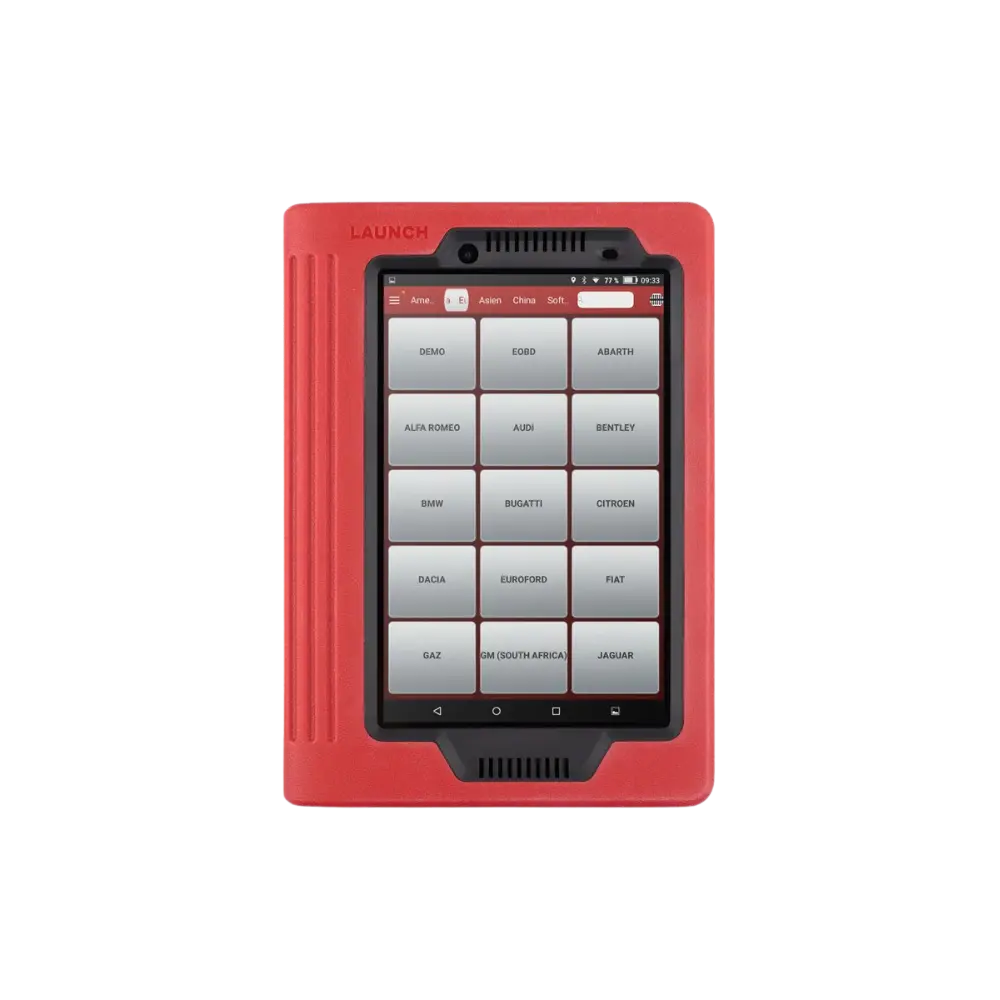
Launch X-431 PRO (Old Model)

The first-generation Launch X-431 PRO, sold with a red tablet and DBScar/DS201 interface, is no longer offered as a new product; this archive page explains device identification, account, license, and the decision for current alternatives.

  • Verify old device
  • Account and license check
  • Transition to current model
DiscontinuedNot in production
View new model
WhatsApp