Launch update

How to perform a Launch update?

Launch updates vary depending on the device model, license status, and the software channel used. Before starting, the device name, serial number, account access, and current update duration should be checked together.

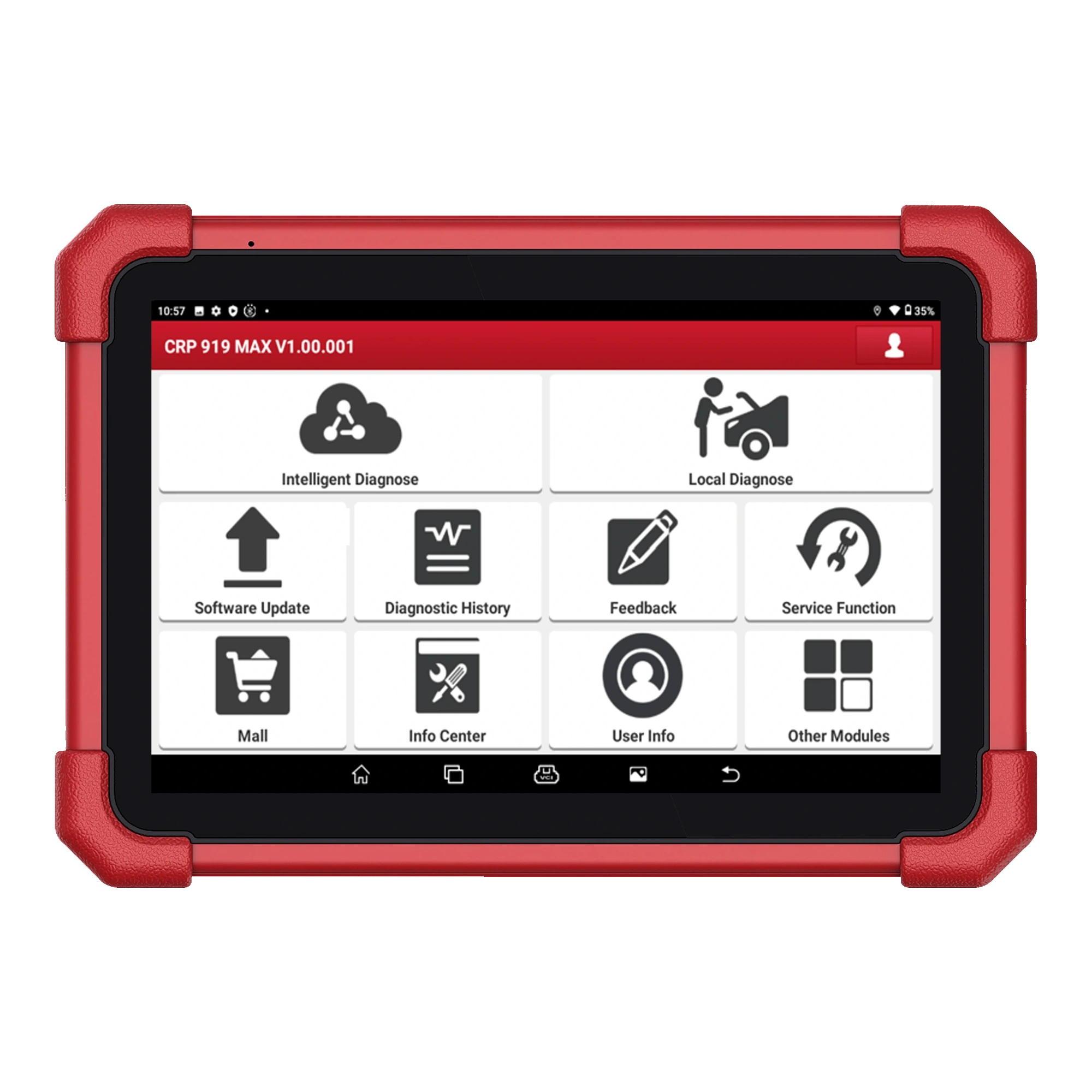
Launch X431 CRP919E BT screen software update menu
Model, serial number, and license duration are checked together.

Short answer

Launch update starts with model and license information

A device's updatability cannot be determined by looking only at the brand name. The process steps can vary for X-431, CRP/CReader, and different software channels. The device name, serial number, and license duration are checked together.

Launch CRP919E BT device screen and software menu
The update screen may vary depending on the device family.
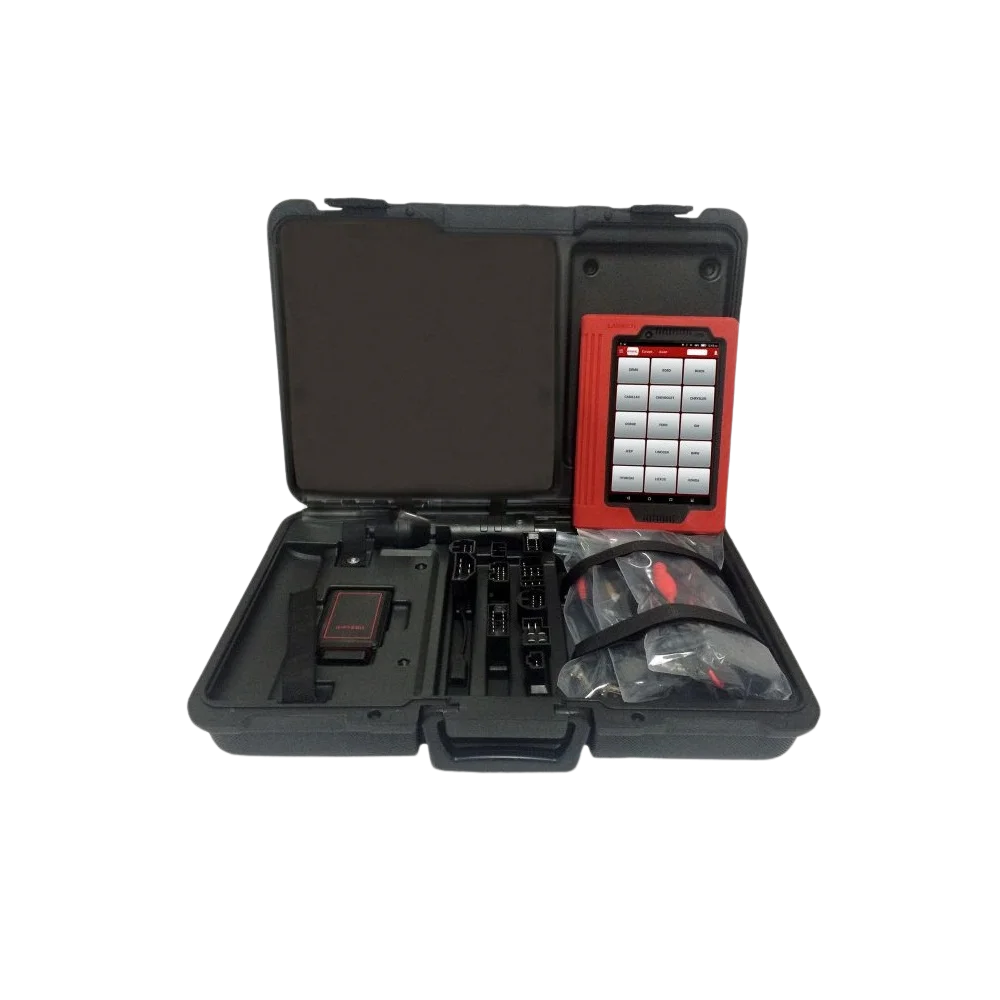
Launch X431 PRO device, VCI, and adapter kit view
The update suitability of an old device depends on the current status of the kit, VCI, and account access.

Update guide

What information is needed before updating?

Before the update process, check the device's full model, serial number, application account, current license duration, and access to the software menu. The model name alone is not sufficient; different software coverage and update methods may exist within the same family.

  • Device model
  • Serial number
  • License duration
  • Account access

Update guide

Distinction between X-431, CRP, and CReader

Launch Turkey software update information mentions update cards for X-431 fault diagnostic devices and CReader Professional series. Therefore, when evaluating the need for an update, it should be considered whether the device belongs to the X-431 tablet family, CRP/CReader class, or a device from a different region or software channel.

  • X-431 tablet family
  • CRP/CReader class
  • Device region and software channel

Update guide

How to evaluate license duration and update card?

Launch Turkey provides information on extension cards with 12 or 24-month update periods for professional X-431 devices. The appropriate card or method must be matched with the device name and serial number. The card, duration, or price information should not be finalized without seeing the device coverage.

  • 12 or 24-month duration
  • Card number and password
  • Correct match with device information

Update guide

How to verify update price in Turkey?

In Turkey, a single update TL price independent of the serial number is not published for CRP 919 MAX or CRP919E BT. Launch Turkey mentions 12 and 24-month cards; the correct card and price must be verified based on the serial number, account region, and device channel. The 1-year card for CRP 919 MAX listed for €464 including tax in the official European store is not the Turkey VAT-inclusive price; it is only an international reference, and the card's compatibility with the serial number must be checked separately.

  • No fixed and publicly available TL price in Turkey
  • 12 or 24-month card matched with the device
  • €464 Europe reference including tax, not Turkey price
  • Serial number and region verification required

Update guide

In-app update flow

If the device can access the update screen, the process usually starts from the software menu. Wi-Fi connection, battery level, and account login are checked; then, the update options offered by the device are examined. The connection should not be interrupted during the update, and the downloaded brand packages should be selected according to service needs.

  • Wi-Fi connection
  • Battery level
  • Account login
  • Brand packages

Update guide

What to check if the update is not visible?

If the update screen does not open, the account is not accepted, or the device's brand list does not appear as expected, first check the device information and software channel. For old, second-hand, or long-unused devices, account access, serial number, region information, and current license status can change the outcome.

  • Account access
  • Serial number
  • Region information
  • Current license

Update guide

Update or new device: which is more appropriate?

If the device is old, the license duration is uncertain, or the intended operation requires current vehicle coverage, simply looking for an update may not be the right decision. In this case, the update cost should be compared with the device's physical condition, connection module, and current Launch alternatives.

  • Device age
  • Connection module
  • Current vehicle coverage
  • Alternative device

Related pages

Pages to check after Launch update

FAQ

Frequently asked questions about Launch updates

What information is needed for a Launch update?

The device model, serial number, application account, and current license duration determine the correct update method. Missing information can lead to applying a process belonging to a different model or license package.

Is a Launch update paid?

The update method and duration information vary by device model. Launch Turkey resources include information on 12 or 24-month update cards; the correct option is determined by device information.

What is the update price for CRP 919 MAX?

A single verified TL price independent of the serial number is not published for Turkey. Launch Turkey indicates 12 and 24-month cards; the exact price can only be provided after checking the device serial number, account region, and channel. The €464 list price including tax in Europe should not be used as the Turkey VAT-inclusive price.

Is the CRP919E BT update price the same as CRP 919 MAX?

It is not assumed to be the same. Without checking the model, serial number, region, and software channel, the MAX price cannot be used for BT. A separate quote should be obtained with device information before purchase or renewal.

Is the update card VAT included?

Whether a price includes VAT is only definitively accepted if clearly stated in the current listing of the channel selling the card. The €464 amount from the European store, even if stated as tax-inclusive, is not the Turkey VAT-inclusive price; it is not shown as a fixed TL price on Otobiltek.

Does the device still work after the free update period ends?

Whether offline use continues with the currently installed software should be checked according to the model and region package. Renewal may be required for new vehicle coverage and online packages; the license expiration date and the device's update screen are examined together.

Are all Launch devices updated the same way?

No. The update method can vary for devices belonging to X-431, CRP/CReader, and different software channels. The device family and serial number should be checked.

Why is the serial number requested?

The serial number helps match the device with the correct update card, license duration, and software coverage.

Is it necessary to buy a new device instead of updating an old Launch device?

This decision depends on the device's age, connection module, license status, and intended operation expectations. If current vehicle coverage is required, comparing with new Launch options may be more appropriate.

Related products

Models to examine on the Launch side

Launch CRP 919 MAX product image

Launch CRP 919 MAX

A Launch device on a 7-inch tablet combining wireless DBScar VII connection, full system scanning, vehicle-specific active tests, and ECU coding.

  • Full system scan
  • Active test
  • ECU coding
≈ $55627,500 TL charged · VAT included · import duties excludedIn stock
Launch X431 CRP919E BT product image

Launch X431 CRP919E BT

The Launch X431 CRP919E BT offers wireless VCI connection and service functions on the same diagnostic tablet.

  • Wireless connection
  • Service functions
  • Diagnostic tablet
≈ $45522,500 TL charged · VAT included · import duties excludedIn stock
Launch X-431 PRO (Old Model) product image

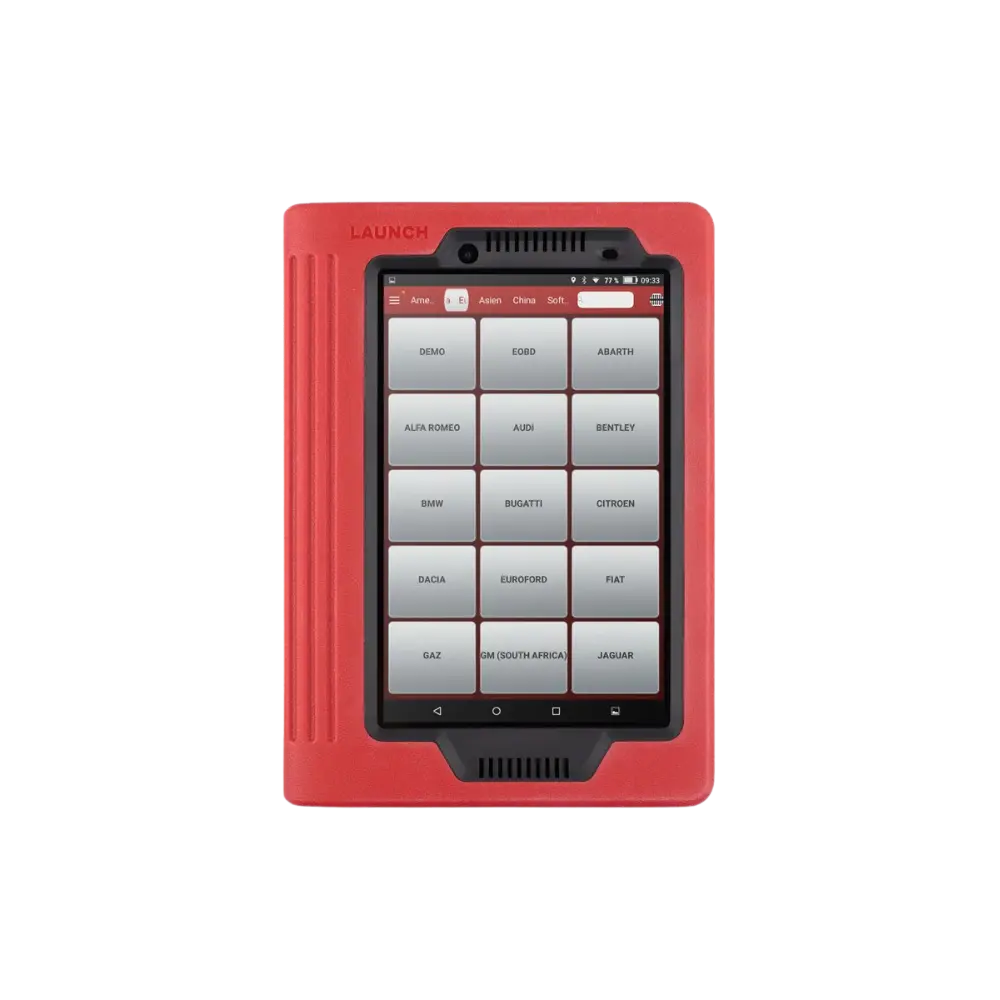
Launch X-431 PRO (Old Model)

The first-generation Launch X-431 PRO, sold with a red tablet and DBScar/DS201 interface, is no longer offered as a new product; this archive page explains device identification, account, license, and the decision for current alternatives.

  • Verify old device
  • Account and license check
  • Transition to current model
DiscontinuedNot in production
View new model
WhatsApp