Xdiag

Xdiag Pro 3 setup and license check 2026

Xdiag Pro 3 searches often lead to questions about the correct device, application, and activation; the right answer is given based on device-license matching and the service operation to be performed.

Prepared by: Otobiltek Content TeamTechnical check:
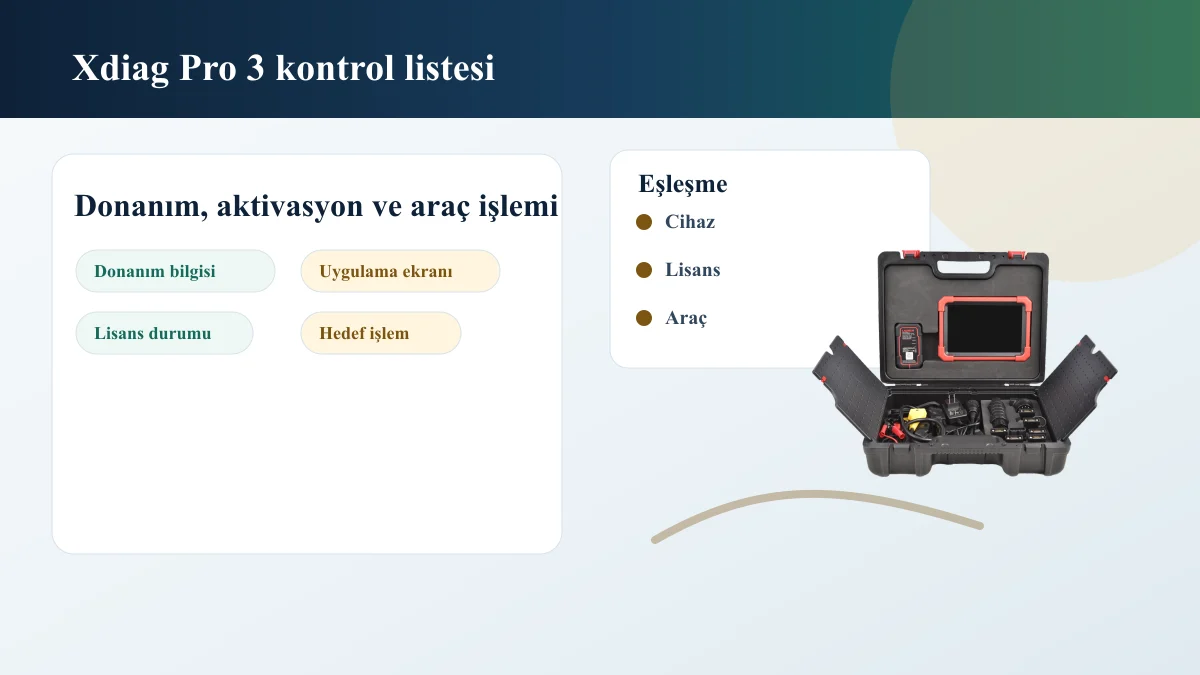
Xdiag Pro 3 Hardware, Activation, License, and Service Operation Control Visual
Xdiag Pro 3 Hardware Information, Application Screen, and License Status Visual

Decision guide

Identify the device first in Xdiag Pro 3 searches

Installation steps should not be chosen without seeing the device's full name, connection interface, application screen, serial number or device ID, and current license information.

The name Xdiag may appear in different contexts with applications, licenses, or device packages. When purchasing and registering for support, the current hardware model, serial number, application name, and license screen must be specified separately.

For used or long-unused devices, account access, license duration, and region information can change the outcome. Even if the device powers on, current brand packages or target service menus may not appear.

  • Hardware Information
  • Application Screen
  • License Status
  • Connection Interface

Decision guide

How are installation and activation distinguished?

Installation is the loading of the application onto the device; activation is making the license functional with the device and account. These two steps should not be considered the same outcome.

If the application opens but does not connect to the vehicle, the problem could be the VCI, Bluetooth, cable, ignition position, or device matching. Brand packages or operation menus may also not appear as expected until activation is complete.

To isolate the issue, first check if the application opens, then the activation status, and finally the VCI connection. The error screen, device ID, and license duration should be included with support requests.

  • Installation
  • Activation
  • VCI Matching
  • Brand Package
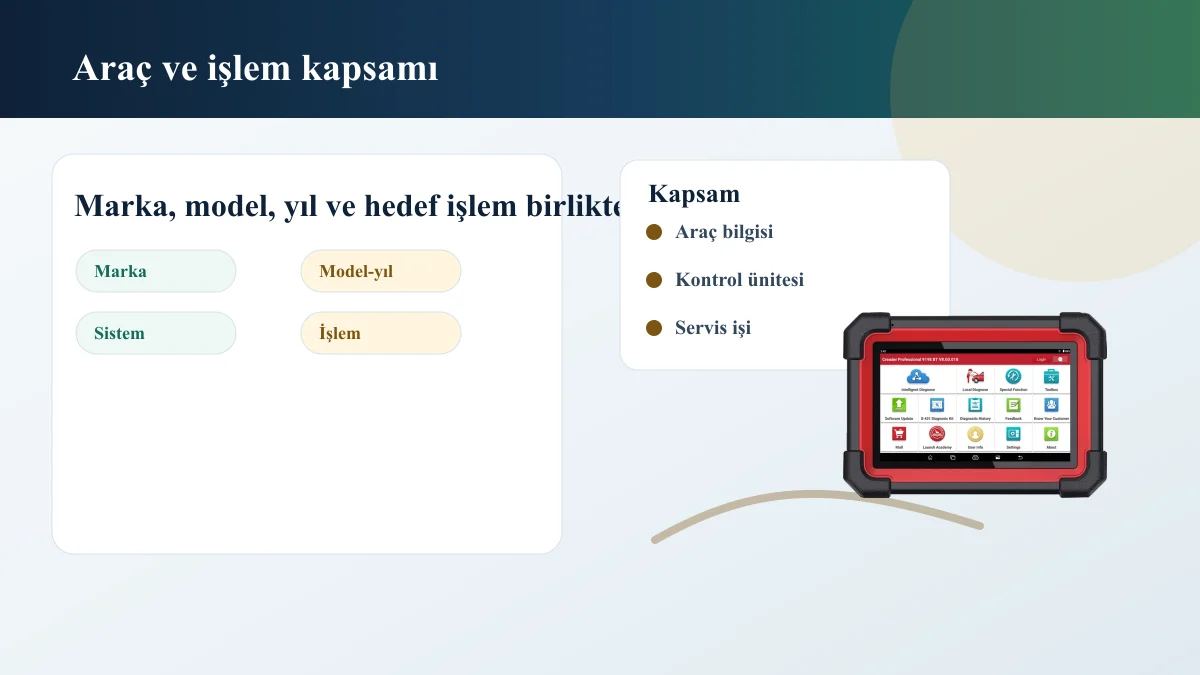
Vehicle Make, Model, Year, System, and Service Operation Coverage Control Visual

Decision guide

Vehicle Coverage and Service Operation

Xdiag Pro 3 vehicle coverage is determined from the manufacturer's records of make, model, year, engine or system, control unit, and the operation to be performed.

Reading codes, live data, service resets, active tests, or special functions do not have the same expectations. The software showing the vehicle brand in the list does not mean all operation menus will be available for that vehicle.

The actual SKU, compatible devices, license delivery method, duration, price, support, and digital product return conditions must be clearly stated in the Xdiag Pro 3 listing. Payment should not be made if this information is missing.

  • Vehicle make-model-year
  • Engine or System
  • Process to be Performed
  • License Scope

Frequently Asked Questions

Most frequently asked questions by customers

Is Xdiag Pro 3 installed the same on every device?

No. The installation and activation process can vary depending on the hardware, connection interface, application version, account, and license status.

Is Xdiag Pro 3 the same as a Launch update?

They are not the same category. Launch updates are evaluated based on the device family, serial number, and official software channel. Xdiag Pro 3 searches are generally related to application, activation, and license matching.

How is the vehicle coverage of Xdiag Pro 3 determined?

It is evaluated based on vehicle make, model, year, engine/system, and the intended operation. The software name alone does not provide definitive coverage information.

What information should I send for Xdiag Pro 3?

Device photo, application screen, serial number or device ID, license duration, connection interface, and the service operation to be performed should be prepared.

Related pages

Pages related to this topic

Technical Resources

Sources for technical information

Technical information compared with sources.

Related products

Related products

Launch X431 CRP919E BT product image

Launch X431 CRP919E BT

The Launch X431 CRP919E BT offers wireless VCI connection and service functions on the same diagnostic tablet.

  • Wireless connection
  • Service functions
  • Diagnostic tablet
≈ $45522,500 TL charged · VAT included · import duties excludedIn stock
Launch X-431 PRO (Old Model) product image

Launch X-431 PRO (Old Model)

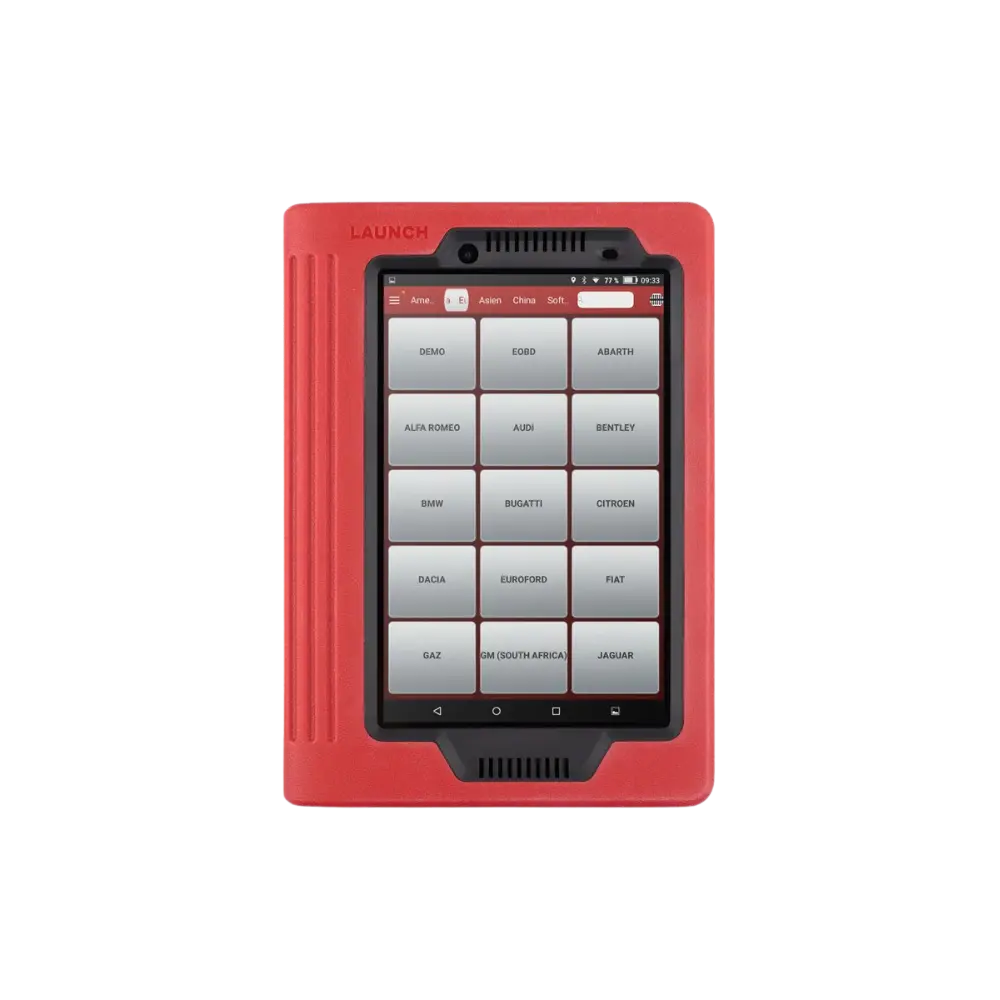
The first-generation Launch X-431 PRO, sold with a red tablet and DBScar/DS201 interface, is no longer offered as a new product; this archive page explains device identification, account, license, and the decision for current alternatives.

  • Verify old device
  • Account and license check
  • Transition to current model
DiscontinuedNot in production
View new model
WhatsApp