DiagZone

DiagZone Pro setup and license check 2026

DiagZone Pro search usually starts with the APK installation and activation question; to proceed correctly in 2026, the device, license, and the service operation to be performed must be checked together.

Prepared by: Otobiltek Content TeamTechnical check:
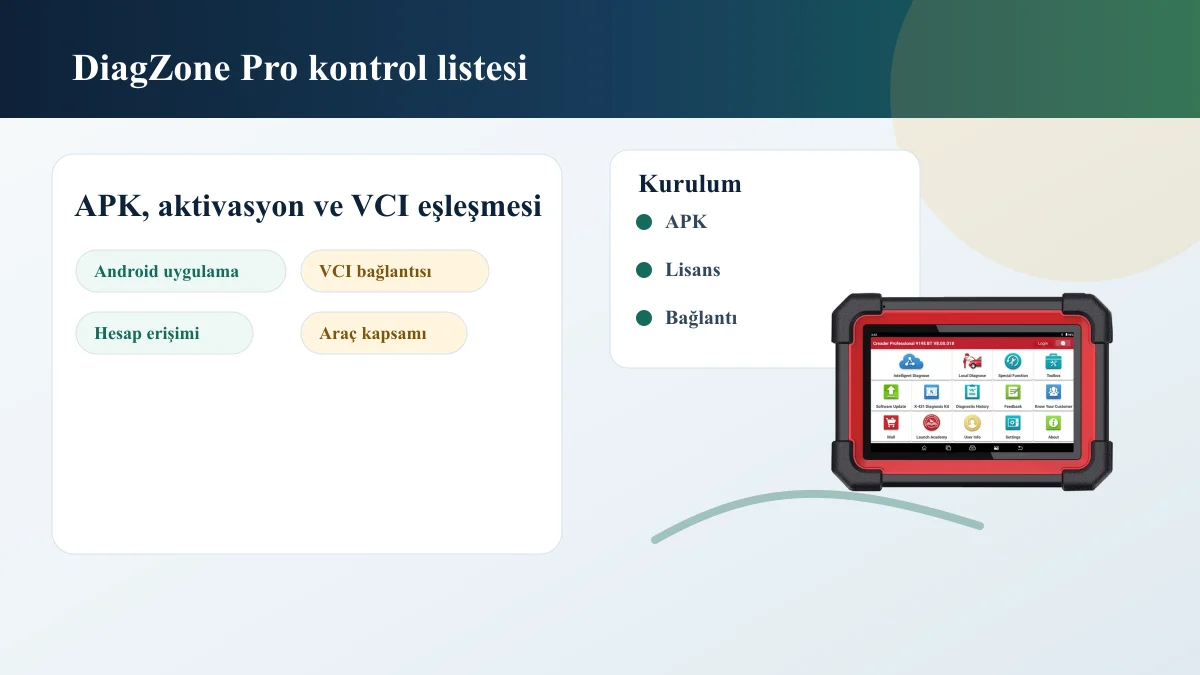
DiagZone Pro APK, Activation, VCI Connection, and License Check Visual
Device Model, Android App, VCI, and License Check for DiagZone Pro

Decision guide

Initial Information for DiagZone Pro

Before installation, the complete device model, connection interface, Android version, current application screen, and license duration should be seen.

Simply finding the APK file is not enough. If the application does not recognize the device, if the license does not match the device, or if the activation period has expired, the expected result may not be obtained within the service even if the installation appears complete.

VCI connection and device account are particularly important. Without correctly establishing Bluetooth pairing, internet connection, and application session, issues on the vehicle scanning side may appear as software errors.

  • Device model
  • Android Version
  • VCI Connection
  • License duration
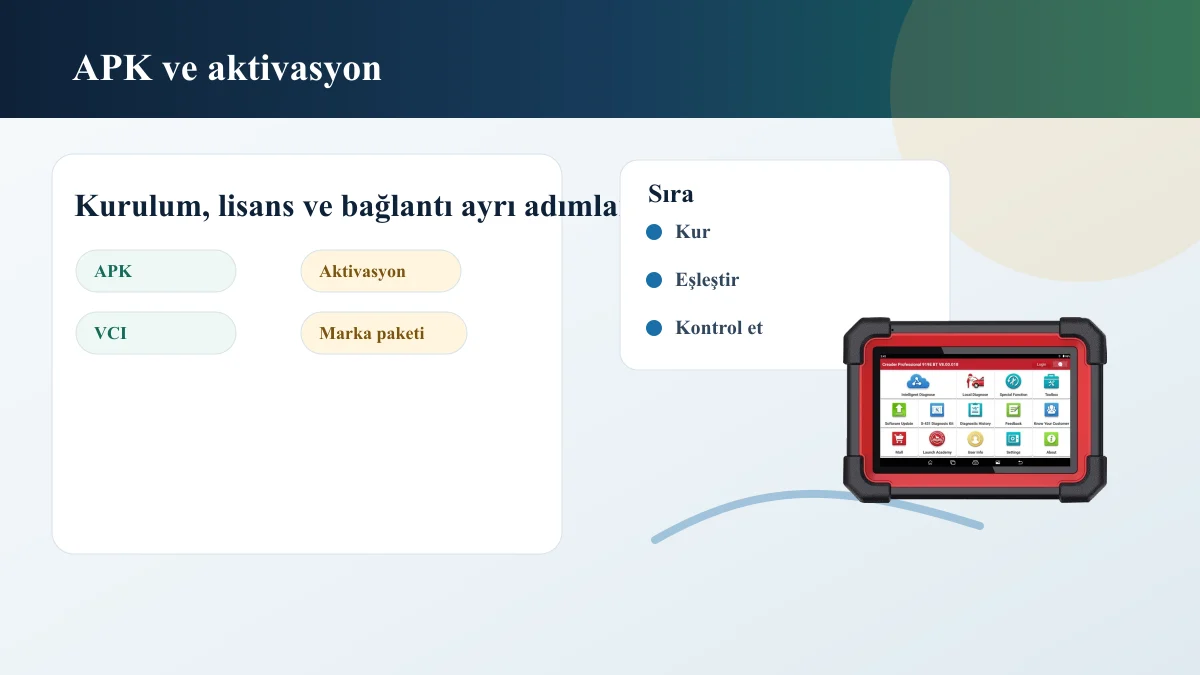
APK Installation, Activation, VCI Pairing, and Brand Package Check Visual

Decision guide

Difference Between APK Installation and License

APK installation does not replace activation and license. Installing the application does not mean the device will work with the same coverage on all vehicles.

The APK should only be downloaded from a verified provider account. Before installation, check the application source, Android version, device security, account access, and license match.

The name DiagZone Pro does not guarantee definitive functionality on a specific vehicle. Current vehicle coverage for make, model, year, engine, or system, and the intended operation must be checked separately.

  • Application Source
  • Account access
  • Activation
  • Vehicle Coverage

Decision guide

Pre-Purchase and Support Checks

Before seeking support for DiagZone Pro, prepare a device photo, application screen, serial number or device ID, license duration, vehicle information, and the intended operation.

With this information, installation issues, license issues, and device connection issues are distinguished. Otherwise, the user might be looking for software while actually experiencing VCI connection or an old license issue.

The DiagZone Pro package to be purchased must include verified SKU, compatible VCI, license duration, delivery method, and support scope. If this information is missing, written clarification should be requested from the provider before payment.

  • Device Photo
  • Application Screen
  • License Information
  • Service operation to be performed

Frequently Asked Questions

Most frequently asked questions by customers

Is the APK sufficient for DiagZone Pro installation?

No. APK installation is only for the application side. License, activation, device pairing, and connection interface must be checked separately.

Does DiagZone Pro work on every Launch device?

The same result cannot be stated for every device. Device model, serial number or device ID, software channel, and license status must be seen.

How to understand vehicle coverage for DiagZone Pro?

Evaluated by vehicle make, model, year, engine/system, and the intended operation. The mere appearance of the software name does not guarantee vehicle coverage.

What information should be visible before purchasing DiagZone Pro?

The actual SKU, compatible VCI or device, license duration, delivery method, current price, and support scope must be clearly stated. If any of this information is missing, obtain written verification from the seller before payment.

Related pages

Pages related to this topic

Technical Resources

Sources for technical information

Technical information compared with sources.

Related products

Related products

Launch X431 CRP919E BT product image

Launch X431 CRP919E BT

The Launch X431 CRP919E BT offers wireless VCI connection and service functions on the same diagnostic tablet.

  • Wireless connection
  • Service functions
  • Diagnostic tablet
≈ $45522,500 TL charged · VAT included · import duties excludedIn stock
Launch X-431 PRO (Old Model) product image

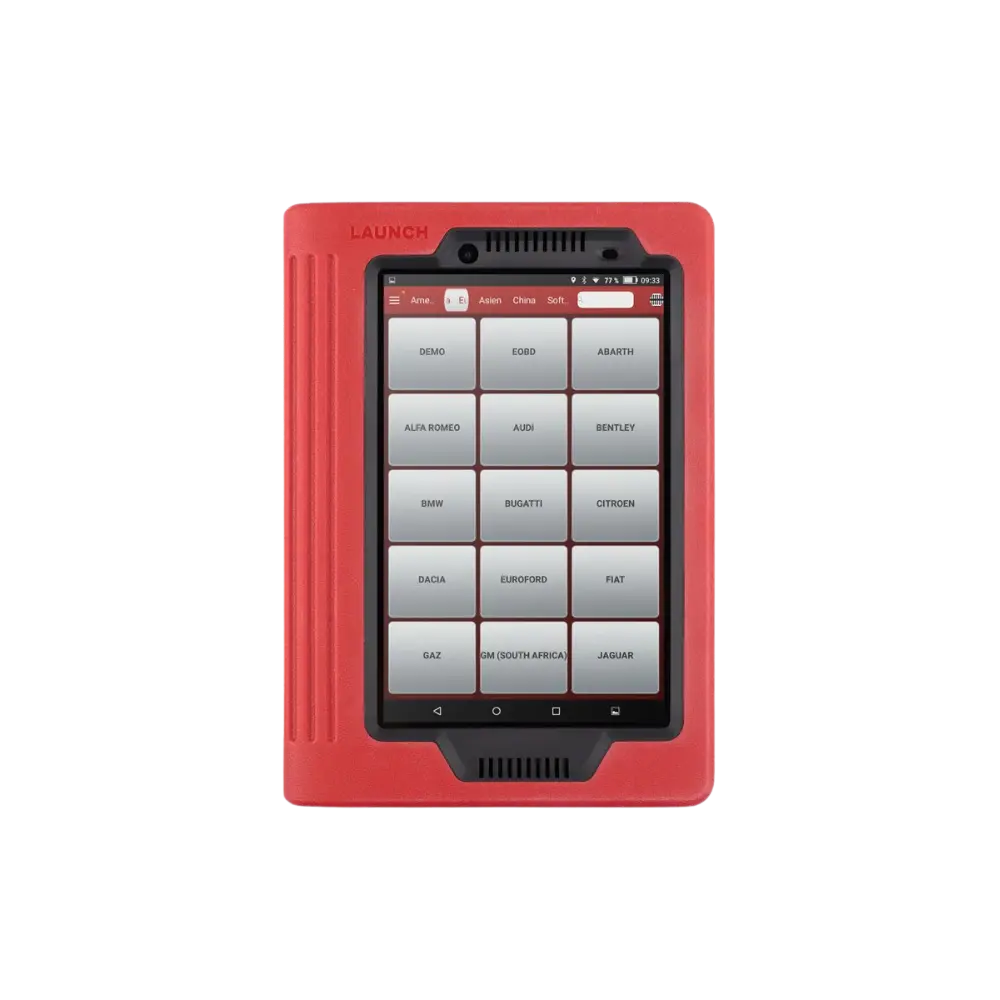
Launch X-431 PRO (Old Model)

The first-generation Launch X-431 PRO, sold with a red tablet and DBScar/DS201 interface, is no longer offered as a new product; this archive page explains device identification, account, license, and the decision for current alternatives.

  • Verify old device
  • Account and license check
  • Transition to current model
DiscontinuedNot in production
View new model
WhatsApp