Product information
What does the VAS5054A VAG Fault Detection Device do?
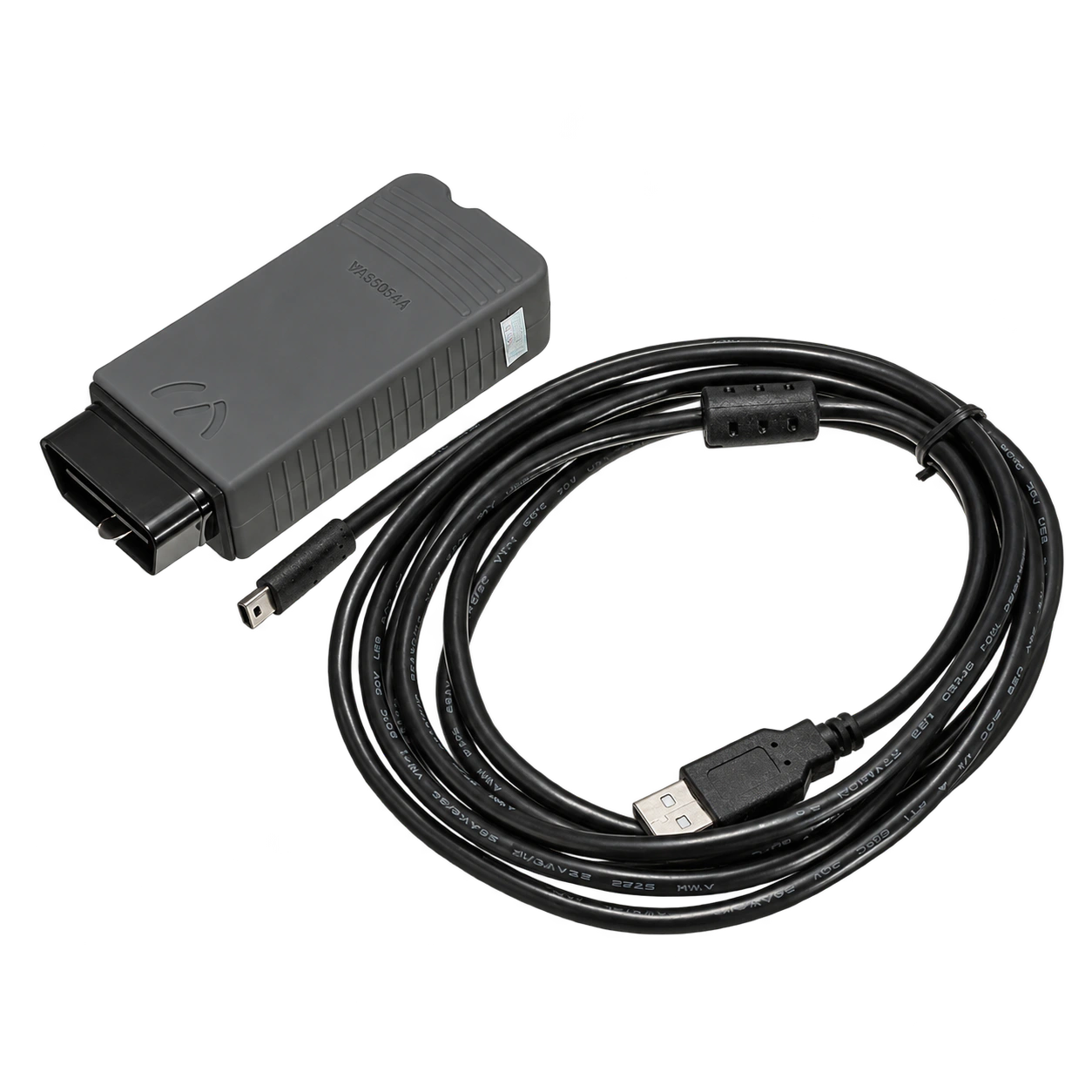
VAS5054A is an older generation vehicle communication interface that transmits data between the vehicle's OBD connection and diagnostic software running on a Windows computer via a USB cable. The set offered for sale consists of the VAS5054A interface and a USB-A to mini USB connection cable for wired use.
The interface alone does not provide fault diagnostic software, online service accounts, coding authorization, or vehicle coverage. Visible operations depend on the legal software version used, driver, computer operating system, vehicle control unit, and necessary online authorizations.
Current Audi erWin system requirements list VAS 6154 and VAS 6154A interfaces for ODIS Service; VAS5054A is not included in this current support list. Therefore, the device is not offered as a new generation ODIS solution, an interface compatible with all VAG vehicles, or current authorized service equipment.
Vehicle Coverage
Which vehicles does the VAS5054A VAG Fault Detection Device support?
The make name alone does not guarantee compatibility. Within the same make, model year, engine, chassis, control unit, communication protocol, and intended operation can yield different support results.
- Vehicle Group
- Passenger cars and light commercial vehicles included in the product software
- Supported makes
- Volkswagen Group; Volkswagen, Audi, SEAT, Škoda, and CUPRA according to the product's official list
- Supported models
- Platform, model year, control unit, SFD/SGW status, software version, and license plan determine the scope of functions.
- Scope of service
- Code reading, live data, active test, service function, coding, and programming may be supported separately.
- Connection conditions
- Hardware originality and serial number, Windows and driver compatibility, Legal ODIS or VAS-PC access, Vehicle, control unit, and operation scope, Actual box contents
- The make and model examples on the page do not guarantee all production years and all functions.
- Before any definitive operation, the manufacturer's current coverage record must be verified with the VIN or full vehicle information.
Open official sources and coverage connectionsProduct details
What does VAS5054A do, and what doesn't it do?
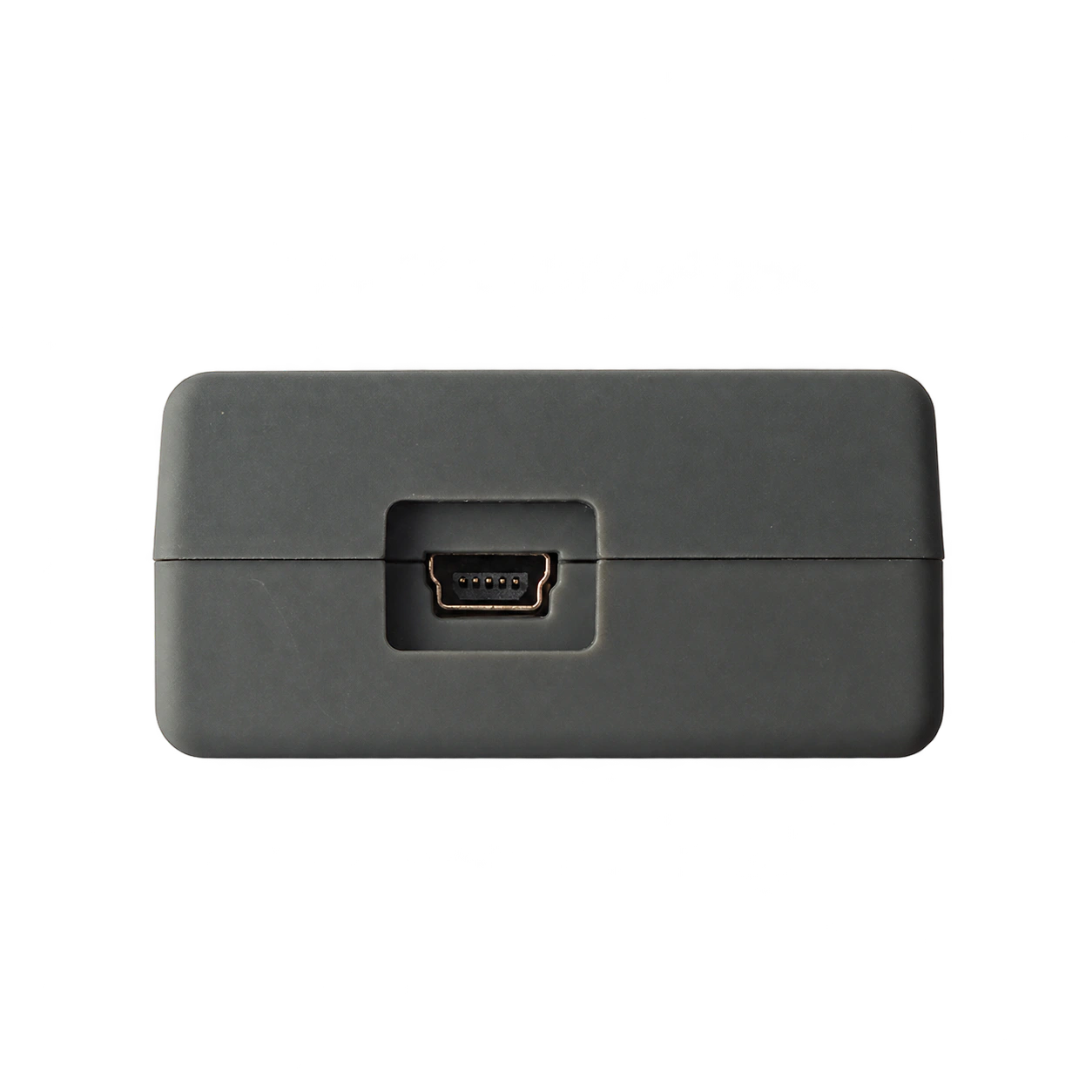
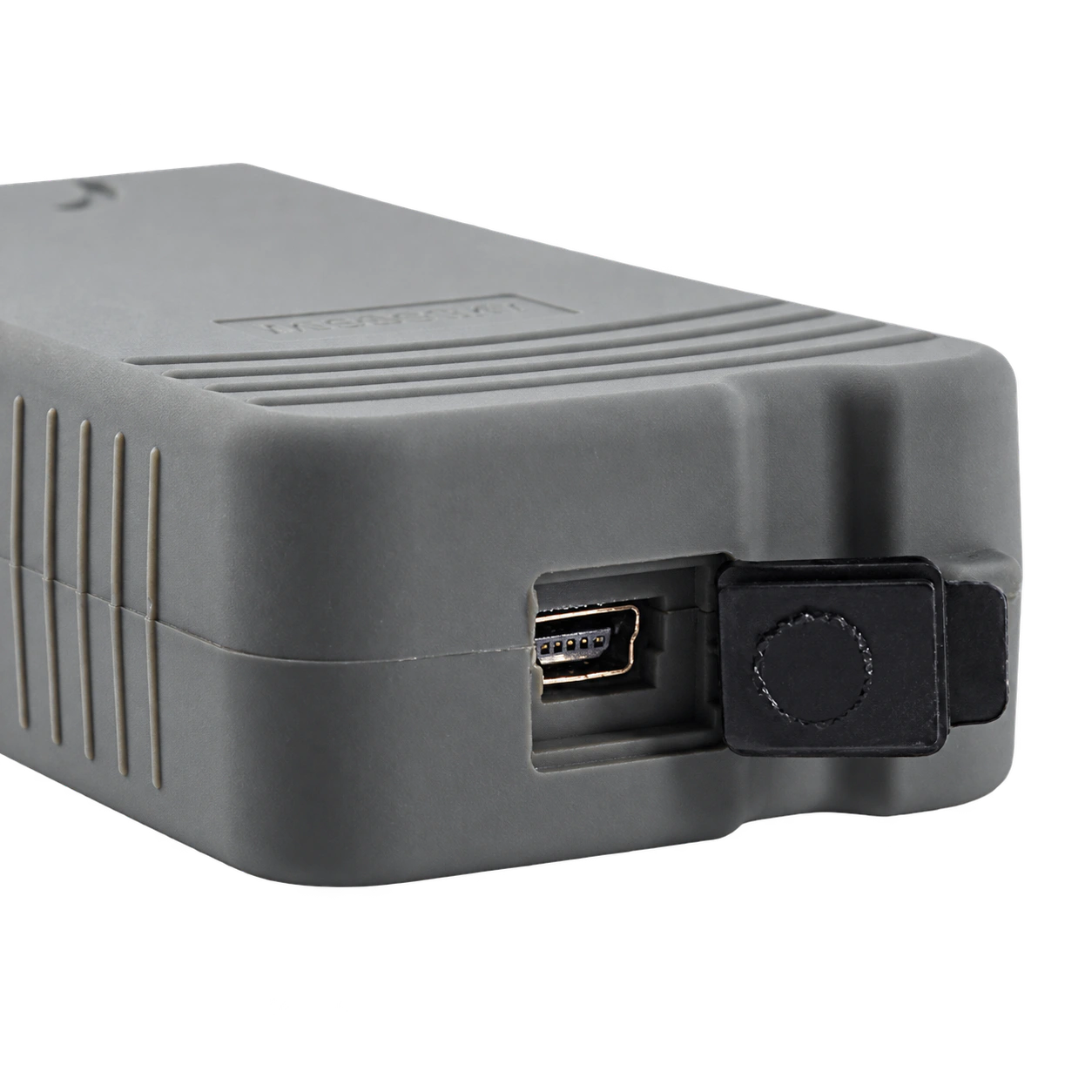
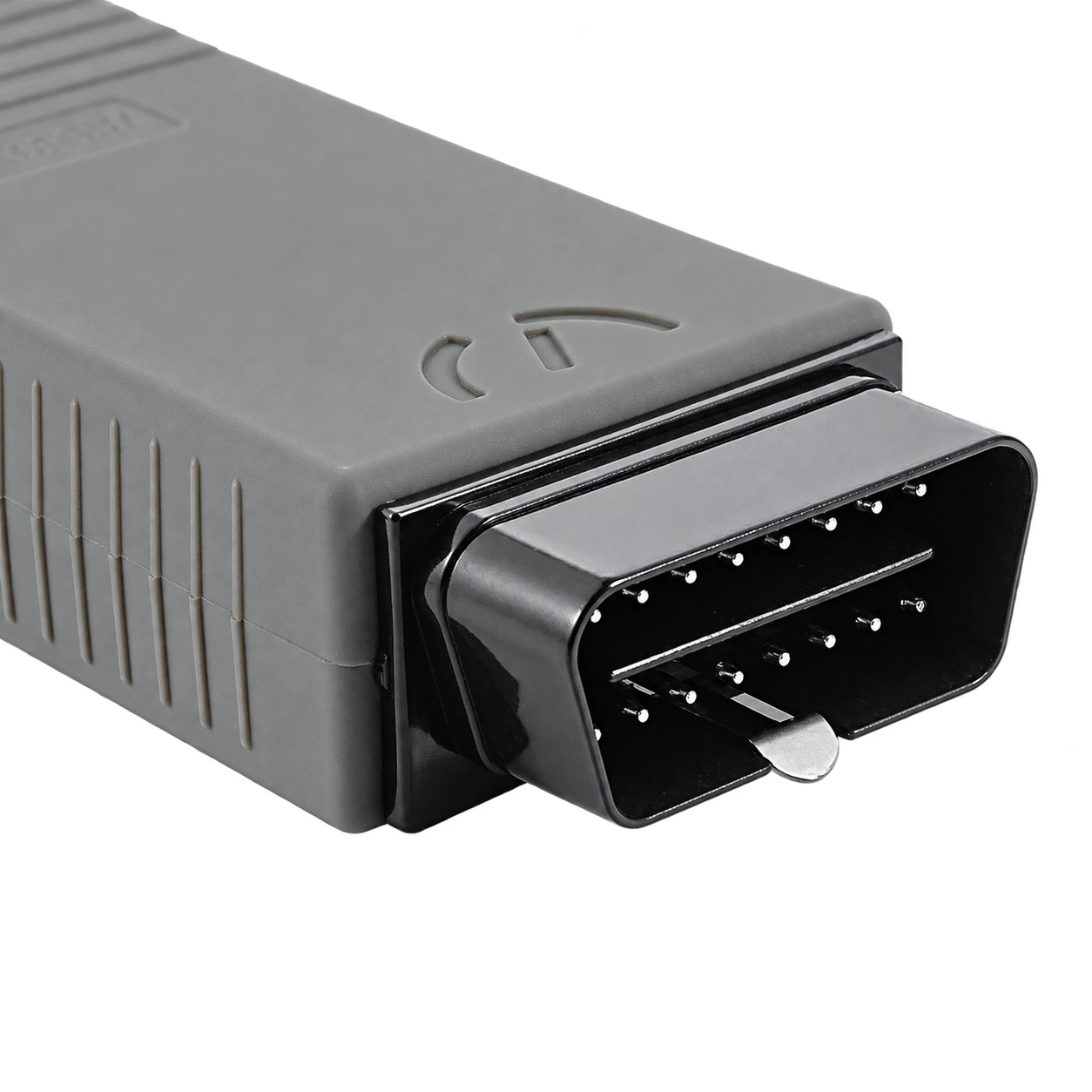
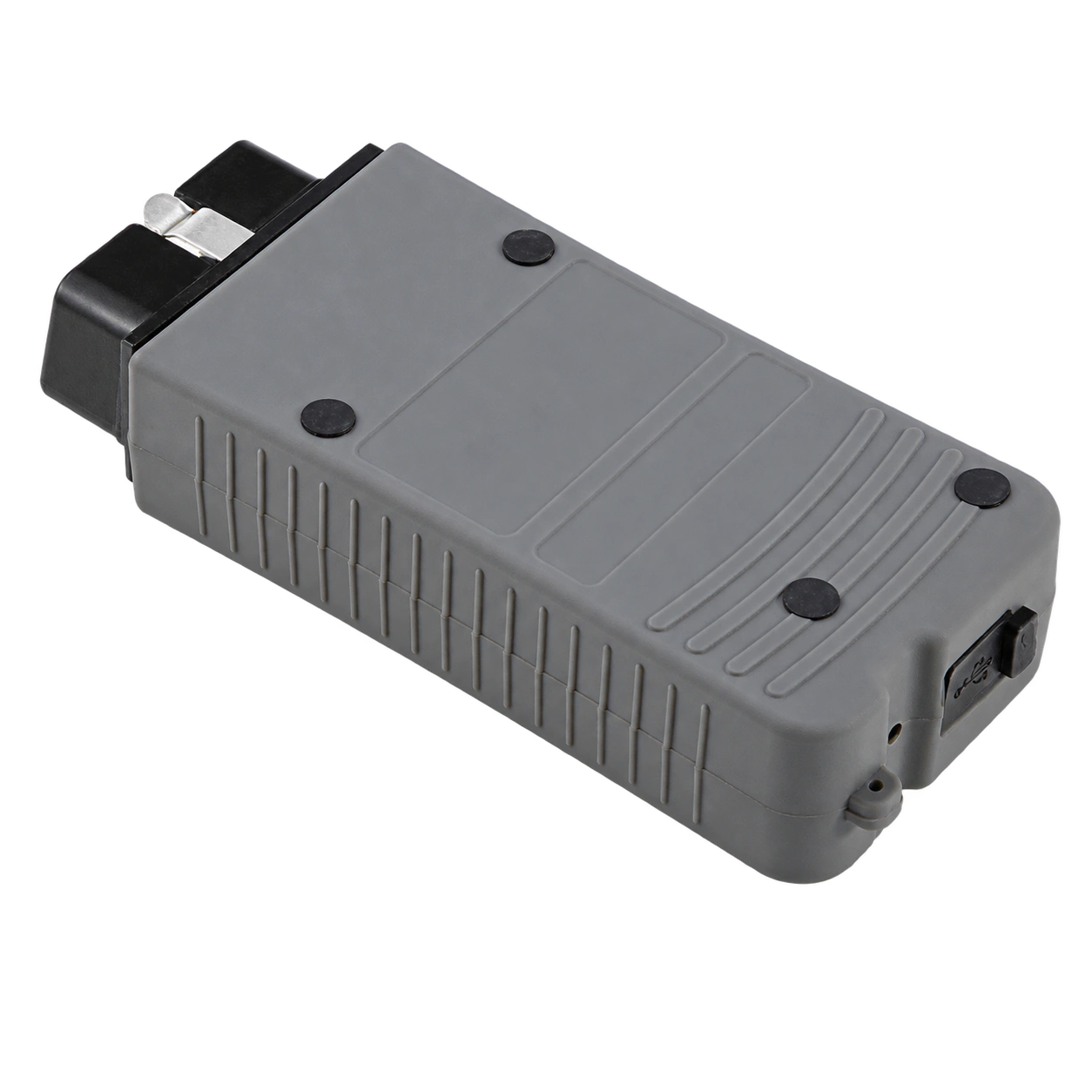
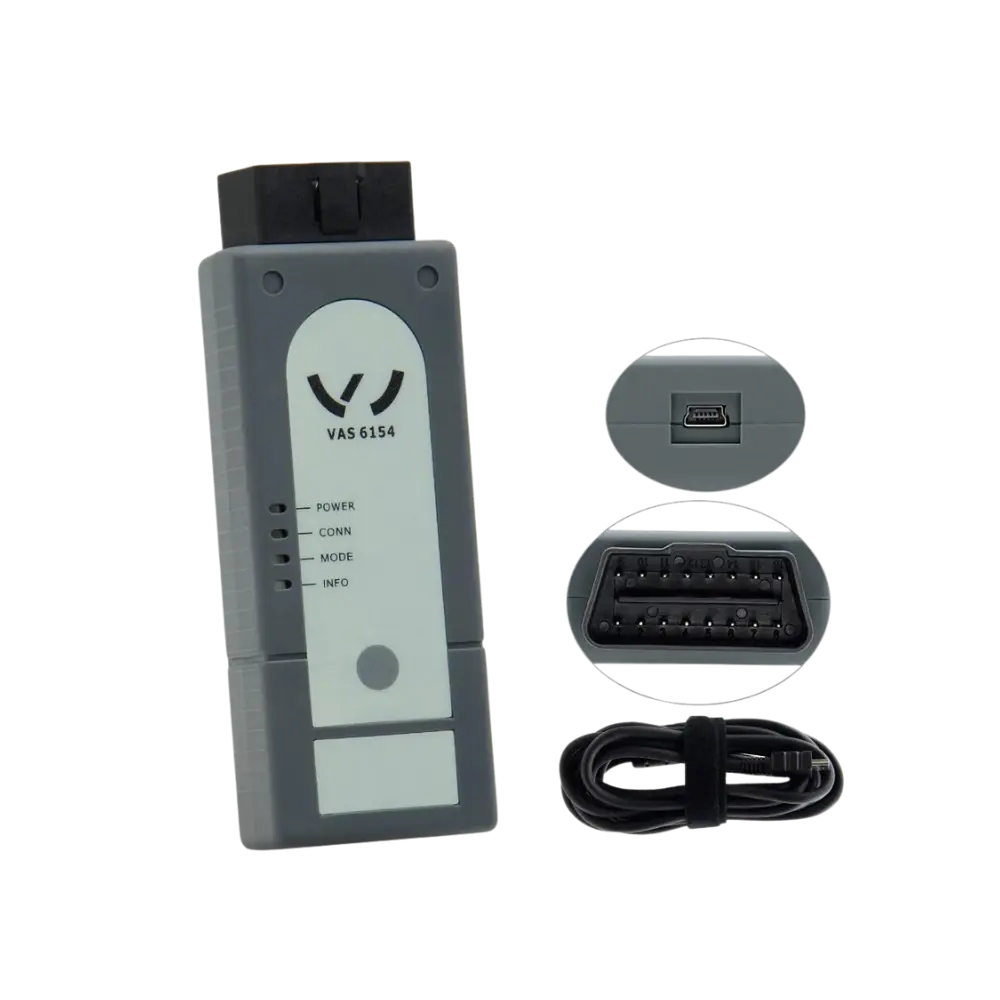
VAS5054A is a VCI, meaning it establishes communication between the vehicle and the diagnostic application on the computer. The body's OBD plug connects to the vehicle's diagnostic socket, and the mini USB port connects to the computer via the provided USB-A to mini USB cable.
The interface transmits diagnostic commands sent by the application to the appropriate vehicle network and carries responses from the control unit to the computer. Functions such as reading fault codes, viewing measurement values, guided fault finding, adaptation, coding, or software installation are not produced by the hardware alone; they are the result of a combination of software, vehicle, and authorization.
The device is not a service tablet with a screen, does not operate independently, and does not generate reports on its own when plugged into the OBD socket. Current ODIS license, manufacturer account, GRP ID, two-factor authentication, or security access cannot be considered natural parts of the package.
Similarly, ODIS Engineering, online coding, component protection removal, and key operations cannot be promised solely based on the interface name. This distinction is particularly important in listings sold under the title of "authorized service device" for second-hand or cloned hardware.
- Establishes communication between the vehicle and the computer
- Diagnostic function is determined by the software and vehicle used
- Does not provide license, account, or online authorization
- Does not have an independent screen or its own application
- Product Type
- Older generation vehicle communication interface (VCI)
- Vehicle Side
- 16-pin OBD plug
- Computer side
- USB-A to mini USB cable
- Current ODIS status
- Not on the official current support list
Product details
ODIS Service, ODIS Engineering, and VAS-PC are not the same thing
ODIS Service is the software environment used for service diagnostics and manufacturer workflows in Volkswagen Group vehicles. The current erWin description states that this software can diagnose Volkswagen, Audi, Škoda, SEAT/Cupra, Bentley, and Lamborghini vehicles; it requires Windows 10 64-bit, internet connection, a free USB port, and a supported interface.
On the same page, supported VAS interfaces are listed only as VAS 6154 and VAS 6154A. ODIS Engineering, on the other hand, is a separate software/access topic for engineering and development purposes; it is not assumed to come with the device or be legally transferable to the end-user. VAS-PC is the older service application preceding ODIS.
Volkswagen's 2014 technical bulletin explains that VAS-PC runs properly only on its own Windows XP image, installation on Windows 7 is not supported, and VAS5054A cannot be added to VCI Manager. Therefore, the phrase "ODIS + VAS-PC compatible" does not mean both software will run without issues on a current computer.
Software files, installation service, and interface hardware are three separate items; none of them are written into the package contents without documented license and access source.
- ODIS Service: service diagnostic software and current manufacturer access
- ODIS Engineering: separate engineering software and authorization domain
- VAS-PC: old service application from the Windows XP era
- VCI: hardware that enables the software to communicate with the vehicle
Product details
Actual limit of USB cable connection
The set offered for sale connects to the computer via cable. The mini USB port on the VAS5054A body and the computer's USB-A port are used with the provided cable. An older Volkswagen service document requires the use of a USB cable for uninterrupted data flow during software version management flash operations or immobilizer adaptations.
This historical information is consistent with the mini USB port and cable shown in the product photo. However, a wired connection does not imply current Windows and ODIS support. Volkswagen's Windows 10 transition documents state that VAS5054A is not supported on Windows 10 and that VAS 6154 should be selected in this environment.
USB connection may provide more stable data flow; however, it does not convert an incompatible driver, missing license, or unsupported interface into current ODIS hardware.
- The set is used with a USB-A to mini USB cable
- Older official documents require USB for critical write operations
- Windows 10 support is not available
- Wired connection does not provide current ODIS support
Product details
How to interpret Volkswagen, Audi, SEAT/Cupra, and Skoda coverage?
Although VAS5054A has been used in the Volkswagen Group service ecosystem, the body name alone is not a brand-model-year coverage table. Historical documents show the device was used in Audi and Volkswagen service operations; current erWin explains that the ODIS software covers group brands.
These two pieces of information do not prove that a specific VAS5054A unit on the market will access every control unit in every vehicle. Inconsistent limits such as "up to 2017", "1996–2019", "up to 2021", or "all VAG vehicles" are seen on market pages.
A definitive, version-fixed, and VAS5054A-specific latest model year table could not be found for this study; therefore, the exact upper year is unknown. Especially on newer vehicles, SFD, online authentication, current protocols, and software requirements come into play.
For verification, the full brand, model, production year, chassis/VIN information, target control unit, intended operation, computer operating system, ODIS/VAS-PC version, and interface driver must be considered together. The ability to read fault codes on one vehicle does not indicate that coding, flashing, or security operations can be performed on the same vehicle.
- A definitive "last supported model year" could not be verified
- Read, coding, and software upload scopes are separate
- Newer vehicles may require SFD and online authorization
- Vehicle and software version must be matched under the same control
Product details
Why is it not offered as a current ODIS device?
Current Audi erWin system requirements define Windows 10 64-bit environment and VAS 6154 or VAS 6154A interface for ODIS Service. VAS5054A is not listed. Volkswagen's older but official Windows 10 installation bulletin also clearly sets the same limit: Windows 10 does not support VAS5054A.
When these two pieces of evidence are read together, the historical function of VAS5054A is separated from its current support status. The device can be operated with an older Windows 7/XP installation and era-appropriate software; however, the security of the older operating system, driver availability, software license, and age of the vehicle database also pose risks.
The old ODIS or VAS-PC package provided from the internet cannot be assumed to be legal, unmodified, and secure. For a service needing current ODIS, the interface listed in the official source, a valid erWin/GRP account, two-factor authentication, and if necessary, GeKo/SERMI authorization are the basic selection criteria.
VAS5054A is not considered the current equivalent in this chain solely because its price is lower.
- VAS 6154 and VAS 6154A are listed in the current erWin list
- VAS5054A is not supported for Windows 10
- Old software packages cannot be assumed to be secure and licensed
- Current online service operations require separate accounts and authorization
Product details
Why was the "OKI chip" claim not verified?
Many commercial pages in Turkey carry the phrases "OKI chip", "full chip", "original OKI", or "UDS full support" in their product titles for VAS5054A. These terms are commercial claims used by sellers to differentiate hardware variants.
The high-resolution source photos examined show only the outer casing, OBD plug, mini USB connection, and cable; the printed circuit board or the chip markings on it are not visible.
Since the serial number, manufacturer label, purchase record, and opened device board are not available, it cannot be proven in this example that it has an OKI chip, that the board is "full chip", or that the hardware comes from the original Volkswagen supply chain.
Even if a chip is assumed to be present, a single component does not provide current ODIS support, all protocols, all model years, or online programming authorization. In a second-hand inspection, the seller's board photo, readable part code, serial number, driver ID, and actual connection test should be requested together.
Without these proofs, the OKI, original, or authorized service device badge should not be used on the product board.
- Source images do not show the printed circuit board
- Chip and board variant unknown
- Originality and serial number could not be verified
- Chip claim is not proof of current ODIS compatibility
Product details
Box contents shown in the actual photo
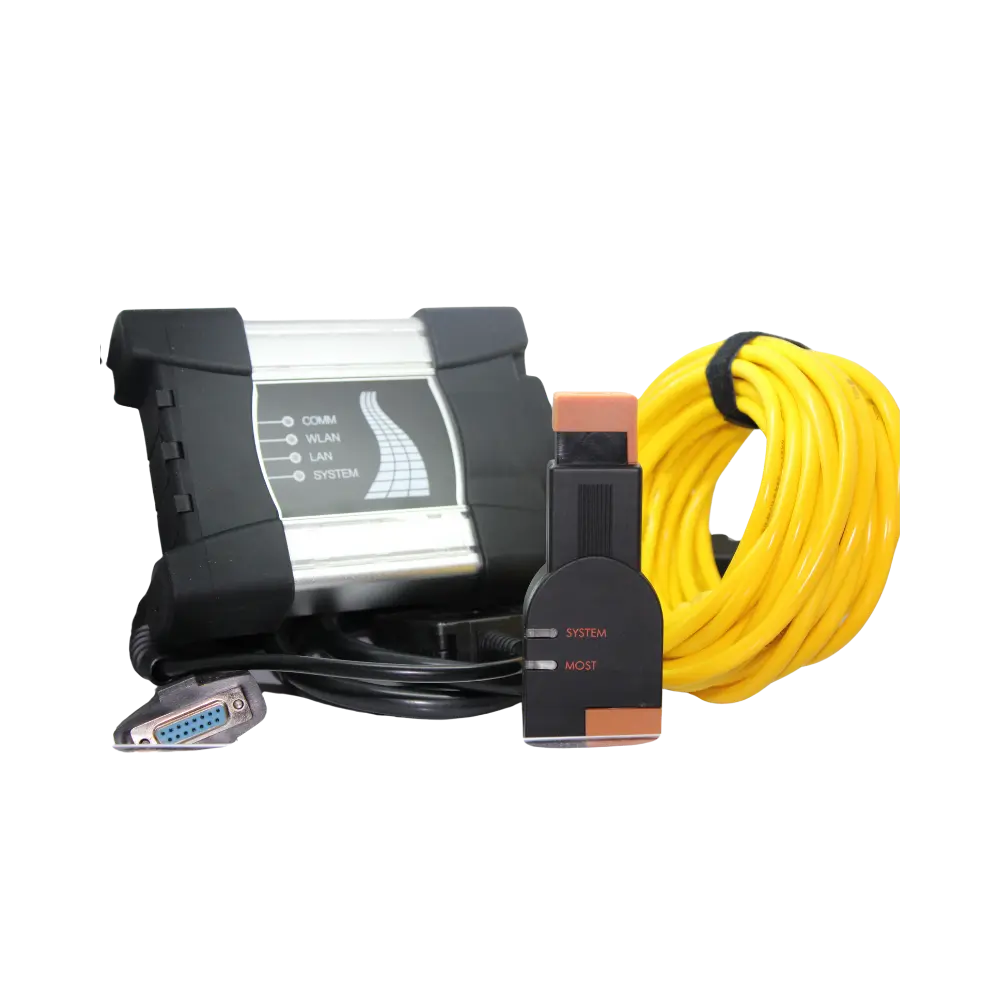
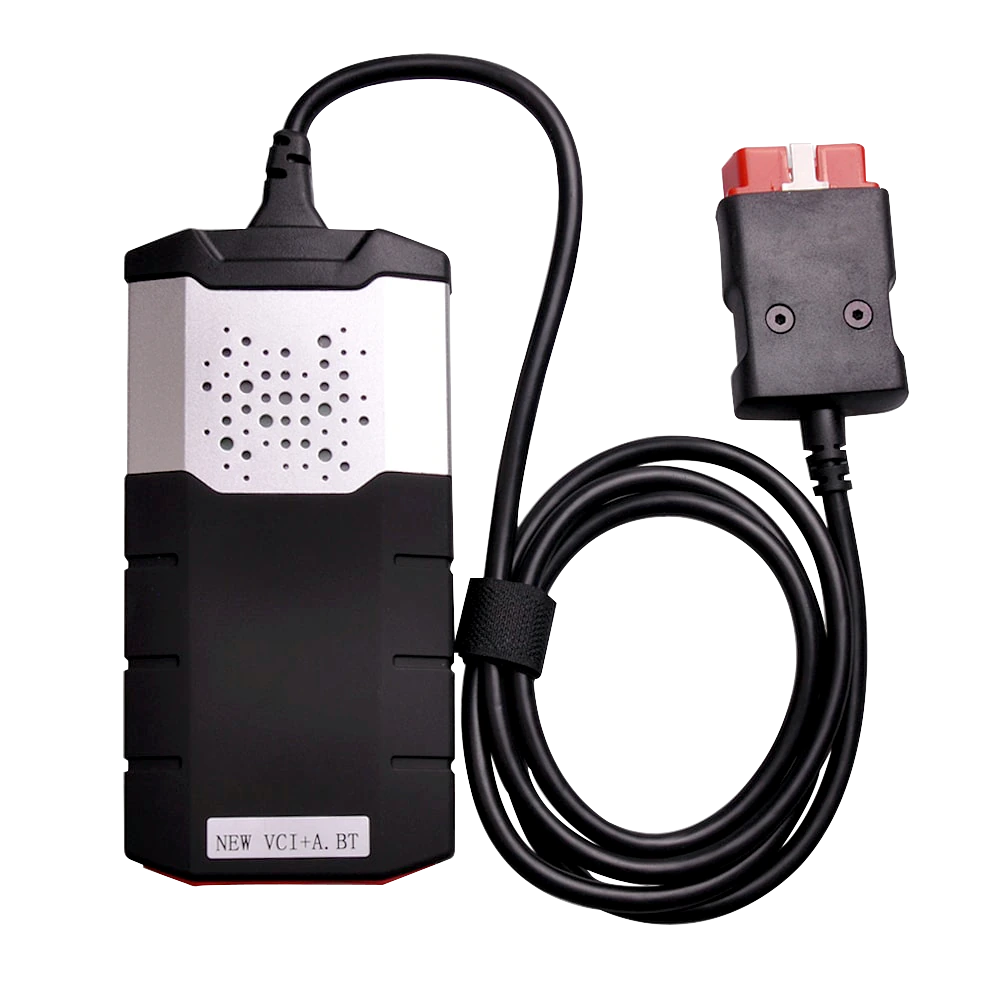
The main product photo of the set offered for sale shows one interface body labeled VAS5054A and a connection cable with a USB-A on one end and mini USB on the other. Other photos show the same type of body's OBD plug and covered mini USB port from different angles.
The photos do not show a carrying case, installation disk, license key, computer, or printed documents. Parts not shown in the image are not included in the package, and no promises of software or remote installation have been made. Before ordering, the parts list, serial number, warranty conditions, and any software service included in the physical set to be shipped must be confirmed separately.
- 1 VAS5054A labeled interface body
- 1 USB-A to mini USB cable
- Software, computer, disk, and license not in the photo
Product details
Scenario 1: Basic diagnostics on an older VAG vehicle
If the current device owner wants to read fault codes on an older Volkswagen, Audi, SEAT, or Škoda, first verify the installation of era-appropriate and legal software on the computer. Connect VAS5054A via USB, ensure the driver recognizes the interface, and the vehicle battery is supported.
During the diagnostic session, first save a full vehicle scan; note the error text, status, and date before clearing codes. Establishing communication only indicates that the control unit and software combination is working. When performing adaptation or coding on another module, seek separate support and procedures for that operation.
The absence of a new vehicle option in an older version database may not be a hardware failure; conversely, a driver error or cloned board structure can also interrupt communication. The result should be documented by stating which module was read on which connection, rather than "the device supports the entire vehicle."
Product details
Scenario 2: Installing current ODIS for an independent workshop
An independent workshop wishing to install current ODIS Service should not choose VAS5054A as the initial hardware. First, complete the erWin access, business registration, GRP account, and two-factor authentication requirements in your country. For security-related operations, GeKo/SERMI authorization should also be reviewed.
The computer must meet current ODIS system requirements, and a supported interface such as VAS 6154 or VAS 6154A, found on the official list, should be used. This ensures the driver, operating system, and application remain within the same current support chain.
In this scenario, the ability of VAS5054A to connect to the computer via USB is not sufficient; its absence from the official current interface list is the main obstacle to the decision. Old software images or remote installations provided by the seller do not replace official licenses and manufacturer access.
Product details
Scenario 3: Inspecting a used VAS5054A
For a used device, the first check is not the external casing but the identity and internal hardware. Record the serial number, manufacturer label, purchase document, and the hardware ID of the interface as seen in Windows.
If the seller claims "OKI chip" or "full chip", request a clear, uninterrupted, and readable photo of the board; a similar image from the product listing is not sufficient. Check for looseness in the mini USB socket, bent OBD pins, signs of opening on the casing, and crushing on the cable.
If a test on a vehicle is to be performed, first open a safe read session; do not start with flashing, immobilizer, key, or coding operations. Verify the license of the software to be used and the operating system separately. None of these checks provide current ODIS support; they only clarify the physical and basic communication status of the existing older hardware.
Product details
Scenario 4: Write, coding, or security operation
Coding, adaptation, software upload, immobilizer, or component protection operations carry higher risks than basic fault reading. An older Volkswagen document emphasizes connection stability so much that it requires a USB connection for flash and immobilizer adaptations performed with software version management.
In addition, uninterrupted power supply, correct file, current procedure, valid user authorization, and a reversion plan are required. The VAS5054A's OBD plug fitting the vehicle and connecting to the computer via USB cable does not solely provide these conditions. If the control unit's support status is unknown, the write operation should not be initiated.
An incorrect file, a dropped connection, or an unauthorized security operation can render the control unit unusable. This product page does not offer codes, flash files, security access, or operational instructions; it only explains the historical role and current limitations of the hardware.
Product details
Difference between VAS5054A, VAS 6154A, VAGCOM HEX V2, and service tablet
VAS5054A is an older generation Volkswagen Group VCI and is not on the current ODIS support list. VAS 6154A is listed on the current erWin page as a supported VAS interface compatible with Windows 10 via Wi-Fi, LAN, and USB; however, an ODIS license, account, and security authorizations are still required separately.
Generic VAGCOM HEX V2 is a different PC interface used with a Windows computer for VAG-focused diagnostics and some coding tasks; it is not an ODIS interface or official VAS hardware.
A multi-brand service tablet aims to cover different brands with its own screen, VCI, and manufacturer software package; it does not replace Volkswagen's online ODIS/GeKo process. The choice should not be made based on price alone.
If a current ODIS workflow is required, consider the officially supported interface and account; for limited wired diagnostics on older VAG vehicles, use the appropriate PC interface with legal software; for multi-brand daily service, consider a service tablet with verified vehicle and function coverage.
- VAS5054A: older generation VAG VCI, no current ODIS support
- VAS 6154A: VAS interface on the current ODIS list
- Generic HEX V2: VAG-focused separate PC cable; not an ODIS interface
- Service tablet: multi-brand independent diagnostic class
Product details
Checklist Before Setup
For installation, first determine the target: reading an existing older device, basic diagnostics on an older vehicle, or a current ODIS Service workflow? If current ODIS is desired, do not proceed with VAS5054A.
If examining an older installation, record the computer operating system, application version, license source, EDIC/USB driver, and interface hardware ID. Files should be obtained from legal and verifiable sources, not from unknown download packages. Before testing the USB connection on the vehicle, ensure Windows recognizes the interface.
Verify that there is no looseness in the cable and mini USB socket. While operating on the vehicle, maintain battery voltage, save the initial scan, and do not start critical write operations. An installation claimed to work with a virtual machine, Windows compatibility mode, or third-party drivers is not considered official support.
At the end of each step, the computer, driver, software, and vehicle information used should be kept in the same service record.
- Target task and software era
- Operating system and driver
- Legal license and user account
- USB cable and mini USB port connection test
- Vehicle voltage and initial scan record
Product details
Technical limitations and unknowns
The sources on this page prove the VAS-PC era of VAS5054A and its out-of-support status for current ODIS. The originality of the physical product offered for sale, its serial number, internal board revision, OKI chip, firmware version, definitive list of supported protocols, and the latest vehicle model year cannot be proven from these photos.
Therefore, badges such as "original", "full chip", "all protocols", "up to 2021", "all VAG vehicles", "fully compatible with current ODIS", or "authorized service device" were not used. Software, license, remote installation, warranty, and technical support are not shown as included in the package.
Before purchasing, the intended operation, vehicle, and software version to be used must be confirmed in writing with the support team.
- Definitive protocol and model year list unknown
- Internal board and OKI chip unknown
- Originality and supply record unknown
- Software, license, warranty, and installation not included