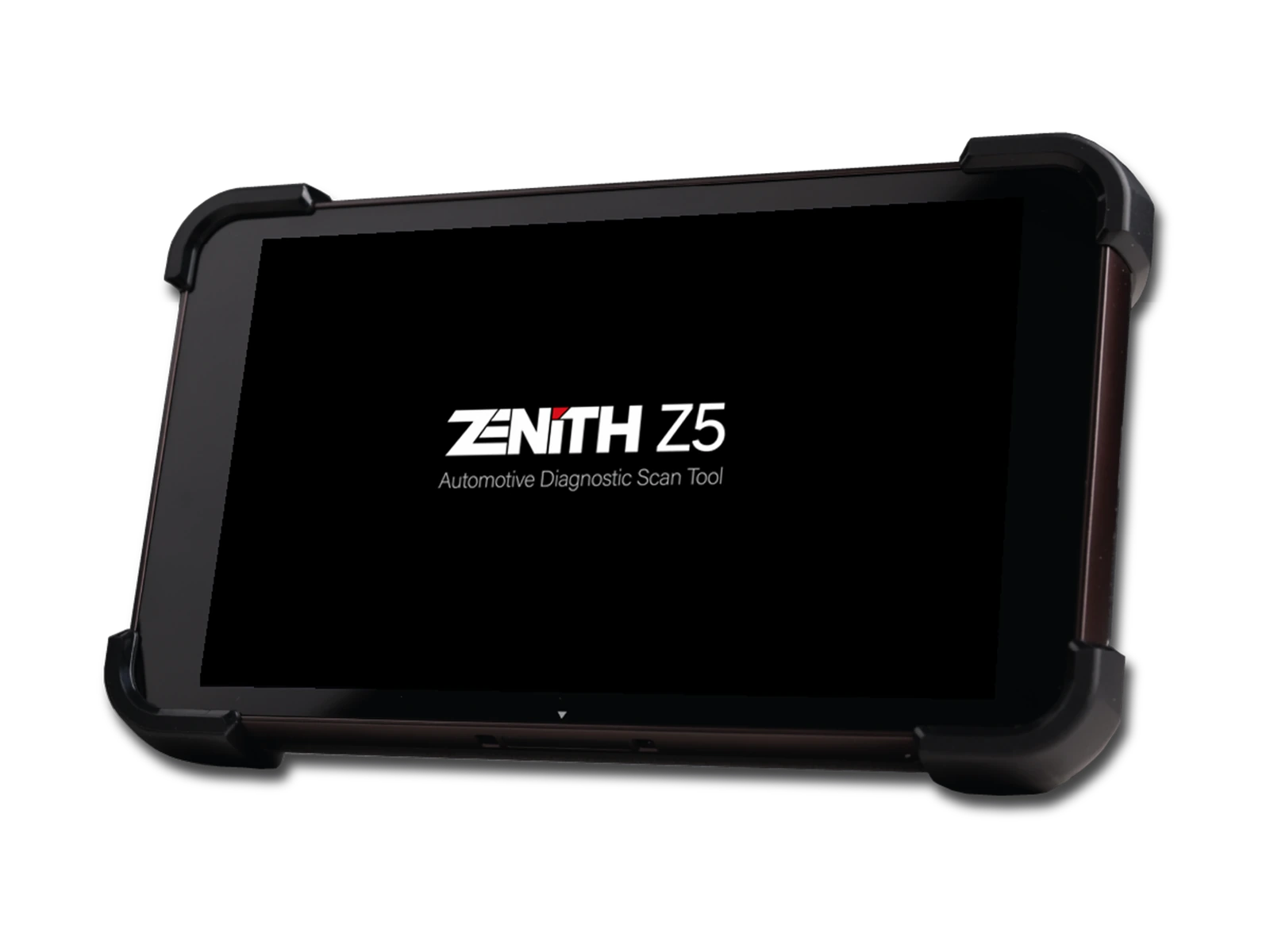
Official Zenith Z5 preview; no Chinese or Korean text on the screen
Official Zenith Z5 preview; no Chinese or Korean text on the screenRear body, camera, and service-type grip structureAngled rear view of the Z5 bodyRear hand strap listed in the Basic KitJ2534 USB cable listed in the Basic Kit
Zenith · Vehicle Diagnostic Tools
Zenith Z5 Diagnostic Tool
Zenith Z5 combines an 8-inch FHD screen, wired DLC connection, full system scan, bi-directional test, 24V commercial vehicle communication, and J2534 interface in a compact service tablet.
It offers full system scanning, active testing, 24 V vehicle communication, and J2534 workflow in a single device for workshops seeking a compact and wired service tablet.
The Zenith Z5 is a professional diagnostic tablet with an 8-inch FHD screen and wired vehicle connection. It features 3 GB RAM, 32 GB storage, a 3,200 mAh battery, and a body usable with gloves, designed for daily workshop use.
The manufacturer lists bi-directional communication and a J2534 interface for 12 V passenger vehicles as well as 24 V trucks and buses. CAN FD and DoIP are not included in the standard device connection; the EZ0CB032 optional adapter is required for these protocols.
What would you buy this for?
Independent workshops that want to maintain a stable wired connection throughout service
Multi-brand services that regularly accept Korean and Japanese vehicles
Teams working on supported 24 V commercial vehicles alongside passenger cars
Technicians who will use manufacturer software via J2534 on compatible vehicles
Featured diagnostic features
Vehicle and Operation Coverage
Wired DLC connection
CAN FD and DoIP adapter
Software and package contents
Vehicle Coverage
Which vehicles does the Zenith Z5 Diagnostic Tool support?
The make name alone does not guarantee compatibility. Within the same make, model year, engine, chassis, control unit, communication protocol, and intended operation can yield different support results.
Vehicle Group
Passenger cars and light commercial vehicles included in the product software
Supported makes
Multi-brand coverage; the current make list is obtained from the manufacturer's official vehicle or protocol database.
Supported models
Verified from the official coverage screen based on make, model, model year, engine or chassis, and control unit.
Scope of service
Code reading, live data, active test, service function, coding, and programming may be supported separately.
Connection conditions
Vehicle and function scope, Wired DLC connection, CAN FD and DoIP adapter, Software and package contents
The make and model examples on the page do not guarantee all production years and all functions.
Before any definitive operation, the manufacturer's current coverage record must be verified with the VIN or full vehicle information.
What tasks does the compact wired service tablet perform?
The Z5 is developed to scan supported control units in the vehicle, read and clear fault codes, monitor live data, perform actuator tests, and execute maintenance functions. The wired main DLC connection maintains communication between the tablet and the vehicle via a physical line.
This setup simplifies connection steps for technicians working on-site. The product is multi-brand; however, accessed systems, special functions, and coding options vary by brand, model, production year, and control unit software. The initial scan is saved before clearing and compared with a second scan after repair.
Full system scan
Fault code and live data
Bi-directional active test
Supported maintenance and coding functions
Product details
8-inch screen, 3 GB RAM, and service-type body
The official technical sheet specifies Android 9 operating system, a 2.0 GHz octa-core processor, 3 GB RAM, and 32 GB storage. The 8-inch screen has a resolution of 1920x1200 pixels, and the manufacturer highlights its daylight readability as a product feature.
The 3,200 mAh battery provides portability for short vehicle acceptances and in-workshop use; power support via adapter is planned for long software sessions. IP65 protection, glove touch capability, and chemical-resistant screen information are intended for dust, dirt, and work glove usage in a service environment.
These values do not place the device in the same hardware category as professional tablets with 13-inch screens and higher memory.
Screen
8-inch, 1920x1200 FHD
Processor
2.0 GHz octa-core
Memory
3 GB RAM / 32 GB storage
Battery
3,200 mAh
Operating System
Android 9
Product details
J2534, CAN FD, and DoIP limitations
The manufacturer lists the J2534 Pass-Thru function for the Z5 in CAN-Bus, KWP2000, and ISO9141 communications. J2534 is an interface standard that allows compatible computer software to communicate with the vehicle's ECU via the device; the module to be programmed, manufacturer subscription, files, internet connection, and a stable power supply are required separately.
CAN FD and DoIP are not offered in the standard device connection. The official accessory list shows the EZ0CB032 part number CAN FD and DoIP adapter as optional. If this adapter is not included in the delivered set, these protocols are not considered package features.
J2534: CAN-Bus, KWP2000, and ISO9141
CAN FD and DoIP: With EZ0CB032 adapter
Manufacturer account and stable voltage may be required for programming
Vehicle and ECU support must be checked separately
Product details
What does 24 V truck and bus support cover?
The official product page specifies bi-directional communication support for 24 V commercial trucks and buses. This statement does not imply access to all systems on every heavy-duty vehicle brand. The correct adapter for the physical socket, support for the relevant vehicle family in the software, and the ECU are required.
The service first checks the vehicle voltage and pin configuration; it does not force a passenger car cable into a different commercial vehicle socket. Fault scanning, live data, and actuator commands are separate capabilities. Brands and models regularly worked on in the fleet are verified on a system-by-system basis from the current software list.
Product details
Parts listed in the official Basic Kit
The EZDS Basic Kit list includes the Z5 main unit, main DLC cable, AC/DC adapter, J2534 USB cable, rear hand strap, stylus, stylus lanyard, battery, box, and user manual. A carrying case, tempered screen protector, DC power cable from battery, and CAN FD/DoIP adapter are listed as optional accessories.
The set shipped with the order is matched against the official list and invoice item. The appearance of an optional part on the manufacturer's page does not automatically mean it is included in the sales package.
Z5 tablet and main DLC cable
AC/DC adapter and J2534 USB cable
Hand strap, stylus, and stylus lanyard
Optional bag and protocol adapters are not included in the standard package
Product details
What are the most frequently asked questions about the Z5 in forums and workshops?
Most indexed content in Turkey is at the sales page and technical summary level; detailed user discussions are concentrated in foreign technician forums and the EZDS support area.
Recurring topics include whether Hyundai and Kia coverage is the same as OEM devices, system depth on 24 V commercial vehicles like Isuzu, Hino, Hyundai, and Fuso, whether the device continues to function after the update period expires, regional locking and serial number registration, troubleshooting steps for connection issues, and the difference between the Z5 and G-Scan, Launch, or Autel.
None of these questions can be answered by brand name alone; vehicle VIN, model year, ECU, and the intended operation must be verified together.
Update period and post-update operation
Regional registration, serial number, and authorized dealer support
System-based coverage for Hyundai/Kia and 24 V commercial vehicles
Connection issues, Data Log, and FEEDBACK workflow
Product details
Scenario 1: Full system scan during vehicle acceptance
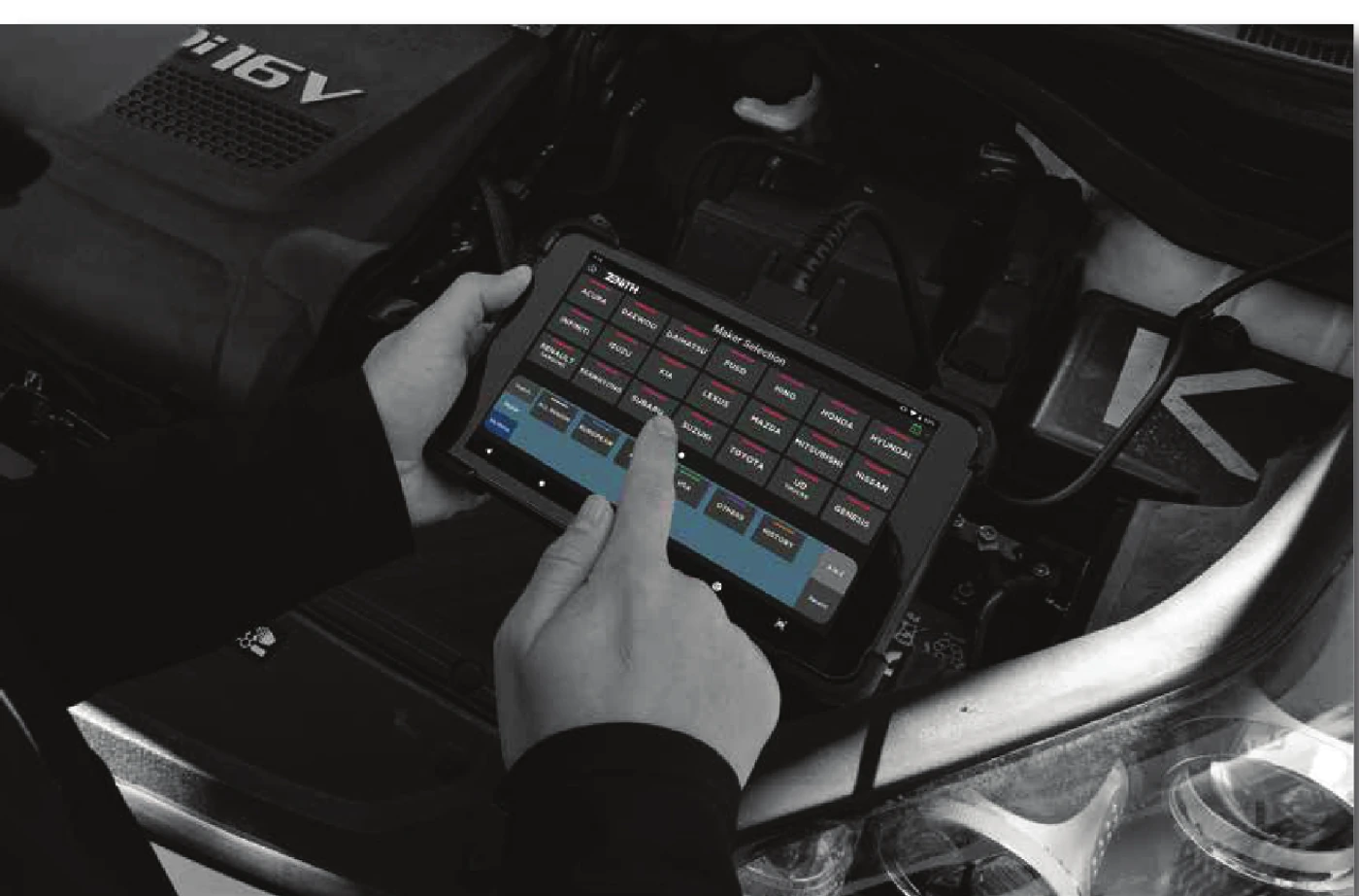
Actual Zenith Z5 service usage scene from the EZDS official brochure
After checking the battery voltage and vehicle socket, the technician connects the main DLC cable. The automatic vehicle recognition result is compared with the VIN and model year. Full system scanning is completed, and the initial report is saved before clearing codes. Fault status in modules related to customer complaints, freeze data, and live parameters are examined.
After the repair is completed, the same test path is run a second time. The difference between the initial and final records helps distinguish past faults from ongoing ones.
Product details
Scenario 2: Connection check on a 24 V commercial vehicle
On a bus or truck arriving at the service, the vehicle voltage, socket type, and required adapter are first determined. The brand, model, year, and system are selected in the tablet's software. Once a connection is established, the initial operation is read-only and reporting; a safe operating area is created before applying actuator commands. The vehicle's presence in the software does not indicate support for all modules.
Non-communicating systems are examined separately based on physical line, adapter, software scope, and ECU conditions.
Product details
Scenario 3: Monitoring physical results during actuator testing
When a fan, pump, valve, or relay test is activated on a supported vehicle, the command and the actual movement are observed simultaneously. Fault codes and supply voltage are recorded before the test. The tablet may indicate that the command has been sent; this information alone does not prove the part is mechanically functioning.
If there is a command but no movement, power, ground, wiring, and actuator side are measured. If there is movement but it does not engage under normal operating conditions, sensor data and control logic are investigated.
Product details
Scenario 4: Preparation for a J2534 session
The manufacturer software, subscription, and vehicle files to be used on the computer are prepared in advance. The Z5 is connected to the computer via the J2534 USB cable, and driver communication is tested with a read operation. The vehicle battery is supported with a programming power supply; the tablet, computer, internet, and cables must not be interrupted until writing is complete.
The presence of the J2534 standard on the device does not grant automatic programming authority for a specific module. The manufacturer software's support list and service procedure must be checked before the operation.
Product details
How is the vehicle coverage for the Z5 Diagnostic Tool model verified?
Definitive compatibility for the Z5 Diagnostic Tool model cannot be stated without selecting the vehicle brand, model, year, engine, ECU, and intended operation together. The applicable scope for the Z5 Diagnostic Tool is checked via the full ECU ID and connection method in the protocol list of the delivered device.
When evaluating the Z5 Diagnostic Tool, the mere presence of the vehicle brand or model in the list does not prove that reading, writing, cloning, or any other operation is supported.
Before ordering, prepare the VIN or full model information, model year, engine/chassis distinction, and intended operation for the Z5 Diagnostic Tool model; software version, license duration, VCI, adapter, and regional package must also be checked.
Z5 Diagnostic Tool model: Prepare brand, model, model year, and engine/chassis information
Z5 Diagnostic Tool model: Select desired system and operation separately; read, live data, active test, coding, or programming
Z5 Diagnostic Tool model: Verify ECU and function line on the official coverage vehicle
Z5 Diagnostic Tool model: Perform final check with VIN and manufacturer procedure before definitive operation
Product details
Which nearby products is the Z5 Diagnostic Tool model compared with?
The choice between the Z5 Diagnostic Tool model, Zenith Z7 Lite Diagnostic Tool, and Zenith Z7 Pro Diagnostic Tool is made based on differences in supported functions, connectivity, and packages.
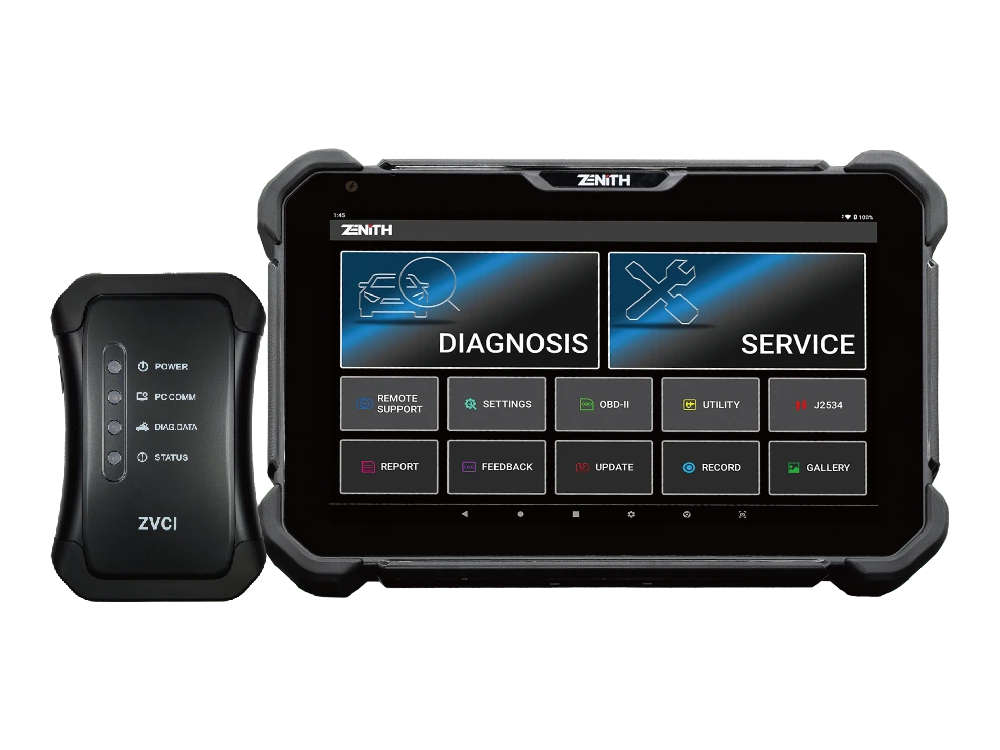
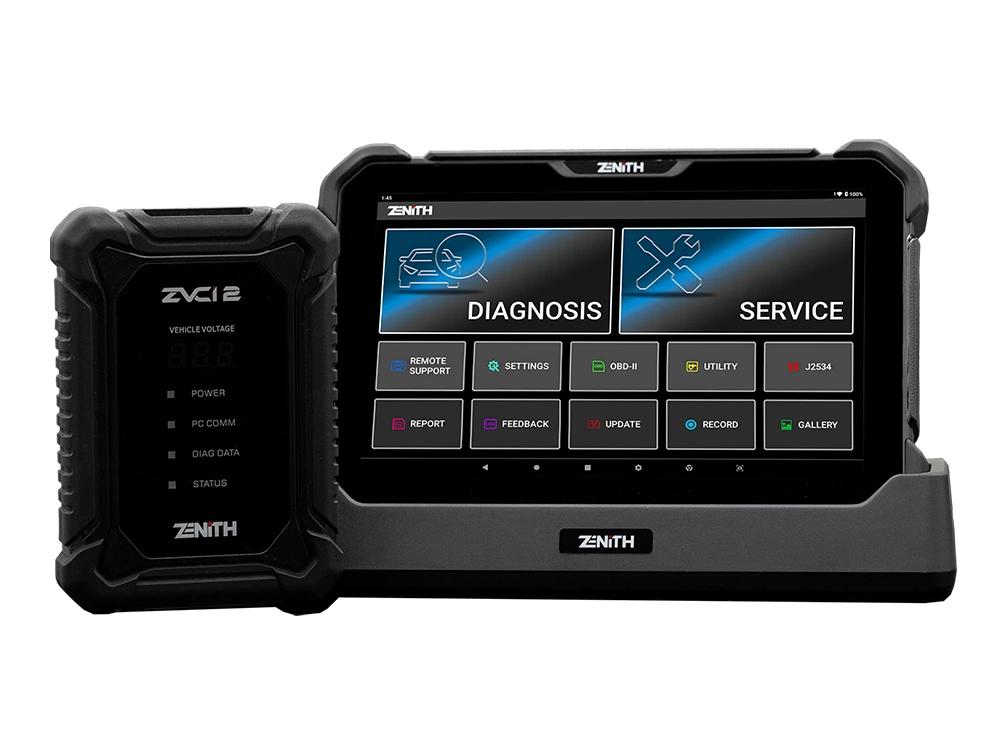
The Z5 is a compact and wired service tablet, the Z7 Lite is a large-screen option equipped with wireless ZVCI1, and the Z7 Pro is a ZVCI2 package with clearly verified CAN FD, DoIP, and J2534 functionalities. The selection is based not only on the model name but also on vehicle connectivity, next-generation protocol needs, and accessories provided in the standard package.
Vehicle and operation scope, wired DLC connection, CAN FD and DoIP adapter, and software and package contents are the primary selection criteria for the Z5 Diagnostic Tool model. The connectivity method, protocol support, software scope, and additional modules of the devices compared with the Z5 Diagnostic Tool model are not the same.
The vehicle and ECU support required for full system scanning is read from the manufacturer's current list published for the Z5 Diagnostic Tool model.
A device that does not offer the required function or connection for full system scanning on the Z5 Diagnostic Tool model is not suitable for this service task, even if it is more comprehensive in other areas.
Zenith Z7 Lite Diagnostic Tool: wireless service connection and system topology
Zenith Z7 Pro Diagnostic Tool: CAN FD and DoIP communication and J2534 Pass-Thru
Frequently asked questions about the Zenith Z5 Diagnostic Tool
What is the screen size of the Z5?
According to the official technical page, the screen is 8 inches and offers a Full HD resolution of 1920x1200 pixels.
Does the Z5 work wirelessly?
Vehicle communication is done via the main DLC cable. This model is designed for wired service use.
Are CAN FD and DoIP included in the standard package?
No. The manufacturer lists the EZ0CB032 adapter as an optional accessory for these protocols.
Can J2534 programming be performed with the Z5?
The J2534 interface is supported; the actual programming scope depends on vehicle, module, manufacturer software, subscription, and secure power conditions.
Can it be used with 24V heavy-duty vehicles?
The manufacturer indicates 24V bidirectional communication support for commercial trucks and buses. Brand, model, system, and adapter scope must be checked separately.
What is the battery capacity?
Official technical information specifies a 3,200 mAh battery. External power should be planned for long software or reporting sessions.
Is there Turkish AI translation?
The manufacturer announced the AI Translation feature for the Z5 in their 2026 bulletin. The availability of the Turkish language in the delivered version should be checked in the device menu.
Is a carrying case included with the product?
The carrying case appears as optional on the official list. The shipping list of the purchased set should be checked before product delivery.
Will the Z5 continue to work if not updated?
According to EZDS's official FAQ response, the device will continue to operate with the installed software after the update period expires. The manufacturer's list cannot be re-downloaded, and some functions requiring internet or server connection may not be usable.
How is the Zenith Z5 updated and how often do updates occur?
The manufacturer states that updates are performed from the Update section in the main menu; 3-4 official packages are released annually, with smaller patches and bug fixes as needed.
What to do if a connection cannot be established with the vehicle?
Check power, socket, main DLC cable, and correct vehicle selection. If communication issues persist, send a Data Log via the FEEDBACK menu recommended by the manufacturer; for non-communication faults, contact local dealer support.
What does the "Invalid Serial Number" warning mean?
The manufacturer explains this warning as the serial number not being found or recognized on the server. It is recommended to wait 10 minutes after registration and try again, and if the warning persists, to update the device again.
Can a Z5 purchased abroad be locked in Turkey?
EZDS recommends purchasing the Z5 from the local distributor in the designated sales region; it explains that devices purchased from other countries may be locked, and the local distributor may refuse support or warranty.
Can Google Play apps be installed on the Z5?
No. EZDS states that unauthorized application or software installation is not permitted and that the Z5 should not be used as a general-purpose Android tablet.
What is the Z5 warranty period?
The official EZDS FAQ page states a 1-year manufacturer warranty from the date of registration for the Basic Kit and Standard Kit. The seller's warranty valid in Turkey, invoice, and sales contract should be checked separately.
Comparison
Similar models to the Zenith Z5 Diagnostic Tool
Compare products in the same class with information on usage level, service tasks, and price.
Zenith Z7 Pro offers a 10.1-inch FHD tablet, wireless ZVCI2, CAN FD, DoIP, J2534, topology, bi-directional testing, and Z7 AI tools with a professional service package.
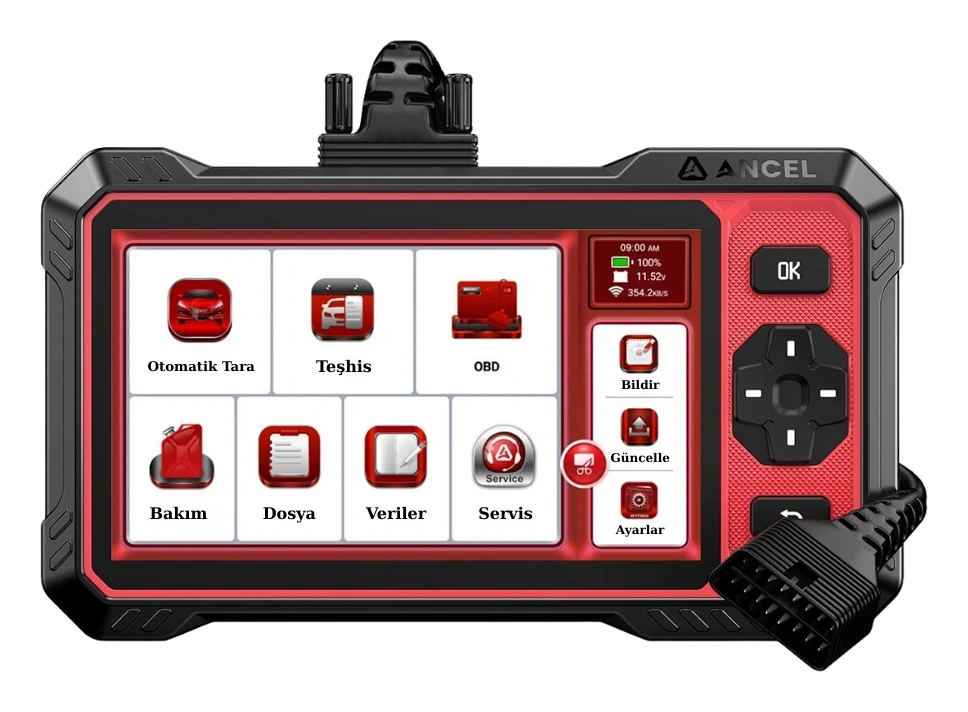
Ancel DS410 Lite is a wired service device with full system diagnostics, active testing, and CAN FD support. The device includes lifetime free updates.
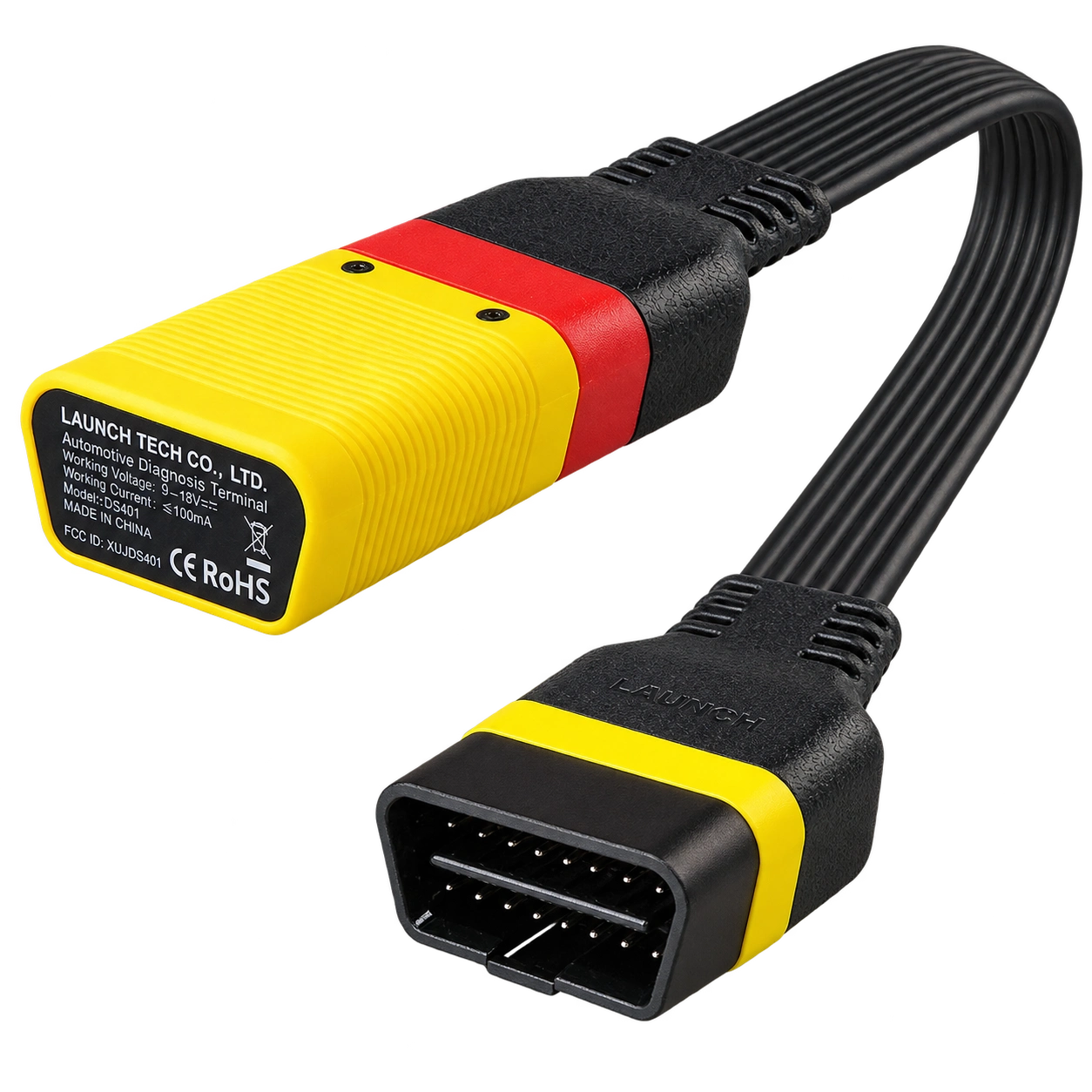
Launch EasyDiag 3.0 is a compact OBD-II diagnostic adapter that works with compatible Android or iOS devices via Bluetooth. Operations such as fault code reading, live data, and reporting on supported vehicles vary according to the scope of the software and brand license.