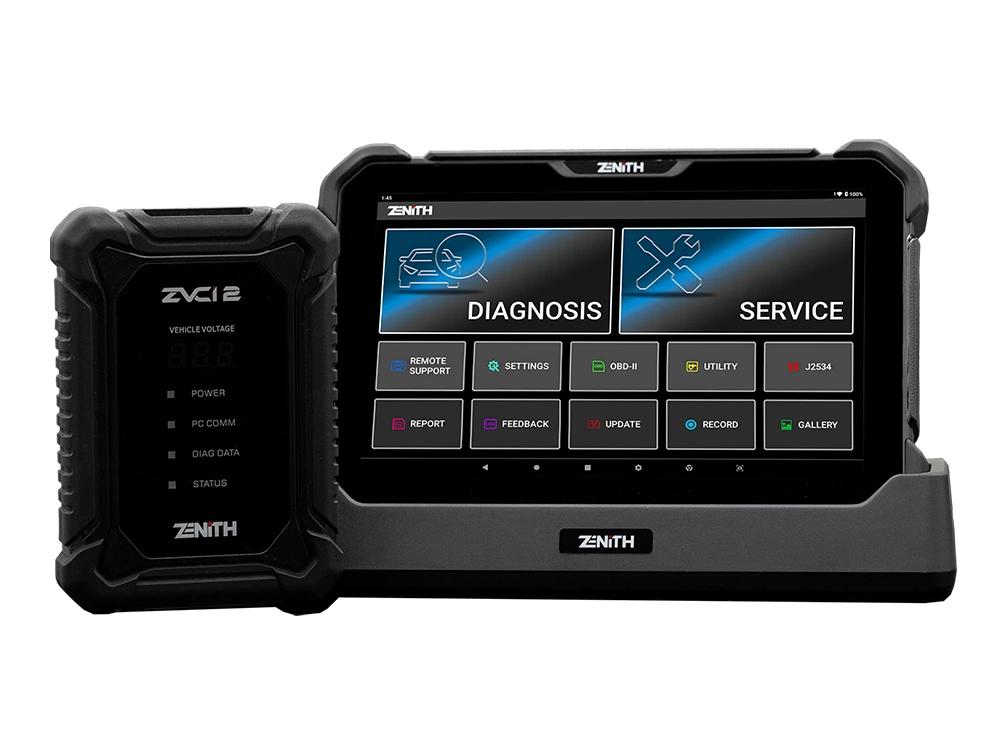
Official Zenith Z7 Pro, ZVCI2, and charging stand; English main menu
Official Zenith Z7 Pro, ZVCI2, and charging stand; English main menuFront view with charging stand from Pro KitZVCI2 carrying CAN FD, DoIP, and J2534 workflowsFront and rear usage angles on charging stand
Zenith · Vehicle Diagnostic Tools
Zenith Z7 Pro Diagnostic Tool
Zenith Z7 Pro offers a 10.1-inch FHD tablet, wireless ZVCI2, CAN FD, DoIP, J2534, topology, bi-directional testing, and Z7 AI tools with a professional service package.
This is the option equipped with ZVCI2 for workshops that want next-generation protocols, J2534, wireless service connection, topology, and Z7 software tools in a single professional package.
The Zenith Z7 Pro is a professional diagnostic set using a 10.1-inch FHD tablet and the ZVCI2 vehicle communication interface. CAN FD, DoIP, and J2534 functions are clearly listed on the official product page.
Combines Android 11, 2.2 GHz octa-core processor, 4 GB RAM, 64 GB storage, and 5,800 mAh battery hardware with topology, bi-directional test, EV and hybrid BMS data, Z-ASSIST, AI Advisor, and AI Translation software.
The Pro Kit includes parts that are optional in the Lite package, such as the charging stand, ZVCI2 USB cable, and carrying case.
What would you buy this for?
Services that regularly accept next-generation vehicles using CAN FD and DoIP
Professional technicians who will use the J2534 interface with manufacturer software
Workshops seeking deep diagnostic workflows in Korean and Japanese vehicles
Teams wanting topology, EV battery data, and Z7 artificial intelligence tools on the same tablet
Featured diagnostic features
Vehicle and Operation Coverage
ZVCI2 and J2534 connection
Pro package contents
Software and security gateway conditions
Vehicle Coverage
What vehicles does the Zenith Z7 Pro Diagnostic Tool support?
The make name alone does not guarantee compatibility. Within the same make, model year, engine, chassis, control unit, communication protocol, and intended operation can yield different support results.
Vehicle Group
Passenger cars and light commercial vehicles included in the product software
Supported makes
Multi-brand coverage; the current make list is obtained from the manufacturer's official vehicle or protocol database.
Supported models
Verified from the official coverage screen based on make, model, model year, engine or chassis, and control unit.
Scope of service
Code reading, live data, active test, service function, coding, and programming may be supported separately.
Connection conditions
Vehicle and function coverage, ZVCI2 and J2534 connection, Pro package contents, Software and security gateway conditions
The make and model examples on the page do not guarantee all production years and all functions.
Before any definitive operation, the manufacturer's current coverage record must be verified with the VIN or full vehicle information.
What functions does the ZVCI2-equipped professional set cover?
The Z7 Pro performs system scans, fault codes, live data, bi-directional active tests, maintenance functions, and supported coding operations wirelessly via the tablet on multi-brand vehicles. The ZVCI2 establishes communication between the vehicle's DLC line and the tablet; it includes the necessary hardware for CAN FD and DoIP networks.
System topology displays control units on a network map. The J2534 interface offers a separate workflow with compatible computer software. Each function is limited by the manufacturer's current vehicle, year, system, and region coverage.
Wireless ZVCI2 vehicle connection
CAN FD and DoIP
J2534 Pass-Thru
Topology, active test, and service functions
Product details
10.1-inch tablet and Pro Kit usage structure
Technical specifications include a 10.1-inch screen with 1920x1200 resolution, Android 11, 2.2 GHz octa-core processor, 4 GB RAM, 64 GB storage, and a 5,800 mAh battery. The large screen provides ample viewing area for topology maps, graphical live data, and service reports.
The charging stand keeps the tablet stable on the workbench and facilitates power connection between shifts. The rear hand strap aids single-handed holding next to the vehicle. The hardware does not eliminate the risk of power interruption during prolonged writing operations; uninterrupted power must also be provided on the vehicle and computer side.
Screen
10.1-inch, 1920x1200 FHD
Processor
2.2 GHz octa-core
Memory
4 GB RAM / 64 GB storage
Battery
5,800 mAh
Vehicle interface
ZVCI2
Product details
When are CAN FD and DoIP important?
CAN FD is used in next-generation control units that utilize higher data capacity than the classic CAN line; DoIP is used in platforms that carry diagnostic traffic over the vehicle's Ethernet network. The ZVCI2 supports both of these communication methods. The presence of protocol hardware does not mean every function is enabled on all new vehicles.
The relevant brand and model year must be present in the software, the security gateway must permit access, and the control unit must support the selected operation. The initial connection is tested with reading and reporting; power, account, and internet conditions are prepared separately for coding or writing operations.
Product details
Using computer software with J2534 Pass-Thru
The official page clearly states J2534 Pass-Thru support for the ZVCI2. In this mode, compatible OEM or service software runs on the computer, and the ZVCI2 acts as a communication bridge to the vehicle network. Driver installation, manufacturer subscription, module programming permission, and correct software files are separate parts of the process.
Vehicle battery programming is supported with a power supply; USB, internet, and vehicle connection must not be interrupted until completion. J2534 is not a promise of free or unlimited programming across all brands. Each manufacturer applies its own account, region, security, and software conditions.
Product details
Z7 artificial intelligence tools and EV battery data
Z-ASSIST compiles symptoms, possible causes, and diagnostic steps for fault codes. AI Advisor provides transitions from supported DTCs to related live data, active tests, and special functions. AI Translation aims to translate technical terms into the selected language.
These three features can speed up the testing process; they do not replace definitive part diagnosis, circuit measurement, or OEM procedures. For electric and hybrid vehicles, BMS data such as SOC, SOH, total voltage, current, and cell temperature can be displayed.
Training, protective equipment, and safe shutdown procedures are also required for high-voltage physical work.
Product details
Standard parts listed in the Pro Kit
The official Pro Kit list includes the Z7 tablet, ZVCI2, main DLC cable, charging stand, AC/DC adapter, ZVCI2 USB cable, rear hand strap, Z7 carrying case, and stylus. The manufacturer also offers optional OBD adapters for different vehicle sockets.
The Pro Kit name does not imply inclusion of all adapters in every region; the order line and shipping list are matched with part codes. The image shows the tablet, ZVCI2, and charging stand taken from the same official product set; no other model devices were used.
Z7 tablet and ZVCI2
Main DLC and ZVCI2 USB cable
Charging stand and AC/DC adapter
Hand strap, carrying case, and stylus
Product details
Most discussed topics for Z7 Pro on forums
Recurring topics for Z7 Pro on technician forums include: how close it gets to OEM level for Hyundai/Kia, in which model years CAN FD and DoIP are actually used, which manufacturer software works with J2534, FCA security gateway accounts, update and warranty periods, region locks, used device transfers, and comparisons with devices like Launch or Autel.
The official proof is the presence of CAN FD, DoIP, and J2534 in the ZVCI2; whether a specific function works on a specific vehicle must be verified separately with VIN, ECU, and manufacturer software.
ZVCI2, CAN FD, DoIP, and J2534 differences
OEM software, subscription, and secure programming conditions
Hyundai/Kia coverage and domestic Korean market vehicles
Update, warranty, region, and used device transfer
Product details
Scenario 1: Initial connection on a CAN FD vehicle
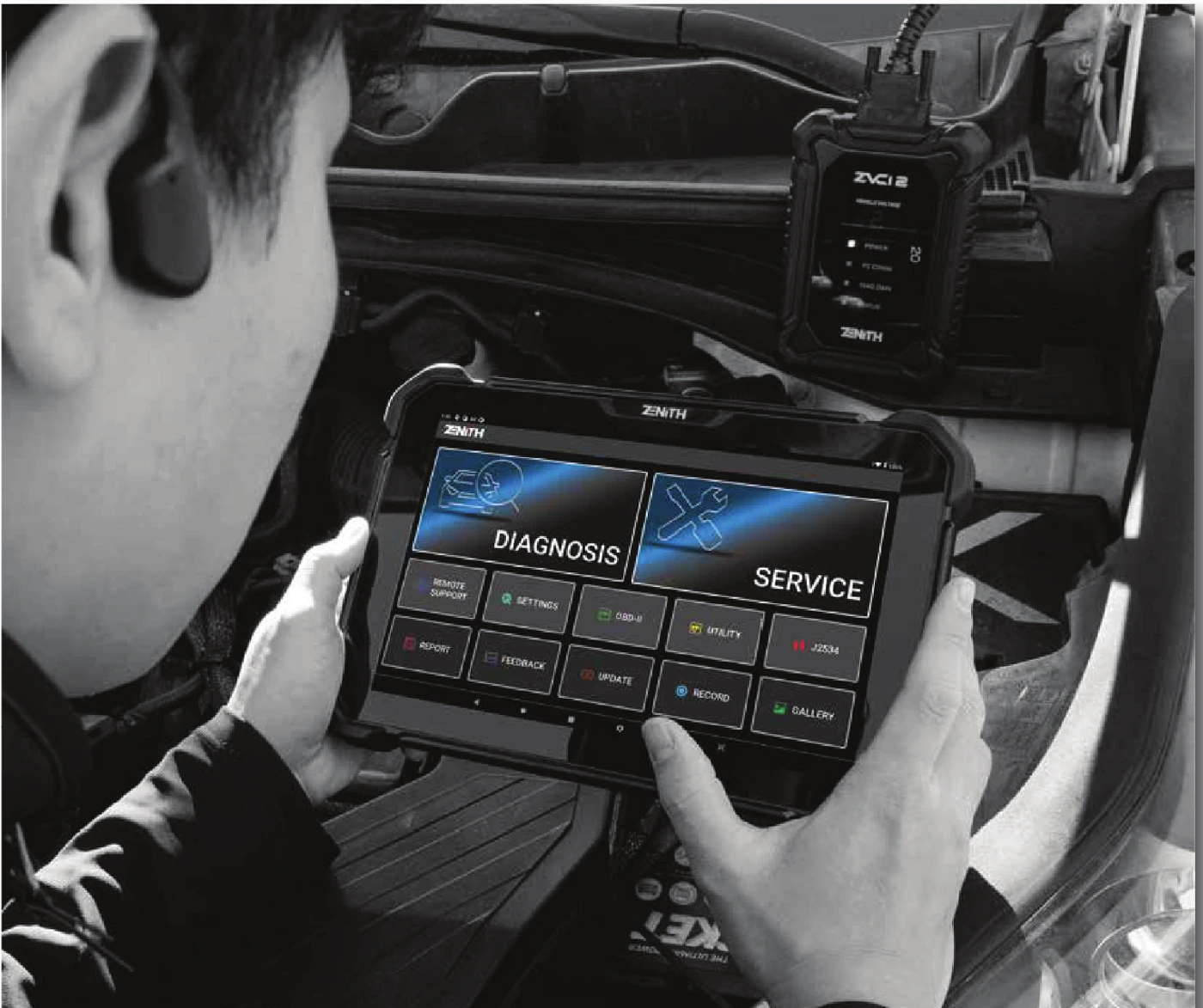
Real Z7 Pro and ZVCI2 service usage scene from EZDS official brochure
When a next-generation vehicle arrives at the service, the VIN, model year, and relevant control unit are recorded. The ZVCI2 is connected with the main DLC cable, and wireless communication indicators are checked. The initial session is a full system read and report.
CAN FD support only provides the physical protocol layer; if a security gateway or online authorization is required, writing functions are put on hold. Before coding, the current configuration is saved, vehicle voltage is supported, and a rollback procedure is prepared.
Product details
Scenario 2: Topology inspection on a DoIP network
After automatic recognition is completed on a vehicle using DoIP, a topology scan is initiated. The gateway and accessible control units are tracked on a map. A non-responsive module is not immediately considered faulty; vehicle hardware, power supply, network line, and software coverage are checked. Live data related to the customer complaint is selected, and test conditions are recorded.
The same scan is run again at the end of the repair. Initial and final topology outputs help visually differentiate ongoing communication issues.
Product details
Scenario 3: J2534 programming session
Manufacturer software and a valid account are prepared on the computer. The vehicle battery is connected to a constant voltage programming power supply. The ZVCI2 is connected to the computer via USB cable and to the vehicle via the main DLC cable. Module identification is verified by reading, and rollback steps offered by the software are reviewed. During programming, the ignition, cable, internet, and power connections must not be changed.
After completion, fault codes are read, necessary calibrations are applied, and the vehicle manufacturer's final checks are performed.
Product details
Scenario 4: AI-assisted active test workflow
The supported DTC from the scan report is opened, and live data and active test connections offered by AI Advisor are reviewed. Recommended parameters are recorded under the same operating conditions. The actual physical response and feedback value are monitored together while the actuator command is applied.
If the artificial intelligence recommendation does not match the measurement result and circuit diagram, the OEM diagnostic sequence is followed. This workflow reduces menu search time; it does not change the technician's responsibility for safety, measurement, and repair.
Product details
How to verify vehicle coverage for the Z7 Pro Diagnostic Tool model
Definitive compatibility cannot be stated for the Z7 Pro Diagnostic Tool model without selecting the vehicle brand, model, year, engine, control unit, and the intended operation together. The valid coverage for the Z7 Pro Diagnostic Tool is checked via the full ECU ID and connection method on the protocol list of the delivered device.
When evaluating the Z7 Pro Diagnostic Tool, the mere presence of the vehicle brand or model on the list does not prove that reading, writing, cloning, or any other operation is supported.
Before ordering, prepare the VIN or full model information, model year, engine/chassis distinction, and the intended operation for the Z7 Pro Diagnostic Tool; also check the software version, license duration, VCI, adapter, and regional package.
Z7 Pro Diagnostic Tool model: prepare brand, model, model year, and engine/chassis information
Z7 Pro Diagnostic Tool model: select the desired system and operation separately; read, live data, active test, coding, or programming
Z7 Pro Diagnostic Tool model: verify ECU and function line on the official coverage vehicle
Z7 Pro Diagnostic Tool model: check VCI, cable, adapter, license, and regional package conditions
Z7 Pro Diagnostic Tool model: perform final check with VIN and manufacturer procedure before definitive operation
Product details
What comparable products is the Z7 Pro Diagnostic Tool model compared with?
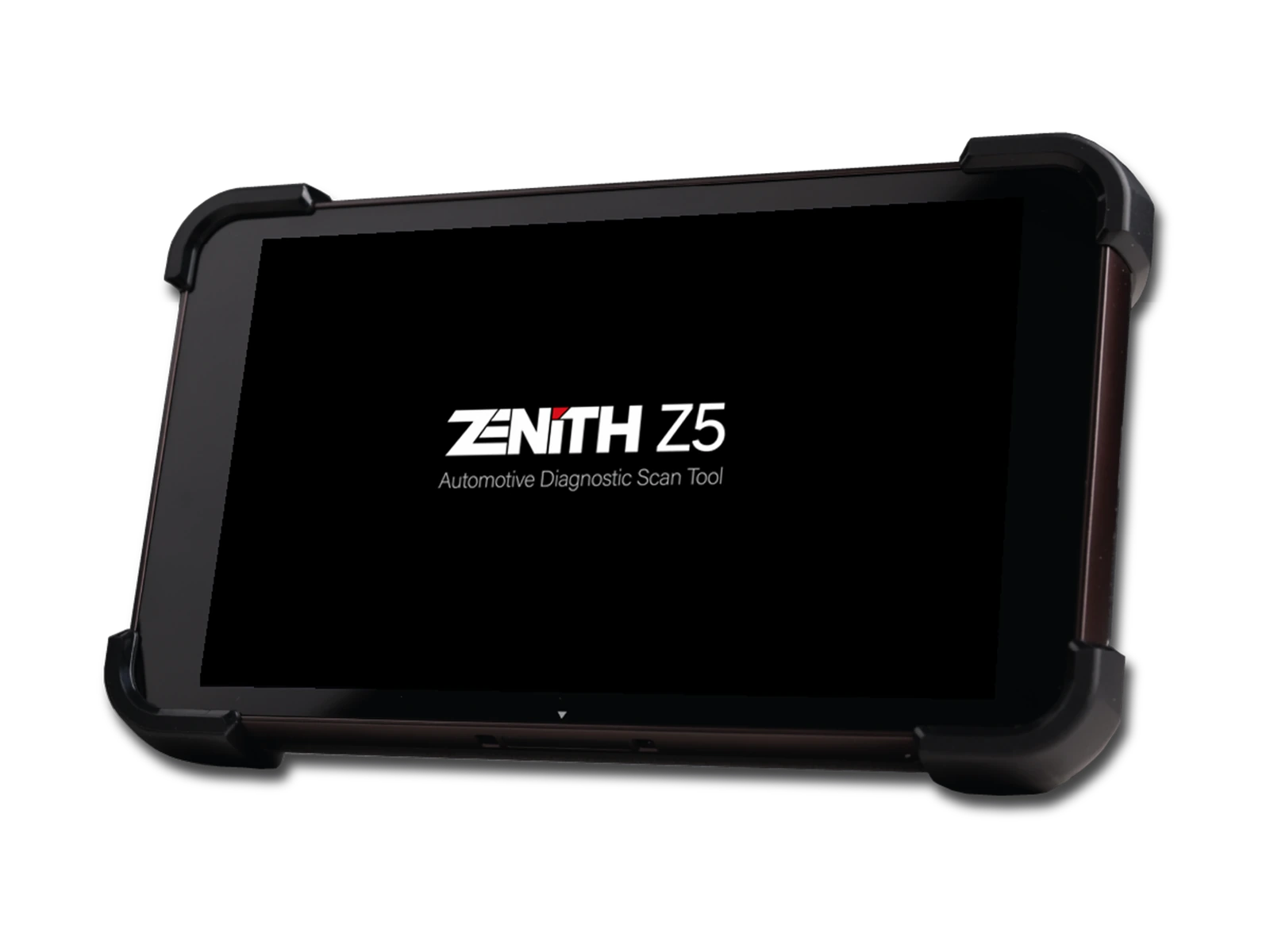
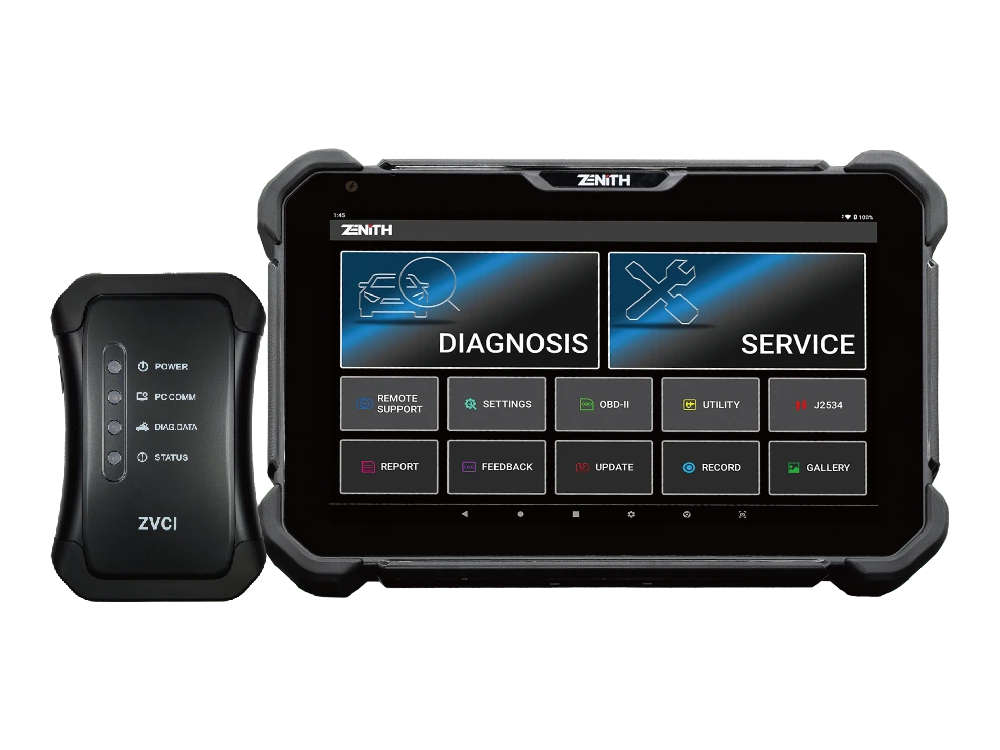
The choice between the Z7 Pro Diagnostic Tool model, Zenith Z5 Diagnostic Tool, and Zenith Z7 Lite Diagnostic Tool is made based on differences in supported functions, connectivity, and packages.
The Z5 is a compact and wired service tablet, the Z7 Lite is a large-screen option equipped with wireless ZVCI1, and the Z7 Pro is a ZVCI2 package with clearly verified CAN FD, DoIP, and J2534 functionalities. The selection is based not only on the model name but also on vehicle connectivity, next-generation protocol needs, and accessories provided in the standard package.
Vehicle and operation coverage, ZVCI2 and J2534 connection, Pro package contents, and software and security gateway conditions are the primary selection criteria for the Z7 Pro Diagnostic Tool model.
The connection methods, protocol support, software coverage, and additional modules of the devices compared with the Z7 Pro Diagnostic Tool model are not the same. The required vehicle and control unit support for multi-system vehicle control is read from the manufacturer's current list published for the Z7 Pro Diagnostic Tool model.
A device that does not offer the required function or connection for multi-system vehicle control on the Z7 Pro Diagnostic Tool model is not suitable for this service task, even if it is more comprehensive in other areas.
Zenith Z5 Diagnostic Tool: full system scan and bi-directional active test
Zenith Z7 Lite Diagnostic Tool: wireless service connection and system topology
Frequently asked questions about the Zenith Z7 Pro Diagnostic Tool
Does the Zenith Z7 Pro support CAN FD and DoIP?
Yes. CAN FD and DoIP support with ZVCI2 is explicitly listed on the official product page. Vehicle and function scope must be checked separately.
Is J2534 Pass-Thru available?
Yes. ZVCI2 offers a J2534 Pass-Thru interface. Manufacturer software, account, files, and vehicle support are required separately.
What are the screen and memory specifications?
A 10.1-inch 1920x1200 screen, 4 GB RAM, and 64 GB storage are among the official technical specifications.
What is the battery capacity of the Z7 Pro?
The manufacturer specifies a 5,800 mAh battery. External power should be planned for the device and vehicle during long programming operations.
Can EV battery data be read with the Z7 Pro?
The manufacturer lists BMS data such as SOC, SOH, voltage, current, and cell temperature. Access depends on vehicle and software support.
Does AI Advisor perform definitive fault diagnosis?
No. It facilitates access to relevant live data and tests; results are verified with physical measurement, circuit diagrams, and OEM procedures.
Are the charging stand and case included in the Pro Kit?
Yes. The official Pro Kit list includes the charging stand and Z7 carrying case among the standard parts.
Does it perform online programming on all vehicles?
No. Programming varies by brand, model, ECU, manufacturer account, security access, and software scope.
Does the Z7 Pro completely replace the OEM device for Hyundai and Kia?
No, unconditional OEM equivalence cannot be claimed for all operations. Zenith has strong coverage for these brands; however, online security, campaign software, and some coding operations may require an OEM account or tool.
Are all operations available on every vehicle with CAN FD and DoIP?
No. ZVCI2 provides the necessary communication hardware; software scope, model year, ECU, security gateway, and selected function must also be supported.
Is a separate computer and subscription required for J2534?
Yes. A compatible computer, OEM software, a valid account or subscription, the correct driver, and a stable programming power supply are required for a J2534 session.
Is FCA Security Gateway access automatic?
No. The manufacturer offers AutoAuth-supported access; security gateway authorization is not established without a valid user account and relevant subscription.
What are the update and warranty periods for the Z7 Pro?
The global product page does not solely determine the commercial period of the package sold in Turkey. The update start date, renewal fee, warranty period, and local service conditions must be confirmed in writing before the invoice.
What information is required when purchasing a used Z7 Pro?
Serial number, registered account and country, lock status, update end date, ZVCI2 part number, package including case and charging stand, and local support rights must be checked.
When is the Z7 Pro a more suitable choice compared to Launch or Autel?
There is no single winner for every vehicle and operation. The proven advantage of the Z7 Pro is that it offers CAN FD, DoIP, and J2534 via ZVCI2; topology, bi-directional testing, and Z7 software tools in the same set. The final decision is made based on the list of vehicles and operations regularly serviced.
Why was a Turkish screenshot of the screen not used?
Since a verified Turkish product screen from the manufacturer was not available, the interface was not artificially altered. Official English screens and Turkish explanations are used on the page; the scope of Turkish/AI Translation in the delivered version should be checked on the device.
Comparison
Similar models to the Zenith Z7 Pro Diagnostic Tool
Compare products in the same class with information on usage level, service tasks, and price.
Zenith Z5 combines an 8-inch FHD screen, wired DLC connection, full system scan, bi-directional test, 24V commercial vehicle communication, and J2534 interface in a compact service tablet.
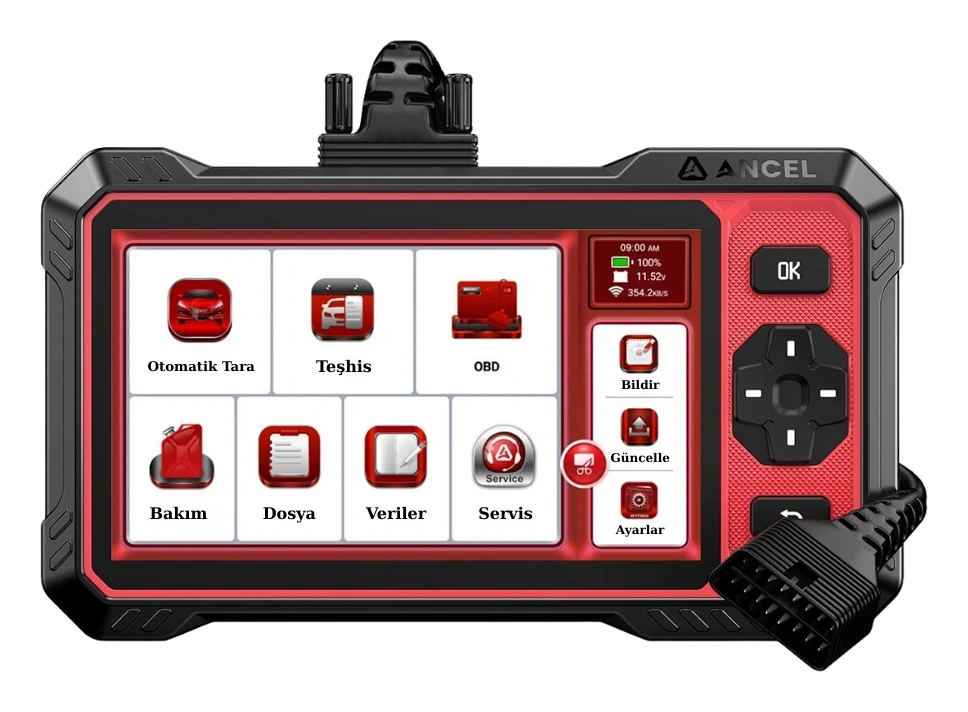
Ancel DS410 Lite is a wired service device with full system diagnostics, active testing, and CAN FD support. The device includes lifetime free updates.
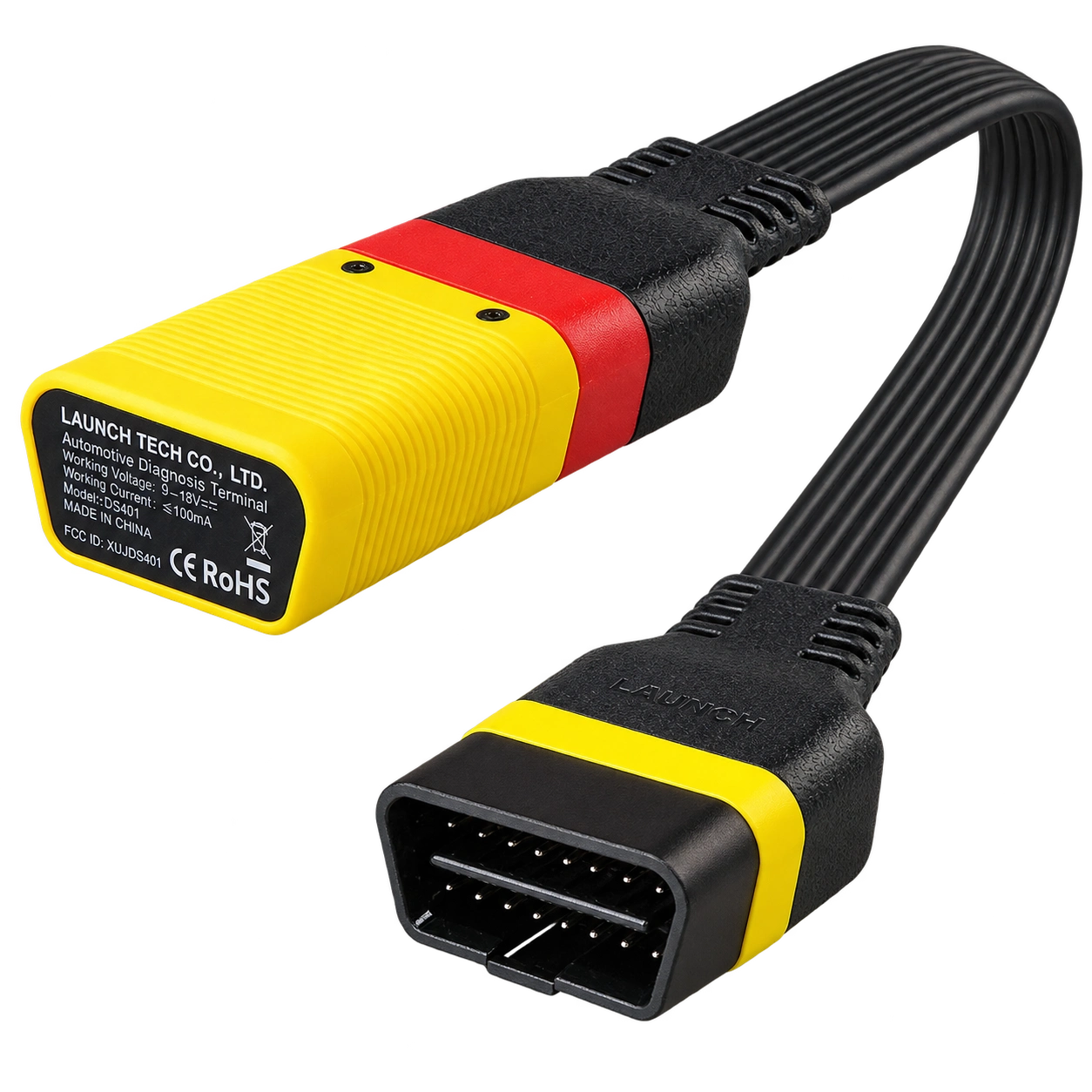
Launch EasyDiag 3.0 is a compact OBD-II diagnostic adapter that works with compatible Android or iOS devices via Bluetooth. Operations such as fault code reading, live data, and reporting on supported vehicles vary according to the scope of the software and brand license.