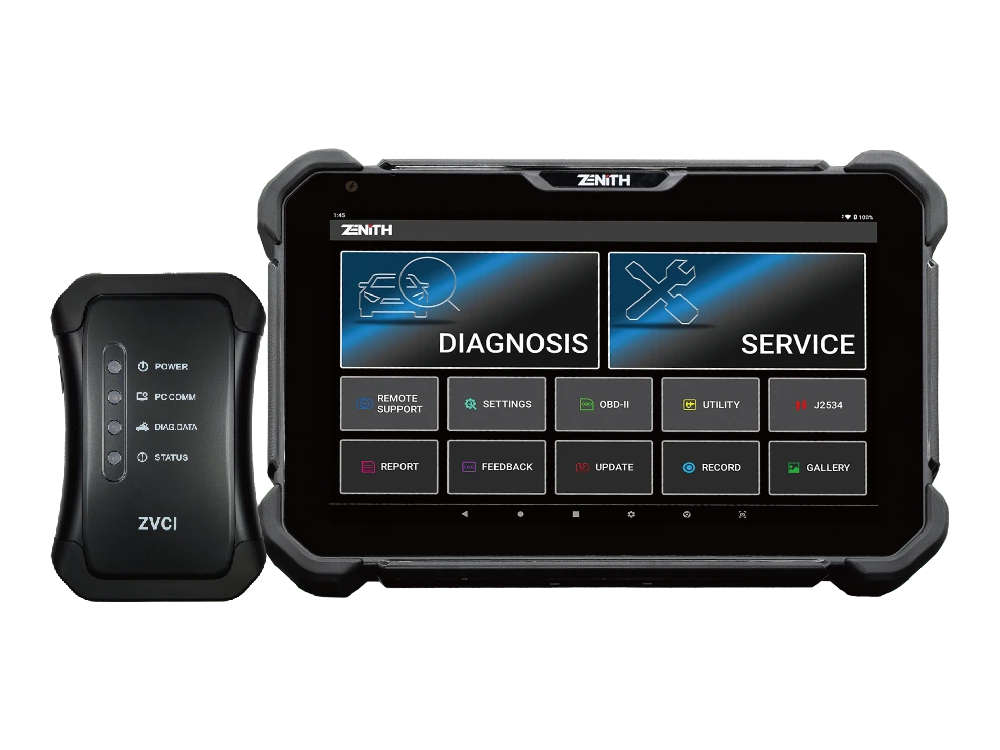
Official Zenith Z7 Lite and ZVCI1; English main menu
Official Zenith Z7 Lite and ZVCI1; English main menuZ7 Lite angled front view; no Chinese or Korean screen usedRear body, NFC area, and charging contact pointsZVCI1 wireless vehicle interface included in the Lite Kit
Zenith · Vehicle Diagnostic Tools
Zenith Z7 Lite Diagnostic Tool
Zenith Z7 Lite combines a 10.1-inch FHD tablet, wireless ZVCI1, system topology, bi-directional testing, EV and hybrid battery data, and Z7 AI tools.
The Zenith Z7 Lite is a professional diagnostic tablet combining a 10.1-inch FHD screen with a wireless ZVCI1 vehicle communication interface. It uses Android 11, a 2.2 GHz octa-core processor, 4 GB RAM, 64 GB storage, and a 5,800 mAh battery.
It supports topology map, bi-directional testing, EV and hybrid battery data, Z-ASSIST, AI Advisor, and AI Translation software workflows. The official Lite page does not feature the explicit CAN FD, DoIP, and J2534 feature blocks found in the Z7 Pro; these three functions must be verified separately for the ZVCI1 revision.
What would you buy this for?
Multi-brand services that want to work with a wireless VCI around the vehicle
Technicians who want to view control units on a 10.1-inch screen with a topology map
Independent workshops that regularly accept Korean and Japanese vehicles
Teams that include battery data in diagnostic sessions for supported EV and hybrid vehicles
Featured diagnostic features
Vehicle and Operation Coverage
ZVCI1 hardware revision
DoIP and CAN FD scope
Lite package contents
Vehicle Coverage
Which vehicles does the Zenith Z7 Lite Diagnostic Tool support?
The make name alone does not guarantee compatibility. Within the same make, model year, engine, chassis, control unit, communication protocol, and intended operation can yield different support results.
Vehicle Group
Passenger cars and light commercial vehicles included in the product software
Supported makes
Multi-brand coverage; the current make list is obtained from the manufacturer's official vehicle or protocol database.
Supported models
Verified from the official coverage screen based on make, model, model year, engine or chassis, and control unit.
Scope of service
Code reading, live data, active test, service function, coding, and programming may be supported separately.
Connection conditions
Vehicle and function scope, ZVCI1 hardware revision, DoIP and CAN FD scope, Lite package contents
The make and model examples on the page do not guarantee all production years and all functions.
Before any definitive operation, the manufacturer's current coverage record must be verified with the VIN or full vehicle information.
The Z7 Lite tablet communicates wirelessly with the ZVCI1, which connects to the vehicle's DLC port. The technician can carry the tablet screen around the engine bay, driver's seat, or service bench. System scanning, fault codes, live data, active tests, and maintenance menus are used within the same vehicle session.
Wireless connection does not eliminate the physical DLC cable; the ZVCI1 connects to the vehicle socket with the main cable. The initial report is saved before clearing, and the connection status is monitored throughout the operation. If the vehicle has a security gateway, user account, or online authorization requirements, these are separate conditions.
Wireless tablet–ZVCI1 communication
Full system scan and live data
Bi-directional active test
Supported maintenance and coding menus
Product details
10.1-inch screen and 5,800 mAh battery
The official technical sheet specifies a 10.1-inch screen with 1920x1200 resolution, Android 11, a 2.2 GHz octa-core processor, 4 GB RAM, and 64 GB storage. The 5,800 mAh battery aids portability around the vehicle during wireless operation.
The rear hand strap supports single-handed holding; the stylus is one of the listed standard accessories. The hardware values provide ample working space for report viewing, topology, and multi-live data display. On busy days, the battery level is checked at the start of the shift, and long software operations are performed with external power.
Screen
10.1-inch, 1920x1200 FHD
Processor
2.2 GHz octa-core
Memory
4 GB RAM / 64 GB storage
Battery
5,800 mAh
Vehicle interface
ZVCI1
Product details
How does topology view visualize faults?
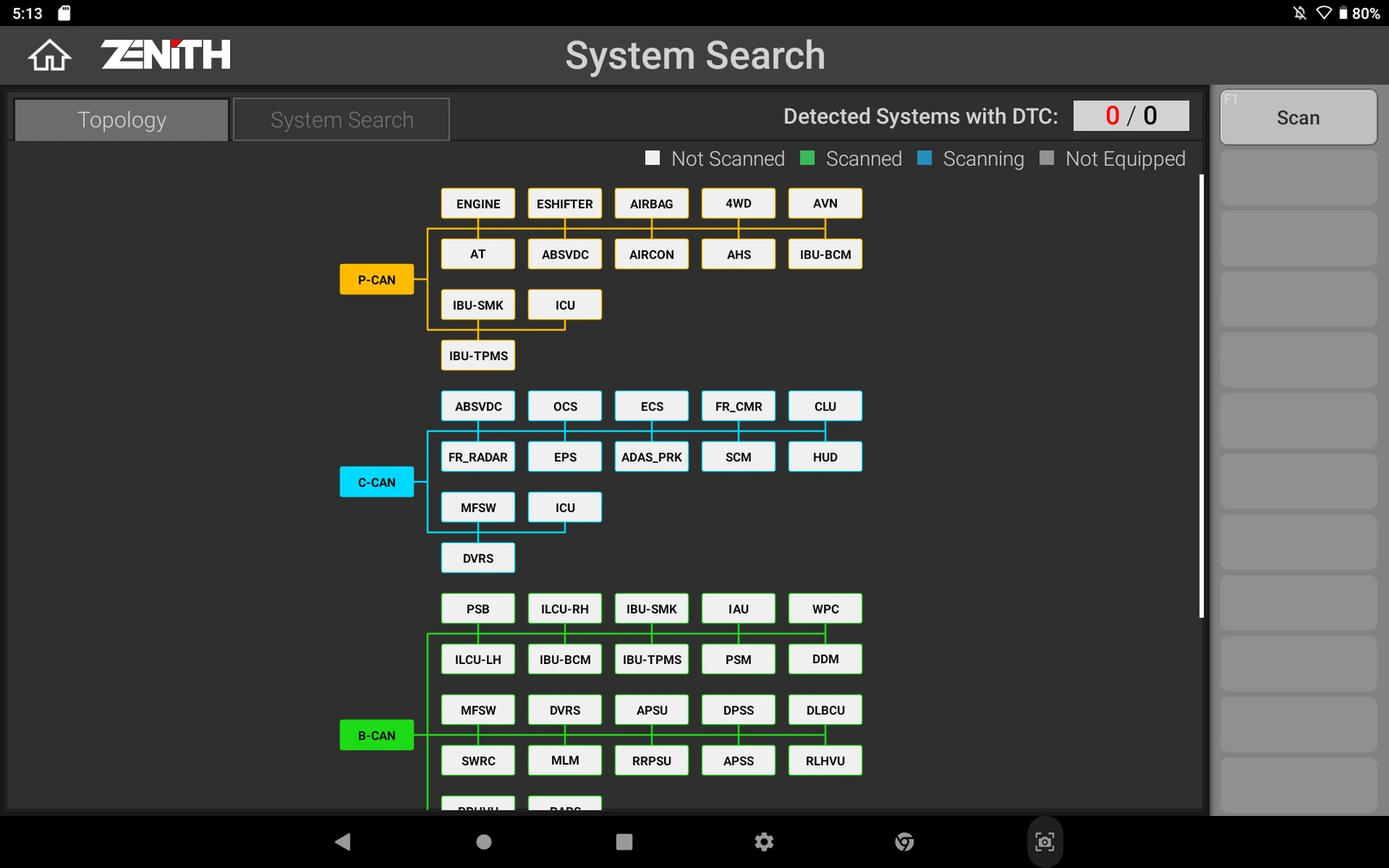
The topology view aggregates the ECUs accessible by the software and their network relationships in a visual map. Modules that are communicating, have fault records, or are unresponsive can be examined on a single screen.
This map does not automatically prove component failure; it provides a starting point for investigating gateways, power supplies, common communication lines, and issues affecting multiple modules. The technician first saves the general scan, then proceeds to systems related to the customer's complaint. After repair, the topology is scanned again and compared with the initial record.
For an unresponsive module, vehicle hardware and software scope must also be checked.
Product details
Limitations of AI Advisor, Z-ASSIST, and AI Translation
EZDS offers Z-ASSIST in the Z7 software for DTC description, symptoms, possible causes, and repair steps; AI Advisor for transitioning from supported fault codes to relevant live data, active tests, and special functions; and AI Translation aims to translate English DTC, sensor, and actuation texts into the selected language.
These tools can speed up the diagnostic sequence but do not replace measurement, circuit diagrams, and OEM procedures. Artificial intelligence output varies based on vehicle, ECU, software version, and online content scope. Critical writing and security operations must be verified from manufacturer service information.
Z-ASSIST: DTC description and diagnostic steps
AI Advisor: Transition to relevant data and tests
AI Translation: Technical text translation
Results must be verified with physical measurement and OEM procedures
Product details
EV/HEV battery data and 24 V Asian commercial vehicles
The manufacturer lists BMS data such as SOC, SOH, battery voltage, current, and cell temperature for electric and hybrid vehicles for the Z7. This data is useful for examining the battery's operating status on the diagnostic screen; it does not provide authorization or isolation safety for physical intervention on high-voltage components.
Trained personnel, personal protective equipment, and the vehicle manufacturer's safe shutdown procedure are required separately. The Lite version is also introduced with support for Asian light and medium-duty commercial 24 V vehicles. Both scopes are checked based on brand, model, year, system, and the required physical adapter.
Product details
ZVCI1 protocol confirmation and Lite Kit contents
The official page for the Lite Kit lists the Z7 tablet, ZVCI1, main DLC cable, AC/DC adapter, rear hand strap, and stylus. The charging stand and Z7 carrying case are in the optional accessories section.
Although the technical protocol list on the same page includes ISO-13400, the explicit CAN FD, DoIP, and J2534 feature blocks found in the Z7 Pro are not present on the Lite page. Therefore, these protocols are not offered as standard features without verifying the delivered ZVCI1 part number and software version.
If the need is based on these functions, the Z7 Pro should be compared directly.
Standard: tablet, ZVCI1, and main DLC cable
Standard: adapter, hand strap, and stylus
Optional: charging stand and carrying case
Written confirmation of ZVCI1 is required for CAN FD, DoIP, and J2534
Product details
What are the prominent purchasing questions for the Z7 Lite in forums?
In foreign technician forums, the most frequently asked questions about the Z7 family concern system depth in Hyundai and Kia, software differences between South Korean domestic market vehicles and export vehicles, FCA security gateway access, update and warranty periods, region and account transfer for used devices, and differences compared to Launch and Autel tablets.
On Turkish pages, price, local support, Turkish usage, and package contents are prominent. The critical distinction for the Z7 Lite is the ZVCI1: if CAN FD, DoIP, and J2534 are required, check the delivered part number and written scope rather than relying on verbal generalizations.
Vehicle and protocol scope with ZVCI1
Hyundai/Kia depth and Korean domestic market vehicles
FCA SGW account and online authorization conditions
Update, warranty, region, and used account transfer
Product details
Scenario 1: Scanning the entire network with topology
Verified English topology screen from the official EZDS Z7 Lite page
During vehicle acceptance, VIN and model are verified, ZVCI1 connection indicators are checked, and topology scanning is initiated. Modules with error indicators are noted; a distinction is made between a single unresponsive ECU and multiple disconnections on a common network line. The initial map and report are saved before clearing codes.
Live data and physical measurements are taken for modules related to the complaint. After repair, a new topology scan is obtained under the same operating conditions, and the two records are compared.
Product details
Scenario 2: Safe operation during wireless active testing
It is verified that the ZVCI1 DLC cable remains stable while the tablet is carried around the vehicle. Before activating an active test for a fan, pump, or valve, a safe area is established away from moving and hot parts. The command screen and physical response are monitored simultaneously.
The wireless tablet provides convenience for the technician; it does not automatically ensure test safety. If the connection quality drops, write or calibration operations will not be initiated. The result is added to the service record with vehicle voltage and feedback data.
Product details
Scenario 3: Examining EV battery data
On a supported electric vehicle, safety training and vehicle procedures are applied first. In the diagnostic session, BMS data is accessed; SOC, SOH, total voltage, current, and cell temperatures are recorded under the same conditions. A single abnormal value is not a direct decision for component replacement.
Ambient temperature, charge status, related DTCs, and manufacturer tolerances are evaluated. The tablet only provides diagnostic data; opening the battery pack or working on high-voltage lines requires separate equipment and authorization.
Product details
Scenario 4: Narrowing down the test path with AI Advisor
After scanning, a supported DTC is selected, and the live data or active test connections suggested by AI Advisor are examined. The technician compares the suggestion with the complaint, circuit diagram, and measurement results. Irrelevant tests are not performed; OEM procedures are opened for write and calibration steps.
Artificial intelligence output is not used as a definitive fault judgment in the service report. The benefit is reaching relevant data and test areas without wasting time navigating through scattered menus.
Product details
How is the vehicle coverage for the Z7 Lite Diagnostic Tool model verified?
Definitive compatibility for the Z7 Lite Diagnostic Tool model cannot be stated without selecting the vehicle brand, model, year, engine, ECU, and intended operation together. The applicable scope for the Z7 Lite Diagnostic Tool is checked via the full ECU ID and connection method in the protocol list of the delivered device.
When evaluating the Z7 Lite Diagnostic Tool, the mere presence of the vehicle brand or model in the list does not prove that reading, writing, cloning, or any other operation is supported.
Before ordering, prepare the VIN or full model information, model year, engine/chassis distinction, and intended operation for the Z7 Lite Diagnostic Tool model; software version, license duration, VCI, adapter, and regional package must also be checked.
Z7 Lite Diagnostic Tool model: Prepare brand, model, model year, and engine/chassis information
Z7 Lite Diagnostic Tool model: Select desired system and operation separately; read, live data, active test, coding, or programming
Z7 Lite Diagnostic Tool model: Verify ECU and function line on the official coverage vehicle
Z7 Lite Diagnostic Tool model: Check VCI, cable, adapter, license, and regional package conditions
Z7 Lite Diagnostic Tool model: Perform final check with VIN and manufacturer procedure before definitive operation
Product details
Which nearby products is the Z7 Lite Diagnostic Tool model compared with?
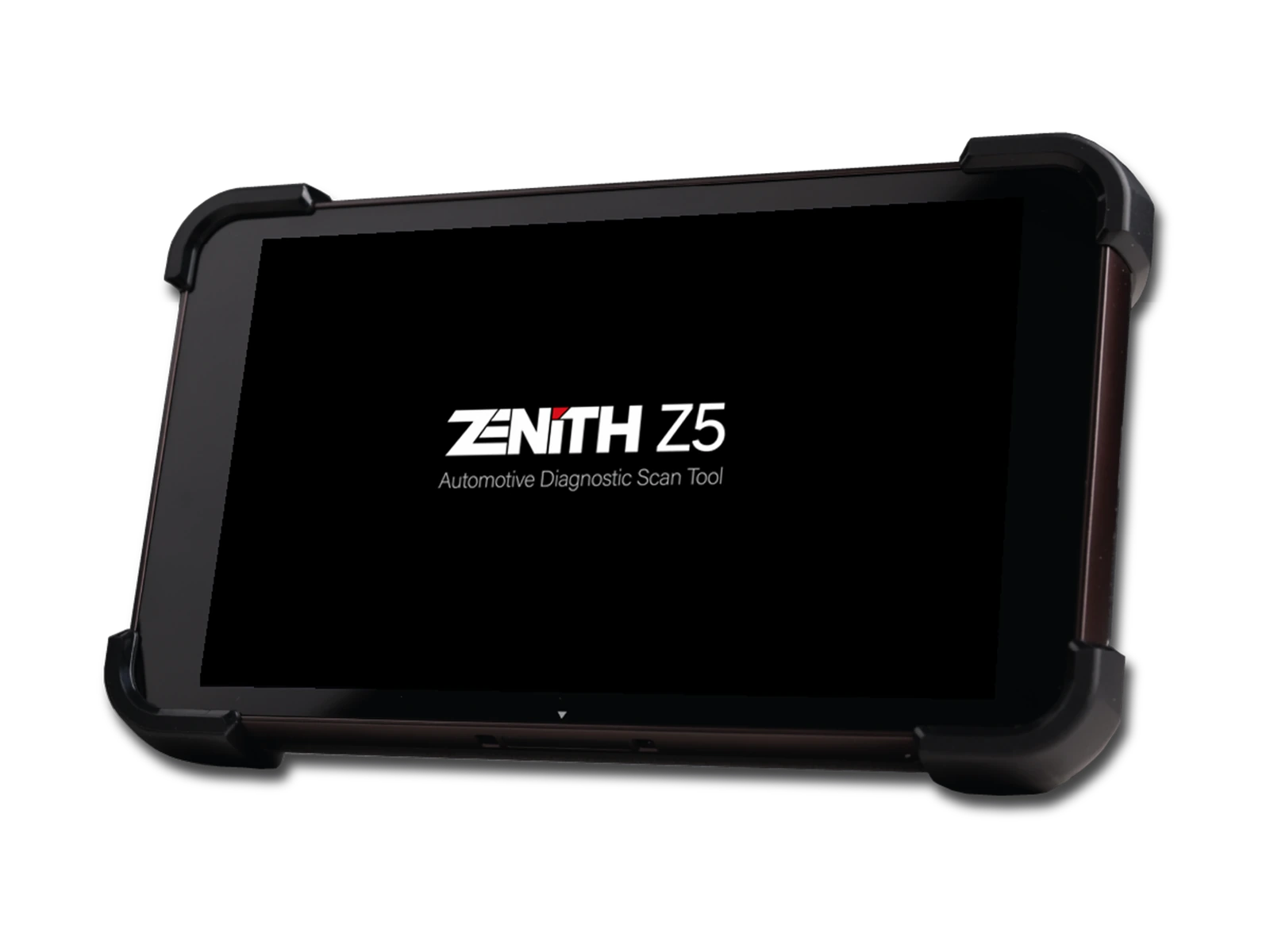
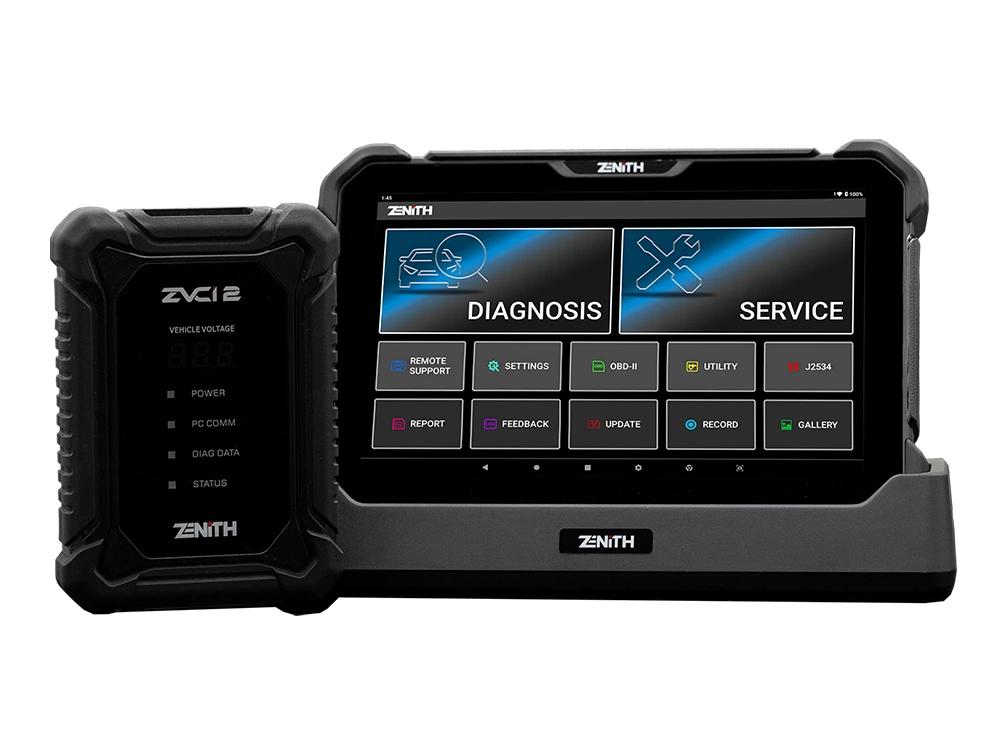
The choice between the Z7 Lite Diagnostic Tool model, Zenith Z5 Diagnostic Tool, and Zenith Z7 Pro Diagnostic Tool is made based on differences in supported functions, connectivity, and packages.
The Z5 is a compact and wired service tablet, the Z7 Lite is a large-screen option equipped with wireless ZVCI1, and the Z7 Pro is a ZVCI2 package with clearly verified CAN FD, DoIP, and J2534 functionalities. The selection is based not only on the model name but also on vehicle connectivity, next-generation protocol needs, and accessories provided in the standard package.
Vehicle and operation scope, ZVCI1 hardware revision, DoIP and CAN FD scope, and Lite package contents are the primary selection criteria for the Z7 Lite Diagnostic Tool model.
The connectivity method, protocol support, software scope, and additional modules of the devices compared with the Z7 Lite Diagnostic Tool model are not the same. The vehicle and ECU support required for multi-system vehicle control is read from the manufacturer's current list published for the Z7 Lite Diagnostic Tool model.
A device that does not offer the required function or connection for multi-system vehicle control on the Z7 Lite Diagnostic Tool model is not suitable for this service task, even if it is more comprehensive in other areas.
Zenith Z5 Diagnostic Tool: full system scan and bi-directional active test
Zenith Z7 Pro Diagnostic Tool: CAN FD and DoIP communication and J2534 Pass-Thru
Frequently asked questions about the Zenith Z7 Lite Diagnostic Tool
What is the screen size of the Zenith Z7 Lite?
The official technical page specifies a 10.1-inch and 1920x1200 pixel FHD screen.
Does the Z7 Lite work wirelessly?
Yes. The tablet communicates wirelessly with the ZVCI1 interface in the vehicle; the ZVCI1 connects to the vehicle socket with the main DLC cable.
Does the Z7 Lite support CAN FD and DoIP?
The Lite page lists the ISO-13400 protocol but does not feature the explicit CAN FD and DoIP capability found in the Pro model. The software scope with the ZVCI1 part number must be verified.
Is J2534 Pass-Thru available?
The official global Lite page does not explicitly list a J2534 Pass-Thru feature. If this function is mandatory, the ZVCI1 revision must be verified with documentation.
What does AI Advisor do?
It aims to provide a transition from supported DTCs to relevant live data, active tests, and special functions. Results are verified with OEM procedures and physical measurements.
Does it display EV battery data?
The manufacturer lists BMS data such as SOC, SOH, voltage, current, and cell temperature. Access on a per-vehicle basis depends on software scope.
Are the charging stand and case included?
The official Lite Kit page lists the charging stand and carrying case as optional accessories.
Can it be used on 24 V vehicles?
The manufacturer specifies support for Asian light and medium-duty commercial 24 V vehicles. Vehicle, system, and adapter scope must be checked separately.
Is the Z7 Lite as deep as a dealer device for Hyundai and Kia?
OEM device equivalence cannot be claimed for all vehicles and operations. Zenith has strong coverage for Korean and Japanese vehicles; however, VIN, model year, ECU, and the intended active test or coding must be verified from the current list.
Does it support South Korean domestic market vehicles?
ECU, software, and model codes may differ between domestic market and export vehicles. Vehicles must be checked not only by brand name but also on a VIN and system basis.
How does it work with FCA Security Gateway vehicles?
The official Lite page lists FCA SGW access via AutoAuth. A valid AutoAuth account and relevant subscription are required; the device's SGW feature does not substitute for the account.
What are the update and warranty periods for the Z7 Lite?
The global Lite page does not solely determine the Turkish update and warranty period for this sales package. The period, start date, and renewal fee must be written on the seller's document before the invoice.
What should be checked when buying a used Z7 Lite?
Serial number, registered country and account, device lock status, update end date, ZVCI1 part number, and local support rights must be verified in writing.
When is the Z7 Lite a more suitable choice compared to Launch or Autel?
There is no single winner across brands. The distinct difference of the Z7 Lite is its topology, wireless ZVCI1 usage, and Z7 software tools; the decision should be based on system coverage for vehicles regularly serviced, required protocols, package, and local support.
Is the menu entirely in Turkish?
The manufacturer announces the AI Translation feature for technical text translation into the selected language. The extent to which Turkish is enabled in menus and data fields in the delivered software should be checked on the device.
Comparison
Similar models to the Zenith Z7 Lite Diagnostic Tool
Compare products in the same class with information on usage level, service tasks, and price.
Zenith Z5 combines an 8-inch FHD screen, wired DLC connection, full system scan, bi-directional test, 24V commercial vehicle communication, and J2534 interface in a compact service tablet.
Zenith Z7 Pro offers a 10.1-inch FHD tablet, wireless ZVCI2, CAN FD, DoIP, J2534, topology, bi-directional testing, and Z7 AI tools with a professional service package.
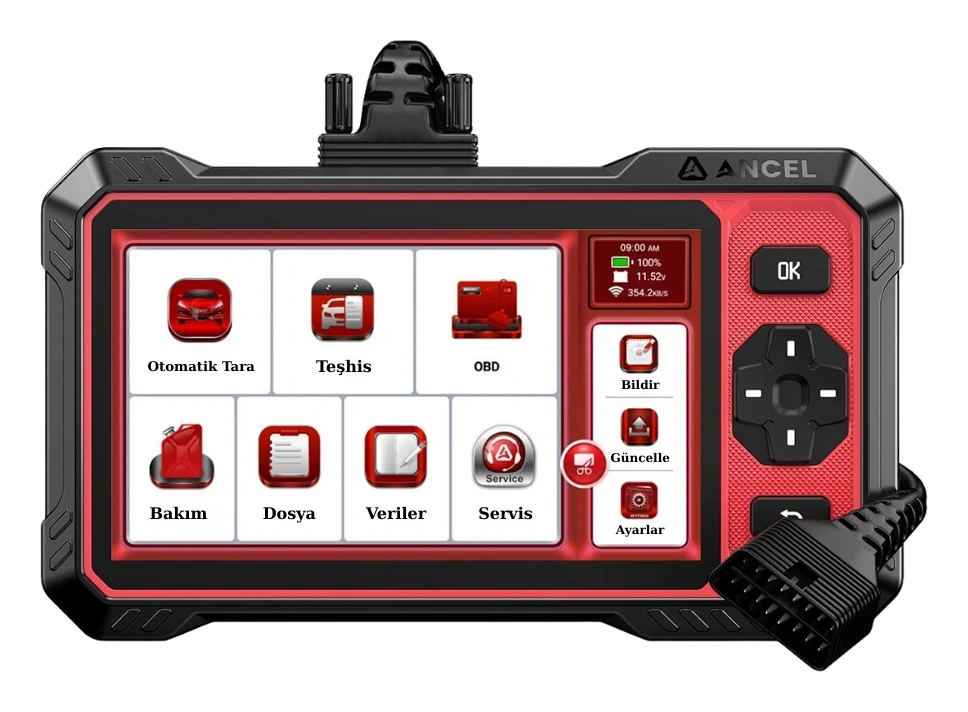
Ancel DS410 Lite is a wired service device with full system diagnostics, active testing, and CAN FD support. The device includes lifetime free updates.
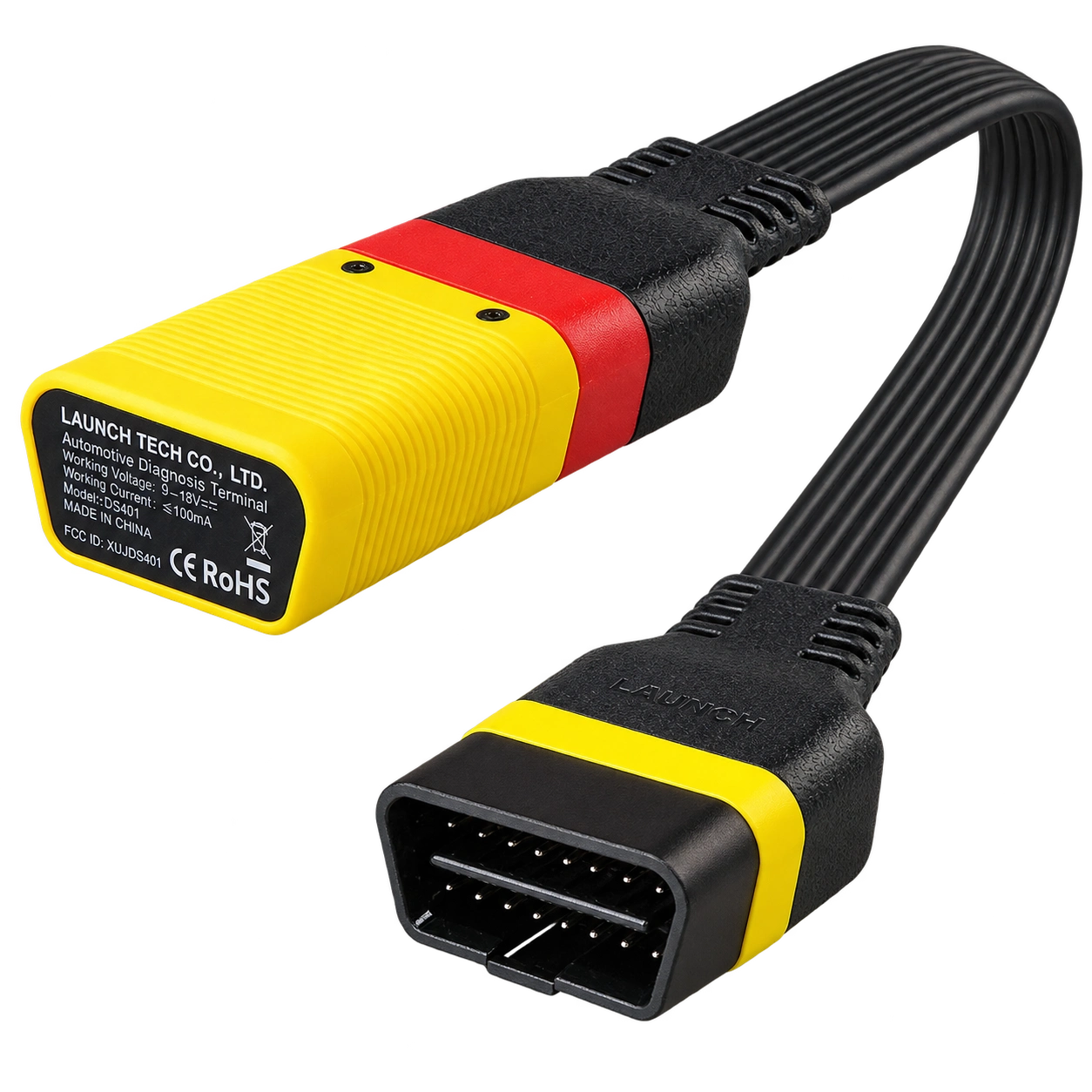
Launch EasyDiag 3.0 is a compact OBD-II diagnostic adapter that works with compatible Android or iOS devices via Bluetooth. Operations such as fault code reading, live data, and reporting on supported vehicles vary according to the scope of the software and brand license.