Decision guide
Before searching for VAG-COM, verify the package contents
The term VAG-COM may not be used with the same meaning by different sellers. Some listings describe only the cable, some the PC software and interface package, and some solutions limited to specific vehicle years. Therefore, before purchasing, the product contents, supported vehicle year, and the intended task should be verified in writing.
Control unit scanning, fault codes, live data, and supported service functions on Volkswagen, Audi, Seat, and Skoda vehicles may vary depending on the vehicle year and interface type.
Simply opening the software does not indicate correct communication with the vehicle. The interface, driver, port settings, and vehicle model year must also be compatible.
Decision guide
Use a compatible Windows and the correct interface during installation
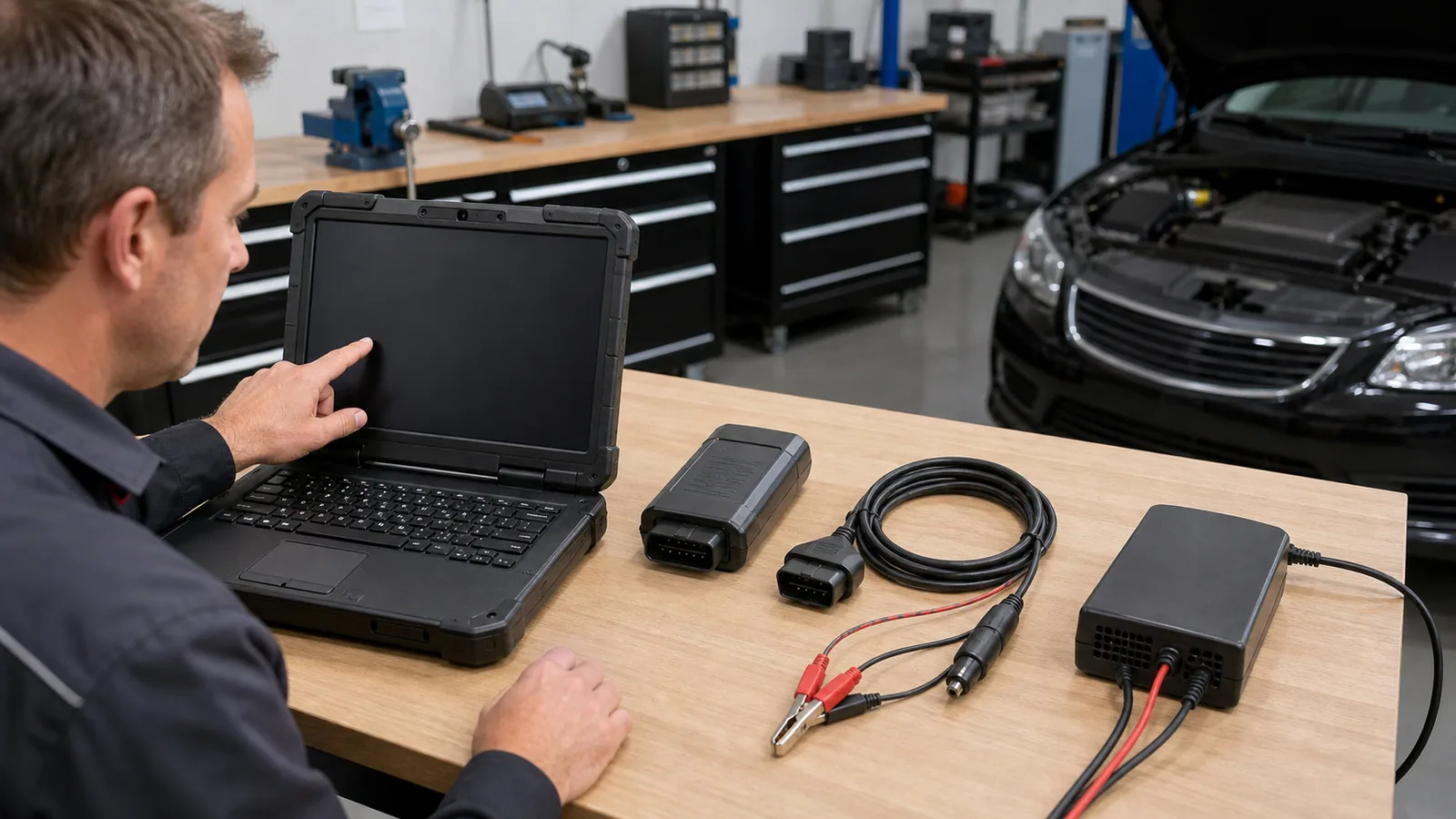
For VAG-COM installation, first verify the Windows computer's version compatibility, USB driver, and the interface to be used. After installation, connect the interface, select the port, and test initial communication with the vehicle using a low-risk read operation.
Environments that restrict software installation, such as Windows S mode, should also be checked. Do not expect the program to see the vehicle before the USB driver is installed.
Virtual machines or incompatible USB drivers can affect connection stability. Power saving and USB connection on the service computer should also be verified before the task.
- Compatible Windows
- Correct USB driver
- Compatible interface
- Vehicle year check
Decision guide
Verify initial connection with Options and Test step
After the interface is connected between the computer and the vehicle and the ignition is turned on, the communication port is selected from the settings screen within the program. Scanning or writing operations are not performed without a successful test.
A successful test confirms that the interface is recognized by the computer and the communication channel is working. Settings are saved with Save.
If the vehicle battery is weak, long scans or coding may be interrupted. For operations involving writing, appropriate power support and a rollback record should be prepared.
Decision guide
Vehicle year and security layer change the scope of the task
Support for the vehicle brand does not mean that all coding and adaptations are enabled for all model years. In new VAG vehicles, security layers like SFD may limit certain modification operations.
Even if read functions work on new vehicles, some modifications may be subject to security authorization.
Before purchasing, the vehicle brand, model, year, engine, control unit, and the intended task should be documented. Compatibility should be checked against these records.
Decision guide
VAG-COM, ODIS, and multi-brand tablet are not the same for Volkswagen
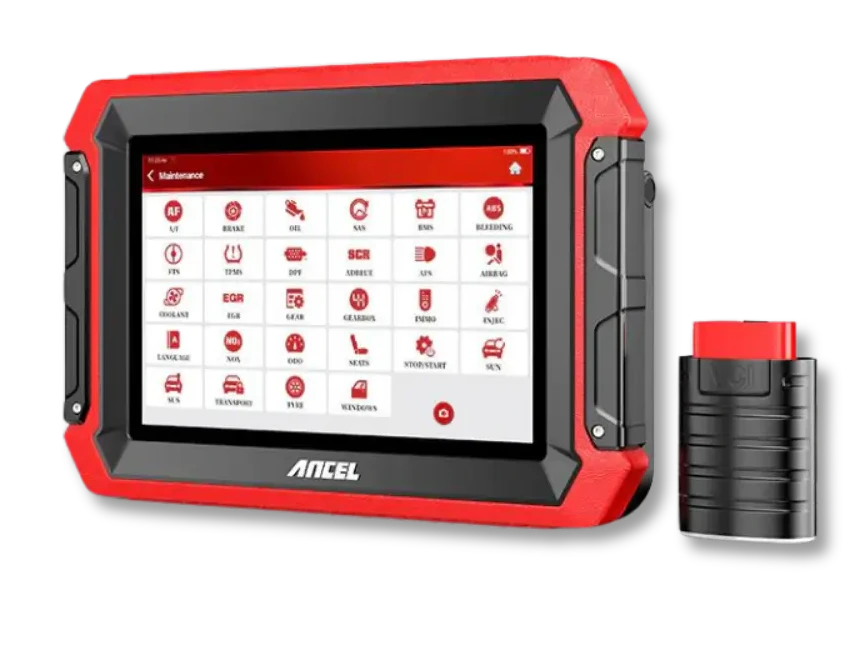
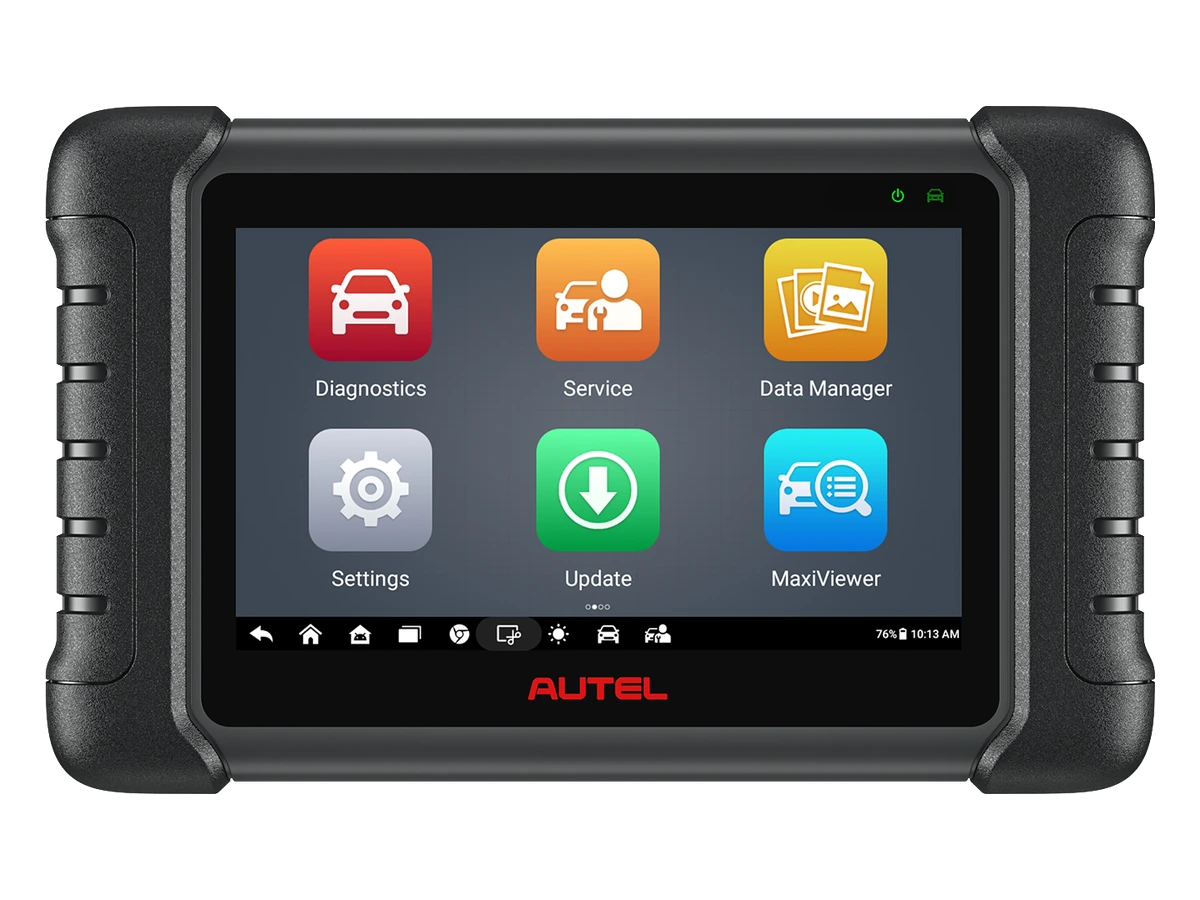
A user looking for a Volkswagen diagnostic device should first clarify their objective: PC-based VAG-COM use on VAG vehicles, the official service/diagnostic process of the Volkswagen Group like ODIS, or a multi-brand service tablet that also services different brands?
VAG-COM is evaluated with a focus on PC interface and Windows computer. On the ODIS side, separate access topics such as independent service support for the Volkswagen Group, technical information, GeKo, security, and component protection may be found. The goal with a multi-brand service tablet is often fast scanning, service functions, live data, reporting, and broad brand coverage.
Selecting a product solely as a 'VW diagnostic device' without making this distinction is risky. A device may perform basic code reading but may not be sufficient for online security, module replacement, software updates, or brand-specific programming processes. Otobiltek addresses this by providing a guide that directs users to the correct device class based on the task level, rather than promising specific device capabilities.
- VAG-COM: PC interface + Windows
- ODIS: Official VW service process
- Multi-brand tablet: Broad workshop use
Decision guide
VAG-COM and multi-brand service tablet are different needs
VAG-COM is a distinct need for VAG Group and Windows-based operation. A service that works on different brands can consider a multi-brand tablet for full system scanning, active tests, service functions, and reporting.
The need for a single vehicle or VAG expertise should be separated from the need for a multi-brand workshop. The selection is made based on the operating system used and the list of vehicles arriving at the service.
This page is solely a decision guide for VAG-COM and Volkswagen Group device selection; it does not offer official service software or authorization.
Frequently Asked Questions
Most frequently asked questions by customers
Does VAG-COM work with every OBD cable?
No. Communication with the vehicle requires a compatible PC interface, the correct USB driver, program settings, and vehicle year support.
Does VAG-COM work on a Mac computer?
These types of PC-based solutions generally expect a Windows environment. Virtual machines and incompatible USB drivers can reduce connection stability.
Does VAG-COM unlock all coding on new VAG vehicles?
No. Model year, control unit, and security layers like SFD can alter coverage.
When selecting a Volkswagen diagnostic device, is VAG-COM or ODIS required?
It depends on the task. VAG-COM is a PC/interface-centric solution; ODIS is associated with the official service processes of the Volkswagen Group. A multi-brand service tablet is evaluated separately for general scanning, live data, and service functions on supported vehicles.
Is VAG-COM sufficient for multi-brand service?
It can be considered for VAG-focused use; for different brands and extensive service functions, a multi-brand device should be considered separately.