Product information
What does the VAGCOM HEX V2 Hidden Feature Activation Device do?
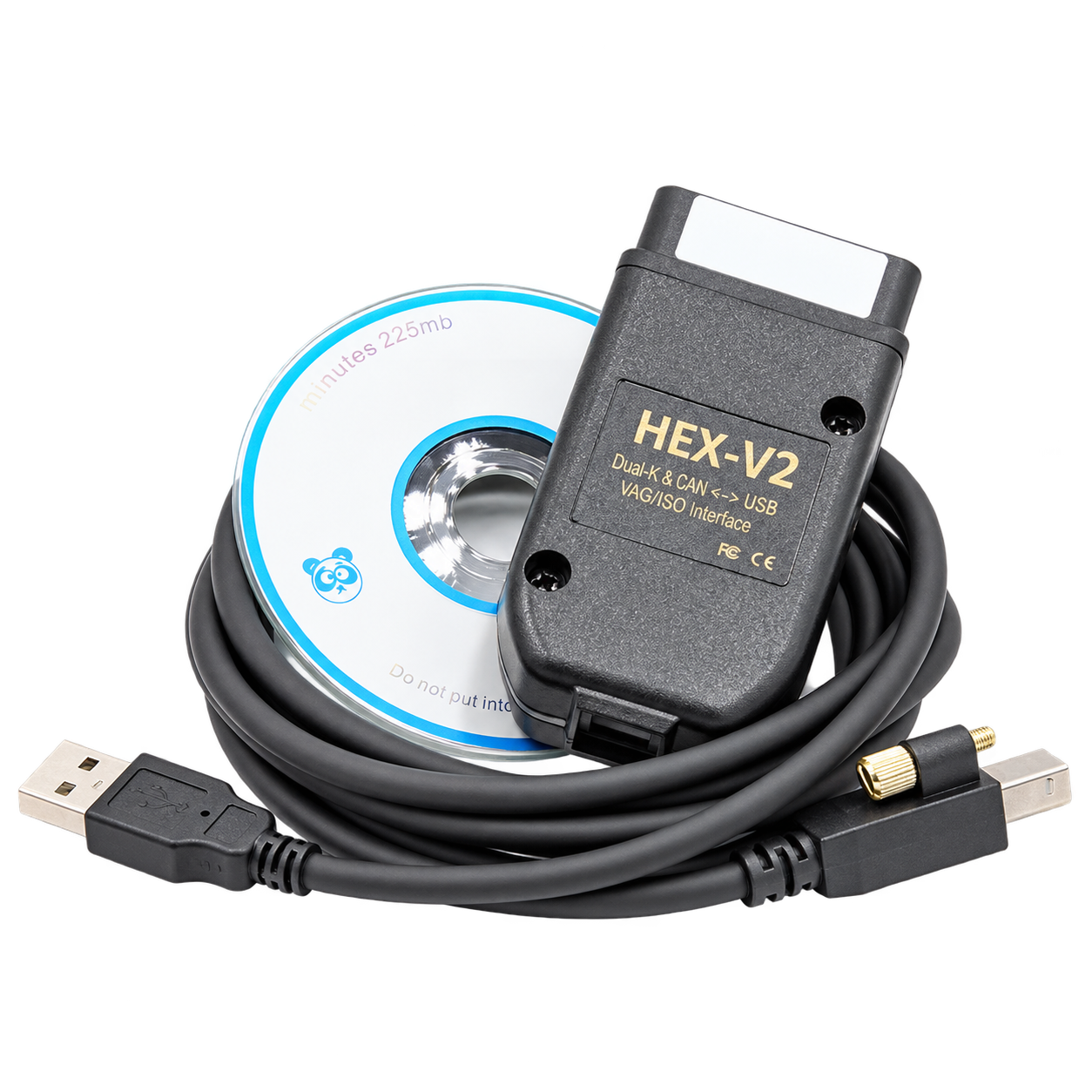
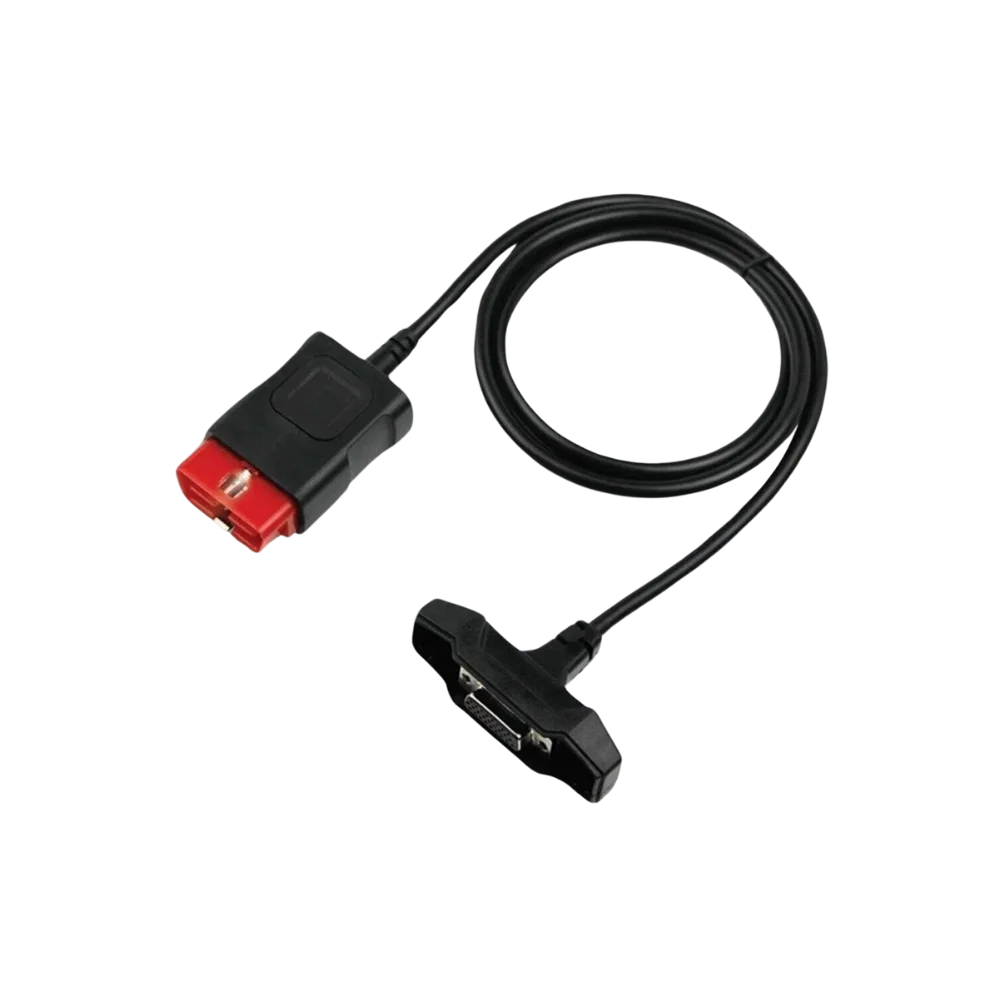
The VAGCOM HEX V2 Hidden Feature Activation Device is a generic PC interface cable that works via a Windows computer on compatible vehicles in the Volkswagen, Audi, SEAT/Cupra, and Škoda groups.
Fault code reading, live data, adaptation, or coding coverage is not definitively determined by the cable name alone; vehicle model year, control unit, software variant, and the intended operation must be checked together. This product is not offered as an official manufacturer-licensed system.
Physical Connection Coverage
With which vehicles and devices is the VAGCOM HEX V2 Hidden Feature Activation Device used?
Connecting the cable, adapter, or communication module to the vehicle does not prove that the vehicle is supported by the software. The physical connector, pin layout, main device, and vehicle software must be compatible simultaneously.
- Brand coverage
- Volkswagen Group; Volkswagen, Audi, SEAT, Škoda, and CUPRA according to the product's official list
- Model Coverage
- Platform, model year, control unit, SFD/SGW status, software version, and license plan determine the scope of functions.
- Main unit
- VCI, tablet, or diagnostic interface specified in the product name and technical resources
- Physical check
- Brand-model-year and control unit, Windows and USB connection, Operation to be performed, Actual product variant and package contents
- This product does not add new software, licenses, or service functions to the main device.
- Do not force connection without verifying the pin structure.
Open official sources and coverage connectionsProduct details
What is the Generic HEX V2 VAGCOM interface used for?
The Generic VAG-COM interface is used to establish a wired communication between a compatible VAG vehicle and a Windows computer. In supported software and vehicle combinations, fault code reading, clearing some codes, viewing live data, and specific service operations can be performed.
The version written on the cable or the phrase "hidden feature" alone does not indicate that the same function will work on all vehicles.
- Wired connection with a Windows computer
- Fault code and live data in compatible modules
- Vehicle-based coverage check before operation
Product details
How is compatibility checked before ordering?
For compatibility, the Volkswagen group brand, full model, production year, engine or engine code, system to be checked, and the operation to be performed must be provided together. Different control units can exist within the same model name.
Therefore, a question like "Does it fit a Golf?" or "Does it work on an Audi?" is not sufficient to provide a definitive operational result.
- Brand and full model
- Production year and engine information
- System to be checked
- Need for fault reading, live data, adaptation, or coding
Product details
Windows and USB connection
This generic interface works with a computer connection. The Windows version, USB port, software installation, and the interface being recognized by the computer must be checked before the initial connection. Windows S mode, virtual machines, incompatible drivers, or power-saving settings can affect connection stability; the actual requirements of the variant being sold must be verified with the seller.
- Windows computer
- USB connection and port check
- Driver/software installation
- Initial communication test
Product details
How is the Generic HEX V2 installed?
On Generic HEX V2 interfaces, hardware, driver, and compatible software versions can vary under the same product name. Therefore, first match the hardware/software version on the product label with the provided installation information and use only software explicitly stated for this interface and obtained from a legal source.
Ross-Tech states that the current VCDS version is for licensed Ross-Tech interfaces and that the driver for third-party interfaces must be provided by the interface provider; the official current VCDS download should not be assumed to work with this generic product.
- 1. Compare the hardware/software version on the product label with the provided installation information.
- 2. Install the compatible software and, if necessary, the USB driver on the Windows computer's local disk; do not use unknown or modified installation files.
- 3. Connect the interface directly to the computer's USB port and check if it is recognized in Windows Device Manager without any warning icons.
- 4. Park the vehicle safely, maintain stable battery voltage, and insert the interface into the vehicle's OBD socket without forcing it.
- Turn on the ignition; before starting the engine, select the correct USB or COM connection from the software's Options/Settings section.
- Verify interface and vehicle communication with the test button, save the successful result. Do not proceed if a short circuit or voltage error is observed.
- Perform a full vehicle scan or read-only as the first operation; do not apply changes without saving the report and current coding values.
Product details
Why are hidden feature activation processes vehicle-specific?
The operations referred to as hidden features depend on the vehicle's control unit, hardware level, current coding, and software support. A setting seen on one vehicle may not be available on another model year or with a different hardware package. Current coding should be saved before the operation, and progress should be made in a way that allows changes to be reverted.
- Control unit and hardware check
- Current coding record
- Supported operation verification
- Reversion plan before change
Product details
How to perform coding with VAGCOM?
Coding begins with a full vehicle scan. After saving the results, the relevant control unit is opened, the current Coding or Adaptation value is read, and only a single supported change is applied. After the operation, an ignition cycle, function test, and re-scan are performed. If the on-screen description does not match the vehicle hardware, the operation should not be forced.
- Keep the battery and computer connection stable throughout the process
- Save Auto-Scan and current coding/adaptation values
- Open the Coding, Long Coding, or Adaptation screen in the relevant control unit
- Apply a single change and read the result; if there is an error, revert to the original value
- Test the function and check fault codes with a final scan
Product details
How to find VAG codes and hidden feature names?
Information shared on the internet as "VAG code" is not always a single number. Some are byte/bit options within Long Coding, some are Adaptation channels, and some are vehicle-specific settings unlocked after Security Access.
Therefore, the following headings should be considered as example names used to search for the correct menu, not as fixed codes or guaranteed addresses.
- Instrument cluster greeting / Needle Sweep — mostly instrument cluster module
- Coming Home / Leaving Home — lighting or central electrical module
- Automatic locking / unlocking — central locking or door module
- Mirror tilting in reverse — relevant door/comfort module and hardware
- Daytime running light behavior — lighting module and vehicle hardware
Product details
Important warnings before coding
Even within the same model name, different model years, software versions, and control units may exist. For example, a "Coming Home" or needle sweep setting seen on one vehicle may not be found on another.
Random code changes should not be made in Airbag, immobilizer, brake, steering, emission, and safety systems; for operations requiring part replacement, security access, or online authorization, follow the authorized service procedure.
- Do not copy fixed byte/bit values to another vehicle
- Verify the full vehicle model, model year, module address, and current coding together
- Do not change values without a reversion record
- Write operations on new vehicles requiring SFD or other security authorization are not guaranteed
Product details
What it does, what it doesn't do?
With compatible vehicles and software, fault code reading, live data, and some coding/adaptation operations may be possible. A generic cable alone does not guarantee manufacturer-specific online service access, security authorization, software updates, or programming across all modules. Security layers and operational limits on new vehicles must be checked separately.
- May be possible: fault code, live data, some adaptations
- Not guaranteed: all hidden features and all model years
- Not a product: online manufacturer service access or authorization
Product details
Box contents and product variant
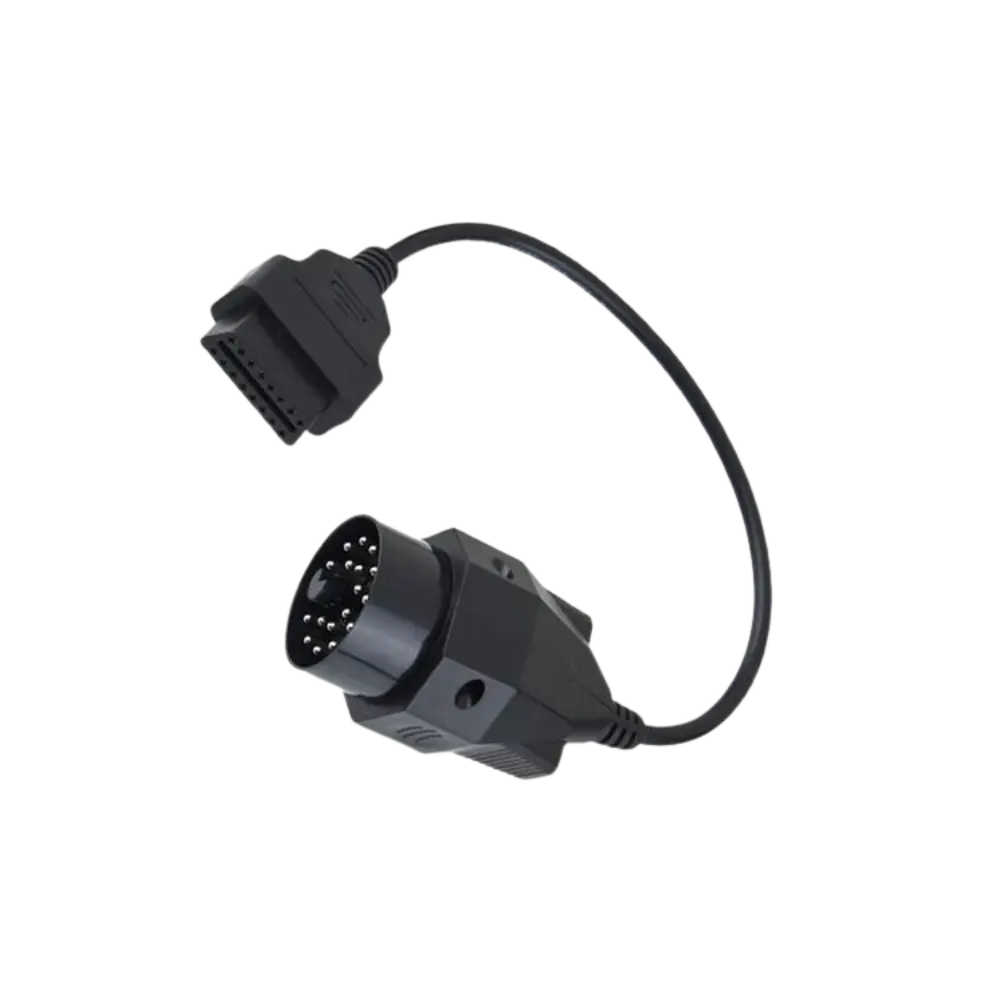
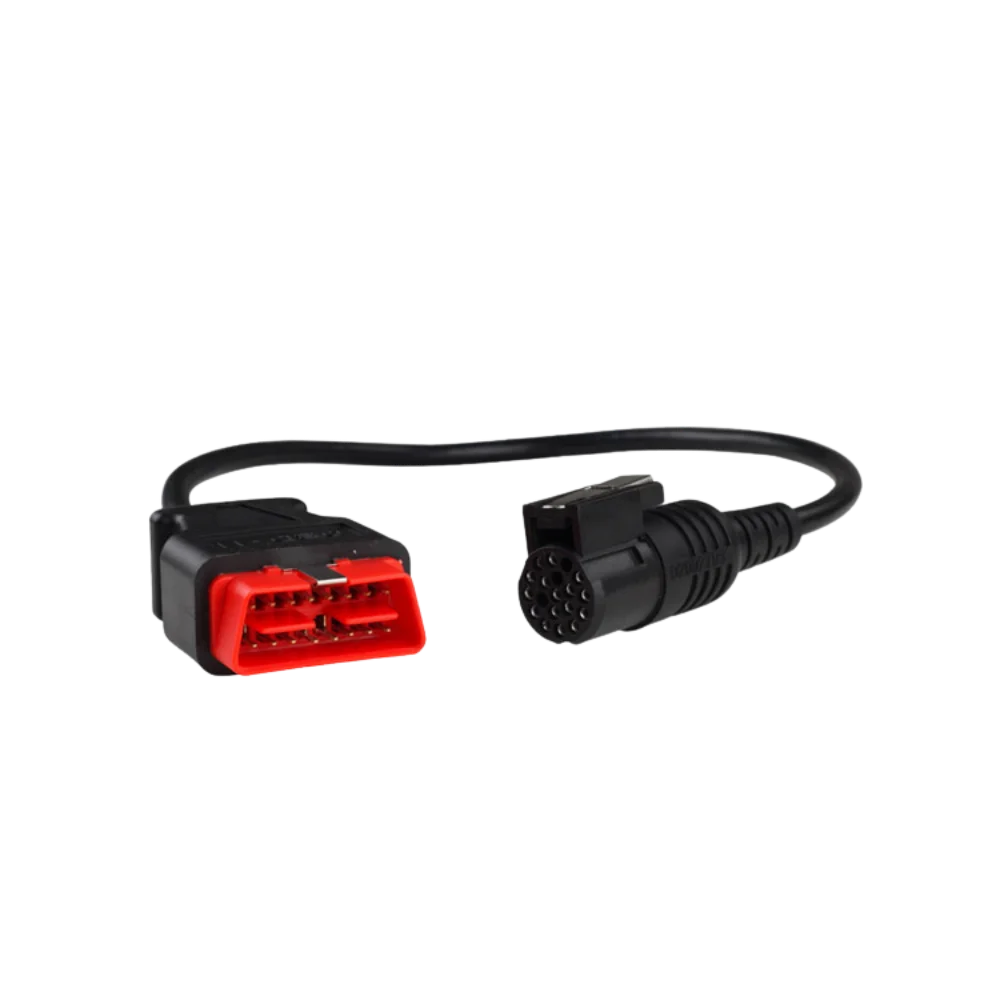
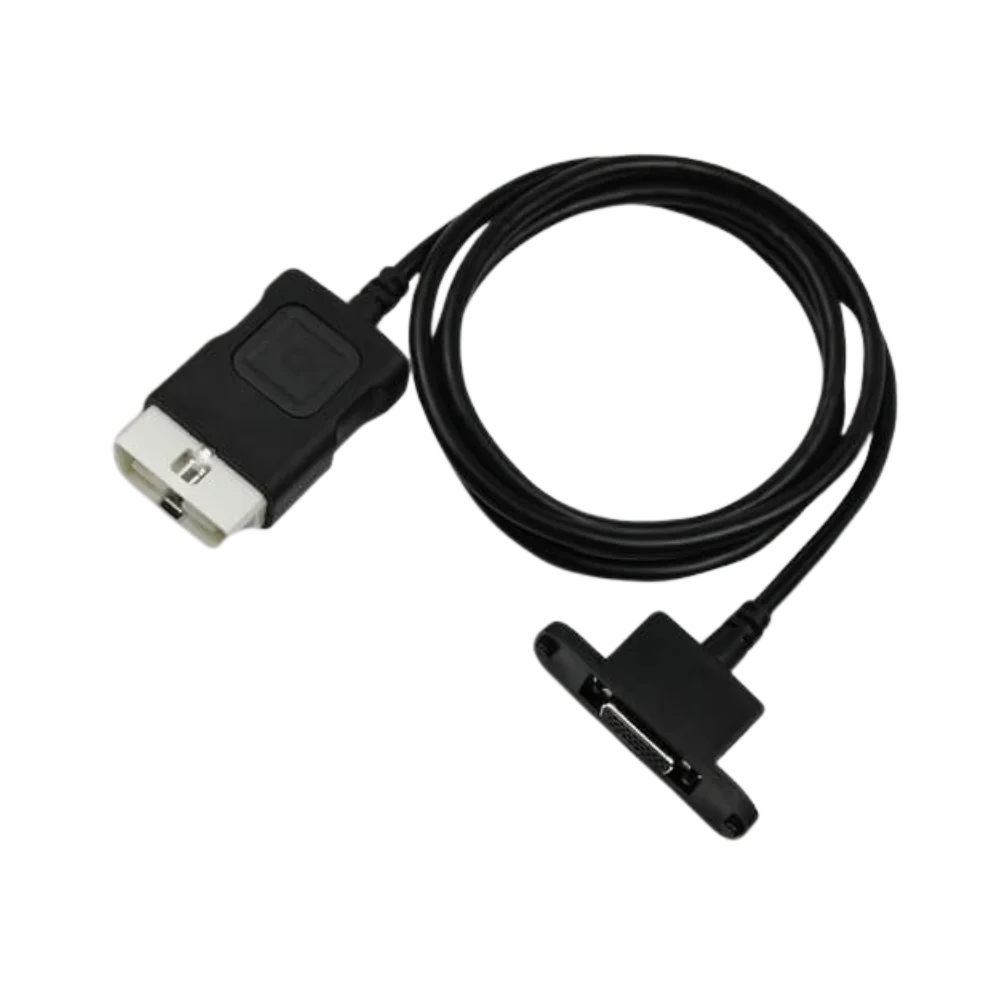
For generic VAG-COM products, the cable body, USB connection, OBD connection, and software delivery method may vary by seller. The representative image on this page does not replace the actual variant. Before ordering, the product photo, connection type, software version, box contents, warranty, and support conditions must be confirmed in writing.
- Actual product photo
- USB and OBD connection type
- Software delivery method
- Warranty and installation support
Product details
Connecting the main device and vehicle socket with the VAGCOM HEX V2 Hidden Feature Activation model
Before using the VAGCOM HEX V2 Hidden Feature Activation model, compare the connectors on the main device and vehicle side. The main device model is matched with the connection cable label for the two connectors and pin layout. If the connection cable has a bent pin, cracked sheath, or loose connector, the service connection will not be established.
After the connection cable is inserted without force, perform a short read test. Record the communication result, specifying the device and vehicle socket used with the connection cable.
- Compare the two connectors and pins
- Verify brand-model-year and control unit information
- Connect the cable without forcing
- Perform a short communication test
Product details
Check cable and pins in case of communication issues with the VAGCOM HEX V2 Hidden Feature Activation model
When communication cannot be established with the VAGCOM HEX V2 Hidden Feature Activation model, first verify the power at the vehicle socket and that the main device is working. Re-examine the pins on the connection cable, the cable sheath, and the connector orientation. The connection cable should be briefly compared with a known compatible device or vehicle connection.
If the connection cable cannot communicate despite the correct main unit model, vehicle socket, and connector structure, add a screenshot of the error screen and photos of the two connectors to the service record. At the end of the task, disconnect the connection cable by holding the connector housing and store it without coiling at a sharp angle.
- Check power in the vehicle socket
- Inspect cable sheath and pins
- Perform comparison test on a known connection
- Record connection with error screen
Product details
Which nearby products is the VAGCOM HEX V2 Hidden Feature Activation model compared with?
The choice between the VAGCOM HEX V2 Hidden Feature Activation model and the OBDeleven 3 OBD2 Fault Detection and Coding Device, VAS5054A VAG Fault Detection Device, VAS 6154 Type Volkswagen ODIS Fault Detection and Programming Device, and VNCI 6154A Volkswagen ODIS Fault Detection and Programming Device is made based on supported functions, connection, and package differences.
The VAGCOM HEX V2 Hidden Feature Activation model establishes the physical communication line between the compatible main device and the vehicle or module. Compare the brand-model-year and control unit, Windows and USB connection, the intended operation with the actual product variant and box contents, as well as the connector type, pin layout, and cable length.
The OBDeleven 3 OBD2 Fault Detection and Coding Device, VAS5054A VAG Fault Detection Device, VAS 6154 Type Volkswagen ODIS Fault Detection and Programming Device, and VNCI 6154A Volkswagen ODIS Fault Detection and Programming Device may be prepared for different vehicle sockets or service connections.
The VAGCOM HEX V2 Hidden Feature Activation model only performs the physical connection function; it does not add vehicle brand or service functions to the main device's software.
- OBDeleven 3 OBD2 Fault Detection and Coding Device: read, delete fault codes, live data from phone, and manual coding and adaptation with appropriate plans on Volkswagen Group vehicles
- VAS5054A VAG Diagnostic Tool: diagnostics in older VAG vehicles and PC connection via USB-A to mini USB cable
- VAS 6154 Type Volkswagen ODIS Fault Detection and Programming Device: ODIS-based diagnostics and testing and adaptation on supported control units in Volkswagen Group vehicles
- VNCI 6154A Volkswagen ODIS Fault Detection and Programming Device: ODIS-based diagnostics on Volkswagen Group vehicles and CAN FD and DoIP communication on supported vehicles
Product details
VAGCOM HEX V2 Hidden Feature Activation model package and connection information
The VAGCOM HEX V2 Hidden Feature Activation model package includes only the cable or adapters specified by name and quantity in the box contents. The brand-model-year and control unit, Windows and USB connection, and the intended operation are compared with the physical part upon product delivery. The presence of a diagnostic tablet or vehicle software in the package is not assumed.
If the VAGCOM HEX V2 Hidden Feature Activation model requires a main device, the compatible device family will be specified separately. The warranty for the VAGCOM HEX V2 Hidden Feature Activation model is valid only within the scope of the purchased physical product and the described conditions.
- VAGCOM HEX V2 Hidden Feature Activation model physical connection part
- Connector and pin structure
- Quantity and cable length, if applicable
- Compatible main device family