Product information
What does the Delphi DS150E Compatible OBD2 Main Cable do?
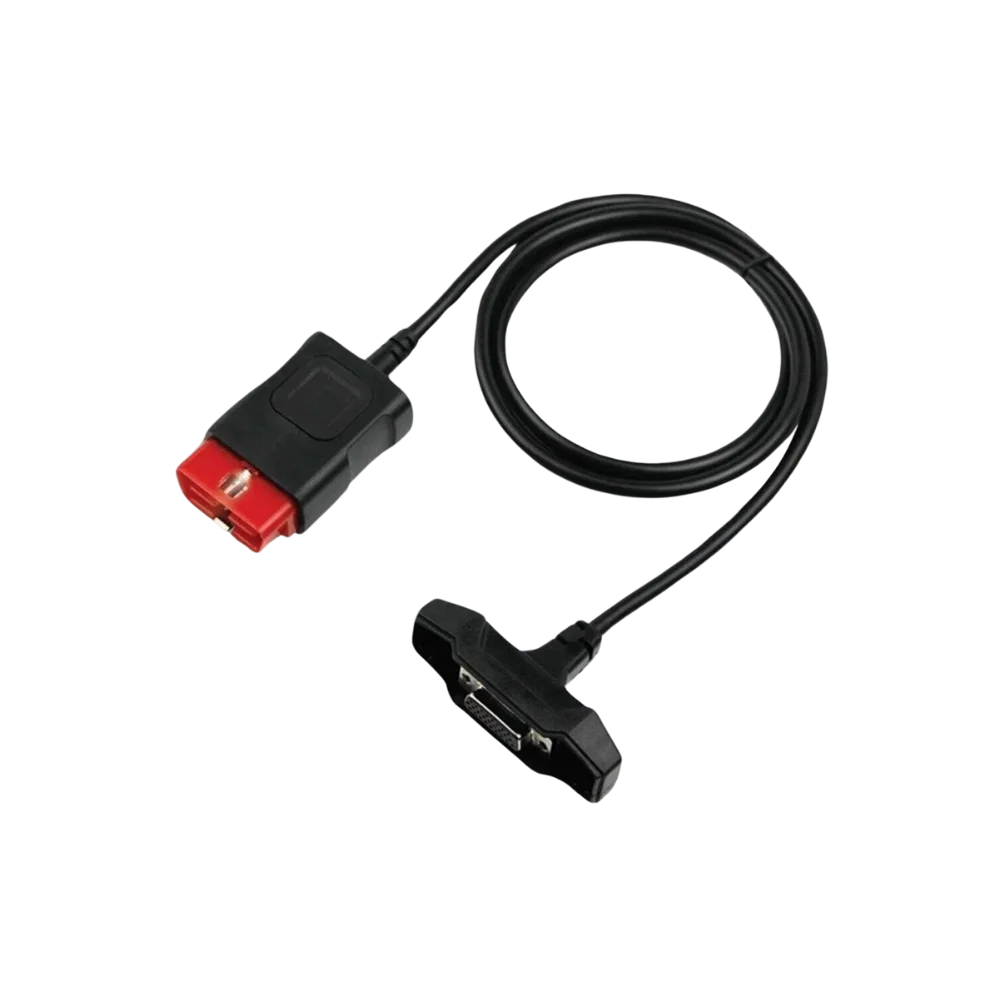
This red-tipped cable establishes a physical connection between a compatible VCI in Delphi DS150E format and the vehicle socket. Since the source images do not show manufacturer serial numbers or original Delphi supply records, the product is offered as an aftermarket compatible cable.
Physical Connection Coverage
What vehicles and devices is the Delphi DS150E Compatible OBD2 Main Cable used with?
Connecting the cable, adapter, or communication module to the vehicle does not prove that the vehicle is supported by the software. The physical connector, pin layout, main device, and vehicle software must be compatible simultaneously.
- Brand coverage
- There is no fixed brand list specific to the cable; the compatible main device and vehicle socket are used as a basis.
- Model Coverage
- Vehicle model and model year are verified separately in the main device's current coverage list.
- Main unit
- VCI, tablet, or diagnostic interface specified in the product name and technical resources
- Physical check
- Red OBD2 connector shape, VCI side connector and screws, Pin layout, Absence of originality claim
- This product does not add new software, licenses, or service functions to the main device.
- Do not force connection without verifying the pin structure.
Open official sources and coverage connectionsProduct details
Red OBD2 end and VCI connector
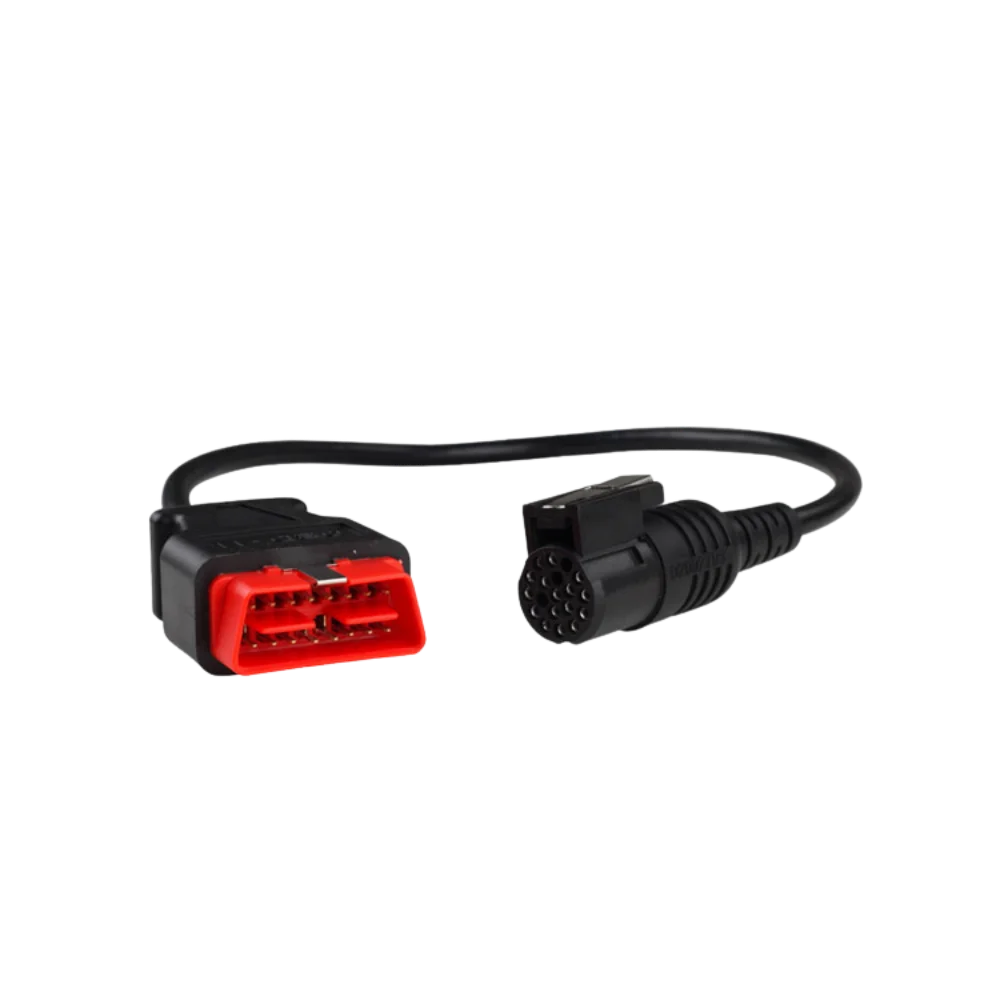
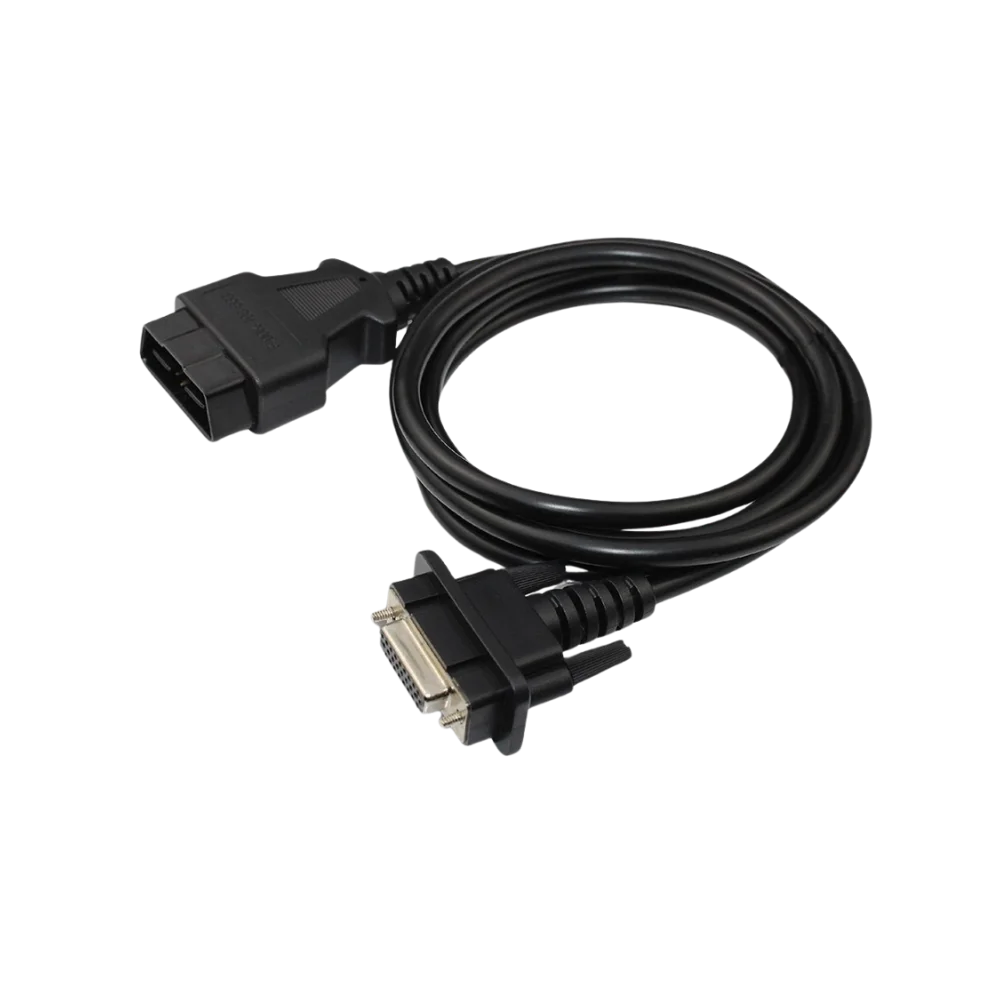
Three actual product photos show the red-bodied 16-pin vehicle connector, the black cable, and the metal fastening points on the device side. Which lines are connected inside the cable cannot be verified from the photo alone.
- 16-pin red OBD2 vehicle end
- VCI side locking connector
- Single-piece black cable
Product details
Pre-connection check with DS150E
Delphi official sources state that genuine and non-genuine DS150E hardware may differ. Instead of relying on the device's external appearance, the connector body, screw spacing, pin layout, and existing cable should be compared.
- Examine the trapezoidal orientation of the red OBD2 end
- Match the screws and pins on the metal device plug
- Do not connect a cable with damaged pins to the vehicle
Product details
Sales Scope
The package contains one OBD2 main cable. The DS150E device, computer connection cable, software, activation, updates, and vehicle adapters are not included.
Product details
Delivery Check and Cable Protection
Upon receiving the product, the red OBD2 housing, black cable outer sheath, metal device plug, and two screws are inspected separately. Pins should appear at the same height; the metal plug should not be bent, the plastic part should not be cracked, or the cable should not be detached from the connector.
Before the first attempt, compare the end orientations with the old cable and keep the device turned off. During use, the cable is removed from the OBD socket by holding its body; it is not pulled by the cable. Tight coiling, crushing, and contact with hot engine parts can damage the internal conductors.
When storing the DS150E interface in a bag, the cable should be disconnected from the device and stored in a wide loop. Physical maintenance does not provide software or vehicle coverage; it only helps protect the connection part.
Product details
Scenario: Matching the Red OBD2 End with the Vehicle Socket
If the existing cable for a DS150E type device is lost, do not order based solely on the device name. First, photograph the pin sequence of the metal plug on the interface side and the spacing of the two fastening screws and compare them. Examine the orientation of the red trapezoidal housing on the vehicle side, the 16-pin slots, and the voltage protection section.
The new cable should be inserted without force when the ignition is off; if the plug does not fit completely, the connection should not be attempted. When the ignition is turned on, observe the device's power status and select identity or error code reading as the first test. Pulling the cable or bending it sharply during connection should be avoided as it can cause invisible conductor damage in the molded connector.
Product details
Scenario: Intermittent Communication Fault on Delphi Compatible Device
If some control units appear and disappear during vehicle scanning, the problem is not immediately attributed to the cable. Try another compatible device on the same vehicle socket; then test the same DS150E type interface on a different, known-good vehicle.
Note any retracted pins on the red OBD2 end, bending on the metal device plug, and loose screws. If the result does not change with a new cable, the interface's internal hardware, USB/Bluetooth connection, software version, and the vehicle's communication lines should be examined.
Operations sensitive to interruption, such as programming, should only be considered after read tests have been completed stably several times and the vehicle battery is supported.
Technical Resources
Technical Resources for Delphi DS150E Compatible OBD2 Main Cable
Technical information verified with official sources on October 12, 2026.