Product information
What does the Renault CAN Clip OBD Cable do?
The Renault CAN Clip OBD Cable establishes a physical communication connection between compatible Renault and Dacia vehicle sockets and the CAN Clip/VCI interface. It is not a diagnostic device, CLIP software, or license; accessible modules depend on the scope of the main device, software, and vehicle socket.
Physical Connection Coverage
Which vehicles and devices is the Renault CAN Clip OBD Cable used with?
Connecting the cable, adapter, or communication module to the vehicle does not prove that the vehicle is supported by the software. The physical connector, pin layout, main device, and vehicle software must be compatible simultaneously.
- Brand coverage
- Renault; Dacia if software scope clearly supports it
- Model Coverage
- Vehicle socket, model year, CAN Clip interface, driver, and Renault diagnostic software are verified together.
- Main unit
- VCI, tablet, or diagnostic interface specified in the product name and technical resources
- Physical check
- Physical matching of cable ends, VCI side connector lock, Connector's lock and key orientation, CAN Clip version and software support
- This product does not add new software, licenses, or service functions to the main device.
- Do not force connection without verifying the pin structure.
Open official sources and coverage connectionsProduct details
What does the Renault CAN Clip cable do?
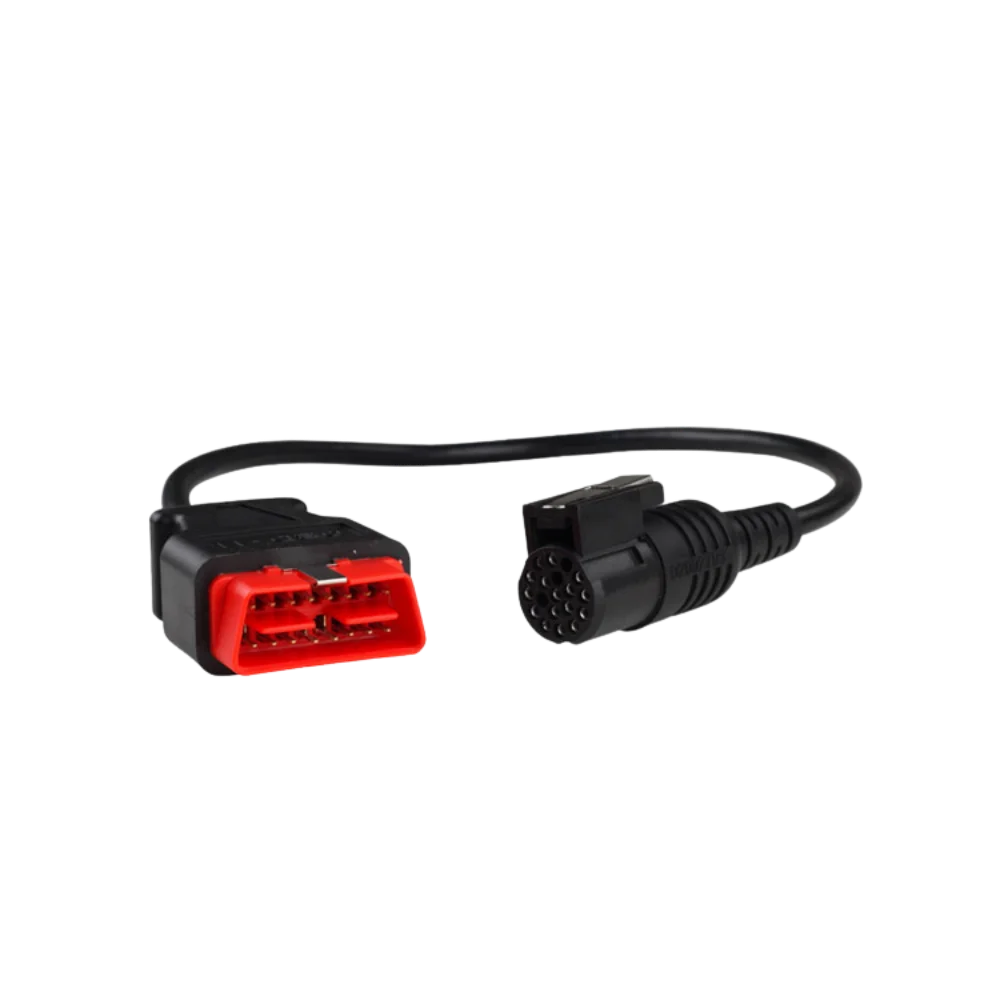
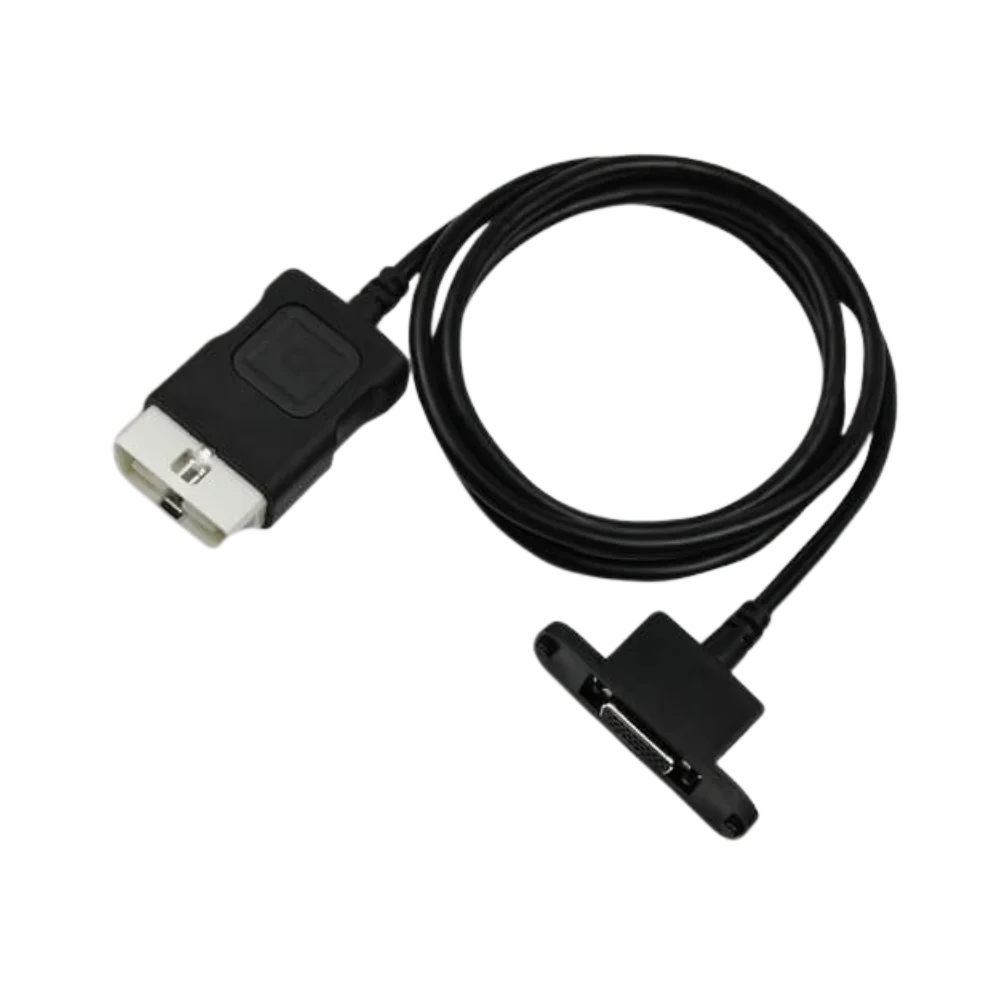
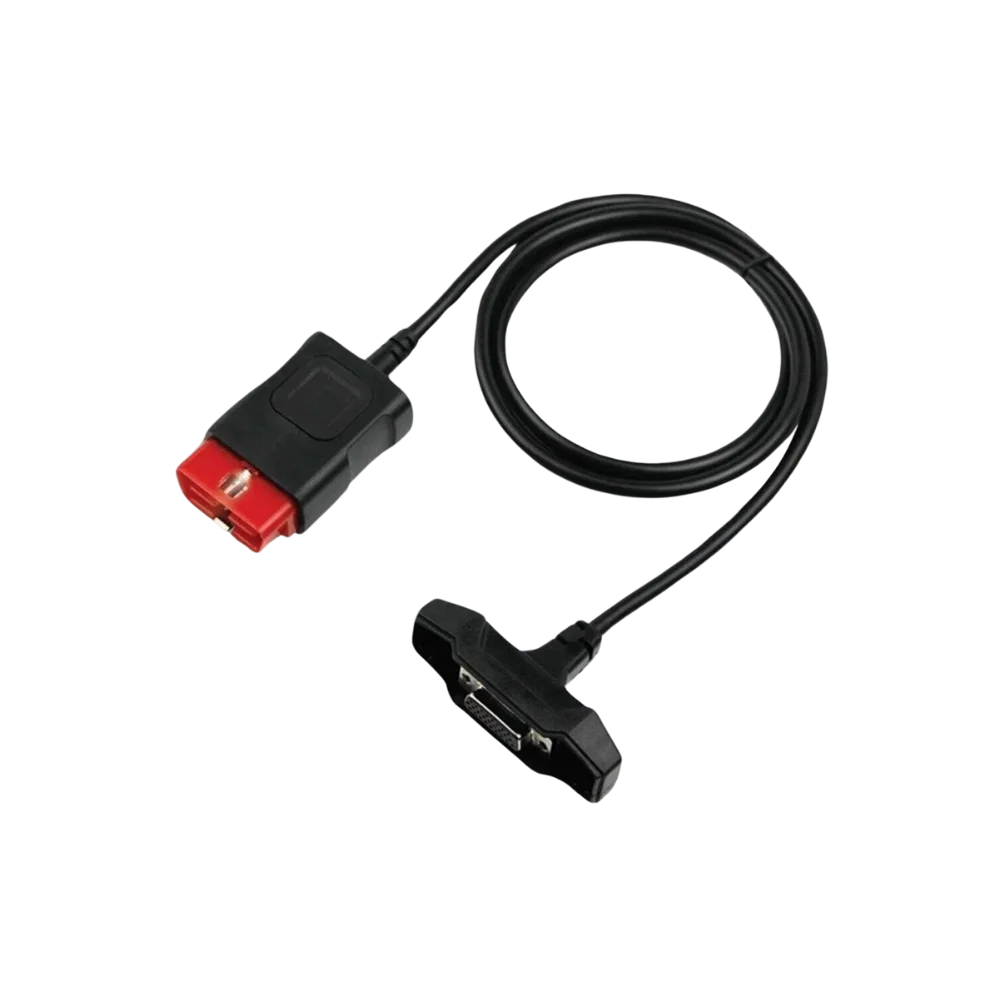
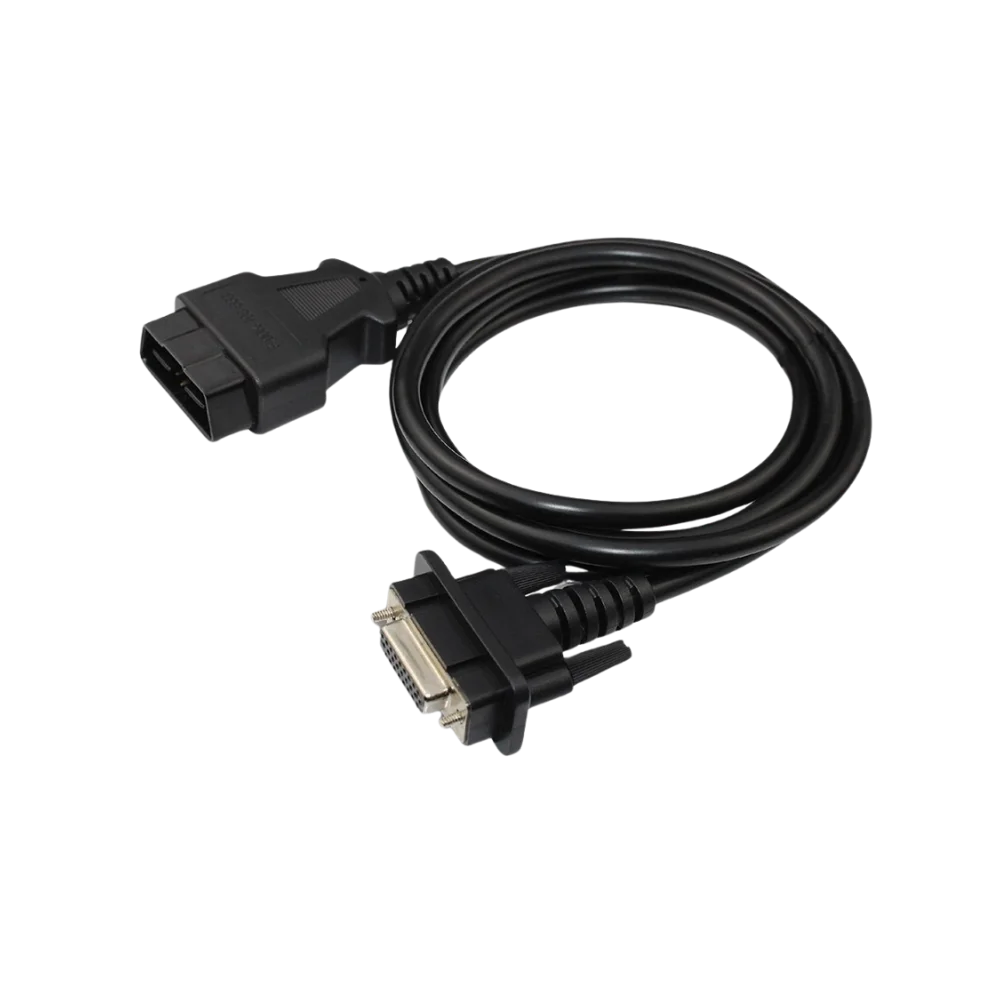
The cable provides a physical connection between compatible Renault/Dacia vehicle connections and the CAN Clip or VCI interface. The product visuals show standard 16-pin OBD2 and round multi-pin CLIP connection layouts. The cable only provides the connection path; the diagnostic process is determined by the interface, software, vehicle protocol, and control unit together.
- Physical OBD/CLIP connection
- Renault and Dacia service use
- OBD2 and round multi-pin end layout
- Main device coverage must be checked separately
Product details
How is compatibility checked?
Before purchasing, compare the shape of the socket on your vehicle, the pin arrangement, and the locking orientation; then compare it with the connection on the CAN Clip/VCI side. Since the connection can vary by model year, market, wiring, and device generation within the same brand, a definitive compatibility promise cannot be made solely by looking at the name "Renault" or "Dacia".
The connector in the image must match the connection of your vehicle and interface.
- Vehicle socket and pin layout
- CAN Clip/VCI device input
- Connector orientation and locking structure
- Model year and wiring differences
Product details
Which vehicles can it be used on?
The product is prepared for compatible vehicle connections within the Renault and Dacia CAN Clip ecosystem. Similar product descriptions on the market also position the cable as a connection product between the Renault/Dacia Clip device and the vehicle; however, the socket on the vehicle side and the variant of the CLIP interface used must be verified.
The cable variant needed for vehicles with standard OBD2 sockets may differ from vehicles with older or special connections.
- Services using Renault CAN Clip
- Vehicles with Dacia CLIP connection
- Standard OBD2 socket variants
- Special or round socket variants
Product details
What operations does the cable not guarantee?
The cable alone does not provide access to engine, ABS, airbag, transmission, or body modules. Fault code reading, live data, service reset, coding, and programming results depend on the CAN Clip software, device version, vehicle protocol, control unit, and connection quality. Do not consider the cable as a diagnostic device or software license.
- Not a fault code reader on its own
- Does not include CLIP software and license
- Does not guarantee access to all Renault/Dacia modules
- Stable power and correct procedure required for programming
Product details
Package contents and physical inspection
The package consists of the physical Renault CAN Clip OBD connection cable. The visuals are used to show different angles and connector details; the cable does not include a diagnostic tablet, computer, CLIP software, activation, or license. After delivery, check for bent pins, broken pins, or forced housing on the cable ends.
- Physical cable/adapter
- Connection layout in visuals
- Device and software are procured separately
- Pin and housing check recommended
Product details
Establishing connection between the main device and the vehicle socket with the Renault CAN Clip OBD model
Before using the Renault CAN Clip OBD model, compare the connectors on the main device and the vehicle side. Match the main device model, the two connectors, and the pin layout with the Renault/Dacia CAN Clip OBD connection cable label.
If the Renault/Dacia CAN Clip OBD connection cable has bent pins, a cracked casing, or a loose connector, a service connection will not be established. After the Renault/Dacia CAN Clip OBD connection cable is plugged in without force, a short reading test is performed.
The communication result is recorded by specifying the device and vehicle socket used with the Renault/Dacia CAN Clip OBD connection cable.
- Compare the two connectors and pins
- Verify the physical matching of cable ends information
- Connect the cable without forcing
- Perform a short communication test
Product details
Checking the cable and pins in case of communication issues with the Renault CAN Clip OBD model
When communication cannot be established with the Renault CAN Clip OBD model, first verify the power at the vehicle socket and that the main device is working. Re-examine the pins on the Renault/Dacia CAN Clip OBD connection cable, the cable casing, and the connector orientation.
The Renault/Dacia CAN Clip OBD connection cable is subjected to a short comparison test on a known compatible device or vehicle connection.
If the Renault/Dacia CAN Clip OBD connection cable cannot communicate despite the main device model, vehicle socket, and connector structure being correct, add the error screen and a photo of the two connectors to the service record. At the end of the task, unplug the Renault/Dacia CAN Clip OBD connection cable by holding the connector body and store it without coiling at sharp angles.
- Check power in the vehicle socket
- Inspect cable sheath and pins
- Perform comparison test on a known connection
- Record connection with error screen
Product details
Renault CAN Clip OBD model connection and compatibility information
The physical matching of cable ends, VCI side connector lock, connector's lock and key orientation, and CAN Clip version and software support determine the physical compatibility of the Renault CAN Clip OBD model.
The Renault/Dacia CAN Clip OBD connection cable establishes a physical connection between the compatible Renault/Dacia vehicle socket and the CAN Clip or VCI interface; the product alone does not add software, vehicle support, or service functions.
If the Renault/Dacia CAN Clip OBD connection cable is to be used, the connector at both ends, pin layout, cable length, and compatible device family must match the product information. A Renault/Dacia CAN Clip OBD connection cable with damaged pins, a loose socket, or the wrong adapter can lead to communication errors.
The technical specifications of the Renault/Dacia CAN Clip OBD connection cable are limited to the product label and official connection information.
- Physical matching of cable ends: The physical part and package contents delivered with the Renault CAN Clip OBD model must match
- VCI side connector lock: Based on official technical documentation and product label for the Renault CAN Clip OBD model
- Connector's lock and key orientation: Based on official technical documentation and product label for the Renault CAN Clip OBD model
- CAN Clip version and software support: Based on the current CAN Clip version and software support status in the device account for the Renault CAN Clip OBD model
Product details
Which nearby products is the Renault CAN Clip OBD model compared with?
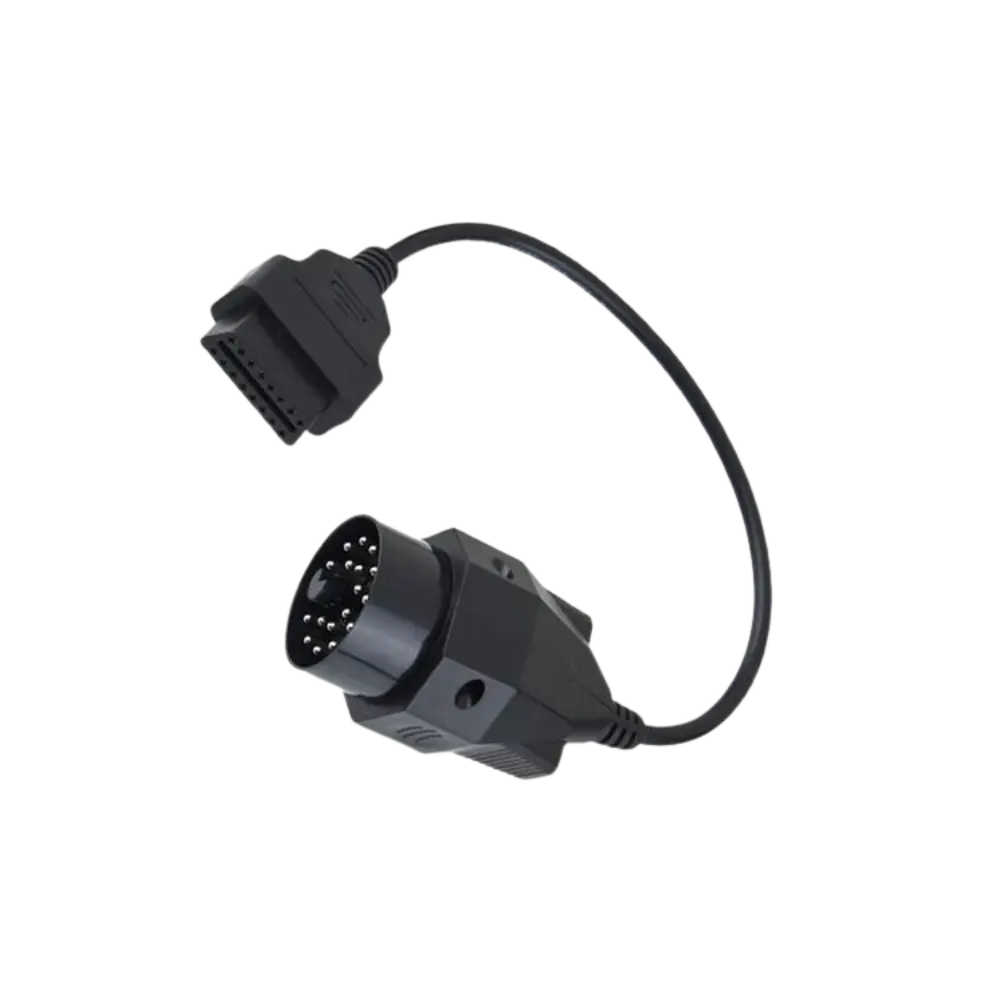
The choice between the Renault CAN Clip OBD model and the BMW 20 Pin OBD Cable is made based on differences in supported functions, connections, and packages.
In the comparison of the Renault CAN Clip OBD model, the Renault/Dacia CLIP connection and BMW's round 20-pin conversion serve different vehicle and interface sockets; the brand name alone does not imply cable compatibility.
The Renault CAN Clip OBD model establishes a physical connection between the compatible Renault/Dacia vehicle socket and the CAN Clip or VCI interface.
In addition to the physical matching of cable ends, VCI side connector lock, connector's lock and key orientation, and CAN Clip version and software support, the connector type, pin layout, and cable length are compared. The BMW 20 Pin OBD Cable may be prepared for a different vehicle socket or service connection.
The Renault CAN Clip OBD model only performs the physical connection function; it does not add vehicle brands or service functions to the main device's software.
- BMW 20 Pin OBD Cable: Working with older generation BMW vehicles in service and wired diagnostic connection with compatible device
Product details
Renault CAN Clip OBD model package and connection information
The Renault CAN Clip OBD model package includes only the cable or adapters specified by name and quantity in the package contents. The physical matching of cable ends, VCI side connector lock, and the connector's lock and key orientation are compared with the physical part upon delivery. The package does not include a diagnostic tablet or vehicle software.
If the Renault CAN Clip OBD model requires a main device, the compatible device family will be specified separately. The warranty for the Renault CAN Clip OBD model is valid only within the scope of the purchased physical product and the described conditions.
- Renault CAN Clip OBD model physical connection part
- Connector and pin structure
- Quantity and cable length, if applicable
- Compatible main device family