Product information
What is the Ford VCM II Compatible OBD2 Main Cable used for?
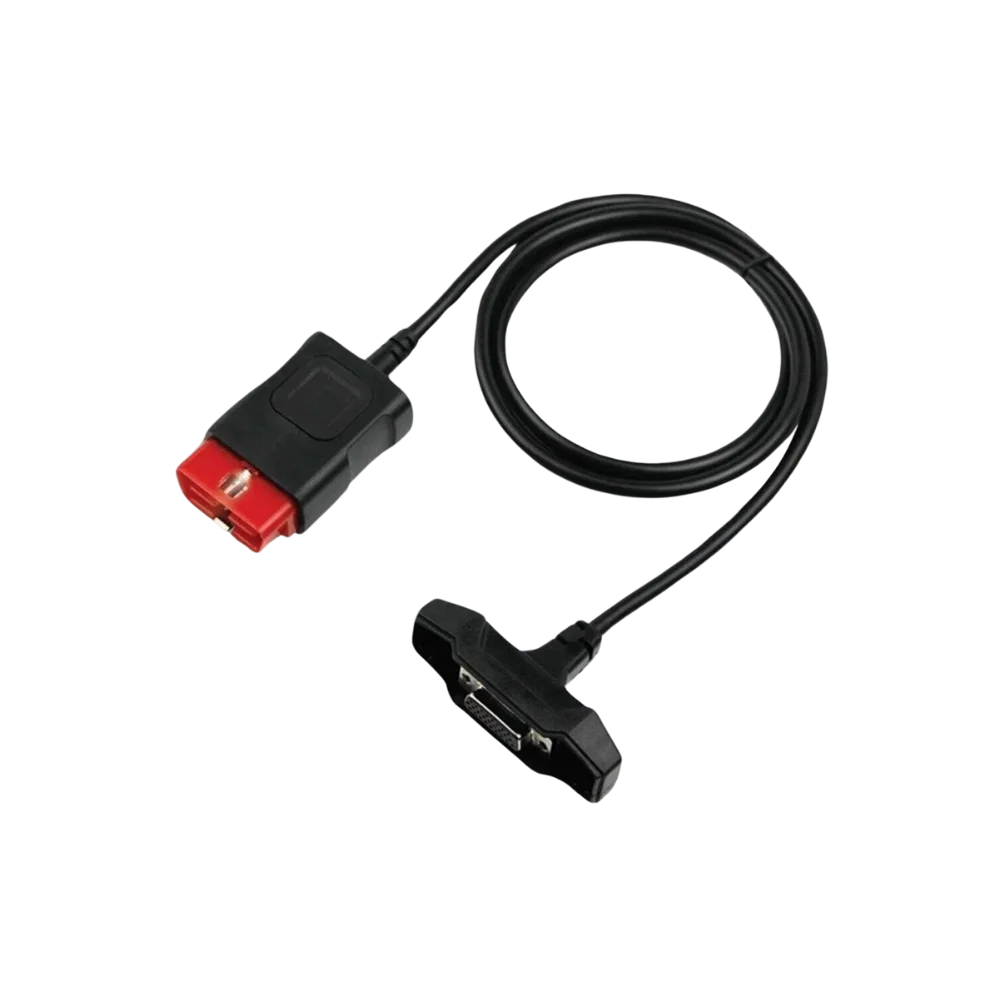
This cable connects a compatible vehicle communication interface in the VCM II format to the standard 16 pin OBD2 vehicle socket. Ford IDS/FDRS software, license, VCI, and online manufacturer access are not provided with the cable.
Physical Connection Coverage
Which vehicles and tools is the Ford VCM II Compatible OBD2 Main Cable used with?
Connecting the cable, adapter, or communication module to the vehicle does not prove that the vehicle is supported by the software. The physical connector, pin layout, main device, and vehicle software must be compatible simultaneously.
- Brand coverage
- Ford
- Model Coverage
- The cable only provides a physical connection between a compatible VCM II main device and a standard 16 pin vehicle socket; vehicle coverage is determined by the main device software.
- Main unit
- VCI, tablet, or diagnostic interface specified in the product name and technical resources
- Physical check
- VCM II side socket shape, OBD2 end and pins, Cable lock, Hardware revision
- This product does not add new software, licenses, or service functions to the main device.
- Do not force connection without verifying the pin structure.
Open official sources and coverage connectionsProduct details
The cable's two connection ends
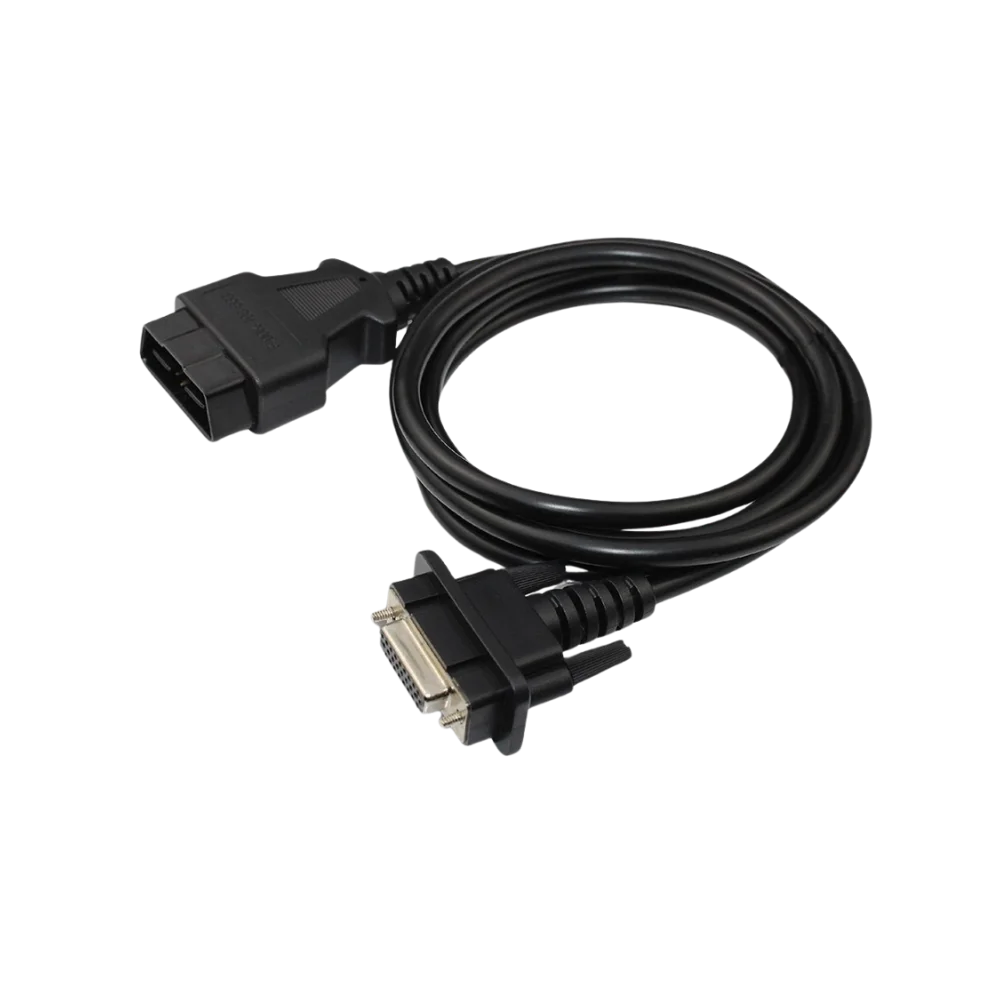
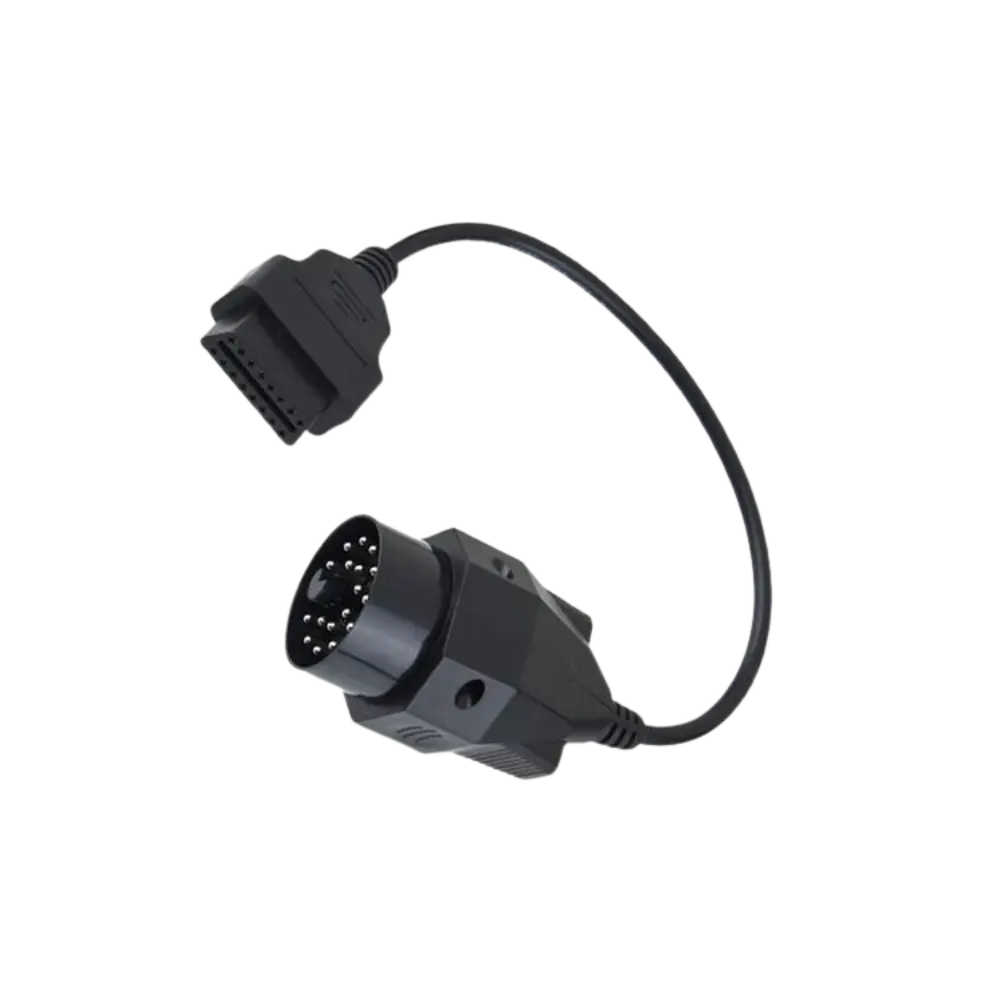
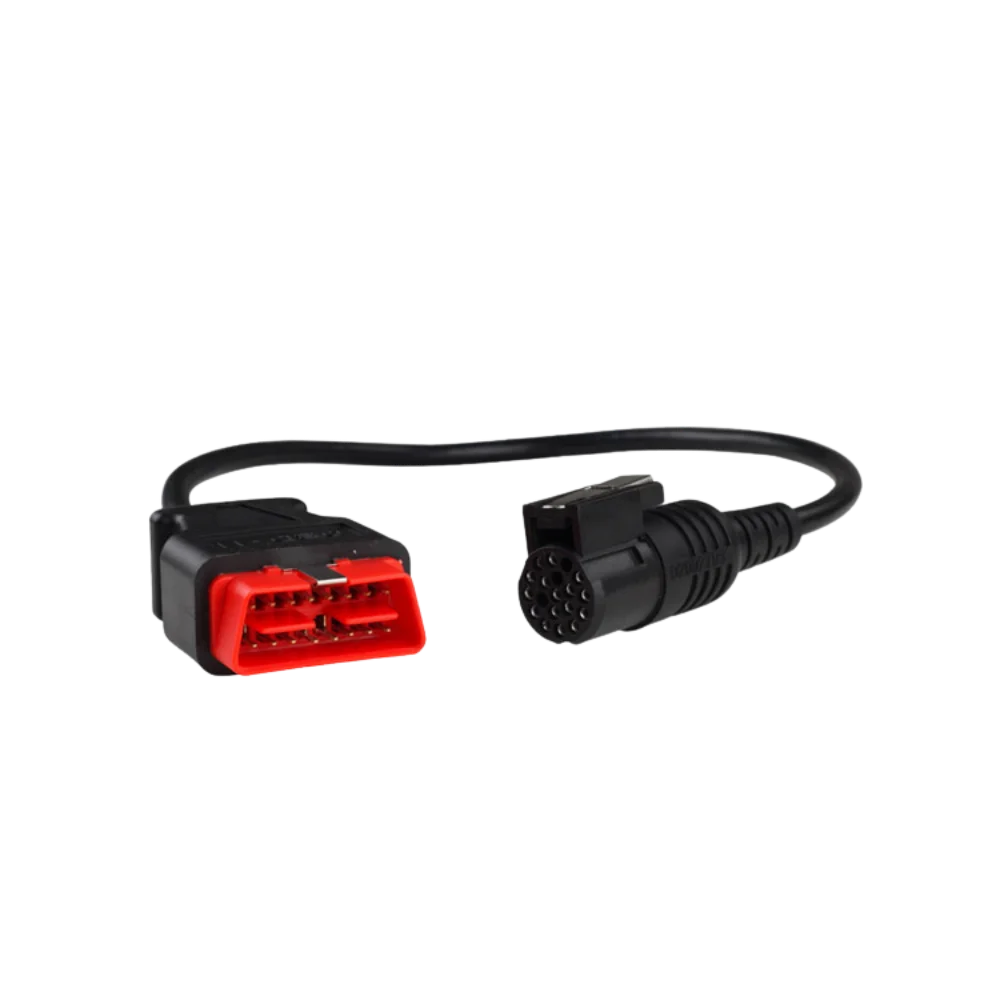
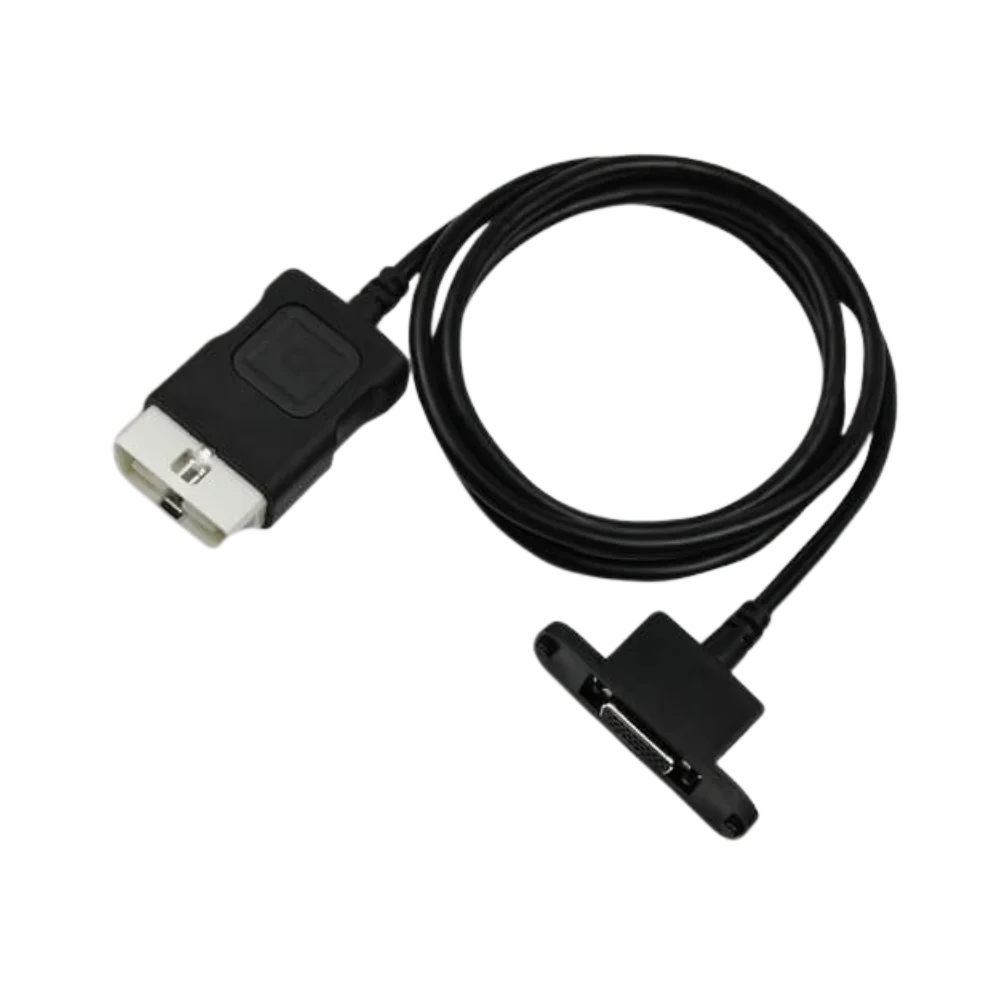
The images show a standard trapezoidal 16 pin OBD2 connector at one end and a multi-pin plug connecting to a VCM II format interface at the other. Three angles help compare the lock structure and cable length.
- 16-pin OBD2 end
- VCM II type multi-pin end
- Molded connector housings
Product details
VCM II, VCMM, and VCM Lite are not the same cable
Ford's official support area publishes separate hardware manuals for VCM II, VCMM, and VCM Lite. Therefore, it is not enough to look only at the name "Ford device"; the exact model of the interface used and its physical socket must be matched.
- Note the exact model name of the interface
- Check the plug form on the VCM side from the gallery
- Do not consider IDS or FDRS access as a cable feature
Product details
Package contents and usage limits
The package is a single physical cable. VCM II interface, USB cable, wireless adapter, IDS/FDRS software, subscription, and carrying case are not included.
Product details
Connector check and correct storage
The multi-pin plug on the VCM II side should not be left unprotected on the workbench when not in use. Metal contact points are visually inspected for bending, moisture, and conductive dirt; if a bent pin is seen at the OBD2 end, the cable should not be connected to the vehicle. If cleaning is required, power is disconnected, and the method recommended by the manufacturer for electrical connectors is followed.
The cable is not folded at sharp angles, does not get caught under vehicle doors, and is removed by holding the connector housing. Comparing the input of the tool from the front with a photo and the lock orientation of the VCM II plug in the gallery before ordering reduces the risk of selecting the wrong cable for similarly named but different Ford interfaces.
Product details
Scenario: Matching the VCM II socket with the correct cable
It is not enough for the interface in the workshop to only say VCM. The device label and housing shape are noted; the key protrusions, lock orientation, and pin order of the multi-pin input on the VCM II side are compared with the plug in the gallery. If the VCMM or VCM Lite hardware is involved, this product is not the default choice.
Verify that the 16 pin OBD2 end on the vehicle side has no broken housing or bent pins. The cable is first connected to the interface, then to the vehicle socket with the ignition off, without forcing. After the VCI receives power, only tool detection and vehicle identification reading are performed on the IDS/FDRS side; module programming is not initiated until connection stability is proven.
Product details
Scenario: Isolating faults if there is no connection in a Ford vehicle
If the VCM II is seen by the software but cannot communicate with the vehicle, three parts are evaluated separately: the vehicle OBD socket and fuse, the main cable, and the interface hardware. If the same cable can be tested with another known good VCM II and vehicle combination, the comparison yields results quickly.
If power or communication changes when the cable is moved, inspect the connector area. If only certain modules are inaccessible, the problem may be with the vehicle network, software coverage, or session authorization rather than the cable. The Ford-published VCM II manual should be used as a basis for connection and hardware isolation; the cable should not be attributed with license, protocol, or online programming capabilities.
Technical Resources
Technical resources for Ford VCM II Compatible OBD2 Main Cable
Technical information verified with official sources on October 12, 2026.