The current OBDeleven 3 device is used via Bluetooth with a phone.
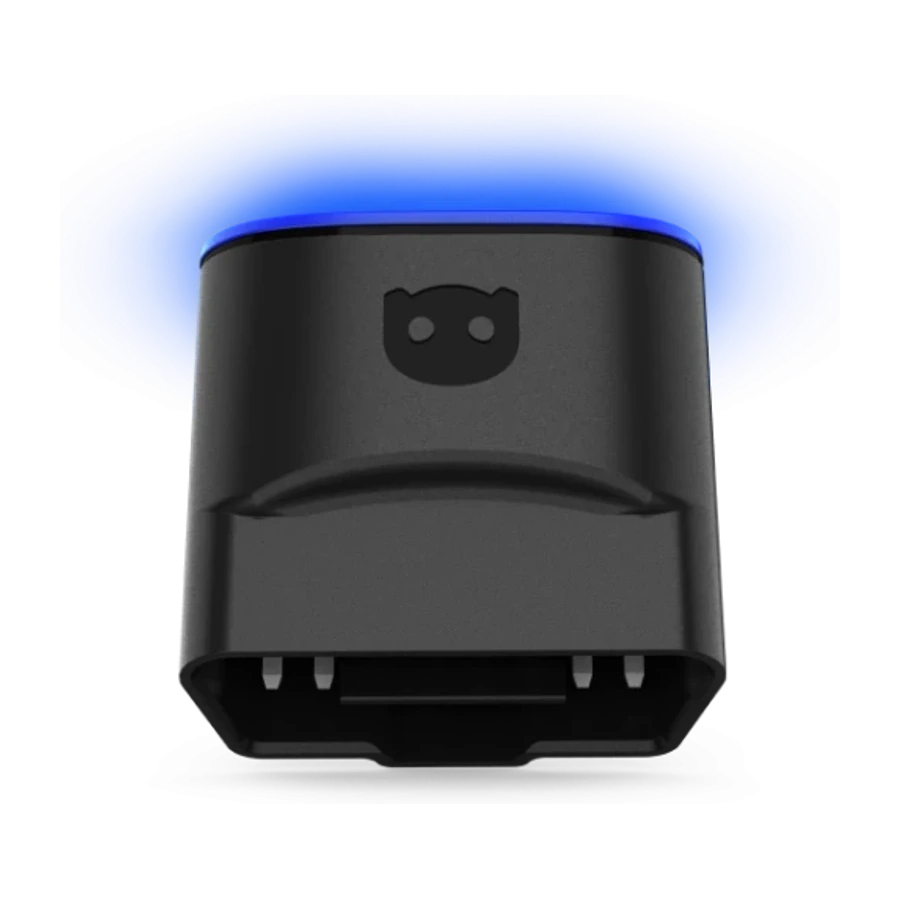
The current OBDeleven 3 device is used via Bluetooth with a phone.OBDeleven 3 front body and connection face entering the vehicle socket.Device package: OBDeleven 3 hardware and product box.The ULTIMATE package combines the device, 12-month plan, phone holder, and carrying case.OBDeleven carrying case included in the ULTIMATE package.
OBDeleven · Vehicle Fault Diagnosis Devices
OBDeleven 3 OBD2 Diagnostic and Coding Tool
OBDeleven 3 is a mobile device that works via Bluetooth with Android, iPhone, and HarmonyOS phones, combining basic OBD2 diagnostics with advanced scanning, One-Click Apps, and VAG coding options in a single application for supported brands.
Download the official OBDeleven app to your phone.Download the app:
Device, PRO, and ULTIMATE options in the same purchase area
Android 8+, iOS 16.6+, and compatible HarmonyOS support
Manual coding with plan for VAG; mobile diagnostics on multiple brands
Annual activations for PRO and ULTIMATE can be purchased separately
The package selected in the purchase area is valid. The device-only option does not include a paid plan; PRO and ULTIMATE packages include a 12-month plan. Credits are included only in packages explicitly stated. Vehicle and function support depend on make, model, year, country, control unit, and current app version. Full access for 2024 and later VAG vehicles with current SFD2 protection should not be assumed.
OBDeleven 3 is a small Bluetooth OBD2 interface without a screen; all menus are accessed within the OBDeleven mobile app. The device alone provides basic OBD2 fault reading-clearing, live data, and basic information access on supported vehicles with the FREE plan.
Manual coding, long coding, adaptation, basic settings, and supported SFD access for VAG vehicles such as Volkswagen, Audi, Škoda, SEAT/Cupra require a PRO or ULTIMATE plan. Ready-to-use functions called One-Click Apps may consume Credits for PRO users; the ULTIMATE plan expands access to supported One-Click Apps within fair use conditions.
Therefore, the right choice should be made not only by price but also by whether the intended task is "basic diagnostics", "ready-made app", or "manual coding". The OBDeleven 3 is not the same hardware as the previous OBDeleven 2/NextGen; the visuals and packages on this page belong to the current third-generation product.
What would you buy this for?
Individual users who want to control their vehicle via Android or iPhone
VAG specialists performing mobile diagnostics and controlled coding on Volkswagen Group vehicles
Mobile services that prefer the Bluetooth app workflow over cables and Windows computers
Users who want to pre-allocate package, plan, and Credit costs before purchasing
Featured diagnostic features
Content of the hardware and plan package to be purchased
Vehicle make, model, year, country, and desired function support
Android 8+, iOS 16.6+, or compatible HarmonyOS phone
PRO/ULTIMATE plan duration, Credits, and auto-renewal conditions
SFD2 limitation on 2024+ VAG vehicles
Vehicle Coverage
What vehicles does the OBDeleven 3 OBD2 Fault Diagnosis and Coding Device support?
The make name alone does not guarantee compatibility. Within the same make, model year, engine, chassis, control unit, communication protocol, and intended operation can yield different support results.
Vehicle Group
Passenger cars and light commercial vehicles included in the product software
Supported makes
Volkswagen Group; Volkswagen, Audi, SEAT, Škoda, and CUPRA according to the product's official list
Supported models
Platform, model year, control unit, SFD/SGW status, software version, and license plan determine the scope of functions.
Scope of service
Code reading, live data, active test, service function, coding, and programming may be supported separately.
Connection conditions
Content of the hardware and plan package to be purchased, Vehicle make, model, year, country, and desired function support, Android 8+, iOS 16.6+, or compatible HarmonyOS phone, PRO/ULTIMATE plan duration, Credits, and auto-renewal conditions, SFD2 limitation on 2024+ VAG vehicles
The make and model examples on the page do not guarantee all production years and all functions.
Before any definitive operation, the manufacturer's current coverage record must be verified with the VIN or full vehicle information.
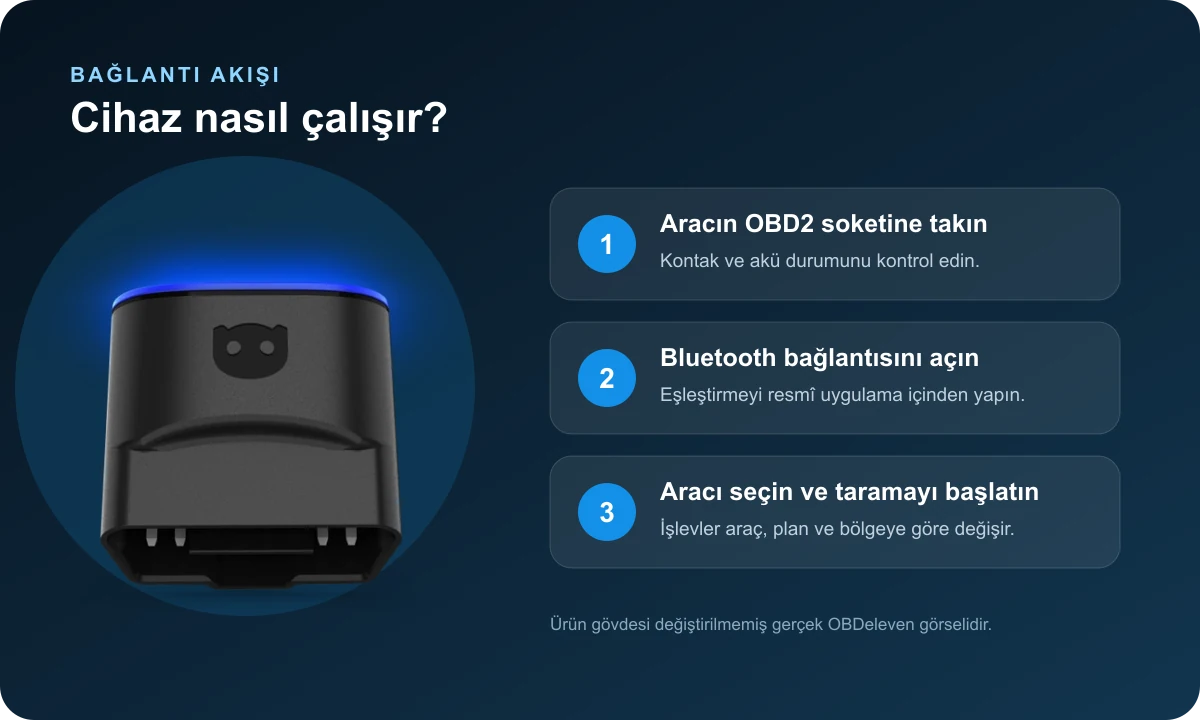
Connection workflow with actual product visuals: OBD2 socket, Bluetooth, and official mobile app.
OBDeleven 3 is a vehicle communication interface that plugs into the vehicle's 16-pin OBD2 socket and connects via Bluetooth to the official OBDeleven app on your phone. The device does not physically repair the vehicle; it transfers error records, live values, and supported service functions from control units to the app.
In general OBD2 diagnostics, engine and transmission codes can be read on many brands using CAN-bus. Advanced coverage licensed by the manufacturer varies by country for Volkswagen Group, BMW Group, Toyota/Lexus, Mercedes-Benz, and US-manufactured Ford vehicles.
The presence of a brand's logo on the list does not mean all menus will be available for all model years of that brand. Full vehicle, country, and intended function must be checked on the current support list before purchase.
Bluetooth connection between vehicle socket and mobile app
Basic OBD2 diagnostics, fault codes, and live data
Advanced system scanning and ready-made functions on supported brands
Manual coding and adaptation with appropriate plan on VAG vehicles
Phone
Android 8+ / iOS 16.6+Compatible HarmonyOS devices are also specified on the official product page.
Connection
Bluetooth Low EnergyThe device has no screen; operations are performed in the mobile app.
Hardware
OBDeleven 3Current generation that should not be confused with OBDeleven 2/NextGen.
Product details
OBDeleven Device, PRO Package, and ULTIMATE Package Differences
Separate the physical package from the digital-only plan; the option selected in the purchase area is valid.
The device-only option has the lowest entry cost and does not include a paid plan. The Device + 200 Credits package is intended for users who want to try ready-made One-Click Apps but do not need manual VAG coding.
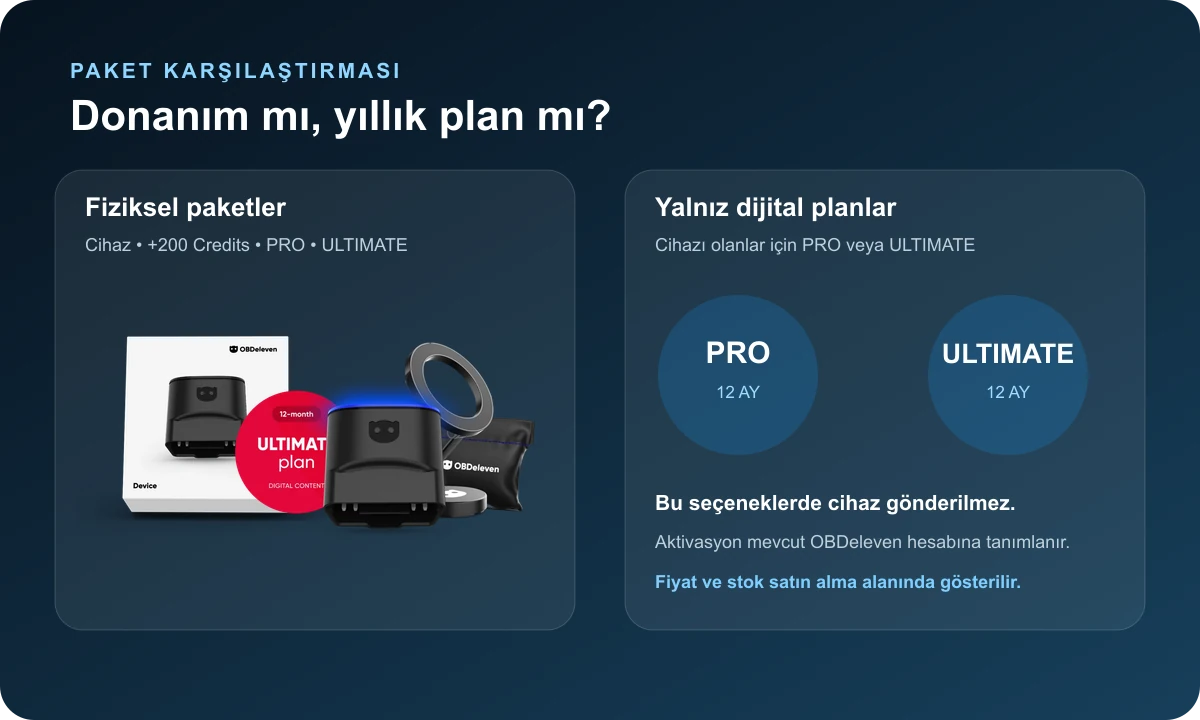
The PRO package includes the OBDeleven 3 device, a 12-month PRO plan, and 100 Credits. The ULTIMATE package includes the device, a 12-month ULTIMATE plan, a magnetic phone holder, and a carrying case. Since a fixed amount of Credits is not specified in the ULTIMATE package description, credits are not shown as added separately to the package. The plan included in the package is claimed in the account when the device is first connected to the app.
Users who already have the physical device can purchase only the PRO or ULTIMATE activation from the annual plan cards below.
Device: hardware and FREE plan functions
Device + 200 Credits: credit-focused option for ready-made functions
What features are included in FREE, PRO, and ULTIMATE plans?
The FREE plan is sufficient to start using the device and perform basic diagnostics; purchasing a paid plan is not mandatory.
The PRO plan provides access to advanced menus such as manual coding, long coding, adaptation, sub-control unit coding, gateway list, basic settings, freeze frame, and supported SFD unlock, especially for Volkswagen Group vehicles. The PRO plan does not allow unlimited One-Click Apps functions; Credits may be required for the relevant app.
The ULTIMATE plan expands supported One-Click Apps usage within fair use policy in addition to PRO functions and provides access to advanced vehicle features in the app. The visibility of functions still depends on the vehicle, control unit, country, and security layer.
FREE: basic OBD2 diagnostics and live data
PRO: manual coding and adaptation in supported VAG vehicles
ULTIMATE: PRO features and supported One-Click Apps access
Plan does not replace vehicle coverage; it only changes the access level of available menus
Product details
How do OBDeleven Credits and One-Click Apps work?
One-Click Apps are coding, personalization, or maintenance workflows prepared for a specific vehicle and control unit. The app shows available functions and the required credit amount when it recognizes the compatible vehicle. PRO plan users can spend Credits for these ready-made functions; the manual coding menu is a separate capability.
The ULTIMATE plan offers broad access to supported One-Click Apps functions, subject to fair use conditions. Purchasing Credits does not create physical hardware that is not present in the vehicle and does not make an unsupported control unit compatible. Battery voltage, in-app warnings, existing coding backup, and vehicle hardware should be checked before performing any function.
Credits are the app balance used for supported ready-made functions
Manual coding and One-Click Apps are not the same operational model
Vehicle and app compatibility is checked on screen before spending credits
The term ULTIMATE unlimited is subject to fair use and supported function conditions
Product details
VAG Coding, SFD, and 2024+ SFD2 Limit
Coding on Volkswagen, Audi, Škoda, and SEAT/Cupra vehicles is performed through the Coding, Long Coding, Adaptation, or Basic Settings menus allowed by the control unit. PRO and ULTIMATE plans provide access to these advanced menus, but not all channels and features are available on every vehicle.
In-app access may be provided for supported functions with SFD protection. In contrast, OBDeleven's official support statement, checked on October 9, 2026, indicates that full control unit access for 2024 and later VAG vehicles with the latest SFD2 protection is not yet live and the feature is in the final testing phase.
Establishing a connection with the Gateway does not mean all modules can be read or coded. The VIN, model year, target module, and intended function must be verified separately on newer model vehicles.
Existing values and full scan are recorded before coding
SFD access and SFD2 support are not the same
Full access is not assumed for 2024+ vehicles
Coding is not ECU software installation or immobilizer programming
Product details
Scenario 1: Fault light and live data check on your own vehicle
When a vehicle has a fault light, the ignition and battery status are checked first, the device is plugged into the OBD2 socket, and the phone is paired via Bluetooth. A full scan or engine scan is run; the fault code, its description, time of occurrence, and freeze frame information are recorded. Clearing the code does not mean the fault is repaired.
For example, live values for mixture, ignition, or sensor codes should be interpreted along with physical measurements. For this usage, the device option and FREE plan can meet most basic needs. If ready maintenance resets or customizations are to be performed, the need for One-Click Apps and Credits in the app is seen separately.
Obtain a full report before clearing the code
Compare live values with manufacturer ranges
Perform driving and rescan after repair
Product details
Scenario 2: Manual coding on a Volkswagen Group vehicle
Users performing manual coding on a VAG vehicle must select a PRO or ULTIMATE plan. Before starting the process, stable voltage is provided for the vehicle, a full scan is exported, and the old state of the Coding or Adaptation value to be changed is recorded.
Byte/bit values shared for other vehicles on the internet are not directly applied; control unit part numbers and software levels can vary under the same model name. If the app warns about SFD, security access, or unsupported functions, the process should not be forced.
After the change, the fault memory is read again, and the relevant hardware is physically tested. This approach is safer than coding without a rollback plan, focusing only on enabling features.
PRO or ULTIMATE plan
Full scan and old value backup
Stable vehicle voltage
Post-operation fault scan and function test
Product details
Scenario 3: Pre-purchase inspection of a used vehicle
During a used vehicle inspection, OBDeleven can help see recorded and intermittent fault codes, even if there are no lights on the dashboard. After the vehicle is identified, a full scan is obtained on supported systems; mileage, VIN, control unit ID, fault status, and live values are noted.
However, the device alone cannot prove bodywork, chassis, mechanical wear, compression, oil pressure, or all past deleted records. The scan should be interpreted in conjunction with a physical inspection and service history. In-app vehicle inspection lists can provide decision support; they are not a sole purchase approval.
In case of suspicious data, the relevant module is re-checked with an independent device or manufacturer procedure.
Full system scan with recorded and pending codes
VIN and control unit ID check
Comparison with physical inspection and service history
Product details
Scenario 4: Mobile service and VAG specialist use
Small hardware that works with a phone offers advantages for roadside assistance or quick pre-scans at the vehicle. Mobile services can generate fault code reports, monitor live values, and assess supported maintenance tasks before accepting a customer's vehicle.
Nevertheless, OBDeleven 3 does not replace a multi-brand service tablet with a screen, an oscilloscope, a programming power supply, or an OEM online account. If most of the daily work involves VAG coding and mobile control, the PRO package may be balanced; users who frequently use One-Click Apps and want accessories can consider the ULTIMATE package.
In intensive multi-brand services, OBDeleven should be positioned as an auxiliary device, and a comprehensive service tablet as the main device.
Quick Bluetooth pre-scan
Fault report shareable with the customer
VAG-focused mobile coding
Auxiliary device role for intensive multi-brand service
Product details
Plan activation, card setup, and auto-renewal
The 12-month PRO or ULTIMATE plan included in the package is claimed in the user's account when the device is first connected to the mobile app and does not auto-renew unless the user activates it separately.
For plan codes purchased separately from the device, OBDeleven requests billing information and payment card setup during activation after September 15, 2026. If the user does not cancel, separate plan users may renew under the manufacturer's current terms.
Therefore, before activating the plan code, you must log in with the correct OBDeleven account, and check the expiration date and renewal settings in the account screen. The device will not stop working when the plan expires; functions within the FREE plan scope will continue, while paid menus will close based on access level.
Package plan: claimed in account when device connects
Separate plan code: card setup and renewal conditions may apply
Activation must be done with the correct user account
Plan expiration does not disable device hardware
Product details
How to check phone, app, and vehicle compatibility?
The official product page for OBDeleven 3 specifies Android 8.0 or higher, iOS 16.6 or higher, and compatible HarmonyOS devices. The phone's Bluetooth permission, app's local connection permissions, and internet access must be enabled.
The presence of the make on the vehicle list is only an initial check; the full model, production year, country, engine, control unit, and intended function must be searched. Advanced BMW functions may be limited in some countries and for 2024+ models; advanced Ford coverage is limited to US-manufactured vehicles.
While VAG advanced diagnostics and coding coverage in Turkey is stated globally on the official page, the China exception and the current SFD2 limit apply.
Phone operating system and Bluetooth support
OBDeleven account and current app
Full vehicle and intended function check
Country license and security layer limitations
Product details
Box contents vary by selected package
The device-only option includes an OBDeleven 3 hardware and product packaging. The Device + 200 Credits option includes credits to be assigned to the account in addition to the physical device. The PRO package includes the device, a 12-month PRO plan, and 100 Credits.
The ULTIMATE package includes the device, a 12-month ULTIMATE plan, a magnetic phone holder, and a carrying case. Phones, tablets, computers, car chargers, or external battery support units are not included in the standard package.
The five visuals on the product page belong to the current OBDeleven 3 family; old NextGen case visuals sent by users have not been added to this gallery to prevent model confusion.
Device option: OBDeleven 3 hardware
PRO: device + 12 months PRO + 100 Credits
ULTIMATE: device + 12 months ULTIMATE + holder + case
Phone and other service equipment not included
Product details
OBDeleven 3 vs. VAGCOM HEX V2 and Service Tablet Comparison
The OBDeleven 3 operates with a mobile app, official account, and package/plan model. The Generic VAGCOM HEX V2, on the other hand, is a wired, lower initial cost VAG interface connected via USB to a Windows computer; it does not have the same official license and support structure.
A professional service tablet can be a more comprehensive main device for multi-brand, active test, maintenance function, and workshop reporting needs.
Users who want diagnostics and personalization from their phone on their own VAG vehicle should consider OBDeleven; users who prefer a wired PC setup should consider a VAG-compatible interface; businesses that accept different brands every day should consider a service tablet. These three solutions are not direct alternatives to each other.
OBDeleven 3: mobile and account-based usage
Generic HEX V2: Windows and USB-focused VAG interface
Service tablet: multi-brand and intensive workshop workflow
Plan and Activation
OBDeleven 3 Annual PRO and ULTIMATE Plans
PRO and ULTIMATE are 12-month digital plans that can be purchased separately from the device. The plan is activated in your account; it does not include device shipping. Separate plan codes may require payment card setup in the OBDeleven account and auto-renewal conditions if the user does not cancel.
OBDeleven PRO Plan 1 Year
This is a 1-year digital plan activation; it does not include a physical device.
No. A FREE plan can be used for basic OBD2 diagnostics and live data. PRO or ULTIMATE is required for manual VAG coding and advanced functions.
Is the PRO package the same as the PRO plan?
No. The PRO package includes the physical OBDeleven 3 device, a 12-month PRO plan, and 100 Credits together. The PRO plan is digital 12-month activation only for users who already have the device.
What does the ULTIMATE package include?
The OBDeleven 3 device, a 12-month ULTIMATE plan, a magnetic phone holder, and a carrying case are included. Since a fixed amount of Credits is not specified in the official package content, credits are not included separately.
Does OBDeleven 3 work with iPhone?
Yes. The official product page supports iOS 16.6 and above. For Android, it is version 8.0 or above.
Does OBDeleven work on every vehicle?
Basic OBD2 coverage is extensive; advanced diagnostics, coding, and One-Click Apps vary by vehicle make, model, year, country, and control unit.
Can hidden features be activated with OBDeleven on Volkswagen?
One-Click Apps or manual coding with an appropriate plan can be used on supported vehicles and hardware. Hardware that is not physically present in the vehicle cannot be added by coding alone.
Does it work with 2024 and later VAG vehicles?
While basic connectivity is possible, full control unit access for 2024+ VAG vehicles with current SFD2 protection is not yet live as of October 9, 2026; the manufacturer states it is in the final testing phase. Checking on a vehicle and function basis is required.
What are Credits used for?
Credits are the app balance used for supported One-Click Apps functions. It is access to the manual coding plan and is not the same as One-Click credits.
Is ULTIMATE truly unlimited?
Access to supported One-Click Apps is subject to the manufacturer's fair use policy. Vehicle compatibility and regional restrictions still apply.
Do separate PRO or ULTIMATE plans auto-renew?
Separate plan codes require card setup and may renew if the user does not cancel. Plans included in packages do not initiate auto-renewal unless the user activates them separately.
Will the device be unusable after the plan expires?
The device will continue to function, and FREE plan features will be available. Access to paid menus will be restricted based on the access level.
Does OBDeleven 3 perform ECU programming?
This product is not an ECU file read-write or key programming device. It is limited to supported coding, adaptation, and service functions.
Are OBDeleven 2 NextGen and OBDeleven 3 the same?
No. They are different hardware generations. The product and visuals on this page belong to the current OBDeleven 3 model.
Comparison
Similar models to OBDeleven 3
Compare products in the same class with information on usage level, service tasks, and price.
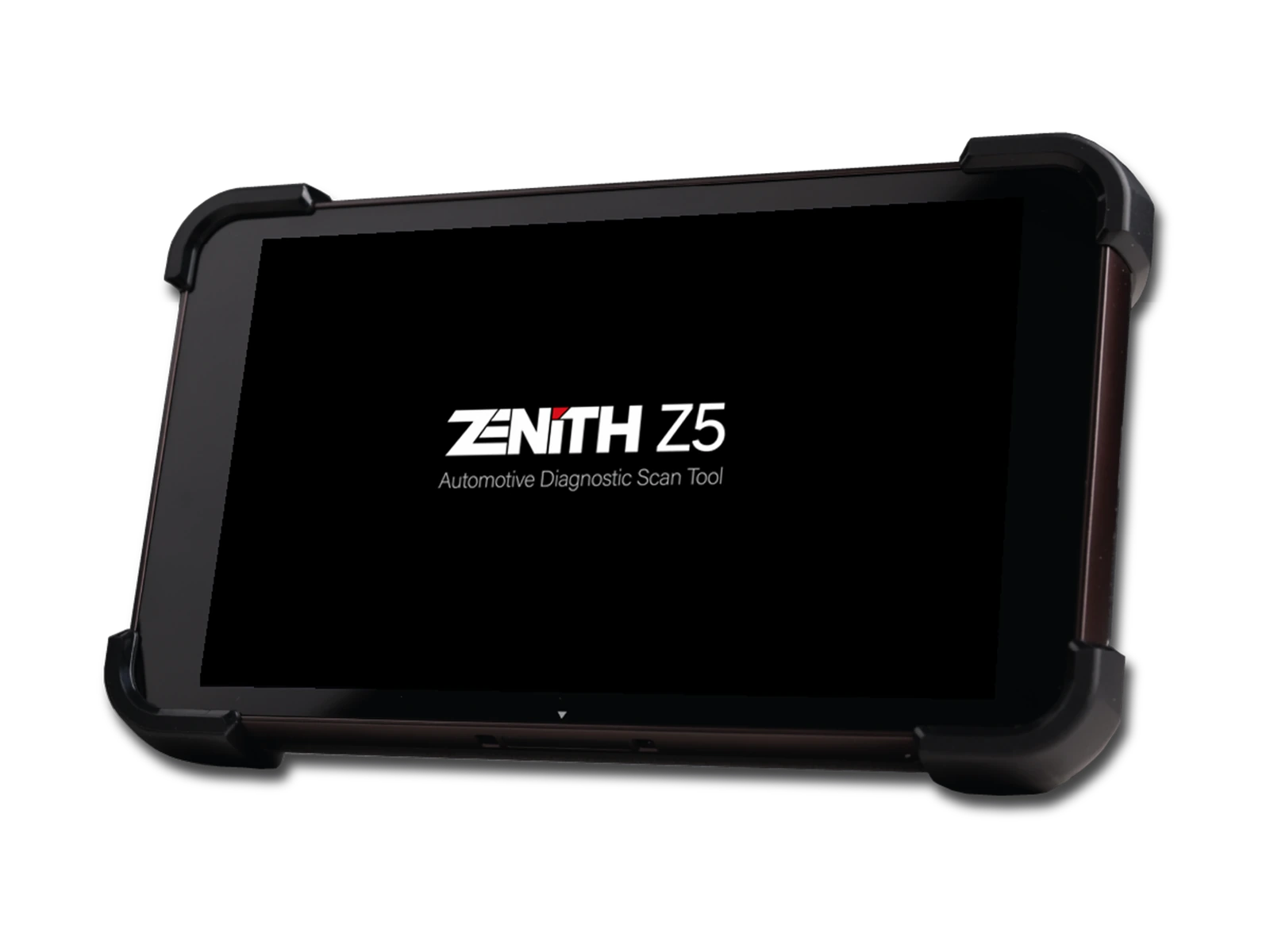
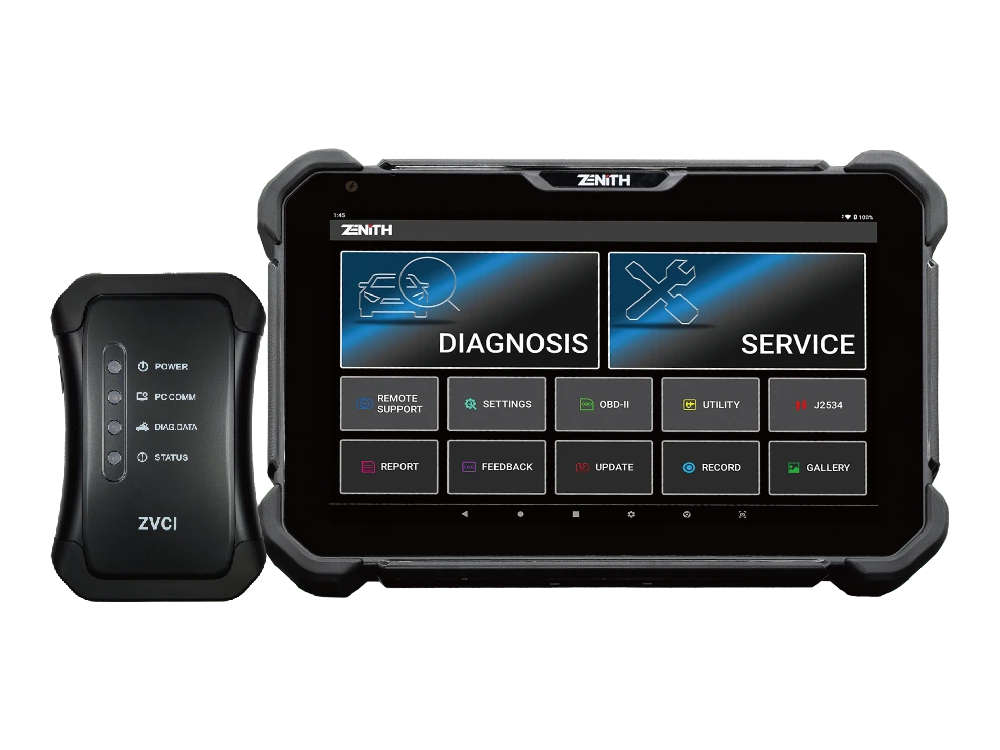
Zenith Z5 combines an 8-inch FHD screen, wired DLC connection, full system scan, bi-directional test, 24V commercial vehicle communication, and J2534 interface in a compact service tablet.
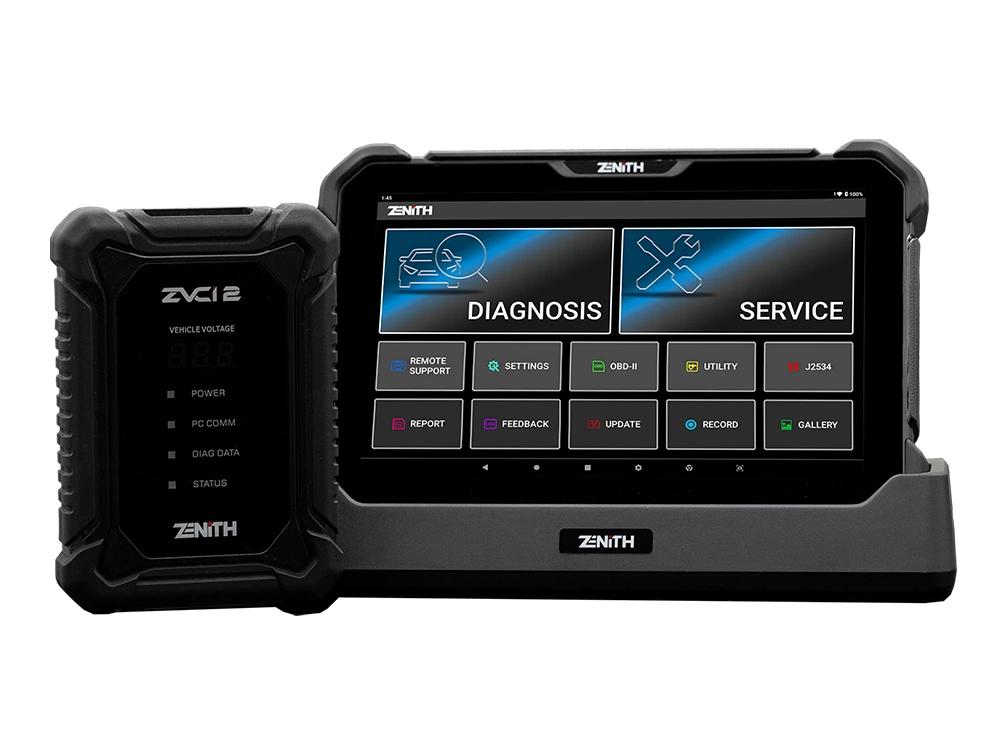
Zenith Z7 Pro offers a 10.1-inch FHD tablet, wireless ZVCI2, CAN FD, DoIP, J2534, topology, bi-directional testing, and Z7 AI tools with a professional service package.
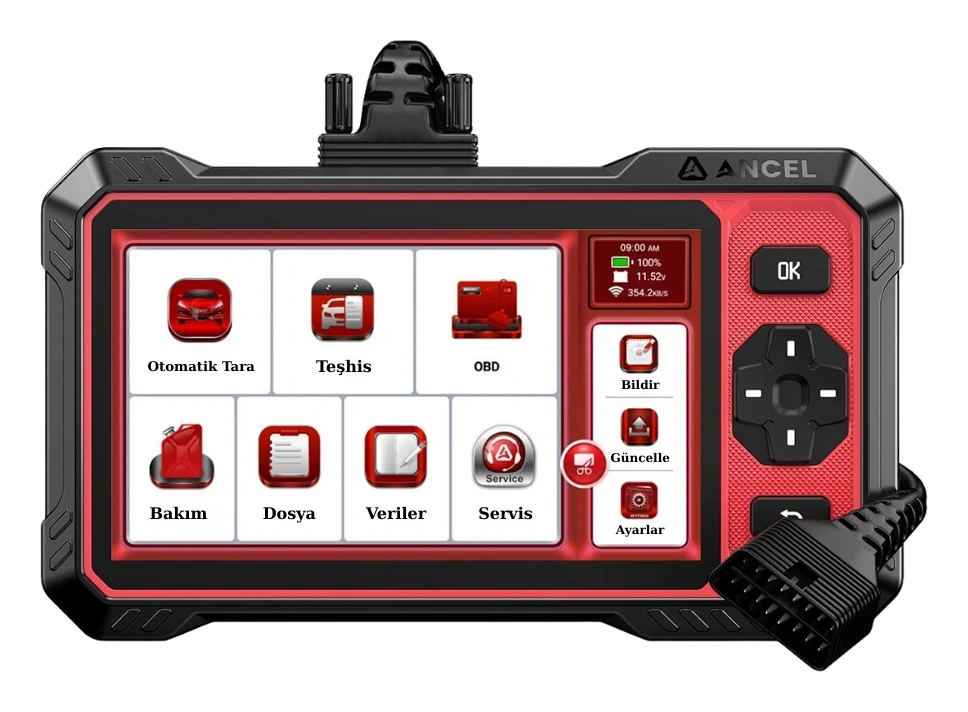
Ancel DS410 Lite is a wired service device with full system diagnostics, active testing, and CAN FD support. The device includes lifetime free updates.