OBDeleven One-Click Apps not working: Troubleshooting guide
One-Click Apps are pre-made vehicle personalization and service operations for OBDeleven. The absence of the application, the "Not supported" warning, or the failure of an operation is not always a device malfunction. Vehicle hardware, control unit values, security layer, plan/Credits model, application version, internet, and voltage conditions should be checked separately.
Separate the error message into the correct category
The solution varies depending on the warning displayed and the type of operation selected.
Indication
Possible reason
Correct approach
One-Click App not visible
Vehicle/country/hardware support or incorrect application
Check the full vehicle profile and application list.
Not supported
Control unit values do not meet requirements
Do not force the operation; verify application description and physical hardware.
Asks for Credits
PRO does not include ready-made app credits
Use Credits or consider the ULTIMATE scope.
Operation interrupted halfway
Voltage, internet, or connection interruption
Record values and error codes and seek support under stable conditions.
Coding menu missing
PRO/ULTIMATE, VAG application, or vehicle support missing
Check the plan, application, and vehicle security layer separately.
Decision guide
One-Click Apps and manual coding are not the same
One-Click Apps apply pre-made operations with a few taps on the appropriate vehicle. Users can run these operations with Credits or within the fair usage scope of the ULTIMATE plan. The PRO plan, on the other hand, unlocks manual menus such as Coding, Long Coding, Adaptation, and Basic Settings in VAG vehicles; PRO alone does not include One-Click Apps credits. The same function can be performed by both a ready-made app and manual value change on some vehicles; on another vehicle, only one may be available. The plan name does not replace vehicle control unit and hardware support.
One-Click Apps: ready-made operation
Credits: ready-made operation balance
PRO: supported manual VAG menus
ULTIMATE: PRO + supported ready-made apps
Decision guide
Why does the "Not supported" warning appear?
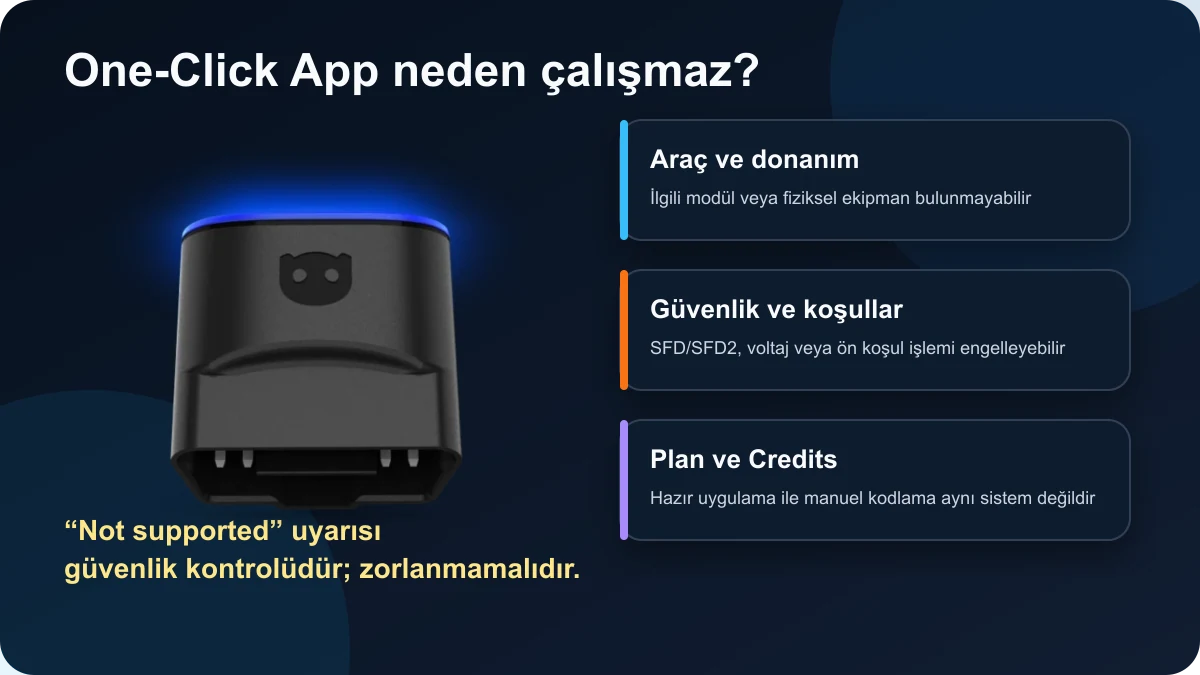
According to the official OBDeleven description, One-Click Apps check the vehicle's control unit values and necessary conditions before the operation. If the expected hardware, software version, or starting value is not found, it may show "Not supported" for safety. This warning should not be overcome by repeatedly running the application or randomly trying different values. The physical equipment in the vehicle, the target module, software level, and the requirements in the application description should be checked.
Missing physical hardware
Different control unit/software version
Incompatible starting value
SFD/SFD2 or manufacturer security restriction
OBDeleven One-Click App Failure Requirements, Connection, Verification, and Stop Sequence
Decision guide
If a One-Click App fails, what sequence should be followed?
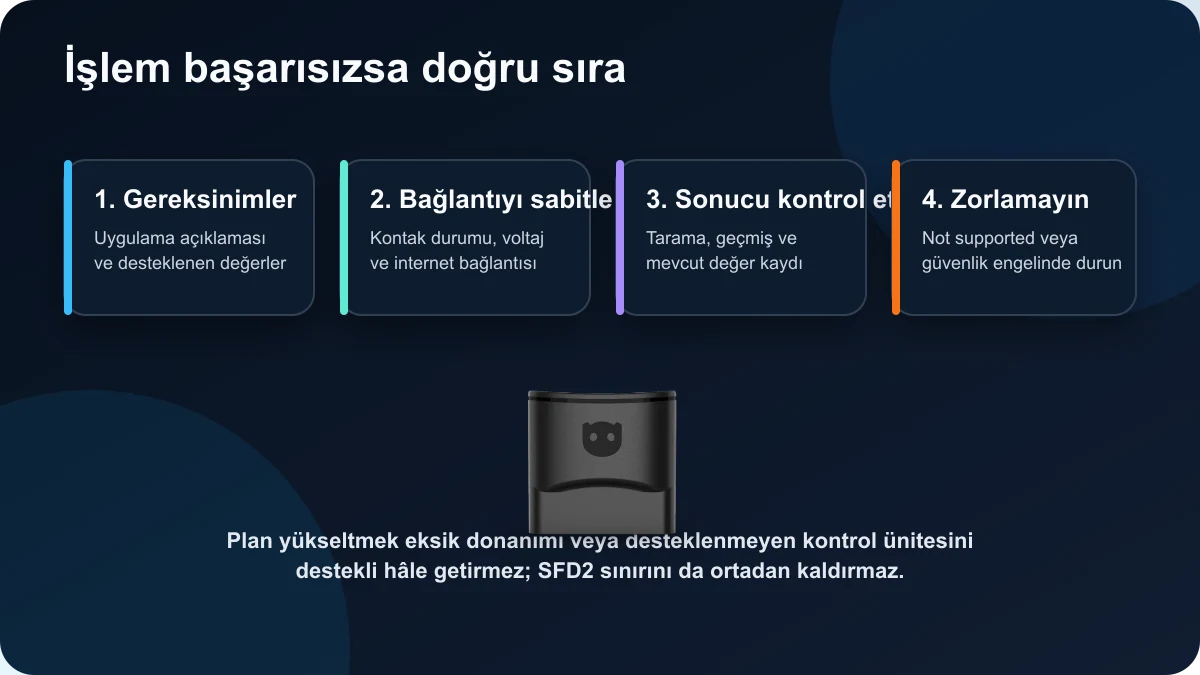
First, read the application description, supported values, and possible prerequisites. Keep the ignition in the position specified by the manufacturer; stabilize the phone connection, internet, and vehicle voltage. Perform a full scan and record existing values before the operation. If the application says "Not supported," do not force it. If the operation is interrupted, record the error codes, history log, and application screen without making new changes. These records facilitate the support team's process of restoring the control unit to its previous state or examining the operation.
Read requirements
Stabilize connection and voltage
Verify result with scan and history
Stop without forcing if not supported
Decision guide
I bought PRO; why does it ask for Credits?
PRO provides manual VAG coding access, not a balance for One-Click Apps usage. PRO users who want to use ready-made applications use Credits separately. ULTIMATE includes supported One-Click Apps operations within fair usage conditions. For users who will perform only one or two ready-made operations, Credits may be a lower cost option; users who will perform regular ready-made operations and manual VAG operations can consider ULTIMATE. Asking for Credits is not a connection or device malfunction.
PRO: manual access
Credits: ready-made app per operation
ULTIMATE: ready-made apps under fair usage
Plan selection does not change vehicle compatibility
Decision guide
Why is the One-Click Apps list empty or incomplete?
Ready-made applications are listed based on vehicle profile, brand/model/year information, country coverage, control units, and physical hardware. Incorrect vehicle selection, missing VIN recognition, wrong mobile application, or unsupported brand/model year can narrow down the list. The main OBDeleven application is required for BMW, Toyota, Ford, and Mercedes; while diagnostics and One-Click Apps for VAG have been moved to the main application, PRO manual functions may currently remain in the VAG application. Logging in with the same account is important for plan and Credits visibility.
Correct vehicle profile
Correct application
Correct user account
Country, hardware, and model year support
Real OBDeleven 3 Device and Pre-Coding Backup, Power, Single Operation, and Revert Checklist
Decision guide
Safety check before coding and adaptation
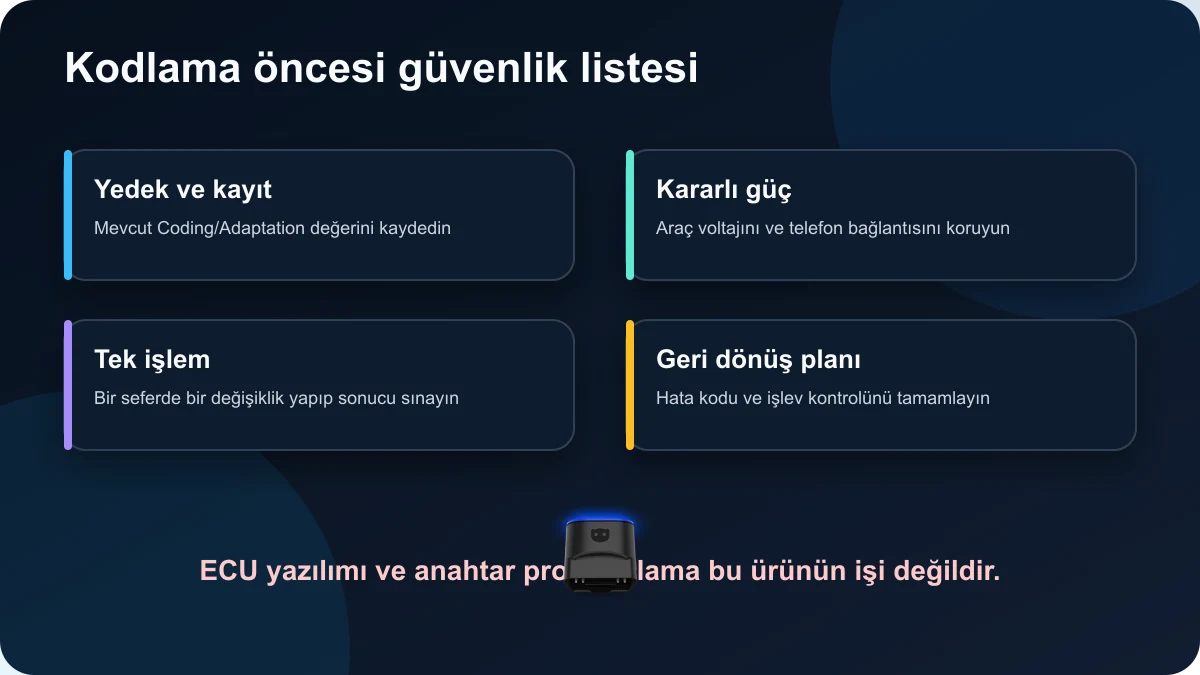
Manual coding or adaptation, when incorrect values are entered, can affect vehicle functions. Save existing Coding and Adaptation values, perform a full scan before the operation, and if possible, use a stable 12 V power support device. Turn off phone battery saving; maintain uninterrupted Bluetooth and internet connection. Make only one change at a time, then perform a function and fault code check. Ready-made applications or plans do not eliminate the risk of incorrect procedures.
Save existing values
Stabilize vehicle voltage
Make one change at a time
Post-operation scan and function test
Decision guide
Is Credit refund automatic if the operation fails?
In case of a failed operation, definitive promises of automatic credit refund should not be made. The official Credits explanation states that unused Credits can be refunded within 30 days under certain conditions; used credits or those that have entered the transaction history are subject to current service terms. If a One-Click App did not work, open a support ticket with the vehicle, application name, date/time, error screen, and account transaction history. Repeatedly running the same application may create additional processing or diagnostic complexity.
Save the error screen
Write down application and vehicle information
Include Credits transaction history
Await official support decision without promising refunds
Decision guide
Does OBDeleven program ECU software or keys?
OBDeleven 3 is an interface for diagnostics, live data, supported service functions, One-Click Apps, and VAG coding/adaptation. It should not be considered a device for ECU flash file reading-writing, immobilizer/key programming, or online OEM software installation. The interchangeable use of the terms "coding" and "programming" in marketplace listings creates false expectations. ECU software requires a programming device, a stable power supply, and manufacturer procedures.
Coding: configuration values
Adaptation: learned/setting values
Programming: ECU software or firmware
Key operations: separate immobilizer scope
Frequently Asked Questions
Most frequently asked questions by customers
Why are OBDeleven One-Click Apps not visible?
Vehicle profile, application, country, model year, control unit, or physical hardware may not be supported.
What should I do when "Not supported" appears?
Do not force the operation. Verify application requirements, control unit, and vehicle hardware.
Are One-Click Apps free with OBDeleven PRO?
No. PRO provides manual coding access; Credits are required for One-Click Apps. ULTIMATE includes ready-made applications within fair usage.
Is a paid plan required to use Credits?
No. Supported One-Click Apps can be used with the device and Credits alone.
Does purchasing ULTIMATE unlock all hidden features?
No. The vehicle must have the relevant hardware, control unit, and software support; security layer limitations remain.
If a One-Click App fails, are Credits refunded?
Automatic refund is not guaranteed. A support request should be filed with the error log and transaction history.
Can start-stop be turned off with OBDeleven?
Ready-made applications or manual coding may be available on some supported vehicles; the method and permanence vary depending on the vehicle's software.
Does OBDeleven perform ECU programming?
No. ECU flashing/programming and key programming are not within the scope of use for this product.
OBDeleven 3 is a mobile device that works via Bluetooth with Android, iPhone, and HarmonyOS phones, combining basic OBD2 diagnostics with advanced scanning, One-Click Apps, and VAG coding options in a single application for supported brands.
Read, clear fault codes, and view live data from phone
Manual coding and adaptation with supported plans in Volkswagen Group vehicles
Ready-made operations with One-Click Apps in supported vehicles