Quick comparison
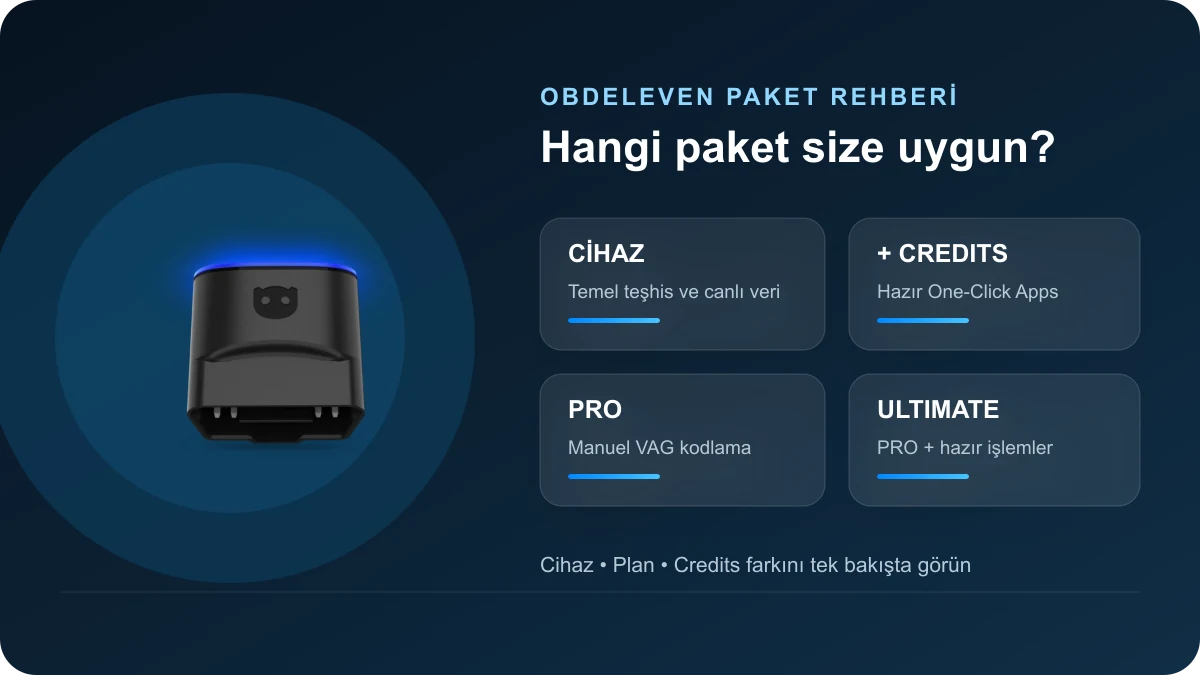
OBDeleven package decision table
Match your needs based on operation type; plan name does not replace vehicle compatibility.
Decision guide
OBDeleven device, plan, and Credits are three separate things
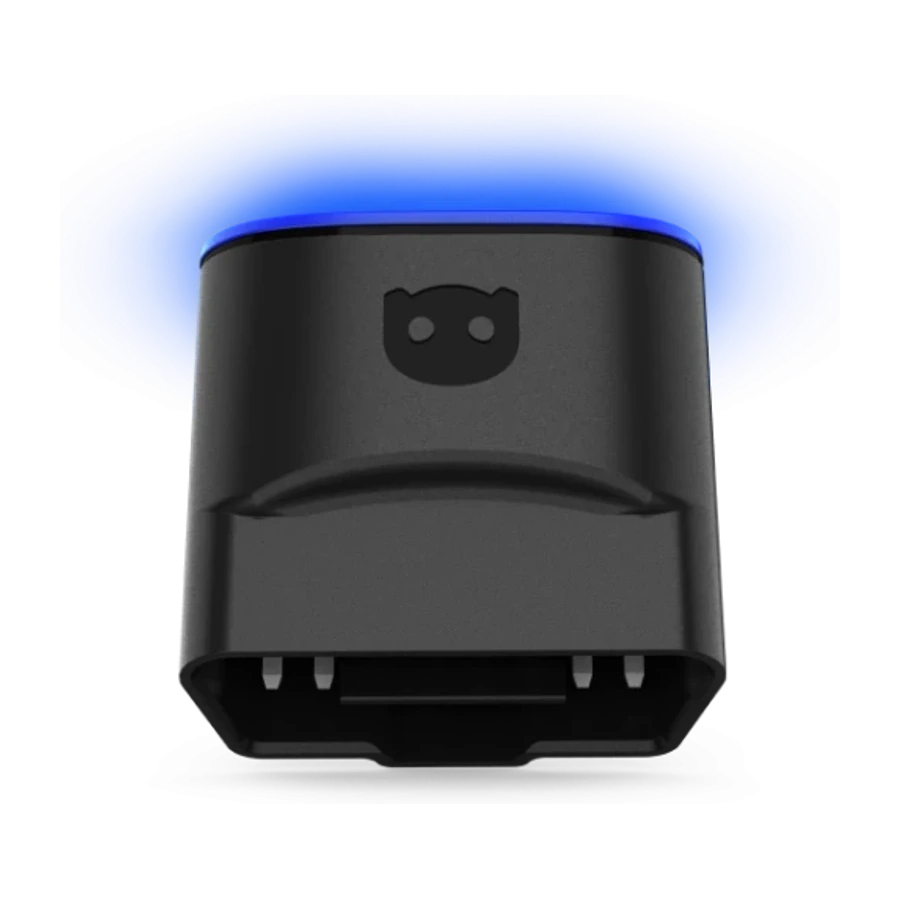
The device establishes the physical connection between the vehicle's OBD2 socket and the phone. The plan determines the access level to manual coding and advanced vehicle menus in the user account. Credits are a digital balance used to activate supported One-Click Apps. These three items do not perform the same function. A user who purchases only the device can perform basic diagnostics; they can also purchase Credits and run compatible ready operations without upgrading to a paid plan. A user who purchases the PRO plan can perform manual coding but uses additional Credits for One-Click Apps. The ULTIMATE plan combines PRO features with fair usage access to supported ready applications.
- Device: hardware between vehicle and phone
- Plan: account's advanced feature access
- Credits: One-Click Apps transaction balance
- Vehicle compatibility: final check independent of hardware, plan, and credits
Decision guide
Why might I still need Credits when I get PRO?
This is the most frequently asked question on forums. PRO unlocks manual functions in VAG vehicles such as Coding, Long Coding, Adaptation, Basic Settings, gateway list, freeze frame, and supported SFD access. One-Click Apps, on the other hand, are a pre-prepared separate operation system. PRO users spend the relevant credit amount when running these ready applications. If the same change can be made with manual coding and the user knows the correct procedure, the PRO menu can be used instead of Credits; however, the risk of writing an incorrect value to the ECU lies with the user. Ready apps provide convenience, while PRO offers direct control.
- PRO provides manual access
- Credits run ready apps
- The same result may not be found with both methods on every vehicle
- Pre-coding, existing values must be saved
Decision guide
Who is the ULTIMATE plan more suitable for?
ULTIMATE is intended for users who will use a large number of supported One-Click Apps, perform regular customizations on different vehicles, or do not want to deal with per-operation credits. Since it also includes PRO features, VAG manual coding menus are preserved separately. The manufacturer's "unlimited" statement is subject to fair use policy, vehicle compatibility, and regional coverage. Hardware not present in the vehicle cannot be added via software; unsupported models or modules with SFD2 protection are not automatically unlocked when ULTIMATE is purchased. For users who will only perform one or two ready-made operations per year, the device + Credits may be a lower total cost option.
- Frequent use of One-Click Apps
- Manual VAG coding with PRO
- Fair use and vehicle support limit
- Cost comparison with Credits option if high usage is not expected
Decision guide
Does the OBDeleven device continue to work after the plan expires?
Yes. When the paid PRO or ULTIMATE subscription expires, the physical device does not become disabled; the account reverts to the FREE plan. Basic fault reading-clearing, live data, and functions within the FREE scope continue to be available. Manual coding, advanced access, or the benefits of One-Click Apps provided by the plan will be deactivated. If there are unused Credits in the account, they are preserved according to the manufacturer's current account terms; Credits and plan duration are not on the same counter. It is more accurate to calculate costs by examining which functions will actually be used before renewing, rather than automatically renewing simply because a plan was purchased in the past.
- Device hardware remains usable
- Account reverts to FREE level
- Paid menus close when the plan expires
- Credits and plan duration are separate records
Decision guide
Renewal difference between package plan and separate plan code
The plan within the OBDeleven 3 PRO or ULTIMATE package is claimed in the account when the device is first connected to the application. According to official support, the plan included in the package does not initiate automatic renewal unless the user activates it separately. For a new PRO or ULTIMATE plan code purchased separately from the device, billing information and payment card setup are required during activation. Separate codes activated after September 15, 2026, can be renewed at the end of their term unless the user cancels. Activation must be done on the correct account; the card, expiration date, and auto-renewal settings should be checked via the web Dashboard.
- Package plan is claimed when the device is connected
- Separate plan code requires card setup
- Separate plan can be auto-renewed
- Correct account is checked before activation
Decision guide
Can one plan be used on multiple vehicles?
The plan and Credits are linked to the user account, not the vehicle's VIN. Multiple vehicles supported by the same account can be connected. However, the scope of functionality is re-evaluated for each vehicle; a One-Click App visible on one Golf model may not appear on another Audi, BMW, or Toyota model. For service use, before promising an operation to a customer, the vehicle must be identified in the application, and the relevant control unit and feature list must be accessed. Account sharing is not recommended due to user session security and plan usage terms for different users; it is safer to keep transaction records in a single responsible account.
- Plan is linked to the account
- Number of vehicles does not change compatibility
- Menus and operations are re-checked for each vehicle
- Account security is maintained
Decision guide
Is there a feature difference between iPhone and Android?
The current OBDeleven 3 device works with Android 8.0 and above, and iOS 16.6 and above phones; the official page also lists compatible HarmonyOS devices. Information that the old white FirstGen device is limited to Android still circulates on forums and should not be confused with the current black OBDeleven 3. The same user account can be opened on supported phones; the main difference lies in the device generation, application version, vehicle brand, and regional license coverage. Before purchasing, the phone's operating system should be updated, and Bluetooth and local connection permissions should be checked.
- OBDeleven 3: Android and iPhone
- Do not confuse FirstGen with the current device
- Check application version and permissions
Decision guide
Why is SFD2 critical for 2024 and later VAG vehicles?
SFD2 is one of the most frequently discussed topics in user forums, more so than package selection. The official OBDeleven support page, checked on October 9, 2026, states that full control unit access in VAG vehicles with the latest SFD2 protection is not yet live and the feature is in the final testing phase. The device may communicate with the gateway or show some basic diagnostic functions; this does not prove that coding, adaptation, or full scanning of all modules can be performed. Purchasing PRO or ULTIMATE does not bypass the security layer. For new model vehicles, the exact model, model year, target control unit, and intended operation should be sought in the current support record.
- SFD and SFD2 are not the same
- Purchasing a plan does not enable SFD2 support
- Gateway connection does not mean full access
- Operation-based check is required for new vehicles
Decision guide
Choose your OBDeleven package in three steps
Classify the task in the first step: basic diagnostics, ready-made One-Click App, or manual VAG coding. In the second step, verify vehicle compatibility with the exact model, year, country, and control unit. In the third step, calculate the annual usage frequency. Users who only need to read fault codes can start with the device. For a few ready-made operations, the device + Credits may suffice. PRO is required for manual coding. For numerous ready-made operations and manual coding, ULTIMATE can be considered. Users who already own the device should opt for annual plan activation instead of new hardware.
- Define the Operation
- Verify vehicle and module
- Calculate annual usage frequency
- If you have the device, consider only the plan option
Frequently Asked Questions
Most frequently asked questions by customers
Does the OBDeleven PRO plan include One-Click Apps?
PRO unlocks manual coding and advanced VAG menus. Credits are required for One-Click Apps; ULTIMATE covers supported ready operations under fair usage.
Is PRO required to use Credits?
No. Compatible One-Click Apps can be used with the device and Credits alone.
On how many vehicles can an OBDeleven plan be used?
The plan is tied to the user account and can be used on multiple supported vehicles. The functional scope for each vehicle must be checked separately.
Can I continue to read fault codes after my plan expires?
Yes. The account reverts to FREE level; basic diagnostics and live data can still be used.
If I purchase ULTIMATE, will a 2024 Volkswagen be coded?
Cannot be guaranteed. Full access to current SFD2-protected 2024+ VAG vehicles is not yet live as of October 9, 2026; the manufacturer reports it is in the final testing phase.
Does OBDeleven 3 work with both iPhone and Android?
Yes. Current requirements are published as Android 8.0+ and iOS 16.6+.
Can I add PRO or ULTIMATE after purchasing the device?
Yes. Users who own the device can activate a separate 12-month PRO or ULTIMATE plan on their account.
Do OBDeleven Credits expire?
According to official support, Credits do not expire as long as the account remains active. Purchase and refund conditions should be checked against current terms.