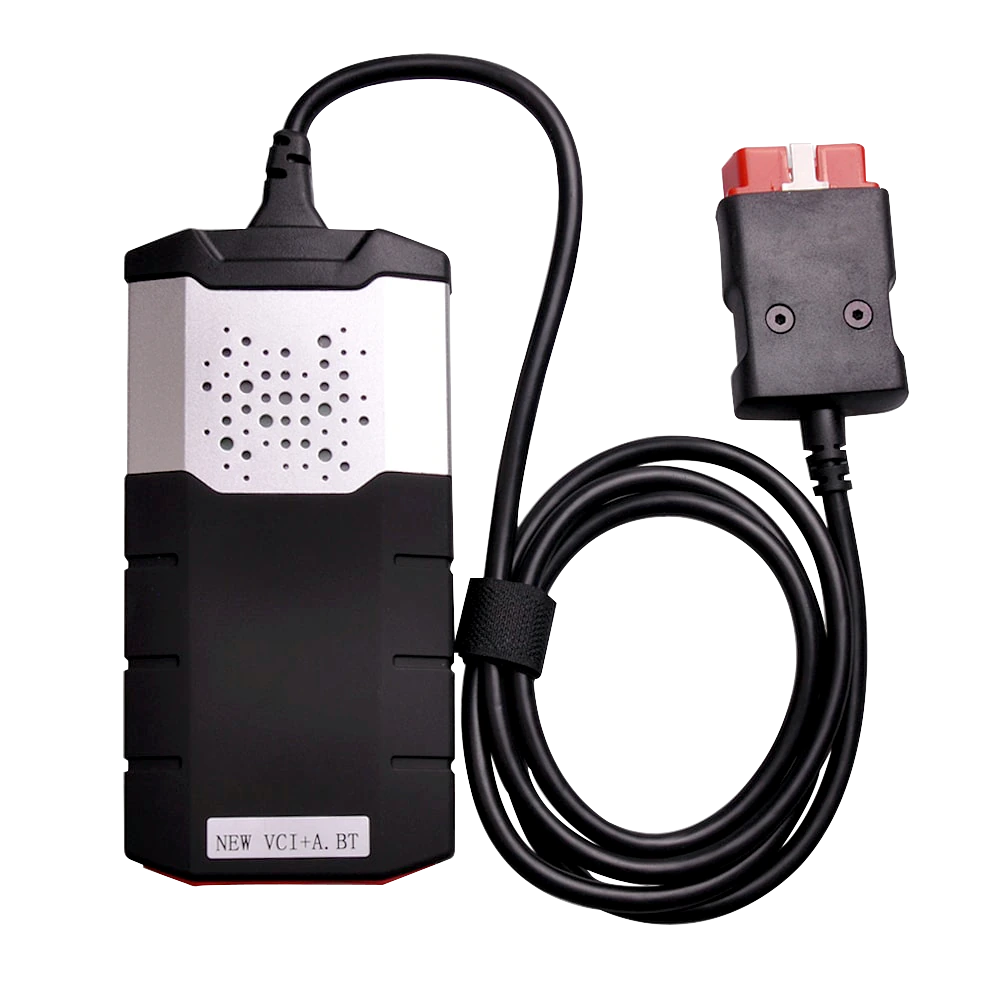
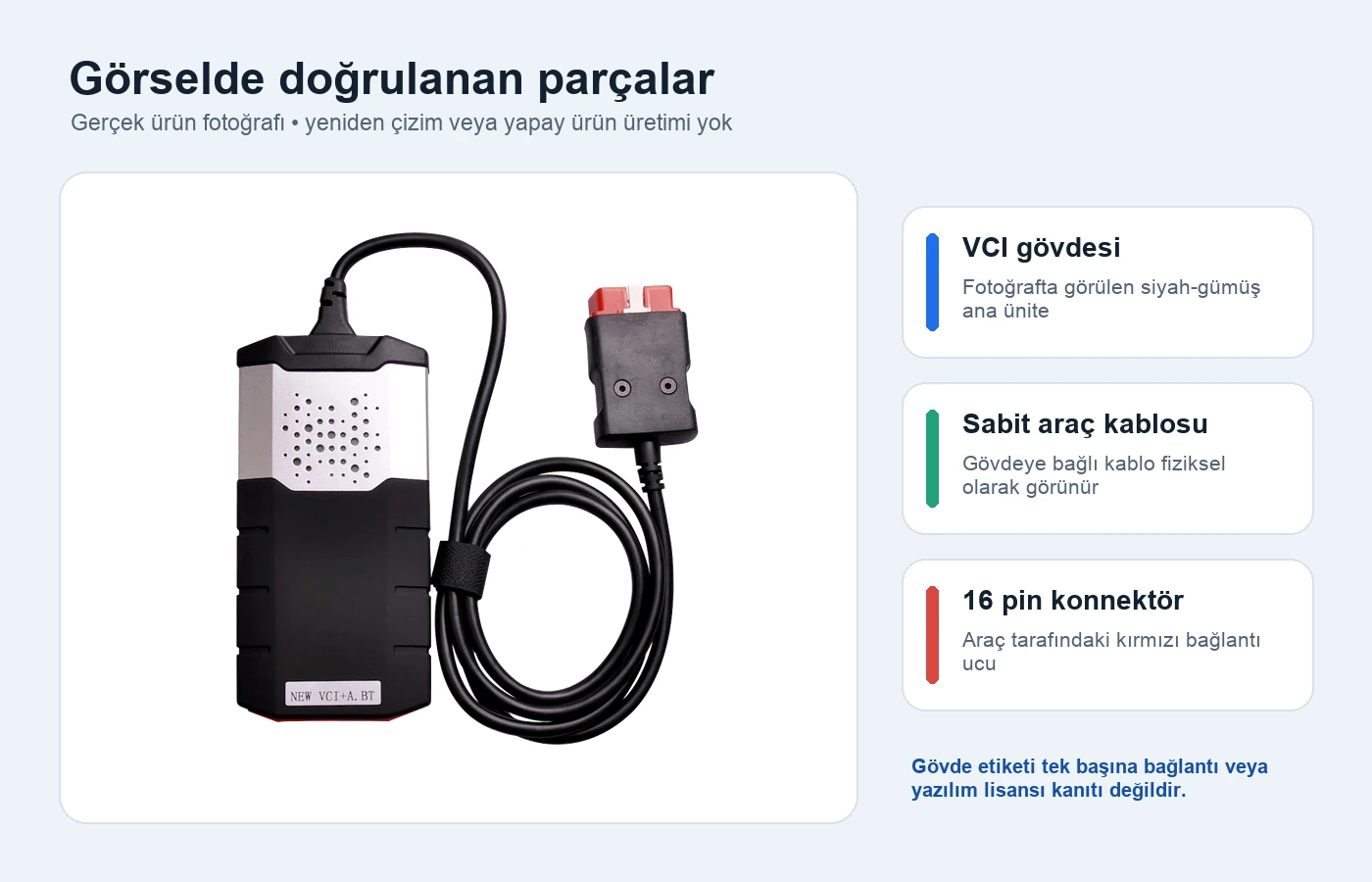
Logo-less VCI housing and fixed 16-pin vehicle connection cable.
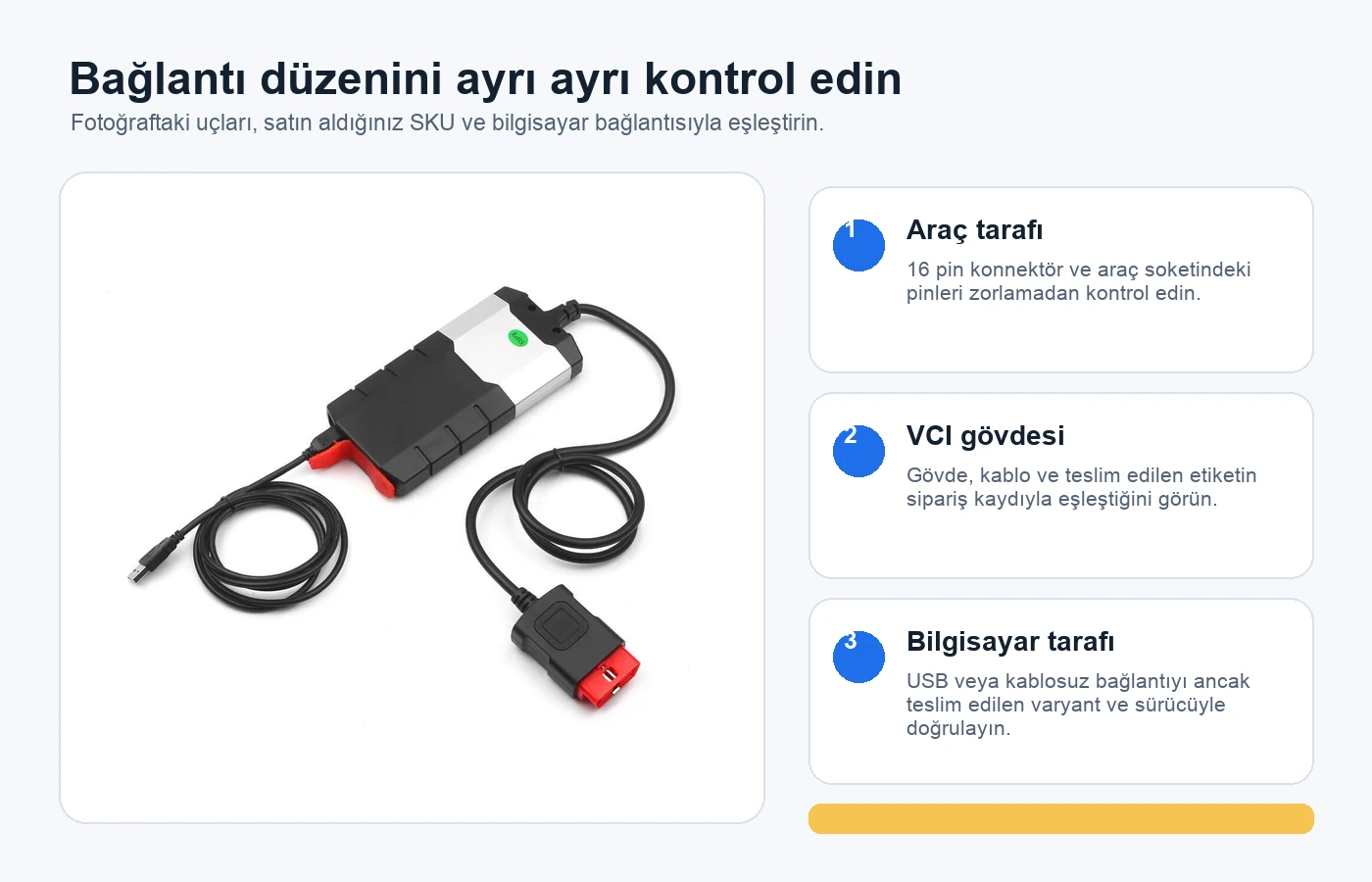
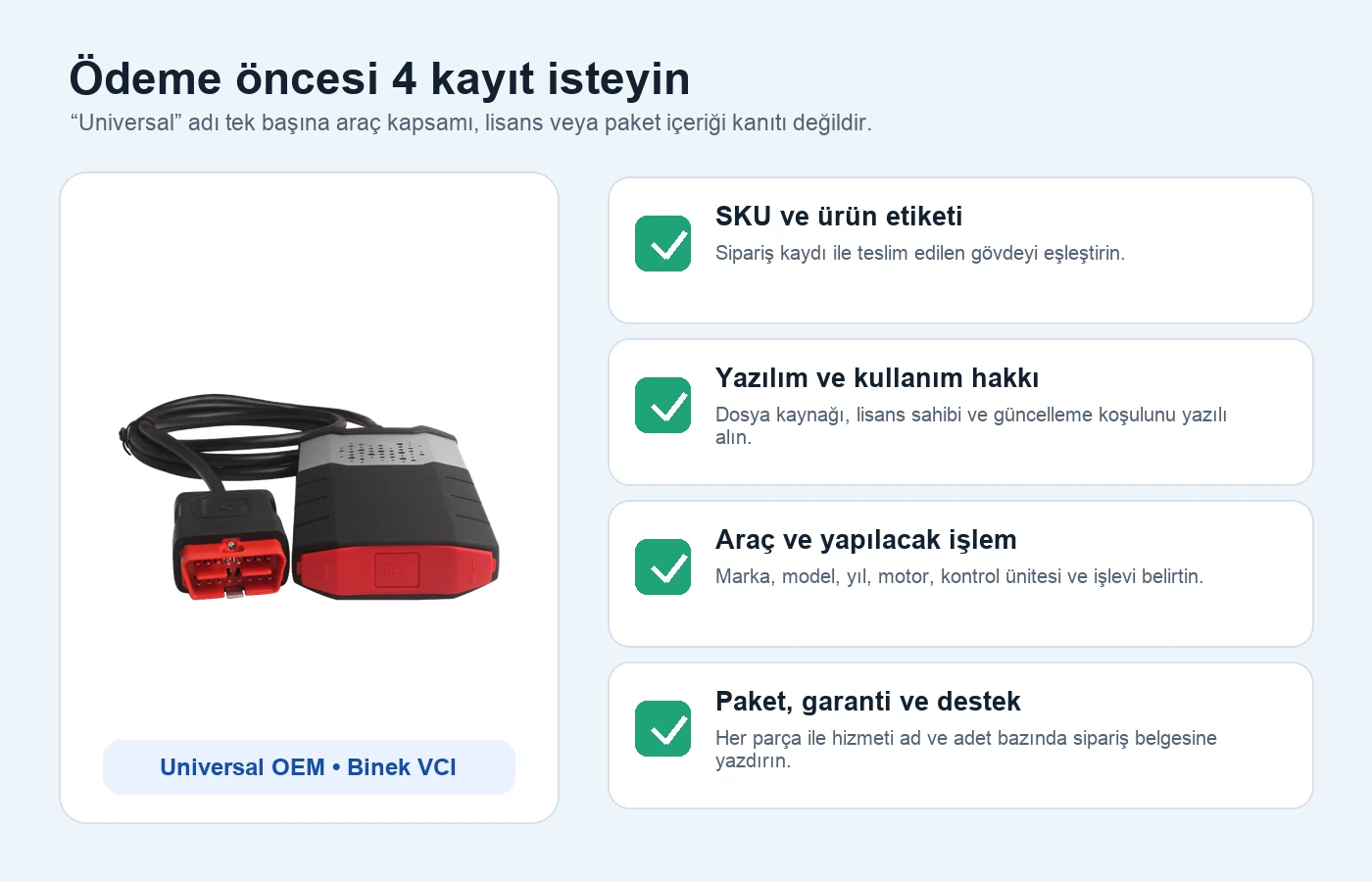
Logo-less VCI housing and fixed 16-pin vehicle connection cable.Close-up view of the 16-pin connector on the vehicle side.Actual product photo showing the front of the VCI housing and the vehicle connector together.Second close-up showing the housing, pins, and alignment protrusions of the vehicle connection end.
Universal | Vehicle fault code readers
Universal Diagnostic Tool – Passenger Car
Unbranded VCI package listed under the Universal OEM commercial name for the passenger car group. Initial setup is free; software license is not included. Vehicle and function compatibility must be checked separately.
Separate SKU for passenger car group
Fixed cable 16-pin vehicle connection
Initial installation free; software license not included
Do not assume compatibility without written verification of the vehicle's make, model, production year, engine information, system to be checked, and operation to be performed.
Product information
What is the Universal Diagnostic Tool – Passenger Car used for?
The Universal Diagnostic Tool – Passenger Car is a logo-less VCI package offered under the trade name Universal OEM. This SKU is for the passenger car group; the photos show the VCI housing, fixed vehicle cable, 16-pin vehicle connector, and in one source image, the computer cable.
The package includes free initial setup, but does not include a software license. Hardware revision, software version, model year limit, exact package contents, and warranty period are not presented as features without written verification.
What would you buy this for?
Services seeking computer-based VCI connection in the passenger car group
Users who purchase after checking vehicle and operation compatibility in writing
Workshops that accept the technical and licensing limitations of an unbranded product
Featured diagnostic features
Manufacturer and model information
Initial installation and software scope
Make-model-year and control unit
Delivered cables and accessories
Warranty and support conditions
Physical Connection Coverage
What vehicles and devices is the Universal Diagnostic Tool – Passenger Car used with?
Connecting the cable, adapter, or communication module to the vehicle does not prove that the vehicle is supported by the software. The physical connector, pin layout, main device, and vehicle software must be compatible simultaneously.
Brand coverage
There is no fixed brand list specific to the cable; the compatible main device and vehicle socket are used as a basis.
Model Coverage
Vehicle model and model year are verified separately in the main device's current coverage list.
Main unit
VCI, tablet, or diagnostic interface specified in the product name and technical resources
Physical check
Manufacturer and model information, Initial setup and software scope, Make-model-year and control unit, Delivered cables and accessories, Warranty and support conditions
This product does not add new software, licenses, or service functions to the main device.
Do not force connection without verifying the pin structure.
What is the verified technical identity of this device?
The product is offered under the trade name "Universal OEM"; this statement is not a claim of a verified device manufacturer or third-party brand license. The similarity of the housing shape to other devices on the market does not prove manufacturer, hardware board, firmware, software license, or quality equivalence.
The product title, cart, and order item only use the Universal product name; no claim of third-party brand ownership or originality is established. No unverified manufacturer brand is reported in the structured data either.
Trade name: Universal OEM passenger car VCI package
Manufacturer: no published evidence
Official model code: no published evidence
Third-party brand ownership claim: none
SKU: derived from live store data
Product details
What do the actual product photos verify?
Only physically visible parts are marked on the actual product photo.
The PSD main source is 1000x1000 pixels, has true alpha transparency, and has been converted to WebP format without redrawing the physical product. The image clearly shows a black-silver housing, a cable fixed to the housing, and a red 16-pin vehicle connector. A close-up second photo shows the connector pins. The label "NEW VCI+A.
BT" on it is only a marking visible in the photo; it does not alone prove that Bluetooth works, that the device has a specific board structure, or that a software package is licensed.
Black-silver logo-less VCI housing
Vehicle cable fixed to housing
Red 16-pin connector
Transparent WebP converted from physical product photo
No generative editing on product body
Product details
How are vehicle and computer connections distinguished?
The connection layout in the source photo must be matched with the actual ends on the delivered SKU.
The photo shows a fixed 16-pin connector on the vehicle side. For the computer-side connection method, no official guide or delivery list matching the product has been published. Icons and labels on the housing do not solely verify USB or Bluetooth functionality.
The Windows version, source of the driver file, wired or wireless operating method, and how the software sees the device by hardware name must be checked separately with records when making a purchasing decision. Phone or tablet compatibility should also not be assumed without proof.
Vehicle side: 16-pin connector shown in photo
Computer connection: technical document pending
Bluetooth version and operating status: technical document pending
Initial setup service is included in the package free of charge. This service does not imply that a license or update right is granted for the software; the software license is not included in the product scope. The source of the installation file to be used and computer security are checked together with the customer. Update and re-installation conditions are specified separately.
Before initial setup, the Windows computer to be used must be running, connected to the internet, and have administrator access. Personal files must be backed up by the customer; if remote connection is required, the session should only remain open during the setup period. Once setup is complete, the device's recognition by the computer is checked, and the connection status is recorded.
This check does not guarantee access to all control units on a specific vehicle or that every service function will work. Vehicle-specific testing and compatibility checks are performed separately.
Initial installation: free and included in the package
Software license: not included
Update and reinstallation conditions are specified separately
Verify the reliable source of the installation file
Product details
Why vehicle coverage cannot be explained solely by model year?
The vehicles a VCI will work on cannot be determined solely by a "up to 2021" or similar year tag. Within the same model year, the engine, transmission, equipment package, control unit supplier, diagnostic protocol, and gateway can differ.
Reading fault codes, monitoring live data, running active tests, resetting service intervals, performing adaptations, and programming ECUs are all distinct levels of authorization and risk. As there is no manufacturer-provided list of vehicles and functions for this product, the page offers no general guarantee for any model year or service function.
Brand and full model
Production year and engine code
Control unit and system
Required operation
Software version and connection protocol
Product details
What has been confirmed about the package contents?
The passenger car option indicates a physical VCI product; however, an official package list has not been published. The device in the main photo and the vehicle cable attached to the body serve as visual evidence. No additional fee is charged for initial setup; the software license is not included with the product.
The USB cable, carrying case, software media, computer, adapter set, or printed manual are not included in the package contents as they were not confirmed in the photo or store information. Accessories not shown in the visual should not be assumed to be delivered.
In the visual: VCI body and attached vehicle cable
Initial installation: free and included in the package
Software license: not included
Unconfirmed: USB cable, carrying case, and additional adapters
Product details
How to interpret warranty, setup, and technical support information
The initial setup of the device is free of charge. The software license is not part of the package. The warranty period and update duration are not specified in the live store data. Update and re-installation conditions are explained separately. Setup support does not change the product's manufacturer identity or third-party brand status, nor does it automatically expand vehicle coverage.
Initial setup: free
Software license: not included
Warranty and update period: specified separately
Compatibility guarantee: not provided
Product details
The actual difference between the passenger car package and the heavy-duty vehicle package
The passenger car product is an option dedicated solely to cars and light commercial vehicles. The heavy-duty vehicle option is maintained as a separate SKU and price as a "passenger car + heavy-duty vehicle" package. The use of the same or a similar VCI body does not make the two packages technically equivalent.
Heavy-duty vehicle use may require a 24 V electrical system, different diagnostic sockets, commercial vehicle communication protocols like J1939, and separate software coverage. These elements are not presented as part of the passenger car package; the list of required adapters and software must be verified with documentation.
Passenger car: separate SKU
Heavy-duty vehicle: separate SKU
Prices valid only in the live purchase area
Cable, voltage, and software coverage are checked on a package basis
Product details
What evidence should be reviewed before payment?
When all four records are viewed together, a clearer expectation of the product, service, and delivery can be established.
The product photo only confirms the physical body. It is clearly stated that the software license is not included in the package. For the vehicle to be used, the response must include the brand, full model, production year, engine, control unit, and the intended operation. General statements like "compatible," "works on most vehicles," or "universal" are not considered proof of functionality.
The delivery document must clearly show the main device, cables, and the initial setup service.
Scope of free initial setup
Information that the software license is not included
Complete vehicle and operation response
Warranty, return, and support conditions
Product details
Daily scenario: initial connection on a passenger car
The technician first checks the vehicle's battery voltage and diagnostic socket; they read the required ignition position from the vehicle manufacturer's service information. The connector is inserted without force, and no writing operation is initiated on the vehicle before the computer connection is established. The full vehicle record is selected in the software.
The communication test and control unit recognition result are recorded in the initial phase. The appearance of a menu does not mean the selected function is safe or supported; operations like reading fault codes and live data are started first.
Vehicle battery and socket check
Correct vehicle record
Communication test
Reading operations first
Recording of results
Product details
Daily scenario: reading and clearing fault codes
When a fault code is found, the code number, description, status, and any freeze-frame data are recorded before repair. The code alone does not prove the part is faulty; wiring, power supply, sensor data, and the relevant service procedure are examined. Clearing the code may temporarily remove the warning without repairing the fault.
Therefore, after clearing, a key cycle, re-scan, and if possible, a controlled road test are performed. The inability of the device to access a specific control unit does not mean there is no fault in that system.
Code and status record
Freeze-frame information
Physical check
Post-repair re-scan
Noting of non-communicating modules
Product details
Daily scenario: interpreting live data
A decision about a part cannot be made by looking at a single number in live data. Engine temperature, RPM, load, fuel trim, and sensor values are monitored under the same operating conditions; they are compared with the vehicle manufacturer's references. Slow sampling, incorrect vehicle selection, or an unsupported PID list can produce misleading results. The appearance of a graph does not prove measurement accuracy.
Suspicious values are verified with a multimeter, oscilloscope, or mechanical measurement. The VCI is a data collection tool for the diagnostic process; it does not replace technician assessment and physical testing.
Stabilize operating conditions
Monitor relevant data simultaneously
Use manufacturer reference
Verify with physical measurement
Product details
Daily scenario: service function or active test
Operations such as electronic parking brake, injector coding, throttle body adaptation, or active tests can make changes to the vehicle. The presence of the function name in the menu is not sufficient; vehicle variant, prerequisites, battery support device, safety instructions, and rollback steps must be checked.
As a verified function list for this VCI has not been published, writing or programming operations are not promised. Since communication interruption during an operation can render a control unit unusable, the possibility of reading and backing up data is evaluated first.
Function prerequisites
Stable vehicle voltage
Correct control unit
Rollback or recovery plan
Post-operation verification
Product details
If the device does not connect to the vehicle or computer
The problem is divided into vehicle-side and computer-side issues. On the vehicle socket, power and ground, fuses, and pin damage are checked. On the computer, driver source, connection port, the VCI selected by the software, and security software logs are examined.
Before switching to a different vehicle, general OBD communication and manufacturer-specific system access are tested separately on the same vehicle. As Bluetooth claims are not documented, wireless connection issues are not preemptively classified as product defects or user errors.
Socket power and fuse
Connector and pins
Driver and connection port
Correct VCI selection in software
Distinction between general OBD and manufacturer-specific access
Product details
Safe usage and data responsibility
Software from unverified sources must undergo a security scan before installation on a work computer, a system containing customer data, or an internet-connected administrator account. If coding or writing operations are to be performed on the vehicle, a battery support device must be used, the diagnostic cable must be kept away from moving and hot parts, and the manufacturer's service procedure must be followed.
Usage intended to disable emission or safety systems is not supported. In fault reports, the device name, software version, vehicle information, and inaccessible modules must be clearly recorded.
Reliable software source
Separate service computer
Voltage support
Cable safety
Operation and result logging
Related pages
Relevant content for Universal Diagnostic Tool – Passenger Car
Technical resources for Universal Diagnostic Tool – Passenger Car
Connection standard and independent service access framework checked with neutral technical resources on October 10, 2026. These connections do not verify the product's manufacturer, license, or vehicle coverage.
Frequently asked questions about Universal Diagnostic Tool – Passenger Car
Is this product an original device from any third-party brand?
No. The product is listed under the trade name Universal OEM. It is not offered with claims of third-party brand ownership, originality, or licensed manufacturer affiliation.
Up to what model year does it work?
A general model year limit cannot be given due to the absence of a verified manufacturer vehicle list. The exact vehicle, engine, control unit, desired operation, and software version used must be checked separately.
Does it have Bluetooth and USB connection?
Labels and icons on the housing are not proof of functionality. As there is no official technical document matching this SKU, the Bluetooth version, USB operation, and computer compatibility are not specified as definitive features.
Is it dual-card?
The number of cards has not been verified due to the absence of case opening, PCB photos, or supplier part records. The term "dual-card" is not used in the product title or technical specifications table.
What parts come out of the box?
The images show the VCI housing and a fixed 16-pin vehicle cable. USB cable, adapters, software media, carrying case, and other parts are not considered included in the package due to the absence of an official delivery list.
Are setup and updates included?
Initial setup is free of charge. The software license is not included in the package; update and re-installation conditions are specified separately.
Does it perform coding or ECU programming?
There is no vehicle and function list verifying these capabilities. The appearance of a function in the menu does not guarantee support, safety, or success; the page does not promise coding and programming.
When I receive the product, how do I check the correct variant?
Compare the SKU in the order record, housing shape, fixed cable, connector color, and any bottom label with the delivered product. If there are missing or different parts, take delivery photos before installing the software and connecting to the vehicle. If the brand, serial, or technical label on the housing contradicts the description on the page, do not start using it.
Comparison
Similar models to Universal Diagnostic Tool – Passenger Car
Compare products in the same class with information on usage level, service tasks, and price.
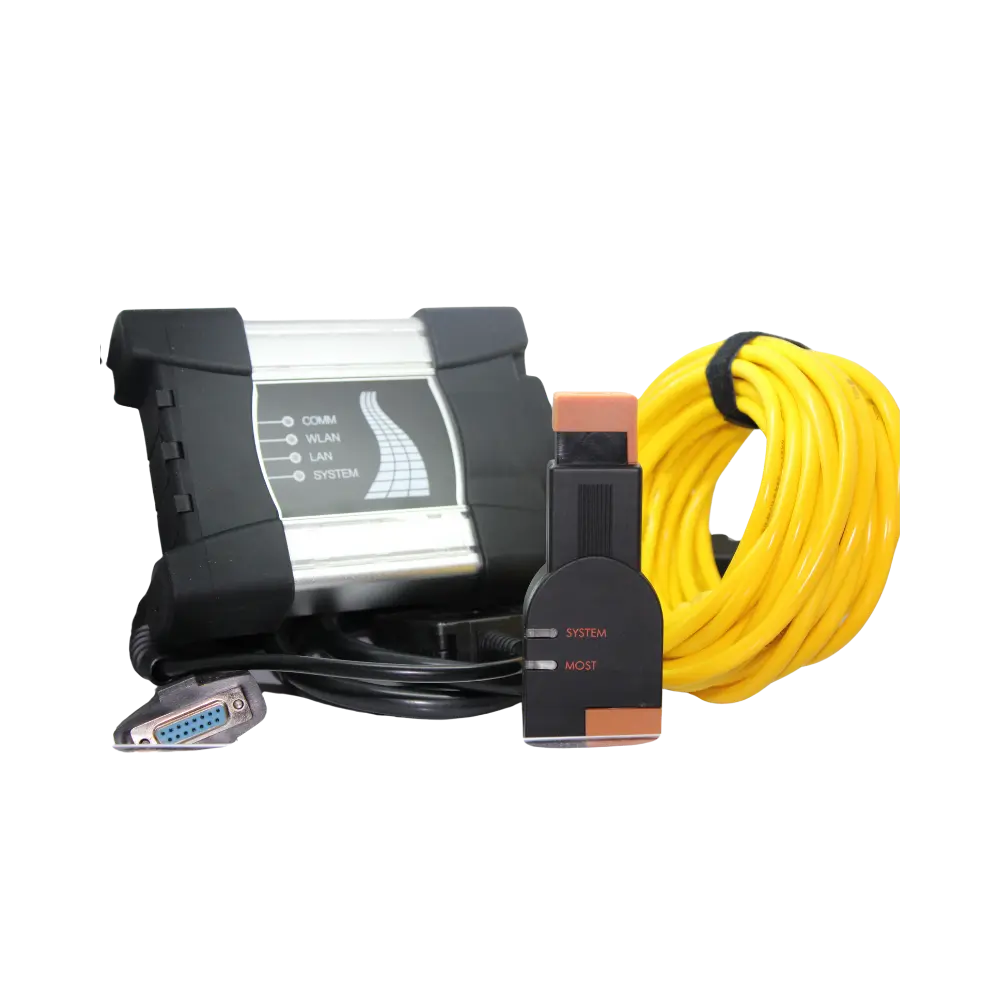
A PC-based ICOM A3 type aftermarket interface set including OBD, MOST, and old type 20-pin connection parts, used for diagnostics and supported programming operations on BMW and MINI vehicles with compatible ISTA or ISTA/P software configurations.
Diagnostics of BMW and MINI vehicles with ISTA
Compatible ISTA/P programming flow for E and MINI R series
Current ISTA programming configuration for F, G, and newer series
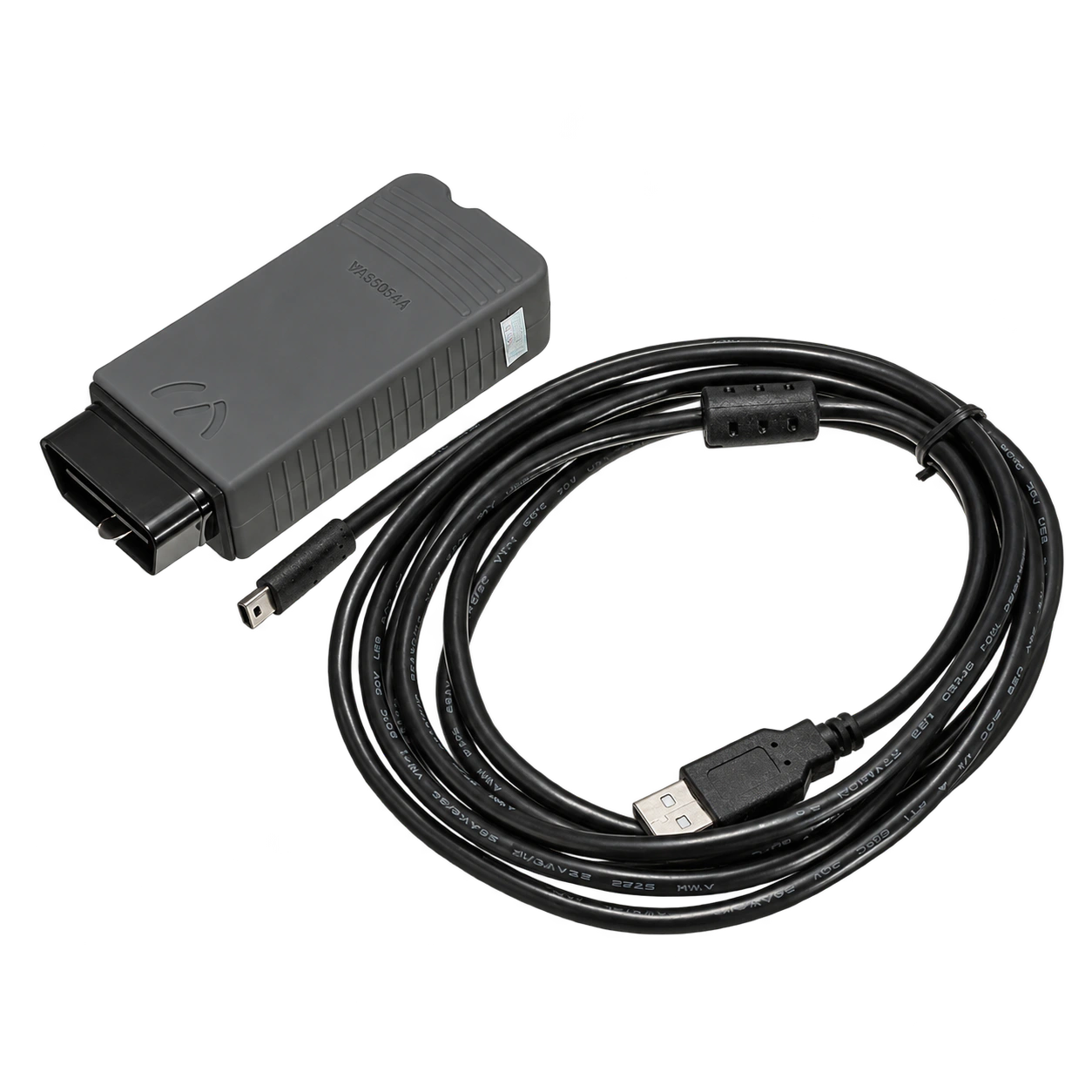
VAS5054A is an older generation VAG vehicle communication interface with a USB cable, used with the appropriate VAS-PC or ODIS infrastructure in Volkswagen, Audi, SEAT, and Skoda vehicles.
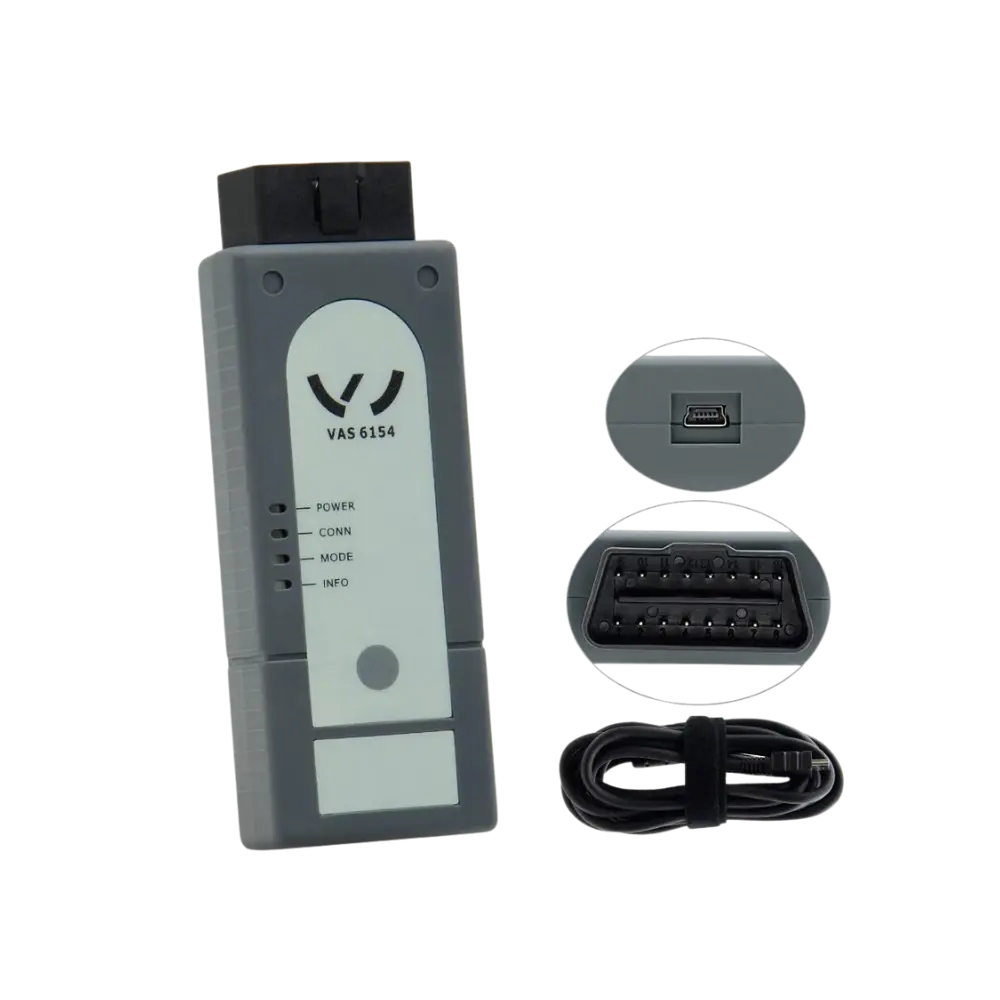
This aftermarket VAG interface, using the VAS 6154 form factor, provides connection for diagnosis and supported programming tasks with the appropriate ODIS setup in Volkswagen, Audi, SEAT/Cupra, and Skoda vehicles.
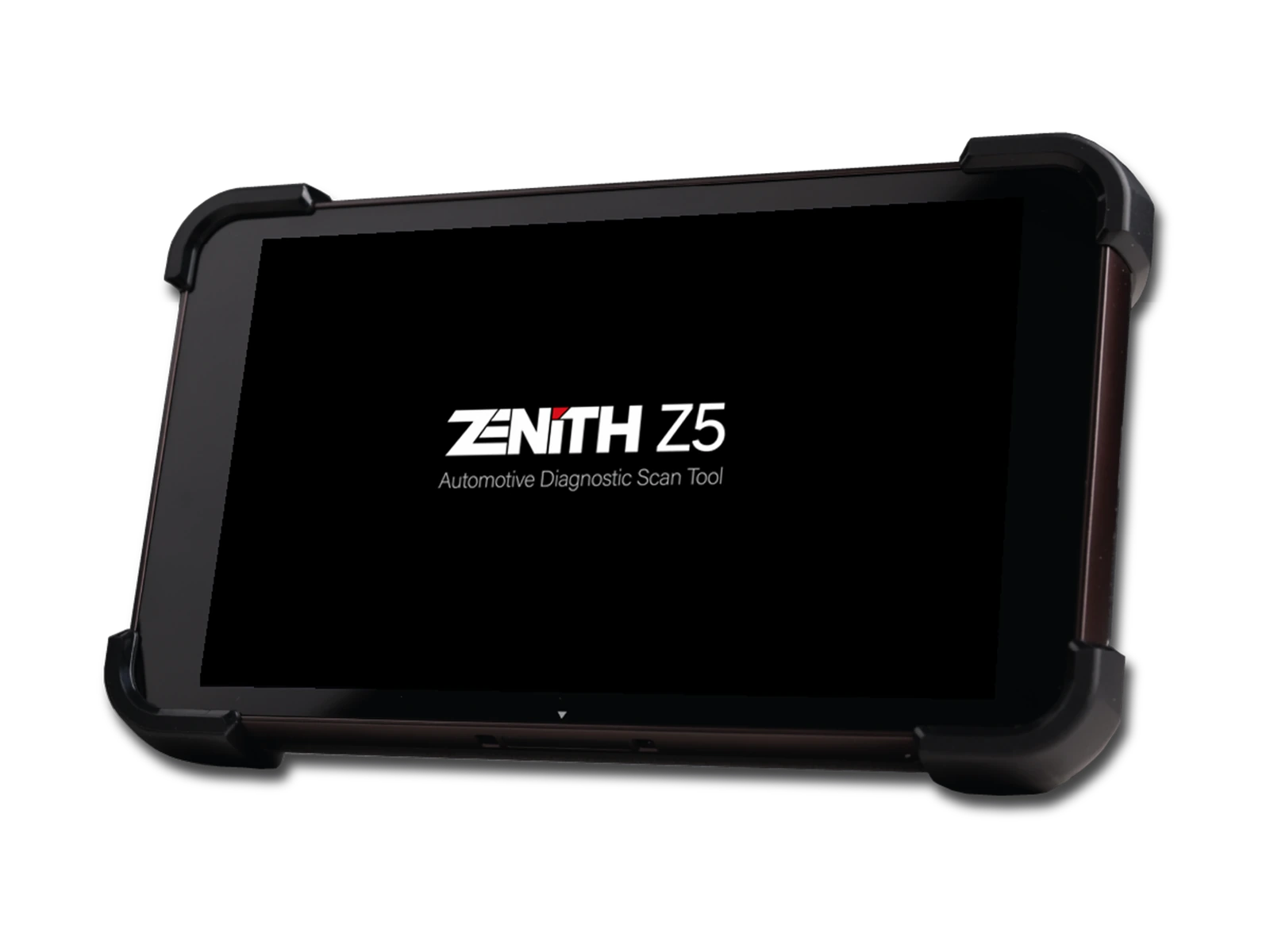
Zenith Z5 combines an 8-inch FHD screen, wired DLC connection, full system scan, bi-directional test, 24V commercial vehicle communication, and J2534 interface in a compact service tablet.