Quick comparison
Separate the connection layers
Checking each layer separately when troubleshooting connection errors prevents unnecessary part and software replacement.
Decision guide
CAN FD and DoIP are not the same connection
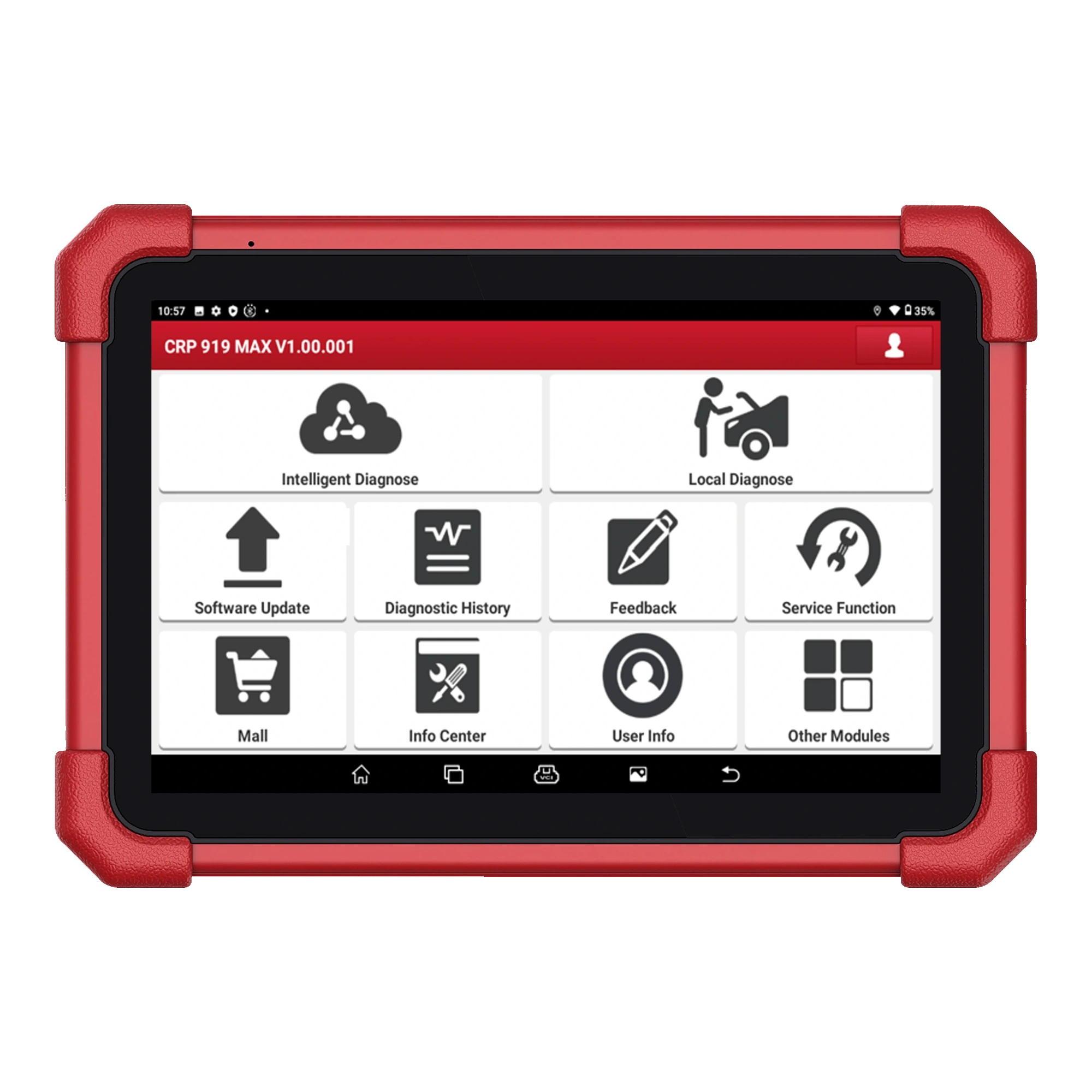
CAN FD is a derivative of the classic CAN network that can carry higher payloads. DoIP transmits diagnostic traffic over an Ethernet and IP-based connection. Launch lists CAN FD support and DoIP capability for the CRP 919 MAX; the official US statement specifies that a separate cable or adapter is required for DoIP use. These two features should not be confused with the tablet's Wi-Fi connection or the Bluetooth connection it establishes with the DBScar VII. Bluetooth is the wireless bridge between the tablet and the VCI. The network used on the vehicle side can be classic CAN, CAN FD, DoIP, or another supported protocol, depending on the model and control unit.
Wi-Fi is used for online operations such as account registration and software updates; it does not establish a diagnostic connection to the vehicle ECU by itself.
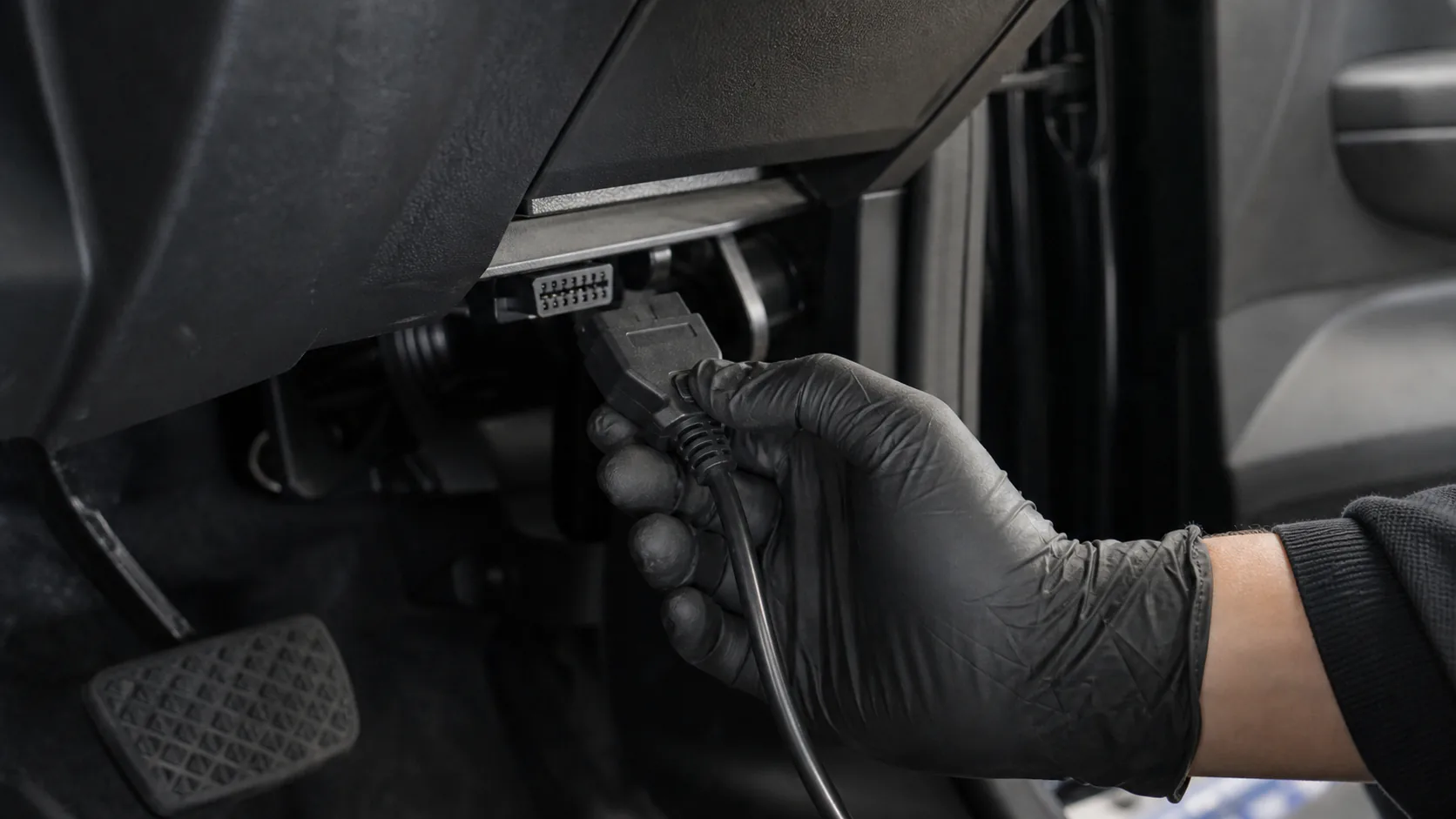
The DBScar VII is powered by the vehicle's OBD socket and communicates with the tablet via Bluetooth.
CAN FD or DoIP support does not mean that all coding and service menus on a specific vehicle are open.
Decision guide
Determine the vehicle and the operation to be performed before connection
The first step is not just selecting the brand logo. The vehicle brand, model, model year, engine, and if necessary, chassis or production date, and the control unit to be accessed are entered. Then, the operation to be performed is defined: full system scan, live data in the engine ECU, active test in the body module, or a supported service function. Launch searches for the vehicle and function together in its official vehicle and function query. If a CAN FD or DoIP note is found in the result, it indicates the format of the physical connection; the function line is checked separately. If the vehicle is not in the support list, do not attempt to write by selecting a similar model year.
- Verify vehicle identity and model year
- Enter the control unit to be accessed
- Specify the diagnostic operation to be performed
- Search for protocol and function support separately
Decision guide
Connection sequence for vehicles using CAN FD
When the vehicle software is updated, the DBScar VII is placed in the OBD socket, and the power indicator on the VCI is checked. After the tablet and VCI pairing is complete, AutoVIN is attempted; if the vehicle identity cannot be found, the information is selected manually. In the first session, only communication and read functions are tested. A full system scan shows the accessed control units, and the first report is saved without clearing codes. If an ECU does not respond, first check the vehicle's battery voltage, relevant fuses, socket contact, correct vehicle selection, and other modules on the network. Do not start adaptation or coding without stable communication.
Ignition position, whether the engine will run, and gear position are set according to the vehicle manufacturer's on-screen instructions.
During long scanning or writing operations, the vehicle voltage is kept stable within the range specified in the manufacturer's service procedure.
The appearance of a menu reached by incorrect vehicle selection does not prove that the operation is safe or compatible.
Decision guide
Why might an additional adapter be needed for DoIP connection?
In a vehicle using DoIP, diagnostic traffic is carried over an IP-based network. Launch Tech USA clearly states in the CRP 919 MAX product information that a cable is required for this connection. Therefore, the presence of the DBScar VII and the standard OBD cable in the image should not be interpreted as the required DoIP part being included in every regional package. The vehicle, tablet software, VCI, and the appropriate connection part must match simultaneously. If the adapter's product name and sockets are not clearly listed in the purchased package, check the physical package contents first. Do not attempt connection with a converter or random Ethernet cable without the appropriate part.
DoIP support and the DoIP adapter being part of the standard package are not the same information.
The connection part must be physically compatible with the socket on the vehicle side and the interface on the Launch device side.
If the vehicle software does not support the relevant control unit via DoIP, simply adding a cable will not open the menu.
Decision guide
Can explain the situation of connection present but no operation due to security gateway
Some new vehicles maintain different authorization levels for reading fault codes versus clearing codes, active tests, or service resets. The tablet can communicate with the vehicle and display the module list; however, protected commands may remain closed due to the manufacturer's security gateway. The required account, subscription, and regional access conditions vary by vehicle manufacturer. A security gateway service seen in a Launch package from another country is not automatically transferred to a Turkish device. If there is an authorization warning on the screen, follow the vehicle manufacturer's official access path instead of changing the device software or bypassing the gateway through unauthorized methods.
Decision guide
If connection cannot be established, perform systematic checks
First, check the power and ground at the OBD socket. If the DBScar VII lights do not turn on at all, examine the power line on the vehicle side and the physical condition of the VCI before proceeding to tablet settings. If the VCI is working but the tablet does not see it, check the Bluetooth pairing, the selected VCI serial number, and the firmware status. If the tablet sees the VCI but cannot communicate with the vehicle, sequentially evaluate the correct vehicle selection, brand software, connection cable, protocol requirements, and ECU power supply. If only one module is inaccessible, measure its fuse, power supply, and communication line separately instead of the entire network.
- Measure power and ground at the OBD socket
- Check DBScar VII and tablet pairing
- Select the correct vehicle software and model year
- Verify CAN FD or DoIP equipment requirements
- Distinguish between single module and full vehicle communication failure
Decision guide
Connection stability is tested before coding and adaptation
New generation protocol support requires particular attention, especially for writing operations. First, vehicle identification, full system scan, and data reading from the relevant ECU must be completed without interruption. The vehicle battery must be kept stable with a suitable support device; the tablet, VCI, or adapter must not be removed during the operation. The coding menu presented on the screen does not mean full ECU programming and does not provide the same scope on every control unit. Do not start writing operations without reading the manufacturer's service procedure, required ignition cycles, and final check steps. After the operation is complete, rescan the same ECU; check new codes and the physical result on the vehicle separately.
Decision guide
What questions should be asked when making a purchasing decision?
If you have vehicles using CAN FD or DoIP in your service, do not select the device based solely on the protocol logo. List the model years and operations for the most frequent vehicles; check the results in the Launch vehicle query. For vehicles requiring DoIP, compare the necessary connection part with the contents of the purchased package. For brands with security gateways, also examine the regional account requirements. This way, the device's hardware support and the service's actual work needs can be seen in a single check.
Frequently Asked Questions
Most frequently asked questions by customers
Does the CRP 919 MAX support CAN FD?
Yes. CAN FD is among the official features published by Launch for the CRP 919 MAX. Function support on specific vehicles and control units must be checked separately in the vehicle list.
Does the CRP 919 MAX make DoIP connections directly?
The device offers DoIP support; Launch Tech USA states that a separate cable or adapter is required for this connection. Check if the required part is included in the purchased package.
Is a DoIP adapter unnecessary because DBScar VII is wireless?
No. Bluetooth is the connection between the tablet and DBScar VII. DoIP is the type of diagnostic network between the VCI and the vehicle; the physical adapter requirement remains separate.
Does CAN FD support mean it will work on all new vehicles?
No. Protocol support does not replace specific brand, model, year, ECU, and function support. The Launch vehicle and function list must be examined on a per-vehicle basis.
If the vehicle is scanned but code clearing is not enabled, is the device faulty?
Not always. Vehicle security gateway, account authorization, selected ECU, software version, or vehicle conditions may prevent writing operations. Check the warning text and the vehicle manufacturer's access requirements.
Can coding be performed while the connection is unstable?
It should not be. First, vehicle identity, system scan, and data reading must be completed stably; vehicle voltage and connection equipment must be secured.