Pre- and post-repair service report with Launch CRP 919 MAX
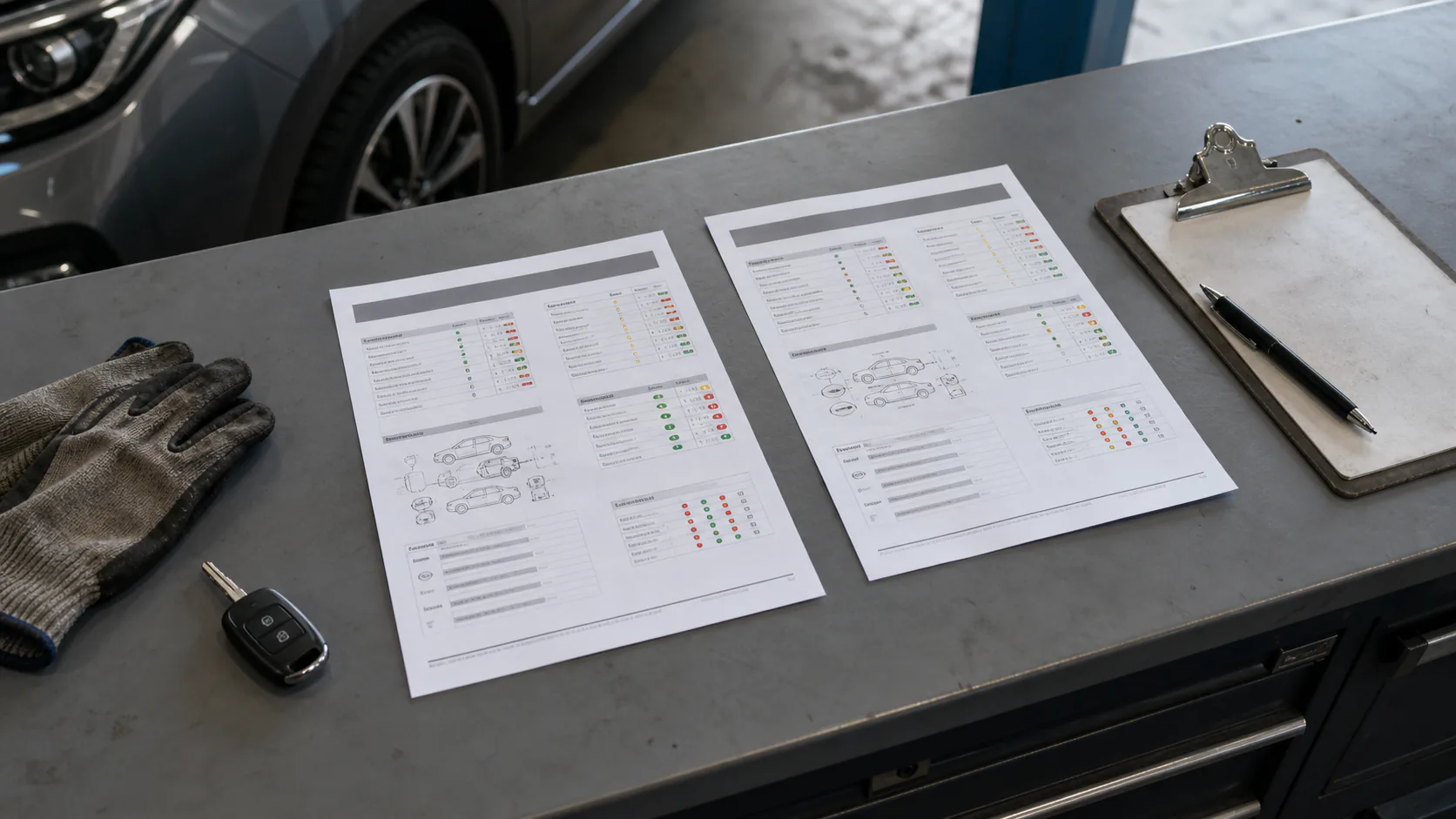
A service report is not just a screenshot of fault codes. When the status at vehicle acceptance, findings during repair, and the final scan before delivery are regularly recorded under the same vehicle identification, the work performed becomes traceable. The official CRP 919 MAX manual categorizes health reports into three types: pre-repair, post-repair, and diagnostic scan. The following flow adapts this categorization to daily service acceptance.
Stores the vehicle's electronic status at the time of acceptance
Diagnostic scan
During intermediate checks or independent inspections
Records the general scan result
Post-repair
After physical work and required procedures are completed
Compares the final status of the same systems
Live data recording
While symptoms occur or during a road test
Stores time-dependent sensor and command changes
Decision guide
Why is the initial record taken at vehicle acceptance before clearing codes?
When a fault code is cleared, not only the code list but also, in some vehicles, the freeze frame information showing the conditions under which the fault occurred and the readiness status may be lost. The Launch manual clearly states that clearing codes does not fix the problem causing the fault, and the code will reappear if the repair is not performed. Therefore, at vehicle acceptance, battery voltage, dashboard warnings, and customer complaints are first noted; then, vehicle identification is verified, and a health scan is initiated. Accessible systems and modules that cannot be communicated with appear in the same initial record. After the report is saved, proceed to examine the relevant DTC, freeze frame, and live data.
Compare vehicle identification and mileage information with the work order
Record dashboard warnings and complaints before processing
Complete full system scan without clearing codes
Save the initial status by selecting the pre-repair report type
Decision guide
How to generate a CRP 919 MAX health report
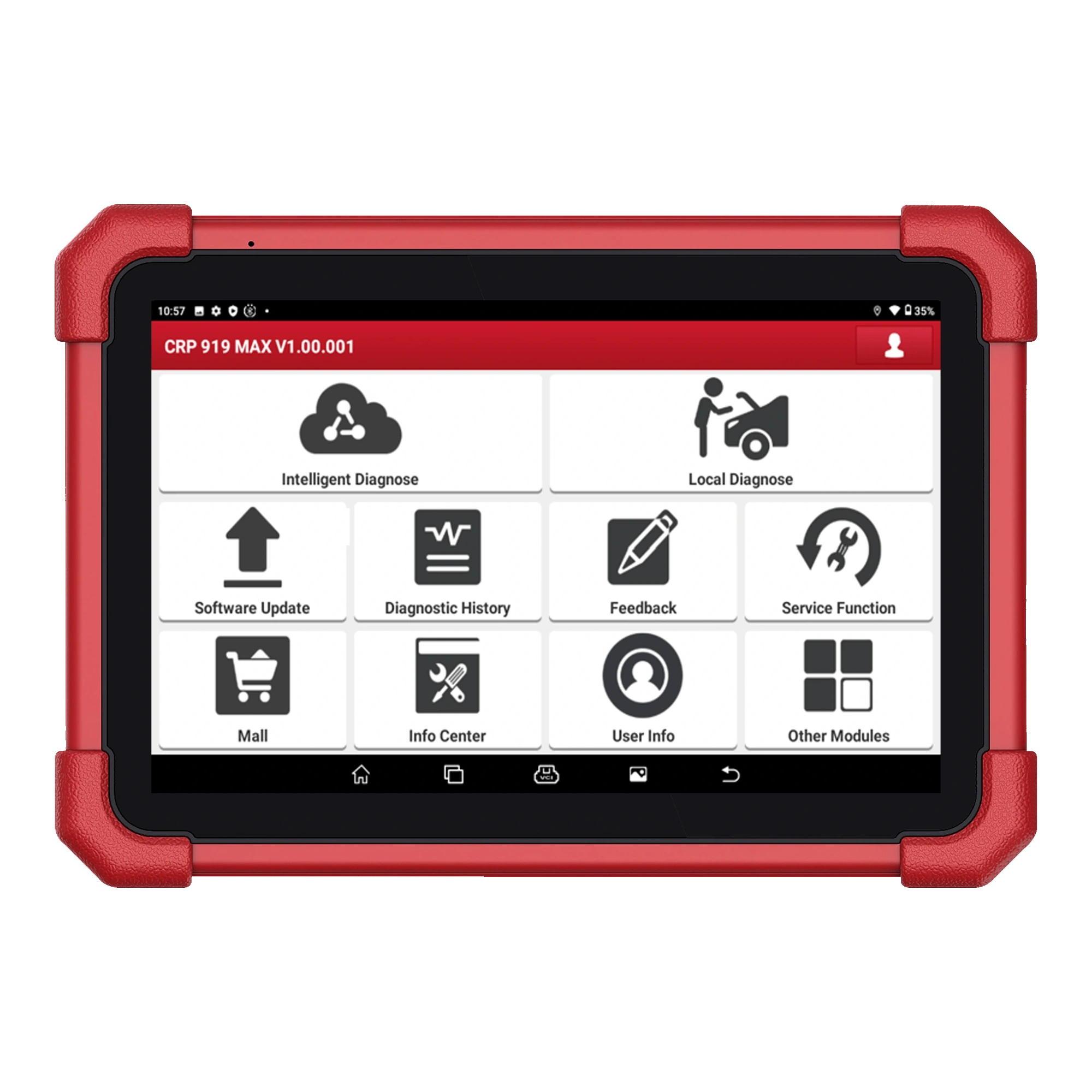
After selecting the correct vehicle within Local Diagnosis, run Health Report or Quick Test. According to the manual, the tablet scans the electronic control units it can access; systems with error codes are parsed on the results screen. When the Report button is selected, the record type is marked as pre-repair, post-repair, or diagnostic scan. The pre-repair option is used for the initial acceptance record. Service information can be defined in device settings if needed; vehicle and service information are added as labels to the report. Personal information is entered only to the extent required by the job, and the report is not sent through unauthorized channels. Personal information is entered only to the extent required by the job, and the report is not sent through unauthorized channels.
If the automatic VIN result does not match the vehicle documentation, manually correct the vehicle selection before obtaining the report.
Systems that cannot be communicated with are not deleted; they are kept in the initial record for investigation of connection or vehicle support.
The report name is organized to distinguish between vehicles and the order of operations when multiple scans are performed on the same day.
Decision guide
Code list is not diagnosis alone
A DTC indicates which electrical or logical condition the control unit found to be incorrect; it does not always directly indicate the faulty part. The same low voltage event can generate multiple secondary codes in different modules. The initial report reads the code status, the ECU it is in, and the freeze frame information together. Then, according to the manufacturer's service procedure, power, ground, wiring, sensor, or mechanical conditions are measured. Part replacement is not based solely on the code description. If code clearing is necessary during repair, it is done after confirming the initial report has been saved and after all relevant physical checks are completed.
Current, historical, and pending codes do not have the same meaning; the status indicated by the vehicle software is noted.
Freeze frame may show the RPM, temperature, or load at the time of the fault; the presented parameters vary from vehicle to vehicle.
Communication codes in multiple modules may indicate a common power or network issue; not every ECU requires separate part replacement.
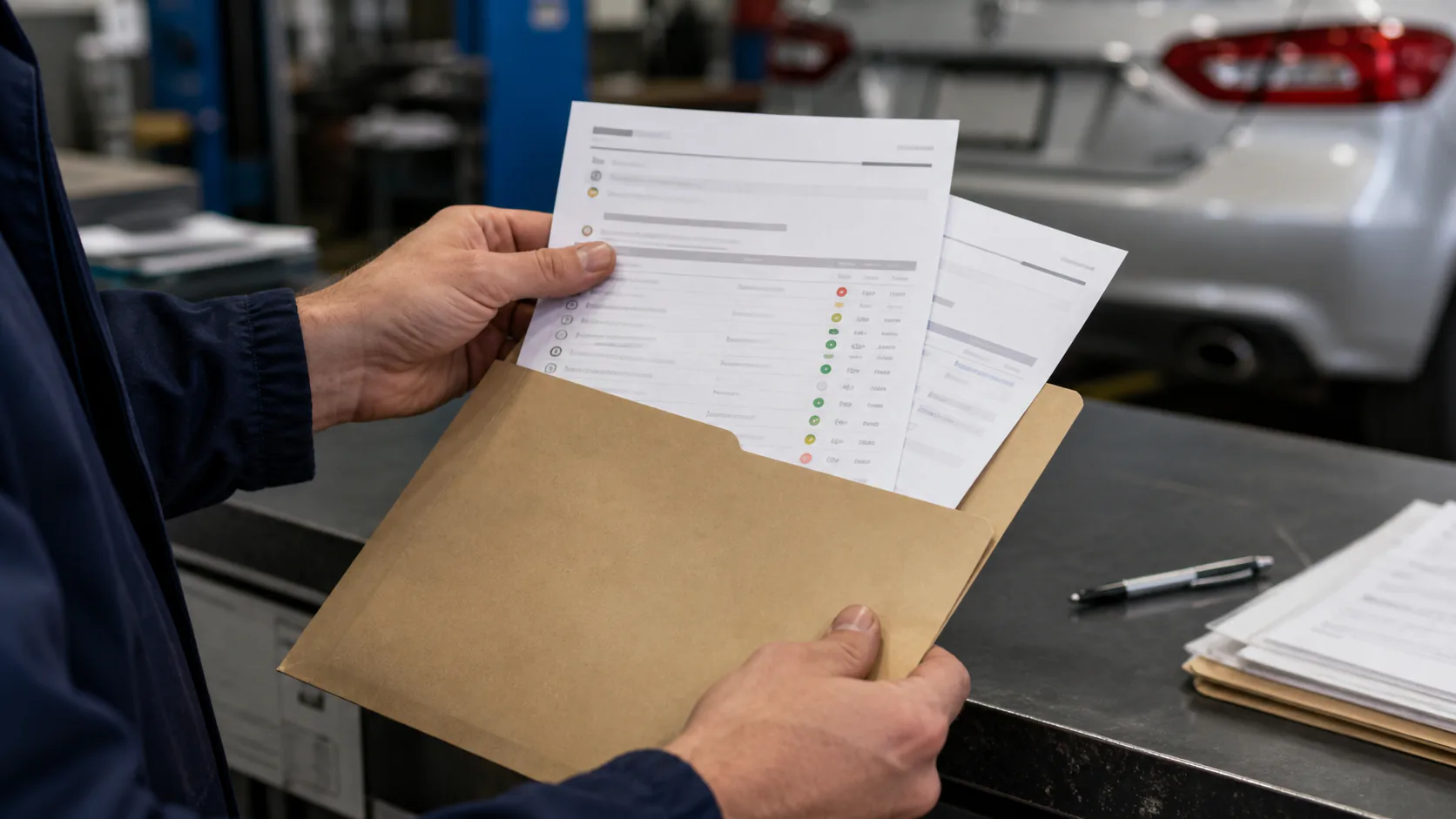
Technician placing vehicle control reports into the service work order file
Decision guide
When are live data and diagnostic records added?
Irregular idling, intermittent sensor dropout, or complaints occurring at specific loads may not be apparent from a static code list. The CRP 919 MAX manual states that data flow can be displayed in text, graph, and combined graph formats; selected data can be saved and replayed later. A few relevant parameters are selected, and the time the symptom occurs is marked. The report function on the tablet can save the current data view; the recording function saves the time-dependent flow. Normal values are not estimated from another vehicle; they are compared with the manufacturer's service data for the same vehicle.
Select a few parameters related to the complaint
Monitor data flow in graph or text view
Match the moment the symptom occurs with the recording time
Compare the result with the vehicle manufacturer's reference value
Decision guide
Post-repair scan is performed under the same conditions
After physical repair, necessary adaptation, or service procedure is completed, the vehicle is scanned again. Whenever possible, use the same vehicle selection, the same control units, and similar ignition conditions. The result is saved with the post-repair report type. The absence of a code found in the initial report in the final report does not alone prove the repair is complete; necessary drive cycles, readiness monitors, live data, and physical symptoms must also be checked. If the code returns or a module is still not communicating, the report is not edited to appear clean. Remaining findings, measurements taken, and subsequent actions are clearly added to the work order.
Emission monitors may not be complete after code clearing; the decision to deliver is not based solely on an empty code list.
If adaptation was applied, the completion message on the screen and the observable result in the vehicle are checked separately.
A newly generated code may be due to a disconnected socket during repair or low voltage; it is not ignored without investigating the cause.
Decision guide
How are pre- and post-reports compared?
In both reports, first check the vehicle identification and scan time. Then, compare the number of ECUs accessed, non-communicating systems, existing DTCs, and code statuses. If a module appears in the initial report but disappears in the final report, a reduction in code count alone is not considered success; connection and power are re-examined. Live data related to the complaint or active test results are also briefly and measurably written into the work order. Instead of a general statement like "Fault resolved," specify the replaced part, measurement taken, procedure completed, and any remaining findings at the time of delivery.
VIN and date should indicate the same vehicle session
List of accessed ECUs should be compared
Code status should be read as well as the number of DTCs
Remaining or new codes should be clearly stated
Physical repair and electronic result should be matched
Decision guide
Finding, sharing, and storing records
According to the manual, saved reports can be viewed, deleted, or shared from the My Reports section within User Information. Health scans and diagnostic reports taken from a single ECU may appear in different lists; live data recordings are also stored in the diagnostic records section. Before sending a file, check the VIN, license plate, phone, and service information. Only documents belonging to the customer's own vehicle are provided. Reports containing identification information are not uploaded to messaging groups or public storage areas. The legal retention period and access rights of the service are determined according to the business's data protection regulations.
Decision guide
Short checklist before delivery
After the post-repair report is saved, dashboard warnings, customer complaints, relevant live data, and, if necessary, a road test are re-evaluated. Adapters removed during connection are removed, the OBD cover is closed, and no diagnostic equipment is left in the vehicle. The initial and final reports are matched with the work order. If unresolved codes or incomplete monitors exist, they are explained to the customer; re-clearing is not performed to create an empty code screen. This sequence transforms the service tablet from merely a code-clearing tool into a traceable diagnostic process.
Frequently Asked Questions
Most frequently asked questions by customers
Does the CRP 919 MAX generate pre- and post-repair reports?
Yes. The official user manual explains saving health reports in three types: Pre-Repair, Post-Repair, and Diagnostic Scan.
Should fault codes be cleared immediately in the first scan?
No. First, the health report, code status, and freeze frame information must be saved. Clearing codes does not fix the physical cause of the malfunction and may cause loss of diagnostic data.
Does a clean report indicate the vehicle is definitively repaired?
Not on its own. Symptoms, live data, physical measurements, required drive cycles, and readiness monitors should also be checked.
Can live data be monitored later?
According to the manual, the selected data stream can be saved and replayed from the Diagnostic Records section. The available parameters and recording options vary by vehicle.
Where are saved reports found?
Health and diagnostic reports can be viewed in the My Reports section within User Information. Live data recordings are stored in the Diagnostic Records section.
What should be paid attention to when sending a report to the customer?
Vehicle identification and personal information are checked; the document is shared only with the authorized recipient. Reports of other customers or public links are not used.