Decision guide
What does the OBD readiness monitor show?
Readiness indicates whether the ECU has completed the defined self-check for an emission-related system. The result on the screen is not a repair diagnosis. Being "Ready" does not definitively prove there are no faults in the system; being "Not Ready" does not solely prove a specific part is faulty.
The vehicle monitors its own sensor and control results during operation. When a monitor encounters the necessary conditions, it completes the evaluation, and the result can transition to a ready state. If the check detects a fault, the relevant diagnostic code and MIL logic are activated separately. Therefore, the readiness line, DTC list, and MIL cannot be used interchangeably.
The readiness screen should be read carefully, especially on vehicles where the battery has been disconnected, the ECU has been reset, codes have been cleared, or emission-related repairs have been performed. Without knowing this history, looking only at the green and red indicators on the screen can lead to misinterpretation. At the initial scan, the date, mileage, warning lamp, DTCs, and all monitor statuses are recorded in the same report.
Some devices may display the menu under different names such as I/M Readiness, Emissions, Smog Check, or Readiness Status. While the color, icon, and translation may vary by device brand, the basic distinction is between completed, incomplete, and not supported states. The explanation in the device manual and the vehicle's official service information are taken as primary.
- Completion status of self-check
- Information separate from DTC
- Read with reset history
- Not a part diagnosis on its own
Decision guide
The difference between Ready, Not Ready, and Not Supported
The Ready line indicates that the test has been completed, and the Not Ready line indicates that the test has not yet been completed. Not Supported means the vehicle does not use that monitor or does not provide it within the standard data. A Not Supported line is not considered a fault.
The Ready line indicates that the ECU has encountered the conditions necessary to run that check. Fault codes must be checked separately. A monitor may be completed and have detected a fault; in this case, the DTC and MIL information will appear separately from the readiness line.
The Not Ready line indicates that the conditions sufficient for the check to be completed have not yet occurred. The vehicle may have been used little, the driving may have been only for short distances, or the temperature, speed, and load range desired by the check may not have been encountered. Parts are not intervened with before investigating why it was reset.
The Not Supported result reminds us that not all vehicles have the same monitor list. Engine type, model year, market, and control strategy can change the supported checks. A device showing numerous N/A in the table is not necessarily a connection fault on its own; other standard data and vehicle-specific information are checked.
Decision guide
How do continuous and non-continuous monitors work?
Some OBD checks are continuously monitored while the engine is running; others are activated only when specific operating conditions are met. In U.S. EPA technical resources, misfire, fuel system, and comprehensive component checks are given as examples of continuous groups. Other emission systems may require specific driving and temperature patterns.
A continuously monitored check performs repeated evaluations in the background under appropriate engine operating conditions. However, it is not expected to be considered complete while the ignition is off or without communication. The ECU must be operational, receive relevant sensor data, and meet its own pre-conditions.
Non-continuous monitors may be related to systems present in the vehicle such as the catalyst, oxygen sensor, evaporative emission system, or EGR. Not all vehicles support all these monitors. The relevant test may depend on multiple conditions such as cold start, specific temperature, steady speed, deceleration, load, or fuel level.
If a monitor is not completed after a long period, instead of randomly driving long distances, the vehicle's maintenance status, current codes, coolant temperature, battery voltage, and official pre-conditions are examined first. Factors such as thermostat issues, valid DTCs, or improper operating conditions can prevent the test from starting; the cause is determined by vehicle-specific procedures.
- Continuously monitored tests
- Condition-dependent tests
- Monitors not present in the vehicle
- Pre-conditions varying by manufacturer
Decision guide
Why do code clearing and battery removal reset monitors?
Clearing fault codes or performing an operation that affects the ECU's memory can revert some readiness records to an incomplete state. After battery disconnection, ECU replacement, or programming, the vehicle may also need to re-run its self-checks.
The code clearing command should not be used solely to turn off the warning lamp. The operation can affect the monitor status along with freeze frame data and diagnostic context. If clearing is performed without recording the code, status, freeze frame, and readiness screen upon the vehicle's first arrival at the workshop, the condition under which the fault occurred and previous completion information may be lost.
When battery replacement or electrical repairs are necessary, disconnection is sometimes unavoidable. The issue here is not the repair itself, but the assumption that all tests are completed immediately afterward. After power is restored, a DTC scan is performed, necessary learning procedures are completed according to the vehicle manufacturer's procedure, and readiness is checked again.
Permanent emission codes may have different clearing logic. In a compatible vehicle, clearing codes with a scan tool or disconnecting the battery does not directly eliminate this record. After repair, the ECU must complete the relevant check under its own conditions. Resetting again to keep a permanent code is not the correct solution.
Decision guide
What does "Not Ready" mean when there are no codes?
The absence of DTCs is not the same as a monitor being completed. If codes were recently cleared, the vehicle may not show records at that moment; however, it may not have yet re-run its emission tests. In this case, the statement "no codes" does not prove the system has been tested under all conditions.
The first question is when and why the vehicle was reset. If a battery change, low voltage, ECU operation, or fault code clearing was recently performed, the readiness result can be explained by this action. If the operation history is unknown, the current screen is recorded instead of fabricating mileage and time estimates, and vehicle-specific test conditions are investigated.
Pending codes may be found next to a not-ready monitor. A pending code indicates that the ECU has detected a condition but its own confirmation logic may not yet be complete. Pending, confirmed, and permanent records are read separately; the "no active codes" filter alone is not used.
If a DTC or warning lamp appears after a monitor is completed, the test may have re-detected a problem. In this case, the code is not cleared again; freeze frame data and operating conditions are saved, and the manufacturer's diagnostic sequence is followed. Temporarily obtaining a blank screen by resetting is not a repair.
Decision guide
How to perform a safe readiness check after repair?
The correct flow begins with taking a record before clearing. The cause of the fault is resolved according to the manufacturer's test procedure; the necessary reset is performed afterward. The vehicle is operated under safe and legal road conditions, the manufacturer's desired drive cycle is completed, and DTC and readiness are scanned again.
The initial record includes the ECU, code status, MIL, freeze frame, readiness table, and relevant live data. Battery voltage and communication stability are also checked. This way, it can be seen which information has changed after the repair, and decisions are not made solely based on screen color.
Repair is verified by electrical, sensor, or mechanical measurement. Then, the pre-conditions specified by the vehicle manufacturer are read. If conditions such as engine temperature, ambient conditions, fuel level, or driving pattern exist, they are met safely. Acceleration, deceleration, or looking at the screen that could compromise road safety are not performed; if necessary, a second person manages data recording.
After driving, ignition and waiting steps are completed according to manufacturer instructions. A re-scan is performed with the same device; the monitor status, new DTCs, and MIL are recorded. If the test is not completed, instead of repeatedly clearing codes, the missing pre-condition, existing fault, or incorrect vehicle selection is investigated.
- Full record before clearing
- Repair verified by measurement
- Vehicle-specific drive cycle
- DTC and readiness re-scan
Decision guide
How many kilometers are needed for readiness?
There is no single mileage, minute, or speed guideline applicable to all vehicles. Monitor operating conditions vary according to the manufacturer's engine and control strategy. General "drive for X kilometers" recommendations found online may not complete certain tests or may delay the re-occurrence of a fault.
A drive cycle is not just distance. It can include stages such as cold start, idle time, steady driving within a specific speed range, controlled deceleration, engine temperature, and fuel level. These conditions vary depending on the monitor present in the vehicle and the model year. The vehicle manufacturer's service documentation is the most accurate source.
If the necessary conditions cannot be safely applied on public roads, an appropriate test environment or professional service support is used. Phones or diagnostic tablets are not looked at while driving. If the device has a recording function, it is set up beforehand; road and traffic safety come before test speed.
If a monitor is still not completed after several suitable cycles, more random driving is not the only solution. Current and pending codes, temperature sensor, thermostat behavior, fuel level, battery/charging status, and manufacturer enablement conditions are examined. Part replacement is not done without verifying the possibility of a vehicle-specific fault through measurement.
Decision guide
Which OBD device is required to view readiness?
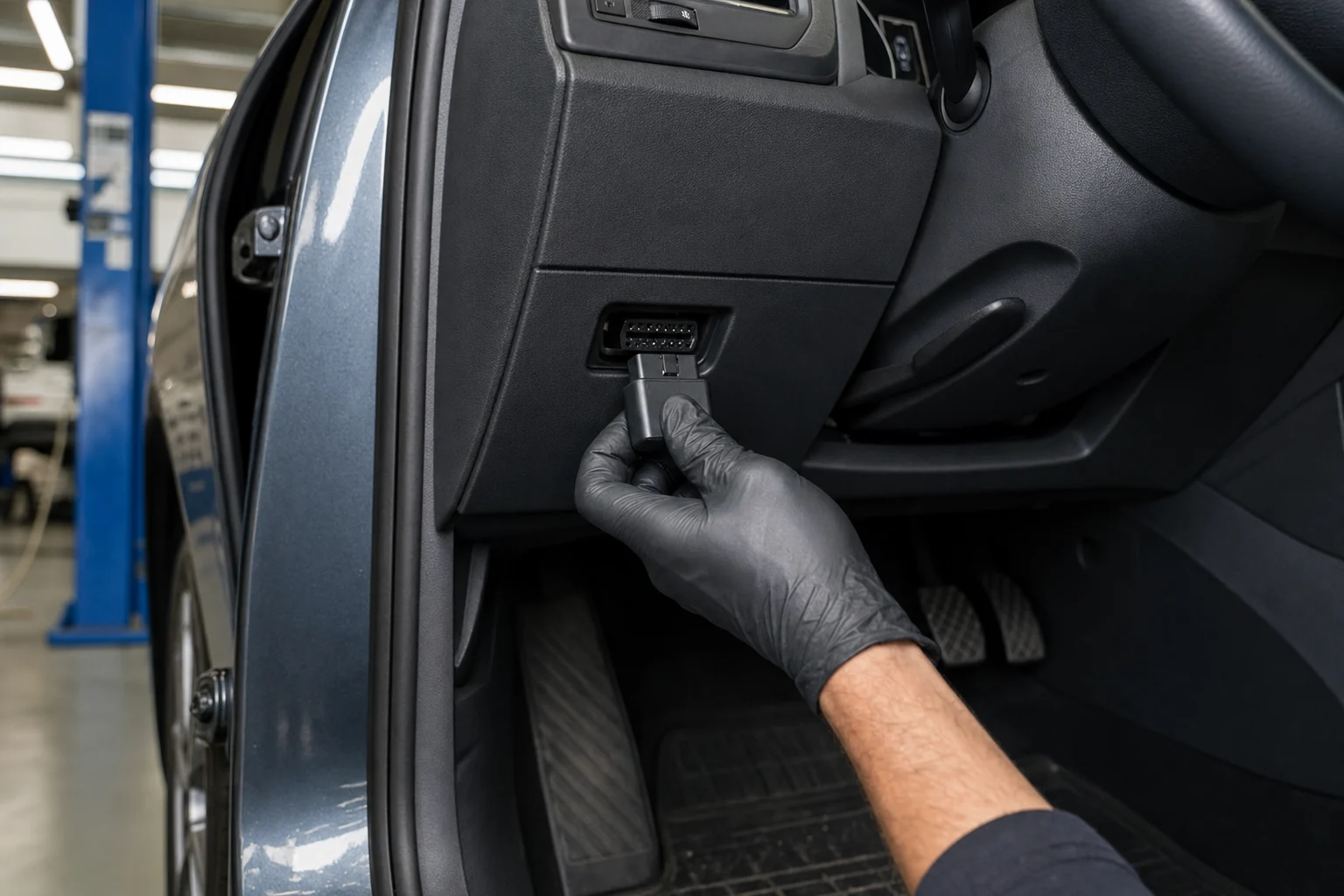
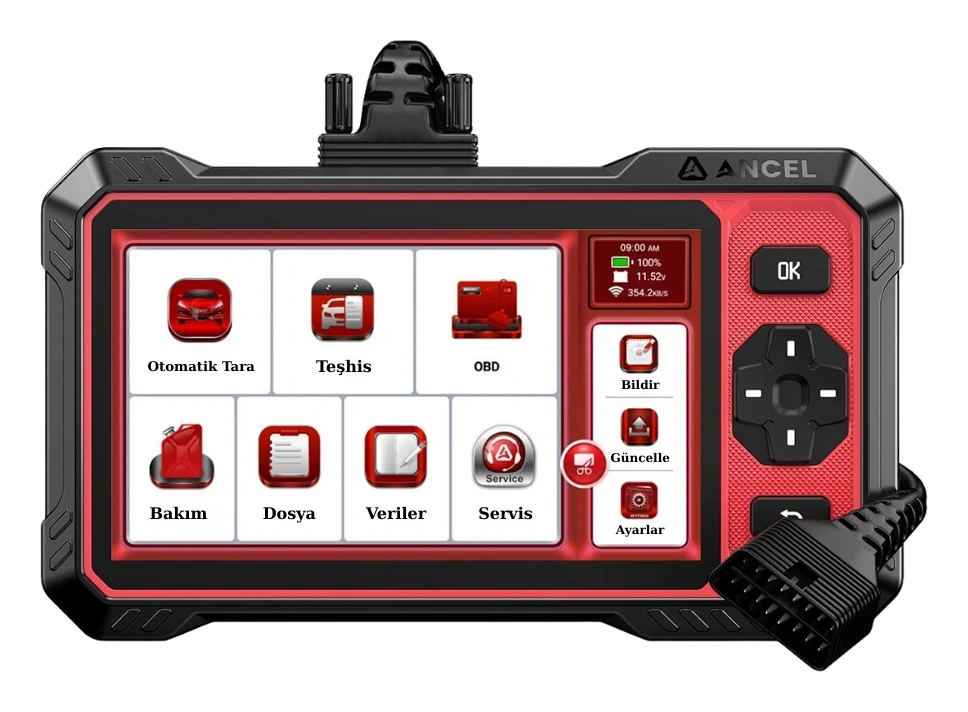
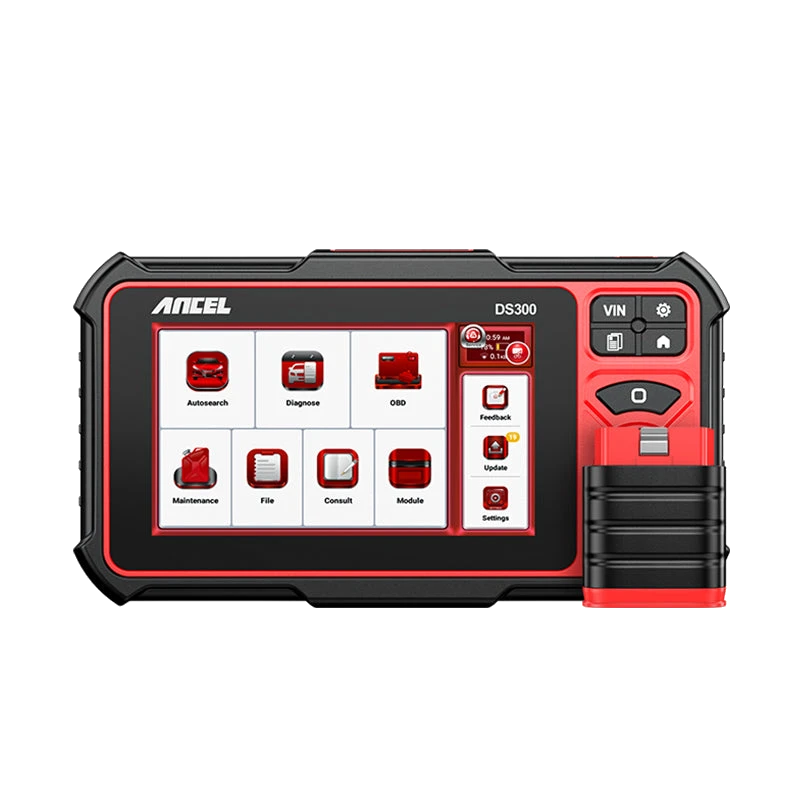
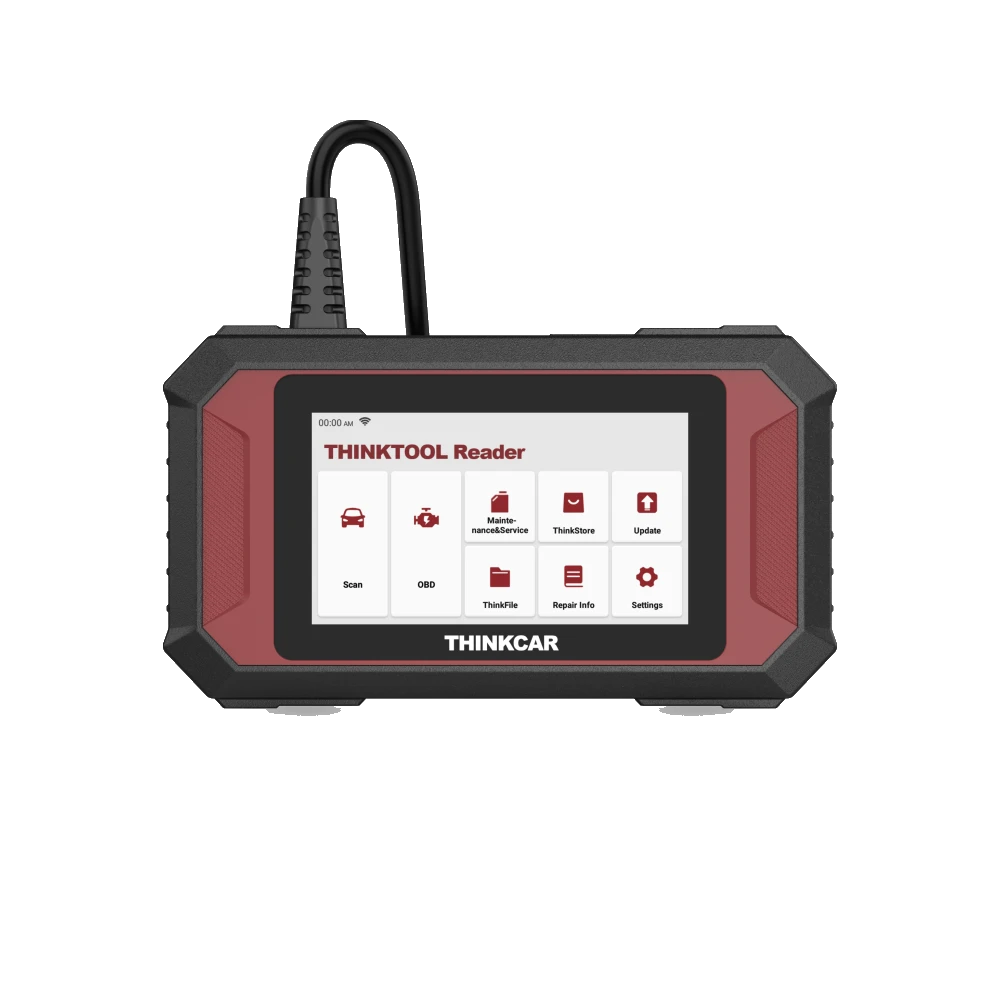
A basic reader supporting standard OBD data can display the I/M readiness status on a compatible vehicle. However, the menu name, Turkish translation, report format, and the level of detail shown vary by device software. A multi-system service tablet may offer broader diagnostics; readiness coverage still depends on the vehicle and protocol.
On the standard side, Mode 01 PID 01 carries basic information related to the MIL, the number of recorded emission codes, and monitor statuses. The user can look for I/M Readiness, Emissions, or Readiness Status in the device menu. If the menu is not found, first check the vehicle connection, ignition position, and device manual.
For users of phone adapters, in addition to the hardware, the official application and the correct vehicle profile are important. The application showing a readiness table on the screen does not mean it has access to all manufacturer-specific emission tests or service functions. Application permissions, developer information, and connection security should be checked.
For professional use, a device that can report initial and final scans, clearly show monitor statuses, and record necessary live data facilitates the workflow. When making a purchase decision, not only the readiness icon is considered; the supported vehicle group, DTC statuses, freeze frame, live data, and the source of current software are also examined.