OBD2 Beginner's Guide

What is an OBD device, what does an OBD2 device do?

An OBD device is the general name for a reading tool that communicates with the control unit via the vehicle's diagnostic connection; an OBD2 device refers to products using the standardized second-generation access. On the internet, OBD, OBD device, OBD2 device, fault code reader, and service tablet may be listed as the same product; however, these names do not guarantee the same scope. These devices can display engine fault codes, the status of the fault light, supported live data, and emissions readiness monitors; they do not repair mechanical faults on their own and do not access all systems in every vehicle. The correct device is determined by the connection method, software scope, systems to be inspected, and intended use.

Prepared by: Otobiltek Content TeamPublication: Technical check:
Thinktool Reader 7 product image

Seven-system model for those looking for an OBD device

Thinktool Reader 7 for seven-system pre-check

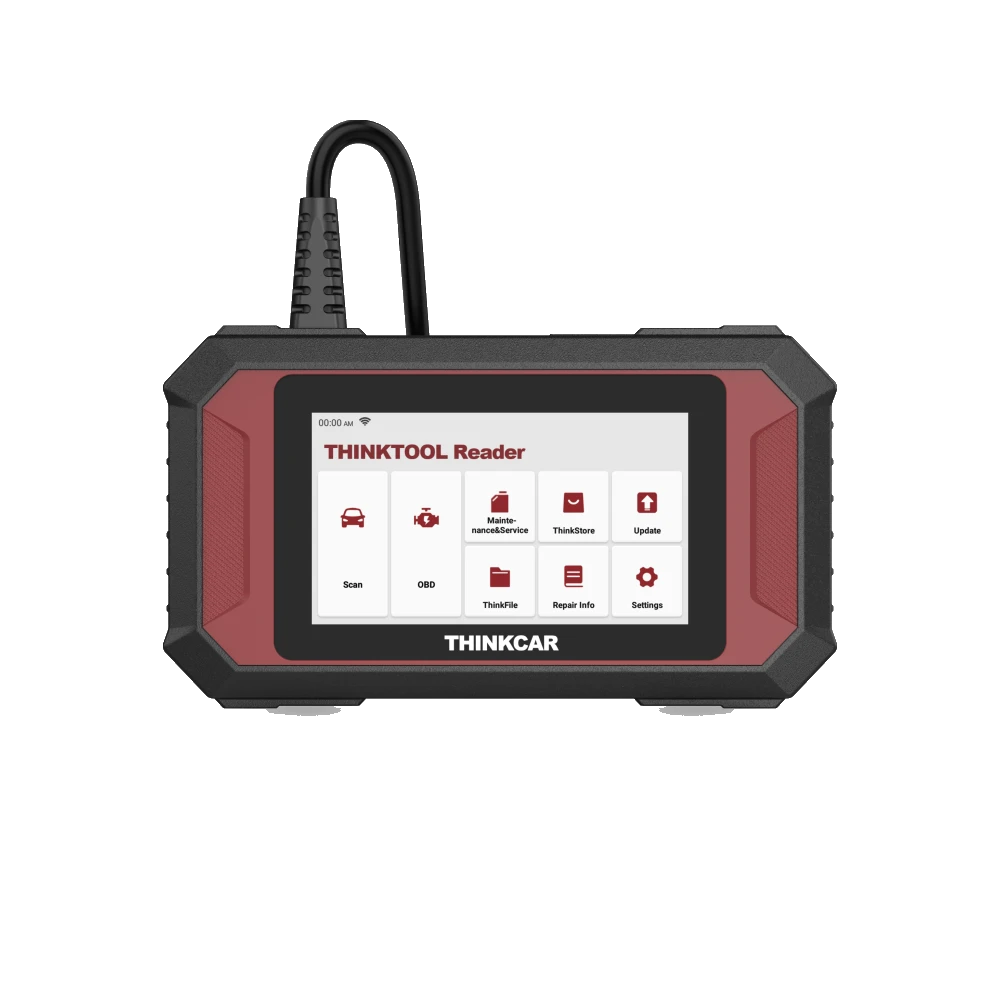
The Thinktool Reader 7 is a compact option for users who want to read engine, transmission, ABS, SRS, body, climate control, and instrument cluster systems along with OBD data on their own vehicle.

The Reader 7 is not a full system and active test device. Before purchasing, the vehicle make, model, year, systems to be read, and intended operation should be checked against the scope information on the product page.

Current price≈ $26112,900 TL charged · VAT included · import duties excludedIn stock
View Thinktool Reader 7 product
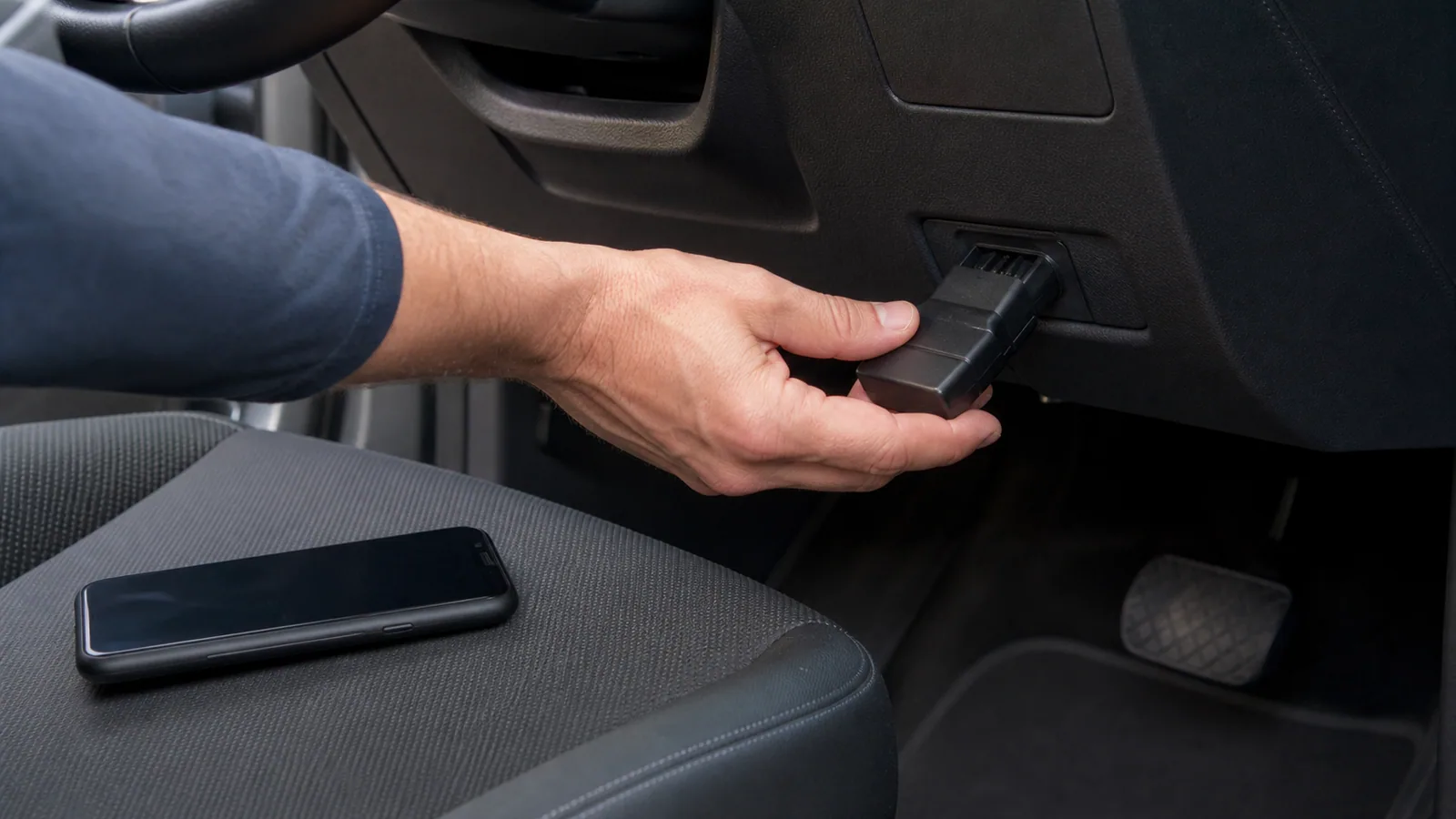
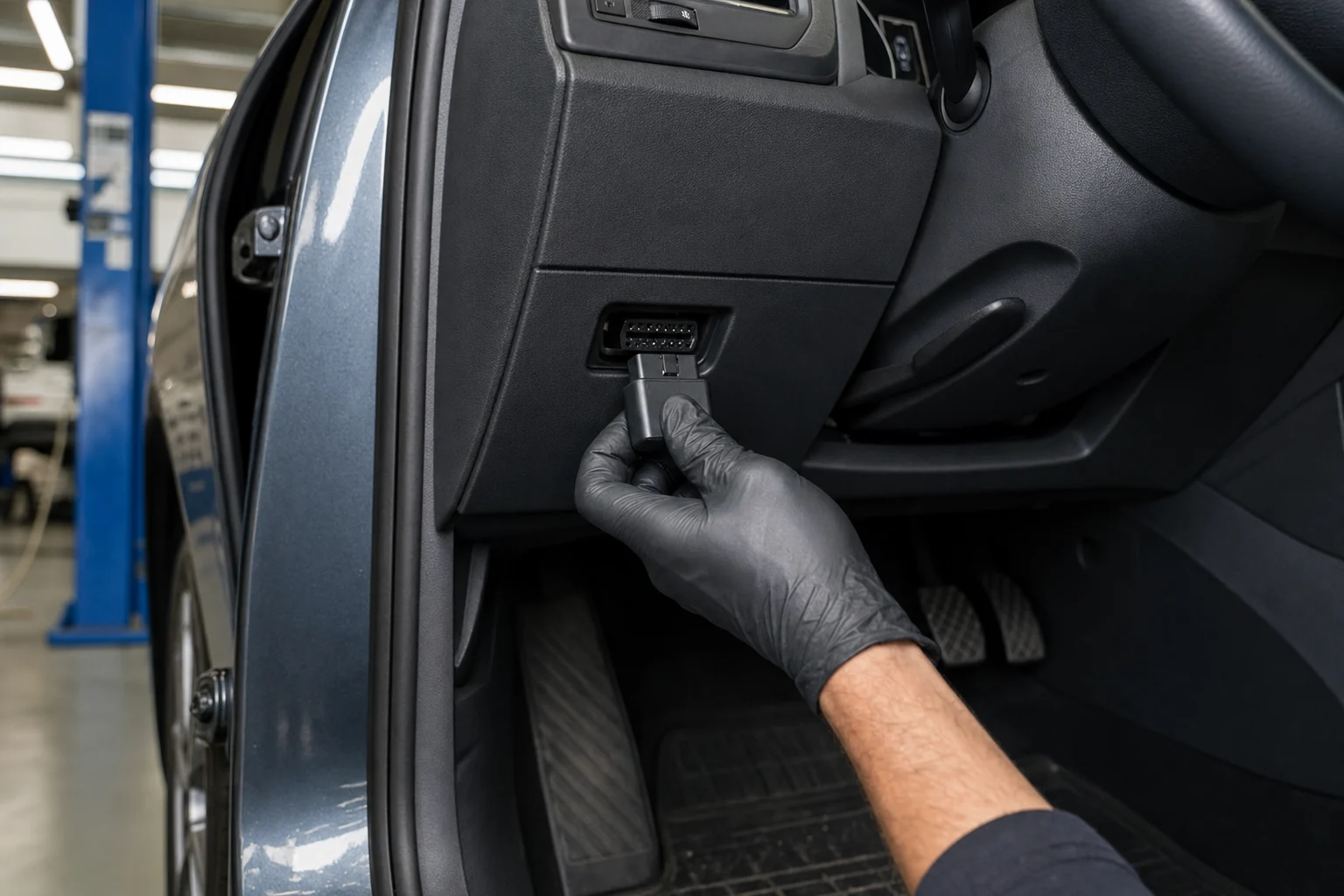
Service technician connecting an unbranded diagnostic adapter to a car's 16-pin OBD2 socket

Quick comparison

OBD2 device class according to need

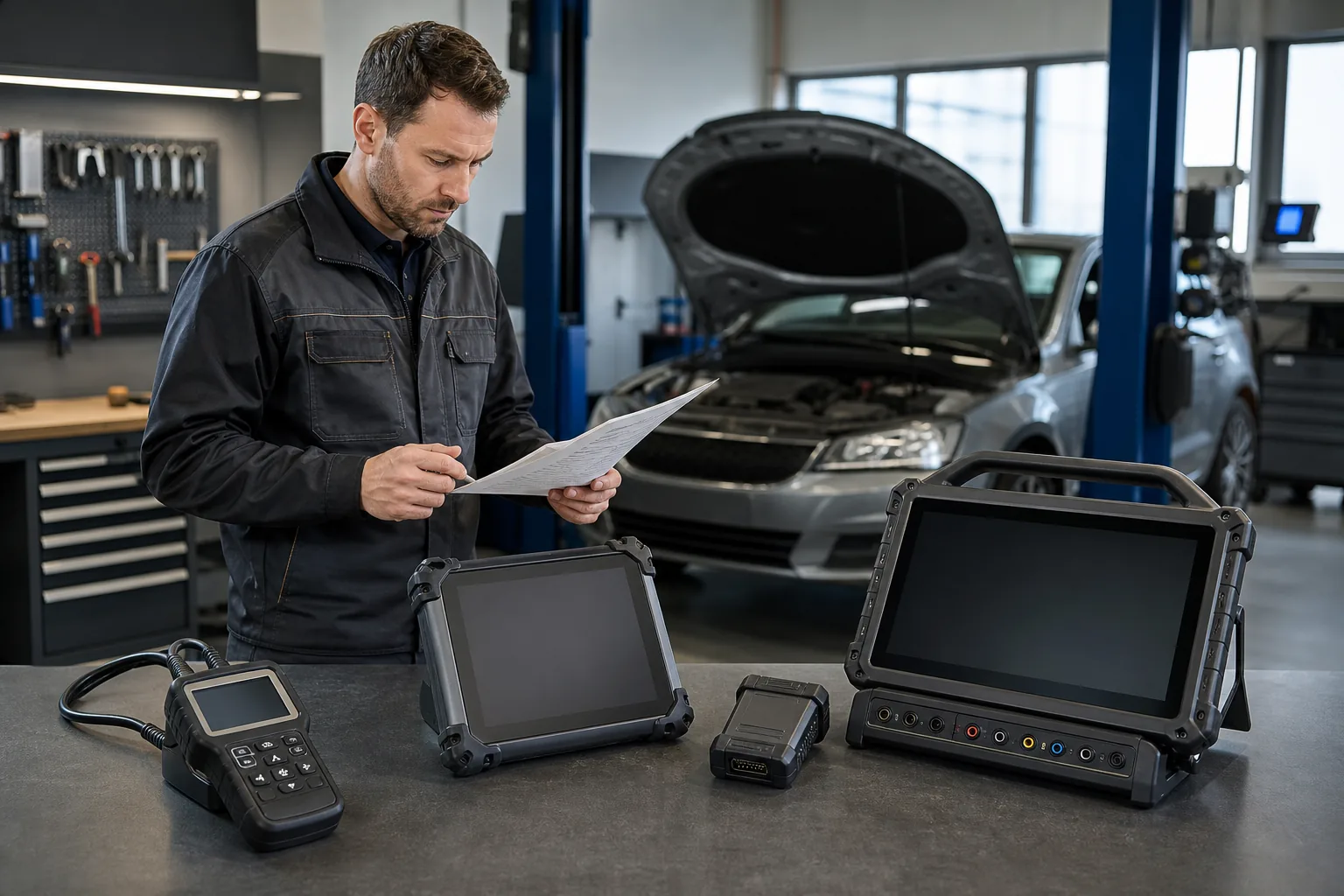
The same term OBD2 can refer to different products, from a small phone adapter to a multi-system service tablet. The first distinction is determined by the task you want to perform.

NeedWhat is requested from the deviceClass to be checked
Learning what an OBD device meansDistinction of socket, protocol, and device classGetting started guide and basic OBD2 explanation
Checking the engine fault lightStandard DTC and fault light statusBasic OBD2 code reader
Viewing live data on a phoneCompatible adapter, app, and supported PID dataBluetooth or Wi-Fi OBD2 adapter
Scanning ABS, airbag, and transmissionManufacturer-specific system scopeMulti-system diagnostic device
Performing maintenance and active testsVehicle-operation based service functionService-class diagnostic tablet
Accepting different vehicles every daySpeed, reporting, updates, and supportProfessional service device
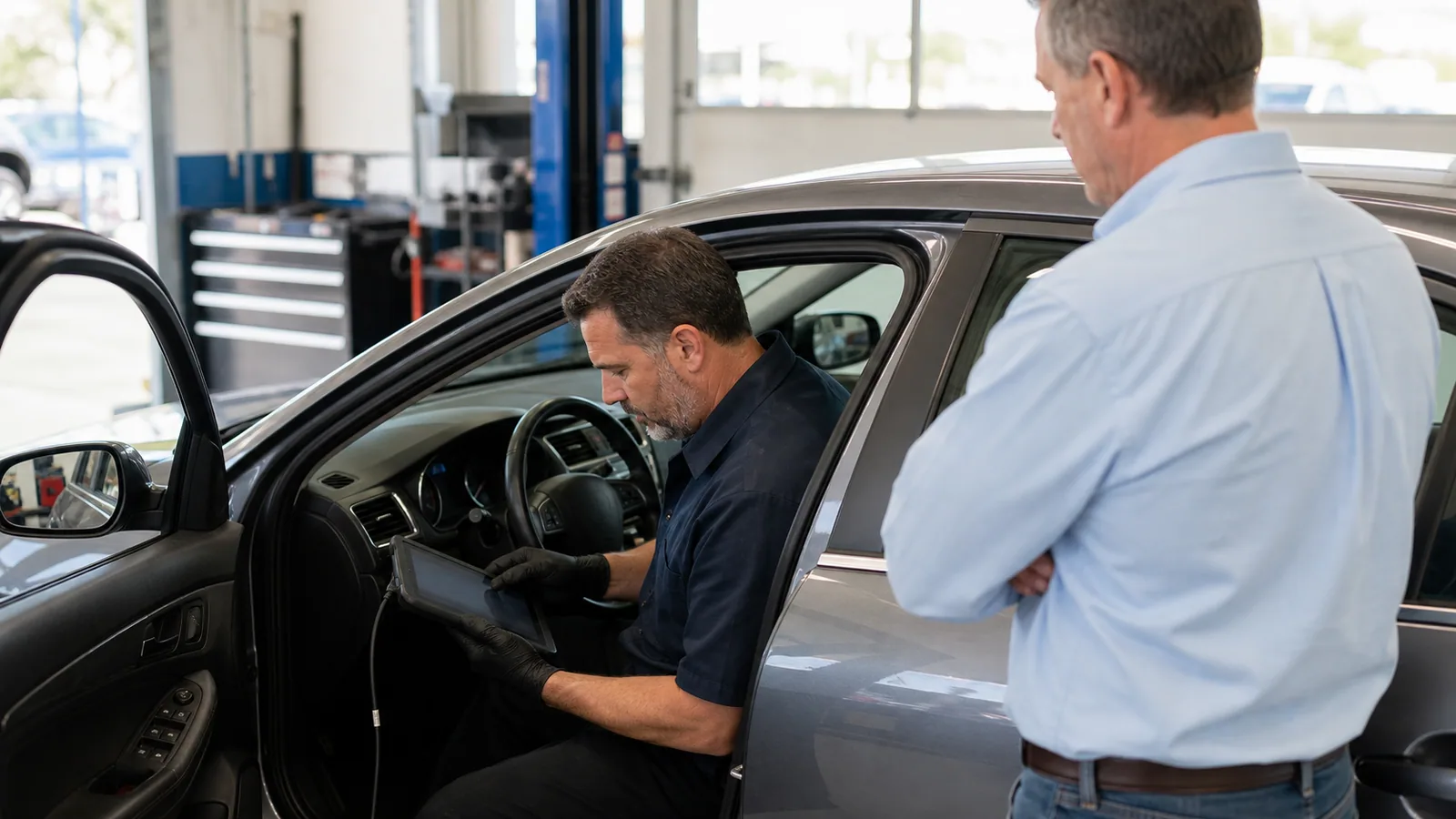
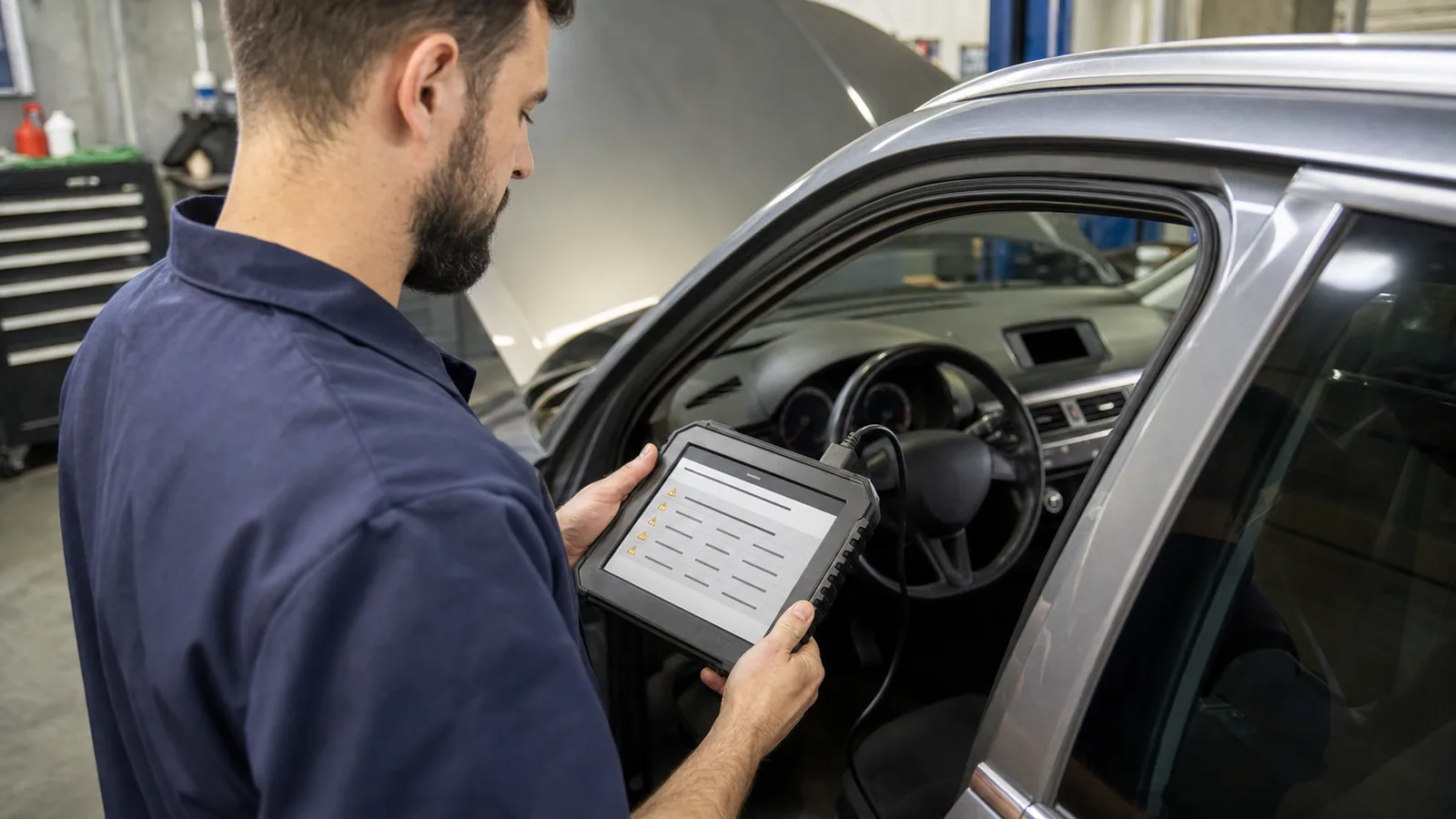
Service technician examining fault codes with an OBD2 device inside a vehicle

Decision guide

What does an OBD2 device read?

The main function of standard OBD2 access is to provide information about the engine and powertrain system related to emissions in a common way. The device can read stored diagnostic trouble codes, the status of the fault light, some sensor and operating parameters, freeze frame data, and supported readiness monitors. Which lines are displayed depends on the vehicle, control unit, protocol used, and device firmware.

A driver may see a P-code with an OBD2 device when the engine fault light comes on. This code provides initial information about a specific circuit or operating condition. The appearance of the code does not automatically identify the faulty part. For example, a code related to mixture, ignition, or sensor performance could be the result of a cable, leak, power supply, mechanical condition, or another system. A part replacement decision should not be made until the code description is supplemented with measurements and service procedures.

On the live data side, parameters related to engine speed, coolant temperature, short and long-term fuel trim, intake air, throttle position, or oxygen sensors may be found. This list is not fixed. Even if a PID is displayed on the app screen that the vehicle's control unit does not report, it may not produce a real value. Therefore, a long list of indicators in the app does not mean the vehicle provides all data.

Readiness monitors indicate the completion status of self-tests related to emissions. Some monitors may need to be completed again after the battery is disconnected or codes are cleared. This information can be helpful for inspection preparation; however, it does not prove the vehicle is mechanically flawless on its own. OBD2 results are evaluated in conjunction with vehicle symptoms and physical checks.

  • Diagnostic trouble codes
  • Fault light status
  • Supported live data
  • Freeze frame and readiness monitors
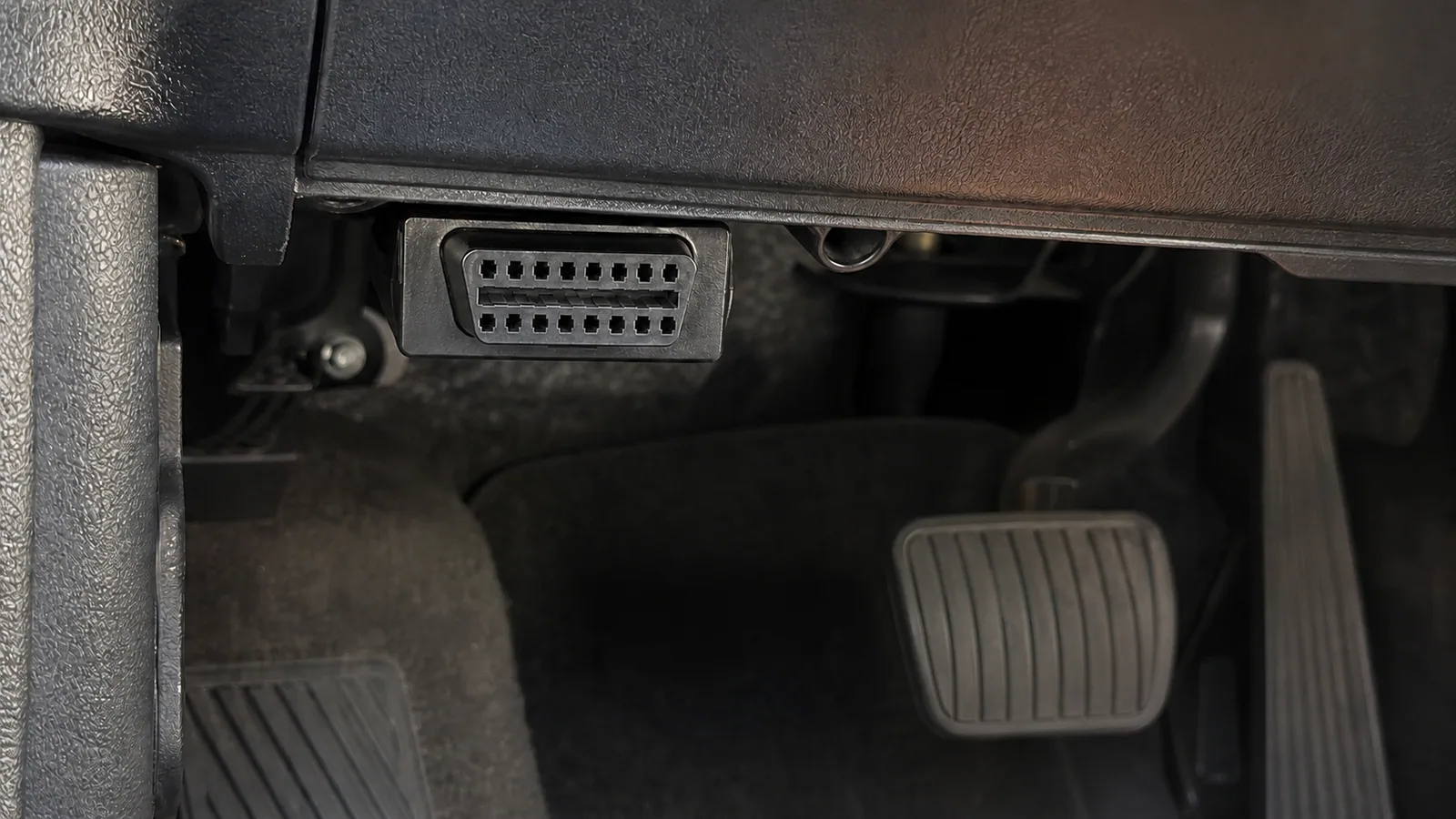
Standard 16-pin trapezoidal OBD2 diagnostic socket in automobiles

Decision guide

Are OBD, OBD2, and EOBD the same thing?

OBD generally describes a vehicle's self-monitoring onboard diagnostic structure. OBD2 is the second-generation standardized access approach; EOBD is the equivalent used in the context of European market emissions legislation. Although these terms are used interchangeably in everyday product language, they do not guarantee the same result in terms of vehicle year, market, and class.

The 16-pin trapezoidal socket is the most recognizable physical connection in modern passenger cars. However, the mere presence of the socket does not indicate the protocol, the control units to be accessed, or the service functions. The physical socket is only the first layer. The second layer is the communication protocol by which the vehicle and device talk, the third layer is the software scope of the device and application, and the fourth layer is the support of the intended operation in the relevant control unit.

A single date related to the model year is often repeated on the internet. Since such general dates can vary by sales market, fuel type, and vehicle class, they should not be used as a definitive compatibility rule. European market passenger cars, American market vehicles, motorcycles, heavy-duty vehicles, and specially imported vehicles are not evaluated with the same calendar. The safest method is to check the vehicle's technical information, socket, sales market, and the device's current support resources together.

Manufacturer-specific diagnostics may go beyond the scope of standard OBD2. To access modules such as ABS, airbag, transmission, body electronics, electronic parking brake, or TPMS, the device requires software for the relevant make and model year. Therefore, the presence of OBD2 in the product name does not mean all modules will be scanned.

  • Socket structure
  • Communication protocol
  • Device software
  • Vehicle and system scope
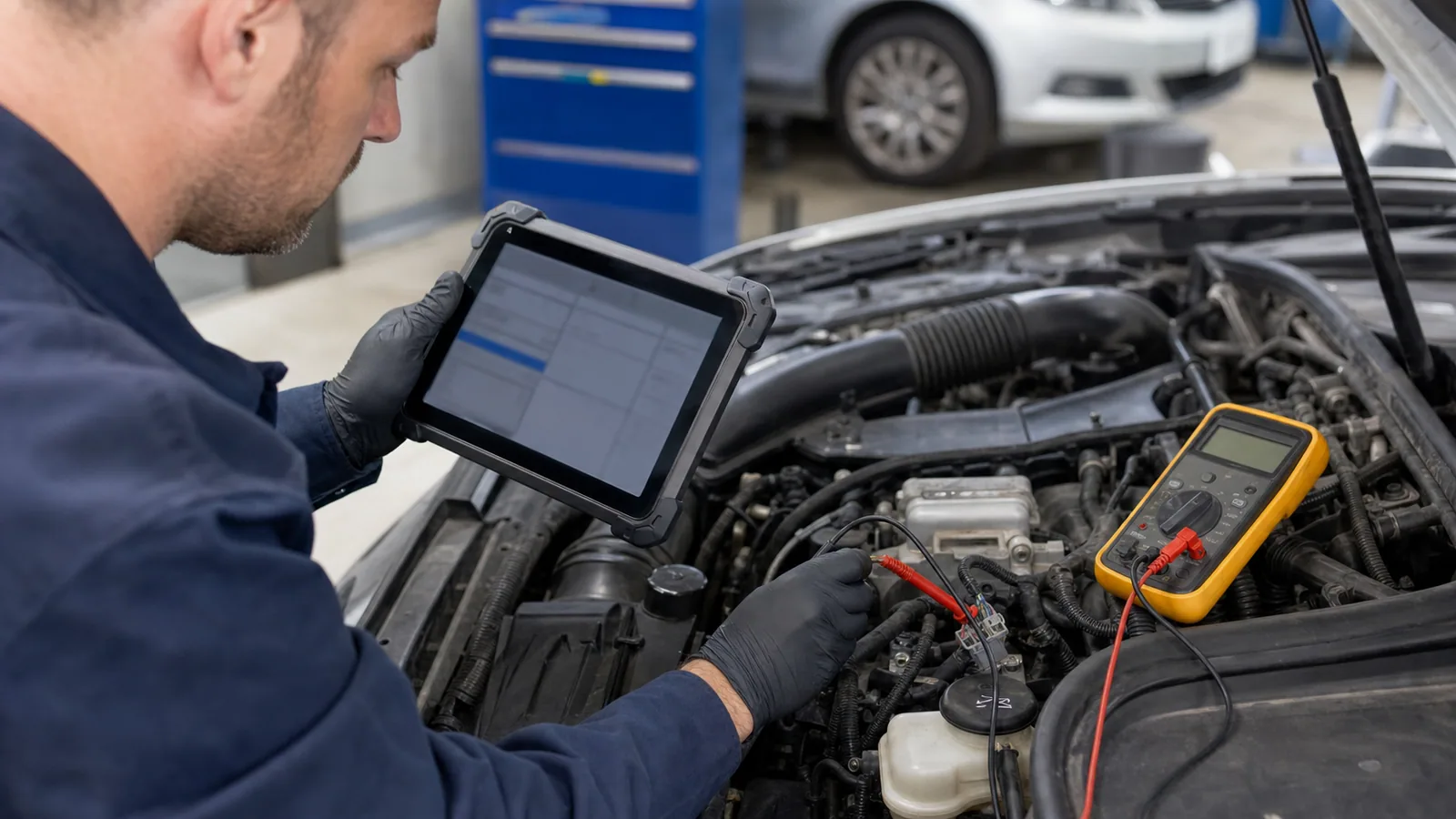
Automotive technician comparing a fault code with an electrical measurement result

Decision guide

Is reading a fault code the same as finding the fault?

A fault code is the starting point of diagnostics; it is not the end of diagnostics. The code indicates which condition the control unit has found to be unusual. For correct interpretation, the technician verifies the code's status and occurrence conditions with freeze frame, live data, visual inspection, and, if necessary, electrical or mechanical measurements.

The first letter in the DTC structure refers to the general system family: such as powertrain, body, chassis, or network communication. Subsequent characters help determine the standard or manufacturer-specific nature and subgroup of the code. However, simply deciphering the characters does not lead to the faulty part. The same code may require different test steps on different vehicles; the manufacturer's service procedure and wiring diagram become important at this point.

The classification of the code as current, pending, history, or permanent also changes the interpretation. An intermittent contact issue may leave a record; the code may remain in history once the symptom disappears. Permanent emissions codes may not be cleared until the relevant conditions are met and the system test is completed. If the Turkish translation used by the device does not accurately distinguish these statuses, the user may arrive at an incorrect conclusion.

Even if a part's name appears in the code description, a part order should not be placed without checking the power supply voltage, fuse, ground, socket, wiring harness, air leak, or mechanical issues. Good OBD2 usage narrows down the points to be measured rather than directly converting the code on the screen into an expense. The true value of the device emerges here.

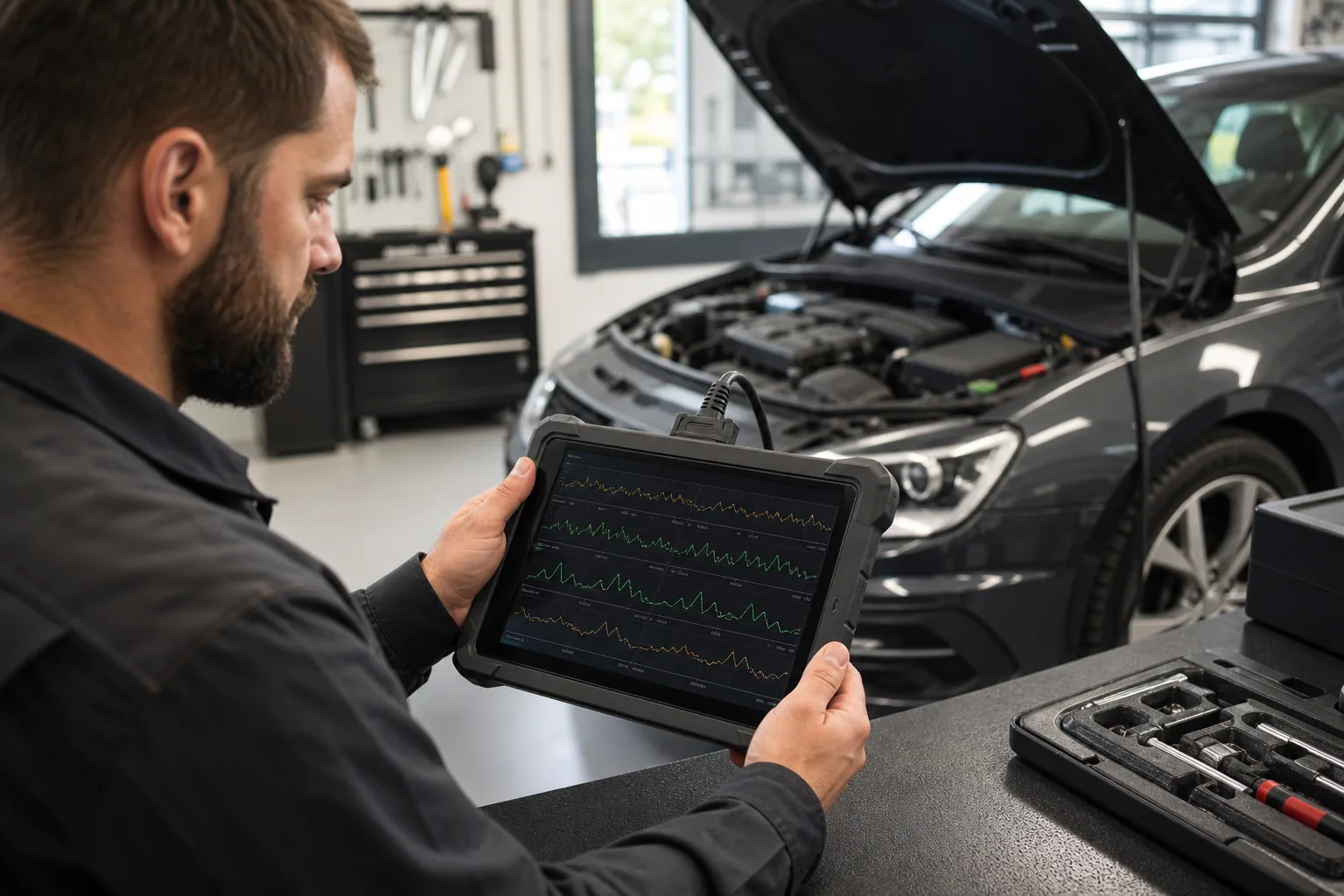
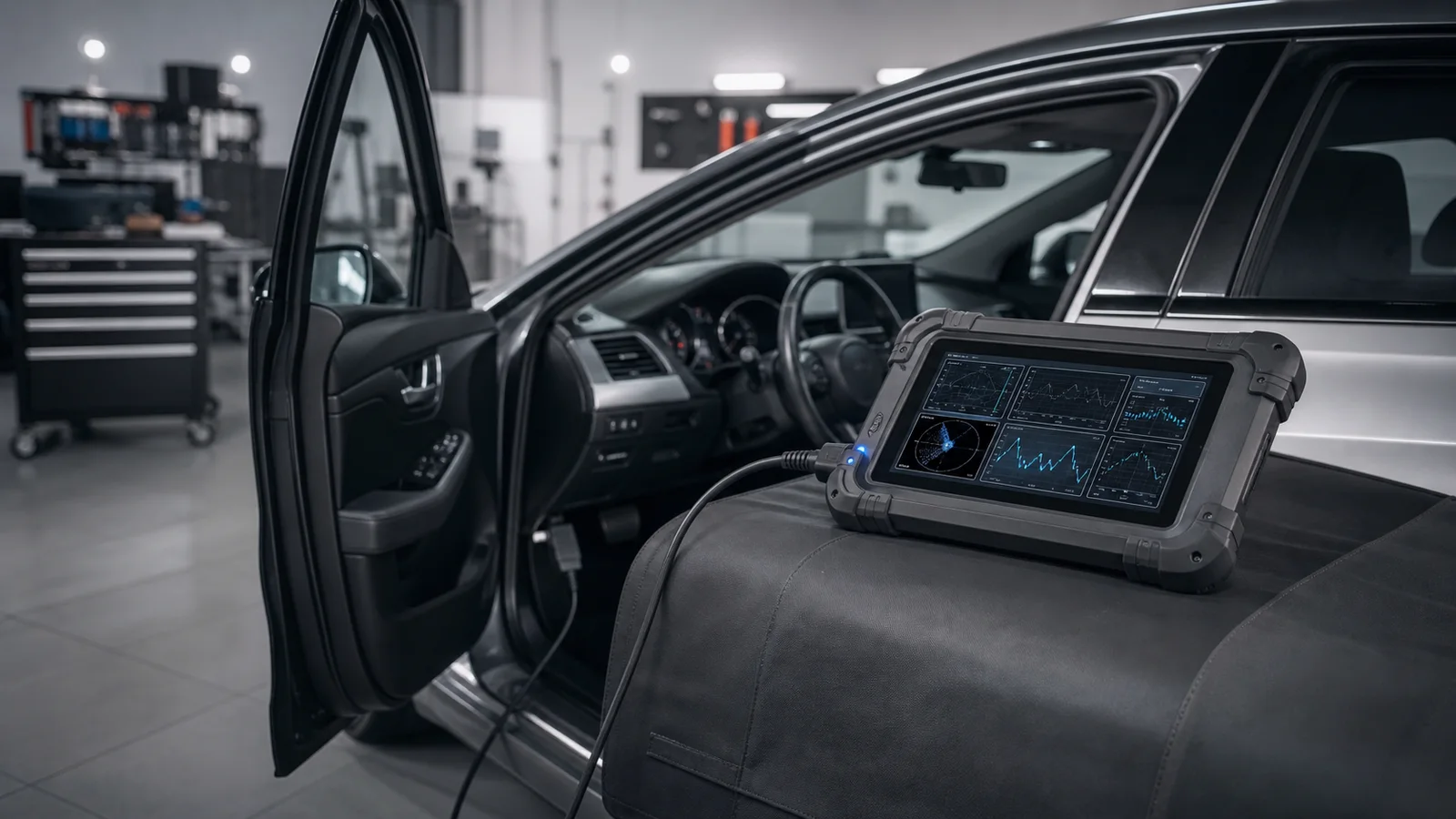
Technician examining OBD2 live data graphs while the vehicle is running

Decision guide

What is live data used for?

Live data allows monitoring of parameters seen by the control unit during operation. When considering the engine's cold-hot status, idle, load, throttle response, and comparable operating conditions instead of a single instantaneous value, it strengthens diagnostics.

The number on the live data screen is not necessarily a direct sensor measurement. Some values are results calculated by the control unit. Incorrect unit selection, application scale, or unsupported PID can also create a misleading display. The first step is to check the unit, engine status, and data refresh rate. Then, two or three related parameters are monitored together.

For example, on a cold engine, the coolant and intake air temperatures are expected to start near ambient conditions. As the engine warms up, the direction and duration of change are observed. When examining fuel trim, engine load, RPM, closed-loop status, and sensor response are evaluated together. This approach is safer than making a definitive judgment based on a single number.

Low data speed on phone adapters or opening too many gauges simultaneously can extend the refresh interval. Professional service tablets may offer more organized tools for recording, graphing, comparison, and reporting. If the intended use is only a few basic engine values, a small adapter may suffice; if daily diagnostics and recording are required, the device class increases.

  • Correct test condition
  • Reading related parameters together
  • Unit and refresh rate
  • Need for recording and graphing
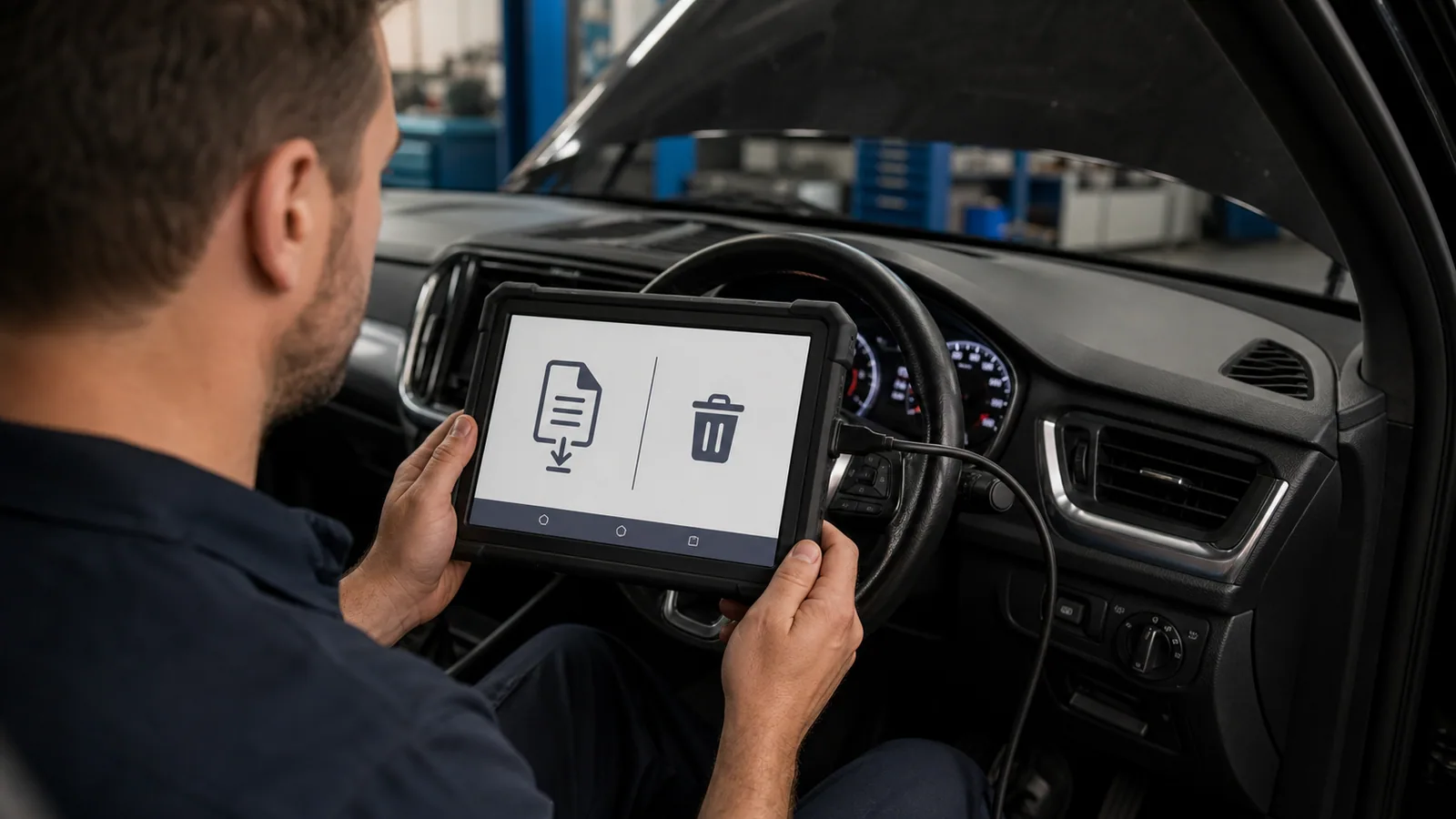
Technician saving diagnostic report before clearing fault codes

Decision guide

Does an OBD2 device clear faults?

Supported codes can be cleared via the device; however, clearing the code does not repair the cause of the fault. If the condition causing the problem persists, the fault light may illuminate again, and the code will be recorded again. Saving existing records before clearing is valuable for diagnostics.

The code clear command can affect the freeze frame and some adaptive or monitoring information. Therefore, clearing codes solely to turn off the light before a vehicle inspection is not the correct approach. Readiness monitors may appear incomplete, and the underlying issue may persist. First, the code, status, freeze frame, and symptoms should be recorded.

For Airbag, ABS, or other safety systems, a basic OBD2 adapter often cannot access the correct module. Clearing codes in these systems requires brand-specific software and safe service procedures. The absence of a warning light does not prove the system has been repaired. If a physical fault, calibration, or part replacement is needed, the device is only part of the process.

Clearing the code after the fault is resolved and rescanning with a controlled test drive is a common verification method. The test drive should be conducted under safe conditions, and phones or tablets should not be used handheld while driving. If recording is required, the device should be prepared beforehand, and data should be reviewed later.

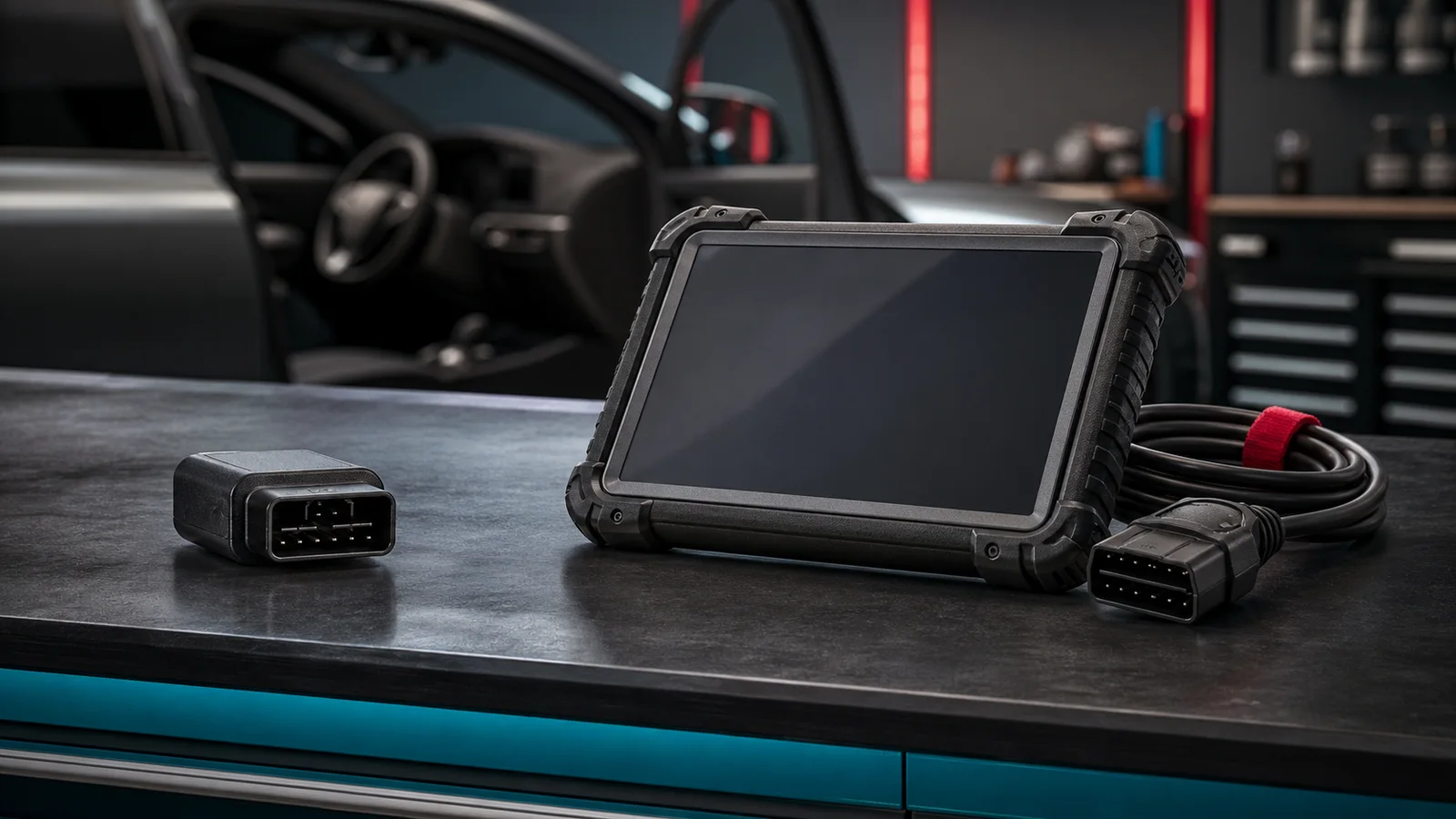
Comparison of phone OBD2 adapter, handheld code reader, and service tablet

Decision guide

Difference between a phone adapter, handheld reader, and service tablet

A phone adapter uses the mobile app for screen and processing power. A handheld reader operates independently with its own screen and buttons. A service tablet is designed for extensive vehicle software, multi-system scanning, reporting, and supported service functions. The three do not serve the same user need.

A compact Bluetooth or Wi-Fi adapter can be a portable starting point for a user who wants to view engine codes and a few live data points on their own vehicle. Here, the application, operating system, and connection type are as important as the adapter's hardware. Features listed on a cheap body do not guarantee software license or manufacturer-specific coverage.

Handheld readers can offer quick code checks without needing phone pairing. Although screen size and graphing capability may be limited, it is easy for users who want a fixed workflow. When purchasing, menu language, update method, vehicle protocols, and which systems it reads should be clearly compared.

Service tablets are evaluated with expectations such as system scanning, service functions, active tests, reporting, and customer records in a multi-brand workshop. Regardless of how long the feature list is on these devices, functions vary by vehicle make, model, year, engine, and control unit. Updates, licenses, VCI or cable packages, and after-sales support are part of the total cost.

Vehicle diagnostic devices for different usage needs

Decision guide

What information is needed when choosing an OBD2 device?

First, define the user profile and the task to be performed. A driver who wants to check the engine light on their own car should not buy the same device as a service that accepts different vehicles every day. Vehicle make, model, year, engine or system, and the service operation to be performed; will determine the choice between a phone adapter, handheld reader, or service tablet.

Just asking 'will it fit my car?' is not enough. Reading engine codes, scanning ABS, resetting oil maintenance, and performing active tests on the same vehicle are different levels of coverage. Write your intended operation along with vehicle information to the seller. This way, besides physical connection, software and function matching can also be checked.

The second step is the connection preference. If use on a phone is desired, compatibility with Android or iOS, Bluetooth Classic, Bluetooth Low Energy, or Wi-Fi should be verified from the product's official information. For tablet devices, the difference between a wired VCI and a Bluetooth VCI is evaluated based on the need for movement around the vehicle and the service layout.

The third step is the total cost of ownership. In addition to the initial price, application or brand packages, update duration, license renewal, adapter sets, shipping, and support conditions are examined. Price and availability should be visible on the product page; blog content should not be the primary source of variable trade information.

  • Vehicle make-model-year
  • Engine or system to be read
  • Process to be Performed
  • Phone and connection preference
  • Update and license
Thinktool Reader 7 wired seven-system diagnostic device

Decision guide

When should a user looking for an OBD device consider the Thinktool Reader 7?

If your search intent is 'to buy an OBD device and check seven basic systems along with the engine fault light,' the Thinktool Reader 7 can be considered. This model should be considered not for full system and active test expectations, but for the need of a compact wired device, code reading, live data, and selected maintenance functions.

When examining the Reader 7, do not just look at the OBD expression in the product name. The vehicle's make, model, year, and engine information; the system to be read; the maintenance function to be selected; the update method; and the current stock/price information on the product page should be checked together.

If full system scanning, active tests, or intensive service reporting is required, comparison should be made with devices like the Ancel DS410 Lite or higher-level service devices instead of the Reader 7. This way, the seven-system pre-check and professional full-system needs are not confused.

  • Code and live data in seven systems
  • Standard OBD2 checks
  • Compact wired device
  • Price and sales status on the product page
User safely removing the OBD2 adapter from the vehicle socket after the operation

Decision guide

Safe usage and data privacy

The OBD socket is a service connection to the vehicle network. Not giving unnecessary permissions to unknown adapters and applications, removing the device after the operation is finished, and protecting account and license information are part of safe usage. Functions like coding or writing carry different risks than basic reading.

Before plugging in the adapter, the connector and pins should be checked. Bent pins, a loose body, or a forced socket can cause physical problems. The correct orientation should be used when plugging in the device; the official product guideline regarding whether the engine should be off or running should be followed. The engine should not be started in an enclosed space, and long operations requiring battery voltage should not be left unattended.

When selecting a mobile application, the developer, store registration, update history, privacy policy, and requested permissions should be examined. Bluetooth scanning permission may be required for connection; unrelated permissions such as contacts or messages should be queried separately. It should be known where data such as vehicle identification number, location, and driving records are stored.

Basic OBD2 reading, ECU coding, adaptation, and programming are not the same operation. Disconnecting the connection or voltage drop during writing can lead to control unit risks. These operations require vehicle manufacturer procedures, appropriate power support, and competent technical application. Entry-level users should not attempt writing functions they do not understand, even if they appear in the device menu.

Service technician performing a controlled vehicle scan with an OBD2 device

Decision guide

Controlled operation sequence for first-time use

After the vehicle is safely parked, the socket, adapter, and application are prepared. The ignition status is set according to the product instructions; when the connection is established, first check the vehicle and protocol information. Record the scan results, statuses, and freeze frame before clearing codes.

Using only the engine module and standard OBD2 network in the first scan makes it easier to understand the application's connection. When code descriptions are seen, a screenshot or report can be taken. Then, limited related live data is selected and compared with the vehicle symptoms. Opening too many gauges can create information overload for new users.

Results are compared with a reliable service source. Possible causes of the code are listed; part replacement is not recommended without physical inspection and measurement. If the user's equipment is only suitable for basic reading, it is accepted that a different device class may be required for menus like ABS, airbag, key, or programming.

At the end of the operation, the application connection is closed, and the adapter is removed from the socket unless the vehicle instructions state otherwise. The sleep behavior and current consumption of continuously connected devices can vary from model to model. If long-term monitoring is intended, only adapters explicitly approved by the manufacturer for this use should be preferred.

Expert checking OBD2 scan results during a used car inspection

Decision guide

OBD2 data for inspection preparation and used car inspection

An OBD2 device can provide additional context during inspection readiness or used car inspection by showing emission readiness monitors, the status of the fault light command, and recorded codes. However, a single clean scan does not verify the vehicle's history, mechanical condition, or all safety systems.

If codes were recently cleared, readiness monitors may appear incomplete. This is not proof of malicious intent on its own; it can also occur after battery replacement, maintenance, or repair. For proper evaluation, monitor status, mileage, maintenance records, the fault light's ignition-on behavior, and physical inspection should be examined together. The driving conditions required to complete the monitors vary by vehicle manufacturer and system.

Standard OBD2 scanning in used car inspection mostly focuses on the engine and emissions side. Multi-system devices and relevant vehicle software may be required for ABS, airbag, transmission, body, mileage information, or manufacturer-specific history records. An application showing numerous module names does not prove these modules can actually be read on the vehicle. A full system scan result also does not replace bodywork, chassis, mechanical wear, and road testing.

OBD connection should not be made without permission from the seller or vehicle owner. If the scan report contains VIN or customer information, sharing should be limited. During the scan, clearing codes, performing adaptations, or issuing any other write command should not be done. The purpose of the check should be to document the current condition; not to alter the vehicle to make the result look better.

Mileage verification cannot be done solely with an OBD2 scan. Some control units may store operating hour or distance information; however, which data is stored in which module and how it relates to the dashboard value varies from vehicle to vehicle. A single number in the application is not considered an official history record. Competent inspection compares service invoices, inspection records, physical wear, and consistency between control units. Similarly, the absence of codes does not rule out recent clearing, intermittent issues, or untransmitted modules. The result should be written to the report with the date and conditions of the scan. This record facilitates future comparison.

  • Readiness monitors
  • Status after clearing codes
  • Limit of full system scan
  • Authorized and read-only check

Frequently Asked Questions

Most frequently asked questions by customers

Does an OBD2 device fit every vehicle?

No. The physical socket, sales market, model year, vehicle class, communication protocol, and firmware must be compatible together. A device may not be able to read the engine code and access the ABS or airbag module in the same vehicle.

What is the difference between an OBD and an OBD2 device?

OBD is the general name for a vehicle's onboard diagnostic system. OBD2 refers to the second-generation structure associated with the standard 16-pin socket and common emissions diagnostic access. In everyday use, the two terms can be confused; for purchasing decisions, the vehicle year, socket, protocol, software scope, and intended operation should be checked together.

Does an OBD2 device turn off the engine fault light?

The light may turn off temporarily when supported engine codes are cleared; however, if the cause of the fault persists, the code and light will return. Clearing codes is not a repair, and diagnostic records should be saved before clearing.

What faults does an OBD2 device show?

Basic devices focus on emission-related engine and powertrain codes. Manufacturer-specific multi-system software may be required for ABS, airbag, transmission, body electronics, and service functions.

Does an OBD2 device work without a phone?

Phone adapters require an app display. Handheld readers and service tablets with their own screens can work without a phone. The product description should be checked to see if the device has its own screen and operating system.

Is a cheap OBD2 device sufficient?

It may be sufficient for basic engine code and limited live data needs on one's own vehicle. If regular servicing, multi-system scanning, reporting, maintenance functions, or active testing are required, it is necessary to upgrade to a service device class.

Should someone looking for an OBD device buy a Thinktool Reader 7?

If there is a need for codes and live data in seven basic systems along with the engine, the Reader 7 can be considered. If full system scanning, active testing, or intensive workshop use is required, a comparison should be made with the Ancel DS410 Lite or higher-level service devices.

Is it correct to leave an OBD2 device plugged in continuously?

This usage depends on the adapter's sleep and power consumption design. If the manufacturer does not clearly state suitability for continuous use, it is more controlled to remove it after the operation. Battery impact during long parking periods should also be checked.

Can a part be replaced after seeing a fault code?

A code alone is not sufficient for part replacement. Freeze frame, live data, cables and sockets, power supply, mechanical condition, and manufacturer test procedures must be examined together.

Related pages

Pages related to this topic

Technical Resources

Sources for technical information

Technical information verified with sources on July 22, 2026.

Related products

Related products

Ancel DS410 Lite product image

Ancel DS410 Lite

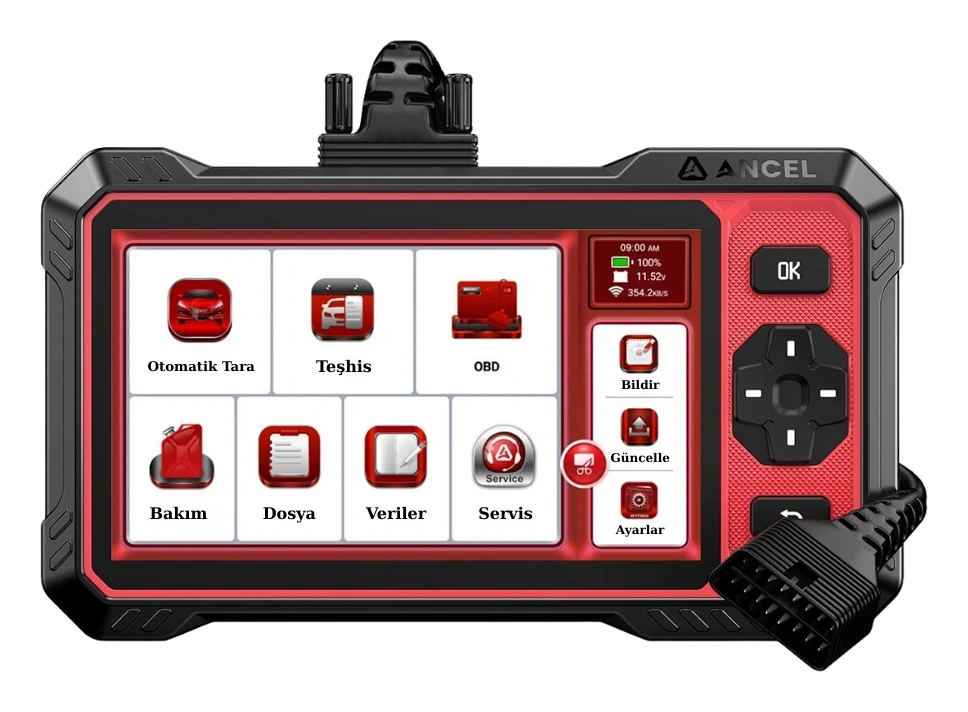
Ancel DS410 Lite is a wired service device with full system diagnostics, active testing, and CAN FD support. The device includes lifetime free updates.

  • Full system diagnostics
  • Bi-directional active test
  • CAN FD communication
≈ $30314,990 TL charged · VAT included · import duties excludedIn stock
Ancel DS300 Automotive Diagnostic Tool product image

Ancel DS300 Automotive Diagnostic Tool

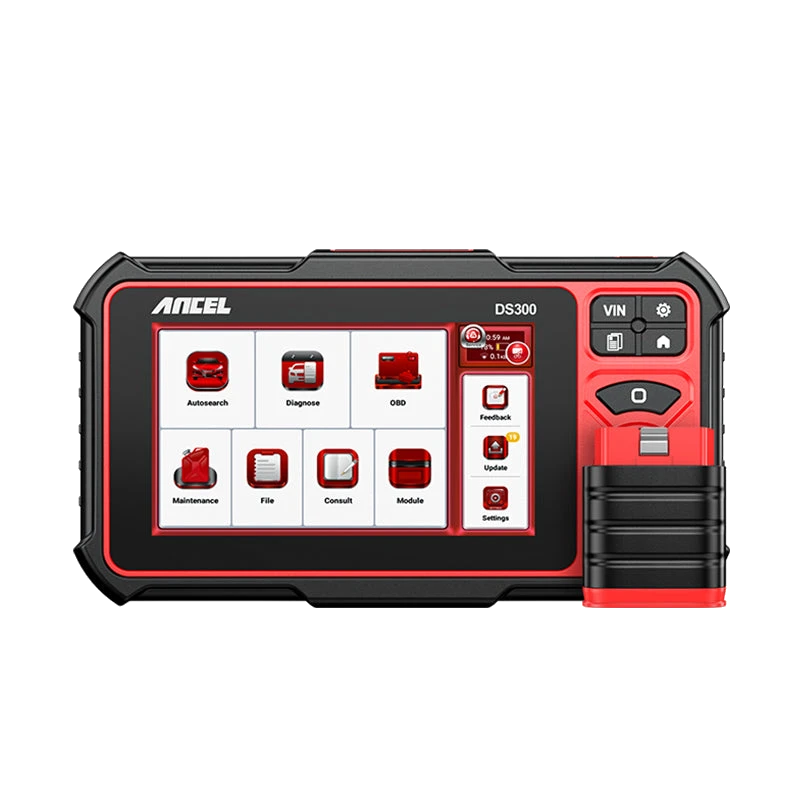
The Ancel DS300 is a tablet-type automotive diagnostic tool offering full system scan, live data, active tests on supported vehicles, and vehicle-dependent service functions. For new purchases, compare with the current DS500BT option.

  • Full system scan
  • Live data and active tests
  • Service functions
Out of stockOut of stock
View
Ancel DS500BT product image

Ancel DS500BT

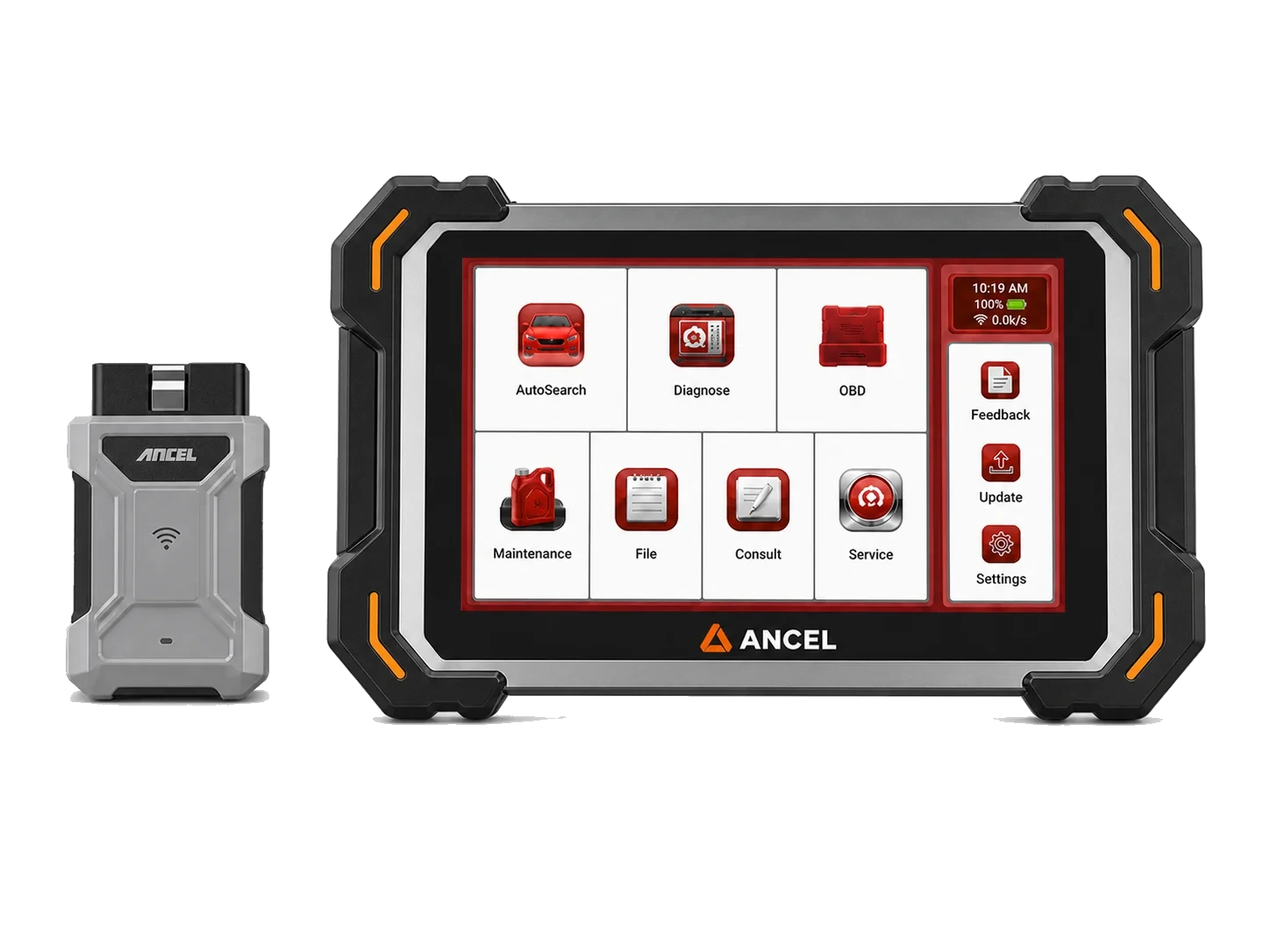
Tablet device with Bluetooth VCI connection for fault codes, live data, and supported maintenance operations.

  • BT connection
  • Service functions
  • Live data
≈ $50624,990 TL charged · VAT included · import duties excludedIn stock
Thinktool Reader 7 product image

Thinktool Reader 7

Thinktool Reader 7 is a 5-inch wired device that reads codes and live data in seven vehicle systems, offering seven maintenance functions from 28 options.

  • Code and live data in 7 systems
  • OBD II/EOBD checks
  • 7 maintenance functions from 28 options
≈ $26112,900 TL charged · VAT included · import duties excludedIn stock
WhatsApp