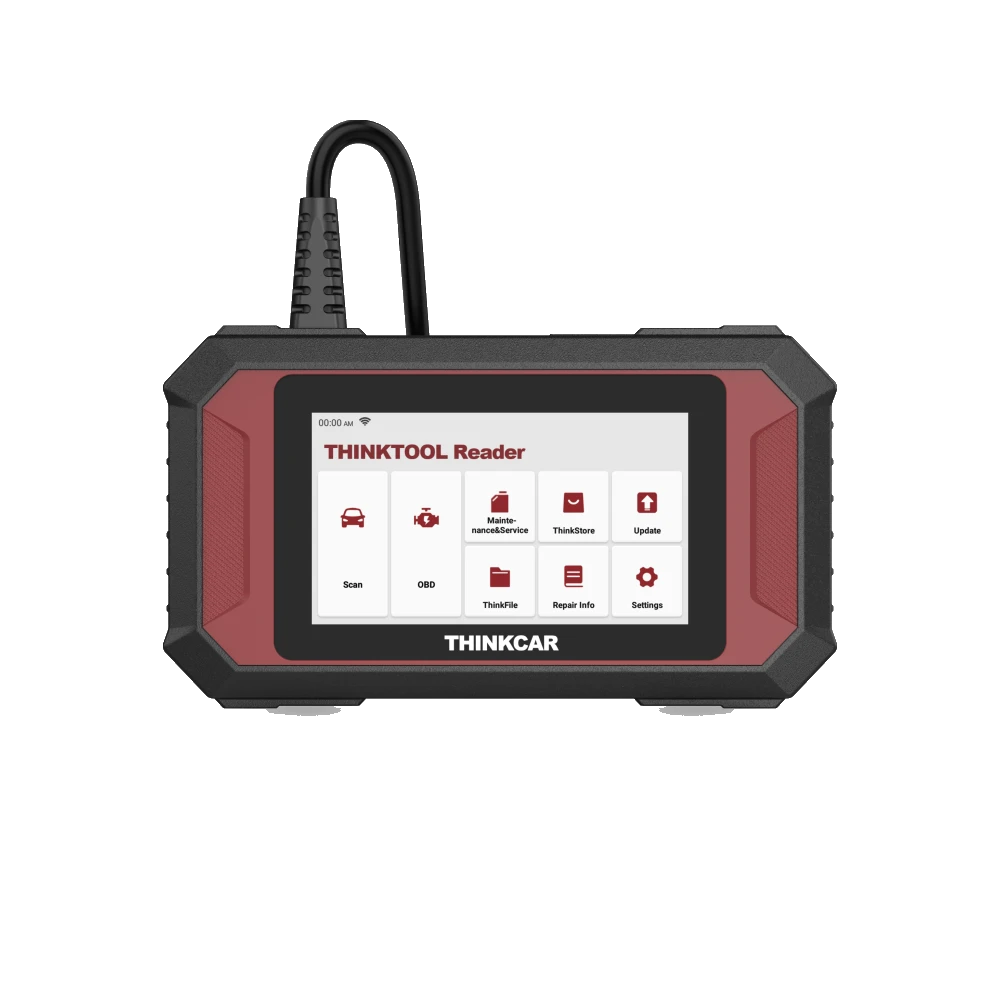
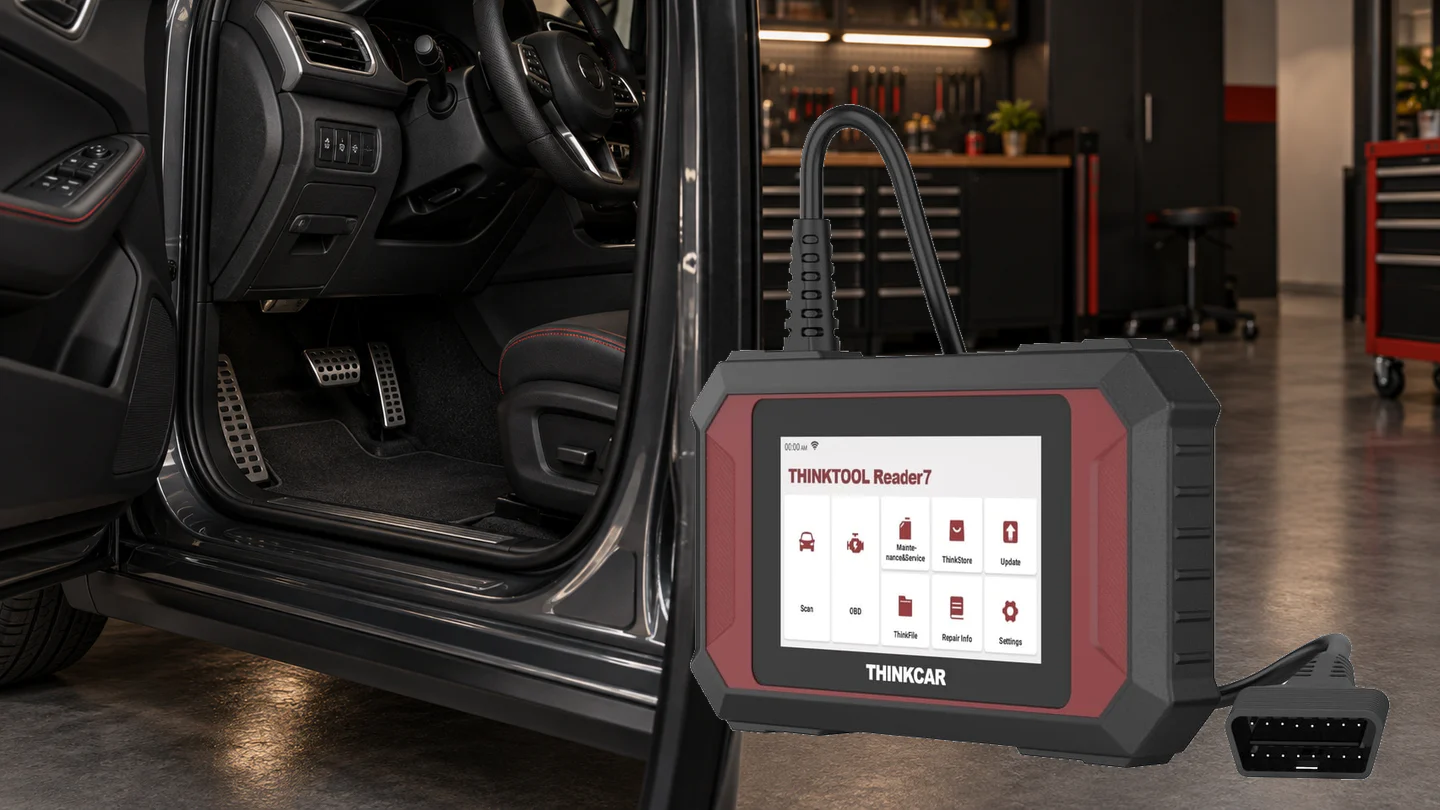
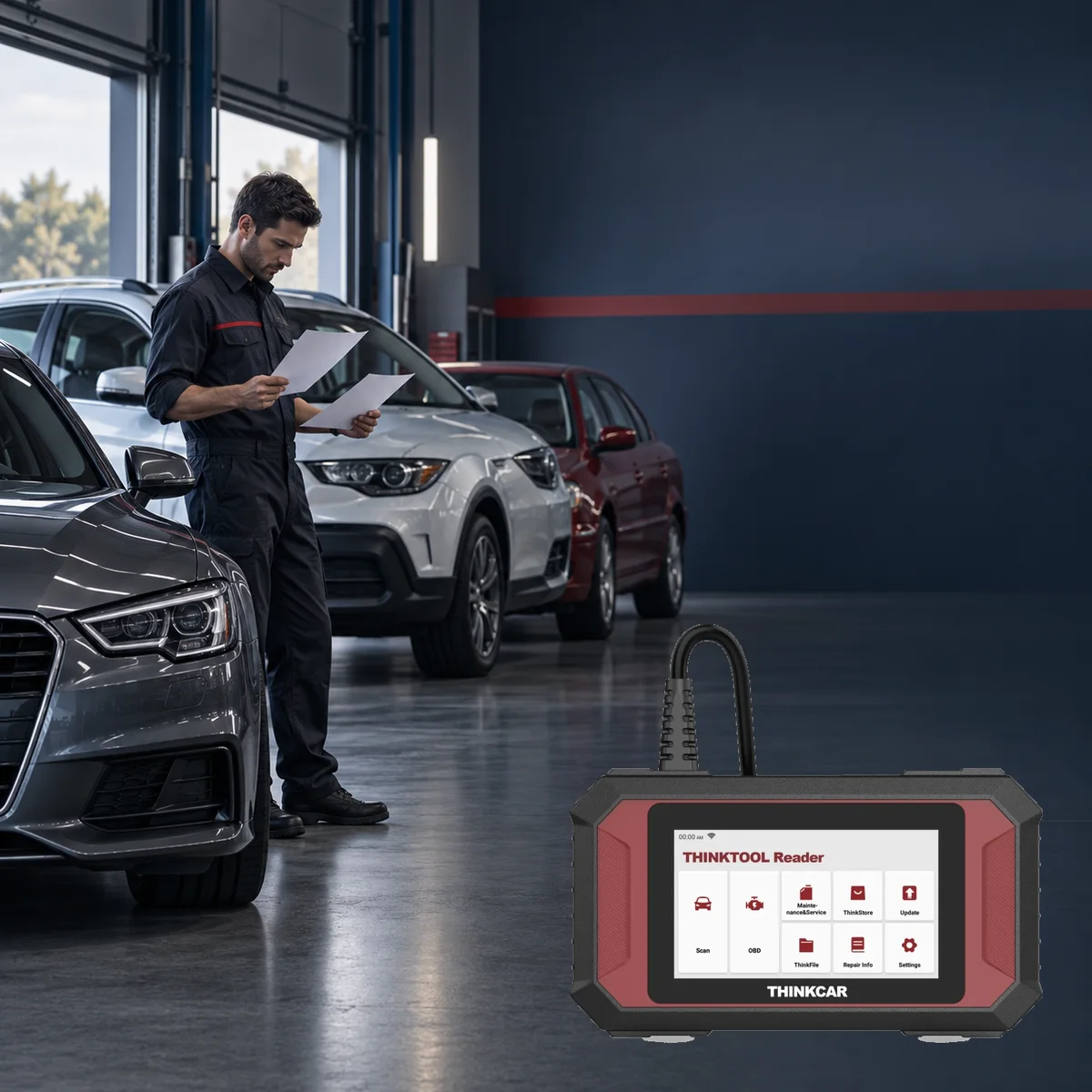
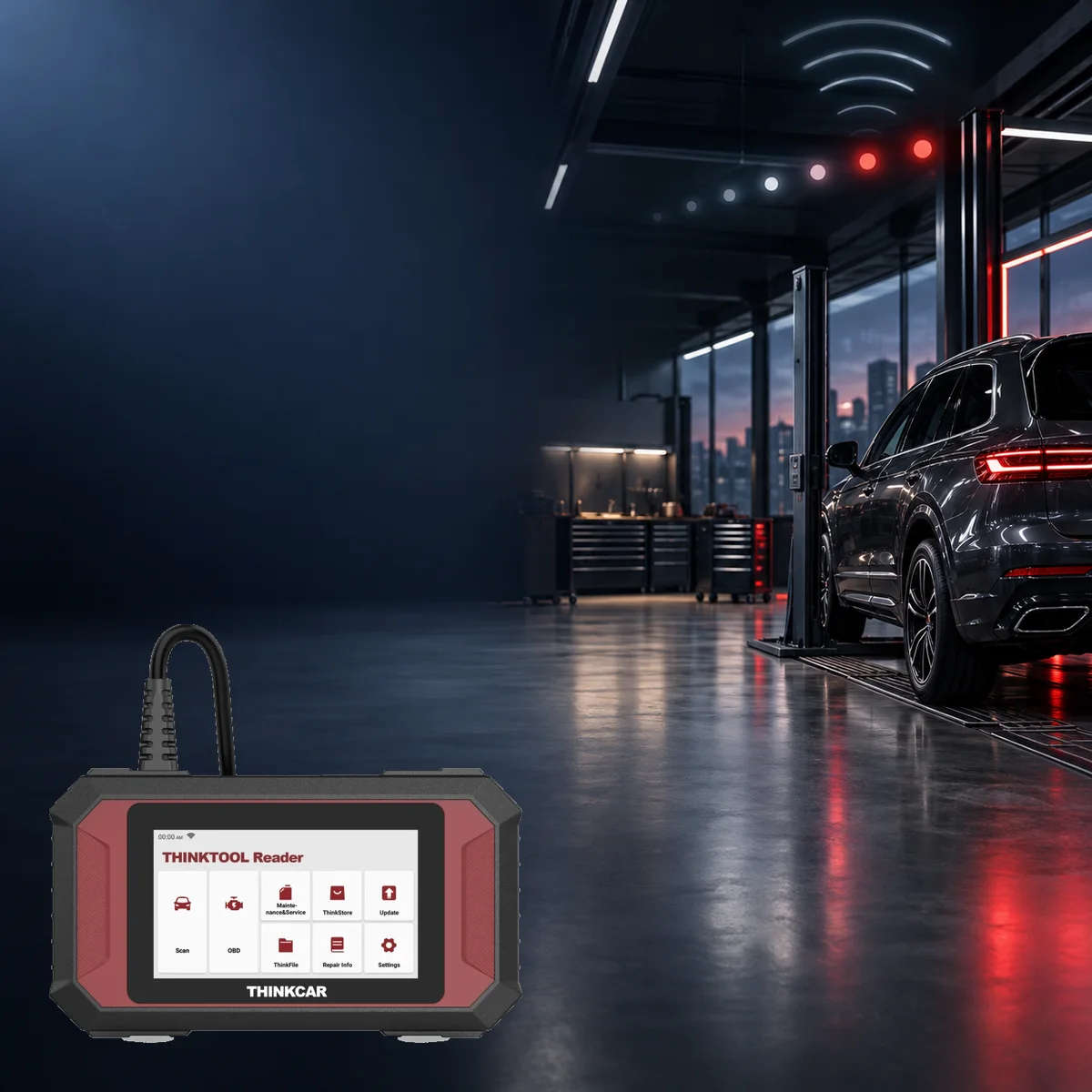
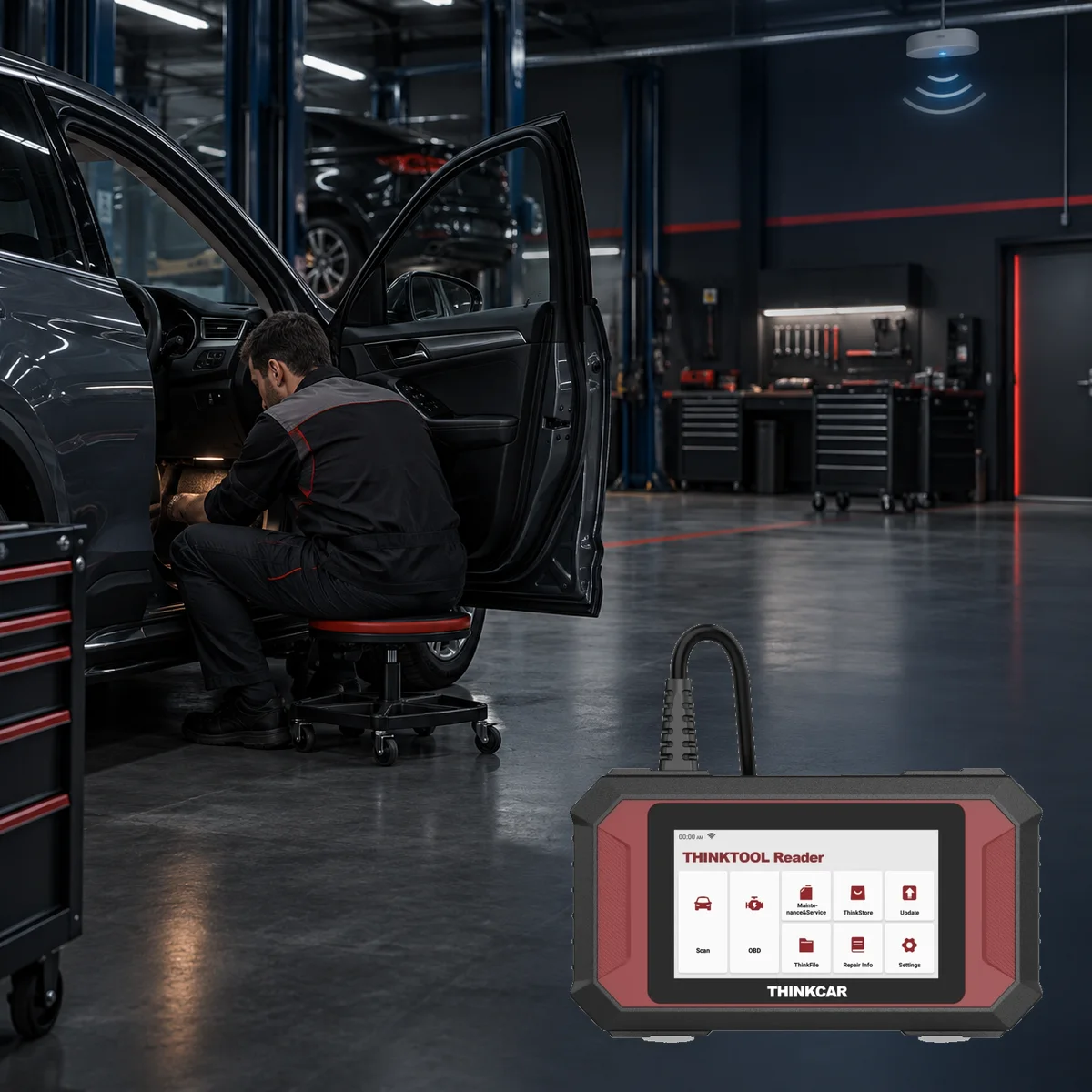
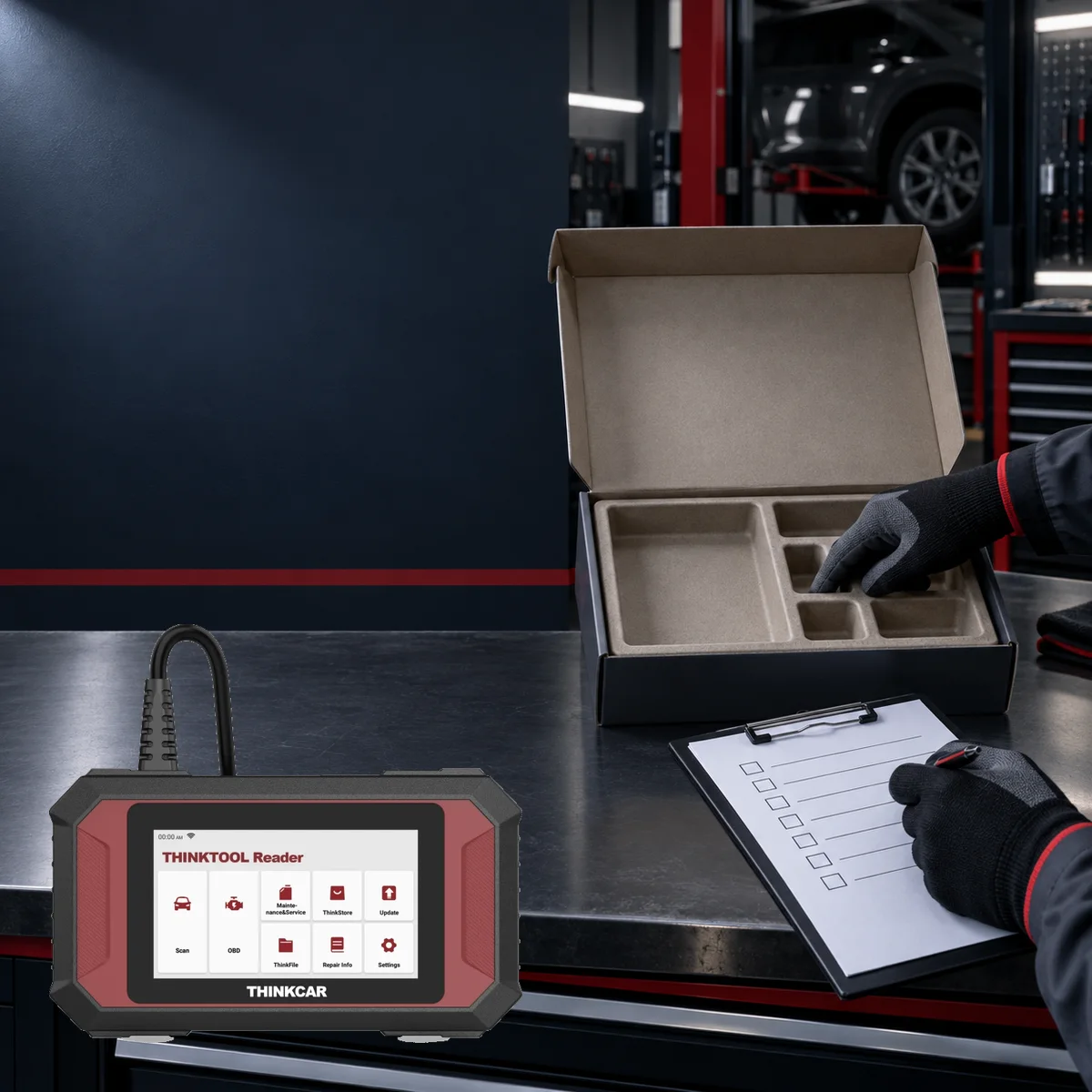
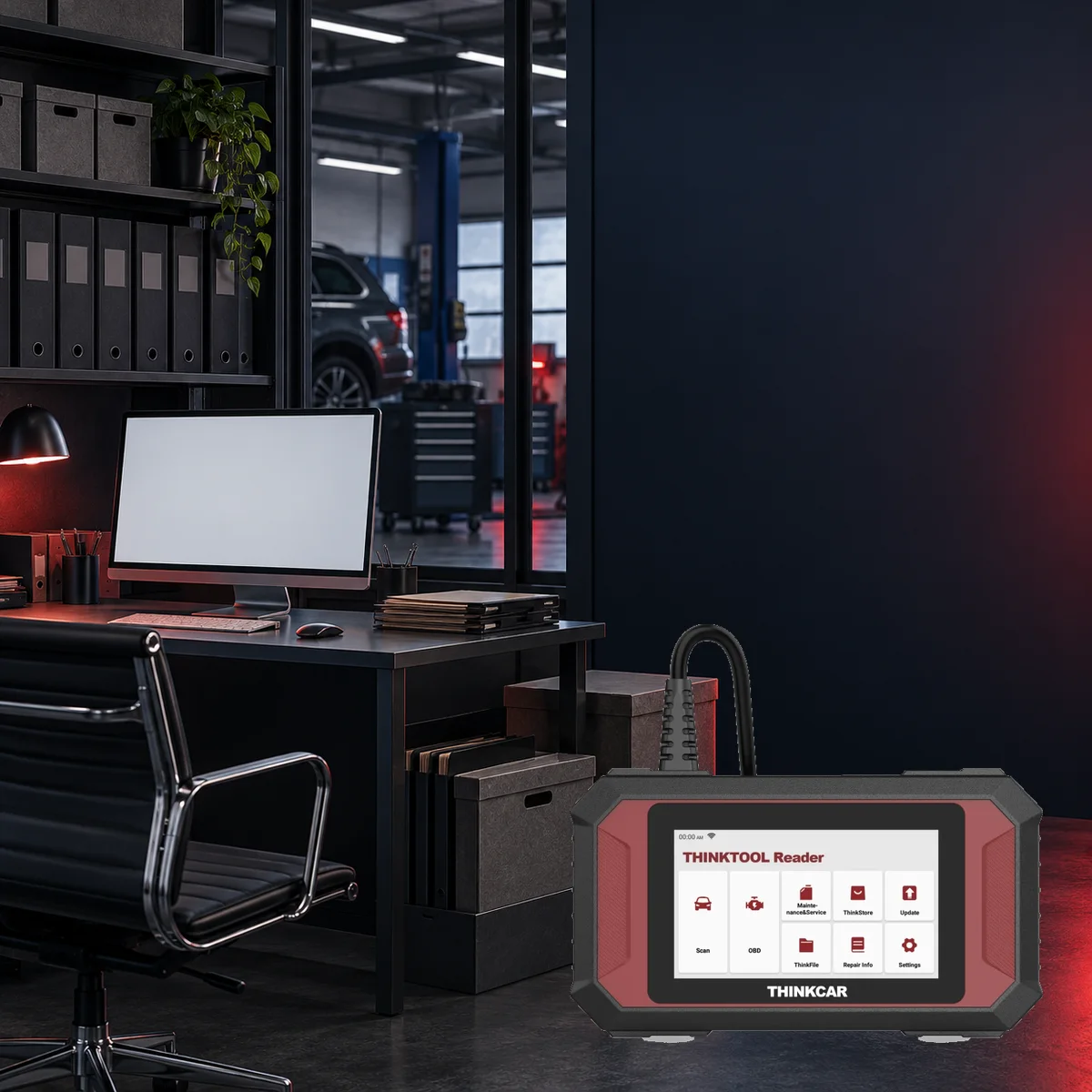
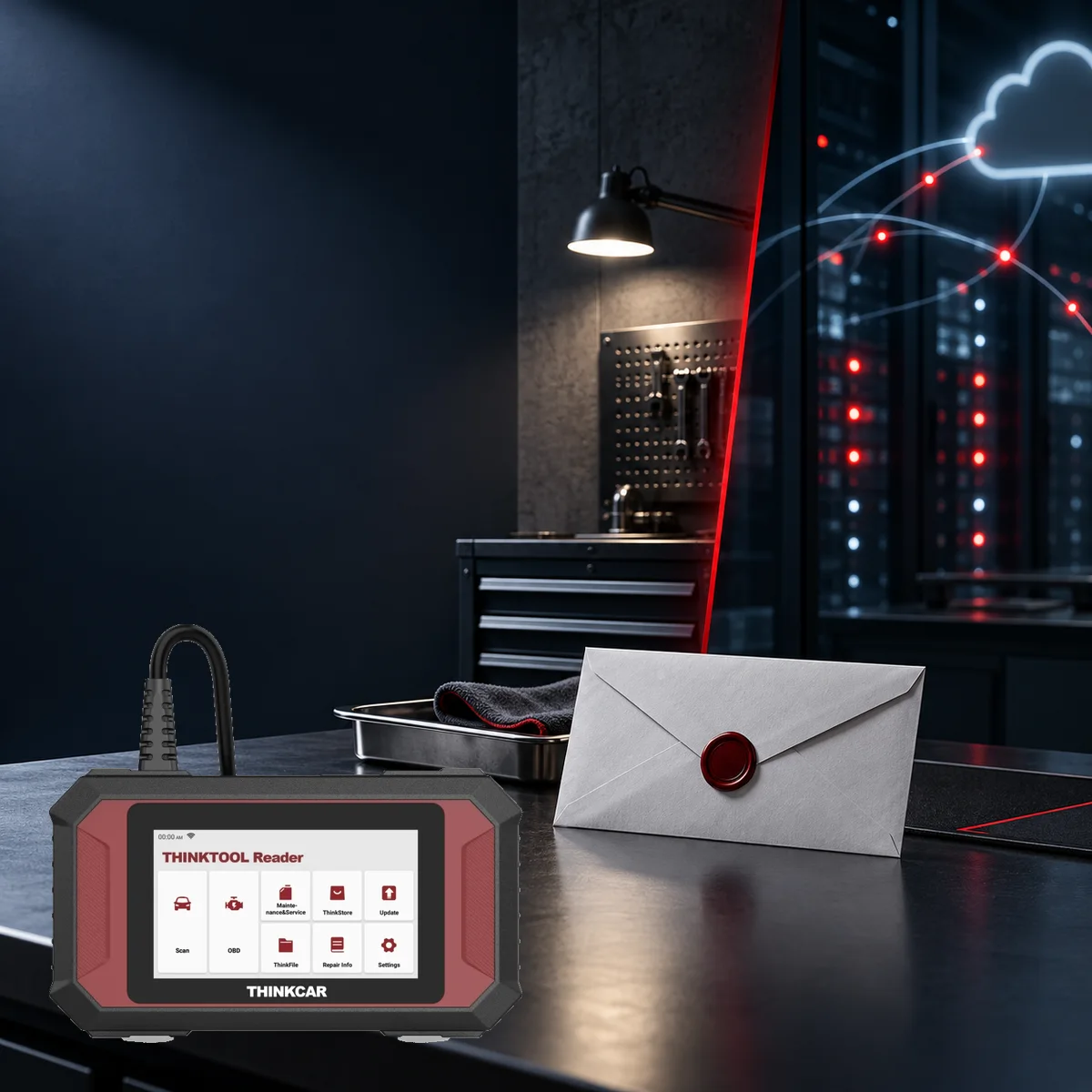
Official front viewFront screen and wired bodyRear label and connection cableBody, fixed cable, and OBD plugHousing depth and cable entry
Thinkcar · Vehicle Diagnostic Devices
Thinktool Reader 7
Thinktool Reader 7 is a 5-inch wired device that reads codes and live data in seven vehicle systems, offering seven maintenance functions from 28 options.
5-inch, Android-based standalone device
ECM, TCM, ABS, SRS, BCM, climate, and instrument cluster scanning
Lifetime free access for 7 functions out of 28 maintenance options
Direct OBD II connection with fixed cable and 16-pin plug
The Reader 7 is a wired, compact device for those who want to read fault codes and live data in seven basic vehicle systems, perform OBD II/EOBD checks, and use selected maintenance functions.
The Thinktool Reader 7 is an entry-level diagnostic device that operates with its 5-inch screen and a fixed cable that connects directly to the vehicle. The manufacturer's catalog for the model confirms reading/clearing fault codes and live data display in the engine, transmission, ABS, airbag, body, climate, and instrument systems.
The standard OBD II/EOBD menu also includes freeze frame, I/M readiness, oxygen sensor, and EVAP tests. On the maintenance side, the catalog lists 28 types of functions; the device owner selects any seven of these for lifetime free use.
This limitation is important: the model should not be presented as a full system tablet that scans all control units, a bi-directional active test device, or an ECU coding/programming tool. As a current and publicly available brand-model-year matrix for this model could not be found, vehicle compatibility must be verified separately before purchase.
What would you buy this for?
Users performing basic diagnostics in engine, transmission, ABS, SRS, body, climate, and instrument systems
Mobile technicians who want a compact, wired, vehicle-powered, single-piece device
Vehicle owners who want to monitor OBD II/EOBD emission controls and live data from the same device
Those who want to select their seven most used maintenance functions and use them without periodic software renewal
Featured diagnostic features
Vehicle and system scope
7 maintenance functions to be selected
Wired operation
Update Conditions
Decision support
Who is it not for?
Do not consider functions not verified in the official sources for Reader 7 as part of the device's scope.
Workshops requiring full system scanning and bi-directional active testing on all vehicle control units
Workshops mandating ECU coding, online programming, J2534, DoIP, or CAN FD connectivity
Users expecting all 28 maintenance functions to be available on the same device for free and without restrictions
Those seeking a wireless VCI, large screen, heavy-duty vehicle software, or electric vehicle battery diagnostics
Seven systems and vehicle coverage
Which vehicles and systems does the Reader 7 support?
The manufacturer does not provide a fixed number of brands or a current, publicly available detailed coverage matrix for the Reader 7. Code and live data operations in the engine, transmission, ABS, SRS, body, climate, and instrument systems depend on vehicle, model year, and control unit support.
Verified systems
ECM, TCM, ABS, SRS, BCM, AC, and IC
Standard OBD coverage
Codes, live data, freeze frame, I/M readiness, O2, and EVAP tests
Maintenance coverage
7 functions selected by the user from 28 options
Vehicle connection
Wired cable and 16-pin OBD II connector
Compatibility check
Brand, model, year, engine or chassis, ECU to be checked, and operation to be performed
The presence of the brand in the list does not indicate that all seven systems will be available for all model years.
Full vehicle information, the ECU to be checked, and the operation to be performed must be verified via the current device menu or THINKCAR support before ordering.
Sources for this model do not confirm full system scanning, active test, ECU coding, programming, CAN FD, DoIP, or J2534 support.
What is the Reader 7 and how was the product identity verified?
The reviewed model is a 5-inch Android-based diagnostic device named “THINKTOOL Reader 7” in the THINKCAR catalog. The front features a red-black protected housing, THINKCAR logo, touchscreen, and a fixed cable emerging from the top.
The screen header in the front view in the gallery is labeled Reader 7; the product label on the rear view also matches the Reader 7 housing. This physical structure differs from the Thinktool Lite, which uses a separate Bluetooth VCI, or the larger Thinktool Master tablets.
The manufacturer's quick start guide stating only “THINKTOOL Reader” on the cover does not solely imply another model; the same guide file and official catalog show the Reader 7 housing. The functions on the page were not transferred from the product family but were taken solely from the catalog and manual sections pertaining to this model.
No practical performance test was conducted on the vehicle; the content is a review of documentation and actual product images.
Housing features: 5-inch screen, fixed cable, and 16-pin OBD connector
Review type: official document and actual product image inspection
Product details
Which control units does the seven-system scan cover?
The manufacturer's catalog specifically names seven systems for the Reader 7: ECM engine control, TCM transmission control, ABS brake control, SRS airbag system, BCM body control, AC climate control, and IC instrument panel.
On a supported vehicle, the device can read and delete fault codes from these units and display accessible live data. The term “seven systems” does not mean that all control units present in the vehicle are scanned.
Electric power steering, four-wheel drive, door modules, infotainment, adaptive cruise control, or any other ECU can only be accessed if it clearly falls under the scope of one of the named systems and is supported in the manufacturer's software. Therefore, the presence of the brand logo in the menu is not sufficient.
Full vehicle information, model year, the system to be checked, and the operation to be performed must be verified via the current device menu or THINKCAR support. Deleting a fault code does not prove that the physical fault has been resolved; the initial scan record, live data, and post-repair rescan should be preserved.
ECM: Engine Control Module
TCM: Transmission Control Module
ABS and SRS: Brake and Airbag Systems
BCM, AC, and IC: Body, Climate, and Instrument Systems
Full system or all ECU coverage is not claimed
Number of systems
7Systems explicitly named in the manufacturer's catalog.
Verified diagnostic functions
Read/clear codes and live dataDepends on vehicle and ECU support.
Unverified functions
Active test, coding, and programmingThese functions are not specified in the sources for this model.
Product details
What does the OBD II and EOBD menu provide?
Apart from the seven manufacturer systems, the standard OBD II/EOBD menu is a separate workspace for engine and emission diagnostics. The official catalog lists fault code reading and clearing, live data stream, freeze frame recording, I/M readiness check, oxygen sensor test, and EVAP system test.
I/M readiness indicates whether the vehicle's emission monitors have completed their tests; it is not a guarantee of passing inspection by itself. Freeze frame shows ECU-stored values such as RPM, temperature, load, or speed at the moment a fault was recorded; not all vehicles offer the same data fields.
Oxygen sensor and EVAP tests are also limited to the OBD monitors supported by the vehicle. This menu, unlike the seven-system scan, is based on the standard emission protocol. The user should first record the code and event data, then investigate the cause through physical measurement or manufacturer procedures. Clearing a code may reset monitors to a “not ready” state.
Fault code reading and clearing
Live data and freeze frame
I/M readiness monitor status
Oxygen sensor and EVAP tests
Vehicle information and standard data provided by the ECU
Product details
How do 7 functions out of 28 maintenance options work?
The THINKCAR catalog lists 28 types of maintenance and resets, but the Reader 7 description uses the phrase 'Any 7 Reset Lifetime Free'. Therefore, all 28 items cannot be presented as if they are all active simultaneously in the standard package. The free coverage is for seven functions selected from the list.
The official document does not explain whether the selection can be changed later, whether the same account can be used on another device, or regional menu differences. These conditions should be checked on the serial number and account screen before device activation.
The menu name does not indicate that the function will be available for every vehicle; vehicle, ECU, and prerequisite support are required.
A total of 28 maintenance and reset types are listed
Lifetime free coverage is specified for any 7 selected functions
Selection and account transfer conditions are not detailed in the official document
Each maintenance menu varies by brand, model, year, and control unit
Electronic reset cannot be performed before physical maintenance is completed
The list of available maintenance services
28 service typesNot a guarantee of 28 functions on the same vehicle.
Included free selection
7 functionsThe limit specified for this model in the manufacturer's catalog.
Maintenance access
Lifetime free for selected 7 functionsSelection and account conditions are not detailed in the document.
Product details
Thinktool Reader 7 setup and first use
No separate VCI is paired during setup; the fixed 16-pin plug is inserted directly into the vehicle's OBD II socket.
According to the exact-model quick start guide, setup begins by plugging the fixed 16-pin plug into the vehicle's OBD II socket. The socket is usually located on the driver's side, above the pedals, or under the dashboard; if the location is not visible, check the vehicle manual. After connecting, turn on the device.
If the vehicle does not respond, check that the plug is securely seated, the ignition is in the ON position, and the vehicle is supported by the Reader 7 software. Before first use, set up a trusted Wi-Fi network, language, and time zone in the Settings section.
Update diagnostic software and applications on the main screen; the Settings → App Update → OTA path updates the system software. Upon successful OTA completion, the device restarts. During the first Scan or OBD scan, current records, freeze frame, readiness, and accessible live data are saved without deleting codes.
ThinkFile can store diagnostic reports, data stream recordings, and screenshots in a vehicle file based on VIN and check time. If connection errors persist, provide the vehicle year, make, model, and VIN information to THINKCAR via Feedback.
The exact-model guide does not explain the activation code, account creation, or the procedure for selecting seven maintenance functions; activation steps for other Thinkcar models' VCIs should not be carried over to the Reader 7.
Locate the OBD II socket and insert the fixed 16-pin plug without forcing it
Check ignition, plug, and vehicle support
Set up Wi-Fi, language, and time zone before first use
Update diagnostic software with Update; update system software with OTA
Save the first scan to ThinkFile without deleting codes
Vehicle connection
Fixed 16-pin cableNo wireless VCI pairing.
Diagnostic update
Main Screen → UpdateFor vehicle software and application packages.
System update
Settings → App Update → OTADevice restarts after success.
Product details
Where is the Thinktool Reader 7 used?
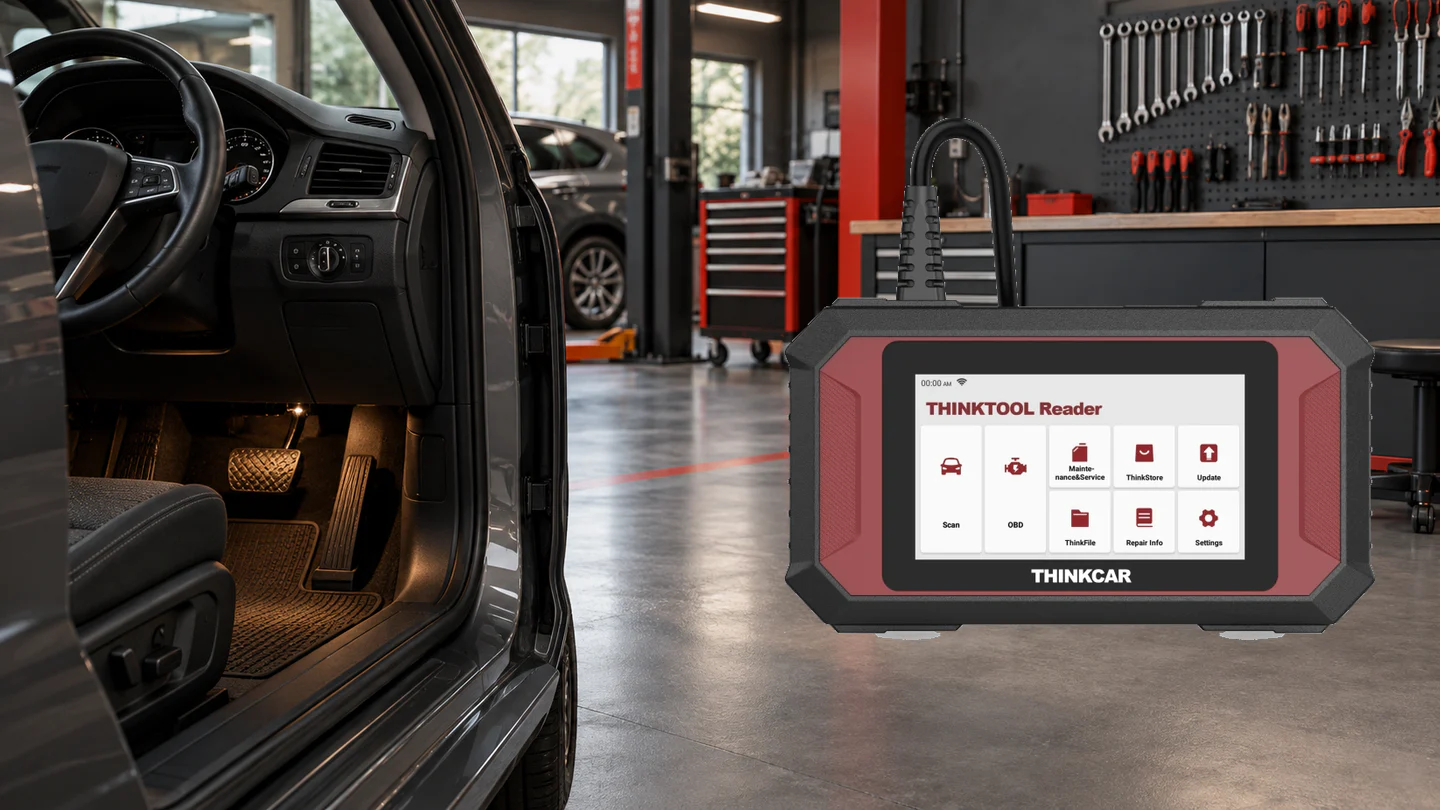
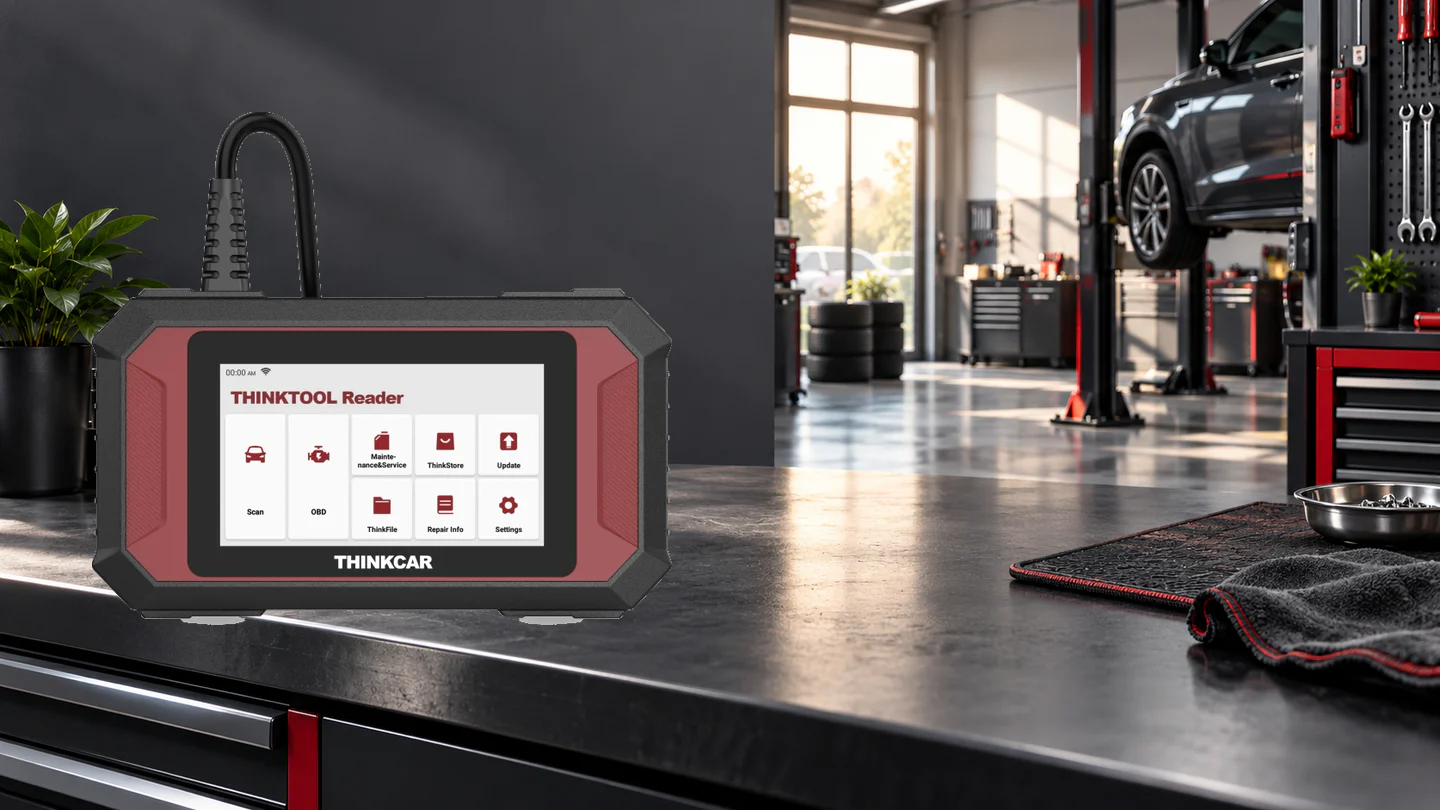
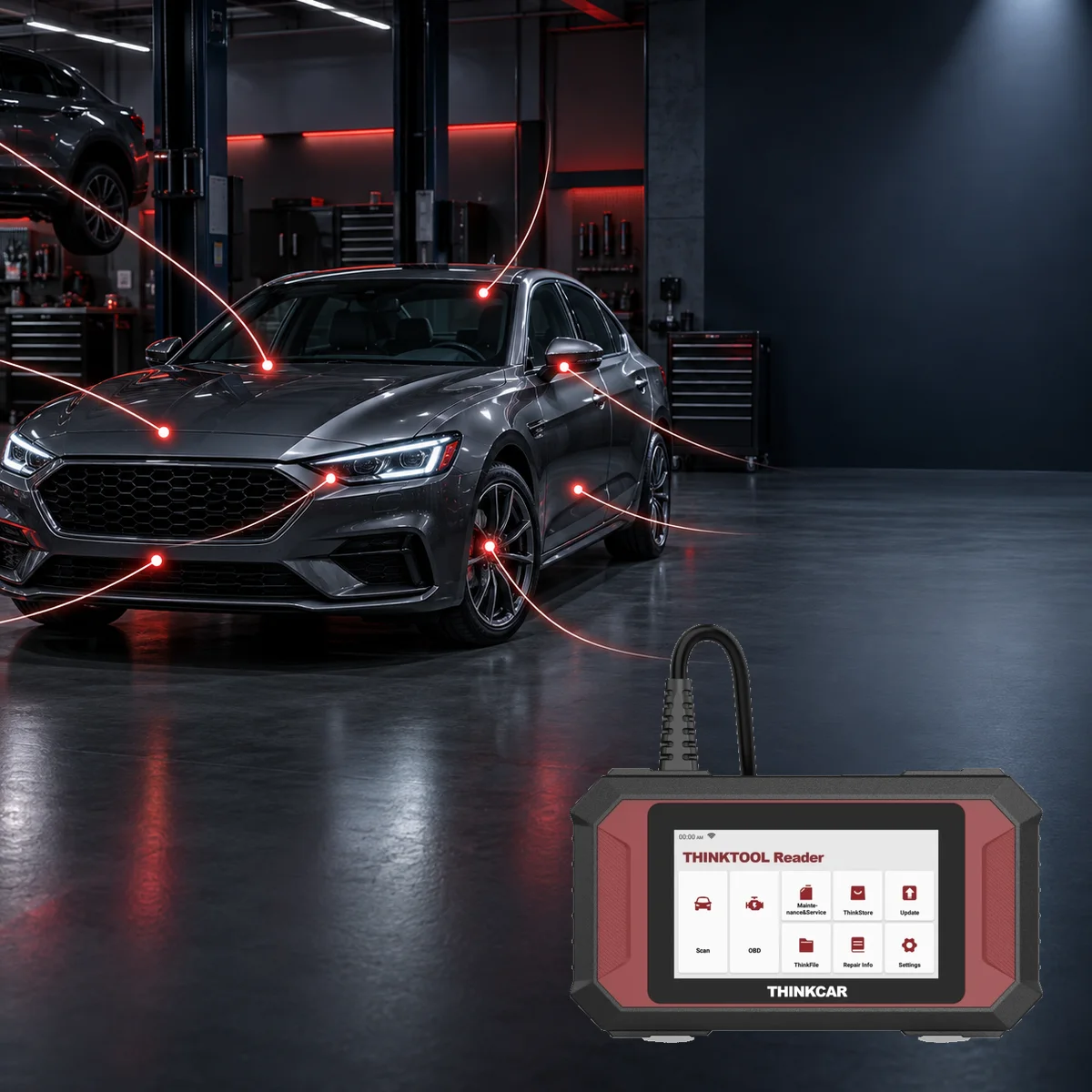
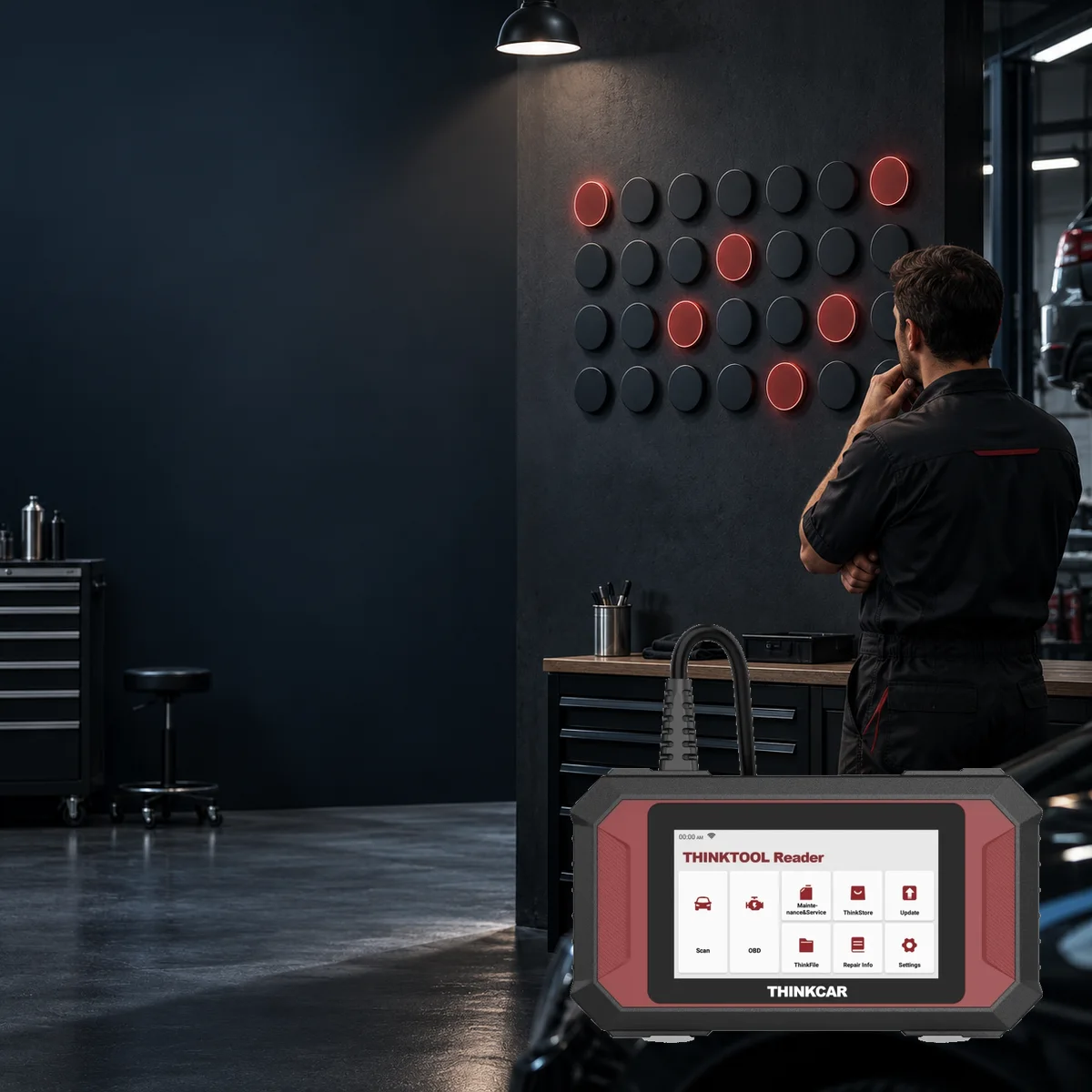
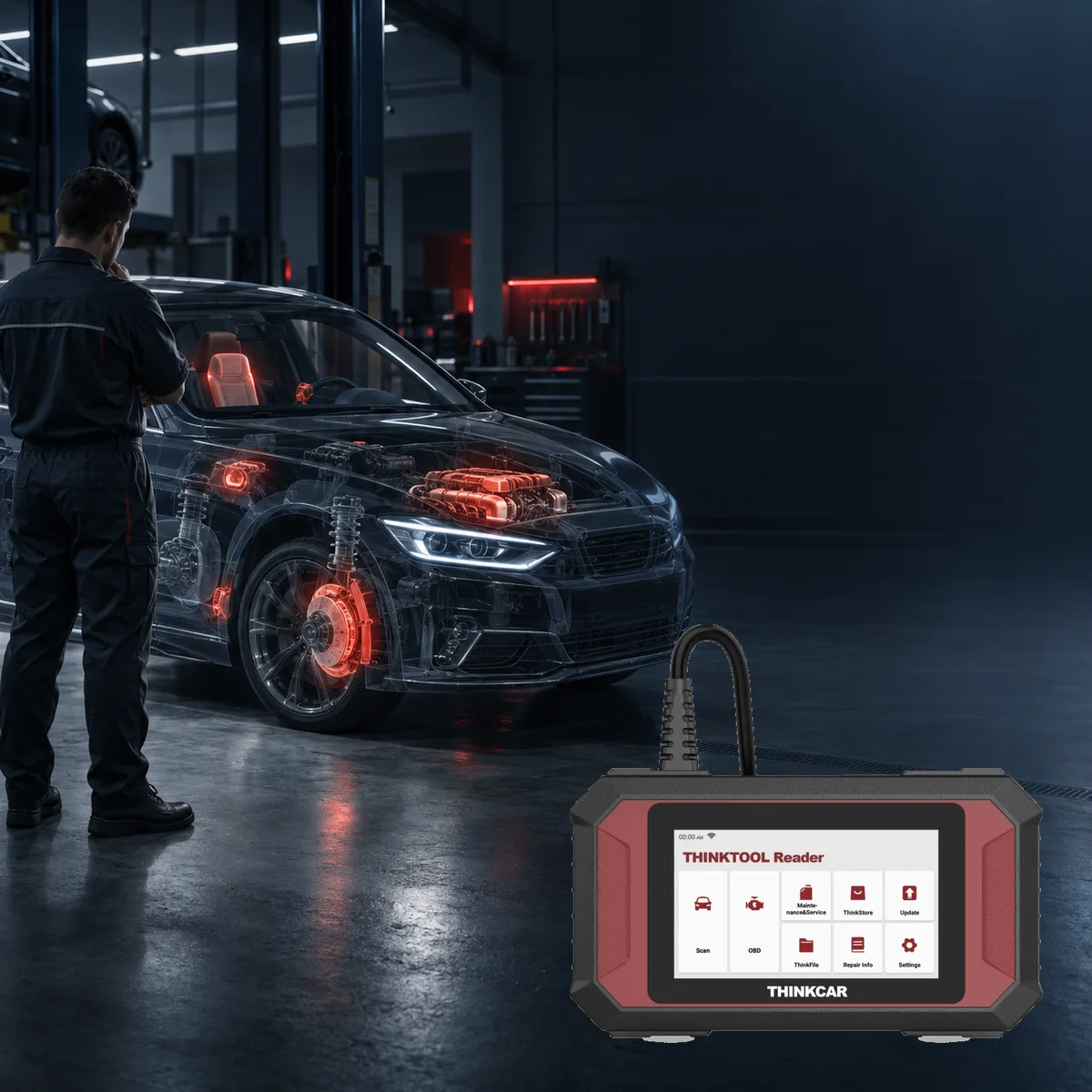
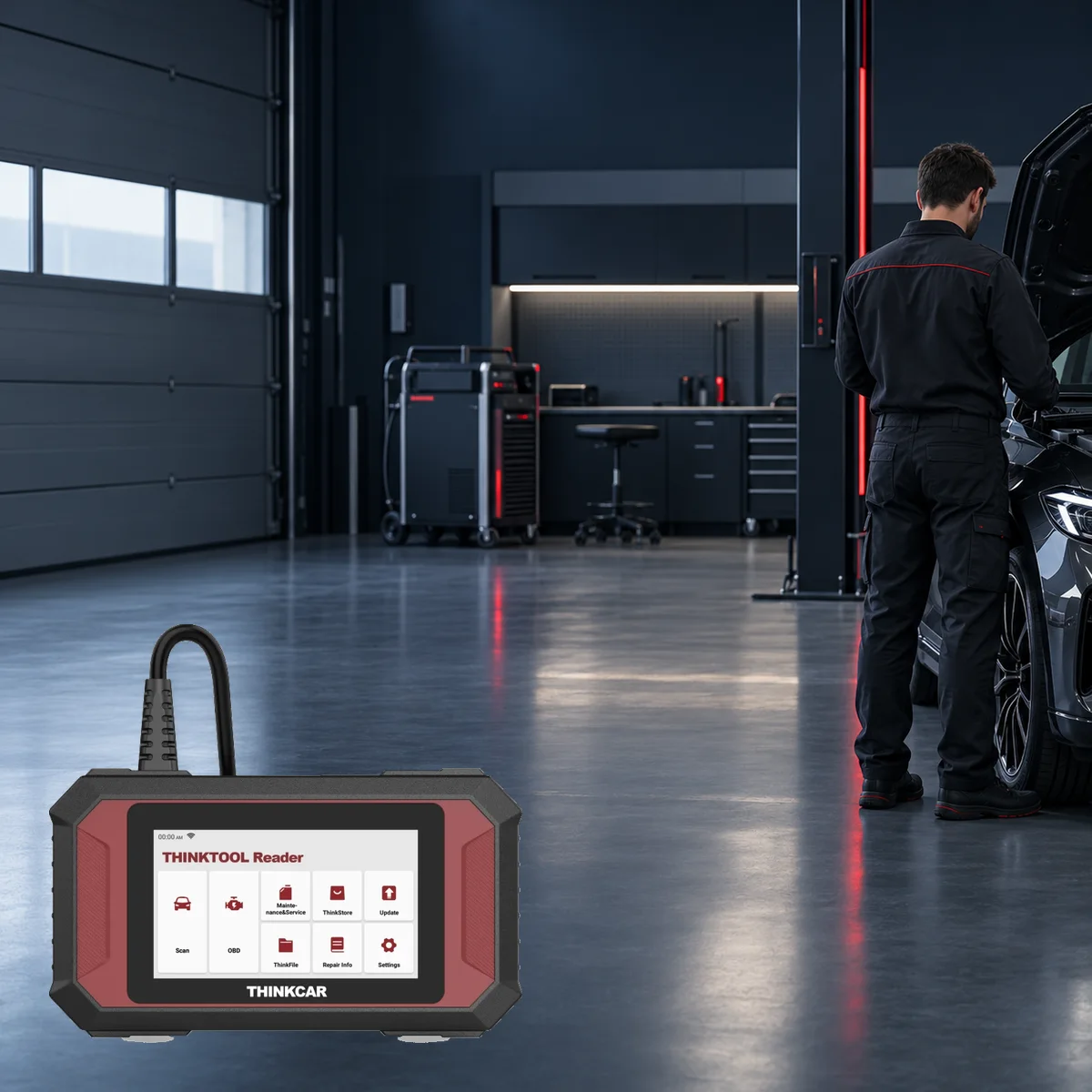
Representative service environment; the device image has been placed without modification from a photograph of the actual Reader 7.
The Reader 7 can be used in independent vehicle repair shops, small workshops in industrial sites, mobile service operations, vehicle reception pre-checks at car dealerships, and by knowledgeable vehicle owners who want to perform basic diagnostics on their own vehicles.
Its wired, one-piece design initiates supported code and live data checks in engine, transmission, ABS, SRS, body, climate control, and instrument cluster systems without requiring a separate phone or Bluetooth VCI.
In vehicle inspection centers, it should only be considered as an electronic pre-check auxiliary device; it does not replace paint-body, mechanical, compression, battery, charging, brake, or road tests.
It is not a direct cleaning equipment in car detailing; it can be used to read supported modules if a warning related to battery disconnection, seat, or window system occurs after service.
For professional work requiring full system reports, bi-directional active tests, ECU coding, or programming, a different device with verified functions from its official source is necessary.
Initial diagnosis for seven systems in small and independent workshops
Pre-purchase inspection of used vehicles at car dealerships without deleting codes
Wired and one-piece use for mobile technicians
OBD II/EOBD and basic live data tracking for vehicle owners
Electronic pre-check support in inspection centers; not a substitute for full inspection
Product details
5-inch screen and wired connection
The catalog for this model shows an Android-based device with a 5-inch screen; the manual and actual product photos show a cable coming out of the body with a 16-pin OBD II plug.
Since some regional THINKCAR records have different values for storage and cable length, these two details were not quantified at Otobiltek without verifying the physical device sold. The device does not communicate with the vehicle via a separate wireless VCI; it remains connected to the vehicle's socket by cable during operation.
The cable bend point, plug pins, and body entry should be physically inspected upon delivery. The manual states that the device turns on after connecting to the vehicle and that Wi-Fi must be set up before first use. Wi-Fi does not replace vehicle communication; it is used for application and system updates, feedback, and online content.
Battery capacity, screen resolution, RAM, camera, CAN FD, DoIP, or J2534 support were not verified in the documentation for this model, so no numbers or support claims were added for these areas.
Screen: 5 inches
Platform: Android-based standalone device
Vehicle connection: fixed cable and 16-pin OBD II plug
Storage and cable length: not verified for local variant
Wi-Fi for initial use and updates
Product details
Verified items in the box and remaining parts
The official catalog and quick start guide do not list the box contents with part quantities. The main device, the cable coming out of the body, and the 16-pin OBD plug are clearly visible in the actual product images; these are parts of the same physical unit.
A carrying case, charging adapter, additional brand cable, converter, screen protector, or printed documents are not shown as standard content on the page, as there is no verified quantity list for these in the official package for this model. There are also no photos of the package box or additional accessories in the gallery.
If any additional parts are included in the set to be shipped, their names and quantities must be listed separately on the sales document. The screen menu in the product photo shows the software interface; the screenshot does not imply separate licenses or that all menus are active for every vehicle. The cable and plug are the primary visual indicators that verify the physical identity of the package.
Verified main part: Reader 7 body
Verified connection: fixed cable and 16-pin OBD plug
Full accessory and quantity list: unknown from official sources for this model
Gallery: two actual product views showing the front with screen and the back with label
Product details
Scenario 1: OBD II pre-check on a used vehicle
During a used vehicle inspection, the ignition and battery voltage are first checked, and the device is plugged into the 16-pin OBD socket. Current and pending codes in the engine section, freeze frame data, and I/M readiness status are recorded without deletion.
A not-ready emission monitor may indicate recent code deletion or battery disconnection; it is not proof of malfunction on its own. Accessible values such as engine temperature, fuel trim, and oxygen sensor are read along with operating conditions in live data.
The Reader 7's data does not replace physical leak, compression, charging system, or mechanical checks. The initial report is saved at the end of the inspection; code deletion is only considered after obtaining the seller's permission and performing necessary repairs. This flow uses the device's standard OBD II menu and can be evaluated separately from the seven system licenses.
Save the initial report without deleting codes
Review freeze frame and I/M readiness status
Compare live data with engine operating conditions
Verify electronic results with physical checks
Product details
Scenario 2: Initial diagnosis for ABS or SRS warning
When an ABS or airbag warning light illuminates on the instrument panel, the relevant system is among the seven control units verified by the Reader 7. The technician first checks the battery voltage and diagnostic connection, then reads the codes and accessible live data from the ABS or SRS module.
A wheel speed sensor code does not directly mean ordering a sensor; the wiring, connector, wheel bearing magnetic ring, and power supply must also be inspected. On the SRS side, connectors should not be disconnected or measurements taken without following safety procedures.
Since bi-directional active testing is not verified in the sources for this model, it is not assumed that commands will be sent to the pump, valve, or warning light. After the repair is completed, the code status is read again, a short safe road test is performed, and it is recorded whether the warning returns.
Save the code and status from the ABS or SRS module
Check socket, wiring, and physical parts separately
Plan operations as if active testing were available
Rescan the system after repair
Product details
Scenario 3: Service reset with selected maintenance function
If oil service, battery matching, or brake pad replacement are among the regularly performed services, these menus can be planned within the free seven selections. First, the physical maintenance to be performed is completed; the correct oil, battery, or brake part is installed, and the vehicle manufacturer's safety conditions are applied.
Then, the correct brand, model, year, and control unit are selected. Steps such as ignition, gear, parking brake, door, or voltage on the screen are not skipped. The result of the operation is checked via the instrument cluster and the relevant ECU.
The presence of an item in the menu does not guarantee that the procedure is supported on the vehicle; if the function does not open, check the coverage and software version instead of forcing the device. Before making the free seven function selection, list the vehicles and maintenance tasks most frequently accepted by the workshop; the official document does not explain the conditions for changing the selection.
Complete physical maintenance first
Select seven free functions based on actual service frequency
Follow the vehicle manufacturer's on-screen prerequisites
Check the instrument cluster and ECU status at the end of the service
Product details
Scenario 4: Creating a vehicle file at service reception
When the same vehicle returns to a small workshop, seeing the previous findings is more valuable than a one-time code read. A vehicle record is created in the ThinkFile area using the VIN and check time.
During the initial reception, supported systems from the engine, transmission, ABS, SRS, BCM, climate control, and instrument cluster are scanned; the report, live data recording, and necessary screenshots are added to the file. The customer's complaint, warning light, and operating conditions are written on the service form. After the repair, the same systems are read again and compared with the initial record.
Since the Reader 7 is not a full-system device, control units not scanned should also be clearly indicated in the report. This method prevents an inaccessible module from being considered 'error-free' and keeps a record of which of the selected seven maintenance functions were used.
Open vehicle file with VIN and check time
Save initial report without deleting codes
Distinguish between scanned and unscanned systems
Compare the second report after repair with the initial record
Product details
The real difference between Reader 7 and higher-end devices
The decision for the closest upgrade is not based solely on screen size or price. The verified limit of the Reader 7 is seven systems and seven maintenance functions selected from 28 options.
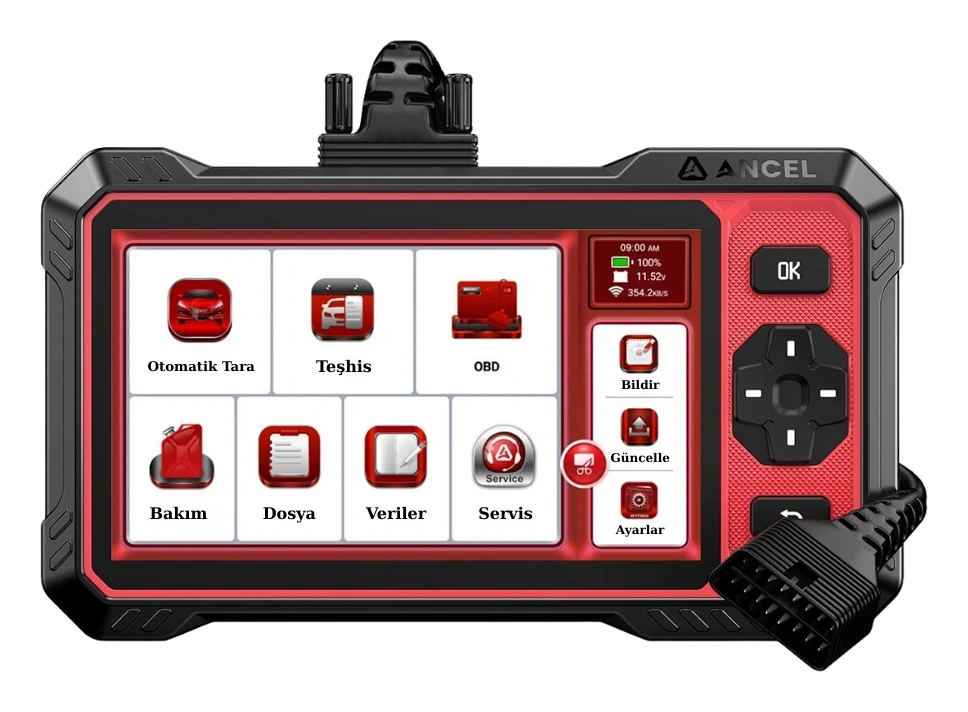
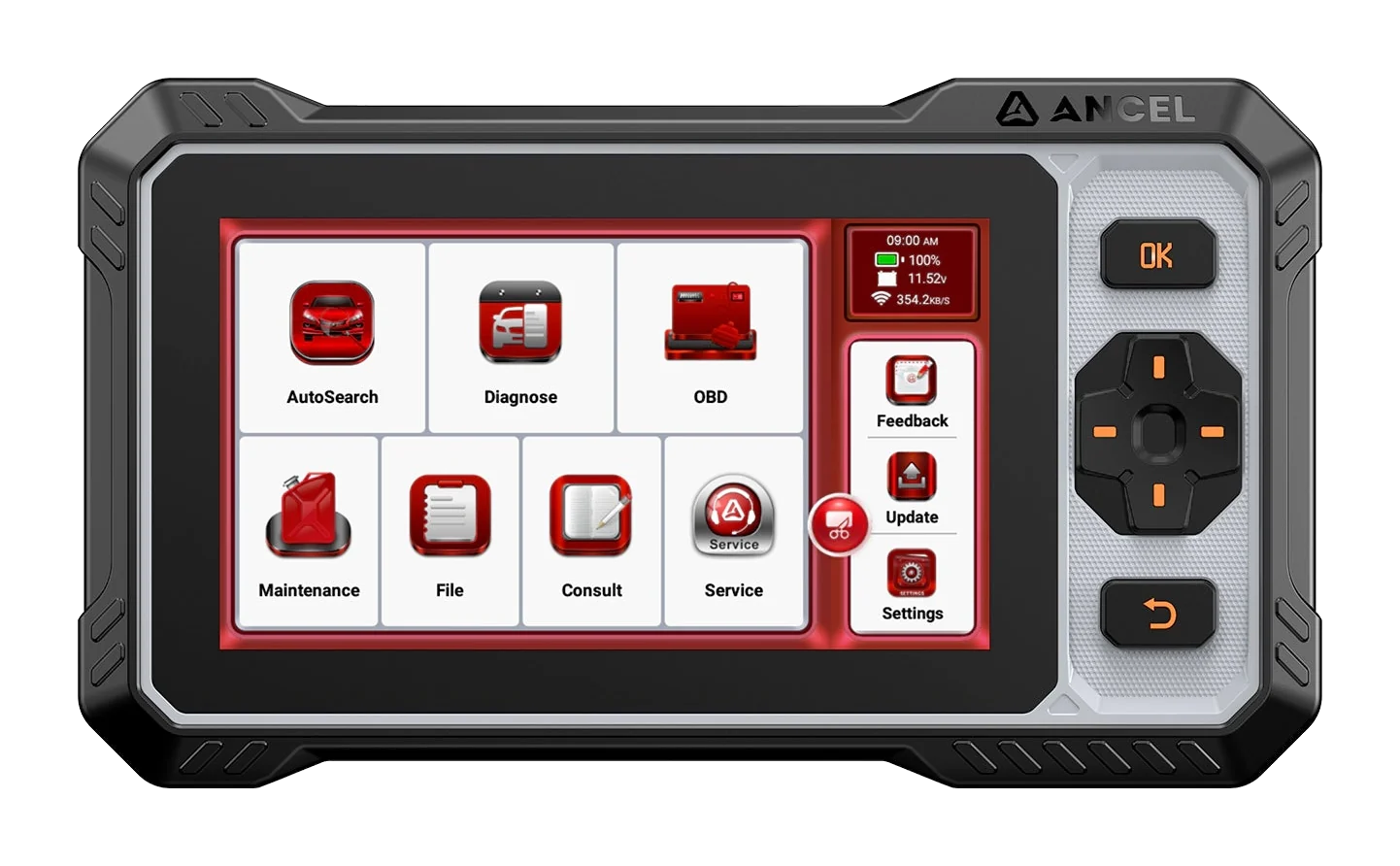
In the Otobiltek comparison ladder, Ancel DS410 Lite and FX6100 are shown as different bodies at the same functional level; full system scanning, bi-directional active testing, and maintenance menus not limited to seven selections for these two devices have been recorded from bilateral sources.
Lifetime free updates are available for both, so it is not marked as a superiority. Thinktool Lite and Lite 2 are separate hardware, connection, and software packages; the lifetime update or wired body assumption for the Reader 7 does not apply to these models.
If the workshop only performs reading on seven basic systems and selected maintenance tasks, the compact device may be sufficient. If a full system acceptance report, active tests, or new vehicle protocols are required, the source of each model and connection hardware on the comparison page should be examined.
DS410 Lite / FX6100: verified higher tier for full system and active testing
Lifetime updates are not a comparative advantage if common
Lite and Lite 2 features are not transferable to Reader 7 or vice versa
Product details
Visibility in the manufacturer's current product list
As of the October 15, 2026 check, the Reader 7's THINKCAR global English product information did not show an active purchase link; the publicly accessible product address redirected to an address ending with a slash, showing the general 'THINKCAR Company' page instead of a product page specific to the Reader 7.
The V5 product catalog and quick start guide for this model are still accessible. This does not prove that the device has been discontinued; due to different conditions in some regional records, the production status and official distribution and listing information in Turkey are unknown.
Therefore, no 'in production', 'current series', or 'discontinued' label was added to the page. Availability at Otobiltek can only be read from the live purchase data retrieved when the page is opened; this content work did not change the commercial record. This decision should be re-examined if the manufacturer publishes a discontinuation announcement or a new product page.
Official catalog and manual for this model are accessible
Global English product information does not show an active sales link
Production status and Turkish official distribution and listing information are unknown
Local availability is only read from the current purchase area
Update and OTA paths are verified in the official manual; the availability of a Turkish interface option should be checked separately on the current version of the device.
The manufacturer's catalog introduces the Reader 7 with the terms 'Lifetime Free Update' and 'Lifetime Subscription'. The quick start guide explains that the diagnostic software is updated from the Update section on the device, and the system software is updated via Settings → App Update → OTA. A stable internet connection is required, and the device restarts upon successful OTA completion.
The term 'lifetime' is a promise of official software updates for this model; it is not an additional promise for third-party OEM accounts, gateway access, separate hardware, local warranty periods, or that the manufacturer's servers will remain online indefinitely.
The same manual confirms the presence of language selection within Settings but does not publish a complete list of current languages for the Reader 7. Therefore, Turkish interface support could not be definitively confirmed with the exact-model official document; it should be verified on the device's current software screen and serial number before purchase.
The ThinkFile area can store reports, live data recordings, and screenshots based on VIN and check time.
Diagnostic software and application update menu
OTA system update via Settings
Interface language selection within Settings
Turkish interface: must be verified on the device as there is no exact-model official language list
ThinkFile vehicle record based on VIN and check time
Report, live data recording, and screenshot archive
Diagnostic update
Lifetime freeProduct promise in the THINKCAR Reader 7 catalog.
System update
Settings → App Update → OTAStable internet connection required; the device will restart at the end of the process.
Software language
SelectableTurkish option is not individually verified on the official exact-model list.
FAQ
Thinktool Reader 7 Frequently Asked Questions
Which seven systems does the Reader 7 scan?
ECM engine, TCM transmission, ABS brakes, SRS airbag, BCM body, AC climate, and IC instrument cluster systems are listed by name in the official catalog. Code reading-erasing and live data support vary by vehicle and control unit.
Are all 28 maintenance functions free?
No. The manufacturer's catalog specifies a lifetime free selection of any seven out of 28 maintenance types. The condition for changing the selection later is not explained in the same document; the activation screen and device account must be checked.
Does it perform full system scan and active tests?
The catalog for this model specifies seven systems; it does not confirm full system scanning covering all ECUs and bi-directional active test capability. If active testing is the primary need, a more comprehensive model that explicitly shows this function in its official source should be selected.
Can it be used for ECU coding or programming?
The examined THINKCAR catalog and manual for the Reader 7 do not specify ECU coding, online programming, or J2534 function. These tasks are not considered device features.
Which vehicles is it compatible with?
A fixed and comprehensive list of brands and models covering all years has not been published. Vehicle brand, model, year of manufacture, engine or chassis, target control unit, and the operation to be performed must be verified individually through the current device menu or THINKCAR support.
What does lifetime free update cover?
The manufacturer's catalog specifies lifetime free updates and lifetime access for the selected seven maintenance functions for this model. OEM accounts, gateway fees, different device software, and physical warranty are not derived from this statement.
Does it have wireless connectivity?
Vehicle communication is not wireless. The device connects to the vehicle with a fixed cable coming from the body and a 16-pin OBD connector. Wi-Fi is used for initial setup, software updates, and online help content.
What parts are included in the package?
Official sources for this model do not provide a complete list of parts and quantities. The main unit, fixed cable, and 16-pin OBD connector are verified in the photo and technical table; bag, adapter, charging part, or additional cable are not assumed as standard content.
Does THINKCAR list this model as a current product?
Official catalog and manual were accessible upon checking on October 15, 2026. The global English product information did not display an active purchase link; the publicly accessible address also directed to the general 'THINKCAR Company' page instead of a Reader 7-specific page.
This situation does not prove that production has ended; the production status and official Turkish distribution and listing information are unknown.
Are the manufacturer's warranty and software update the same duration?
No. The quick start guide states a one-year manufacturer's warranty for Reader products purchased through normal channels; the catalog defines software updates as lifetime. Local warranty conditions and scope are determined separately by the commercial package document.
Comparison
Proven superior options for Reader 7
If seven systems and selected seven maintenance functions are insufficient, compare the DS410 Lite and FX6100 options with full system scanning and active test verification. Price order does not imply technical superiority.
Ancel DS410 Lite is a wired service device with full system diagnostics, active testing, and CAN FD support. The device includes lifetime free updates.
The Ancel FX6100 is a wired service tool offering full system diagnostics, active tests, CAN FD, and over 15 maintenance functions. It includes lifetime free software updates.