A user looking for a diagnostic tool for their own vehicle typically wants to read the engine fault light, understand the code's meaning, or perform an initial check before service. A professional service tablet is not always necessary for this need; however, if ABS, airbag, transmission, electronic parking brake, or supported maintenance operations are also to be examined, a basic OBD reader may be limited. The correct decision is made by considering whether the device will be used on a single vehicle or multiple vehicles, whether only engine codes or full system scans are expected, whether a phone application or a standalone screen is desired, and that clearing codes is not considered a repair. This guide was prepared to help individual users make a choice without purchasing an unnecessarily expensive device or compromising with an inadequate adapter.
An individual user should first determine which system they want to read.
Need
Sufficient Class
What it provides
Con
Engine fault light
Basic OBD reader
Code reading and basic data
May not read ABS/airbag
Seven basic vehicle systems
Thinktool Reader 7
Engine, transmission, ABS, SRS, body, climate control, and instrument cluster
Not full system and active test
Quick check with phone
Bluetooth/BLE/Wi-Fi adapter
Portable use with app
App and license limitations apply
ABS, airbag, transmission
Full system device or service tablet
Scanning multiple modules
Vehicle coverage is checked
Maintenance reset
Tablet with service functions
Supported maintenance menus
Not every menu is available on every vehicle
Family or fleet vehicles
Service tablet
Wider coverage on different vehicles
Cost increases
Decision guide
First, write down the question you are seeking an answer to
The most common mistake for individual users is looking at all the features of professional service devices when searching for a device for the engine fault light. The first question is which system you want to read.
If only the engine fault light is on, a basic OBD reader can help read the code and view some live data. These devices provide the user with initial information before going to a service center. The code description does not definitively identify the faulty part; however, it indicates which system requires inspection. Simplicity and choosing the right application are important in this class.
If warnings for systems like ABS, airbag, transmission, electronic parking brake, or body systems occur, the standard engine OBD limit is exceeded. Not every device plugged into the same socket will access these modules. In this case, a device offering full system scanning or a service tablet is required. The vehicle's make, model, year, and the system to be examined must be matched with the product's current vehicle list.
If there are multiple vehicles in the family or the user wants to perform regular pre-checks when buying a used car, a device capable of reading more systems may be needed. Conversely, a user who only wants to read engine codes occasionally for a single vehicle should not invest in professional features they will not use.
Engine Code
Full System
Single Vehicle
Multiple Vehicles
Visual summaryThree device paths for individual use
01
Basic ReaderEngine fault code and limited live data
02
Phone AdapterApplication, connection type, and portable use
03
Service tabletFull system scan and supported maintenance functions
Reading occasional engine codes on a single vehicle does not necessitate the same device need as tracking multiple systems.
Decision guide
What does OBD2 cover, and what does it not?
OBD2 provides a common starting point for engine and powertrain data related to emissions. This starting point does not mean access to every electronic system in the vehicle.
The most understandable benefit of an OBD2 device for an individual user is reading the engine fault code, viewing some basic live data, and saving the code. Information like Freeze-frame can help understand the condition under which the code occurred. This data allows you to provide clearer information during a service consultation.
Code clearing is not a repair. If the cause of the fault persists, the code may return, or the inspection and control process may be affected because readiness monitors have been cleared. Before clearing codes, the code, the condition under which it occurred, and any screenshots should be saved. Owning a device does not solely lead to a parts replacement decision.
Systems like ABS, airbag, or transmission may require manufacturer-specific software access. Some handheld devices offer multi-system scanning; some phone adapters are limited to engine OBD2 only. Expectations should not be finalized without reading the system name and vehicle coverage in the product description.
Engine Code
Freeze-frame
Fault code limit
Manufacturer-specific modules
Decision guide
The difference between a phone adapter and a standalone device
Phone-operated OBD adapters can be portable and cost-effective. Devices with independent screens offer a simpler, phone-independent user experience.
For phone adapters, the Bluetooth Classic, BLE, or Wi-Fi connection type is important. The connection methods and app permissions supported by iPhone and Android devices may differ. The app license, ads, data privacy, language support, and subscription model also determine the device experience. Looking only at the adapter price is an incomplete decision.
With a standalone screen handheld device, you don't deal with phone battery, app compatibility, or operating system permissions. The device generally has a more controlled workflow. On the other hand, the screen may be small, and data logging or graphing capabilities might be limited. Which setup is better depends on the user's technical comfort.
When a phone adapter is counterfeit or low-quality, it can cause connection drops, delayed data, app incompatibility, or security issues. The serial number, app source, manufacturer support, and how user data is processed should be examined. Searching for free APKs can pose a greater security risk than the device cost.
Bluetooth/BLE/Wi-Fi
App license
Independent Screen
Data security
Decision guide
When does a service tablet become sensible?
A service tablet is not always necessary for an individual user. However, if the user wants to read and perform supported maintenance operations on multiple systems, not just the engine, the situation changes.
Full system scan allows querying different control units in the vehicle collectively. If there's a warning in the ABS, airbag, transmission, or body system, this access gives the user a broader picture. However, a full system report still doesn't make the repair decision alone; mechanical inspection and service information are required.
Service functions should be handled with care by individual users. Simple operations like oil maintenance reset can be useful on supported vehicles. Operations like EPB, BMS, DPF, or adaptation require vehicle conditions, battery status, parts information, and procedures. Just because a menu opens doesn't mean the operation is risk-free.
A hobbyist user interested in multiple vehicles, a dealership employee, or someone tracking family vehicles can benefit more from a service tablet. For a single vehicle and rare engine code needs, a basic device might suffice. The decision depends on the user's actual usage frequency as much as the device's technical capacity.
Full system scan
Service function
Multiple Vehicles
Usage frequency
Decision guide
Do not confuse live data reading with parts estimation
Live data helps to see the vehicle's operating conditions. However, a single sensor value may not definitively indicate a faulty part.
Values such as engine speed, temperature, fuel trim, oxygen sensor, MAF/MAP, voltage, or pressure are read within the system's context. A value appearing high or low may not mean the sensor is definitively broken. Wiring, leaks, mechanical condition, supply, and software conditions are examined together.
For an individual user, live data is most useful for having a more informed conversation with the service center. It adds context to questions like: under what conditions did the fault occur, was the engine hot, was the voltage low, does the code repeat? Technical knowledge is still required to interpret the data from the device.
Devices with graphing and logging capabilities help compare the same conditions with previous measurements when a fault reoccurs. However, data logging should be done without compromising driving safety. Looking at the screen while driving is dangerous; if necessary, start logging and review the data later. Device usage should not override vehicle driving safety.
Fuel trim
Voltage
Sensor data
Safe logging
Decision guide
Know the limits of maintenance reset and service functions
Service functions might seem attractive to individual users. However, these operations require a supported vehicle, the correct parts, and the appropriate procedure.
Operations like oil maintenance reset can sometimes be performed at the user level. However, electronic parking brake service mode, battery registration, DPF regeneration, or steering angle sensor calibration require a more careful workflow. Performing the operation under the wrong conditions can cause warning lights, incomplete calibration, or safety risks.
The device menu indicates that an operation can be technically supported; it does not indicate that the user should perform this operation. For example, if there are issues related to the DPF, first examine the relevant fault codes, live data, temperature, fuel level, and exhaust system condition. Simply running the menu might not solve the problem.
Individual users looking for service functions should check the function name and scope limits on the product page. General phrases like 'multifunction' or '30+ service functions' are not enough information for a single vehicle. Checks should be made with the target brand, model, year, and function name.
Oil maintenance reset
EPB
BMS
DPF
SAS
Visual summaryInformation to save before clearing codes
01
Code and descriptionCurrent and pending records
02
Freeze-frameSelected operating condition at the time of fault
03
Live dataA few relevant basic parameters
04
Vehicle informationBrand, model, year, engine, and fuel type
Clearing codes is not repair; saving the initial data makes the service consultation and subsequent checks healthier.
Decision guide
Consider the device price in conjunction with usage frequency
A user buying a device for their own car should consider the device price in conjunction with how many times and for what purpose it will be used. Professional features that go unused are also a cost.
An expensive service tablet may be unnecessary for a user who wants to read engine codes once or twice a year. Conversely, a user who regularly handles multiple vehicles, inspects used cars, or tracks basic maintenance tasks can benefit from a device that can read more systems. Usage frequency determines the budget allocated for the device.
A cheap device is not always a good purchase. App incompatibility, incorrect translation, connection drops, lack of system access, or no updates can make the device unusable. An expensive device is also not always the right decision; if there is no technical knowledge and no real need, the features will not be used.
The total cost also includes app subscriptions, updates, cables, phone compatibility, warranty, and support. Individual users should add the question 'how many years will this device solve my real problem?' alongside 'how much does it cost today?' when purchasing.
Usage frequency
App cost
Update
Support
Decision guide
Do not exaggerate protocol and secure access expectations for new vehicles
Concepts like CAN FD, DoIP, and SGW are important for newer vehicles, but they may not always be the primary purchase reason for an individual user. The need starts with your vehicle.
If you have a new model vehicle, the device's protocol support and VCI structure can become important. CAN FD or DoIP support may be necessary for communication in some vehicles. However, this support does not mean all functions will be available on every module of the vehicle. Software scope, VCI, cables, and vehicle manufacturer permissions work together.
In vehicles with SGW, read and write operations can be separate. An individual user can read codes, but an authorized session may be required for clearing codes, active tests, or adaptations. This does not prove the device is faulty. Secure access depends on the vehicle manufacturer's system.
For someone using an older and common vehicle, understandable code reading, basic live data, a stable connection, and a correct app might be more important. New protocol terms should not obscure the real need. Device selection should be based on your vehicle's system and what you want to do, not on advertising logos.
CAN FD
DoIP
SGW
Vehicle year
VCI
Decision guide
Which device class is suitable for whom?
There are three main options for individual users: a basic OBD reader, a phone adapter, or a tablet offering more service functions. Each option addresses a different need.
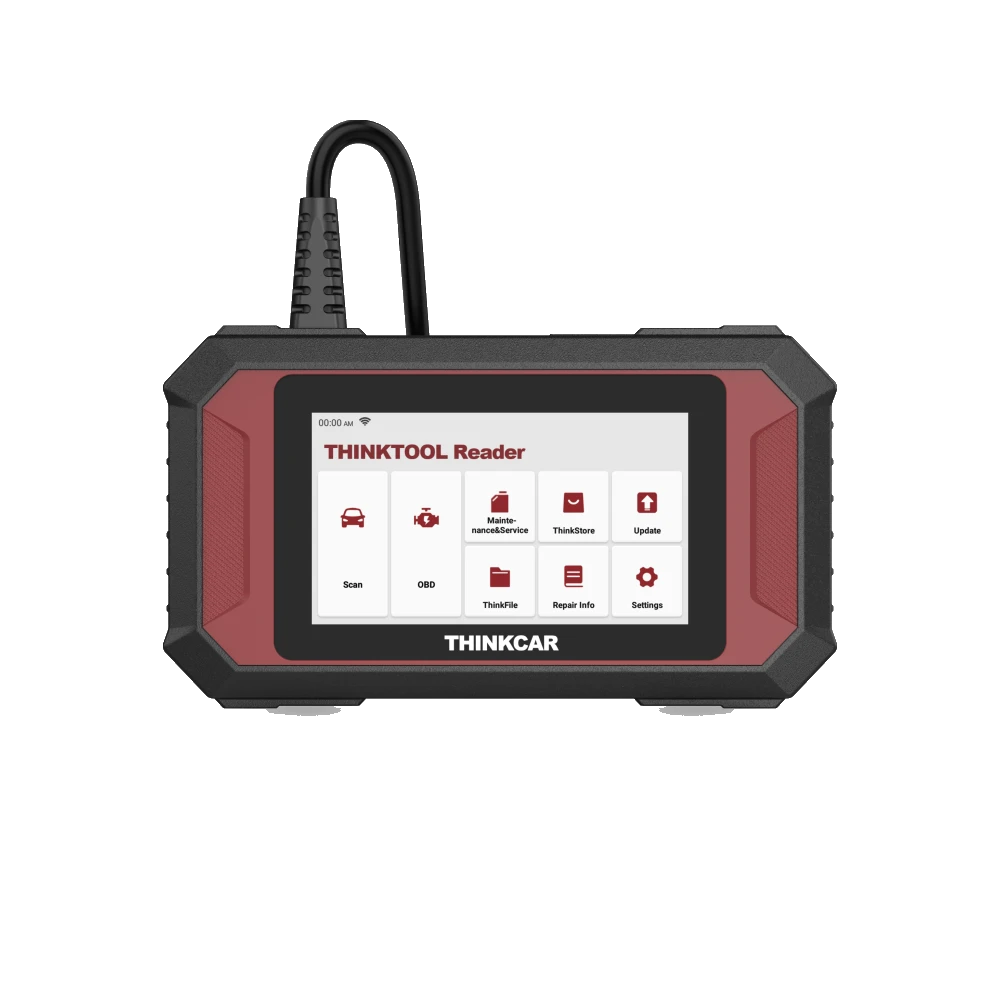
A basic reader is a simple solution for users who want to read engine fault lights and view basic data. Thinktool Reader 7 is a step up; it's a wired device targeting seven systems: engine, transmission, ABS, SRS, body, climate control, and instrument cluster. Ancel DS410 Lite is a different service class offering full system scan and active tests on supported vehicles. Product details should be read separately to see which systems are accessible and if active tests are required.
A phone adapter offers portability for users who want quick checks with an app. However, app quality and phone compatibility are as important as the device itself. Android and iPhone connection differences, BLE/Wi-Fi distinctions, and subscription models should be examined before purchase. Free apps with unverified sources can pose data security risks.
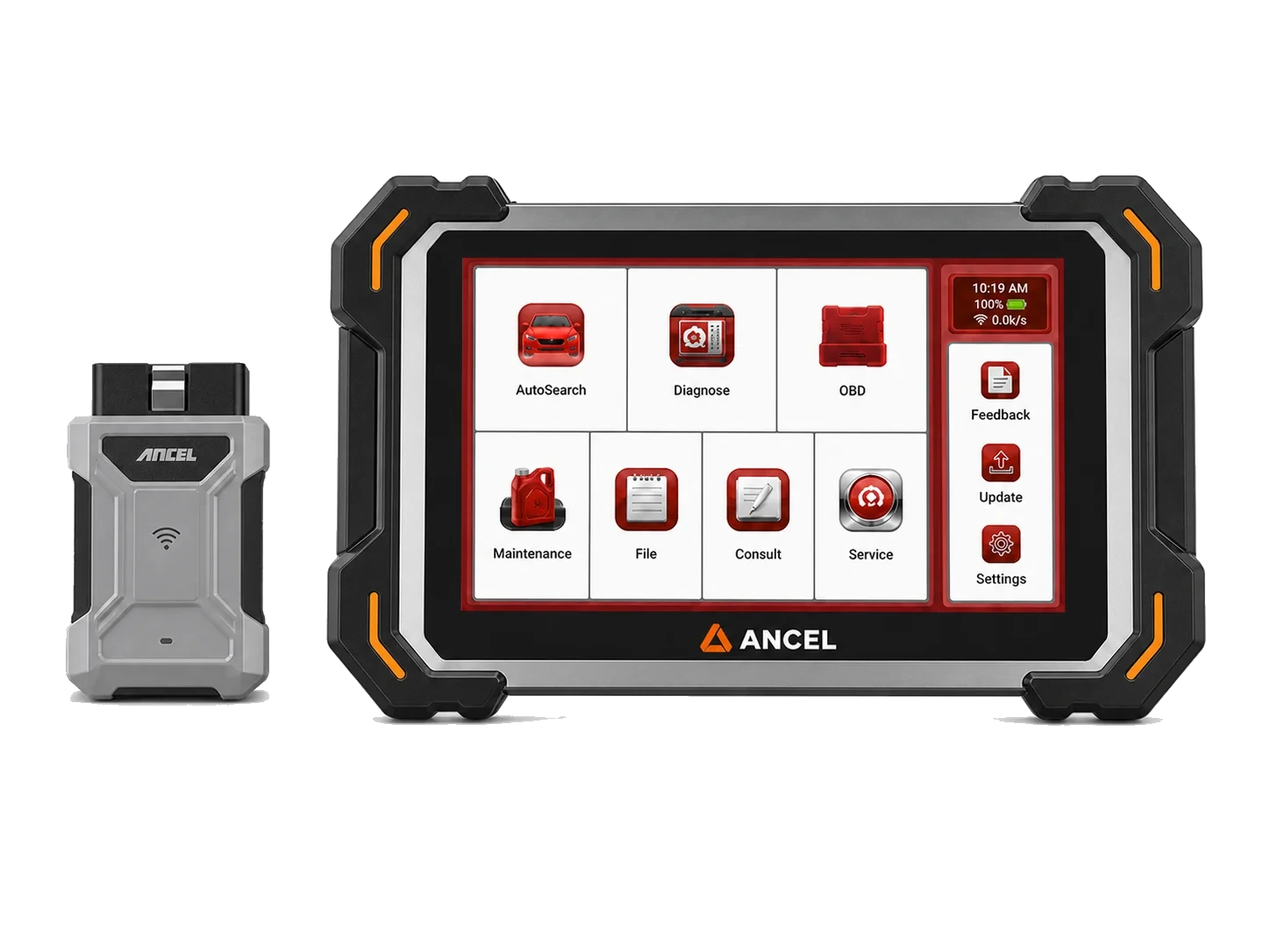
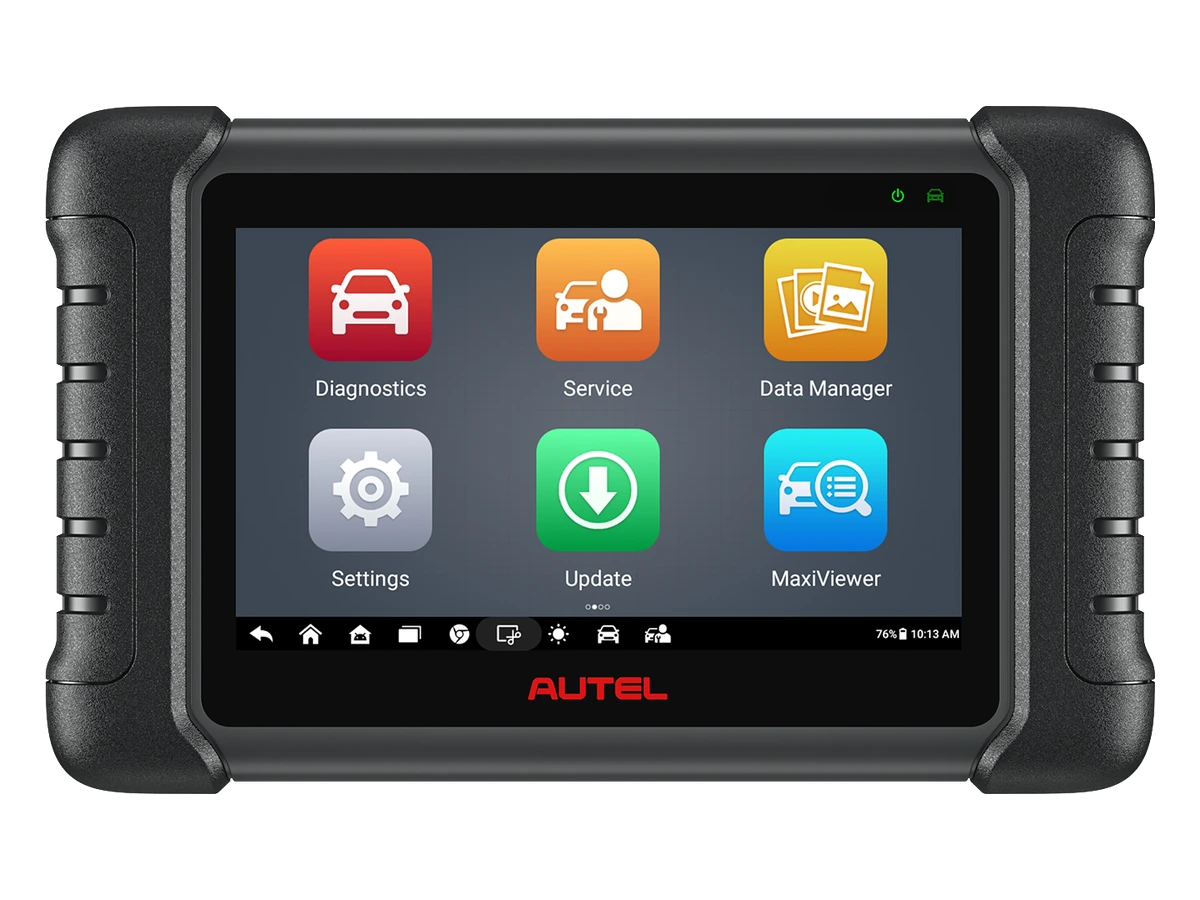
A service tablet is a broader class for multiple systems, different vehicles, and supported maintenance operations. Devices like Ancel DS300, DS500BT, Autel MX808S, or similar can be compared based on this need. This class can be more expensive; therefore, users should determine if they truly want full system and service functions.
Basic Reader
Phone Adapter
Service tablet
Full system need
Decision guide
Fill out your own checklist before purchasing
A short checklist is sufficient for the final decision. This list provides a more reliable selection than device advertising.
Enter the vehicle's brand, model, year, engine, and fuel information. Then, select the system to be checked: engine only, ABS, airbag, transmission, or electronic parking brake? Next, specify the task: read codes, live data, clear codes, reset maintenance, or perform supported service functions. Without this information, device selection remains guesswork.
Choose the connection preference: phone app, standalone screen, or wireless VCI? Also consider technical ease of use. If setting up an app, pairing Bluetooth, and reading data seem cumbersome to you, a standalone device might be better. If the screen and menu are not user-friendly, the device will sit on the shelf.
Finally, accept the limitations. The device provides data for fault diagnosis; it is not a device that fixes every fault. Clearing codes is not repair. The claim of full system varies by vehicle. When these limitations are understood, individual users will be better prepared for service and avoid unnecessary parts purchases.
Vehicle information
System to be checked
Connection preference
Operation limit
Frequently Asked Questions
Most frequently asked questions by customers
What is the simplest device sufficient for my own vehicle?
If you only need to read engine fault lights and basic codes, a basic OBD reader may be sufficient. For systems like ABS, airbag, or transmission, a full-system device is required.
Does clearing codes with an OBD device fix the fault?
No. Clearing codes is not a repair; if the cause of the fault persists, the code may return. The code and condition should be recorded before clearing.
Is it sensible to buy an OBD adapter that works with a phone?
It may be sensible for basic checks. Phone compatibility, application license, connection type, data security, and which systems it reads must be checked.
Is a service tablet excessive for an individual user?
It may be excessive for a single vehicle and infrequent engine code needs. If multiple systems, different vehicles, or supported maintenance operations are desired, a service tablet may be necessary.
Does an OBD2 device read ABS and airbags?
Not all OBD2 devices do. Standard OBD2 is engine-focused; systems like ABS and airbags depend on the device software and vehicle coverage.
Are CAN FD or DoIP required for my new vehicle?
It depends on the vehicle's platform. These protocols may be important for new vehicles; however, support, VCI, cable, software, and vehicle coverage must be checked together.
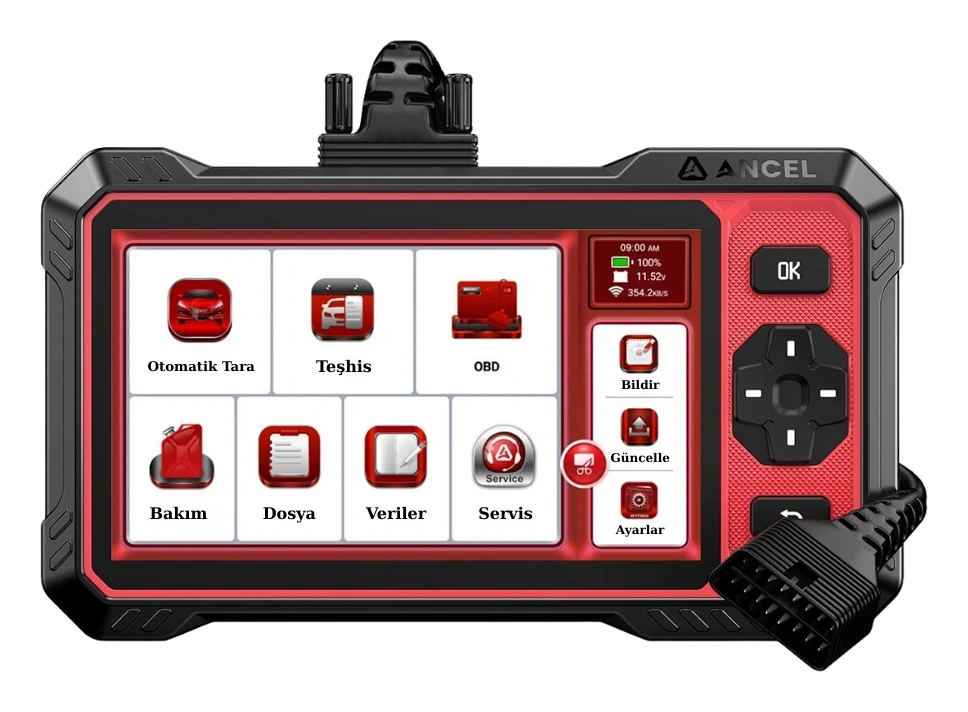
Ancel DS410 Lite is a wired service device with full system diagnostics, active testing, and CAN FD support. The device includes lifetime free updates.
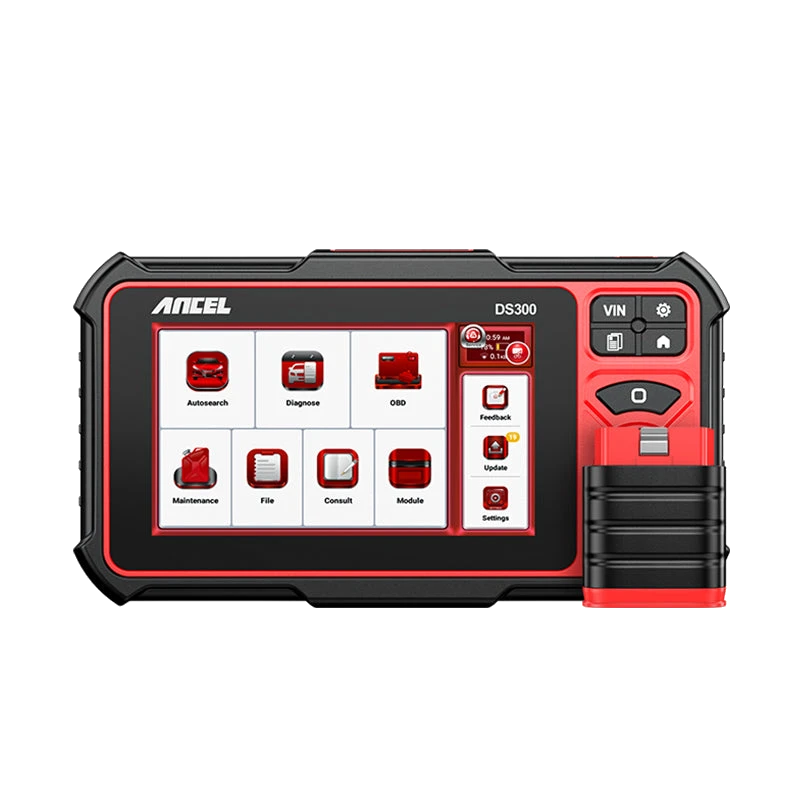
The Ancel DS300 is a tablet-type automotive diagnostic tool offering full system scan, live data, active tests on supported vehicles, and vehicle-dependent service functions. For new purchases, compare with the current DS500BT option.
Thinktool Reader 7 is a 5-inch wired device that reads codes and live data in seven vehicle systems, offering seven maintenance functions from 28 options.