How to choose a diagnostic tool for an auto mechanic?
The right diagnostic tool for an auto mechanic is not the one with the most features listed on the display; it is the tool that performs the shop's recurring weekly tasks quickly, readably, and in a recordable manner. In a workshop, morning vehicle reception may require full system scanning, fault code reports, live data checks, maintenance resets, and active tests on supported systems within the same day. Therefore, the selection does not start with the brand list or price tag; it starts with the type of vehicles coming to the shop, the list of services performed, the number of users, the connection setup, the update model, and the support expectations. Since device coverage varies by brand, model, year, engine, control unit, and software version, this guide does not provide a definitive compatibility promise; it shows what technical questions an auto mechanic should ask before purchasing.
Device class quick decision table for auto mechanics
Basic readers, service tablets, and professional devices cover different workshop tasks.
Service need
Key feature to look for
Device class to compare
Control point
General mechanical service
Full system scan, live data, maintenance functions
Service tablet
Menus desired for frequently seen vehicles
Auto electrical and fault finding
Live data logging, graphing, active tests
Tablets with active test support
ECU to be inspected and test coverage
High-volume multi-brand workshop
Reporting, fast scanning, powerful VCI
Professional tablet
Daily vehicle count and license cost
New model vehicles
CAN FD, DoIP, SGW process
Devices with new protocol support
VCI, adapters, and authorized access
Budget-controlled first device
System access beyond engine codes
Entry-level service tablet
Difference between basic readers and service tablets
Decision guide
Start the selection with the service task list
The first step for an auto mechanic in choosing a device is to write down the vehicles and services performed in the shop over the last six or twelve months. Without this list, device comparison drifts towards brand preference or price perception.
The list includes brand, model, year, engine type, and fuel type. The decision for a service working with passenger cars and light commercial vehicles is different from a service accepting heavy-duty vehicles or motorcycles. Even if the same OBD socket is visible, the vehicle network, control unit, voltage, wiring, and software coverage can vary. Therefore, the phrase "supports multiple brands" does not automatically cover the tasks for the shop's actual vehicle fleet.
The second list consists of revenue-generating procedures. Reading fault codes, full system scanning, live data logging, EPB service mode, BMS battery registration, DPF procedures, SAS calibration, active tests, and coding may require different device levels. If an auto mechanic first lists the five most frequent tasks they perform, the risk of moving to an unnecessarily expensive platform or buying an inadequate device is reduced.
The third list relates to workflow. Will a single technician use the device, will reports be provided at the reception area, is wireless movement around the vehicle necessary, how many vehicles are scanned per day, does the device stay in the shop or is it used for field service? These questions are as important as hardware features; a device that opens slowly or does not generate reports disrupts workshop discipline.
Vehicle portfolio
Revenue-generating procedure list
Daily vehicle count
Reporting needs
Visual summaryFour records for workshop device selection
01
Vehicle portfolioBrand, model, year, and engine density
02
Service taskScanning, live data, EPB, BMS, DPF, and active tests
03
Connection setupWired usage, Bluetooth VCI, and workshop mobility
04
Total costDevice, license, updates, cables, and support
A service device cannot be selected healthily without listing the most frequently seen vehicles and regularly performed tasks.
Decision guide
Basic OBD readers do not replace service tablets
A basic OBD reader can be useful for understanding the engine fault light; however, an auto mechanic's daily service workflow usually goes beyond engine codes. Full system access is required for systems such as ABS, airbag, transmission, body control, or parking brake.
Standard OBD2 provides a common starting point for engine and powertrain data related to emissions. This starting point does not mean access to every control unit. Just because a device connects to a 16-pin socket does not mean the ABS module, airbag system, or manufacturer-specific service menus will be accessible. An auto mechanic can view a basic reader as a quick preliminary check tool; if they intend to use it as their main service device, they must know its limitations.
A service tablet, on the other hand, consolidates multi-system scanning, logging, live data, and supported maintenance functions under a single screen. Generating a first scan report for a vehicle arriving in the morning, seeing the difference with a second report after repair, and sharing the code list with the customer creates business value for the service. This report does not solely identify the faulty part; but it streamlines the service workflow.
A cheap device may seem attractive in the short term. However, if the service accepts different brands of vehicles every day, the cost of missed business due to device limitations can be higher than the device price. Conversely, not every service needs the most expensive platform. The right question is in which tasks a basic reader is sufficient and at what point switching to a service tablet becomes profitable.
Engine OBD2 limitations
Full system scan
Reporting
Service menus
Decision guide
Make separate decisions for live data and active tests
Live data and active tests are not the same thing. Live data is used to monitor sensor and control unit values, while active tests are used to send commands to the device in supported systems to observe component response.
Live data allows the auto technician to understand the fault under specific conditions. Values such as engine speed, target pressure, actual pressure, temperature, voltage, fuel trim, or wheel speeds are read in relation to each other, not individually. If the device allows selecting, graphing, and saving these values, the service department will switch screens less when reproducing the same fault.
Active test is a more advanced level of operation. A fan, pump, valve, relay, lock, or similar actuator can be tested via command through the supported ECU. This process helps isolate the fault as electrical, mechanical, or control-side before replacing parts. However, the list of active tests depends on the device brand, vehicle model, year, control unit, and software level.
If an auto technician needs an active test, they should ask by the name of the task to be performed, not by the general term "bidirectional." For example, "What live data values can I monitor before the DPF on a 2018 diesel vehicle?" or "Does the fan active test work on this model?" are measurable questions. A question like "Does it have everything?" does not produce a technical answer for device selection.
Live data recording
Graphical monitoring
Active test
Scope of ECU to be inspected
Decision guide
Read service functions as tasks, not just numbers
The number of maintenance functions alone does not indicate device quality. What is important for the auto technician is whether the functions they regularly perform in their workshop are available for the vehicles they frequently accept.
Items such as oil maintenance reset, EPB brake mode, battery registration, steering angle sensor calibration, DPF procedures, and throttle learning are frequently searched for on service tablets. However, even if the menu item appears on the device, the procedure may differ depending on the vehicle and control unit. The service should read the function name as a vehicle-based work order, not as a commercial total number.
While oil maintenance reset and EPB may be sufficient for a mechanical workshop, DPF and live data become more critical in a workshop that primarily works on diesels. On the auto electrical side, active tests, adaptations, and system relationships are used more. Therefore, the same device produces different results in different workshops. The most accurate selection is based on the repetition of work.
When writing the function list, the risks should also be written. Procedures such as DPF regeneration, battery registration, adaptation, and coding proceed with vehicle conditions, voltage, temperature, part status, and manufacturer procedures. Even if the device menu is accessible, service knowledge and a safe workflow are required. The device supports the technician's decision; it does not eliminate the responsibility for the operation.
EPB
BMS
DPF
SAS
Adaptation
Decision guide
When does a Bluetooth VCI provide an advantage in the workshop?
Bluetooth or wireless VCI does not increase diagnostic coverage; it changes the operating order between the device and the vehicle. For a technician moving around the workshop, this difference can provide daily speed and ergonomics.
A wireless VCI can be practical for a technician moving between the engine compartment, driver's seat, wheel area, and rear of the vehicle. It becomes more comfortable to open the hood, give gas, or monitor brake or parking brake operations while viewing live data. A wired device, on the other hand, offers a simpler, physically constantly connected order with a low risk of being lost.
When choosing wireless, VCI charging, pairing, connection distance, workshop interference, and device storage order are taken into account. If the VCI is lost or runs out of charge, even the best software cannot communicate with the vehicle. Therefore, the Bluetooth decision should not be made solely because it is "more modern," but in conjunction with workshop habits.
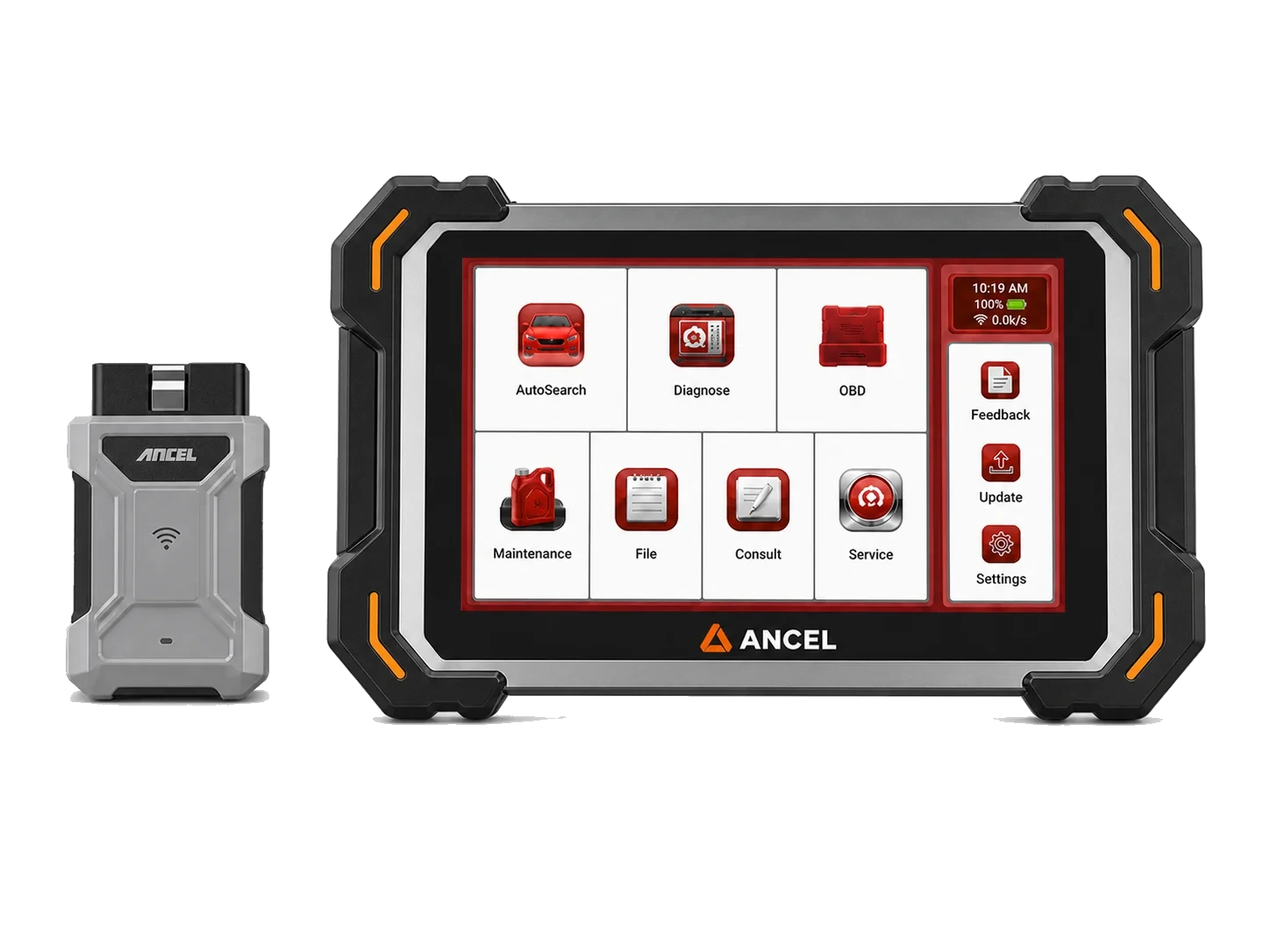
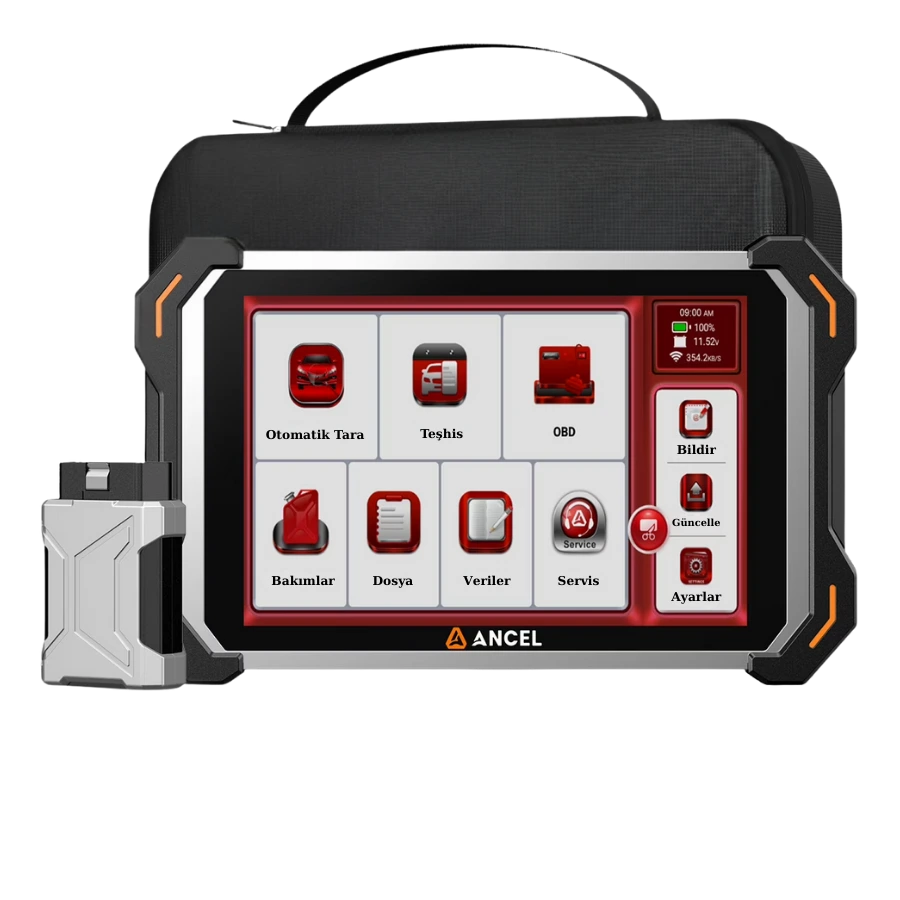
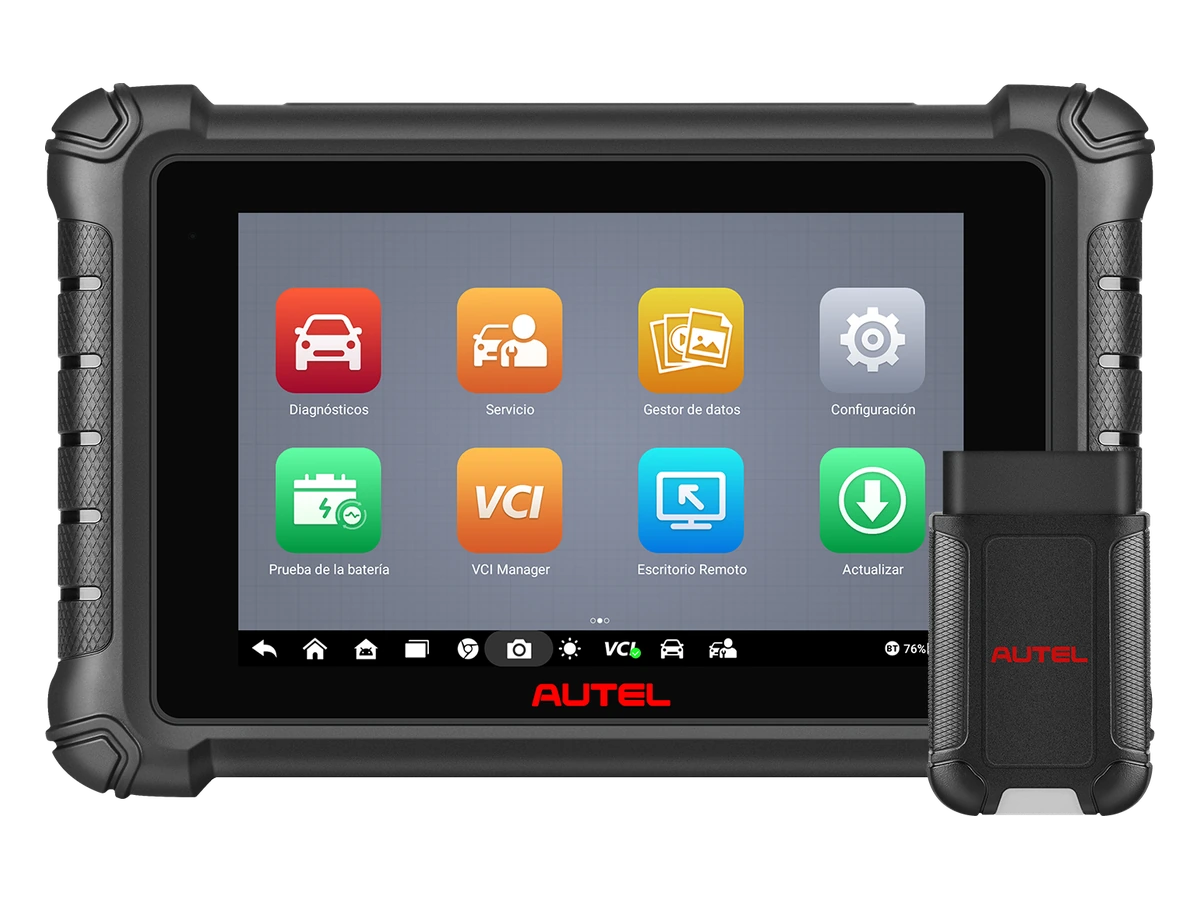
Wireless service tablets like the Ancel DS500BT, Autel DS900BT, and Launch CRP919E BT answer the same question of "movement around the vehicle." The main difference between them is the manufacturer's vehicle list, software model, service functions, protocol support, and package contents. The Bluetooth label alone does not mean broader fault detection.
Mobility Around the Vehicle
VCI Charging
Connection Stability
Software coverage
Decision guide
Know the difference between CAN FD, DoIP, and SGW in new generation vehicles
In 2026, an auto technician cannot purchase a device solely with the expectation of old OBD2. Layers like CAN FD, DoIP, and secure gateways in new platforms affect the economic lifespan of device selection.
CAN FD offers flexibility in data area and speed compared to the classic CAN family, meeting different diagnostic needs. DoIP, on the other hand, transmits diagnostic traffic over IP and Ethernet. These two are not the same thing; the presence of a logo on the device does not indicate that all vehicle functions will be activated. VCI hardware, cables, adapters, and software support work together.
In vehicles with SGW or similar secure gateways, the device can read codes but may request authorization during code deletion, active tests, or adaptations. In this case, the problem is not always a device malfunction. A service account permitted by the manufacturer, internet connection, subscription, or regional authorization may be required. Permanent methods that rely on disabling the security layer are not a healthy service standard.
If the workshop's vehicle fleet consists of older models, new protocol support may not be the highest priority alone. However, if late-model European, Asian, or American vehicles regularly arrive, this support affects the device's lifespan. The auto technician should consider the investment not only based on today's fault codes but also on the vehicle acceptance profile for the next two to three years.
CAN FD
DoIP
SGW
VCI and adapter
Decision guide
Add update and license costs to the device price
For an auto technician, the device price does not end with the box cost. Software updates, additional packages, secure access accounts, VCI or cable replacements, and device downtime are part of the total cost.
The device may seem sufficient for the first year; however, the need for updates arises for new vehicles, new control units, and software errors. Not every brand's update model is the same. Some devices may include a package for a certain period, some functions may require a separate subscription, and some regional packages may offer different coverage. This information is checked on the device page and license screen.
Workshop downtime cost is real. In a workshop operating with a single device, the tablet not turning on, VCI not pairing, or a license issue slows down work acceptance. Therefore, the support channel, invoice, serial number, account information, and warranty path are as valuable as the device features. A cheap device with an unverified source can become more expensive when a fault occurs.
The total cost calculation also includes spare cables, non-OBD adapters, screen protectors, chargers, and carrying cases. For mobile or very busy workshops, work is disrupted when these parts are lost. The auto technician should understand that they are purchasing a working system, not just the main device line, when comparing prices.
Software renewal
Additional package
Support
Device downtime cost
Decision guide
Which device classes should be started with?
An auto technician should start selecting a product by considering the workshop's workload. Entry-level diagnostic tools, service tablets, wireless service tablets, and professional diagnostic tools have different levels of functionality.
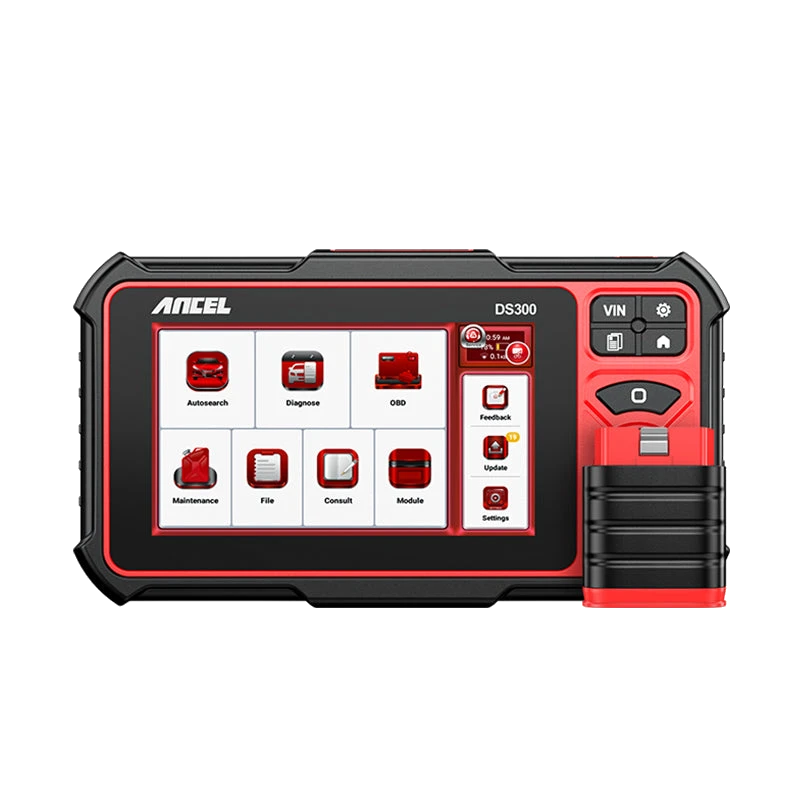
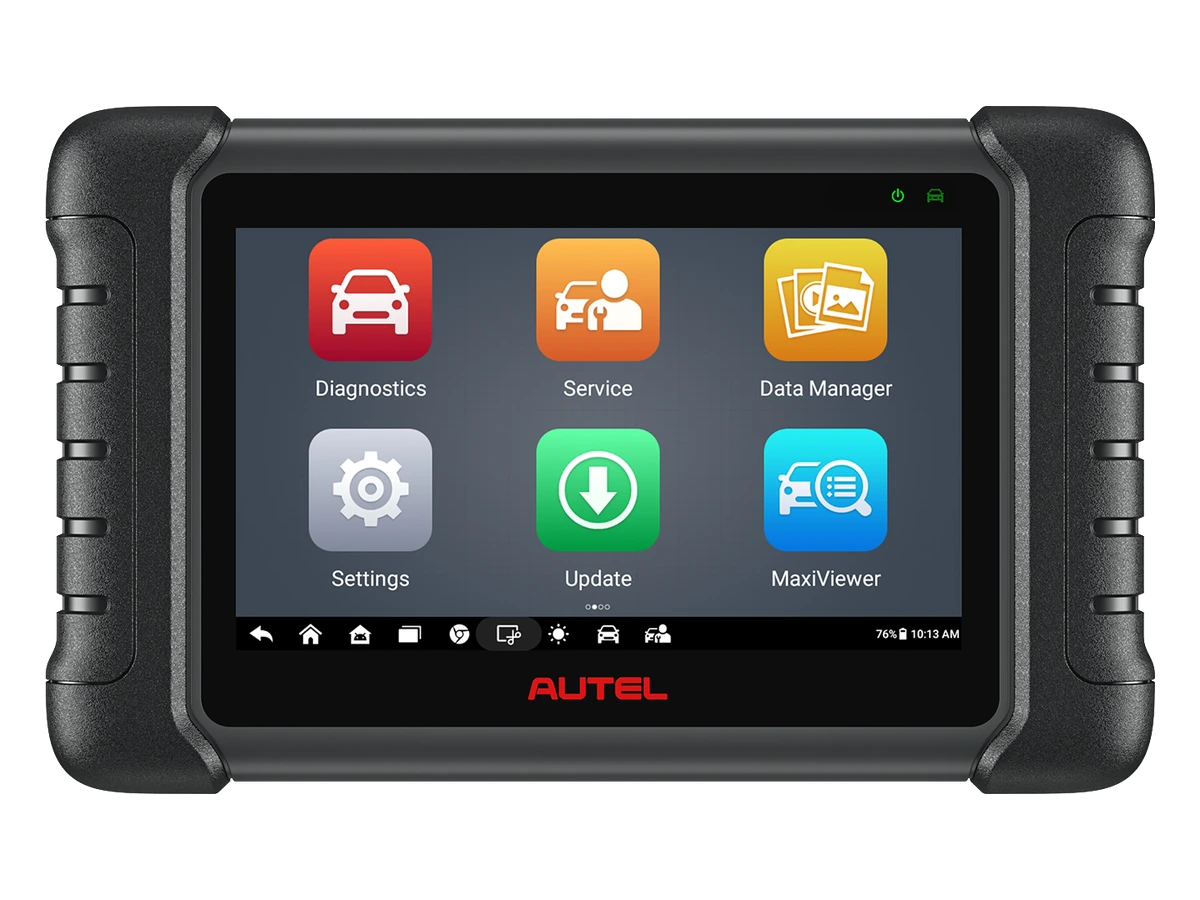
Workshops transitioning to service tablets for the first time can examine classes that meet full system and service function expectations, such as the Ancel DS300 or Autel MX808S. This class offers more service operations than basic readers without incurring the cost of the most expensive professional platforms, while handling daily tasks.
Users wanting wireless daily service can compare models working with a VCI, such as the Ancel DS500BT, Autel DS900BT, or Launch CRP919E BT, for the same task list. What distinguishes these devices is not just wireless connectivity but also the screen, software, protocol support, updates, service functions, and brand ecosystem. Devices in similar price ranges do not offer identical functionalities on every vehicle.
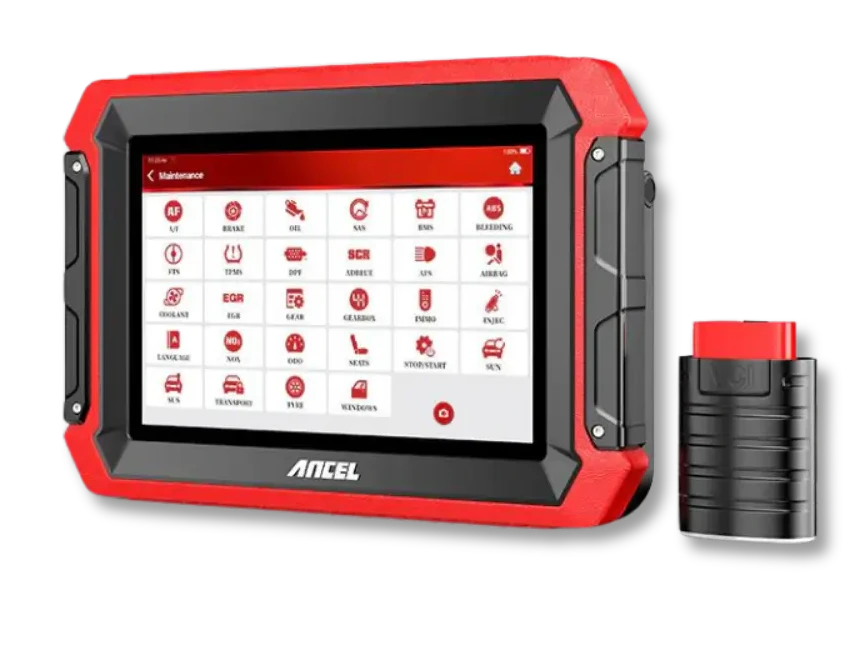
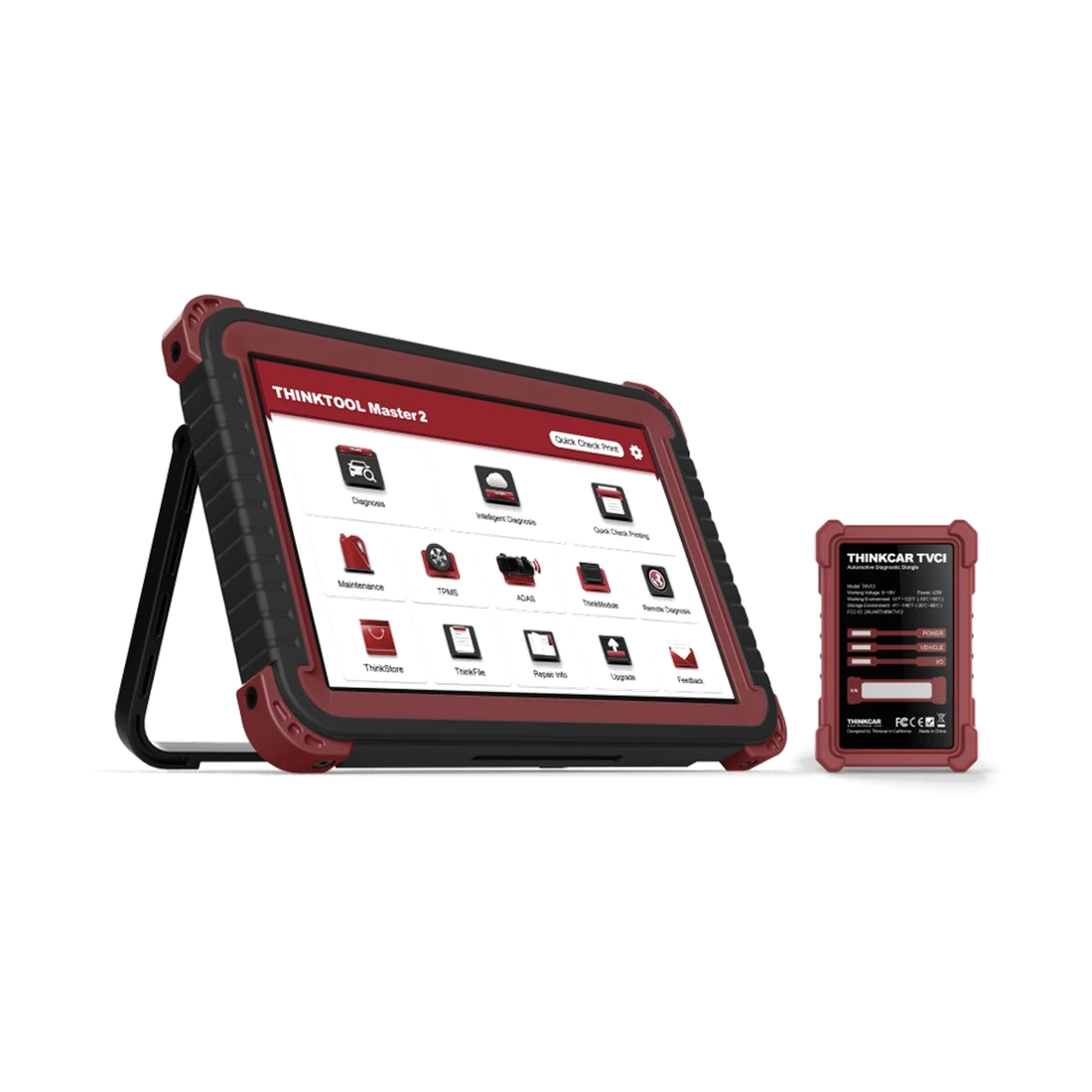
Busy workshops can consider more advanced classes like the Ancel DS600 family, Autel MS906MAX, Ultra S2, or Thinktool Master family. These devices are preferred when active tests, intensive live data, new protocols, measurements, or programming are used regularly. Otherwise, capital tied up in unused features can hinder the acquisition of more useful service equipment.
DS300 / MX808S
DS500BT / DS900BT / CRP919E BT
DS600 / MS906MAX / Ultra S2
Thinktool Master family
Visual summaryCompare service tablet candidates for the same task
01
Entry-level service tabletFull system scan and basic maintenance functions
02
Wireless tabletMovement around the vehicle, live data, and reports
03
Professional platformIntensive scanning, new protocols, measurements, and advanced workflows
Model comparison gains value not from the number of features but from whether the tasks repeated in the workshop are completed.
Decision guide
Use a standard test form before purchasing
When the final decision is narrowed down to two or three candidates, the same test form should be filled out for each device. This form shows the real equivalent of the workshop task instead of a feature list.
The first line of the form is the vehicle identity: make, model, year, engine, and fuel information. The second line is the system to be inspected: engine, ABS, airbag, transmission, EPB, BMS, DPF, or body control. The third line is the task to be performed: read codes, live data, active test, service mode, adaptation, or coding. Without this information, device comparison is based on guesswork.
Hardware and license information directly affect the device's service life. VCI model, wired or wireless connection, CAN FD/DoIP requirement, SGW account, update period, and box contents are checked separately. If the same product name is sold with different packages, the price, coverage, and total cost are compared based on the package contents.
The last line is work priority. If DPF is the critical job for the workshop, DPF data and conditions are decisive; if active tests are critical, the ECU to be inspected is decisive; if acceptance reports are critical, scanning and reporting are decisive. The device that best meets the most important tasks with proof, not the one that checks the most boxes, approaches selection.
Vehicle identification
System to be checked
Process to be Performed
License and package
Work priority
Frequently Asked Questions
Most frequently asked questions by customers
What are the minimum features required for an auto mechanic?
Full system scan, fault code logging, live data, reporting, and basic service functions are a good starting set. Depending on the shop's work, support for EPB, BMS, DPF, SAS, active test, CAN FD, DoIP, or SGW is added.
Is a basic OBD reader sufficient for auto service?
It may be enough for just engine codes and basic data. If the auto shop expects ABS, airbag, transmission, body systems, service functions, or active tests, they should look at the service tablet class.
Does a device with active test perform active tests on every vehicle?
No. Active tests vary by brand, model, year, engine, control unit, and software coverage. The tests to be performed must be checked on a vehicle-by-vehicle basis.
Is a device with Bluetooth VCI better?
Bluetooth VCI provides ease of movement; it does not increase diagnostic coverage on its own. Software coverage, VCI stability, charging, license, and the manufacturer's vehicle list should be checked as separate technical criteria.
How should an auto mechanic calculate their device budget?
Update, license, additional packages, VCI, cables, adapters, support, and device downtime costs should be added to the box price. The cheapest device can be more expensive overall if it disrupts the shop's work.
Which models can be compared for a first service tablet?
Models such as Ancel DS300, Autel MX808S, Ancel DS500BT, Autel DS900BT, and Launch CRP919E BT can be compared according to service needs. The choice should be tested with the vehicles most frequently seen in the shop and the procedures to be performed.
The Ancel DS300 is a tablet-type automotive diagnostic tool offering full system scan, live data, active tests on supported vehicles, and vehicle-dependent service functions. For new purchases, compare with the current DS500BT option.