How to choose a Bluetooth automotive diagnostic tool?
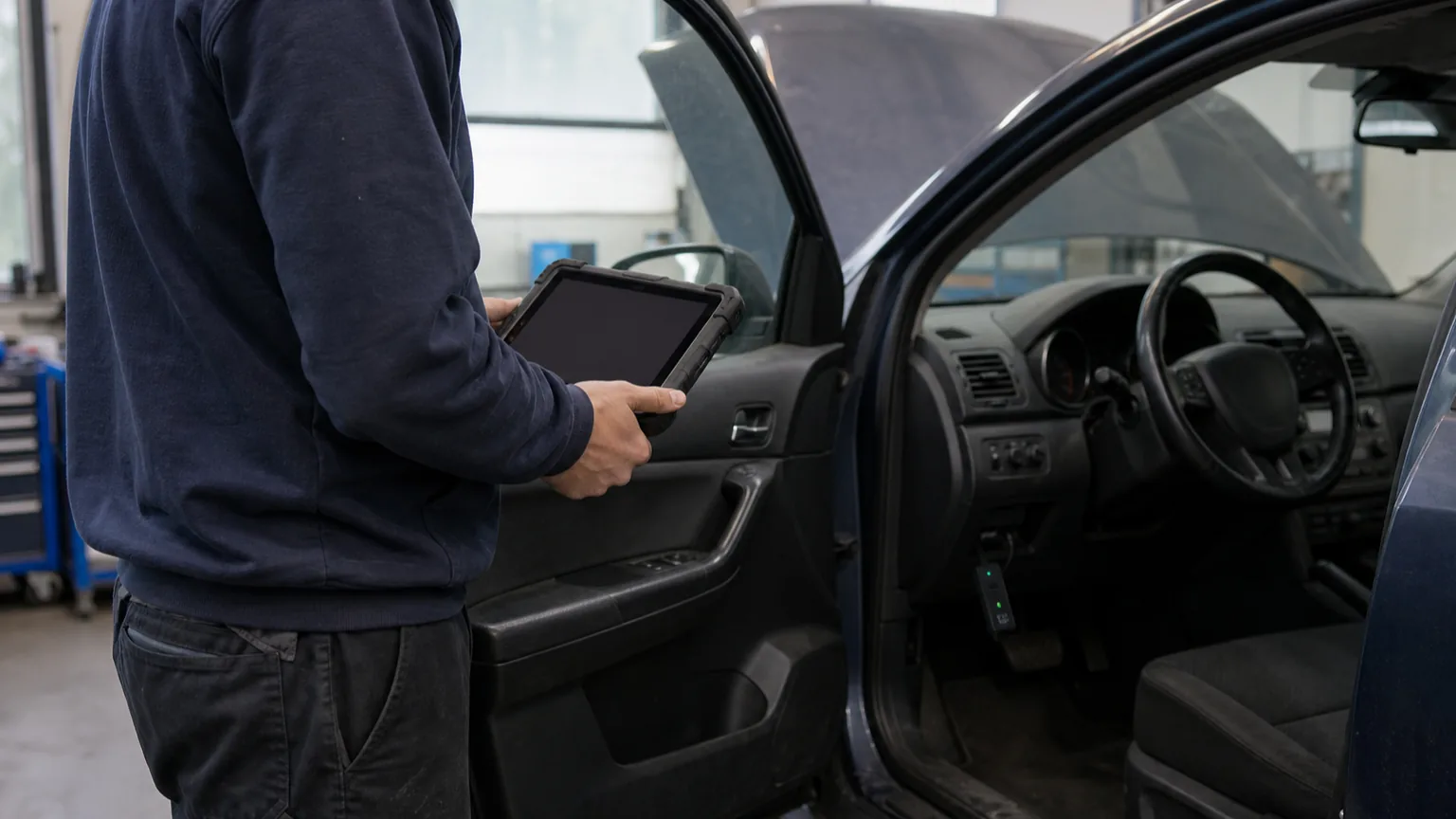
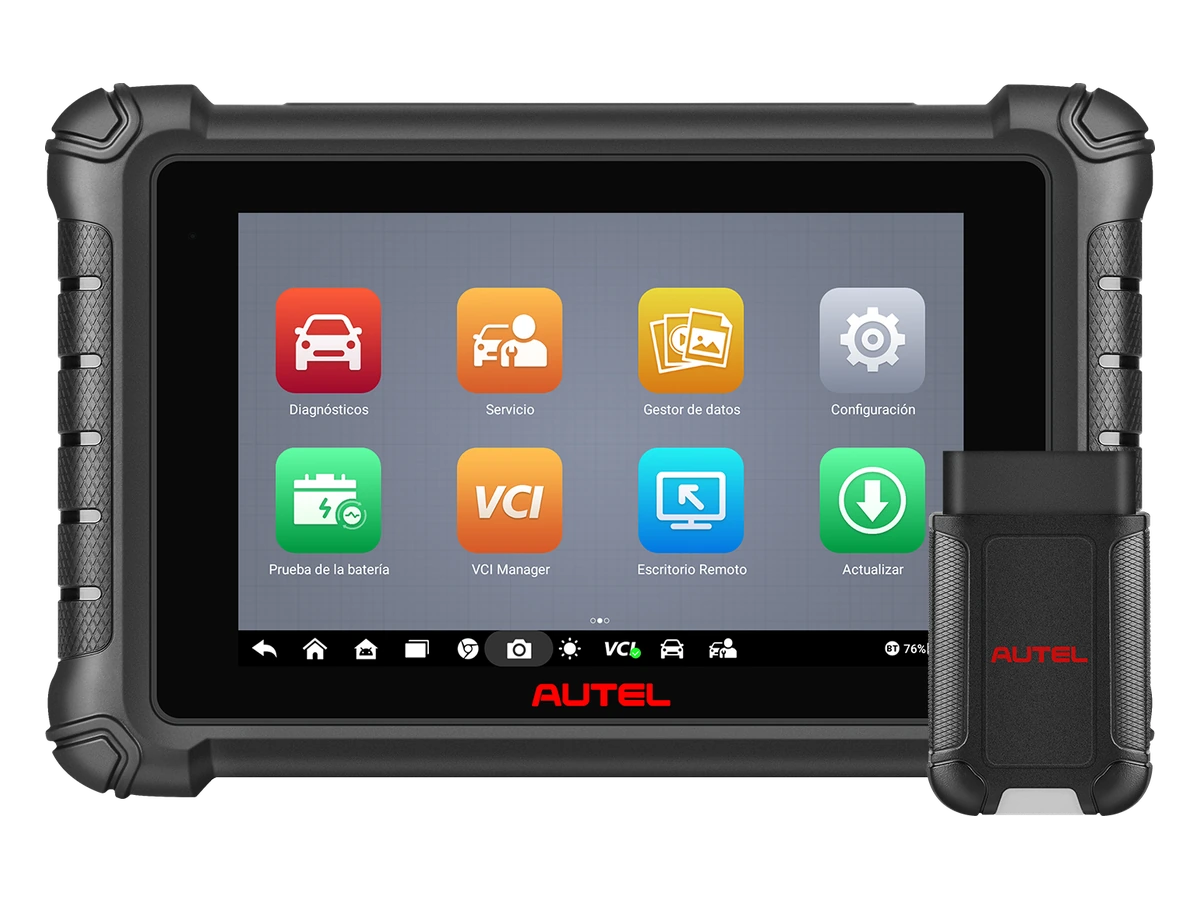
A Bluetooth OBD phone adapter and a service tablet using a Bluetooth VCI are different product classes. In the former, the screen and application are on the phone; in the latter, the vehicle interface connects to a diagnostic tablet. Ease of wireless connection does not imply vehicle coverage or coding authorization. Before purchasing, the exact adapter model, supported application, and intended operation should be checked together.
Operation, ECU, and Software Support Must Be Verified
Basic Check Without Using Phone
Handheld Device with Screen
Independent Screen
Not All Handheld Devices Provide Full System Access
Decision guide
When is Bluetooth connection advantageous?
If you need to move between the hood, cabin, and service area of the vehicle, using a BT VCI can be practical. Wireless connection alone is not the sole reason for selection; connection stability, device class, and the list of operations to be performed are also separate criteria.
Mobility Around the Vehicle
BT VCI
Live Data Monitoring
Visual summaryBluetooth Label Does Not Mean Same Device Class
01
Phone AdapterApplication, Connection Type, and Basic Engine Data
02
Bluetooth VCIMoving Around the Vehicle with a Service Tablet
03
Wired DeviceSimple Connection, Low Risk of Loss, and Stable Use
Wireless connection only changes the workflow; system coverage is determined by the device software and vehicle list.
Decision guide
Phone Adapter or Service VCI Connection?
First, choose which screen you will use. If you will work with a phone, check the device's official application, Android or iOS support, and the publisher in the app store. The Bluetooth name alone is not proof of phone compatibility. Connection types like Bluetooth Classic and BLE must match the adapter supported by the application.
Phone Adapter: Application, Operating System, and License Checked Together.
Service VCI: Tablet's Exact Model, Pairing Method, and Manufacturer Software Considered.
Both Classes: Vehicle, Year, Engine, ECU, and Operation Support Verified Separately.
Decision guide
Two Verified Examples of Wireless Service Tablets
The manufacturer lists the DBSCar VII Bluetooth adapter for the Launch CRP919E BT; the manufacturer lists the MaxiVCI V150 connection for the Autel DS900BT. These examples are not in the same class as simple OBD readers plugged into a phone. Before choosing between the two models, match the required ECU functions with the manufacturer's coverage for your service.
Launch describes the DoIP feature as expandable; do not assume the required accessory is in the box. Autel's source is a regional product page; package and account conditions in Turkey must be checked separately. The official feature list is not a speed or success comparison made on the same vehicles.
Visual summaryFour Checks Before Buying a Wireless Device
01
VCI ChargingPower Plan for Field and Workshop Use
02
PairingConnection Stability of Tablet, Phone, and VCI
03
SoftwareSystems to Be Read and Service Functions
04
ReportLive Data, Scan Log, and Sharing Arrangement
If Bluetooth convenience, connection routine, and software scope are clear, it turns into a real service advantage.
Decision guide
Purchase Check for Application and License
Check if the application, brand package, credits, or subscription are required in addition to the device cost. Reading fault codes, resetting maintenance, and coding a feature may require separate access rights. If 'lifetime' or 'free' is not clear about which software and for how long, the total cost cannot be calculated.
Follow the manufacturer's pairing sequence before connecting the adapter. Some applications establish the connection internally. Seeing the pairing in phone settings does not solely indicate that diagnostic communication with the vehicle has been established. Contact position and necessary permissions are selected according to the device manual.
A user who only wants to read engine codes on their own vehicle does not need to buy a tablet for professional functions they will not use. If ABS or airbag data is needed, basic OBD2 support is not sufficient. Request verifiable coverage information from the seller for the vehicle and the system to be read.
Frequently Asked Questions
Most frequently asked questions by customers
Does a Bluetooth OBD device work on every phone?
No. The operating system, connection type, official application, and exact adapter model must be compatible together.
Does Bluetooth connection provide coding functionality?
No. Coding support is determined by the device software, license, and the vehicle's ECU, not the connection name.
Does a phone adapter replace a professional service tablet?
It can be considered for that task only if the operation and vehicle coverage are the same. A basic engine code reader should not be expected to perform full system scanning and active tests.