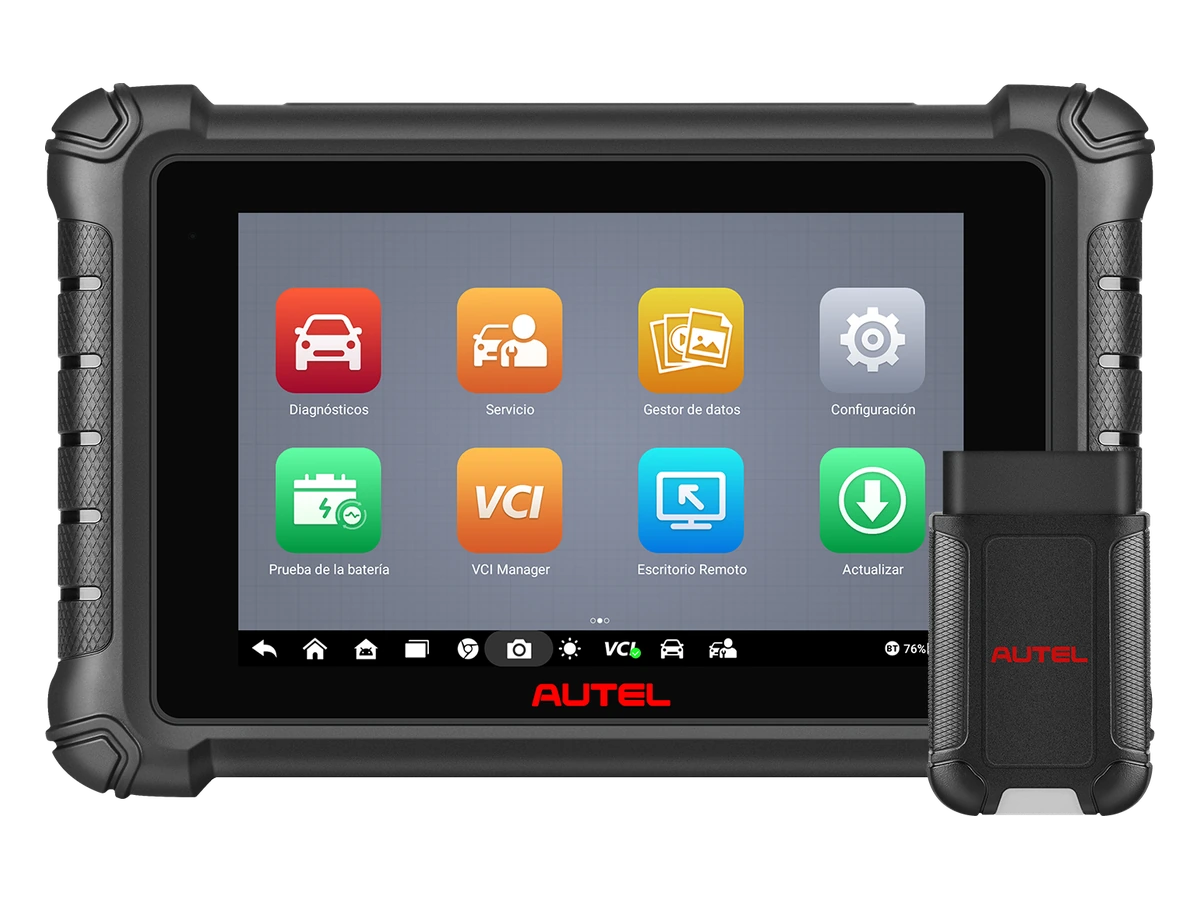
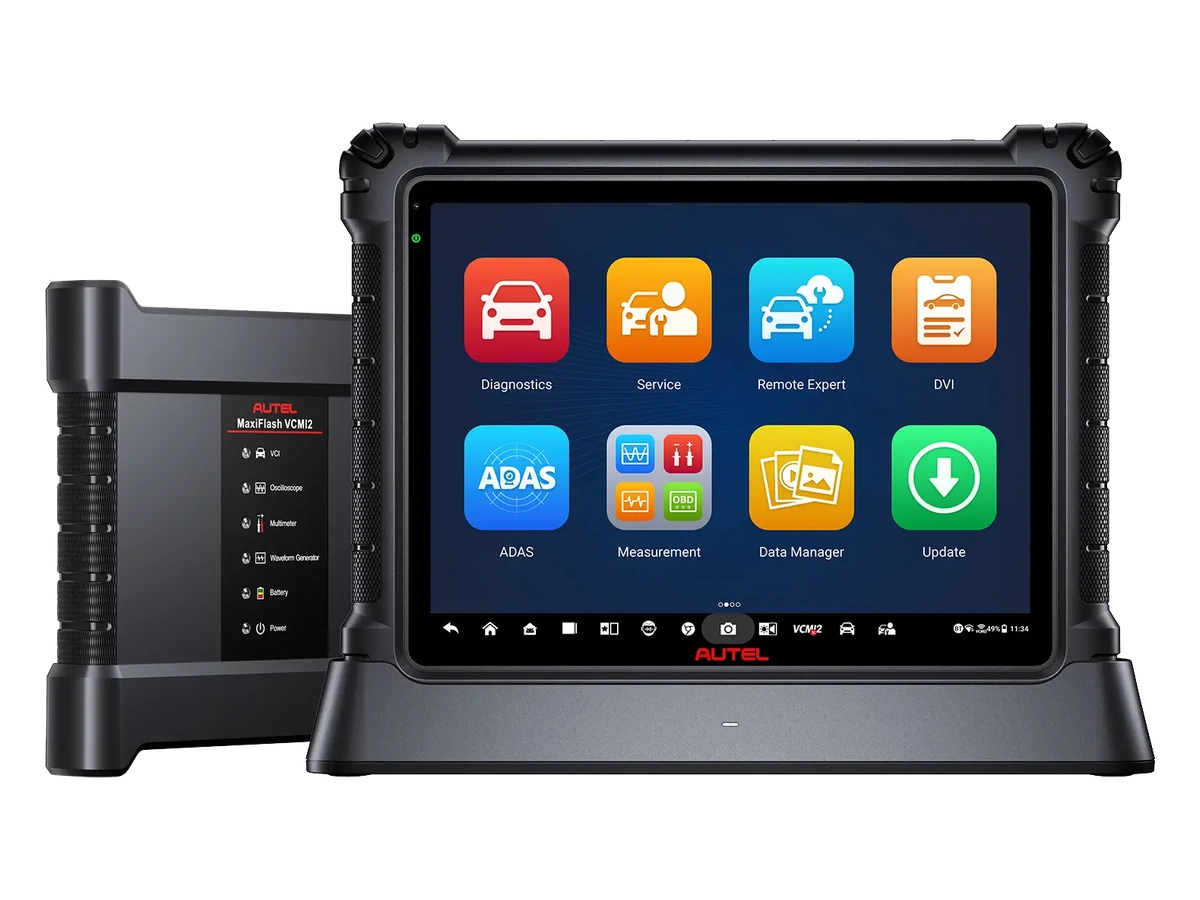
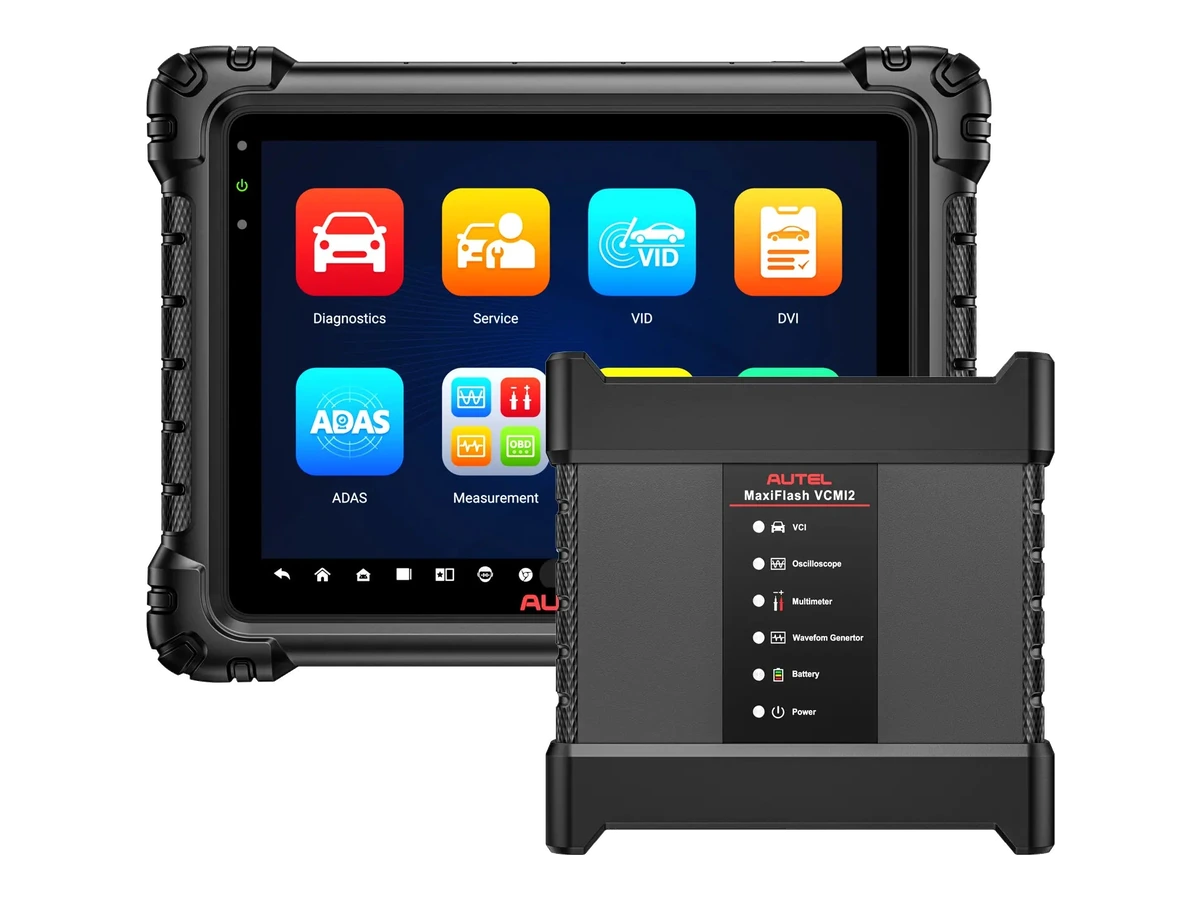
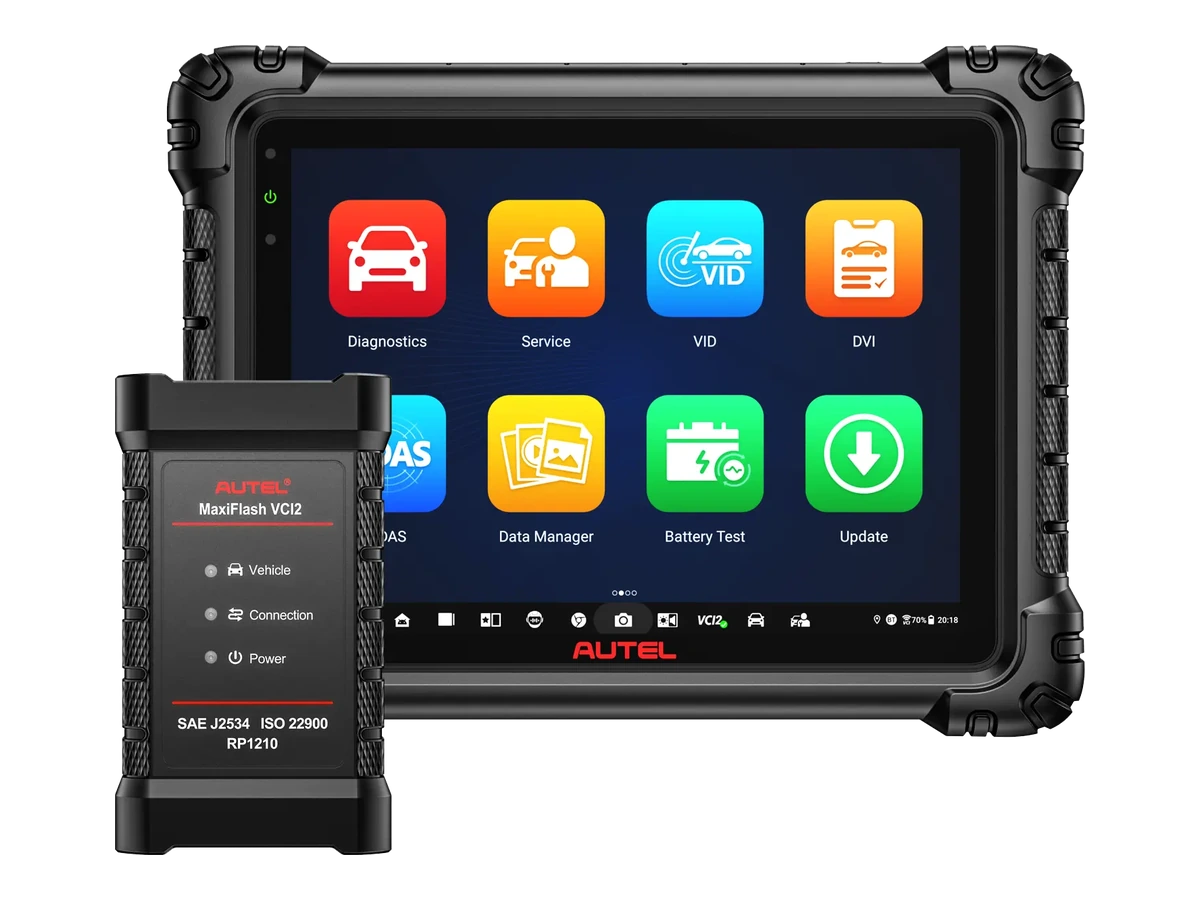
The DS900BT combines wireless vehicle connection with MaxiVCI V150, full system scan, live data, active tests, and supported ECU coding operations on an 8-inch Android tablet.
The Autel DS900BT is a wireless service device operating with an 8-inch Android 11 tablet, 4 GB RAM, 64 GB storage, and MaxiVCI V150. It offers full system scanning, fault code reading and clearing, live data, active tests, supported ECU coding, and 40 service functions.
Its main difference from the DS900 is the Bluetooth VCI connection; for advanced TPMS sensor programming, the DS900TS is needed, and for J2534 or integrated measurement hardware, a different device class is required.
What would you buy this for?
Services performing wireless full system scans and pre/post-scan reports upon vehicle acceptance
Technicians using live data and active tests while moving around the vehicle
Workshops adding new vehicles using CAN FD and DoIP to their daily task list
Teams performing maintenance, adaptations, and supported ECU coding tasks on a single tablet
Featured diagnostic features
Vehicle and Function Coverage
DS900/DS900TS Difference
Turkish Package Conditions
Vehicle Coverage
What vehicles does the Autel DS900BT support?
The make name alone does not guarantee compatibility. Within the same make, model year, engine, chassis, control unit, communication protocol, and intended operation can yield different support results.
Vehicle Group
Passenger cars and light commercial vehicles included in the product software
Supported makes
Multi-brand coverage; the current make list is obtained from the manufacturer's official vehicle or protocol database.
Supported models
Verified from the official coverage screen based on make, model, model year, engine or chassis, and control unit.
Scope of service
Code reading, live data, active test, service function, coding, and programming may be supported separately.
Connection conditions
Vehicle and Function Coverage, DS900/DS900TS Difference, Turkish Package Conditions
The make and model examples on the page do not guarantee all production years and all functions.
Before any definitive operation, the manufacturer's current coverage record must be verified with the VIN or full vehicle information.
The device scans the engine, transmission, ABS, airbag, body, and other accessible control units in supported vehicles. It reads and clears fault codes; displays ECU information, freeze frame records, and live data channels.
Active test, 40 service functions, ECU coding, guided functions, Pre-Scan/Post-Scan, DoIP, and CAN FD support are marked for the DS900BT in Autel's official comparison table. All functions vary depending on the vehicle brand, model, year, control unit, and installed software coverage.
Read and clear fault codes in all accessible systems
Monitor live data in text, graphic, and analog views
Bi-directional active tests on supported components
ECU coding and guided functions opened on a per-vehicle basis
Pre-scan and post-scan reports
Product details
Verified Technical Specifications
Autel's official product page and the DS900-BT user manual publish the same tablet hardware. The 8-inch screen with a 1280 x 800 resolution displays service menus and live data graphics in a portable body.
The quad-core 1.8 GHz processor, 4 GB RAM, and 64 GB internal storage are used for daily diagnostic applications, vehicle software, and records. Micro SD card support expands storage up to 64 GB.
Model
MaxiDAS DS900-BT / DS900BT
Operating System
Android 11
Processor
Quad-core, 1.8 GHz
Memory / Storage
4 GB RAM / 64 GB internal storage
Screen
8-inch LCD Touchscreen, 1280 x 800
Battery
7,700 mAh, 3.7 V Lithium-Polymer
Rear Camera
8 MP
Connectivity
USB Type-C, USB 2.0, Wi-Fi, and Bluetooth
Memory Card
Up to 64 GB Micro SD
Vehicle Interface
Bluetooth-enabled MaxiVCI V150
Product details
MaxiVCI V150 Wireless Connection
The MaxiVCI V150 plugs directly into the vehicle's 16-pin diagnostic socket and draws power from the vehicle. The tablet pairs with the VCI via Bluetooth. The user manual specifies an operating distance of up to approximately 10 meters; walls, metal bodies, other wireless devices, and workshop layout can affect the actual distance.
Wireless connection facilitates the technician's movement around the engine bay, driver's seat, or lift with the tablet. During write and active commands, the device should not be taken out of range, and the VCI connection light and vehicle voltage should be monitored.
VCI plugs directly into the vehicle's 16-pin DLC/OBD socket
Tablet and V150 pair via Bluetooth
Manual specifies approximately 10 meters wireless operating distance
If connection is lost, check VCI power, pairing, and vehicle fuse
Product details
Active Test, Special Function, and ECU Coding
The active test menu helps observe the response of a relay, valve, fan, lamp, or other actuator by sending a command to the supported control unit. The user manual explains that test options vary by vehicle and that the tablet sends commands to the ECU to operate the actuator.
Special functions can perform recalibration or configuration of specific components after repair or part replacement. Although the ECU coding line is present in the official comparison, it does not mean online coding or programming on every vehicle; supported control units and required access must be verified separately.
Test supported outputs like solenoids, relays, and switches with commands
Use post-repair adaptation and calibration menus
Access ECU coding functions within the vehicle's scope
Verify active test results with physical measurements and live data
Product details
How to use 40 service functions in a daily workshop?
The official product comparison specifies 40 service functions for the DS900BT. The product page exemplifies oil maintenance and service interval resets, electronic parking brake pad replacement learning, forced DPF regeneration, injector coding, battery registration and reset, and steering angle sensor operations.
This number does not mean that forty menus will be opened on every vehicle. The appearance of the operation depends on the vehicle software, control unit, security access, and pre-conditions for the operation. Simply operating the tablet menu without completing the mechanical preparation does not produce correct service results.
Oil maintenance and service interval reset
EPB pad replacement and steering angle sensor operations
DPF regeneration and injector coding
Battery registration, replacement, and reset menus
Other per-vehicle adaptations and maintenance functions
Product details
Limit of CAN FD and DoIP Support
The MaxiVCI V150 supports current diagnostic protocols, including CAN FD and ISO 13400 DoIP. This feature provides the necessary hardware foundation for communication with new vehicle networks. Protocol support alone does not indicate that all brands, models, and control units are enabled.
For a vehicle using DoIP or CAN FD, the correct model year, engine, ECU, and operation to be performed must be within Autel's vehicle coverage. For vehicles with security gateways, internet connection, active software, and relevant manufacturer authorization may also be required.
Ethernet-based vehicle diagnostic communication via DoIP
Connection to new generation CAN networks via CAN FD
Support for ISO 15765, K-Line, and other common protocols
Verify vehicle/function coverage separately with protocols
Product details
Wireless Vehicle Acceptance Scan
During vehicle acceptance, the V150 is plugged into the socket, paired with the tablet, and the VIN information is verified. The Pre-Scan records accessible control units, current and historical fault codes, and communication status in the initial report. Before clearing codes, customer complaints, mileage, and warning lights are added to the service form.
Upon completion of repairs, the same vehicle is scanned again with Post-Scan. The difference between the initial and final reports is used to explain resolved faults and ongoing records to the customer.
Verify V150 connection and correct VIN record
Save Pre-Scan report before clearing codes
Isolate complaint-related systems
Obtain Post-Scan report after repair
Product details
Capture Fault Condition with Live Data
The technician notes the RPM, temperature, load, and voltage conditions under which the complaint occurred. Selected relevant sensor and control values are monitored as live data in text, graphic, or analog view. The record and playback feature facilitates later review of short-term changes.
A single value appearing outside its limits is not a direct decision for part replacement; fault codes, freeze frames, electrical measurements, and manufacturer procedures are used in the same diagnosis. After repair, a second data set is obtained under the same conditions.
Record operating conditions where the fault occurred
Select and graph necessary PID channels
Compare data with fault code and physical measurement
Recreate the same condition after repair
Product details
Perform Active Test Around the Vehicle
Wireless connection allows the technician to move to the component with the tablet and simultaneously monitor the command and physical response. The supported test is selected; while a fan, pump, relay, or valve is operated by command, its sound, movement, supply voltage, and live data are checked. Lack of response does not solely prove the component is faulty.
Fuses, cables, relays, grounds, power supplies, and ECU outputs are parts of the same circuit. At the end of the test, the command is turned off, and the system is scanned again to check if any new error records are generated.
Select the correct active test within the vehicle's scope
Prepare a safe working environment and stable battery voltage
Monitor physical response along with the command
Verify the result with circuit measurement and re-scan
Product details
Complete Maintenance and Adaptation Procedure
Before selecting electronic parking brake, battery registration, steering angle sensor, DPF, or injector operations, the correct engine and control unit are opened. The temperature, ignition position, battery support, and mechanical preparation required by the vehicle manufacturer are ensured.
The on-screen steps are applied sequentially; connection and voltage are maintained throughout the operation. After the "Successful" message, fault codes, live values, and warning lights are checked again. If a road test or learning drive is required, the service task is not considered complete until this step is finished.
Verify function on a per-vehicle and per-ECU basis
Complete mechanical and electrical pre-conditions
Apply on-screen steps according to manufacturer procedure
Final check of codes, values, and warning lights
Product details
AutoVIN, Records, and Service Report
AutoVIN speeds up the identification of brand, model, and year information in supported vehicles; the automatic reading result should still be checked against the vehicle label and work order. The device stores past test records, records and plays back live data, and displays diagnostic reports in PDF format.
The service record should separately maintain vehicle ID, mileage, date, initial finding, performed operation, and final scan. Before sending the report to the customer, personal information and vehicle details should be checked, and it should only be stored in accounts used by authorized personnel.
Compare AutoVIN result with vehicle label
Save initial and final scan reports separately
Archive live data recording with test conditions
Check customer and vehicle data before sharing
Product details
Package and Separately Sold Accessories
The main components of the DS900BT system are the 8-inch main tablet and the MaxiVCI V150 that plugs into the vehicle's 16-pin socket. The official user manual lists the USB Type-C charging cable and external power adapter among other accessories.
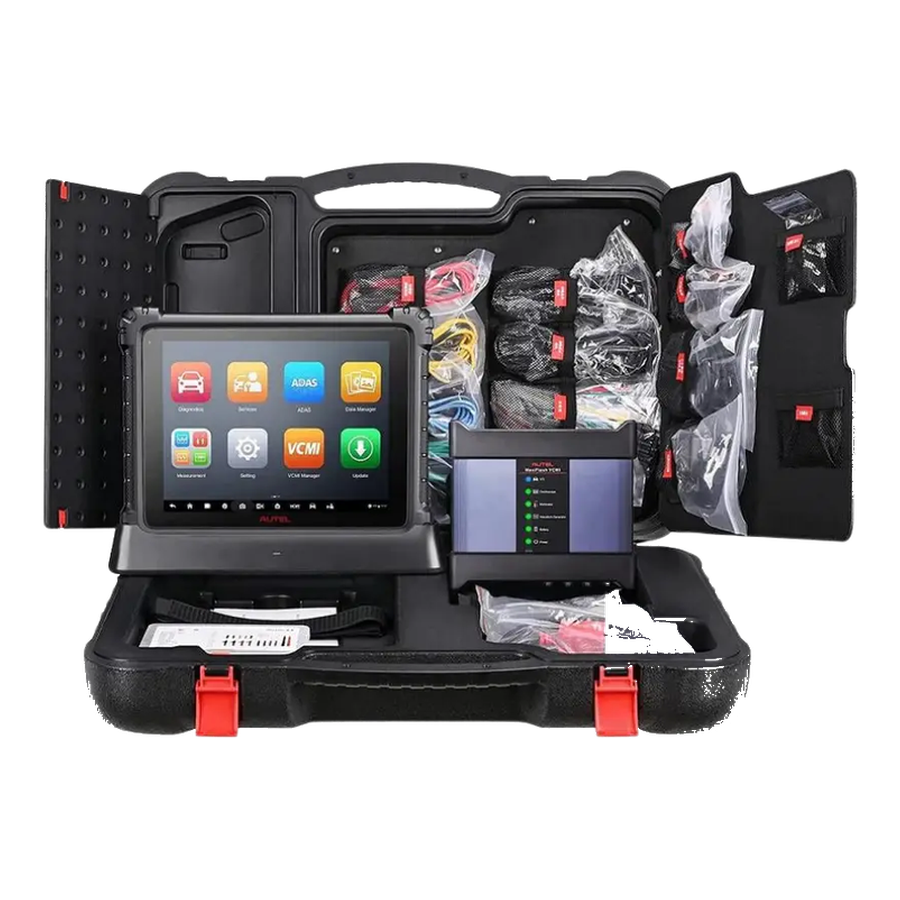
The carrying case, documents, and other physical parts to be delivered in Turkey must be verified against the order record and box label. The BT506 battery tester and MaxiVideo inspection cameras may be supported by the software; these accessories are not considered included in the standard package.
MaxiDAS DS900-BT Main Tablet
MaxiVCI V150 Wireless Vehicle Interface
USB Type-C Charging Cable and External Power Adapter
Carrying case and document contents verified from current order record
BT506 and MaxiVideo cameras are separate accessories
Product details
How is the DS900BT vehicle coverage checked?
The brand name alone is not sufficient for definitive compatibility. The model, model year, engine or chassis distinction, control unit, and the operation to be performed must be searched together. By selecting DS900BT in Autel's official coverage tool, system scan, live data, active test, ECU coding, and service functions are checked separately.
For vehicles with security gateways, AutoAuth, OEM authorization, or a separately purchased SGW license may be required. The exact name of the operation to be performed with the VIN must be prepared before ordering.
Prepare brand, model, year, and engine/chassis information
Clearly define the desired system and operation
Check DS900BT and relevant ECU line in Autel coverage tool
Separately verify SGW, internet, license, and adapter conditions
Product details
Differences between DS900, DS900BT, and DS900TS
The basic diagnostic functions of the three models in the DS900 family are similar; the choice is made based on connectivity and specialization needs. The DS900 works wired with the vehicle. The DS900BT adds Bluetooth connectivity with MaxiVCI V150 and provides freedom of movement around the vehicle.
The DS900TS adds comprehensive TPMS health checks, activation of known sensors, Autel MX-Sensor programming, and relearn support to the same diagnostic class. If TPMS work is not regular, the extra cost for the DS900TS may not be utilized; if wireless operation is not required, the DS900 can remain more economical.
DS900
For services requiring wired vehicle connection
DS900BT
For services requiring wireless operation with MaxiVCI V150
DS900TS
For services performing advanced TPMS and MX-Sensor programming in addition to diagnostics
MS906 Family
Compared when a larger screen, different VCI, or higher hardware requirement is needed
Product details
Software, Update, and Product Limitations
Vehicle software and online functions are tied to the device account. The update period, warranty, and license conditions must be verified from the order and invoice record of the product purchased in Turkey; campaigns in other countries are not automatically valid.
When the update period ends, the operating status of the current software and access to new vehicle and function packages are separate. The DS900BT standard package does not include a J2534 programming interface, oscilloscope, multimeter, advanced TPMS sensor programming kit, or electric vehicle high voltage adapters.
Verify update and warranty period from Turkish order record
Register Autel account with serial number upon delivery
Check vehicle coverage in the tool before updating
Consider J2534, measurement, TPMS, and EV hardware as separate products
SGW Package
FCA/Stellantis SGW license for Autel DS900BT
For authorized operations such as clearing codes, active tests, service operations, and adaptations in supported vehicles with FCA/Stellantis security gateways, SGW access may be required. This package is added to the cart separately as a digital license.
Autel FCA/Stellantis SGW Unlock 1 year
1 year of SGW access is processed as digital activation. Device serial number and account information are required for activation.
Coverage is not based on brand name but varies by model, year, engine, control unit, and the operation to be performed. For a definitive result, the DS900BT should be selected in the Autel vehicle coverage tool to search for the relevant system or service function.
What is the main difference between DS900 and DS900BT?
The DS900 establishes a wired connection to the vehicle; the DS900BT operates via Bluetooth through the included MaxiVCI V150. If wireless use is not required, the main decision can be made based on price and package differences.
Does the DS900BT perform active tests and ECU coding?
Yes. The official comparison table from Autel indicates support for active tests and ECU coding. The opened test and coding menus vary depending on the vehicle, control unit, software, region, and security access.
Does the DS900BT support CAN FD and DoIP?
Yes. The MaxiVCI V150 supports CAN FD and ISO 13400 DoIP protocols. Protocol support does not solely prove that all operations are enabled on every vehicle using these protocols.
What VCI is included in the DS900BT package?
The official product and user manual include the MaxiVCI V150. The V150 plugs into the vehicle's 16-pin socket and communicates with the tablet via Bluetooth.
Does the DS900BT program TPMS sensors?
The DS900BT may offer basic TPMS access; however, for comprehensive TPMS health checks, Autel MX-Sensor programming, and advanced relearn, the DS900TS is specified in Autel's official table.
What is the update and warranty period for the DS900BT?
The valid period must be verified from the order and invoice conditions of the Turkish sales package. Campaigns or warranty periods found on Autel pages abroad are not automatically applied to Turkish orders.
Is the DS900BT suitable for professional service?
It is suitable for multi-brand services performing daily full system scans, live data, active tests, maintenance, adaptations, and supported coding tasks. If J2534, integrated measurement, advanced TPMS, or EV battery tasks are the primary needs, different packages should be compared.
Comparison
Similar models to Autel DS900BT
Compare products in the same class with information on usage level, service tasks, and price.