How to choose a diagnostic tool for mobile service?
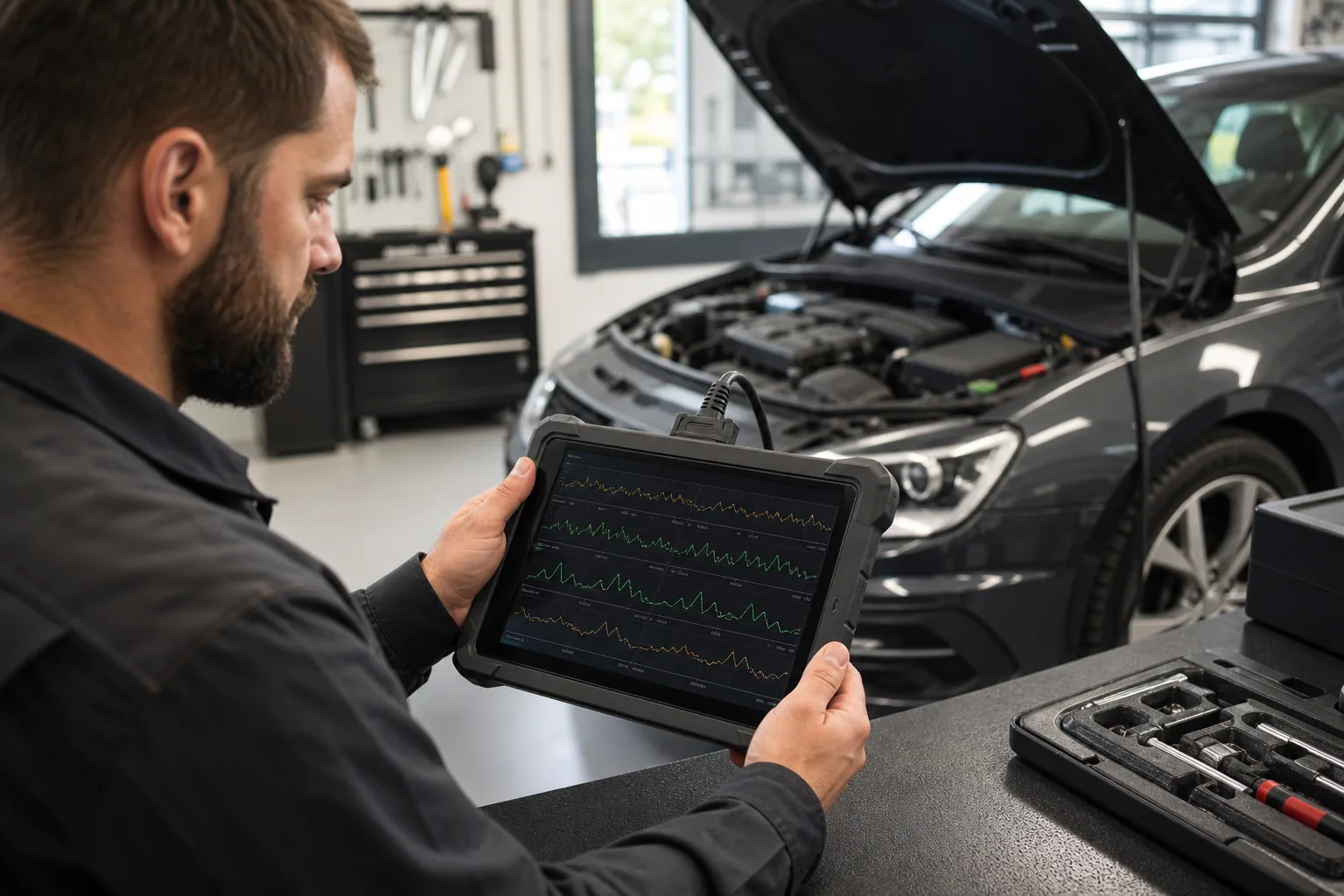
Mobile service diagnostic tools operate under different conditions than those in a fixed workshop. The technician may use the device in the customer's parking lot, fleet yard, roadside, or at a secondary service location, not at the vehicle reception desk. Therefore, the decision is not solely based on system coverage and service functions; portability, VCI connection reliability, battery life, screen readability, cable and adapter management, internet requirements, report sharing, and the risk of device loss are equally important. The right device for mobile service is one that avoids unnecessary trials in the field, records the critical initial scan, performs basic service operations smoothly, and clearly indicates which advanced operations need to be moved to a fixed workshop.
The technician working in the field should make device selection based on operational conditions along with coverage.
Field condition
Priority
Suitable device feature
Risk
Customer parking lot
Quick initial scan and report
Full system scan, PDF/sharing
Poor internet and time pressure
Fleet yard
Repetitive work on multiple vehicles
Battery, fast VIN, recording
Report layout issues make tracking difficult
Mobility Around the Vehicle
Reduce cable clutter
Bluetooth VCI
VCI charging and risk of loss
New model vehicle
Protocol and authorized access
CAN FD, DoIP, SGW process
Expectation of unauthorized operation
Basic on-site check
Engine code and live data
Compact device or service tablet
Full system need may be missed
Decision guide
Mobile service devices should enable quick decisions in the field
A mobile service technician cannot set up a long laboratory environment at the vehicle. The device should be chosen to quickly obtain the initial scan, record the data, and send a clear report to the customer or workshop.
The first goal in the field is not to definitively identify the faulty part, but to systematically record which systems the vehicle communicates with and which codes are present. Therefore, full system scanning is also important for mobile service. Without an initial report, subsequent code deletion, part replacement, or a second check cannot be tracked retrospectively.
Reporting capability has commercial value for mobile service. Sending scan reports via WhatsApp or email to the customer, adding data to work orders, and documenting pre- and post-repair differences build trust. The language, readability, and sharing format of the report are no less important than the device hardware.
There is time pressure in the field. If the device menu opens slowly, VIN recognition consistently fails, or VCI pairing takes time, the technician will face problems in front of the customer. Therefore, speed, recording consistency, and connection stability are felt more in a mobile service device than listed features.
Initial scan report
Fast vehicle selection
Shareable output
Connection Stability
Visual summaryDevice decision flow in the mobile service bag
01
Get vehicle informationMake, model, year, engine, and complaint
02
Check the areaSecure parking, voltage, and working conditions
03
Select VCI setupCable, Bluetooth, and backup connection plan
04
Deliver the reportInitial scan, live data, and post-operation record
Field work is different from a desk in a workshop; the device's connection and recording setup directly affect the speed of the job.
Decision guide
Why can Bluetooth VCI be more critical in mobile service?
Bluetooth VCI in mobile service is more than a comfort feature in a workshop. The technician can monitor data while moving between the vehicle interior, engine bay, and wheel wells without dragging a cable.
While monitoring live data at the vehicle, a hose, valve, fan, or sensor response in the engine bay can be tracked. In a wired setup, the tablet's position and cable length limit the technician. Bluetooth VCI facilitates this movement. However, what enhances diagnostic coverage is not Bluetooth itself, but the device software and vehicle coverage.
Wireless setups have their own risks in the field. VCI charge level, tablet battery, pairing issues, lack of backup charging options away from the workshop, and forgetting the VCI in the vehicle are real operational problems. For mobile service, a VCI storage case, charging routine, and end-of-job checklist are as necessary as the device selection.
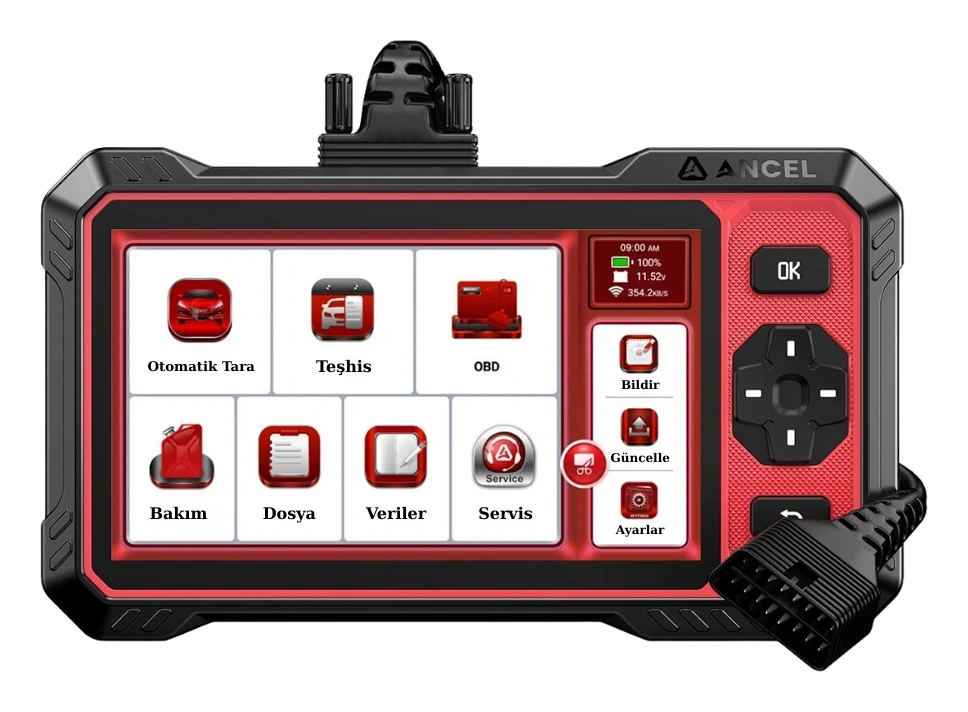
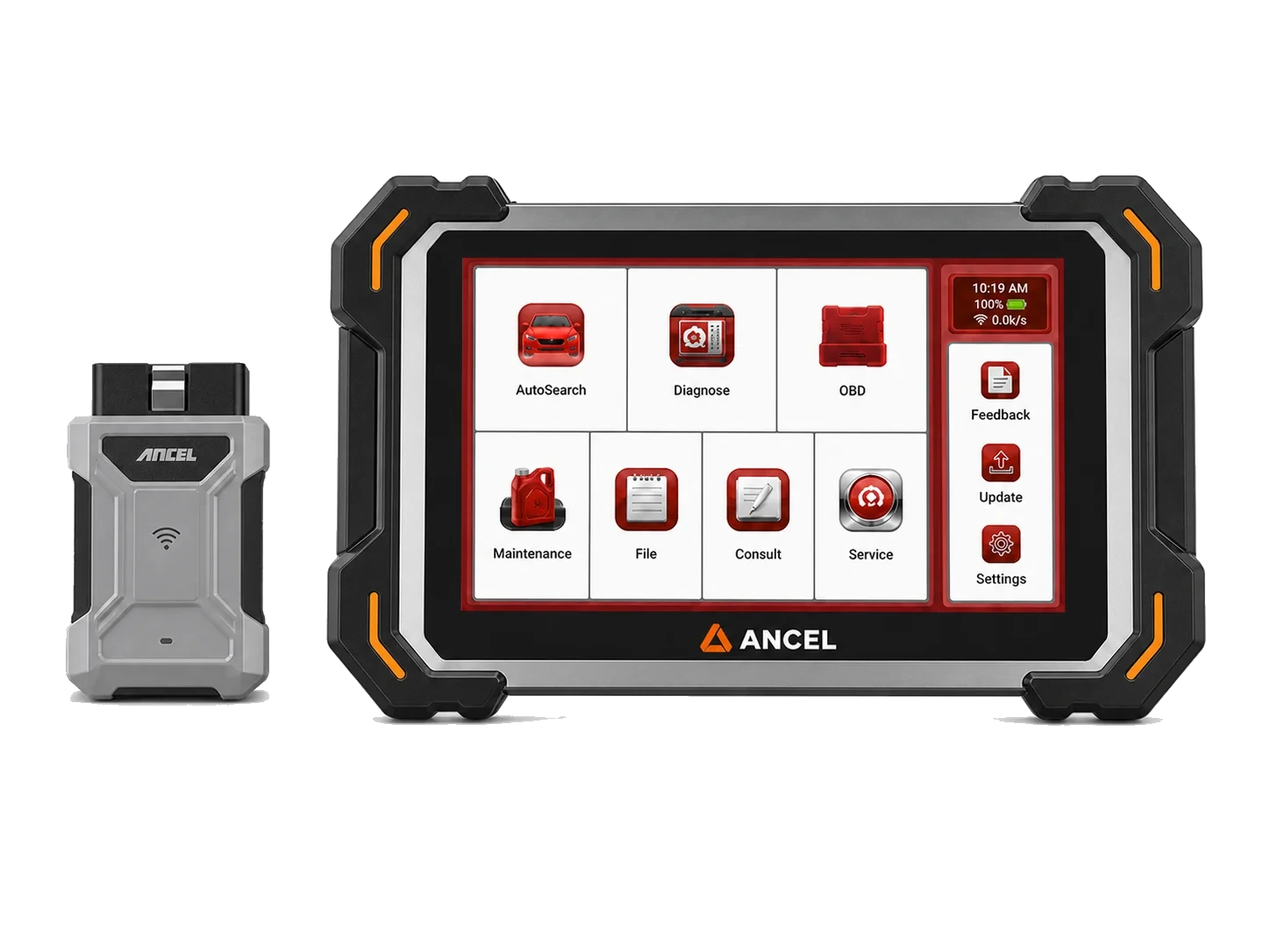
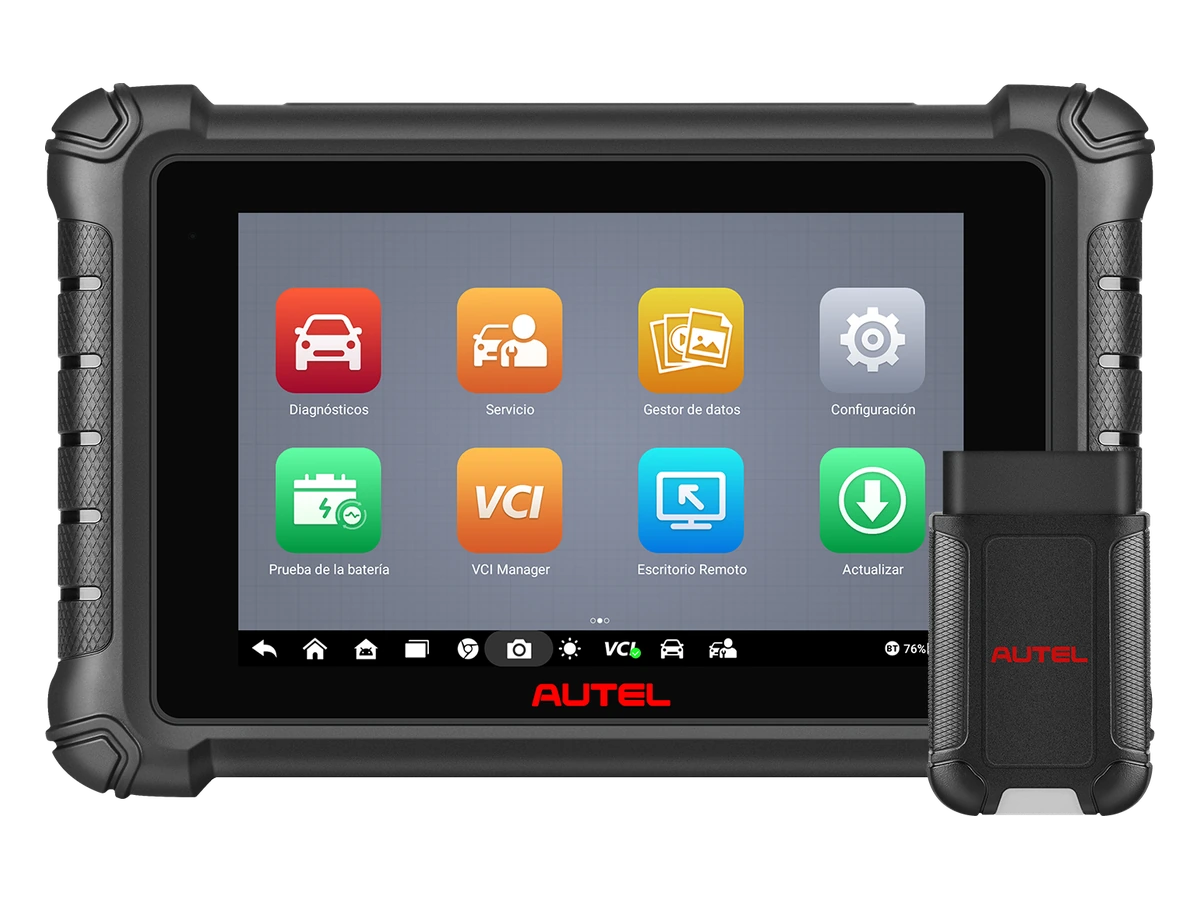
Wireless tablets such as Ancel DS500BT, Autel DS900BT, and Launch CRP919E BT can be used in mobile service. However, the selection should not be based solely on wireless connectivity. CAN FD/DoIP in new vehicles, supported service functions, report output, updates, and regional software packages must be checked separately.
Mobility Around the Vehicle
VCI charging routine
Tablet battery
Software coverage
Decision guide
Battery, screen, and durability are decisive factors in the field
Mobile service devices operate not next to an outlet, but in varying weather and light conditions. Screen brightness, battery life, charging port, and device protection directly affect work quality.
A screen unreadable in sunlight can lead to errors during live data and code reading. While a small screen is easy to carry, monitoring multiple data points and reading reports becomes difficult. A larger screen provides more comfortable operation but requires attention regarding the device bag, battery, and risk of drops. Mobile service establishes this balance according to its own work rhythm.
Battery life is considered not only for the tablet but also for the VCI and phone internet. If the technician will visit multiple vehicles during the day, the device's charging routine is planned. If charging will be done from the vehicle battery or an external power bank, compatibility and safety are checked. Irregular charging can mean a half-finished report or interrupted operation in the field.
Durability is particularly important in the field bag. The tablet, VCI, cables, adapters, and charging equipment are not stationary. Impacts, dust, moisture, cable breakage, and connector strain are more common in mobile operation. A cheap cable set or a weak charging port can disrupt daily work even if the device software is good.
Screen readability
Tablet and VCI battery
Carrying case
Cable health
Decision guide
Cable and adapter management are the insurance for mobile service
In mobile service, a missing cable, wrong adapter, or forgotten charger can lead to job cancellation. Device selection should be made along with the package contents and field case layout.
While standard OBD sockets are common in passenger cars and light commercial vehicles, not every field job may be this simple. Older models, commercial vehicles, motorcycles, heavy-duty vehicles, or special scenarios like SGW may require additional cables, adapters, or licenses. Mobile service should determine the cables and adapters to carry based on the vehicle groups they most frequently encounter.
Labeling cables and adapters saves time in the field. It should be clear which cable is used with which device, for which vehicle group, or for which operation. The VCI, main OBD cable, charger, spare USB cable, and any brand-specific adapters are carried in the same layout. This discipline reduces the technician's trial-and-error in front of the customer.
Package contents are part of the pricing decision. If the same device name is sold in different packages, the cables or accessories needed for mobile service may not be included. At the time of purchase, information on the tablet, VCI, main cable, charger, case, adapters, and licenses should be visible in a single table. An incomplete package becomes more expensive in the field.
Main OBD cable
VCI
Adapter Set
Charger and case
Decision guide
Live data shows the fault under condition in mobile service
Mobile service is typically called to the location where the vehicle experienced the fault. Therefore, live data, freeze-frame, and data logging play a critical role in the initial check.
When the vehicle arrives at the workshop, the fault may sometimes not repeat. When mobile service performs an on-site check, engine temperature, voltage, pressure, fuel trim, wheel speed, or sensor values can be monitored closer to the fault condition. If the device allows selection and recording of relevant parameters, the technician returns to the workshop with a record showing the conditions under which the fault occurred.
Live data also has its limits. A single sensor value does not definitively indicate the faulty part. Values are read in relation to engine speed, load, temperature, commanded vs. actual values, etc. The graph and recording feature on a mobile service device is therefore a workflow tool, not just a feature.
Data logging, when combined with reporting, strengthens communication with the customer. Instead of saying 'I cleared the code,' the initial scan, relevant live data, and recommended next steps can be documented. This approach does not force part sales; it explains which system and under what conditions the fault should be investigated.
Freeze-frame
Live data recording
Graph
Field condition
Decision guide
Service functions should be used carefully in mobile service
A mobile service device may support service functions like EPB, BMS, DPF, or SAS; however, not every function is suitable for application in field conditions. Operational conditions and safety are prioritized.
Operations like EPB service mode require appropriate vehicle conditions, battery status, and mechanical preparation. DPF regeneration proceeds with conditions such as temperature, fuel level, fault codes, and a safe area. BMS battery registration requires correct battery information and vehicle procedures. Mobile service performs these operations not just by looking at the device menu, but in conjunction with vehicle conditions and procedures.
Work that can be done in the field should be separated from work that requires bringing the vehicle to the workshop. Simple scanning, code logging, live data, and some maintenance functions can be performed on-site. Risky adaptations, programming, long-term regenerations, or operations requiring stable power may be safer in a fixed workshop. Device selection should support this separation.
Absolute statements such as 'solves every fault on-site' or 'all operations are performed in the field' should not be used in mobile service promotions. The data the device can collect, supported service operations, and operations requiring fixed workshop conditions should be explained separately.
EPB
BMS
DPF
SAS
Safe field conditions
Decision guide
Consider internet, account, and SGW needs from the start
New vehicles may require the mobile service device to have internet access, manufacturer account access, or secure gateway authorization. These requirements are as important as field operations in device selection.
In vehicles with SGW, the device can read codes, but may request authorization for writing or command operations. Mobile service should not interpret this as a fault. Supported solutions proceed with the manufacturer's authorized account, subscription, device session, and internet connection. Expectations of unauthorized bypass are problematic for both safety and professional service standards.
Internet connectivity can be weak in the field. If a phone hotspot is used for license verification, report sending, updates, or online functions, the data plan and signal quality are considered. Before starting a critical operation, the device session, battery, and connection should be checked. An online operation left unfinished on the road can damage customer trust.
New protocols like CAN FD and DoIP are not just software labels. The appropriate VCI, cable, adapter, and vehicle coverage are all required together. If these parts are not in the case for mobile service, the device's support cannot be practically used. Therefore, the decision for new protocols should be made in conjunction with hardware and field case decisions.
SGW authorization
Internet connection
CAN FD
DoIP
VCI
Visual summaryParts that keep the device running in the field
01
Battery and chargingPower plan for tablet, VCI, and phone
02
Cable setOBD, extension, adapter, and sturdy case
03
InternetSGW, report sharing, and account session
04
Recording layoutCustomer, vehicle, and job report
A mobile service device is not just software; the small parts that maintain connectivity in the field are also part of the job.
Decision guide
How to choose a device for mobile service?
The mobile service device is selected based on the jobs to be performed in the field. First, it is documented which operations will be completed on-site and which will be moved to the workshop.
For a mobile check requiring only engine codes and basic data, compact devices may suffice. However, if professional mobile service expects full system scanning, reporting, and live data on various vehicle brands, it should transition to the service tablet class. This transition is not an unnecessary luxury but a need for time savings and data quality in the field.
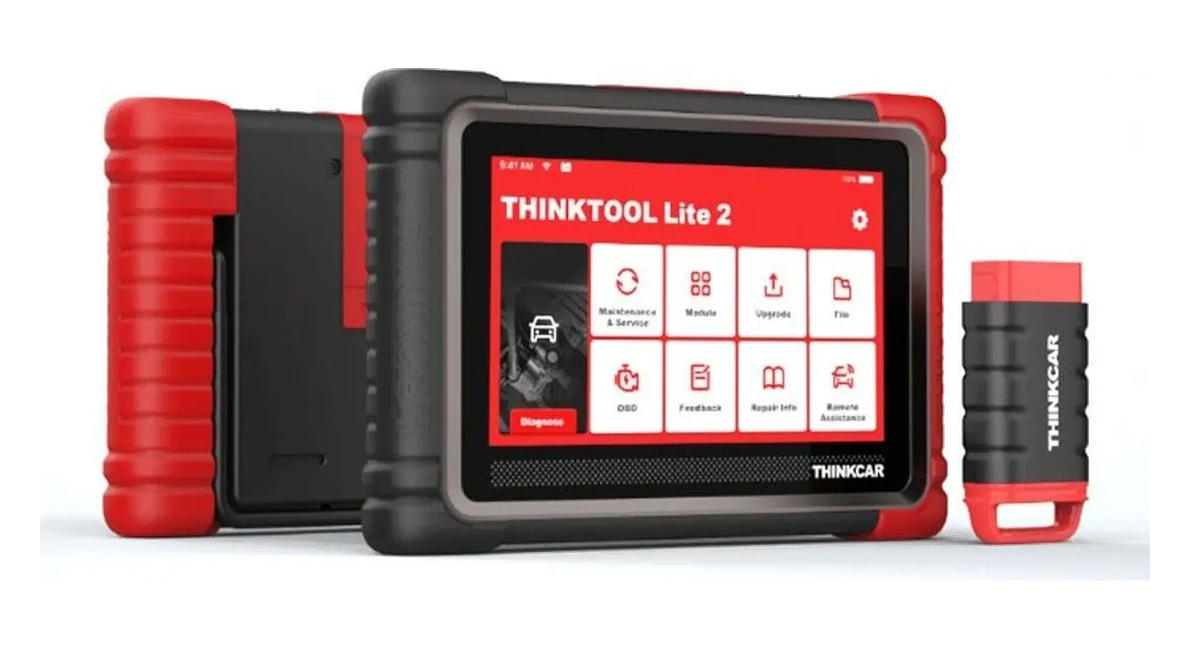
For wireless operation where needed, devices with a VCI layout like Ancel DS500BT, Autel DS919BT, and Launch CRP919E BT can be compared. If new vehicle and protocol support is needed, CAN FD/DoIP information should also be examined in models like Autel DS919BT or Thinktool Lite 2. Every feature should be checked against the manufacturer's current function list for vehicles arriving at the service center.
Teams performing intensive mobile service or fleet work may seek larger screens, faster scanning, robust reporting, and professional support. At this point, the device's ability to track job records is as important as its price. The report provided to a fleet customer is the visible quality of the service brand.
Compact reader
Service tablet
Bluetooth VCI
Fleet reporting
Decision guide
Prepare a field checklist
Even the best device for mobile service will not work efficiently with a disorganized field case. A short delivery checklist should be used at the end of every job.
The list covers the device, VCI, main cable, adapters, charger, internet, license session, tablet battery, and reporting target. Discovering a missing part when going to the customer wastes time. When this list is documented, new technicians also work to the same standard.
At the end of the job, the initial scan report, the operation performed, cleared or remaining codes, live data notes, and recommended next steps are recorded. If codes were cleared, the pre-operation report is saved. Instead of promising specific parts, the visible technical data and the logic for subsequent checks are explained to the customer.
The final question in mobile service device selection is: Does this device make the first thirty minutes in the field more organized? If the answer is yes, the device provides practical value. If the answer remains only in the feature list, a simpler or more affordable class may be sufficient.
Device and VCI
Cable and adapter
Report
Job record
Next check
Frequently Asked Questions
Most frequently asked questions by customers
Is a Bluetooth device necessary for mobile service?
It is not mandatory, but Bluetooth VCI can provide significant convenience for a technician moving around the vehicle. Software coverage and support for vehicles arriving at the service center should also be checked.
Can mobile service work with a basic OBD device?
It can work for basic engine code and quick preliminary checks. For professional mobile service requiring full system scanning, reporting, live data, and service functions, a service tablet that supports these functions should be used.
Is it safe to perform DPF or EPB operations in the field?
The operation depends on the vehicle condition, safe area, battery status, and manufacturer's procedure. Simply opening the device menu does not indicate that the operation is suitable for field use.
What accessories are important for mobile service?
VCI, main OBD cable, charger, carrying case, adapter set if necessary, and a reliable internet connection are important. Missing accessories can cause bigger problems than the device in the field.
Why does mobile service encounter SGW issues with new vehicles?
In vehicles with a Secure Gateway, read and write permissions can be separated. Manufacturer-approved accounts and device sessions may be required for code deletion, active tests, or adaptations.
What is the most suitable device class for mobile service?
If the task is a simple code check, a compact device may suffice. If reporting, full system scanning, live data, and service functions are required for various vehicle brands, a wireless service tablet should be chosen.
Ancel DS410 Lite is a wired service device with full system diagnostics, active testing, and CAN FD support. The device includes lifetime free updates.