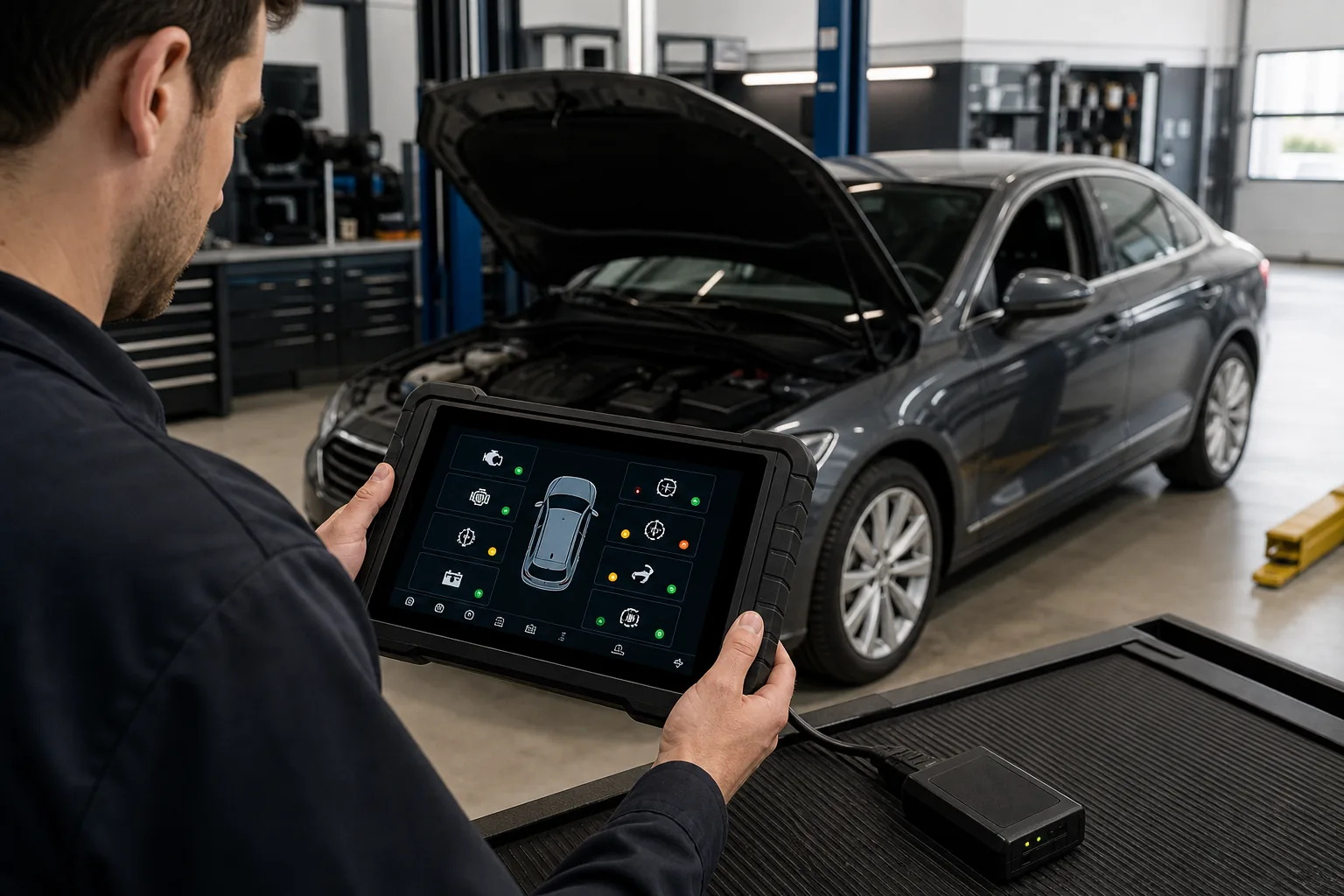
Difference between full system scan and standard OBD2 engine scan
Standard OBD2 scan aims to access emission-related engine and powertrain system information using a common method. Full system scan, on the other hand, queries ABS, airbags, transmission, body, climate control, parking brake, and other control units present in the vehicle using the vehicle manufacturer's diagnostic structure. Both operations can be performed from the same socket but are not at the same depth. The phrase "reads codes" therefore does not explain the device's service coverage; which modules are accessed, and what data and tests are offered must be verified by model-year.
OBD2 standardizes certain diagnostic information for emission-related vehicle systems. A compliant reader can read codes related to the check engine light, readiness monitors, some live data, freeze-frame records, and supported information such as vehicle identification. This common structure makes basic engine control accessible across different vehicle brands; however, it does not encompass all vehicle electronics under a single standard.
Standard powertrain codes can be seen as general codes starting with P0. Manufacturer-specific codes and extended definitions may require additional software databases. The appearance of a code description on the screen does not mean diagnosis is complete. The code indicates a condition the ECU found abnormal; sensors, wiring, mechanical systems, and operating conditions are tested separately.
Readiness monitors indicate whether emission controls have been completed after specific driving conditions. Monitors may not be ready after battery disconnection or code clearing. This screen is used to understand the emission system's test status, not as a trick to pass vehicle inspection.
Standard live data may include supported parameters related to engine speed, coolant temperature, short and long fuel trims, or oxygen sensors. Not all vehicles offer all standard parameters. Data refresh rate and the device's graphing capability also affect interpretation quality.
Visual summaryStandard OBD2 and Full System Scan
01
Standard OBD2Emission-related engine and powertrain data
02
Full SystemABS, airbag, body, transmission, and other available ECUs
Using the same OBD socket does not mean the scope of the two scans is the same.
Decision guide
What makes full system scan different?
Full system scan involves the device sequentially querying the control units present in the vehicle using manufacturer-specific diagnostic sessions. In addition to the engine, transmission, ABS/ESP, airbag, body, steering, climate control, parking brake, infotainment, and other modules depending on the equipment may be listed. The scan result provides an initial overview of the communication and fault status of each module across the vehicle.
Seeing a communication error for a module not present in the vehicle is not always a fault. The software may be scanning the wrong hardware variant or using an optional module list. Automatic VIN information and vehicle configuration are verified manually. If a topology view is available, present, faulty, and non-communicating modules are examined in their network relationship.
Full system scan does not guarantee the same depth for every module. The device may only be able to read codes from one ECU; from another, it may offer live data, active tests, adaptations, and coding. While the term "all systems" refers to module discovery, the depth of functionality must be checked separately.
A general health report is a traceable record documenting the initial condition of the vehicle at customer acceptance. A history of low voltage can leave communication codes in many modules. The initial report is saved without clearing; modules related to the customer's complaint are prioritized. Considering all codes as part failures simultaneously creates unnecessary work.
Multi-control unit query
Manufacturer-specific fault codes
Module-based live data
Vehicle topology and health report
Decision guide
Why does the same OBD socket yield different results?
The physical 16-pin socket is only a connection point. While basic readers access standard emission services, advanced devices use the vehicle manufacturer's ECU addresses, protocols, and security sessions. The VCI hardware must support communication paths like classic CAN, CAN FD, or DoIP; the software must also contain the correct make, model, and control unit definitions for the vehicle.
When two devices are connected to the same vehicle, one may only see the engine ECU, while the other can see dozens of modules. This difference comes not from the socket but from the device's hardware and software coverage. Some older or specialized vehicles may require adapters beyond the standard socket; the connection structure also varies for heavy-duty vehicles and motorcycles.
On a vehicle with a security gateway, a full system scan can be read, but clearing faults or active tests may require authorization. This does not mean the device cannot connect at all. Read, write, and programming authorizations are separate layers.
Automatic vehicle recognition provides convenience but is not always flawless. Model year, engine, body, and market variants must be checked. Incorrect selection can lead to missing modules, incorrect code descriptions, or incorrect service menus.
Visual summaryNetwork of control units in the vehicle
Technical signals
01
EngineEmissions and power generation
02
ABS/ESCBraking and driving dynamics
03
AirbagPassive safety system
04
Body and comfortLighting, access, and electrical functions
A fault in one module can lead to communication or data consistency codes in other modules.
Decision guide
When is a basic scan sufficient for the engine check engine light?
If the vehicle owner only wants to see why the engine fault light is on and record the basic emission code, a standard OBD2 reader is a useful starting point. Freeze-frame and readiness monitors are saved before clearing the code. If there is power loss, overheating, oil pressure, or a safety risk in the vehicle's behavior, relying solely on code reading is not advisable, and the vehicle should not continue to be used.
A simple loose fuel cap and a complex fuel pressure or ignition problem can illuminate the same engine light. The code description indicates the possible system; it is not a "replace the part" instruction. Live data, a smoke test, pressure measurement, or electrical checks may be necessary.
Clearing the code may temporarily turn off the light but does not repair the root cause of the fault. It also resets emission monitors and can erase valuable context for service. The user should note the code and seek technical support; the service should attach the initial scan report to the customer's file.
If the engine complaint is related to other modules, a full scan provides more context. For example, low system voltage, transmission torque demand, or network communication may be seen along with the engine code. A single ECU view may miss the cause-and-effect relationship in the vehicle.
Decision guide
Why is full system scan necessary for ABS, airbag, and body faults?
Standard OBD2 engine scanning is not designed to access ABS or airbag control units. For complaints like an ABS light, airbag warning, electronic parking brake, climate flap motor, or central locking, it is necessary to connect to the specific manufacturer's module. The fault code, actual value, and supported active tests are found in that system's session.
In case of an ABS fault, comparing the speed of all four wheels helps to identify sensor or mechanical signal issues. HELLA addresses ABS sensor checks by combining fault memory, parameter comparison, multimeter, and oscilloscope usage. A basic engine reader may not have access to this data group.
The airbag system is critical for safety. Clearing the code does not fix a physical circuit, connector, or component failure. System measurements and repairs are performed by personnel trained in manufacturer safety procedures. Universal resistance tests or uninformed triggering are not applied.
A customer complaint in body modules may be related to a communication error distributed to other control units. A topology view or general scan shows which modules are affected simultaneously. This context provides a faster diagnostic direction than a single module scan.
Visual summaryTransition from health report to diagnosis
01
Save reportECU and code list before operation
02
Isolate root codePrimary and secondary records
03
Test related dataLive data and circuit check
04
RescanPost-repair verification
Bulk scan is not a shopping list for faulty parts; it is the starting map for diagnosis.
Decision guide
Full system scan does not mean service function
A device seeing a vehicle's control units does not mean it will perform oil resets, EPB service mode, DPF regeneration, BMS registration, or steering angle calibration. Service functions require specific diagnostic commands and vehicle procedures. Device support for the relevant menu and operation on the target model must be verified separately.
Some devices offer service functions as shortcuts on the main screen; the same function may also be found in the specific menu of the relevant control unit. The appearance of a shortcut is not definitive proof of vehicle support. After selecting the vehicle, read the software's prerequisites and scope message.
Active test is different from reading sensor data; the device sends commands to supported actuators. Safety is ensured for fans, pumps, valves, or brake components that will operate. A full system scan report does not replace active test capability.
Coding and programming are advanced functions. A service tablet performing a full scan may offer some adaptations, but J2534, DoIP, an online account, or a stable power supply may be required for OEM software updates. These terms are kept separate in the product description.
Decision guide
How to correctly interpret a general scan report?
The scan report lists all codes in the vehicle without prioritizing them. The distinction between current, pending, history, or intermittent status may be shown according to the device software. Active codes related to safety and customer complaints are examined first. Low voltage and communication history can create secondary records in multiple modules.
Codes occurring at the same timestamp or mileage may originate from a common event. Dozens of control units may leave low voltage records during battery weakness. Instead of considering them all as separate faults, system voltage and event context are checked.
When a module shows "no communication," verify if it is actually present in the vehicle. Examine fuses, power supply, ground, and network lines with a wiring diagram. Before replacing the module, compare the network topology and communication codes from other ECUs regarding that module.
After repair, codes are cleared, the vehicle is put through an appropriate operating cycle, and a general scan is performed again. The initial and final reports are saved. Seeing a green status on the screen is not enough; the non-recurrence of the customer complaint and physical test results are important.
Visual summarySelection evidence for a full system device
01
ECU coverageModules in the target model-year
02
Special live dataManufacturer-specific parameters
03
Service and testRequired active functions
04
ReportingPre-post record output
The term "all systems" is compared against the vehicle's actual ECU list and supported functions.
Decision guide
Device class for individual user and service
For a user who wants to see the basic engine code on their own vehicle, a reliable OBD2 scanner may be sufficient. A user who wants to examine multiple system warnings or perform maintenance operations should look for multi-system coverage specific to their vehicle. A workshop that accepts different brands of vehicles daily should opt for a tablet-class device offering full system scanning, reporting, live data, and updates.
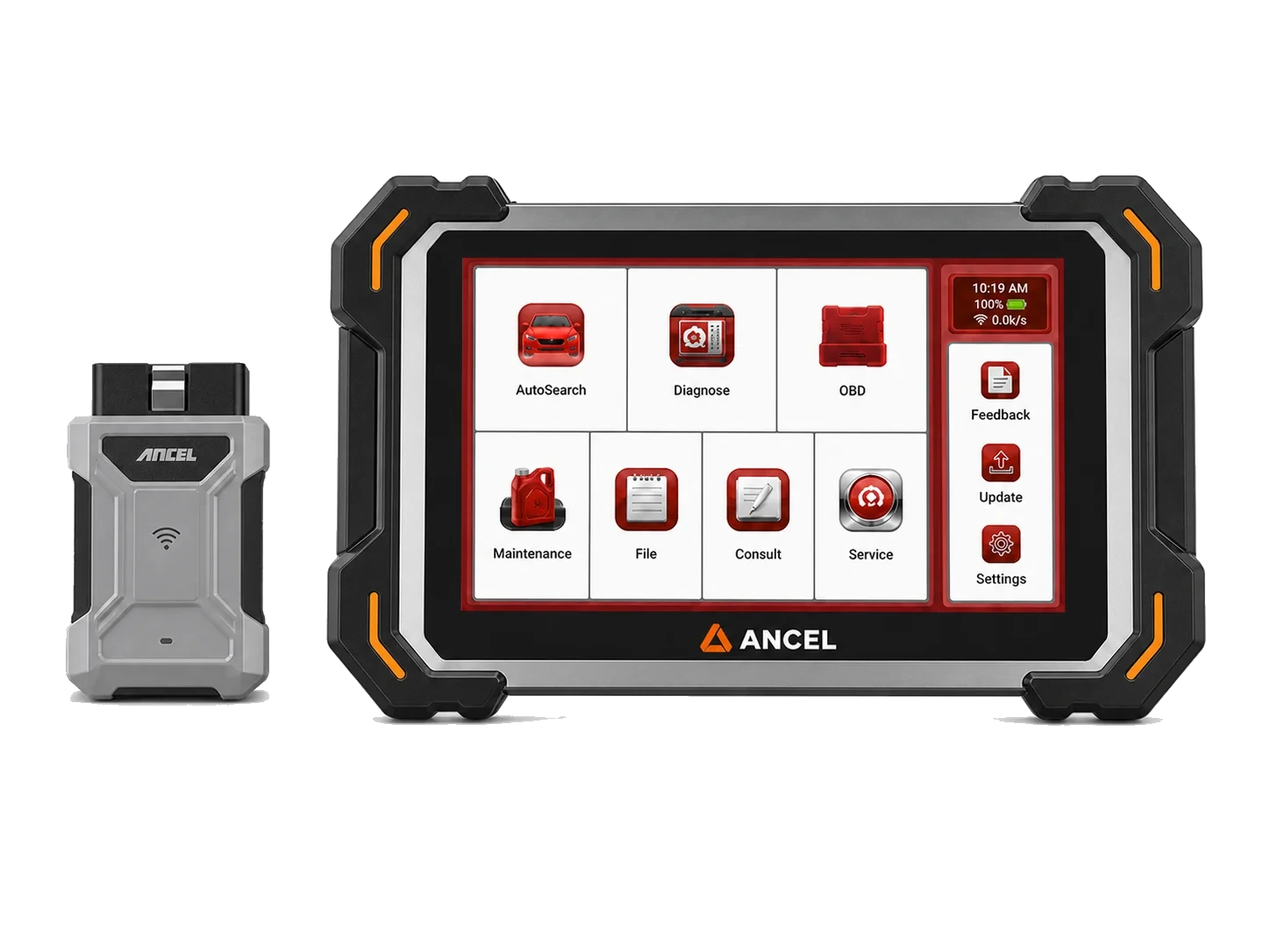
A cheap Bluetooth adapter and a Bluetooth VCI are not in the same class. A phone adapter may offer standard engine data; a service VCI accesses numerous control units with tablet software. Bluetooth only describes the wireless connection, not the diagnostic depth.
The workshop's device list is derived from real work: the most frequent vehicles, ABS/airbag/transmission complaints, maintenance functions, active tests, and reporting requirements. Instead of a general number like "100 brands," five operations on five frequently seen vehicles in the workshop are examined.
Updates are important for new model and control unit coverage. The total cost calculation should include license duration, post-update operating conditions, regional packages, and VCI hardware. The status of the account and serial number of a second-hand device must be verified.
Decision guide
Workflow and customer communication in full system scan
At customer acceptance, record the complaint, warning lights, conditions of occurrence, and recent work performed. Verify the vehicle identification, check battery voltage, and perform an initial general scan. Present the report to the customer not with the fear of "the vehicle has this many faults," but by explaining the meaning of active and historical records.
Address active codes related to safety and the customer's complaint first. Evaluate the context of other historical codes before clearing them. Extensive parts replacement or coding is not performed without approval. The diagnostic time and need for additional tests must be clearly stated.
The service report includes the device name, software version, date, mileage, and the scanned vehicle. Personal information is stored securely. Code descriptions are translated into the customer's language; "sensor circuit low signal" is not presented as "sensor is definitely broken."
After repair, perform a final scan with the same device and vehicle selection. Comparison with the initial report shows which codes did not return and whether new communication errors occurred. This record strengthens service quality and subsequent diagnostics.
Decision guide
Verifying full system support on the vehicle
If "full system" is written on the product page, the vehicle's actual module list and functions should be examined. Access to engine, transmission, ABS, airbag, body, and parking brake; live data, active tests, and service functions should be verified separately. For new vehicles requiring CAN FD, DoIP, or SGW, VCI and account requirements must also be considered.
During the demo, don't just look at the quick scan. Enter a control unit and examine the code description, live data selection, graphs, reports, and supported secure active tests. Data refresh rate and menu language are important for daily use.
Check the main cable, VCI, adapters, and power equipment within the package. It is understood that a standard passenger car OBD cable is insufficient for motorcycles or heavy-duty vehicles. Plan for additional module costs as the workshop grows.
Standard OBD2 provides a basic engine view; full system scanning opens up the vehicle's multiple electronic structures. Deep service operations must be examined separately based on the device's current vehicle and function support. This distinction prevents purchasing a product that is too expensive or insufficient for the task.
Decision guide
Example service scenario: transitioning from a single engine code to the entire vehicle
When a vehicle arrives with an engine fault light and traction control warning, a standard OBD2 scan may show communication or torque management codes in the engine ECU. A full system scan simultaneously reveals ABS/ESP and transmission records, helping to understand which module the initial event started in. This broad view makes it possible to investigate common voltage, wheel speed, or network communication causes instead of replacing three parts for three separate warnings.
The technician first saves all codes and freeze-frame data. Then, they evaluate the status and order of occurrence of codes related to the customer complaint. System voltage, common power supply, and network topology are checked. After repair, the same general scan is repeated to see if the engine, ABS/ESP, and transmission modules have returned to normal together.
This example illustrates that a full system device not only shows more codes but also makes the relationship between codes visible. Nevertheless, the conclusion is based on the technician's measurements; the numerous module names in the report are not the root cause in themselves.
Frequently Asked Questions
Most frequently asked questions by customers
Does an OBD2 device read ABS and airbag faults?
Standard OBD2 engine scan typically does not cover these modules. A device offering manufacturer-specific multi-system access for ABS and airbags is required.
Does a full system scan device perform all service operations?
No. Module scanning is separate from EPB, DPF, BMS, active tests, coding, and programming coverage. The required operation must be listed in the manufacturer's current function list for the relevant make and model.
Does clearing codes fix the fault?
No. The code may return without addressing the root cause. Initial scan and freeze-frame data should be saved, and the system diagnosed through measurement.
Is a Bluetooth OBD adapter a full system device?
Bluetooth is only a connection method. If the adapter and application do not support manufacturer-specific modules, it may be limited to basic engine data.
What to look for in a full system device for service?
Compare module coverage, live data and graphing tools, reporting, service functions, active tests, updates, and new protocol support for vehicles arriving for service.
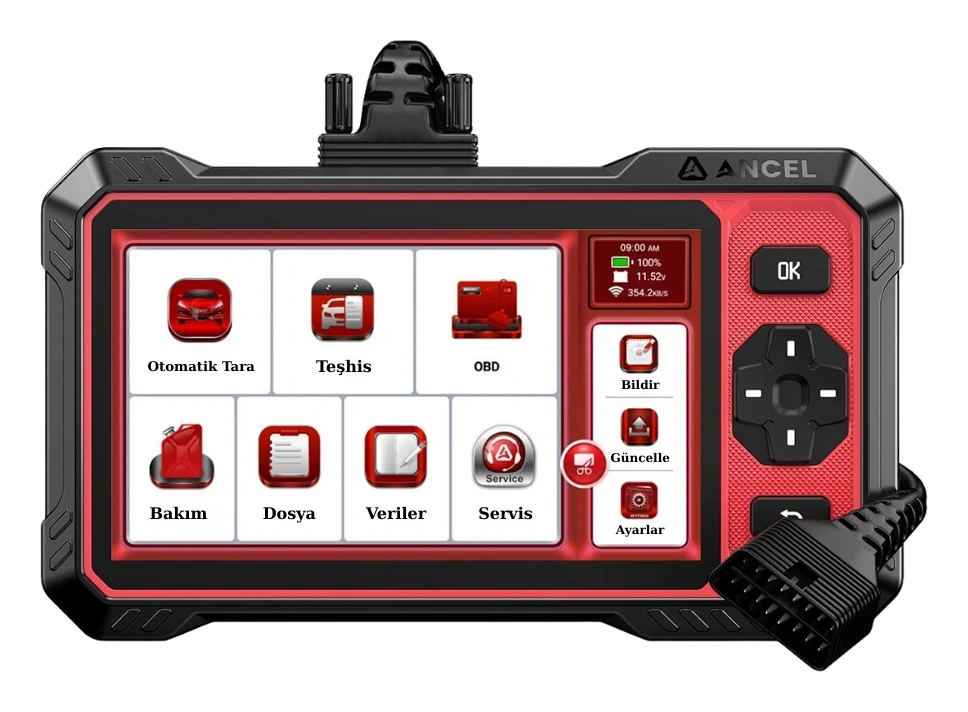
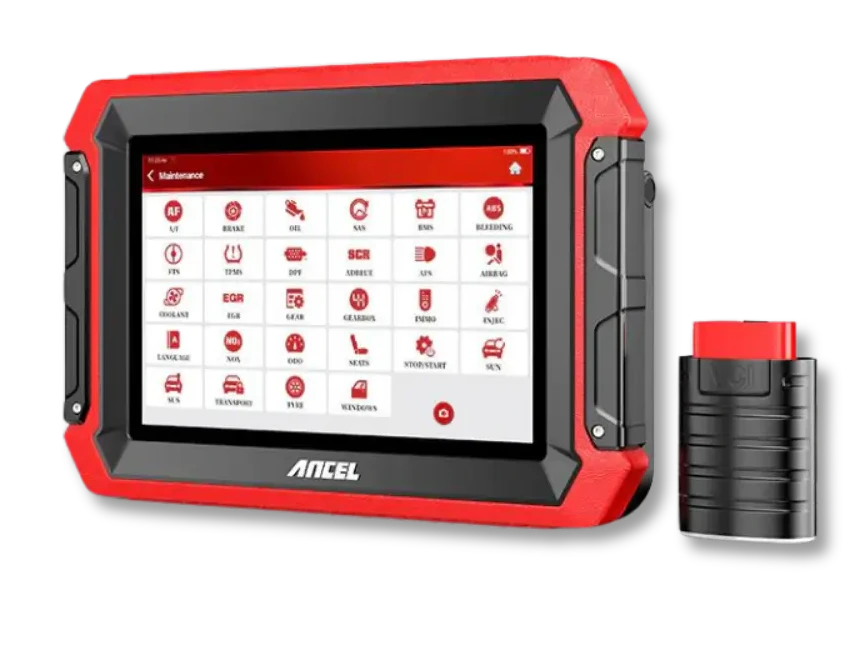
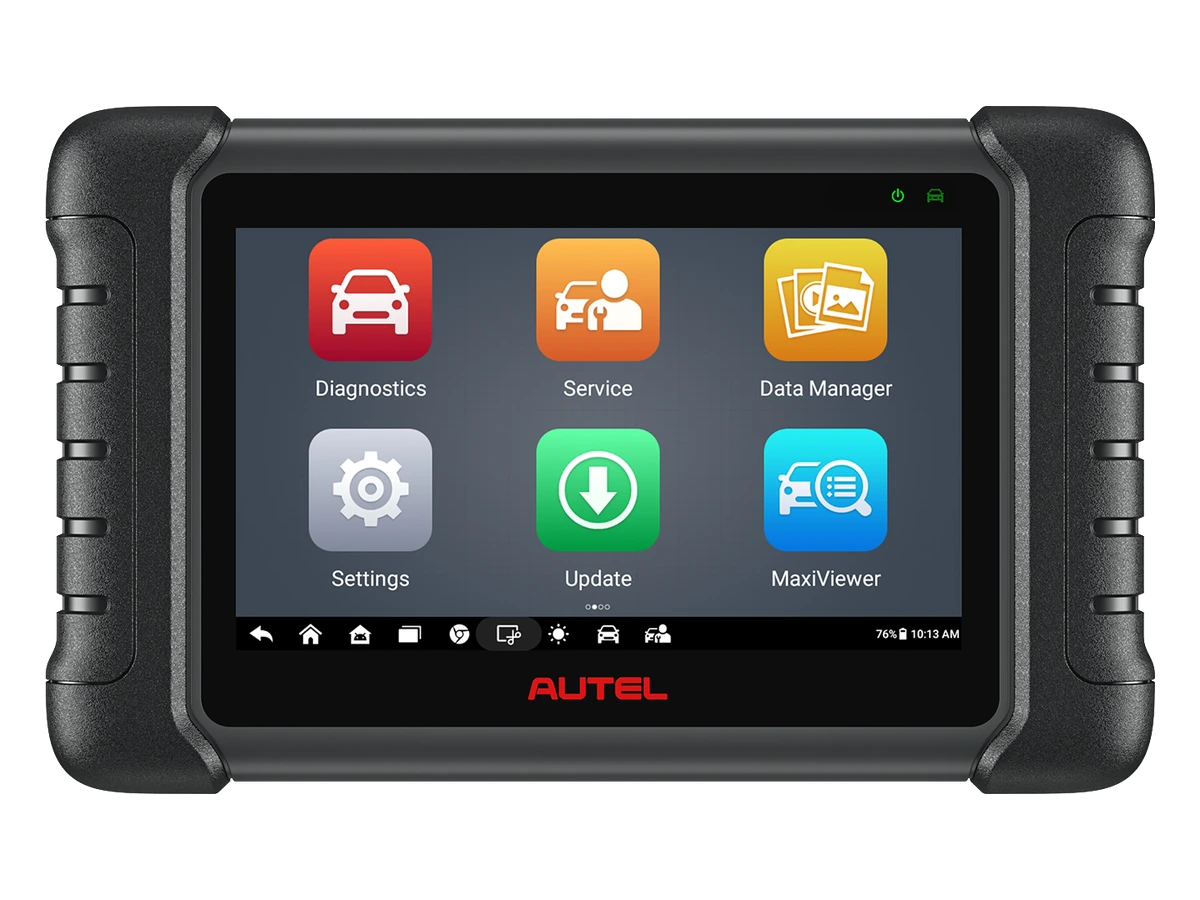
Ancel DS410 Lite is a wired service device with full system diagnostics, active testing, and CAN FD support. The device includes lifetime free updates.
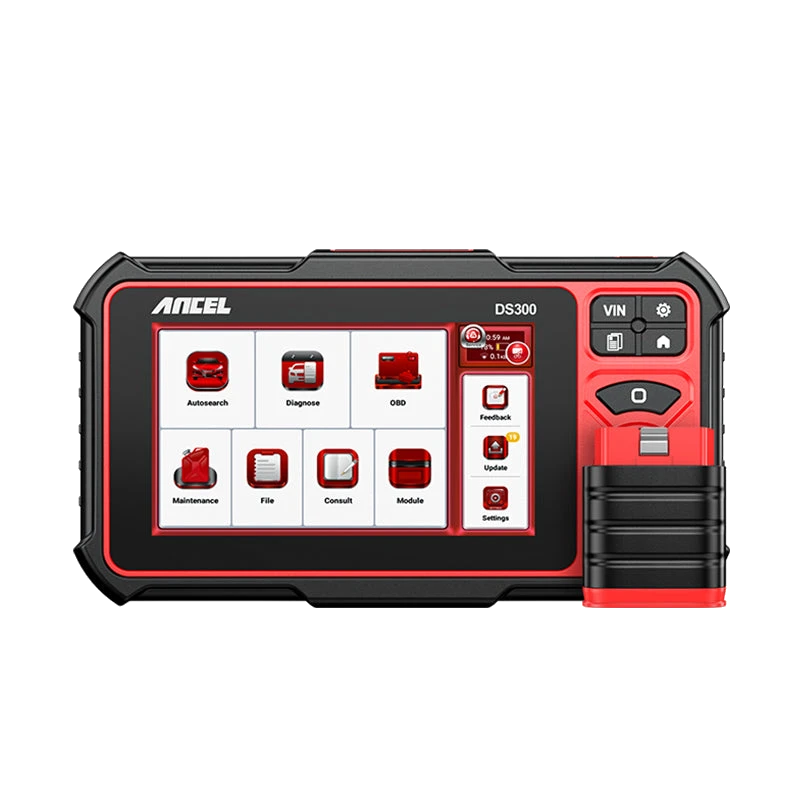
The Ancel DS300 is a tablet-type automotive diagnostic tool offering full system scan, live data, active tests on supported vehicles, and vehicle-dependent service functions. For new purchases, compare with the current DS500BT option.