Decision guide
In which jobs can a basic OBD device be sufficient?
Basic OBD readers can be preferred on some vehicles to read and clear engine fault codes. However, system coverage, service functions, brand depth, and live data quality may be limited.
Cheap OBD readers generally come into play for simple engine fault light situations. The user may want to plug the device into the OBD socket and see the basic code. This usage may be sufficient in some scenarios; however, if the expectation is multi-system scanning, service functions, or active tests, the device class changes.
The biggest limitation of basic readers is coverage. ABS, airbag, transmission, body electronics, or service maintenance menus in the vehicle may not appear on every device. Therefore, the presence of 'OBD' in the product description does not mean that professional service needs will be met.
The needs of individual users and auto mechanics also differ. A user who occasionally wants to see engine codes on their own vehicle can start with a narrower device. For a service that looks at different vehicles every day, the device's speed, screen, software, reporting capability, and update model become more important.
- Basic fault code reading
- Engine-focused usage
- Limited coverage
Decision guide
When is a service tablet required?
If an auto mechanic expects system scanning, live data, maintenance resets, service functions, active tests, and reporting on multiple brands, they should start with the service tablet class.
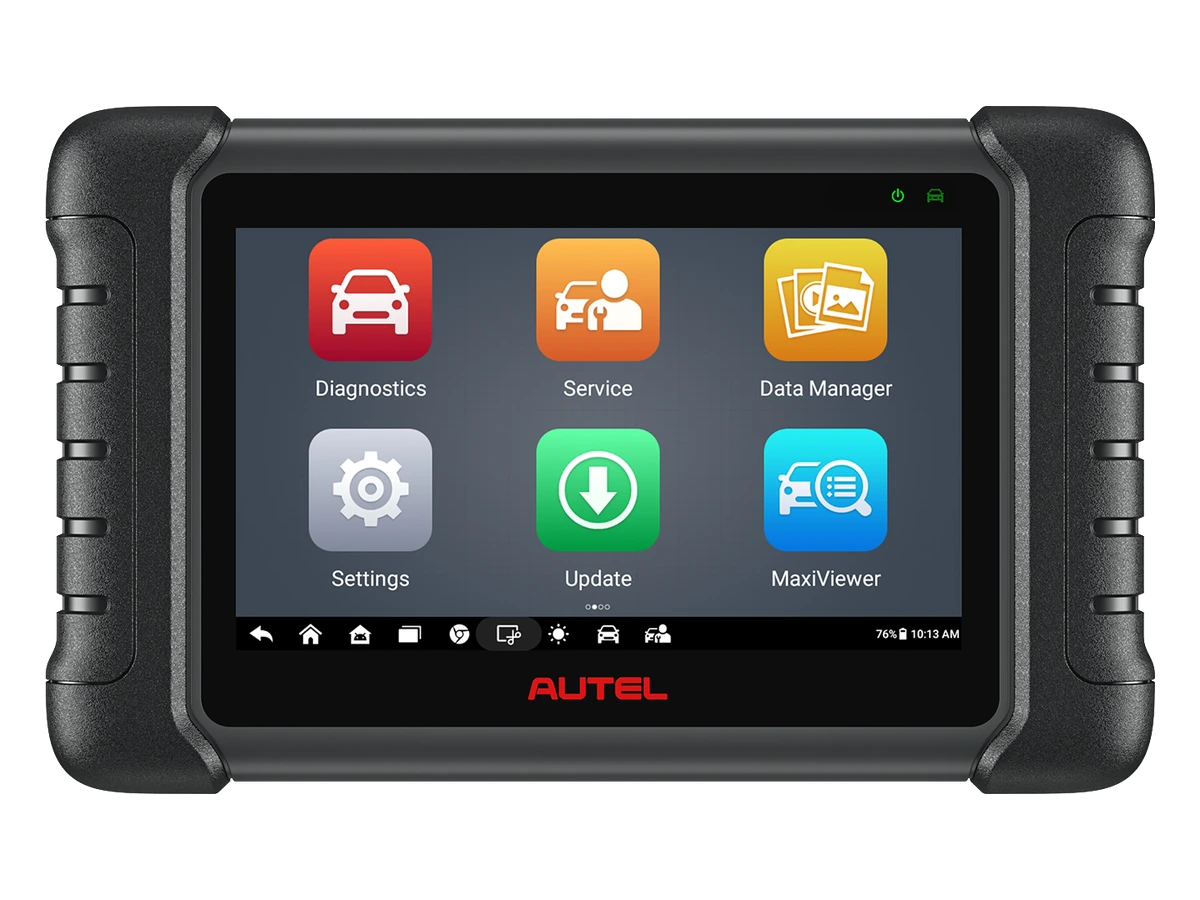
A service tablet is not just a large-screen reader. Multi-brand vehicle support, more comprehensive system scanning, live data screens, maintenance and service functions, VCI connection, and reporting distinguish the service tablet class.
In auto service, the device is expected to be used multiple times a day. In this case, menu speed, connection stability, device physical durability, and screen readability become important. While a cheap adapter may be sufficient for short basic operations, it may not be practical in intensive service workflows.
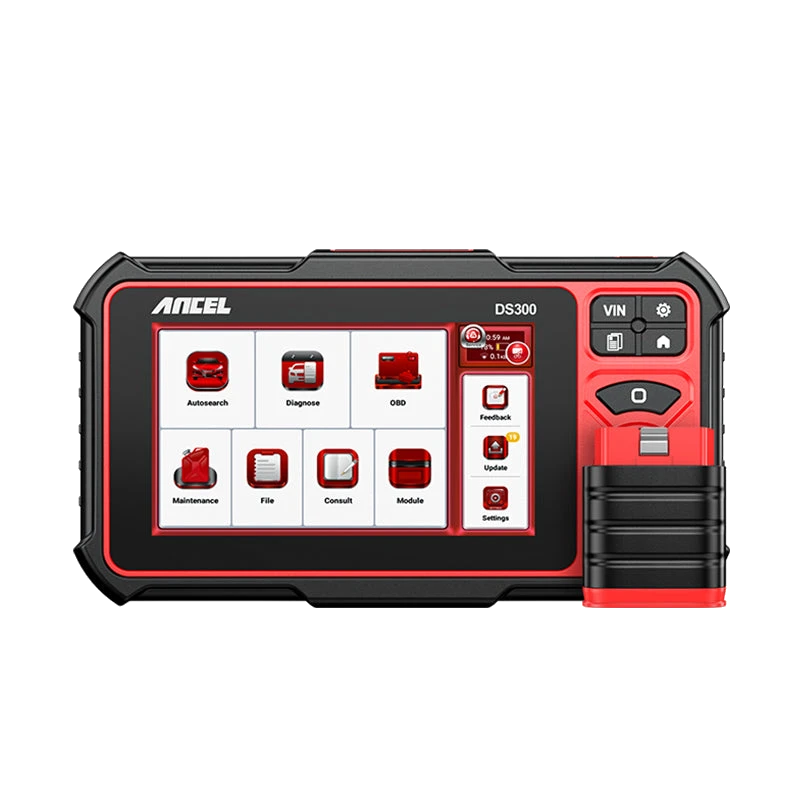
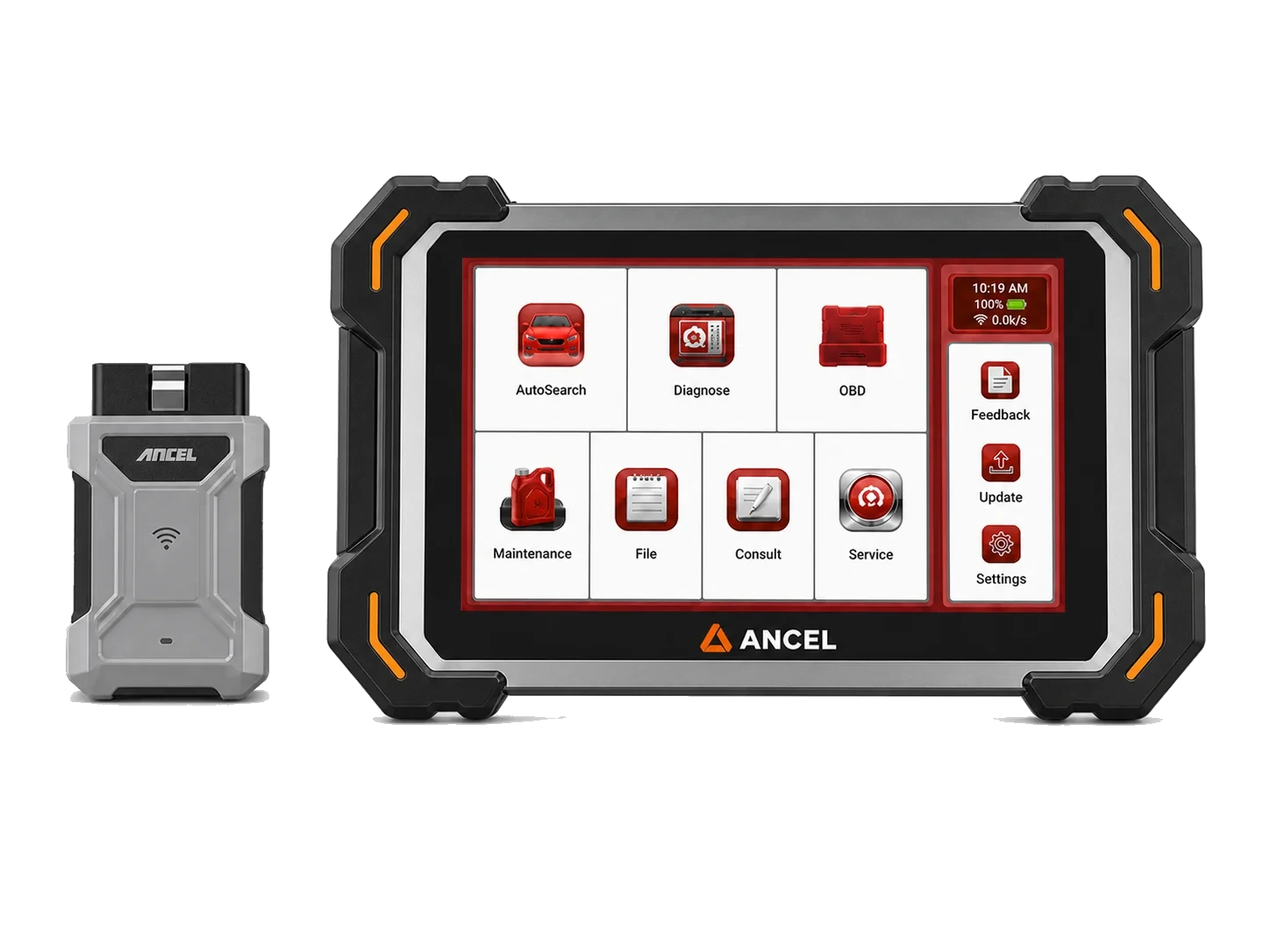
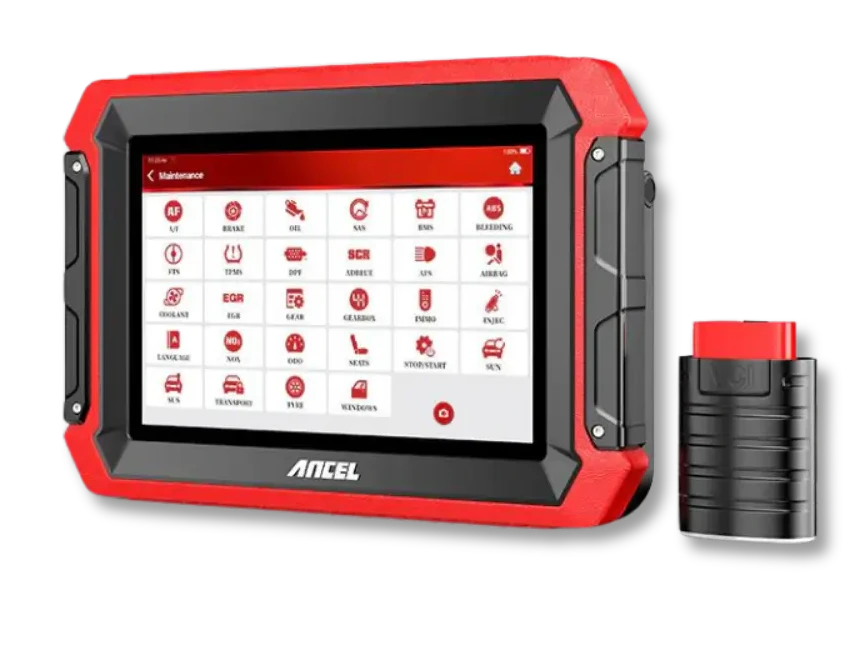
When choosing a service tablet, it is not necessary to buy the highest-priced device directly. Models like DS300, DS500BT, DS600, Autel MX808S, or Launch CRP919E BT should be compared based on vehicle group, operation level, connection preference, and budget.
- Multi-brand service
- Live data
- Service functions
- Active test needs
Decision guide
Bluetooth OBD and Bluetooth VCI are not the same thing
The VCI connection of simple Bluetooth OBD adapters in the marketplace should not be evaluated in the same class as devices like DS500BT or CRP919E BT. In service tablets, connection, software, and vehicle coverage work together.
The word Bluetooth alone does not describe the device class. A simple Bluetooth OBD adapter can connect to a phone and display basic code information. Service tablets using Bluetooth VCI work with device software, vehicle databases, and professional menus.
Wireless connection provides practical movement within the service. For a user moving between the hood, cabin, and lift areas around the vehicle, VCI connection can save time. However, the software scope and operation level of the device are as important as the connection type.
Therefore, when searching for a 'Bluetooth fault diagnosis device', it is essential to read whether the device is a phone adapter, a handheld reader, or a service tablet. Even if these products appear under the same heading, they are not purchased for the same job.
Decision guide
The difference in updates and support is felt in service
When service use is regular, the device's software updates, license status, menu language, package contents, and after-sales support needs become important. Making a decision based solely on low price can increase the risk of incomplete coverage.
The professional user's expectations are not limited to the day of purchase. The vehicle fleet changes, new model years arrive, different systems come into play, and service menus may require updates. Therefore, software and license information is an important line item in device selection.
The need for support should also not be overlooked. Accessible support for device installation, updates, connection, or coverage questions can be valuable for service. Especially for users purchasing a professional device for the first time, choosing the right device type is as important as executing the installation and usage steps correctly.
Cheap devices are not entirely useless; they can be functional when purchased with the right expectations. The problem starts with expecting full system scanning, active tests, and maintenance functions from a basic code reader that a service tablet offers. This distinction ensures that the device is selected according to the actual service need.
Decision guide
Which user should look at which class?
Users who occasionally want to read engine codes can look at basic readers. Users who perform regular auto service work, open jobs on different vehicles, or expect service functions should compare device classes like DS300, DS500BT, DS600, Autel MX808S, or Launch CRP919E BT.
For an individual user, the most important question is usually 'What code is on my vehicle?'. In this case, basic OBD devices or entry-level products can be considered. However, if the user wants maintenance resets, live data, multi-system scanning, or broader vehicle coverage, they need to switch to service tablets.
For an auto mechanic, the question is broader: 'What vehicles do I service daily, which jobs are profitable, and how much will the device be used in service?' The answers to these questions determine the device class. Balanced devices for daily service jobs, and more professional models for intensive workshops, may be logical.
When making a purchase decision, future needs should be considered along with what the device will do today. However, this does not mean that every user needs to upgrade to the highest class. The right product is the one that matches the user's vehicle group, job list, connection preference, and budget.
Decision guide
Why is marketplace search confusing?
In marketplaces, basic OBD adapters, devices with phone apps, wired readers, and professional service tablets may appear in the same search results. This confusion can lead the user to make decisions based solely on price or product image.
The same 'OBD device' search may yield very different product types. The appearance of a small adapter and a tablet-type device in the same search results does not mean they perform the same job. System coverage, service functions, updates, connection type, and support information distinguish the product type.
Especially when buying a device for auto service, the number of reviews or low price alone is not sufficient. The user should specify the vehicle group in their service and the jobs they expect. Without this information, a purchased device, even if it performs basic tasks, may be limited in the service workflow in a short time.
On category pages, you can compare products by usage level, brand, and connection type. When comparing a basic OBD reader and a service tablet in the same list, look at the differences in system scanning, service functions, active tests, reporting, and updates.
Decision guide
How does service efficiency change with device class?
In regular auto service, the device's fast startup, stable connection, readable live data screen, and understandable report output affect the daily workflow. While this difference may seem small in a single operation, it becomes significant throughout the day.
A basic reader may be practical for short checks at the vehicle. However, when the need for multi-system scanning, customer acceptance, post-repair reporting, or servicing different brands increases, a service tablet provides a more organized workflow.
Therefore, it would be a mistake to view a professional device solely as 'more features'. A service tablet, when chosen correctly, also provides value for time management, customer explanations, job tracking, and recurring fault checks.