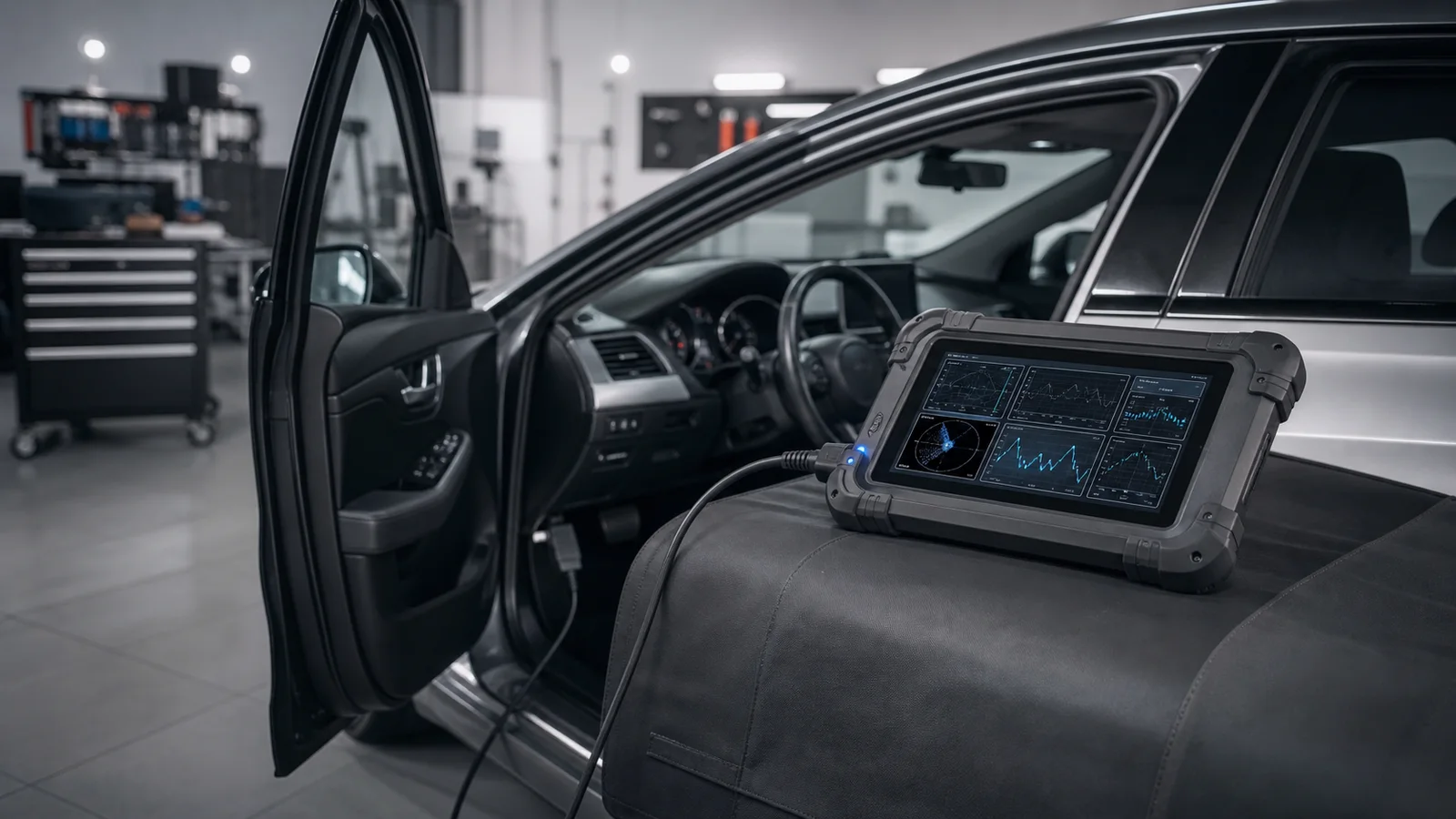
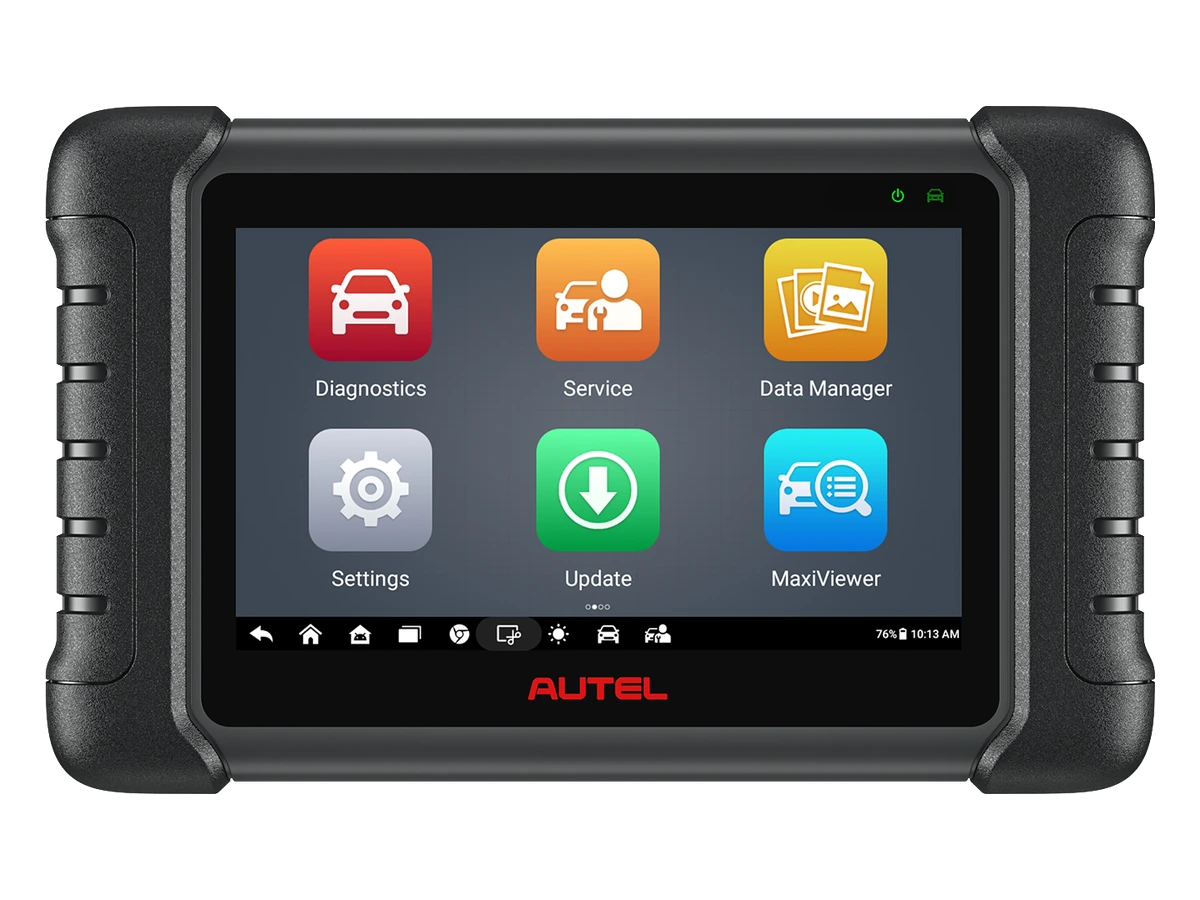
First, prepare the vehicle and power status, connect the device to the OBD socket, select the correct vehicle, and scan the systems. After recording codes and examining live data, perform the necessary service operation; clearing codes and rescanning come last.
Vehicle and connection information is prepared before starting
Vehicle make, model, year, engine, and system information to be read should be ready. The device's OBD cable or VCI module should be firmly seated, the ignition position should be at the level required by the device, and battery voltage should remain stable throughout the operation.
The first error in a diagnostic process often stems from a lack of preparation, not the device itself. If the vehicle has a low battery, a loose OBD connection, incorrect ignition position, or incomplete vehicle information, the scan results may not be read accurately. Therefore, before turning on the device, vehicle information, connection port, and power status should be checked.
The location of the OBD socket can vary from vehicle to vehicle. In some vehicles, it is easily accessible on the driver's side, while in others, it may be behind a cover or trim piece. When making the connection, check the pin orientation and seating feel rather than forcing the socket. If using a VCI module, its connection with the device should be visible on the screen.
If mechanical work on the vehicle is ongoing or the battery is weak, these situations should be resolved before scanning. Especially for operations like service functions, adaptations, or active tests, power interruptions are undesirable. Even for simple code reading, stable power and correct vehicle selection increase the readability of the results.
Brand-model-year
OBD Connection
Ignition Position
Battery voltage
Visual summaryUsage order from first connection to report
01
Identify the vehicleMake, model, year, engine, and system to be read
02
Establish connectionOBD socket, ignition position, VCI, and battery voltage
03
Save the scanCodes, control unit name, and current status
04
Check the resultLive data, post-operation scan, and report
Device usage does not start with clearing codes; first, the vehicle, connection, and current fault record are systematically obtained.
Decision guide
Vehicle selection can be automatic or manual
Automatic vehicle recognition can be used on some devices; when it fails, the correct make, model, year, and system must be selected manually. Selecting the wrong model year or system increases the risk of incomplete scanning and incorrect interpretation.
Automatic vehicle recognition is a practical start, but it may not yield the same result on every vehicle. Vehicle age, control unit architecture, regional differences, or software level can affect automatic recognition. If automatic recognition fails, manual selection is normal; this does not mean the device itself is faulty.
Manual selection may require make, model, production year, engine type, and sometimes chassis information. If this information is entered incorrectly, some systems may not appear, or the device may not open the correct menu. It should be remembered that different control units may be used in different production years of the same model.
A practical method in the workshop is to note the vehicle registration information and the customer's complaint before the procedure. This allows for faster navigation through the device menu and matching the scan results with the recorded vehicle information. This approach facilitates service tracking for subsequent operations like code clearing or part replacement.
Decision guide
System scan and fault codes are read first
The first step is not to clear fault codes, but to read the system list and current codes. If the code descriptions, the control unit where they appeared, and recurring error information are noted, service tracking will be more accurate.
A fault code is not an order to replace a part on its own. It is a starting point to understand which system the code occurred in, when it recurred, and under what conditions it was observed. Therefore, the code, description, and control unit information on the scan screen should be recorded before the operation.
Some faults may be temporary, while others may be permanent. If the device can show this distinction, it is useful to add it to the service notes. Seeing the code before clearing it makes it easier to understand the previous fault history if the same vehicle returns.
System scanning is not limited to the engine control unit. ABS, airbag, transmission, body electronics, climate control, or other modules can be scanned depending on the vehicle and device coverage. Which systems appear depends on the vehicle's hardware and the device's software.
System list
Fault codes
Code description
Decision guide
Part replacement is not performed without interpreting live data
Live data provides insight into sensor values, operating conditions, and system behavior. The technician should compare the relevant system, the vehicle's operating status, and the results of mechanical checks, rather than basing part decisions on a single value.
Live data is one of the most valuable areas of a device; however, it can be misinterpreted without the correct context. Engine temperature, oxygen sensor, fuel trim, pressure, RPM, or voltage values vary according to vehicle operating conditions. Values seen with the ignition on should not be interpreted the same way as values seen with the engine running.
The healthy approach for auto service is to match customer complaints with live data. For example, symptoms like idling fluctuations, loss of power, or warning lights are examined along with relevant sensor and system values. Diagnostics are based on more solid evidence when device data, mechanical checks, and service experience are used together.
A different value on the live data screen does not directly mean that part is faulty. Cables, sockets, vacuum leaks, fuel, mechanical wear, or other system influences can alter the outcome. Therefore, device information is examined as part of the verification process before part replacement.
Decision guide
Code clearing is done at the right time
Clearing fault codes without understanding the cause of the fault can make tracking difficult. After codes are noted, necessary checks are performed, and the operation is completed, the clearing step is attempted; then, a rescan is performed.
Customers often ask, "Will the light go off?" The light turning off does not always mean the fault has been resolved. The code clearing process should be done after checks, and the vehicle should be restarted and the system rescanned.
Some codes return immediately after being cleared, while others reappear after specific driving conditions. Therefore, a short test after the operation, a rescan, or providing follow-up information to the customer may be necessary. The device's code clearing function is a step that completes the service process; it does not eliminate the cause of the fault on its own.
Taking a report or saving a screenshot before clearing fault codes is beneficial for service records. Especially if there are codes in multiple systems, it can be clearly seen which codes were present before the operation and which remained afterward.
Visual summaryInformation to be recorded before clearing code
01
Code informationCode number, description, and control unit
02
ConditionsFreeze-frame, ignition, and operating status
03
Live dataA few key values related to the complaint
04
Service noteCustomer complaint and rescan after operation
If codes are cleared without saving the initial data, tracking recurring faults becomes difficult.
Decision guide
Service functions and active tests require separate attention
Procedures such as maintenance reset, adaptation, regeneration, or active tests depend on the vehicle and control unit. In these steps, warnings on the device menu should be followed, and battery and operating conditions should be kept stable.
Service functions typically progress step-by-step on the device screen. For operations like oil maintenance reset, electronic parking brake, battery registration, or DPF, the vehicle may need to be in specific conditions. Factors such as engine temperature, ignition position, door status, or battery level can affect the outcome of the procedure.
During active tests, the device can send commands to supported systems. When performing this operation, safety around the vehicle, moving parts, and the service area should be considered. Fans, pumps, or valves may respond during the test; therefore, the operation should be performed under control.
Not every menu may be in the same location on every device. The brand ecosystem, software version, and device class change the menu structure. Therefore, user guides describe the general flow; exact steps for a specific product should be followed on the device screen and in the official product documentation.
Decision guide
How to keep service records and customer explanations?
After a diagnostic procedure, simply telling the customer "the code was cleared" is often not enough. It should be noted which systems were scanned, which codes were observed, which live data values were checked, and what was seen in the rescan after the operation.
This record becomes valuable for the workshop if the same vehicle returns. If the codes seen in the initial scan are distinguished from those remaining after the operation, unnecessary repeat work is reduced. The customer also understands more clearly that the performed operation was not just about turning off the warning light.
Some devices may offer the ability to output reports or take screenshots. If this feature is available, it is beneficial to add it to the service record. Otherwise, the code number, control unit name, customer complaint, and performed operation can be noted briefly.
Good usage habits make the data obtained from the device part of the service process. This approach facilitates safe progress, especially in live data interpretation, recurring fault, and service function operations.
Frequently Asked Questions
Most frequently asked questions by customers
How to connect an automotive diagnostic tool on first use?
The device is turned on, the OBD cable or VCI module is connected to the vehicle's OBD socket, the ignition is turned to the level required by the device, and the vehicle's make-model-year information is selected. Scanning or clearing codes should not proceed without establishing a connection.
Should fault codes be cleared immediately?
No. First, the codes and the systems where they appeared should be read, and if possible, noted or reported. The code clearing process should be attempted after checks and operations, and then the system should be scanned again.
What is live data used for?
Live data is used to monitor sensor and system values according to operating conditions. Part replacement decisions should not be based on a single live data value; customer complaints must be verified with mechanical checks and relevant system measurements.
What to do if automatic vehicle recognition fails?
Perform manual vehicle selection. The make, model, year, engine, and system information must be entered correctly. Incorrect selection may result in some modules not appearing or incomplete scanning.
What to pay attention to when performing active tests?
In active tests, the device can send commands to supported components. The vehicle should be in a safe position, battery voltage should remain stable, and warnings on the device screen should be followed. The same active test menu should not be expected for every vehicle.
Which device class should be selected for use?
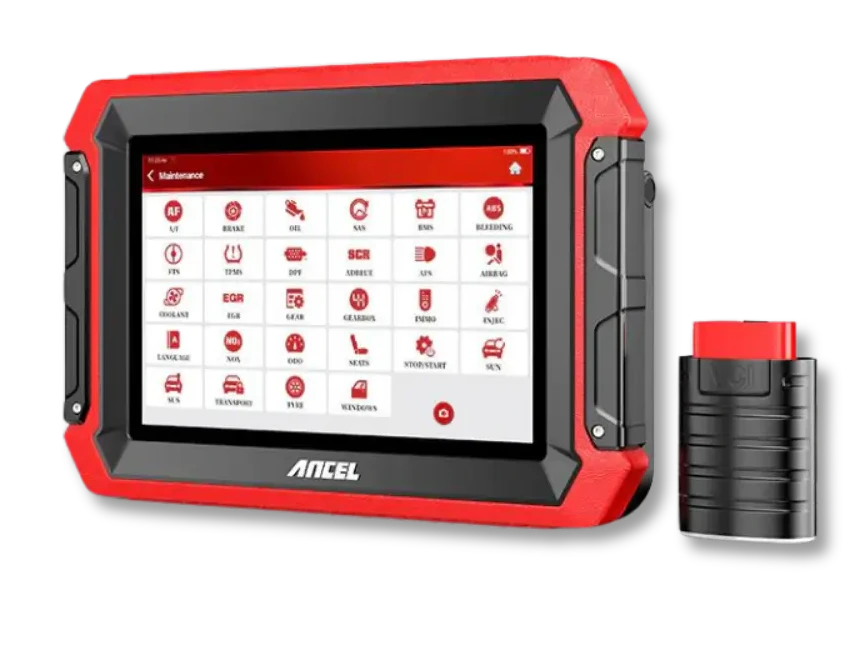
Entry-level devices may be sufficient for occasional basic code reading. For regular service work, multi-system scanning, live data, service functions, or active tests, devices in the service tablet class should be compared.
What should be checked first if the device does not connect?
First, check that the OBD socket is properly seated, the ignition position, battery voltage, and VCI connection. Then, check the vehicle selection and cable condition. A connection problem does not always mean a device failure; the power or socket condition on the vehicle side can also be a factor.
What to do if a fault code reappears after being cleared?
If the code reappears, the cause of the fault may still be present. The technician should compare the system where the code occurred, live data values, mechanical checks, and customer complaints within the same diagnostic record. The code clearing process should be used for tracking and should not be considered a solution on its own.
Does an automotive diagnostic tool definitively identify part failures?
The tool provides fault codes, live data, and system information; it should not make part decisions alone. Socket, cable, mechanical condition, fuel, vacuum leaks, or other system influences can alter the outcome. Service diagnostics are strengthened by reading device data in conjunction with mechanical checks.
What should be prepared before using a service function?
Battery voltage should be stable, the vehicle should be selected correctly, warnings on the device screen should be read, and the necessary conditions for the operation should be met. Procedures like EPB, battery registration, DPF, or adaptations, which depend on the vehicle's condition, should not be rushed.
Should the device report be given to the customer?
If the service workflow allows, a scan report or operation notes can be useful for informing the customer. The report helps show the code status before and after the operation. This record facilitates understanding the fault history during subsequent service visits.
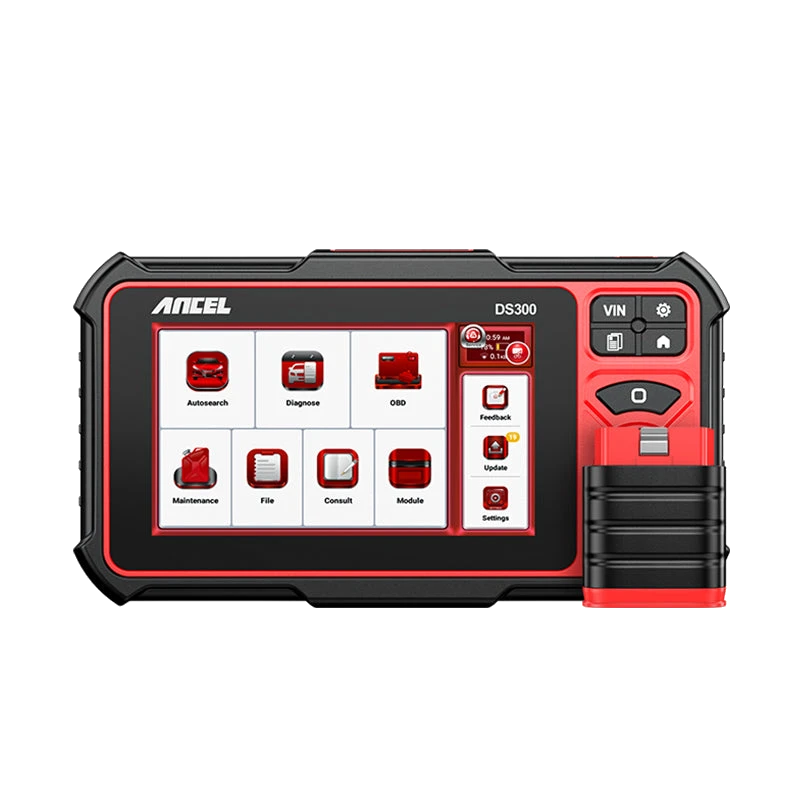
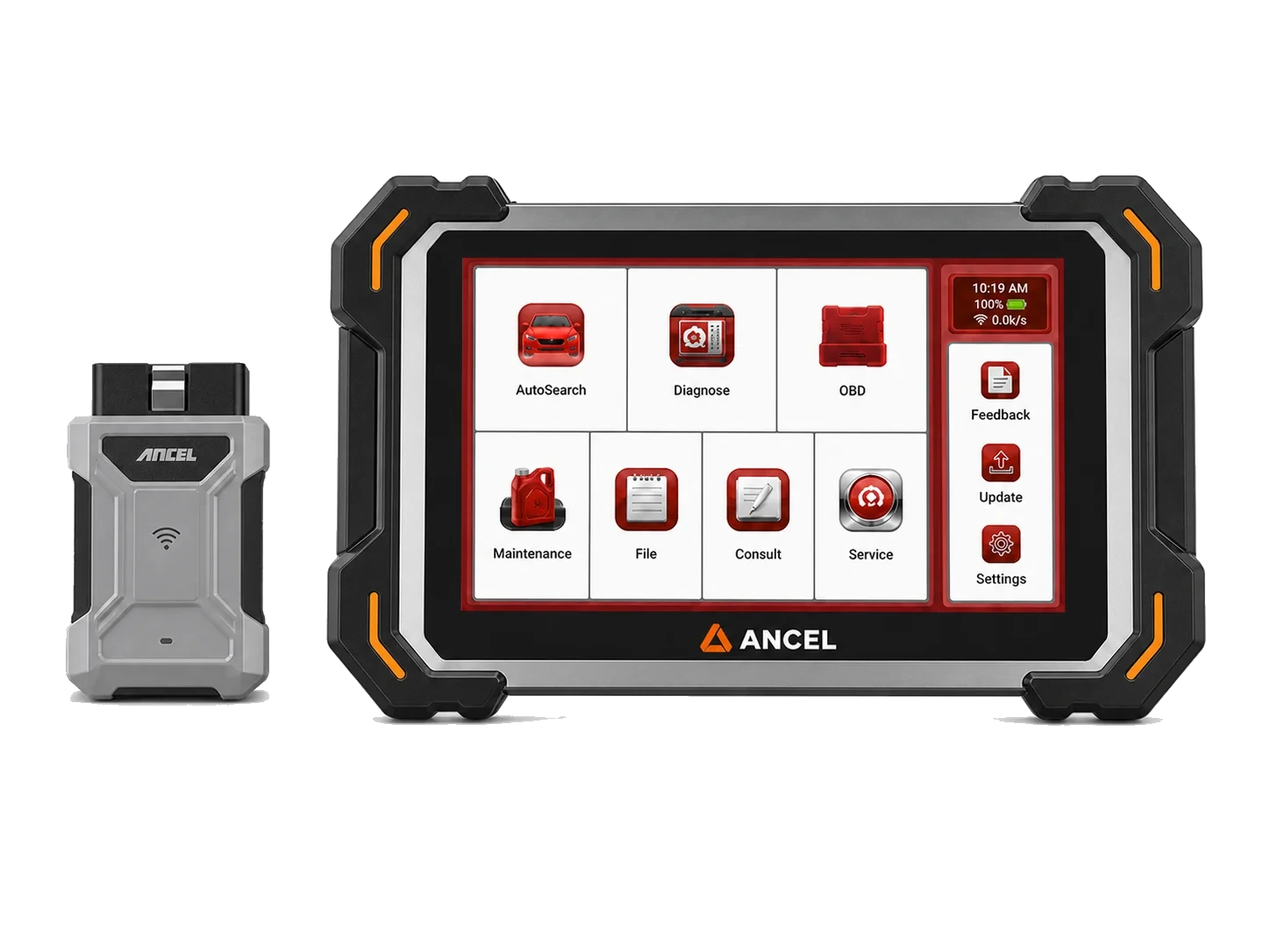
The Ancel DS300 is a tablet-type automotive diagnostic tool offering full system scan, live data, active tests on supported vehicles, and vehicle-dependent service functions. For new purchases, compare with the current DS500BT option.