Product information
What is the Launch X-431 PRO SE used for?
The Launch X-431 PRO SE is a service-class Launch tablet in the X-431 family with an 8-inch Android tablet, 4 GB RAM/64 GB storage, and DoIP/CAN FD readiness.

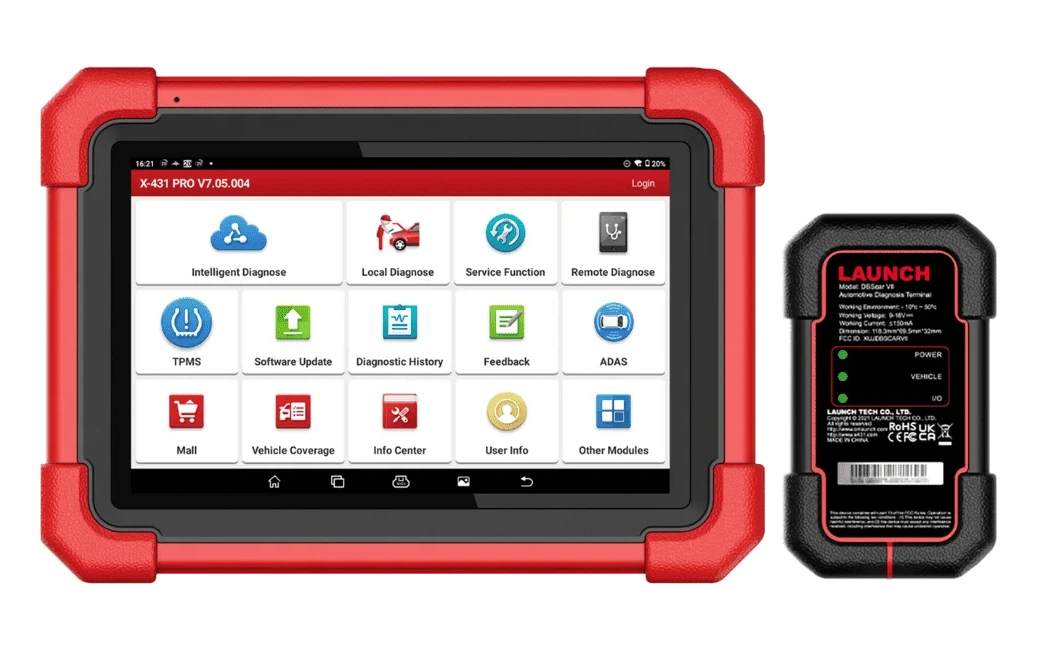

Launch X431 CRP919E BT highlighted tasks
A Launch model for workshops requiring an 8-inch Android tablet with DoIP/CAN FD readiness and the X-431 diagnostic workflow.



The exact plan and total amount will be shown again at the payment step.
Launch X-431 PRO SE; offers an 8-inch tablet, Android 10, DoIP/CAN FD readiness, and Live data features in the same device for service use.
View Launch productsProduct information
The Launch X-431 PRO SE is a service-class Launch tablet in the X-431 family with an 8-inch Android tablet, 4 GB RAM/64 GB storage, and DoIP/CAN FD readiness.
Vehicle Coverage
The make name alone does not guarantee compatibility. Within the same make, model year, engine, chassis, control unit, communication protocol, and intended operation can yield different support results.
Product details
The PRO SE is used in basic X-431 service workflows such as fault codes, live data, supported service functions, bi-directional control, and diagnostic report history. DoIP support is valid in the official documentation with an additional DoIP cable requirement.
Product details
The X-431 PRO SE model displays brand, system, service function, and SGW menus based on the device software, license period, and the vehicle's control unit. The manufacturer's vehicle and function list for the X-431 PRO SE model explains the support on a per-vehicle, model, year, engine or system, and control unit basis.
Product details
The official Launch PRO SE page lists Android 10.0, 4 GB RAM, 64 GB storage, an 8-inch 1280x800 screen, a note about an extra cable for DoIP, full-system OE-level diagnostics, and live data information.
Product details
The X-431 PRO SE model reads data from vehicle control units, executes supported diagnostic commands, and records the operation results. Its main uses and hardware features include: 8-inch tablet, DoIP/CAN FD readiness, and live data.
The service menus that can be opened on the X-431 PRO SE model device vary depending on the make, model, year, control unit, and installed software package.
Product details
The 8-inch tablet on the X-431 PRO SE model determines the device's connection or hardware structure. The DoIP cable status indicates the physical use or vehicle connection condition of the device. The DoIP/CAN FD readiness on the X-431 PRO SE model determines the device's connection or hardware structure.
Package contents specify the VCI, cables, adapters, and other accessories provided with the main device. Live data on the X-431 PRO SE model is used to monitor data related to the complaint under the same operating conditions.
The technician saves measurement units and test time for live data; the X-431 PRO SE model compares the second data set obtained with the first record.
After preparing the X-431 PRO SE connection, the technician records the initial scan, applies the selected function according to the manufacturer's procedure; saves the initial findings, the operation performed, and the final check in the same service report. Opening a menu on the X-431 PRO SE screen does not solely indicate that the operation is complete or the fault is resolved.
Product details
Live data with the X-431 PRO SE model is initiated by defining the safe operating conditions under which the customer's complaint occurred. Only data channels related to the fault are selected on the X-431 PRO SE screen; unnecessary PIDs are excluded from the recording.
The X-431 PRO SE model saves live data with measurement units; operating conditions such as vehicle ID, test time, engine speed, load, and temperature are added to the record. The technician interprets sudden changes on the X-431 PRO SE along with fault codes and event logs; a single value does not directly lead to a parts replacement decision.
After the repair, a second data recording is taken with the X-431 PRO SE under the same conditions and the two results are compared side-by-side.
Product details
When performing the initial system scan upon vehicle acceptance with the X-431 PRO SE model, the vehicle ID is verified, and supported control units are scanned. The X-431 PRO SE saves the communicating systems, fault codes, and accessible event information together in the initial report.
The VCI model, software version, and vehicle ID used with the X-431 PRO SE are added to the vehicle acceptance record. Codes are not deleted before the X-431 PRO SE initial report is obtained; a single error record does not directly lead to a parts replacement decision.
The X-431 PRO SE acceptance scan is added to the service form, specifying the customer complaint and the systems to be monitored.
Product details
When reviewing fault codes and event logs together with the X-431 PRO SE model, the recorded and current fault codes of the relevant control unit are first read. The X-431 PRO SE saves accessible event data such as RPM, temperature, voltage, or mileage at the time of the fault in the same report as the code.
Vehicle ID, control unit, and software version are added to the X-431 PRO SE service form. The technician compares the X-431 PRO SE data with the customer complaint and physical test results; the event log alone does not identify the faulty part.
After the X-431 PRO SE review is completed, whether the code was deleted and the next control step are written to the report.
Product details
To re-check fault codes after repair with the X-431 PRO SE model, the vehicle and control unit from the initial service report are reopened. The X-431 PRO SE displays the codes found before the repair and related live data measurements as a reference.
In the second recording taken with the X-431 PRO SE, the vehicle ID, software version, and test conditions are compared with the first recording. After the vehicle is brought to a similar operating state, the X-431 PRO SE scans the same systems again.
The final X-431 PRO SE report explains the deleted, returned, and ongoing error records along with the repair performed.
Product details
Definitive compatibility cannot be stated for the X-431 PRO SE model without selecting the vehicle make, model, year, engine, control unit, and the intended operation together. The official Launch coverage tool shows which systems, service functions, or protocols are enabled for the selected vehicle and control unit for the X-431 PRO SE.
The presence of a brand line does not prove that active test, coding, programming, TPMS relearn, or gateway access is also enabled on the X-431 PRO SE.
Before ordering, prepare the VIN or full model information, model year, engine/chassis distinction, and intended operation for the X-431 PRO SE; also check the software version, license period, VCI, adapter, and regional package.
Product details
The DoIP cable status, package contents, and service coverage determine the daily usage, software access, and delivered package of the X-431 PRO SE model device. The applicability of these usage areas on the X-431 PRO SE model depends on the installed vehicle software and the relevant control unit, in addition to the device hardware.
Support for make, model, year, and system for the X-431 PRO SE is read from the manufacturer's current vehicle and function list. Screen, connection, protocol, battery, and software specifications are limited to the official technical data published for the X-431 PRO SE model.
Opening a specific vehicle menu on the X-431 PRO SE screen does not indicate that the prerequisites for the operation are met or that the fault is resolved.
Product details
The choice between the X-431 PRO SE model and Launch CRP 919 MAX, Launch X431 CRP919E BT, Launch X431 CRP919X BT, and Launch X-431 PRO (Old Model) is made based on differences in supported functions, connections, and packages.
The correct decision between Launch's current service options and two different archive generations is made based on the daily vehicle profile, VCI generation, and verified function coverage, rather than the model name; the first-generation X431 PRO and PRO 4 are not the same device.
DoIP cable status, package contents, and service coverage are the primary selection criteria for the X-431 PRO SE model. The connection method, protocol support, software coverage, and additional modules of the devices compared with the X-431 PRO SE model are not the same.
Vehicle and control unit support required for live data is read from the current list published by the manufacturer for the X-431 PRO SE model. A device that does not offer the required function or connection for live data on the X-431 PRO SE model is not suitable for this service task, even if it is more comprehensive in other areas.
Product details
Working with the X-431 PRO SE model begins with writing the vehicle or equipment ID and the 8-inch tablet request to the work order. The technician prepares the DoIP cable status condition and records the initial scan or connection test with the X-431 PRO SE model.
Only the relevant system is opened on the X-431 PRO SE model; if there is an active command or write operation, the vehicle voltage is monitored throughout the operation. After the application is completed, the X-431 PRO SE model scans the same system again.
Service coverage, initial recording, and the operation performed with the X-431 PRO SE model are shown together in the service report.
Product details
The X-431 PRO SE model package may consist of the tablet or main unit, VCI or connection cable, power parts, adapters, and carrying equipment; the exact scope is specified by name and quantity in the box contents. The DoIP cable status, package contents, and service coverage are checked against the delivered set.
Optional modules in the manufacturer's image are included in the standard package only if explicitly stated in the X-431 PRO SE box contents. The included software period and warranty period are different conditions. When renewing the X-431 PRO SE software, the device serial number and the license offered for this model are used.
Related pages
Technical Resources
Technical information verified with official sources on October 6, 2026.
FAQ
No. The list of operations for the X-431 PRO SE model varies by vehicle make, model, year, control unit, and installed software package.
The X-431 PRO SE model is a service-level diagnostic device used for an 8-inch tablet, DoIP/CAN FD readiness, and live data. The DoIP cable status, package contents, and service coverage indicate the vehicle, connection, and package selection conditions for the X-431 PRO SE.
If an operation to be performed with the X-431 PRO SE model is not found in the manufacturer's current vehicle and function list, it is not considered a standard feature.
No. The vehicle and operation coverage on the X-431 PRO SE model is determined by the make, model, year, control unit, and installed software package. The manufacturer's official vehicle and function list is used as a basis for the X-431 PRO SE.
For the first use of the X-431 PRO SE model, the model label, tablet charge, VCI or OBD cable, account, and software version are recorded. After checking the DoIP cable status, a connection is established with the vehicle. The first test is completed with a read and scan operation for the 8-inch tablet, not a write command; the generated report is saved.
The X-431 PRO SE model is a software-driven product; the included update period and renewal conditions are shown for the purchased package. Promotions offered for X-431 PRO SE in another country are not automatically applied to the Turkish sales package.
The device account, serial number, and current X-431 PRO SE version are recorded at the time of delivery.
The X-431 PRO SE model package includes only the physical parts specified by name and quantity in the box contents. If optional modules, cables, or accessories shown with the X-431 PRO SE model in the manufacturer's image are not included in the box contents, they are not part of the standard package.
The DoIP cable status, serial number, and physical parts are compared with the order record upon delivery.
The X-431 PRO SE model is used in services performing service-level operations with an 8-inch tablet, DoIP/CAN FD readiness, and live data. The daily vehicle or operation count and DoIP cable status requirement must match the hardware and software capacity of the X-431 PRO SE.
The X-431 PRO SE is not used alone for tasks requiring additional equipment.
Launch CRP 919 MAX, Launch X431 CRP919E BT, Launch X431 CRP919X BT, and Launch X-431 PRO (Old Model) are close models that can be evaluated in the same class of operation as the X-431 PRO SE model.
Models are compared based on DoIP cable status, package contents, service coverage, box contents, and daily usage intensity. A device different from the X-431 PRO SE task is not considered an alternative solely because its price is similar.
Comparison
Compare products in the same class with information on usage level, service tasks, and price.
| Model | Level | Usage | Price | View |
|---|---|---|---|---|
| Launch X-431 PRO SELaunch | Service |
| ≈ $1,61779,900 TL charged · VAT included · import duties excluded | View |
| Launch EasyDiag 3.0 Universal Vehicle Diagnostic ToolLaunch | Getting started |
| Price information | View |
| Launch Golo EasyDiag+ (Old Model)Launch | Getting started |
| Not in production | View |
| Launch CRP 919 MAXLaunch | Service |
| ≈ $55627,500 TL charged · VAT included · import duties excluded | View |
Similar products
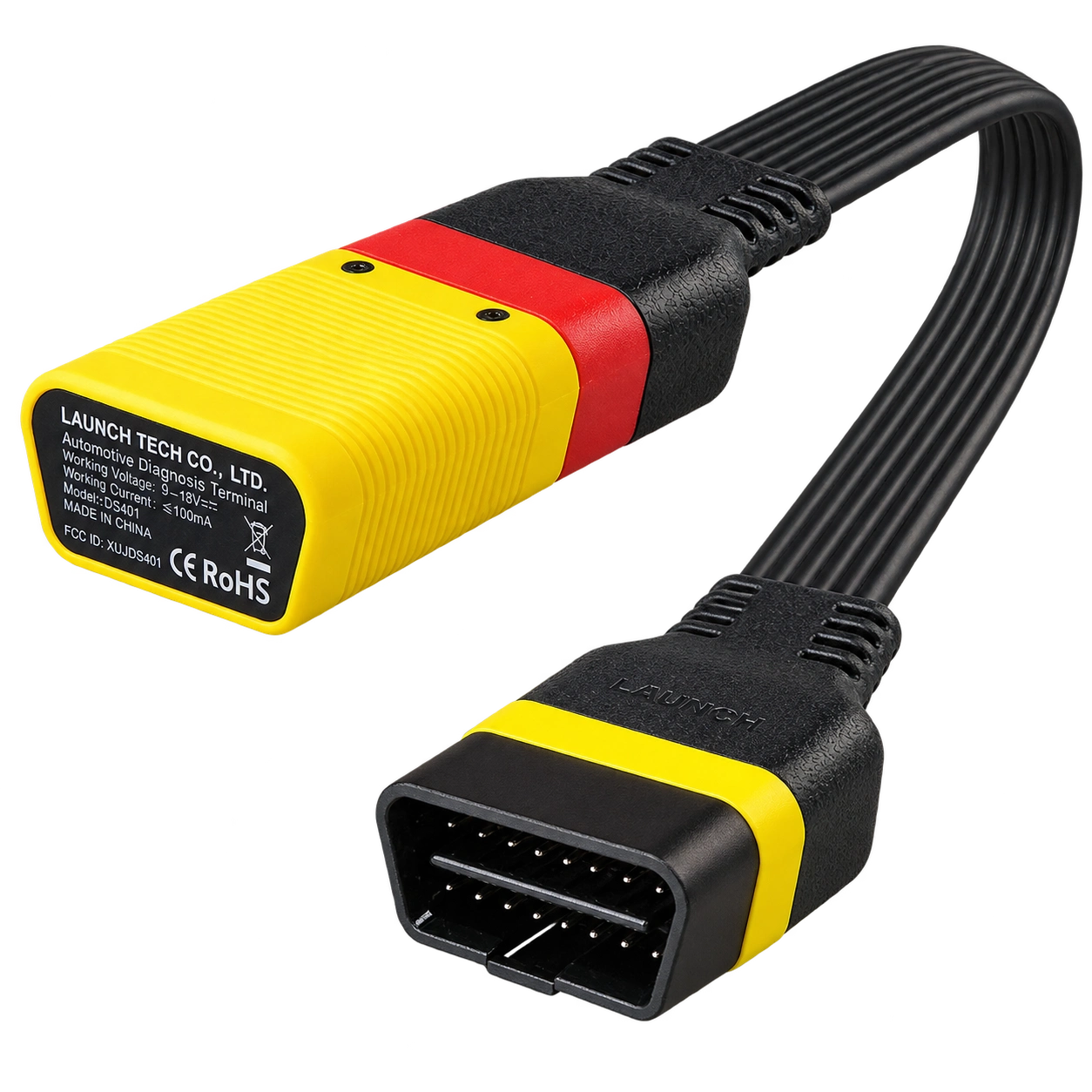
Launch EasyDiag 3.0 is a compact OBD-II diagnostic adapter that works with compatible Android or iOS devices via Bluetooth. Operations such as fault code reading, live data, and reporting on supported vehicles vary according to the scope of the software and brand license.
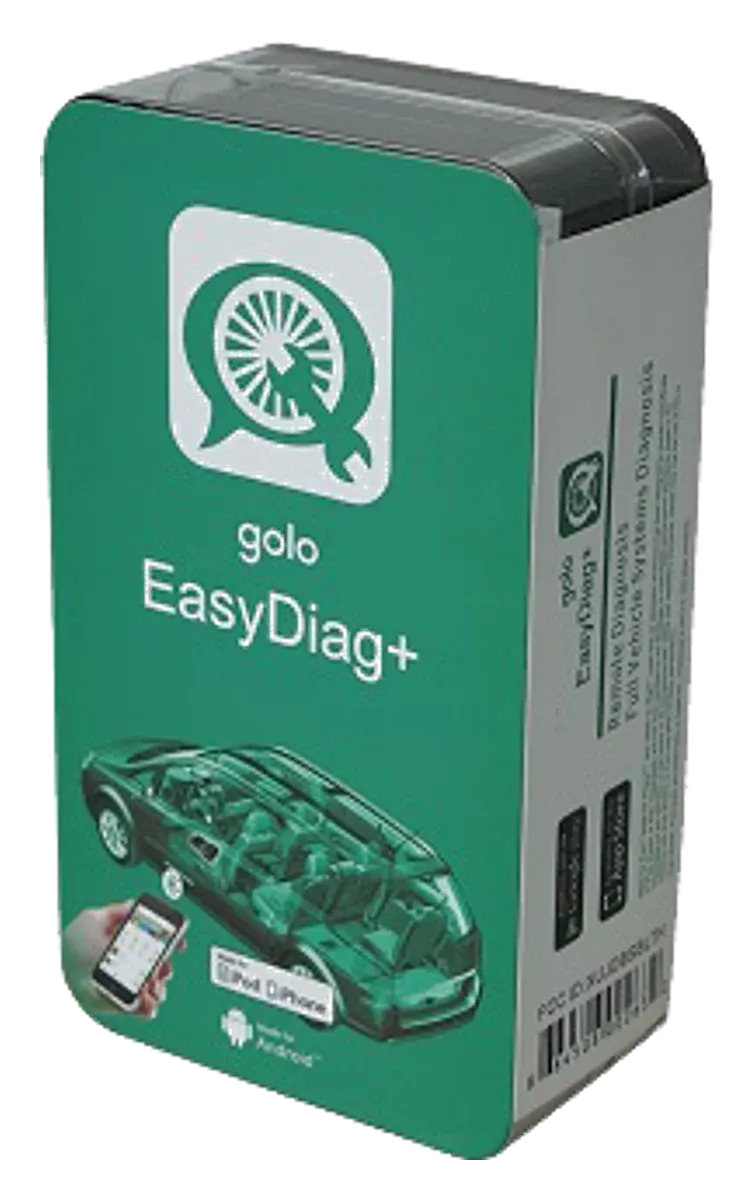
Launch Golo EasyDiag+ is an older generation Bluetooth OBD adapter used with software on a phone or tablet, and it has been discontinued. Golo CarCare II is a separate model; this page is maintained for identification, application, and license verification, not for new sales.
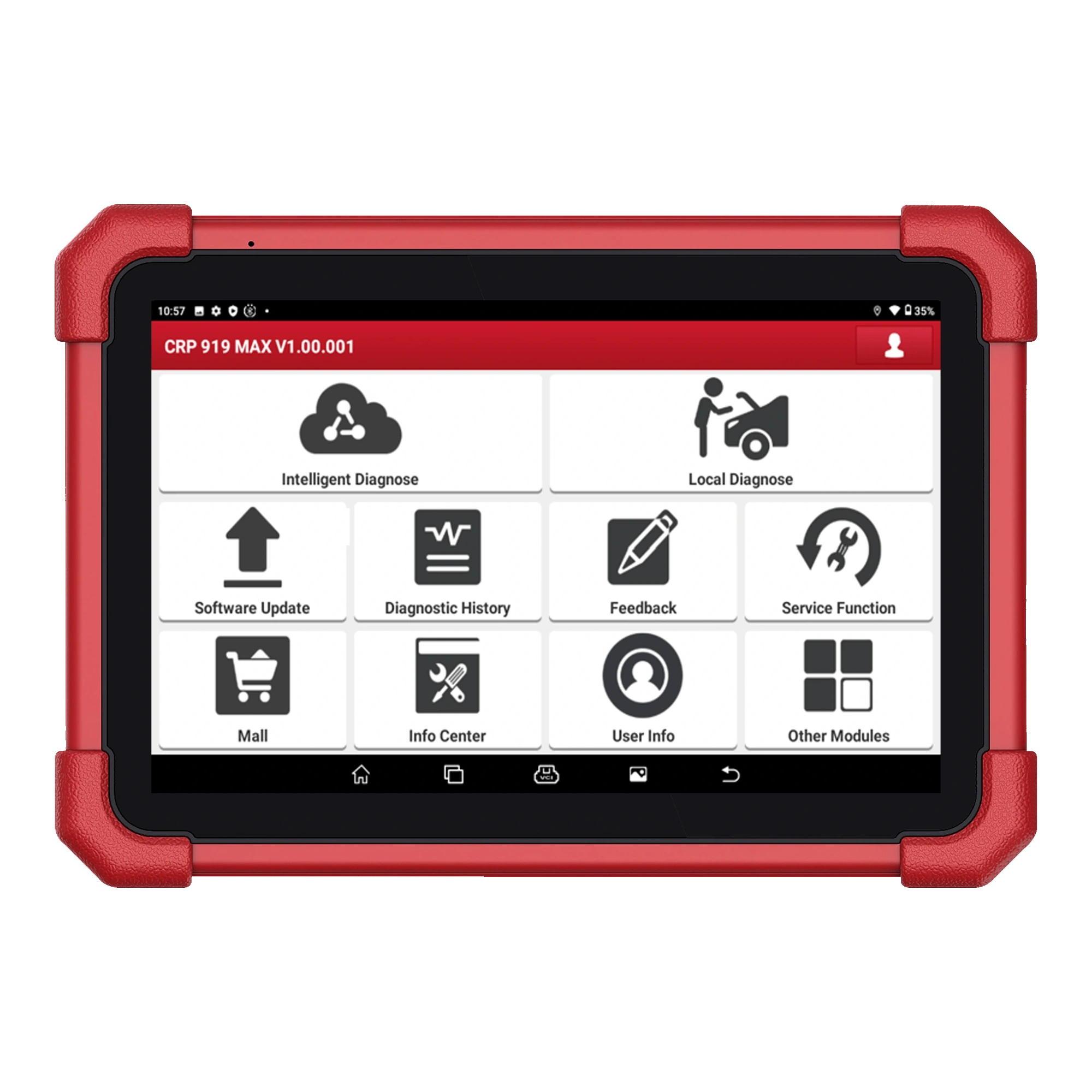
A Launch device on a 7-inch tablet combining wireless DBScar VII connection, full system scanning, vehicle-specific active tests, and ECU coding.

The Launch X431 CRP919E BT offers wireless VCI connection and service functions on the same diagnostic tablet.