Quick comparison
Information required to answer the question correctly
Record all these fields before declaring the device operational on a vehicle.
Side-by-Side Comparison
Launch CRP 919 MAX and CRP919E BT: User questions comparison table
The number of functions and maintenance resets are the manufacturers' own classifications. Coverage on a specific vehicle depends on the make, model, year, control unit, and installed software record.
Decision guide
What is the difference between CRP 919 MAX and CRP919E BT?
Both devices are in the multi-brand diagnostic tablet class and use a wireless VCI, but they are not the same product. The model label, regional software record, device hardware, box contents, and update rights cannot be transferred from one to the other. This resource review does not provide the same regional and package data to unconditionally declare one model superior for every service. The choice should not be made solely on price; vehicles serviced, operations to be performed, VCI package, protocol requirements, update duration, and sales region must be checked separately.
- Read the packages of the two devices separately
- Compare DBScar VCI and adapters with the order list
- List frequently performed operations on a per-vehicle basis
- Do not automatically assume MAX information applies to BT
Decision guide
Does it work on 2026 model vehicles?
A reliable general answer like 'works on all 2026 model vehicles' cannot be given. In new model years, control units, communication protocols, security gateways, and software versions may change. Brand, model, production year, engine, system, and operation must be selected together in Launch's official vehicle and function query. If only engine fault code reading appears in the results, do not interpret this as active test, coding, or programming support.
Query using VIN or the vehicle's full model record; do not rely on search engine summaries.
Add the date of the result and the software version used to the service record.
After the vehicle is connected to the tablet, re-check the same function in the vehicle coverage menu of the brand software.
Decision guide
What to look for in commercial vehicles like Doblo, Kango, Transporter, and Transit?
In light commercial vehicles, the chassis, engine, model year, and control unit vary, so the vehicle family name alone is not sufficient. While engine scanning may be supported in Doblo or Kango, special functions in the body module may be disabled. Vehicles like Transporter and Transit may require new generation network protocols or security authorization. Before purchasing, list the most frequently arriving vehicles in a five to ten-line list and query each line's intended operation separately.
- Brand and chassis code
- Model year and engine
- Desired control unit
- Service operation to be performed
- Required adapter or authorization
Decision guide
Are CAN FD, DoIP, SGW, and SFD the same thing?
No. CAN FD and DoIP are vehicle communication protocols. SGW and SFD refer to security gateway or protected diagnostic access layers. The presence of a protocol on the device does not automatically enable protected write operations. For vehicles requiring DoIP, the appropriate VCI and adapter; for vehicles requiring SGW or SFD, the device, account, region, and manufacturer authorization must be checked together.
The ability to read is different from the ability to code or perform active tests.
Operations like VAG SFD may require a current account and two-factor authentication.
Do not assume adapters or online authorization not listed in the package description are included.
Decision guide
What sequence should be followed during initial setup?
During first use, first compare the tablet and VCI physically with the delivery list. Then, charge the device, complete Wi-Fi and account registration, match the serial number and activation code, and update system and vehicle software. The first vehicle connection is tested not with code clearing or write commands, but by reading vehicle identification and performing a health scan. This sequence prevents service operations performed without noticing an incorrect device account or incomplete VCI activation.
- Delivery and model check
- Charging and Wi-Fi
- Account, serial number, and activation
- System and brand software
- VCI and initial read test
Decision guide
What happens when the free update period ends?
The update right is determined by the device model, serial number, sales region, and account. The CRP 919 MAX product page for Launch Turkey publishes three years of free updates, while the store page under the same domain publishes two years. Due to this official discrepancy and the absence of an activation document confirming the period in Otobiltek's live sales data, a fixed period sales promise is not made. The MAX period is not copied for CRP919E BT. The device's usage status with installed software, new vehicle packages, and renewal costs must be verified separately with the serial number and region account.
- Query registration with model and serial number
- Verify the period on the order or activation document
- Match region and account channel
- Do not list another country's price as Turkey's price
Decision guide
How to check the package, warranty, and box contents?
The accessory image in the manual may not definitively show the sales package in every region. The tablet, VCI, diagnostic cable, OBD adapter, power equipment, carrying case, and activation document are compared by name and quantity in the order list. Warranty period and software update period are different matters; one affects physical product support, the other affects software and vehicle coverage. If parts are missing or different, notify the seller before using the setup code.
- Order list
- Serial number and activation document
- VCI and cable set
- Warranty certificate
- Update period
Decision guide
Short decision checklist before purchasing
First, list the service's actual vehicle list and the most frequent operations. Then, compare the MAX and BT product pages not only by price but also by VCI, protocol, function, update, and package conditions. Do not assume general 'active test' or '31 service functions' stated in the product title if you cannot find results in the official vehicle query. This record also reduces compatibility disputes that may arise after purchasing the device.
- Vehicle List
- Operation list
- Official vehicle and function query
- Package and authorization check
- Update offer
Frequently Asked Questions
Most frequently asked questions by customers
Should I buy the CRP 919 MAX or the CRP919E BT?
Resources do not unconditionally declare one model superior for every service. The choice should be made by comparing the device label, VCI, box contents, regional vehicle and function lists, update history, and the service's actual vehicle-task list together.
How to learn definitive compatibility with 2026 model vehicles?
Brand, model, production year, engine, control unit, and the intended operation should be searched together in Launch's official vehicle and function query. General brand support or product title is not proof of definitive compatibility.
Is there support for Doblo, Kango, Transporter, or Transit?
Basic scanning or some service functions may be supported in these vehicle families; chassis, year, engine, ECU, and protocol differences change the outcome. Each vehicle and operation must be queried separately.
Does the DoIP adapter come in the box?
If not explicitly stated in the package description and order list, it is not included. For vehicles requiring DoIP, the device, VCI, adapter, and software coverage must be checked together.
Does SGW or SFD access come automatically?
No. Device model, region, account, license, and manufacturer authorization must be checked separately. The ability to read does not imply protected write or active test authorization.
Is the device unusable after the update is finished?
The offline usage status of the installed software is checked based on the model and region package. Renewal may be required for new vehicles and new function packages; verification must be done with the license screen and serial number.
Are the product price and update price in the same currency?
The device sales price at Otobiltek is shown in TL including VAT. Regional currencies may be displayed on update cards; the definitive price for Turkey must be confirmed with a current quote obtained using the serial number.
Is it correct to clear fault codes on the first scan?
No. First, vehicle identification, code status, event data, and, if necessary, live data are recorded. After the repair, the same systems are scanned again, and the two reports are compared.

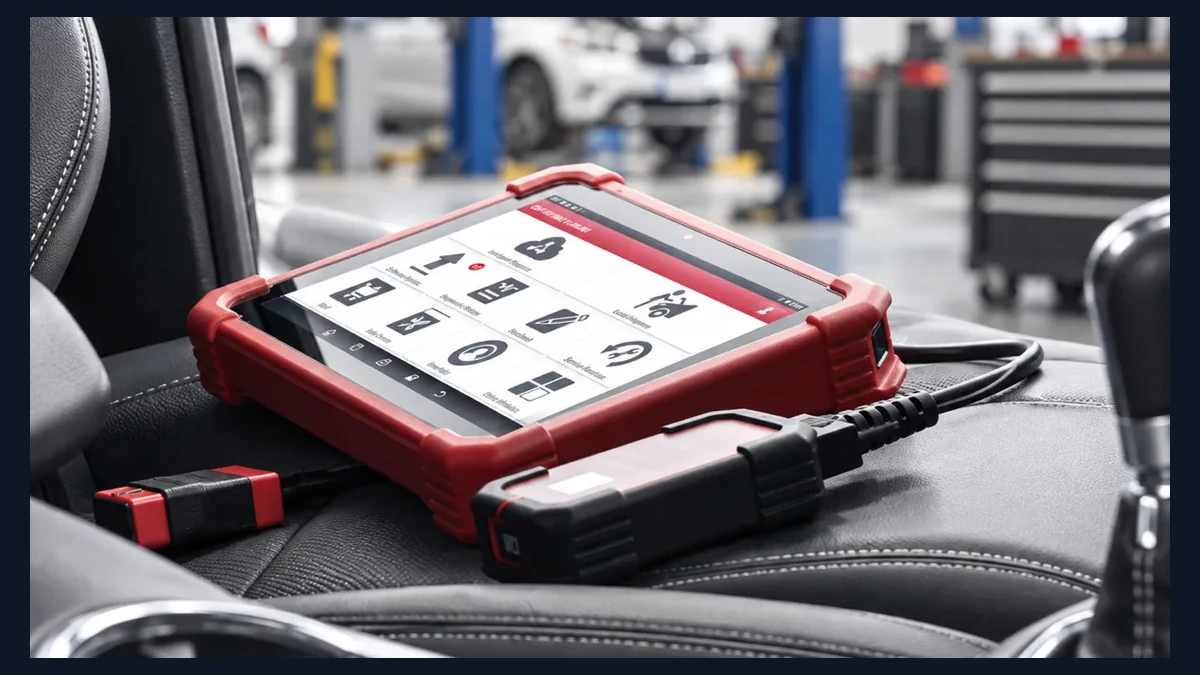
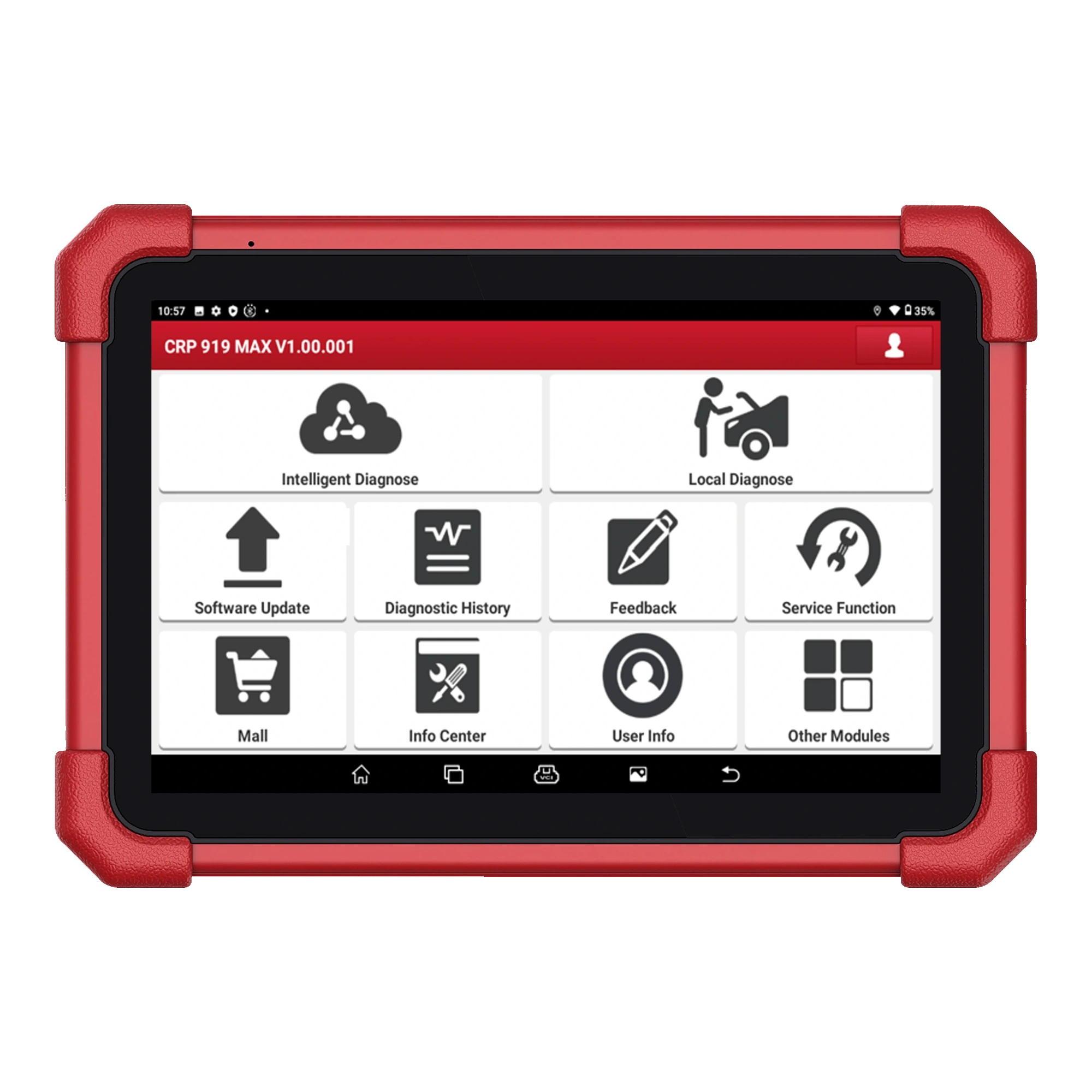 Launch CRP 919 MAX
 Launch CRP919E BT