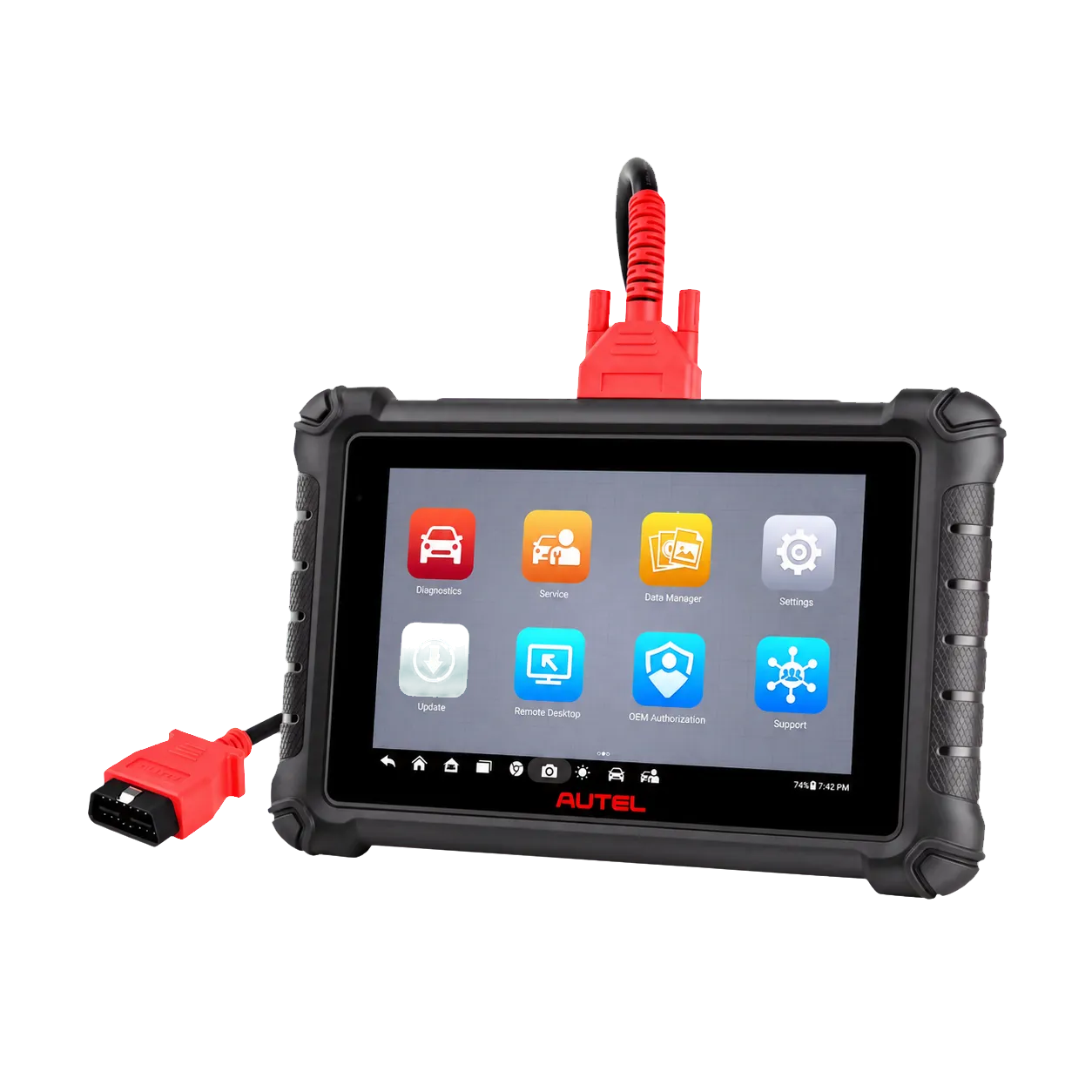
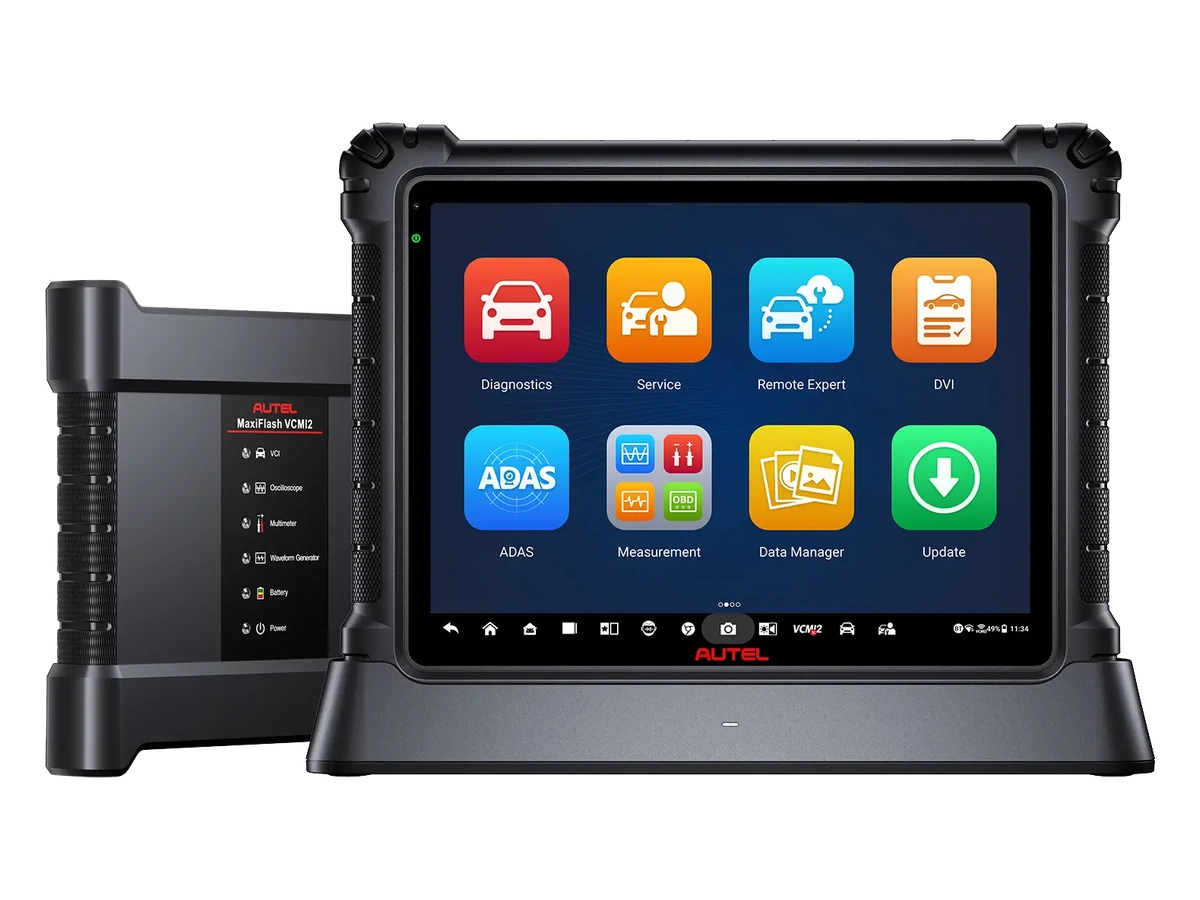
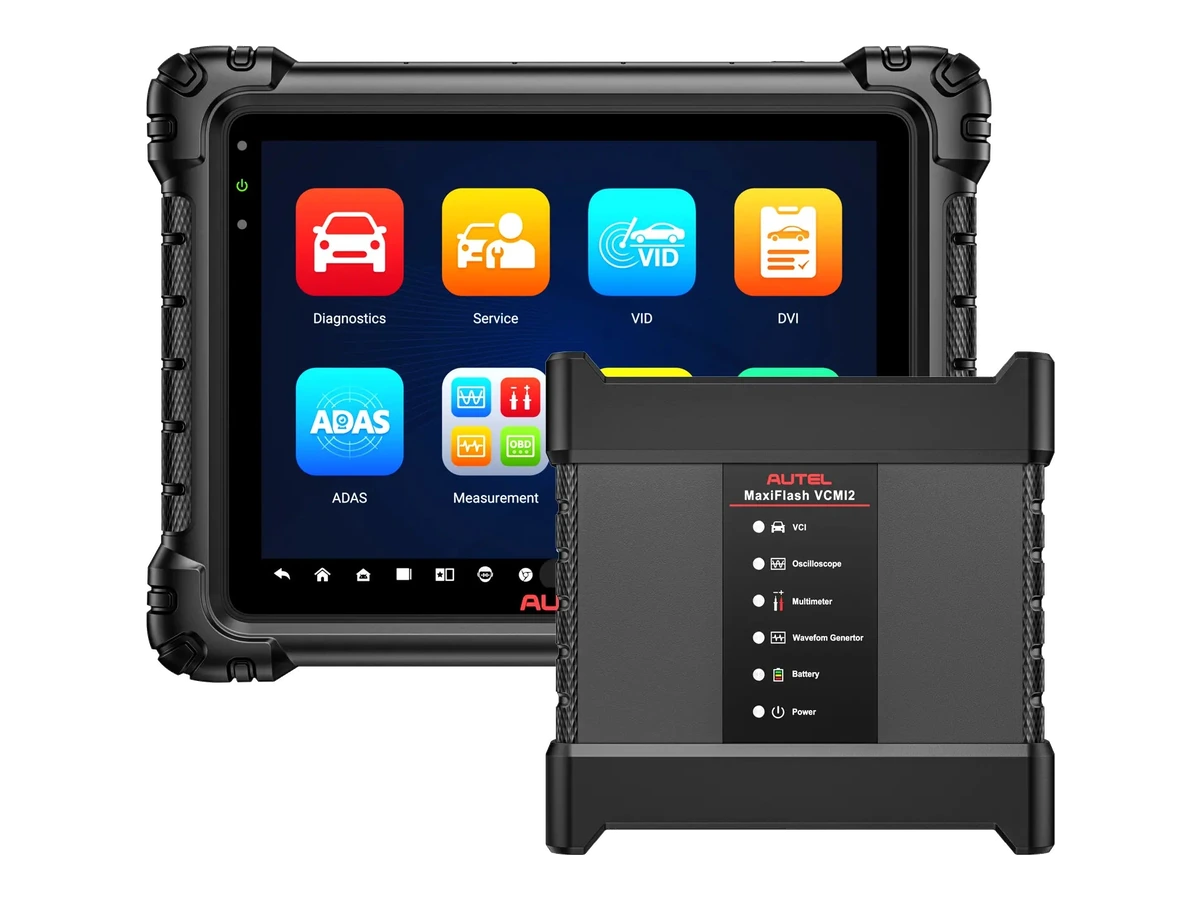
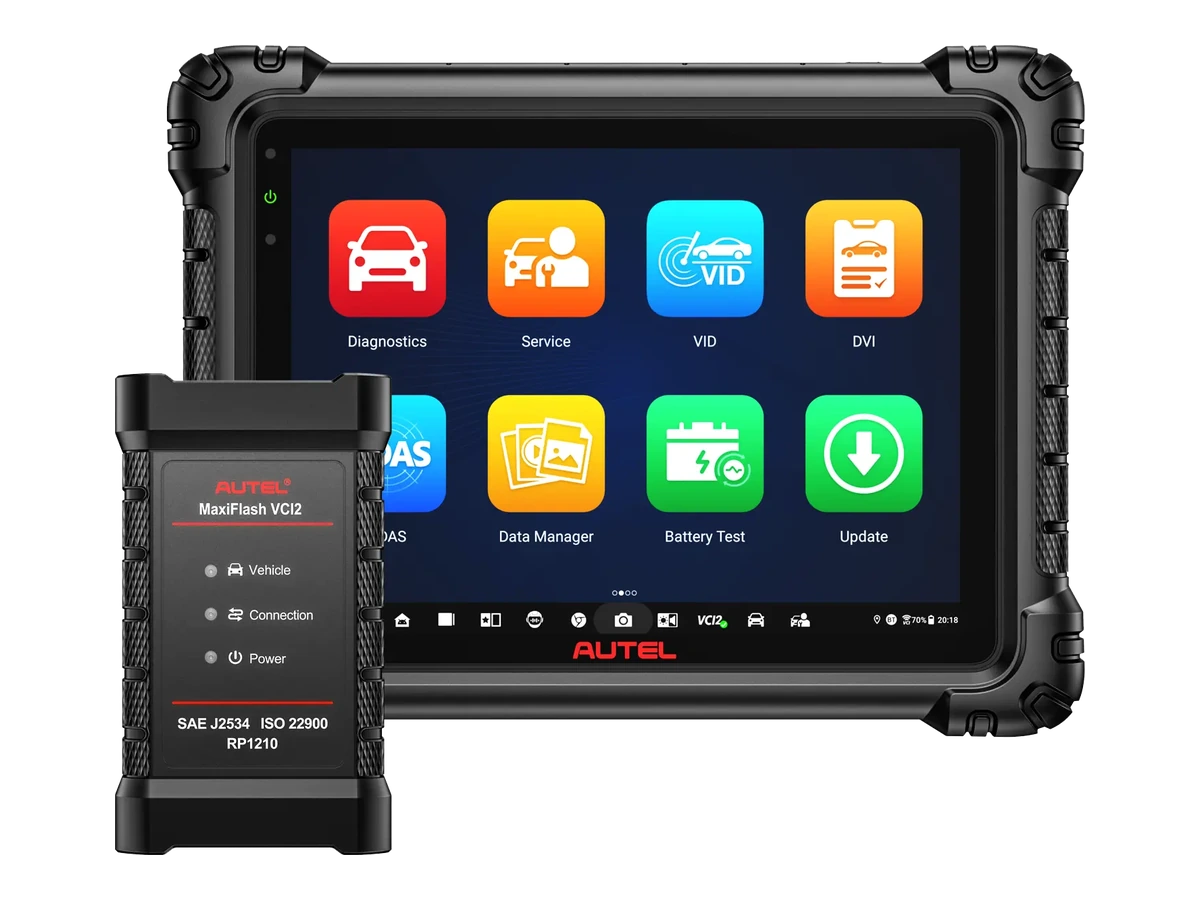
The MX900 consolidates wired OBD connection, all-system scanning, fault code read/clear, live data, active test, 40+ service functions, Pre-Scan/Post-Scan reporting, and DoIP/CAN FD support on an 8-inch Android tablet.
The Autel MX900 is a wired diagnostic tablet designed to speed up daily fault detection tasks in multi-brand workshops.
The device scans the vehicle's engine, transmission, ABS, SRS, body electronics, and other accessible control units; it performs fault code read/clear, freeze frame, live data, active test, service resets, adaptations, and pre/post-operation reporting on the same screen.
The MX900 operates with the main OBD/DLC cable instead of a wireless VCI; Wi-Fi is used for updates, report sharing, network printing, and remote support.
What would you buy this for?
All-system scanning in multi-brand mechanical and auto electrical workshops
Technicians examining fault codes, freeze frame, live data, and graph records in the same work order
Mechanics monitoring the response of headlights, fuel pumps, A/C cycles, valves, relays, and solenoids via active test
Workshops performing supported maintenance tasks such as Oil, EPB, BMS, SAS, DPF, ABS bleeding, and throttle
Businesses requesting Pre-Scan at vehicle intake and Post-Scan reports after repair
Wired diagnostic needs for vehicles with DoIP and CAN FD protocols
Featured diagnostic features
Wired connection
Mileage and service interval difference
Vehicle Coverage
Vehicle Coverage
Which vehicles does the Autel MX900 support?
The make name alone does not guarantee compatibility. Within the same make, model year, engine, chassis, control unit, communication protocol, and intended operation can yield different support results.
Vehicle Group
Passenger cars and light commercial vehicles included in the product software
Supported makes
Multi-brand coverage; the current make list is obtained from the manufacturer's official vehicle or protocol database.
Supported models
Verified from the official coverage screen based on make, model, model year, engine or chassis, and control unit.
Scope of service
Code reading, live data, active test, service function, coding, and programming may be supported separately.
Connection conditions
Wired connection, mileage and service interval difference, Vehicle coverage
The make and model examples on the page do not guarantee all production years and all functions.
Before any definitive operation, the manufacturer's current coverage record must be verified with the VIN or full vehicle information.
After connecting the MX900 to the vehicle with the main OBD/DLC cable, it attempts to identify the vehicle using AutoVIN. If the VIN does not appear automatically, the VIN can be entered manually, the VIN or license plate can be read with the camera, the vehicle can be selected from the make-model menu, or the general OBDII/EOBD screen can be accessed.
Auto Scan sequentially scans the engine, transmission, ABS, SRS, climate control, body control, steering, parking brake, and other accessible modules in the vehicle. In the Control Unit menu, the technician can select a single ECU and directly access the code, live data, active test, and special function screens.
Vehicle Identification: AutoVIN, manual VIN, VIN/license plate reading via camera, and manual vehicle selection
Batch Scan: View a list of communicable ECUs with their fault status
ECU Details: Part number, software version, hardware information, and control unit ID
Quick OBDII/EOBD: Emission-related fault codes, readiness, and basic live data screen
Product details
Read and clear fault codes on vehicles
When reading fault codes, the MX900 displays current, history, or pending DTC records within the selected ECU, along with their descriptions. For vehicles supporting freeze frame, records such as RPM, temperature, speed, load, fuel trim, or sensor values at the moment the fault occurred are displayed.
Before repair, record the code, freeze frame, and live data first, instead of clearing the code; after the physical fault is fixed, clear the code and perform another scan.
View DTC status, description, and relevant ECU information on the same screen
Read the conditions under which the fault occurred with freeze frame data
Add pre-repair code list to report
Post-repair code clearing, re-scan, and separation of returned codes
Product details
Live data, graphing, and playback
The live data screen displays sensor and actuator values as a real-time table, analog gauge, or waveform graph. The technician can select values such as engine RPM, MAF/MAP, oxygen sensor, fuel trim, EGR position, DPF pressure, ABS wheel speed, or transmission temperature together.
During recording, important moments can be marked and noted; the recording can later be played back frame by frame within Data Manager to examine when the fault changed.
Text, analog gauge, and waveform graph views
Save, pause, and replay selected PID values
Compare related sensors on the same graph with Graph Merge
Add real-time notes during road test or idle test
Product details
Monitor component response with active tests
An active test is when the MX900 sends a command to the ECU to operate or change the position of a supported component. The technician issues the command from the device; the component's sound, movement, current response, or live data value is monitored on the vehicle.
Autel's official product information includes examples of headlight, fuel pump, climate control cycle, and valve tests; the user manual provides examples of solenoid, relay, and switch triggering. The goal during testing is not to force the component, but to see if the physical response matches the ECU command.
See if the live data value changes while the command is being issued
Speed up the differentiation between component, cable, fuse, relay, and ECU commands
See on the screen that the test menu is limited to the commands offered by the vehicle's ECU software
Product details
40+ service functions for daily use
The MX900 model's service menu provides quick access to reset, adaptation, and calibration procedures that allow the ECU to learn its new state after component replacement or maintenance.
Autel's store page uses the term 40+ service functions for the MX900; the user manual details oil maintenance, EPB, BMS, SAS, DPF, basic TPMS, and IMMO menus.
Procedures such as throttle reset, ABS bleeding, battery registration, steering angle calibration, and parking brake service mode are the most frequently used items in daily service workflows.
Oil Maintenance: Resetting the engine oil life indicator, maintenance interval, and supported service intervals
EPB: Placing the electronic parking brake in service mode, releasing/applying after brake pad/disc service, and calibration
BMS: Checking battery charge status, registering battery replacement, and introducing new battery types on supported vehicles
SAS: Permanently calibrating the center point of the steering angle sensor
DPF: Service regeneration, teaching component replacement, and DPF adaptation after ECU replacement
ABS Bleeding: Performing the bleeding procedure in the hydraulic circuit according to the vehicle manufacturer's on-screen steps
Throttle: Initiating the learning procedure for idle speed and position after cleaning or replacement
Basic TPMS: Viewing sensor IDs in the ECU, reset after sensor replacement, and re-pairing procedure
IMMO: Disabling lost keys and programming spare key fobs on supported vehicles
Product details
How is mileage information read on vehicles?
Mileage on the MX900 is divided into two categories: current mileage recorded in the service report and resetting the vehicle's maintenance/service indicator. The current mileage field in the user manual is for the technician to enter the mileage seen on the vehicle when preparing the report.
Resetting the oil life or service interval does not change the total odometer; it only initiates the maintenance reminder on supported vehicles based on the new service. The current manufacturer feature list and the MX900 V2.3 manual do not list total mileage change or odometer correction as an MX900 feature.
Mileage in the service report
Entered by the technician into the reportThis field does not change the vehicle's odometer and is not an automatic mileage reading claim on its own.
Maintenance mileage
Service reminder is reset on supported vehiclesOil life, maintenance interval, or service interval is initiated based on the new maintenance.
Total odometer
Not listed as a function to changeThe MX900 is not offered as a mileage rollback, rollback, or odometer correction device.
Post-service usage
Verified by clearing codes and re-scanningAfter the maintenance procedure is completed, the warning screen is displayed and the relevant ECU is read again.
Product details
Pre-Scan, Post-Scan, and service report
Pre-Scan records the electronic status of the vehicle upon entry into service; Post-Scan performs a re-scan on the same vehicle after repair or maintenance. This allows the DTC list seen at customer acceptance to be compared with the results before delivery in the same report. License plate, current mileage, customer information, workshop information, photos, and technician notes can be added to the report.
PDF reports can be viewed on the device, shared, or printed via network printing/PC-Link streaming.
Record initial DTC and module status at vehicle intake
Separate returned, cleared, or ongoing codes after repair
Add license plate, mileage, photos, customer, and workshop information to the PDF report
Re-open old diagnostic sessions via Vehicle History
Store live data, screenshots, PDFs, and communication logs within Data Manager
Product details
MX900 Technical Specifications
With its 8-inch 1280 x 800 touchscreen, Android 11 operating system, 1.8 GHz quad-core processor, 4 GB RAM, and 64 GB storage, the MX900 is a more current basic service tablet than the MX808/MK808 class.
A 7700 mAh battery, foldable rear stand, USB Type-C, USB 2.0, Wi-Fi, microSD support up to 64 GB, and an 8 MP rear camera complete its daily workshop usability.
Operating System
Android 11
Processor
1.8 GHz quad-core
Memory
4 GB RAM / 64 GB storage
Screen
8-inch LCD capacitive touchscreen, 1280 x 800
Camera
8 MP rear cameraUsed for VIN/license plate scanning and service report photos.
Battery
3.7 V / 7700 mAh lithium-polymer
Charging
5 V / 3 A, USB Type-C
Connectivity
USB Type-C, USB 2.0, DB15 main cable port, Wi-Fi
Memory Card
microSD support up to 64 GB
Dimensions
168.9 × 259.8 × 33.6 mm
Net weight
925 g
Operating temperature
0 °C to 50 °C
Storage temperature
-10 °C to 60 °C
Other hardware
Ambient light sensor, foldable stand, and buzzer
Product details
Wired connection and vehicle protocols
The MX900 communicates with the vehicle via the DB15 main cable port and the main OBD/DLC cable. It does not work with a separate wireless VCI module. DoIP is important for vehicles using next-generation Ethernet-based diagnostic communication; CAN FD is important for modern CAN networks carrying higher data rates.
The Wi-Fi side is used for software updates, report sharing, network printing, and remote support, not for wireless diagnostics with the vehicle.
Vehicle communication
Wired main OBD/DLC connection
Vehicle connection port
DB15 main cable port
Next-Generation Protocols
DoIP and CAN FD
CAN family
ISO 11898; high, medium, low-speed, single-wire, and fault-tolerant CAN
Other protocols
ISO 9141-2, ISO 14230-2, ISO 15765, K/L-Line, SAE J1850 VPW/PWM, SAE J2610, GM UART, UART Echo Byte, Honda Diag-H, TP2.0, and TP1.6
Wi-Fi usage
Updates, cloud reports, network printing, and remote support
Product details
Initial setup, activation, and updates
For first-time use, charge the tablet, establish a Wi-Fi connection, activate with an Autel account, and update vehicle software. Completing the system update before connecting to the vehicle ensures that menus and brand packages open with the latest information.
The Autel Turkey page indicates 2 years of free updates for this product; the update process is performed from the device's own software update screen.
Charge the device and establish Wi-Fi connection
Complete activation and region settings with Autel ID
Update system and vehicle software packages before the first vehicle connection
Do not turn off the device during updates and maintain battery level
Keep Wi-Fi settings ready for network printing, remote support, and data sharing
Product details
Package, license, and what's in the box
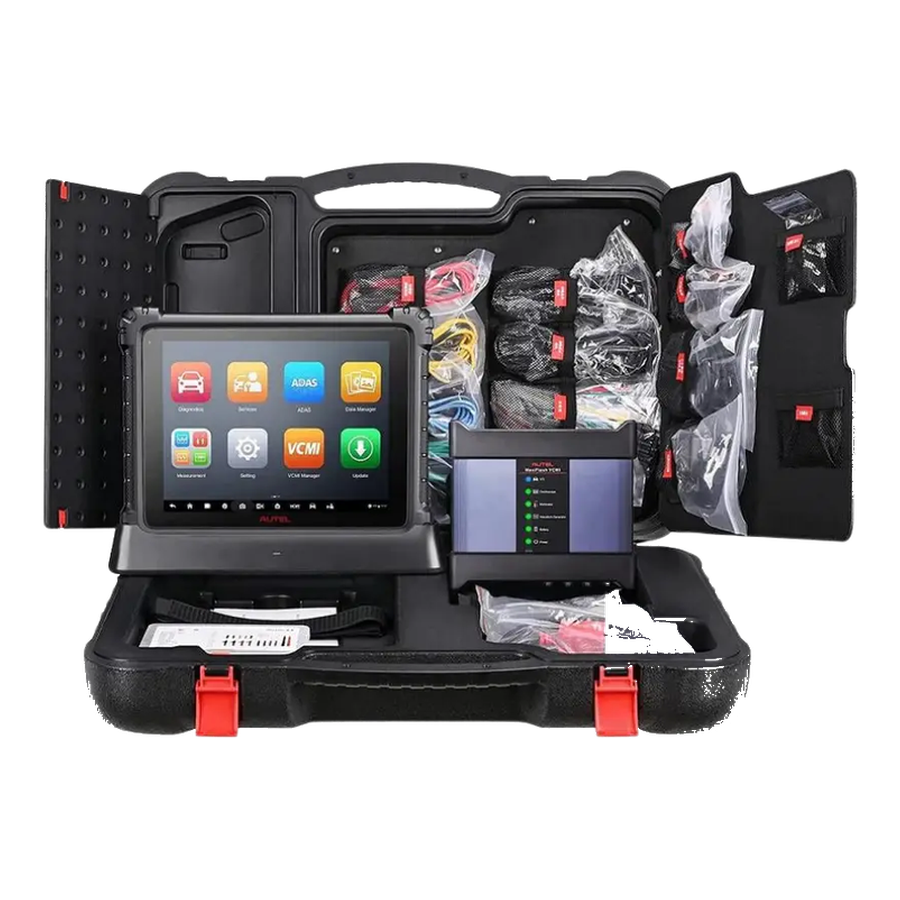
Autel's official online store information lists the main unit, main cable, power adapter, USB Type-C cable, cleaning cloth, quick start guide, and carrying case in the global MX900 package. For sales in Turkey, the live package and invoice information on the product page are considered.
The MX900 works with the main cable for vehicle communication; for services requiring a wireless VCI, DS900BT, MK900BT, or BT models in the same class should be examined separately.
MX900 main tablet and main OBD/DLC cable are the core components
USB Type-C cable and power adapter are used for charging and data transfer
The carrying case keeps the device, cables, and accessories organized within the workshop
2 years of free update information is shown on the Autel Turkey product page
Product details
Make, model, and scope of operation
The MX900 is a comprehensive system tablet with extensive brand support; the modules, active tests, and service functions that open on the actual screen vary depending on the vehicle's make, model, year, control unit, and installed software package. This information is not a disclaimer in the sales text but reflects how professional diagnostic devices operate.
Menus may appear differently on two vehicles with the same model name due to differences in engine, transmission, security gateway, ECU software, or hardware.
Make-model-year information is opened within the device via AutoVIN or manual vehicle selection
MaxiViewer allows searching from vehicle to function or function to vehicle
For vehicles with SGW, OEM Authorization or brand procedure may be required
Active test and service menus appear with the commands offered by the ECU
Product details
Updates, support, and auxiliary applications
When connected to the internet, the MX900 searches for updates for the operating system, MaxiCheck application, and vehicle software; the automatic update time can be set. TeamViewer QuickSupport-based Remote Desktop allows remote technical support with user confirmation.
Network printing, multi-language/unit settings, sending data logs to the Autel support channel, and searching vehicle coverage within MaxiViewer complete daily service management.
Manual or scheduled updates for OS, MaxiCheck, and vehicle software
User-confirmed remote connection via TeamViewer QuickSupport
Printing reports via PC-Link or a compatible printer on the same network
MaxiVideo viewing with optional MV105S, MV108S, MV105, and MV108 cameras
Sending communication data and ECU logs for support requests
Product details
Differences between MX900, DS900, and MX900-TS
The MX900 is aimed at users seeking more current hardware and a more comprehensive service tablet than the MX808S level. The DS900 is compared with higher-end processors in the same 8-inch Android 11 class; the DS900BT and MK900BT are separate options for those requiring a wireless VCI.
The MX900-TS adds advanced TPMS sensor activation and MX-Sensor programming capabilities to the diagnostic tablet. If ECU coding, guided functions, or advanced TPMS are your primary needs, the MX900 alone may not be the right model.
MX900: Wired all-system diagnostics, active tests, 40+ service functions, and reporting
MX808S: A more compact and basic Autel tablet class
DS900 / DS900BT: For users seeking higher processing power or wireless connectivity
MX900-TS: Advanced TPMS diagnostics, sensor activation, and Autel MX-Sensor programming
Battery analysis hardware is not listed for the MX900; the BMS service function does not replace a battery tester.
Product details
Active tests and service functions with the MX900 model
Before performing active tests and service functions with the MX900 model, the correct vehicle and control unit are selected. The MX900 initially records relevant fault codes, live data, and vehicle voltage. For the MX900, the vehicle, model year, control unit, and active test function are verified against the manufacturer's current support list.
If the command is to move a fan, pump, valve, or other actuator, the work area must be secured before using the MX900. After the test is completed, this device re-reads the same system and displays the observed physical response alongside the on-screen result in the service report.
Select the correct vehicle and system
Record initial codes and live data
Allow safe space for moving parts
Report system response after command
Product details
Initial system scan at vehicle intake with the MX900 model
When performing the initial system scan at vehicle intake with the MX900 model, the vehicle identity is verified and supported control units are scanned. The MX900 saves the communicating systems, fault codes, and accessible event information together in the initial report. The VCI model, software version, and vehicle identity used with the MX900 are added to the vehicle intake record.
Codes are not cleared before the MX900 initial report is generated; a single fault record does not directly lead to a parts replacement decision. The MX900 intake scan is added to the service form, specifying the customer complaint and the systems to be monitored.
Verify vehicle identity
Save the initial system scan
Check wired connection information
Re-scan after service operation
Product details
Live data recording under fault conditions with the MX900 model
Live data recording under fault conditions with the MX900 model is initiated by defining the safe operating conditions under which the customer complaint occurred. Only data channels related to the fault are selected on the MX900 screen; unnecessary PIDs are excluded from recording.
The MX900 model stores live data with measurement units; operating conditions such as vehicle ID, test time, engine RPM, load, and temperature are added to the recording. The technician interprets sudden changes on the MX900 along with fault codes and event logs; a single value does not directly lead to a parts replacement decision.
After repair, a second data recording is taken under the same conditions with the MX900 and the two results are compared side-by-side.
Define test conditions
Select relevant PIDs
Record data with units
Compare under the same conditions after repair
Product details
Reviewing fault codes and event logs together with the MX900 model
When reviewing fault codes and event logs together with the MX900 model, first, the stored and current fault codes of the relevant control unit are read. The MX900 stores accessible event data such as RPM, temperature, voltage, or mileage at the time of the fault in the same report as the code.
Vehicle ID, control unit, and software version are added to the MX900 service form. The technician compares the MX900 data with the customer complaint and physical test results; the event log alone does not identify the faulty part. After the MX900 review is complete, it is noted in the report whether the code was cleared and the next control step.
Verify vehicle identity
Save the initial system scan
Check wired connection information
Re-scan after service operation
Product details
How to verify vehicle coverage for the MX900 model?
For the MX900 model, definitive compatibility cannot be stated without selecting the vehicle make, model, year, engine, control unit, and the intended operation together. Autel's official coverage tool shows which systems, service functions, or protocols are enabled for the selected vehicle and control unit for the MX900.
The presence of the make line does not prove that active tests, coding, programming, TPMS relearn, or gateway access are also enabled on the MX900.
Before ordering, prepare the VIN or full model information, model year, engine/chassis distinction, and the intended operation for the MX900; also check the software version, license duration, VCI, adapter, and regional package.
MX900 model: Prepare make, model, model year, and engine/chassis information
MX900 model: Select the desired system and operation separately; read, live data, active test, coding, or programming
MX900 model: Verify ECU and function lines in the official coverage tool
MX900 model: Final check with VIN and manufacturer procedure before definitive operation
Product details
Which similar products is the MX900 model compared to?
The choice between the MX900 model, Ancel DS700, and Launch X431 CRP919E BT is made based on differences in supported functions, connectivity, and packages. These three models are devices that services performing regular vehicle intake compare when moving from a basic fault code reader to a more comprehensive diagnostic tablet.
For the MX900 model, wired connection, mileage, and service interval differences, and vehicle coverage are the primary selection criteria. The connection method, protocol support, software scope, and additional modules of the devices compared to the MX900 model are not the same.
The vehicle and control unit support required for active tests and service functions is read from the manufacturer's current list published for the MX900 model.
A device that does not offer the required function or connection for active tests and service functions on the MX900 model is not suitable for this service task, even if it is more comprehensive in other areas.
Ancel DS700: Professional service and multi-system scanning
Launch X431 CRP919E BT: Wireless Connection and Service Functions
SGW Package
FCA/Stellantis SGW license for Autel MX900
For authorized operations such as clearing codes, active tests, service operations, and adaptations in supported vehicles with FCA/Stellantis security gateways, SGW access may be required. This package is added to the cart separately as a digital license.
Autel FCA/Stellantis SGW Unlock 1 year
1 year of SGW access is processed as digital activation. Device serial number and account information are required for activation.
No. The MX900 communicates with the vehicle via the main OBD/DLC cable. Wi-Fi is used for software updates, report sharing, network printing, and remote support.
Can the MX900 model be used in Russian?
Yes. Russian is among the supported languages for Autel devices. Russian language authorization can be done via the device serial number before purchase; the Russian language must be authorized on the device for the menu to function correctly.
Does the MX900 unlock the FCA/Stellantis SGW?
Yes. The MX900 unlocks the security gateway on vehicles equipped with FCA/Stellantis SGW, and SGW access is available in Turkey.
SGW access requires the device's current software and the necessary SGW/OEM Authorization account or license to be ready; after the SGW is unlocked, the scope of active tests, service operations, and adaptations is applied according to the vehicle's model year, ECU software, and the menus that open on the device screen.
Does the MX900 model perform odometer rollback or correction?
The current Autel feature list and the MX900 V2.3 manual do not specify a total mileage/odometer change function. The MX900 is not a device offered for this purpose.
Does the MX900 reset the maintenance mileage or service interval?
The oil life indicator, maintenance cycle, and service interval can be reset on supported vehicles. This operation does not change the vehicle's total mileage.
Does the MX900 automatically read the mileage from the vehicle for the report?
The user manual indicates that the license plate and current mileage are entered by the user into the report. These fields do not imply automatic odometer reading or mileage change.
Does the MX900 truly offer 40+ service functions?
The Autel online store defines the MX900 with 40+ service functions. Menus such as Oil, EPB, BMS, SAS, DPF, ABS bleeding, throttle, and similar are enabled depending on the vehicle's ECU and software package.
Does the MX900 model perform ECU coding?
The main function of the MX900 product on its page is all-system diagnosis, active test, service functions, and reporting. If ECU coding or guided functions are the primary need, DS900, MS906S, or higher Autel classes are compared.
Can the MX900 program TPMS sensors?
The basic TPMS menu of the MX900 may offer viewing sensor IDs in the ECU and performing vehicle-based resets after sensor replacement. Autel MX-Sensor programming and advanced sensor activation are listed for the MX900-TS model.
Which parts can the MX900 activate in active test?
The manual mentions solenoid, relay, and switch triggers; the Autel store provides examples like headlights, fuel pump, A/C cycle, valves, and similar. The device displays commands provided by the selected ECU on the screen.
How is the fault code reading process performed with the MX900?
The device is connected to the vehicle with the main OBD cable, the vehicle is opened via AutoVIN or manual selection, Auto Scan or the relevant ECU is selected, and the DTC list is read from the Read Codes screen. The code clearing process is done from the Clear Codes screen after repair.
What is the MX900 update period?
The Autel Turkey product page shows 2 years of free updates for the MX900. Updates are performed via Wi-Fi from the device's own software update screen.
Comparison
Similar models to Autel MX900
Compare products in the same class with information on usage level, service tasks, and price.