When choosing a diagnostic tool for BMW, ICOM or Ancel DS600?
When looking for a fault diagnostic device for BMW, first determine the task to be performed. If the service exclusively handles BMWs and requires diagnostic or programming processes performed with BMW's manufacturer software, the ICOM/AOS setup should be considered. For an independent workshop that also services various other brands alongside BMW, the Ancel DS600 is a multi-brand alternative providing multi-system scanning, live data, and bi-directional active tests on supported vehicles. ANCEL's official DS600 resources also list some BMW-specific functions; this does not mean the device replaces ICOM or all of BMW's online service operations. Make your decision based on the vehicle year, chassis, control unit, and the task to be performed.
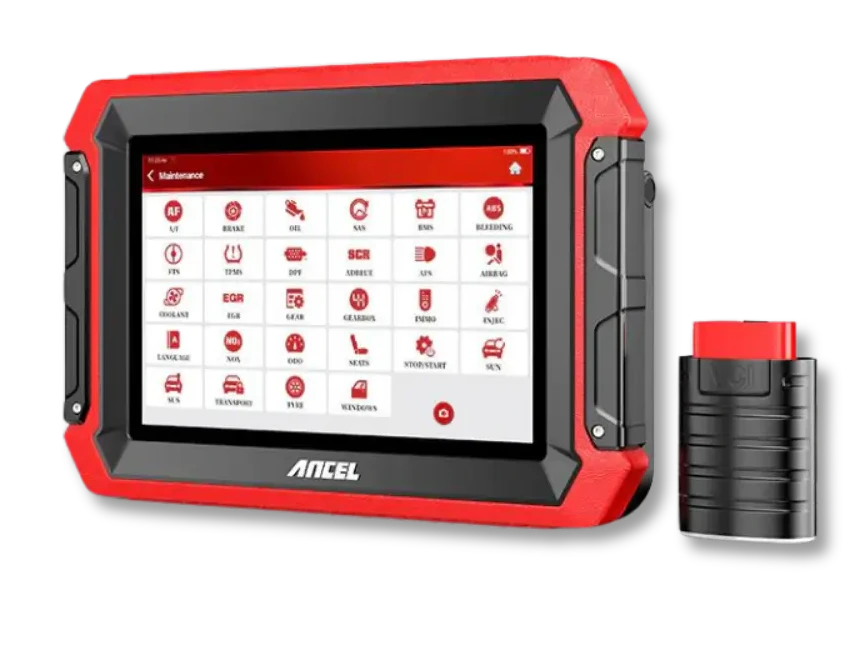
The Ancel DS600 combines multi-system scanning, live data, bi-directional active tests, and specific manufacturer functions listed by ANCEL on supported vehicles.
BMW-specific functions must be verified based on model, year, and control unit. It should not be assumed to replace BMW manufacturer software and programming access.
Current price≈ $80939,990 TL charged · VAT included · import duties excludedIn stock
This table does not claim the devices perform the same tasks. BMW AOS requirements and ANCEL's published DS600 features have been checked from separate sources. The comparison is based on the manufacturer's requirements for BMW AOS and the features published by ANCEL for the DS600.
Workshop needs
Ancel DS600
BMW ICOM/AOS setup
Scan different brands on one device
Multi-brand tablet; on supported vehicles and systems
BMW-focused BMW service ecosystem
Fault codes and live data on BMW
On systems found in the manufacturer's vehicle/function list
With BMW service software and appropriate VCI
BMW-specific manufacturer workflows
Only functions explicitly listed by ANCEL and matching the vehicle
Follow manufacturer requirements for BMW AOS/ISTA
Control unit software installation
BMW support is not assumed without separate proof on a per-vehicle and per-function basis
With BMW-specified compatible VCI, software, and operational conditions
Decision guide
First, list the tasks performed on BMWs in your service
"BMW fault diagnostic device" does not mean a single operation. One workshop may read and clear engine, ABS, and airbag fault codes; another workshop may require module coding, online access, or control unit programming. For the first group, a multi-brand service tablet may be sufficient. For tasks requiring manufacturer-specific writing or service information flow, the device name, software version, account, and VCI requirements must be met together.
List the model year and chassis family of BMW vehicles received in recent months. Then add the required modules and operations: full system scan, live data, active test, service reset, adaptation, coding, or software installation. A general request like "will perform fault diagnosis" does not indicate which device class is sufficient.
If the work list also includes non-BMW vehicles, count them separately. A service that performs common scanning on BMW, Mercedes-Benz, Volkswagen Group, and other brands can examine whether a multi-brand device meets the daily workload rather than using a separate interface for each brand. This calculation is not based on the assumption that a single device performs all manufacturer tasks.
Being able to read a control unit does not prove that coding or programming can be performed on the same module. Verify each level of operation separately; look for the same model, year, and control unit in the device manufacturer's current vehicle coverage and function list.
BMW model year and chassis family
Control units to be scanned
Required operation types
Other brands visiting the workshop
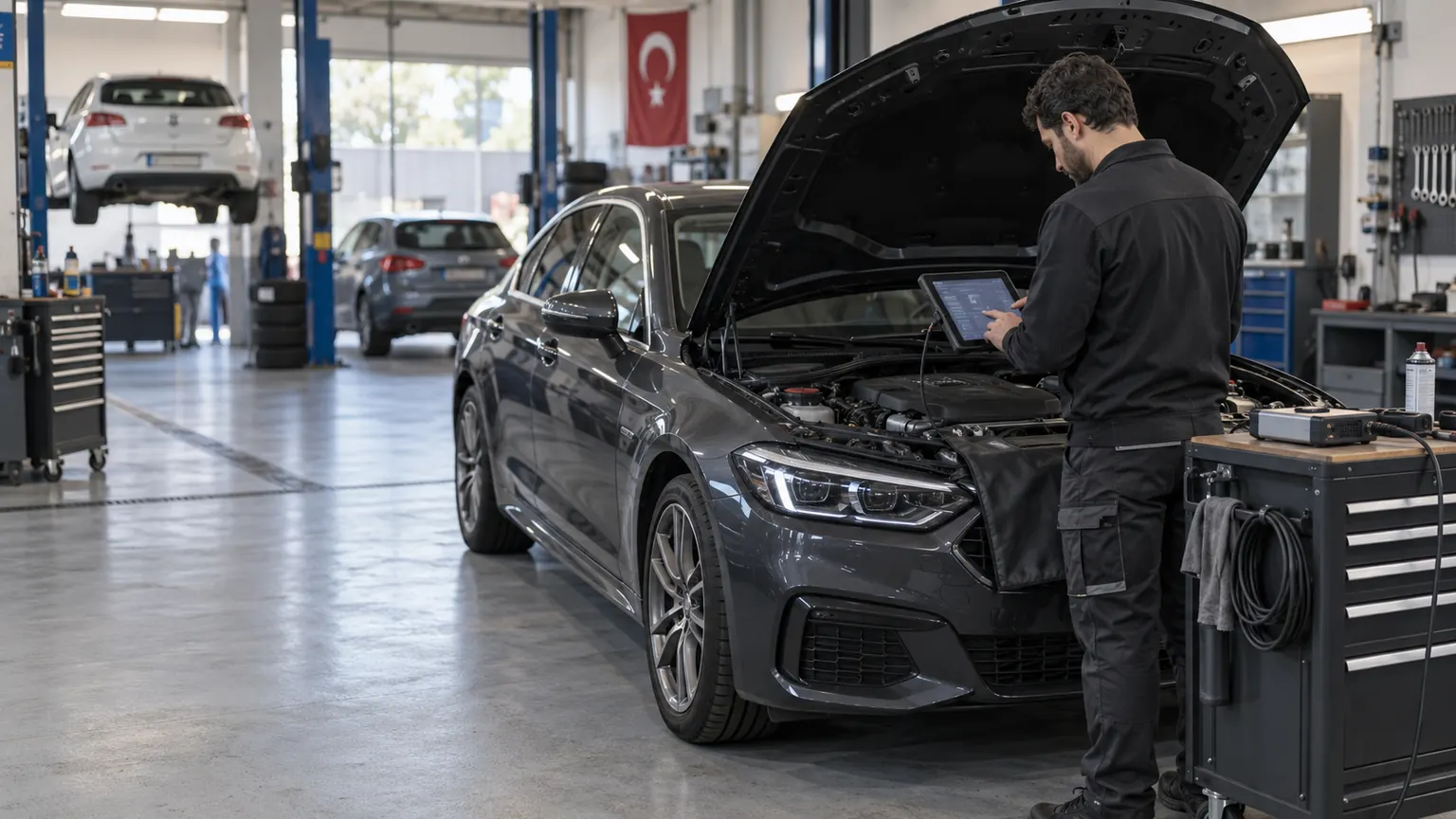
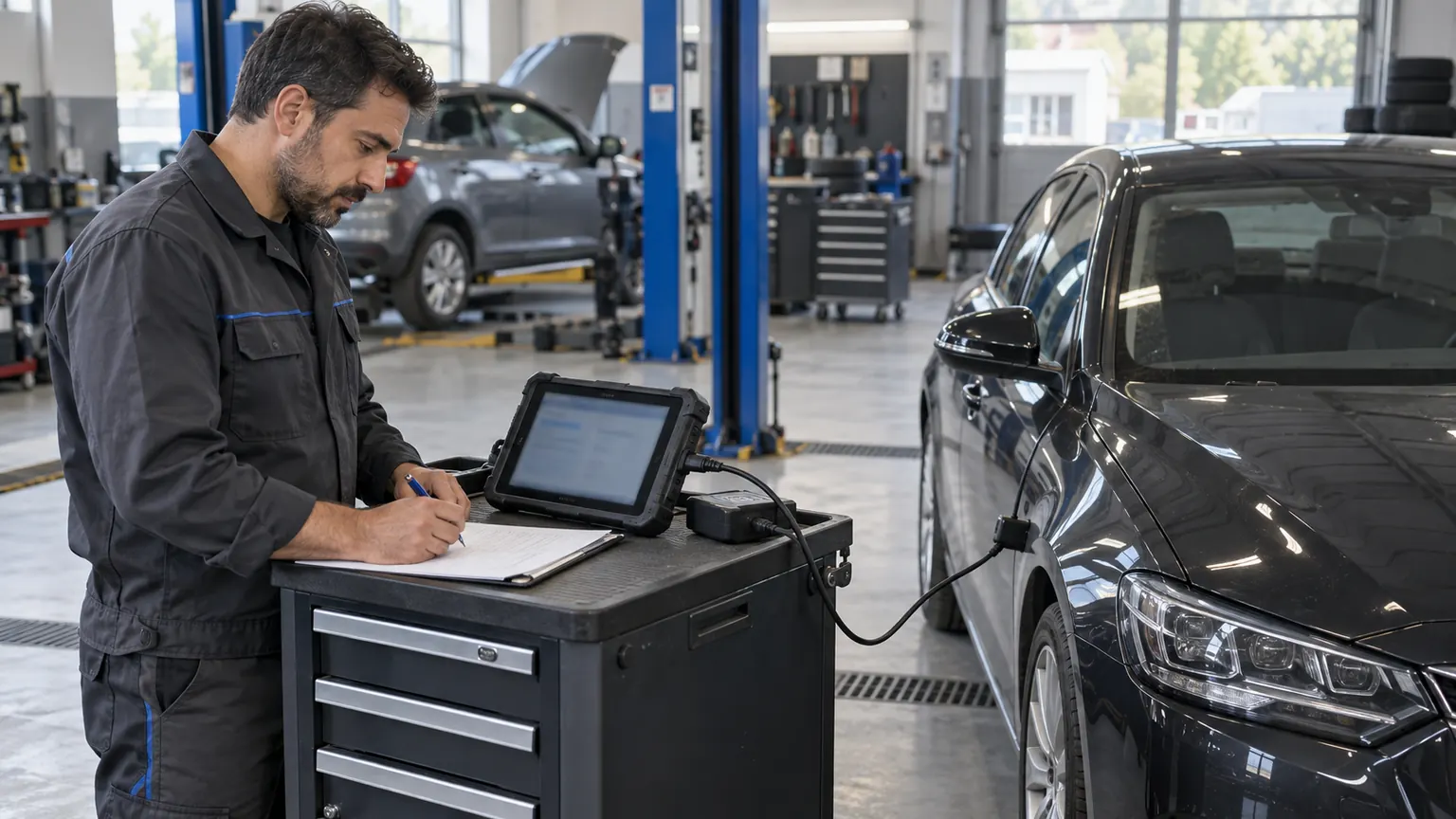
Technician checking vehicle connection and service record during multi-brand scan
Decision guide
What tasks does the Ancel DS600 support on BMWs?
ANCEL's official DS600 product page lists all system diagnostics, bi-directional active tests, and the "BMW Light Short Reset" function. ANCEL Technology product descriptions also include examples of "Modification" and hidden feature activation for BMW. These records indicate that relevant menus may be available on specific BMW models; they do not mean that the same functions will be activated on every vehicle and control unit.
Select the BMW brand, model, year, system, and function in ANCEL's vehicle coverage query. Simply seeing the "BMW" brand option is not enough; also check the desired function and the correct model-year match. Do not infer a function not listed from the product title or features published for another brand.
If the vehicle only needs a warning light reset, first determine the maintenance or fault condition that caused the light. Turning off the warning does not repair the fault; for brake, airbag, or engine-related issues, fault codes and physical symptoms should be investigated. The reset menu does not replace the diagnostic and repair steps.
Working with the DS600 via Bluetooth VCI and tablet can be practical for businesses that accept various brands of vehicles in the same workshop. Functionality on BMW is still determined by the support list. The box and license conditions delivered in Turkey should also be checked against the current package information on the product page.
All system scan: on supported control units
Bi-directional active test: according to ANCEL's vehicle function list
BMW-specific menus: confirmed on a per-model and per-function basis
Warning reset: after root cause check
Decision guide
When is the BMW ICOM/AOS the right choice?
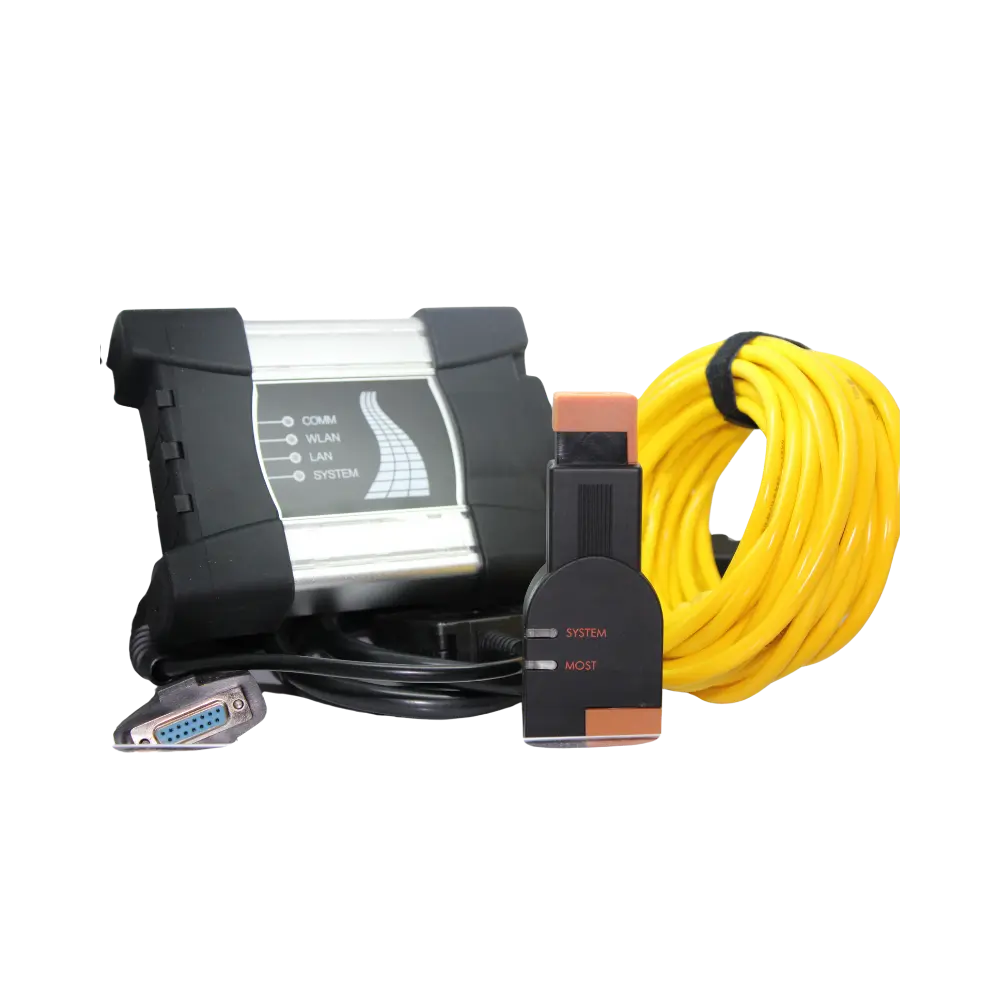
BMW's AOS technical requirements specify ICOM Next or Pass-Thru interfaces that meet certain requirements for diagnostics and programming; the ICOM connects to a computer via LAN cable. For tasks requiring BMW manufacturer software, vehicle definition, online access, or programming procedures, it is necessary to follow the hardware and software conditions in BMW's current AOS documentation.
ICOM/AOS should be considered by specialized workshops that use BMW's own diagnostic applications on BMWs, perform programming, or carry out service information processes. An appropriate VCI alone is not sufficient: a BMW account, valid access, a compatible Windows computer, network, and manufacturer procedures may also be required.
The BMW ICOM Next hardware guide describes wired RJ45 connection and WLAN option; AOS technical requirements specify LAN usage for computer connection with ICOM. This does not imply that all third-party devices are supported in BMW AOS. Especially for software installation tasks, do not deviate from the connection and power setup requested by the manufacturer.
The DS600 should not be presented as an approved BMW ICOM Next equivalent by BMW for BMW AOS/ISTA. The device is evaluated for multi-brand scanning and functions listed by ANCEL; if manufacturer-level BMW processes are needed, do not substitute these two device classes.
BMW manufacturer software and AOS requirement
BMW-specified ICOM Next or compatible Pass-Thru
Stable LAN and appropriate power support for programming
Account, access, and vehicle function must be verified separately
Decision guide
DS600 or ICOM? Use this decision table
If the workshop is exclusively for BMW and regularly performs BMW-specific software or module programming, investigate the ICOM/AOS class. If the DS600 is also used for other brands serviced by the workshop, consider whether the technician will use it for non-BMW vehicles. If the required BMW function is not in the ANCEL coverage list, do not choose the DS600 solely based on its price or tablet form factor.
The strongest justification for purchasing the DS600 is to combine supported BMW scans with service tasks for other brands in the same device. If the service already has BMW-specific hardware and software, or if the work list is dependent on BMW AOS, it may be more appropriate to continue with the existing manufacturer setup rather than acquiring a second device.
For every device you evaluate, ask the same three questions: the complete chassis of the most recently received BMW, the module to be scanned, and the operation to be performed. If the manufacturer's coverage tool or technical support does not show a record for this example, do not assume the function exists. General statements like "all BMW models" in the seller's description are not per-vehicle proof.
When calculating the device budget, include update duration, optional subscriptions, SGW or OEM account, required cables/adapters, and programming power supply. Comparing only the upfront price of two devices that are not in the same class does not reflect the total cost.
Decision guide
Check BMW compatibility before purchasing
Before ordering, prepare the BMW brand, model, manufacturing year or model year, chassis family, engine, and the desired control unit. Then specify the required function as "read fault code," "live data," "active test," "warning reset," or by its full name, such as coding operation. ANCEL's current vehicle coverage list is searched with this information; if the desired menu is not recorded, it will not be promised as available for the DS600.
Some older BMW vehicles may require different diagnostic sockets and adapters. The OBD socket fitting the vehicle does not indicate that the software can access the relevant module. Confirm the physical type of adapter included in the Ancel DS600 box and whether it is included in the Turkish package with the product delivery information.
For tasks involving writing operations, the required BMW or ANCEL account, online access, license, and power conditions must be clear beforehand. Do not start programming without meeting the access conditions. Simply clearing the fault code without determining the source of the fault can hide recurring issues and previous data.
If regular OEM programming is performed on BMW vehicles in the workshop, and the customer expects manufacturer procedures without delay, or if the required function is not listed for the DS600, the selection of a BMW-specific device should be maintained. In this case, the DS600 is only meaningful as a second multi-brand device for tasks it can perform on other brands.
Chassis/model/year and engine
Control unit
Required operation
Manufacturer's coverage record
Adapter, license, and power conditions if required
Frequently Asked Questions
Most frequently asked questions by customers
Does the Ancel DS600 replace the BMW ICOM?
No. The DS600 is used for multi-brand scanning and specific functions listed by ANCEL for BMW. For BMW AOS/ISTA and manufacturer programming processes, BMW's specified ICOM Next or compatible Pass-Thru conditions must also be met.
Can the DS600 read fault codes on BMW vehicles?
The Ancel DS600 lists all system diagnostics; the modules that can be accessed depend on the BMW model, year, control unit, and software coverage. Before ordering, check the current vehicle/function list for both the vehicle and module.
Does the DS600 perform coding or activate hidden features on BMWs?
ANCEL's technical sheet provides examples of "Modification" and hidden features for BMW. This record does not indicate that every coding menu will be available on every BMW; full vehicle and function coverage must be verified from the list.
Can BMW ECU software be programmed with the DS600?
This guide does not present the DS600 as a BMW manufacturer software programming device. For ECU software installation, BMW's current AOS requirements, vehicle and control unit support, appropriate VCI, and stable power conditions must be met.
If I am only buying a BMW fault diagnostic device for BMW, which one should I choose?
If the work to be done requires BMW AOS/ISTA or module programming, consider the manufacturer-specified BMW interface device. If considering a multi-brand device for basic scanning and supported service tasks, check each BMW function on a per-vehicle basis.
Can I use the DS600 on vehicles other than BMW?
Yes, the DS600 is a multi-brand service tablet; however, coverage for each brand, model, year, and function must be verified according to the manufacturer's current vehicle/function list.
A PC-based ICOM A3 type aftermarket interface set including OBD, MOST, and old type 20-pin connection parts, used for diagnostics and supported programming operations on BMW and MINI vehicles with compatible ISTA or ISTA/P software configurations.
Diagnostics of BMW and MINI vehicles with ISTA
Compatible ISTA/P programming flow for E and MINI R series
Current ISTA programming configuration for F, G, and newer series